E-learning backend
E-learning backend application project developed with NestJS.
Features:
- - [x] Course Management
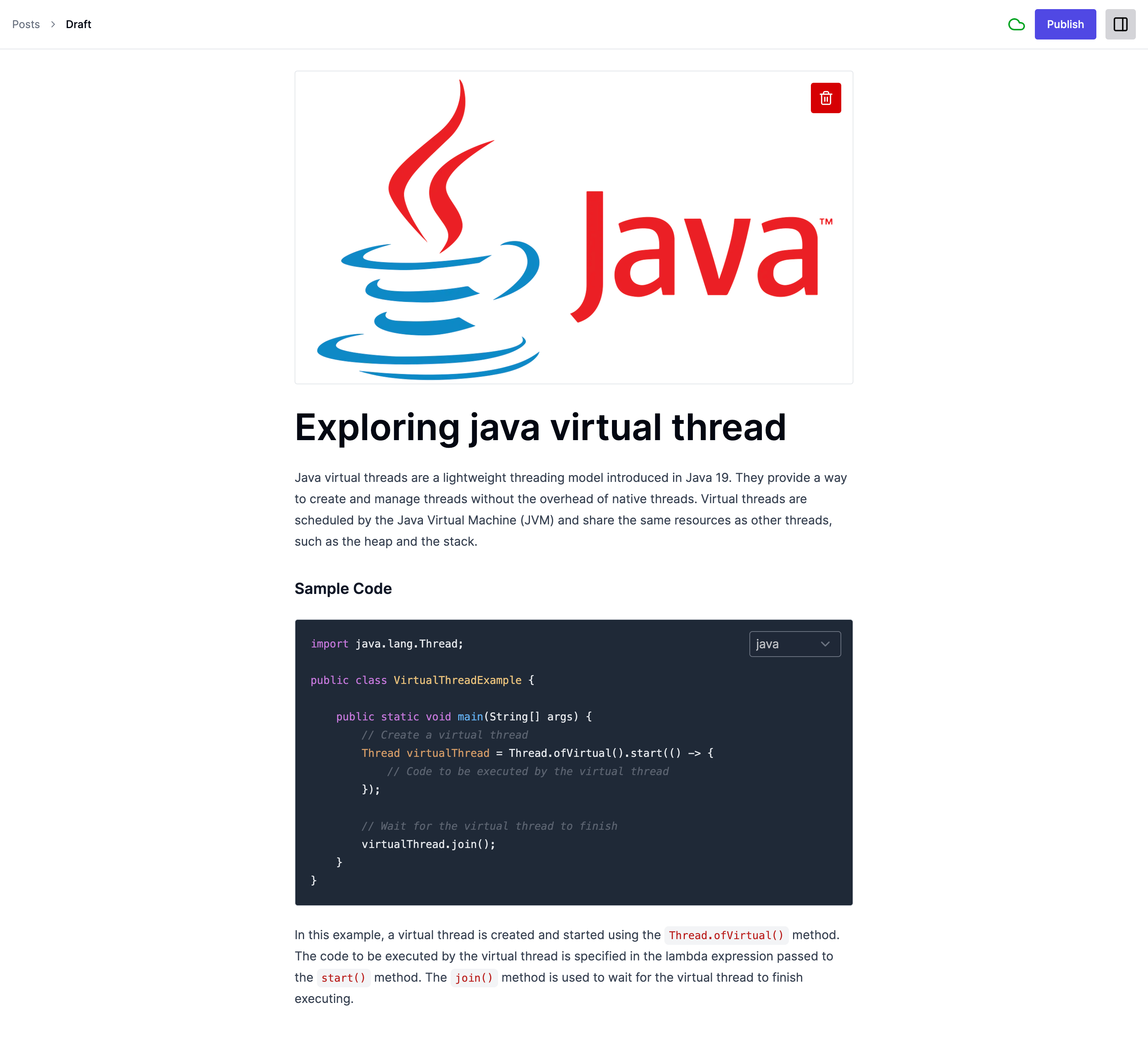
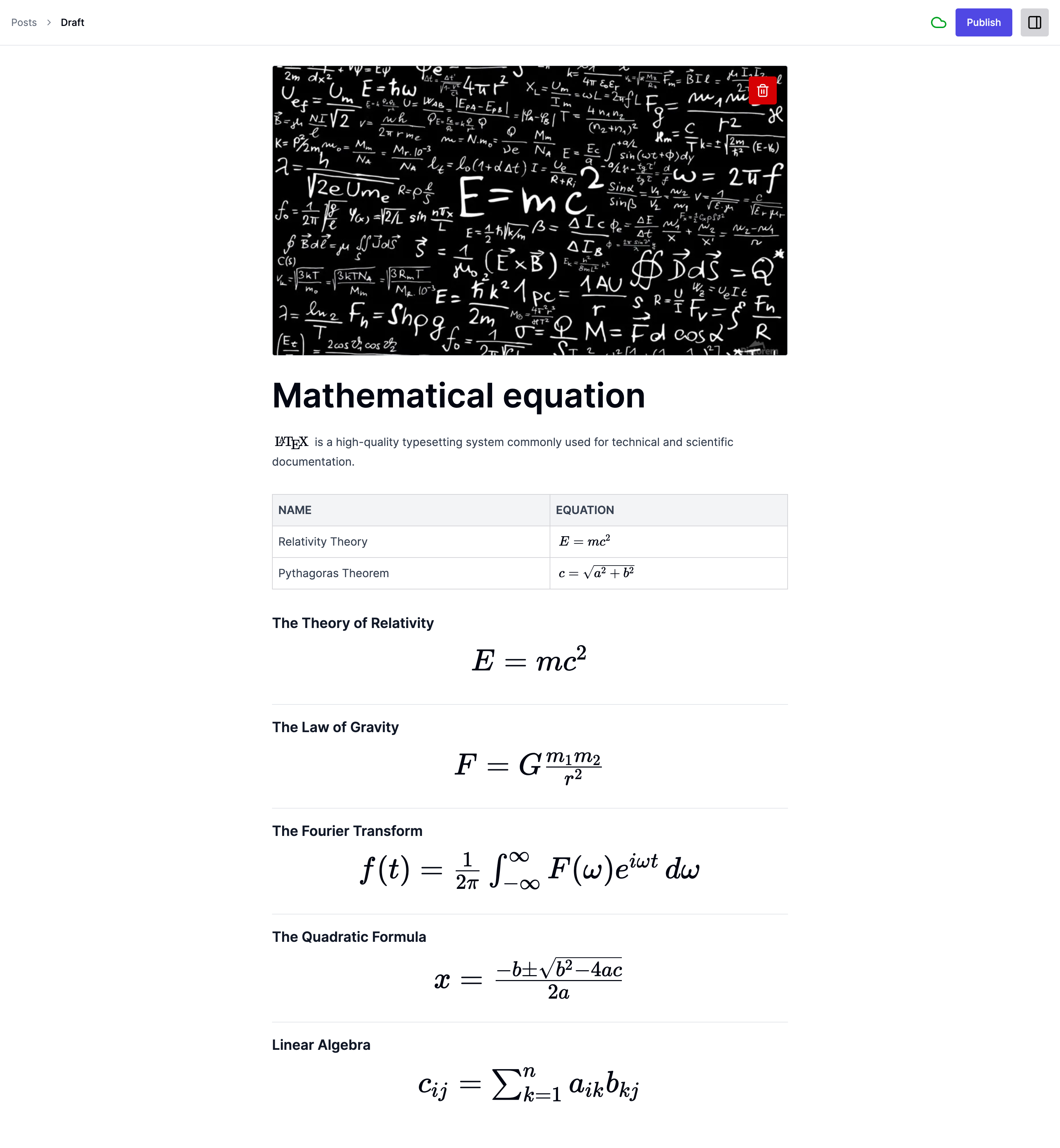
- - [x] Blog Management
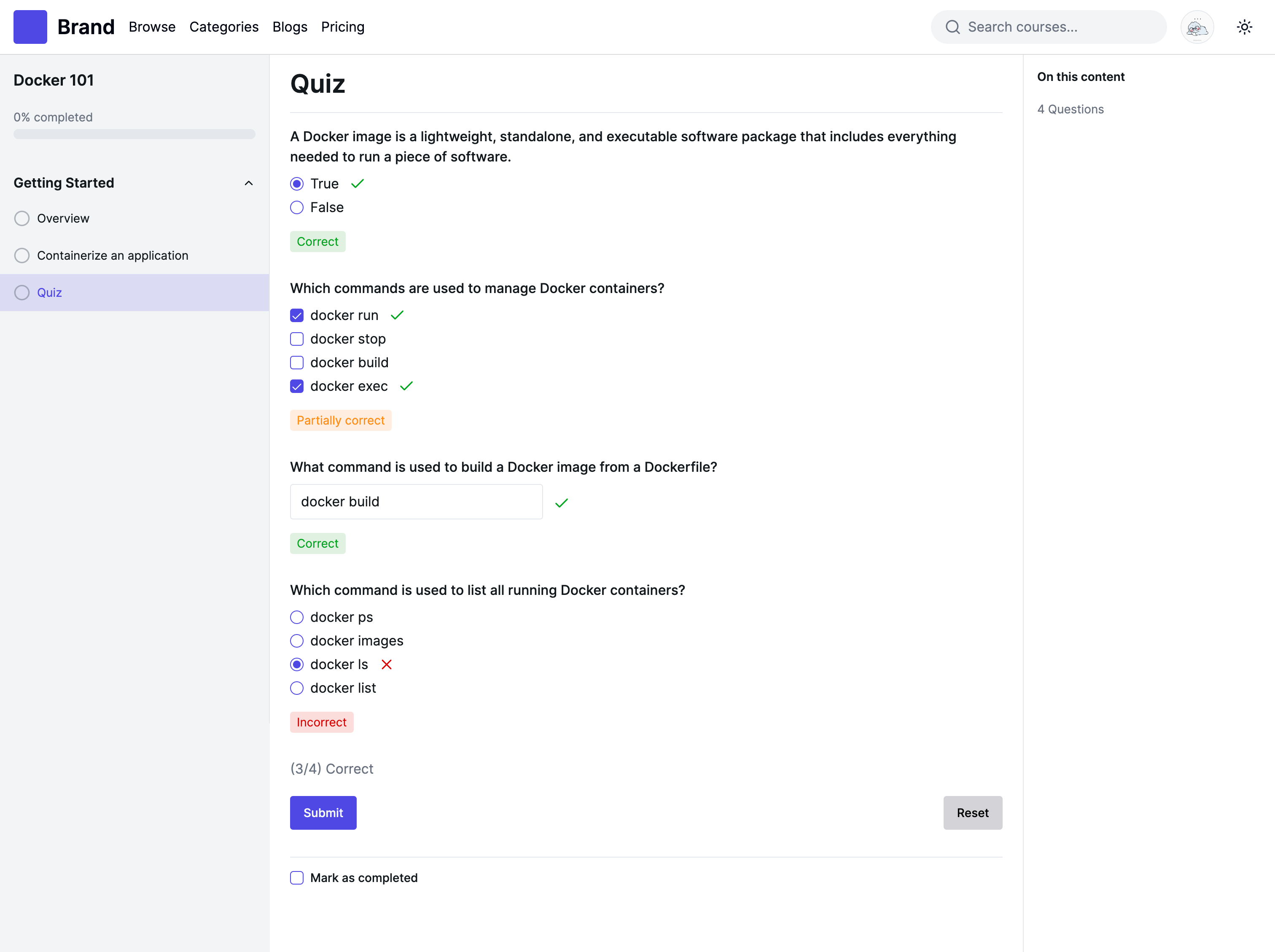
- - [x] Quiz Management
- - [x] Category
- - [x] Tag
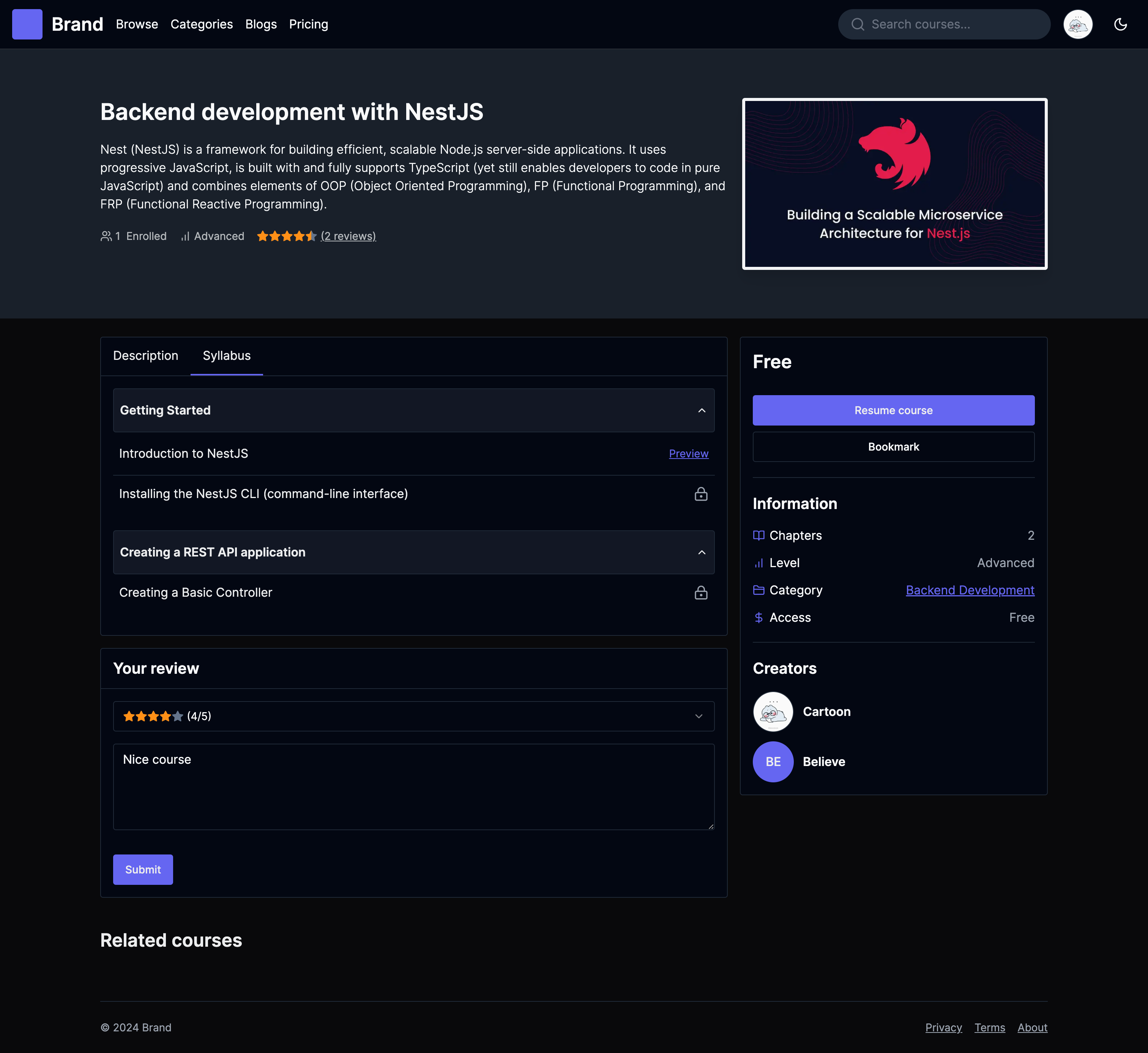
- - [x] Course Bookmark
- - [x] Course Review
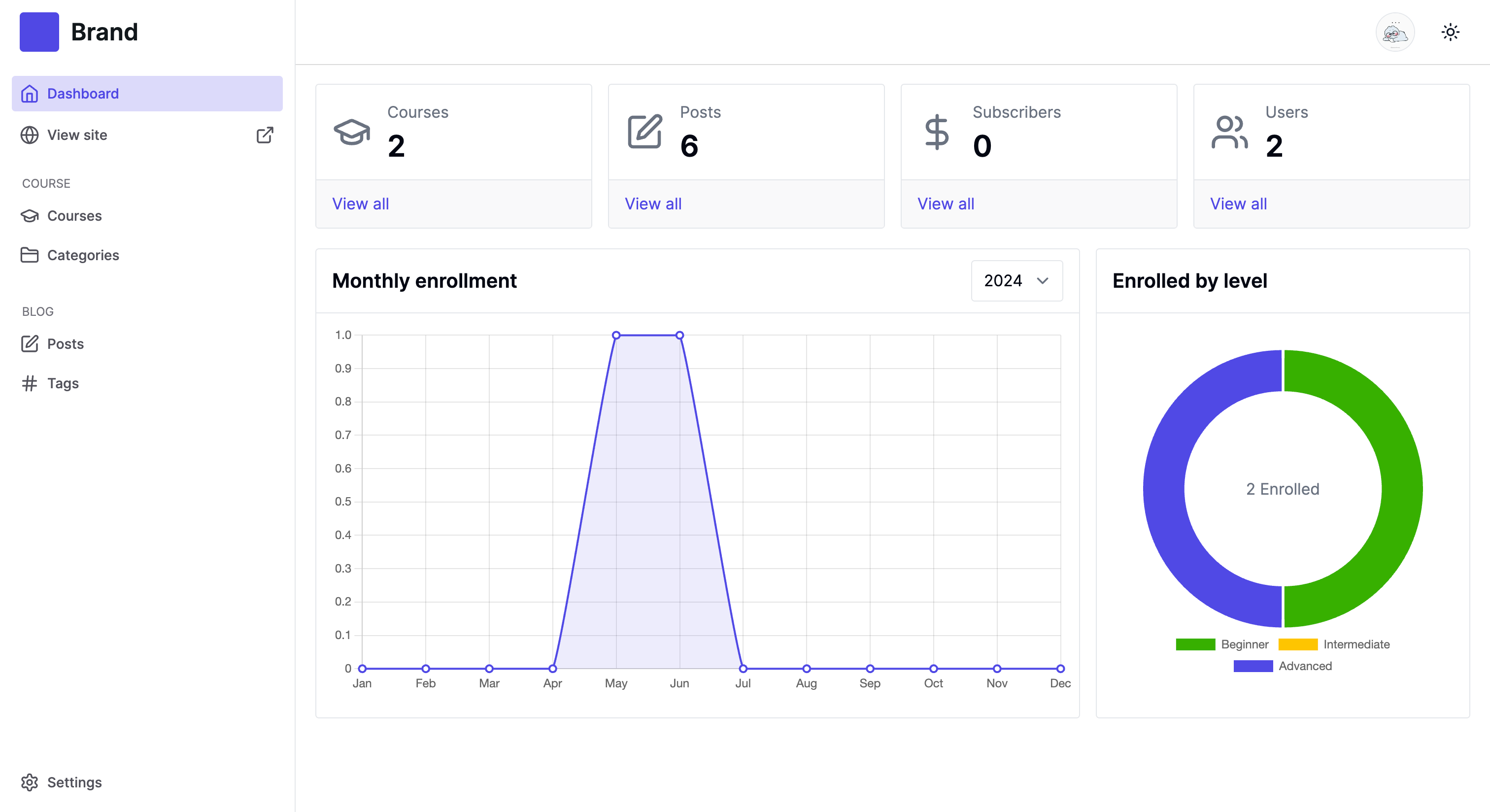
- - [x] User Management
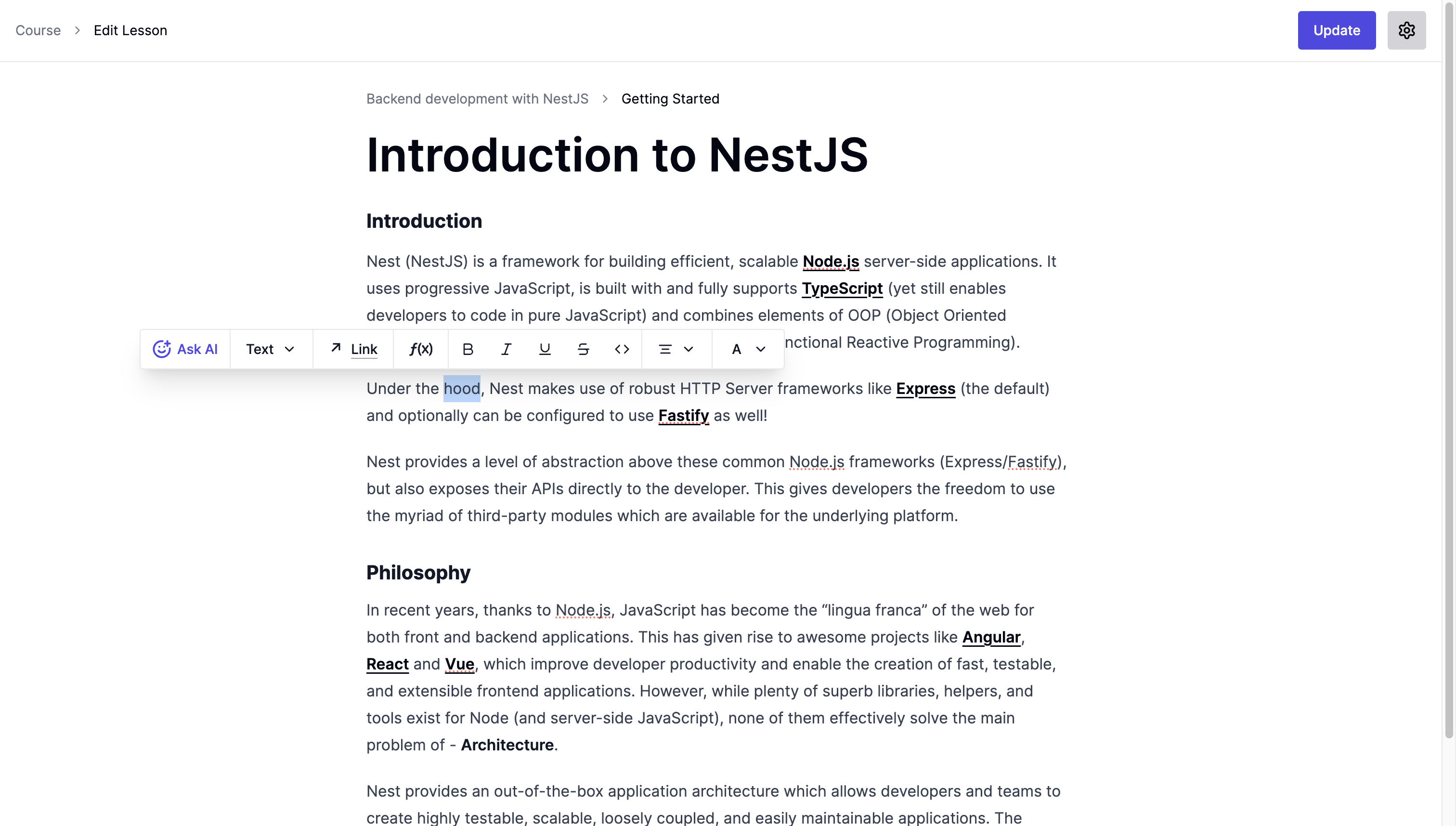
- - [x] AI powered content editor
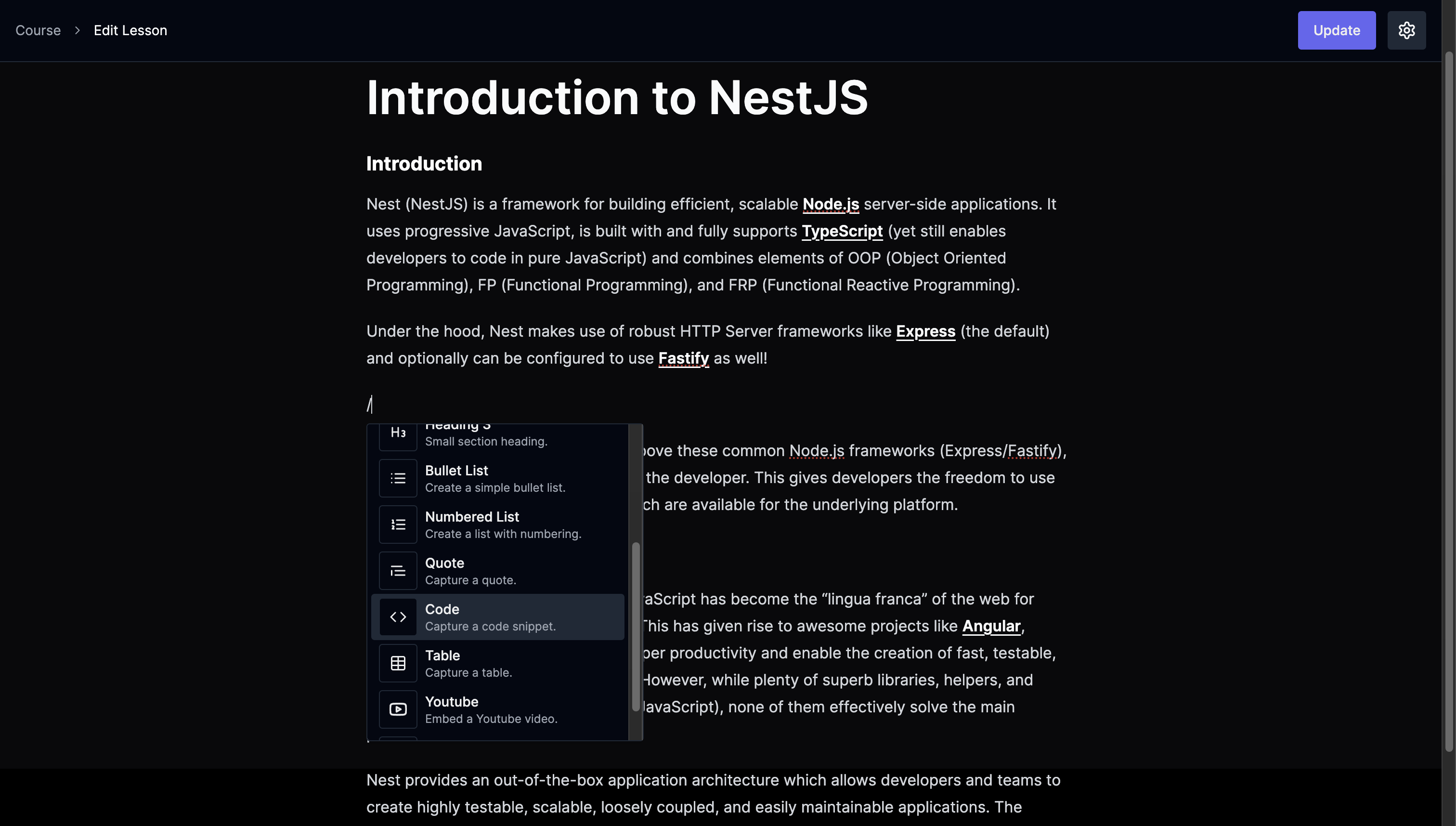
- - [x] Dark mode support
- - [ ] Subscription
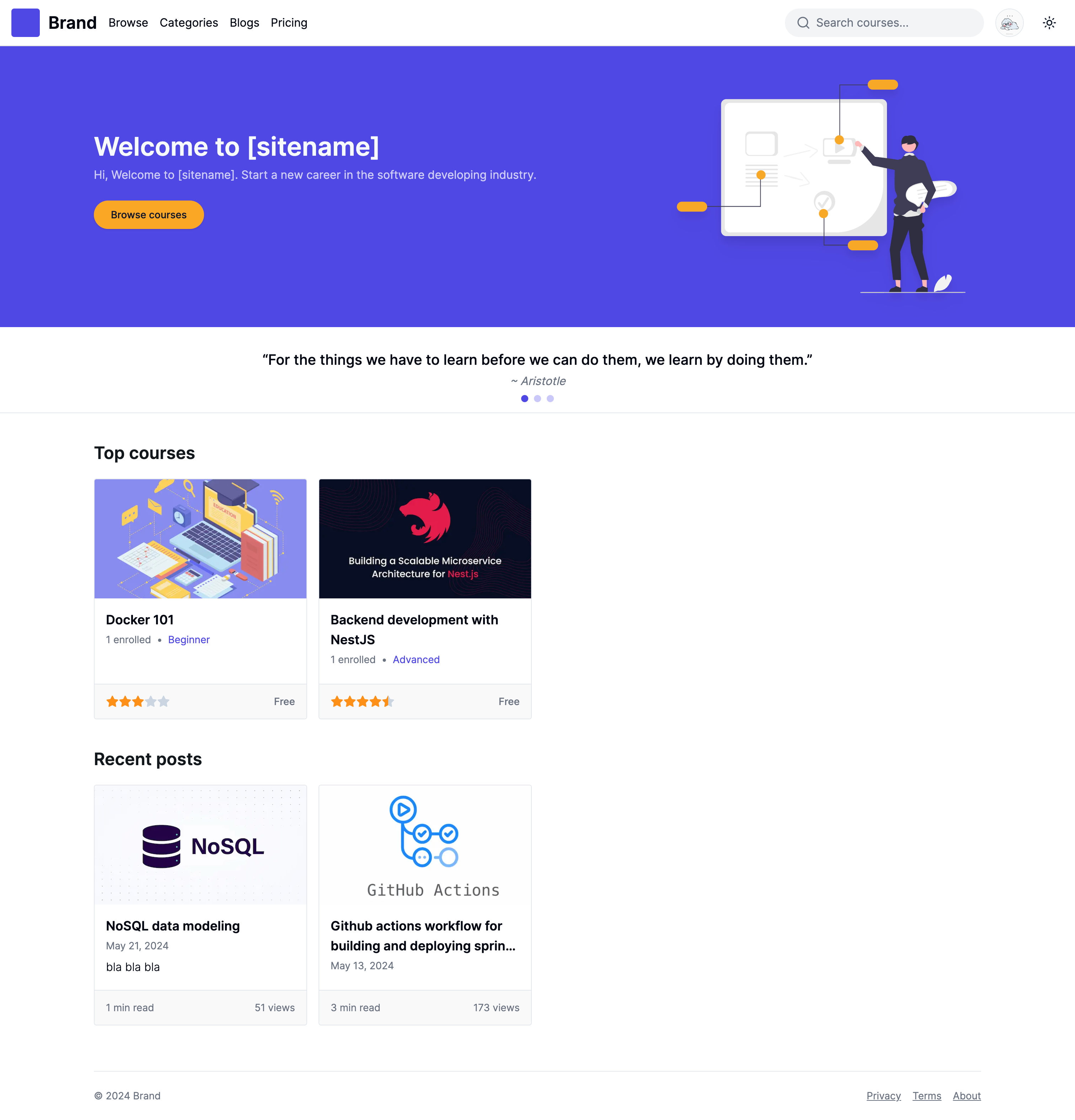
Front-end website repository => E-learning website
Requirements
- Node.js 16 or later
- PostgreSQL 16 or later
- Firebase auth setup
Installation and setup
This project use Firebase auth as authentication layer. So, you first need to setup firebase auth and manually create one owner account. Or you can use any other authentication providers like AWS Cognito, Auth0 etc., and setup accordingly.
Required .env.local file properties.
# database config
DB_NAME=
DB_HOST=
DB_PORT=
DB_USERNAME=
DB_PASSWORD=

FIREBASE_SERVICE_ACCOUNT=/path/to/firebase-serviceaccount.json

JWK_SET_URI=https://www.googleapis.com/service_accounts/v1/jwk/securetoken%40system.gserviceaccount.com
ISSUER_URI=https://securetoken.google.com/<your-project-id>

# for storing uploaded image (e.g, /var/www/html/images)
IMAGE_PATH=<image-base-path>

IMAGE_URL=(http|https)://<your-domain>/images

# for owner account
SUPER_USER_ID= # The one you created from firebase auth
SUPER_USER_NAME= # Your preferred name
Installing dependencies
$ npm install
Running the app
# development
$ npm run start

# watch mode
$ npm run start:dev

# production mode
$ npm run start:prod
Test
# unit tests
$ npm run test

# e2e tests
$ npm run test:e2e

# test coverage
$ npm run test:cov
REST APIs
You can explore api docs via path http://localhost:3080/api-docs.
Support me

Screenshots