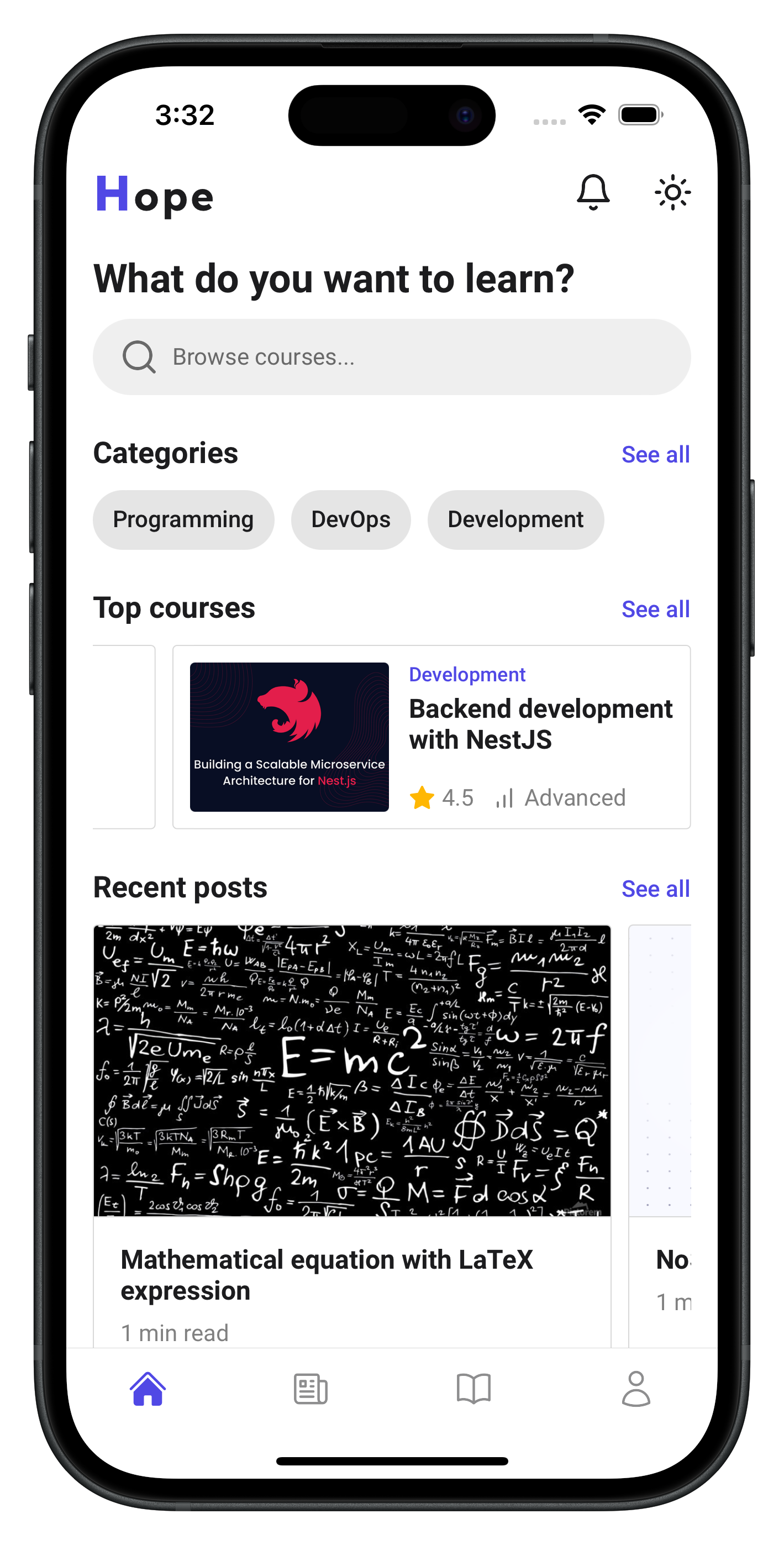
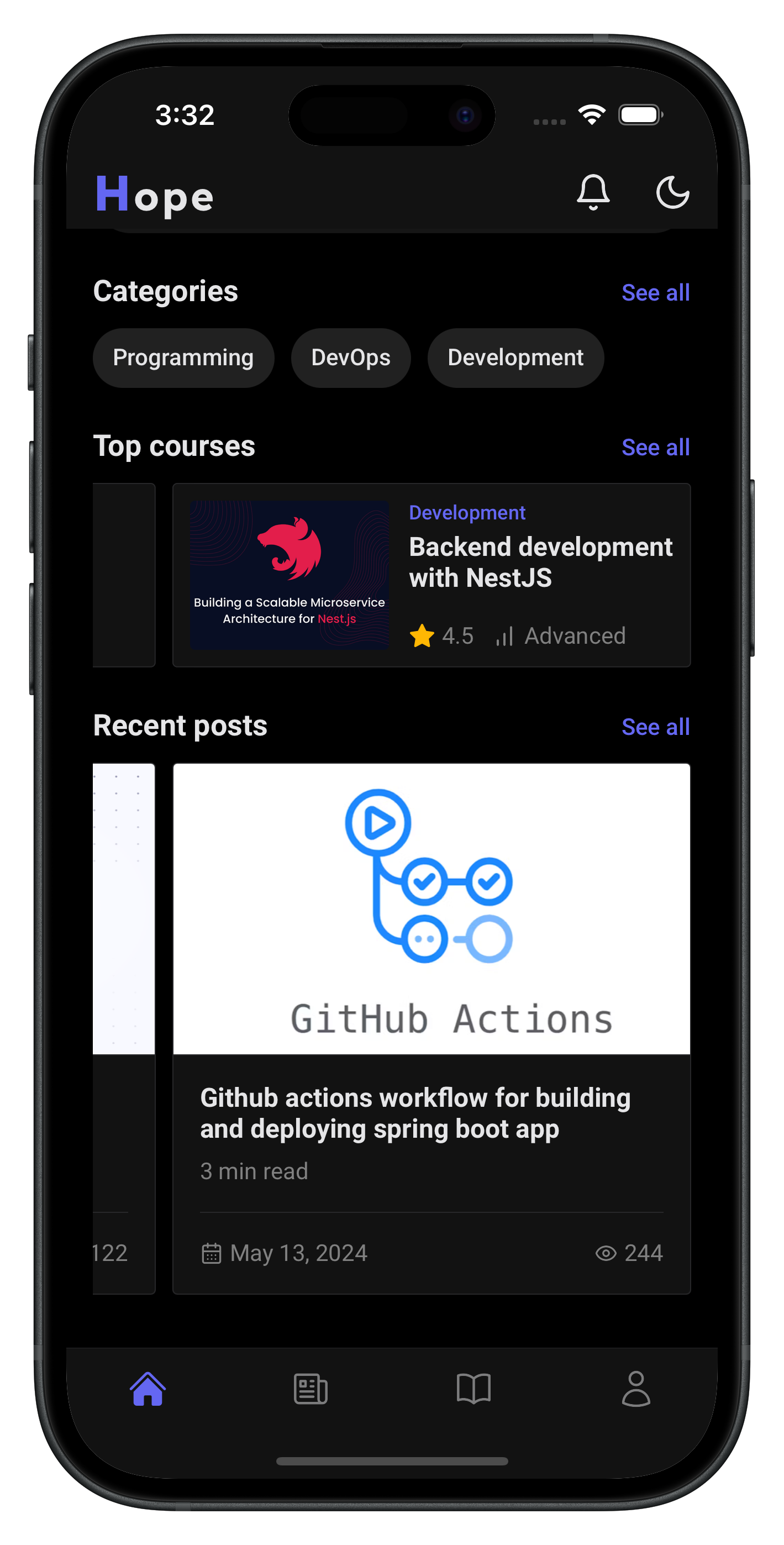
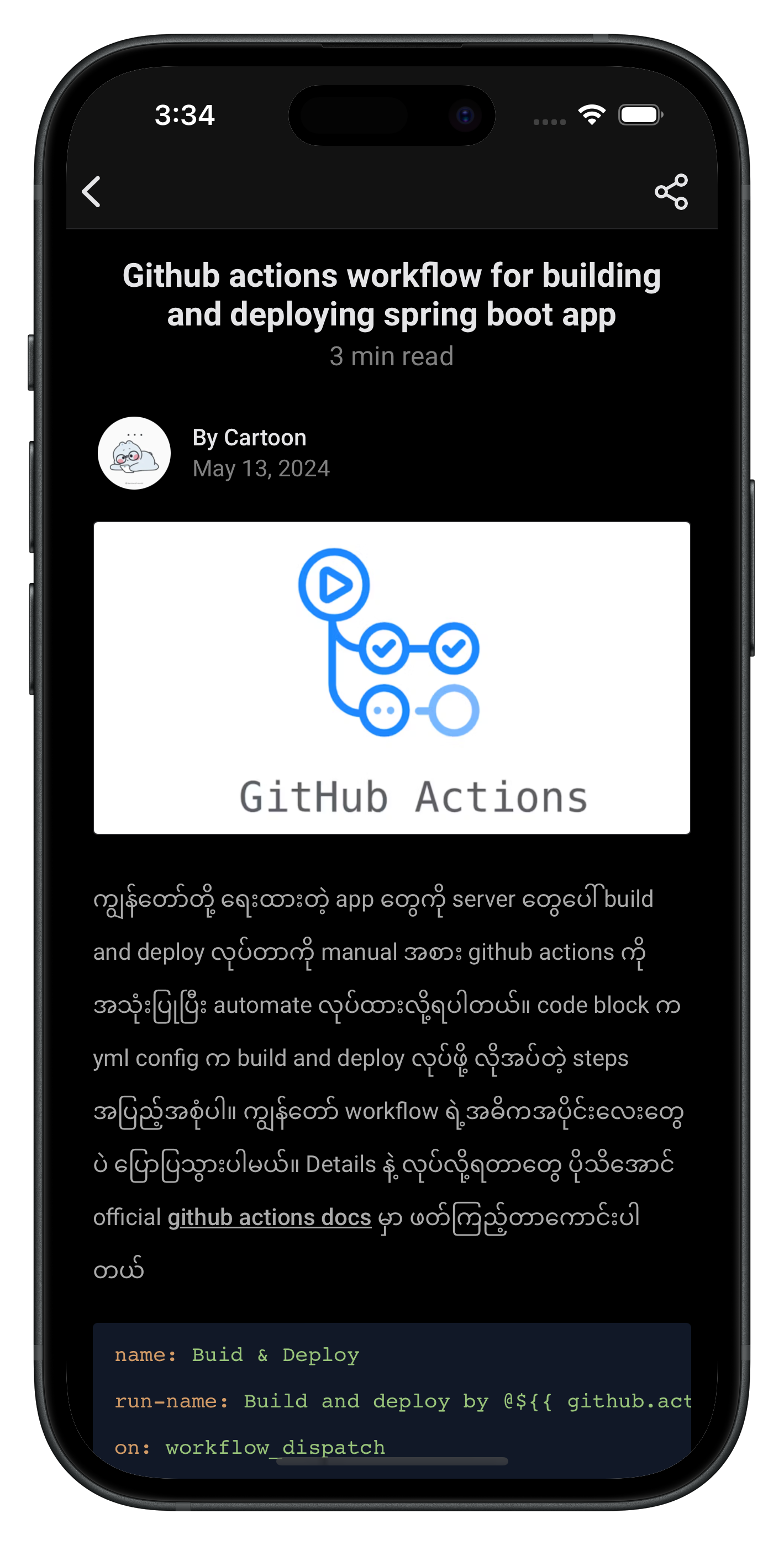
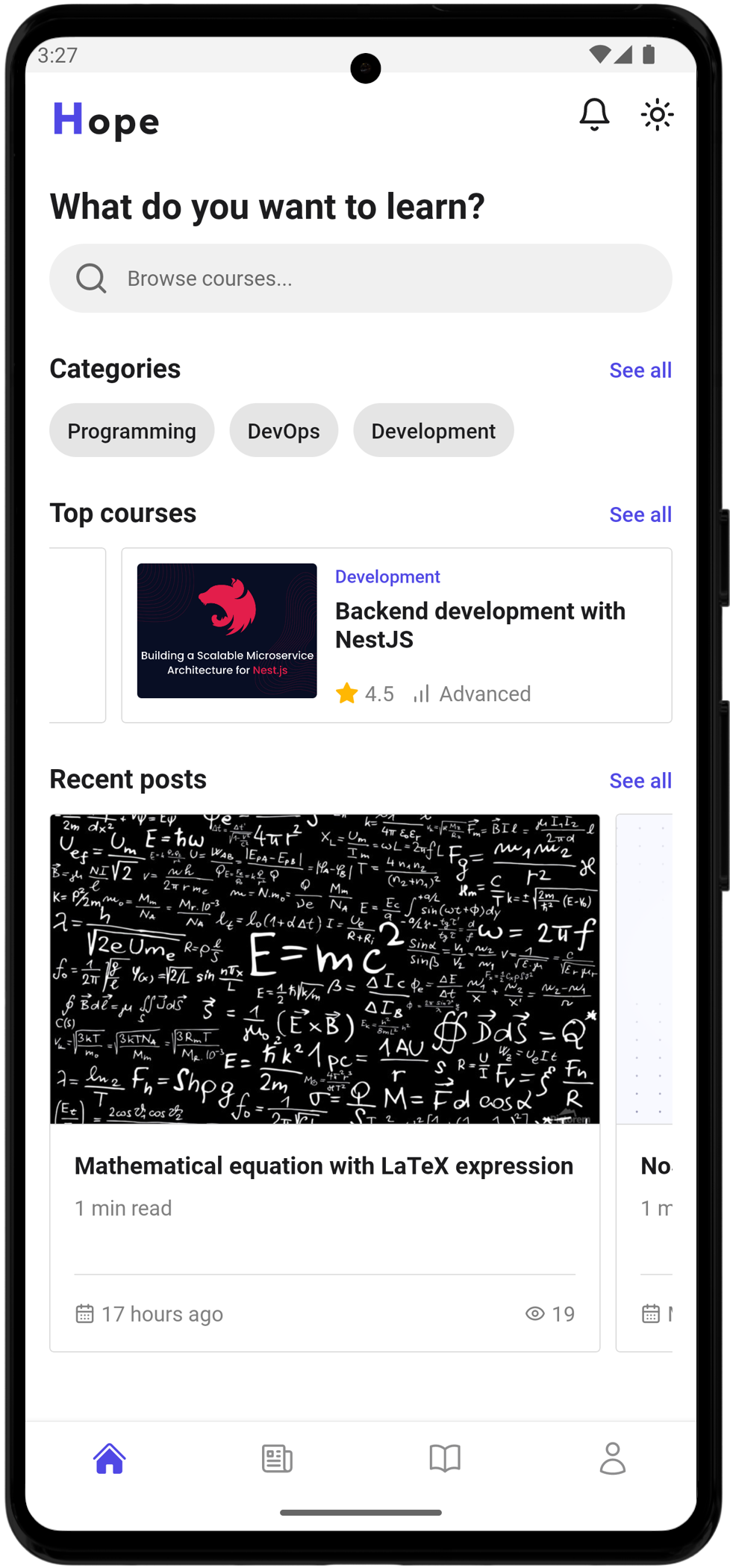
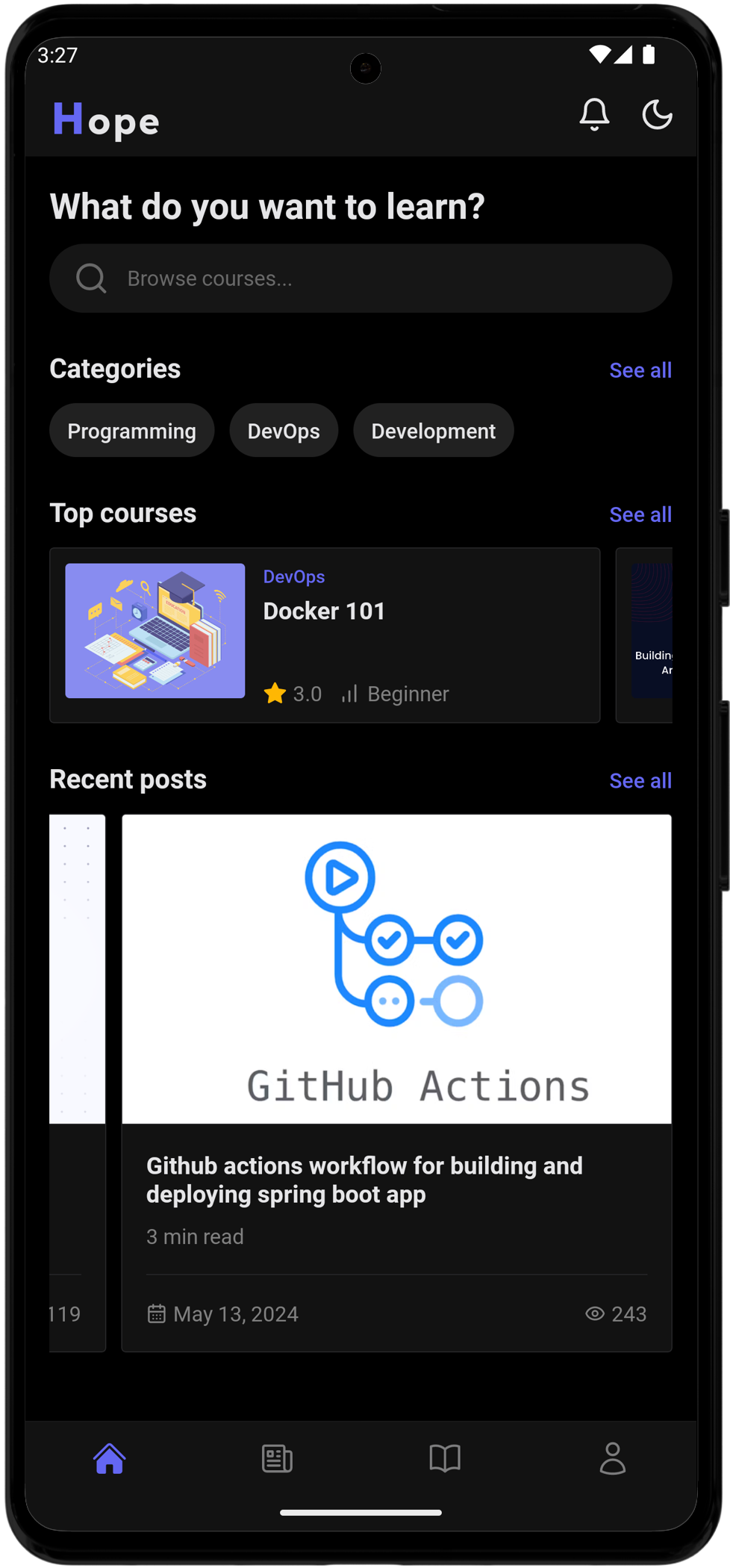
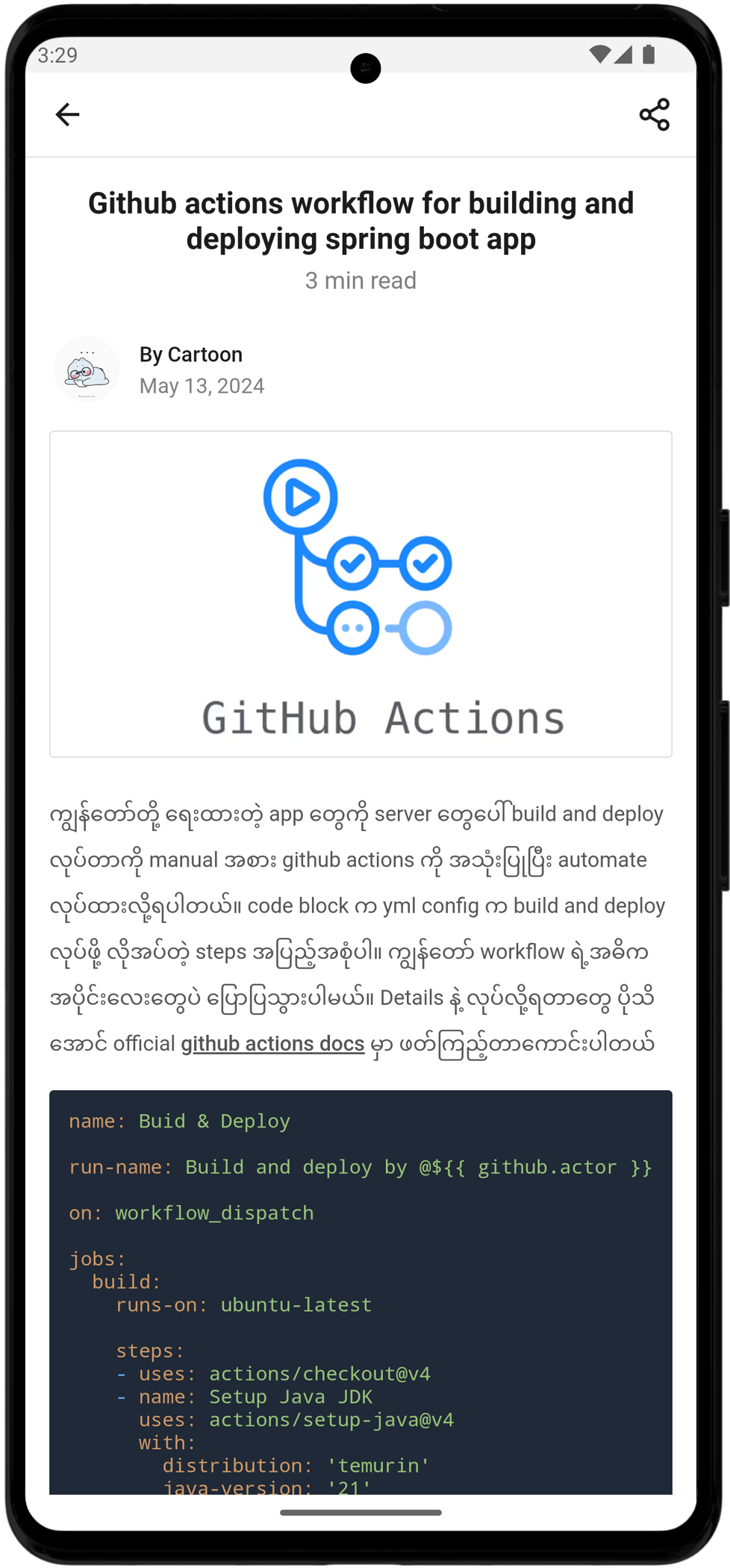
Hope Elearning Mobile
E-learning mobile app project build with React Native, bootstrapped using @react-native-community/cli.
Features:
- - [x] Course Management
- - [x] Blog Management
- - [x] Quiz Management
- - [x] Category
- - [x] Tag
- - [x] Course Bookmark
- - [x] Course Review
- - [x] User Management
- - [x] AI powered content editor
- - [x] Dark mode support
- - [ ] Subscription
This project is a mobile app part of E-learning backend.
Getting Started
Note: Make sure you have completed the React Native - Environment Setup instructions till "Creating a new application" step, before proceeding.
Required .env file properties.
API_URL= # backend api url
Step 1: Start the Metro Server
First, you will need to start Metro, the JavaScript bundler that ships with React Native.
To start Metro, run the following command from the root of your React Native project:
# using npm
npm start
Step 2: Start your Application
Let Metro Bundler run in its own terminal. Open a new terminal from the root of your React Native project. Run the following command to start your Android or iOS app:
For Android
# using npm
npm run android
For iOS
# using npm
npm run ios
If everything is set up correctly, you should see your new app running in your Android Emulator or iOS Simulator shortly provided you have set up your emulator/simulator correctly.
This is one way to run your app — you can also run it directly from within Android Studio and Xcode respectively.
Support me

Screenshots