
HumanCrop





High-performance, privacy-first desktop application for offline batch processing of official ID photos using AI biometric cropping and background removal.
Quick Start
git clone https://github.com/roymejia2217/HumanCrop.git
cd HumanCrop
npm install
npm run build
npm start
Features
| Feature | Description |
|---|---|
| Image and folder import | Selects individual JPG, JPEG, PNG, and WebP files or a complete source directory from the desktop interface. |
| Biometric presets | Produces predefined output sizes for EU, US, LATAM, Canada, China, Japan, Arabia/UAE, and CV photo formats. |
| Custom dimensions | Converts custom millimeter dimensions to 300 DPI pixel output with size validation. |
| Offline face detection | Detects faces locally with the bundled Human BlazeFace model through TensorFlow.js WASM. |
| Offline background removal | Runs bundled background model chunks through ONNX Runtime CPU inference without uploading images. |
| Background color control | Applies white, gray, black, blue, or custom background colors to generated photos. |
| Batch worker pool | Processes images through isolated worker processes with concurrency derived from CPU cores and available memory. |
| Progress reporting | Streams per-file processing, success, warning, and error states into the renderer progress table. |
| Localized interface | Loads English and Spanish translations through i18next and exposes a language menu. |
| Secure desktop bridge | Uses Electron context isolation and a preload bridge for filesystem dialogs, IPC events, and result folder opening. |
| Atomic output writes | Writes each processed PNG to a temporary file before renaming it into the destination folder. |
| Release validation | Validates model hydration, packaging targets, native module unpacking, and runtime constraints before release builds. |
Prerequisites
| Dependency | Purpose | Installation |
|---|---|---|
| Node.js >=22.12.0 | Runs the Electron build tooling and application scripts. | Download Node.js |
| npm >=10.0.0 | Installs dependencies and runs project scripts. | Bundled with Node.js |
| Git LFS | Hydrates the bundled AI model assets before packaging. | git lfs install && git lfs pull |
| Linux desktop libraries | Satisfy Debian package runtime dependencies for Electron desktop integration. | sudo apt install libgtk-3-0 libnotify4 libnss3 libxss1 libxtst6 xdg-utils libatspi2.0-0 libuuid1 libsecret-1-0 |
Note: Release packaging validates hydrated model assets before building installers. If model files are still Git LFS pointers, npm run validate:models and release builds fail intentionally.
Installation
npm install
npm run build
npm run validate:models
Usage
Desktop App
npm start
- Choose a source folder or add individual image files.
- Select an output folder.
- Choose a biometric preset or enter custom dimensions.
- Choose a background color.
- Start the batch and review the per-file status table.
- Open the result folder from the completion dialog.
Development Build
npm run dev
- Compile the TypeScript source.
- Launch Electron from the compiled
distentrypoint.
Release Build
npm run dist
- Validate model assets.
- Compile the TypeScript source.
- Package the application with Electron Builder.
Output naming:
- Processed images are written as PNG files named
{original_name}_{preset}.png. - Temporary output files are staged in the selected destination folder and atomically renamed after the write succeeds.
Status meanings:
- Success means the crop fit the selected biometric framing.
- Warning means the output was generated but should be reviewed for tight margins.
- Error means the file could not be processed and the UI shows the mapped error state.
Project Structure
HumanCrop/
├── .github/
│   └── workflows/
│       ├── ci.yml
│       └── release.yml
├── build/
│   ├── icon.icns
│   ├── icon.ico
│   └── icons/
├── docs/
│   ├── banner.webp
│   ├── examples/
│   └── screenshots/
├── scripts/
│   ├── apply-fuses.js              # Applies Electron security fuses after packaging.
│   ├── validate-model-assets.js    # Rejects builds with unhydrated Git LFS model pointers.
│   └── validate-release-config.js  # Validates release scripts, packaging settings, and runtime constraints.
├── src/
│   ├── assets/
│   │   ├── icon.png
│   │   └── models/
│   │       ├── human/
│   │       └── imgly/
│   ├── locales/
│   │   ├── en.json
│   │   └── es.json
│   ├── global.d.ts
│   ├── index.html
│   ├── main.ts
│   ├── preload.ts
│   ├── processor.ts
│   ├── renderer.ts
│   ├── styles.css
│   └── worker.ts
├── LICENSE
├── package-lock.json
├── package.json
├── README.md
└── tsconfig.json
Building Executables
npm run dist:win
npm run dist:linux
npm run dist:all
Release builds run model validation, compile TypeScript, and write packaged artifacts to release/. The Windows target is NSIS, and the Linux targets are AppImage and Debian packages.
Testing
npm test
npm run build
Test coverage includes:
scripts/validate-release-config.js: validates package scripts, model validation policy, lockfile policy, renderer state ownership, and offline background removal runtime constraints.npm run build: validates TypeScript compilation for the Electron main process, preload bridge, renderer, processor, and worker.
Credits
| Project | Description | License |
|---|---|---|
| Human | Provides local face detection through the bundled BlazeFace model. | MIT |
| ONNX Runtime | Runs CPU-only background removal inference from bundled model assets. | MIT |
| Sharp | Reads, resizes, composites, and writes processed image files. | Apache-2.0 |
| TensorFlow.js | Supplies the WASM backend used by the local Human face detector. | Apache-2.0 |
| i18next | Provides runtime localization for the desktop interface and menu labels. | MIT |
| i18next FS Backend | Loads localization dictionaries from bundled JSON files. | MIT |
| Lucide | Renders the application icon set in the renderer process. | ISC |
Examples
| Example | Description |
|---|---|
 |
Original input image before processing. |
 |
Processed biometric ID photo after background removal and cropping. |
Screenshots
| Screenshot | Description |
|---|---|
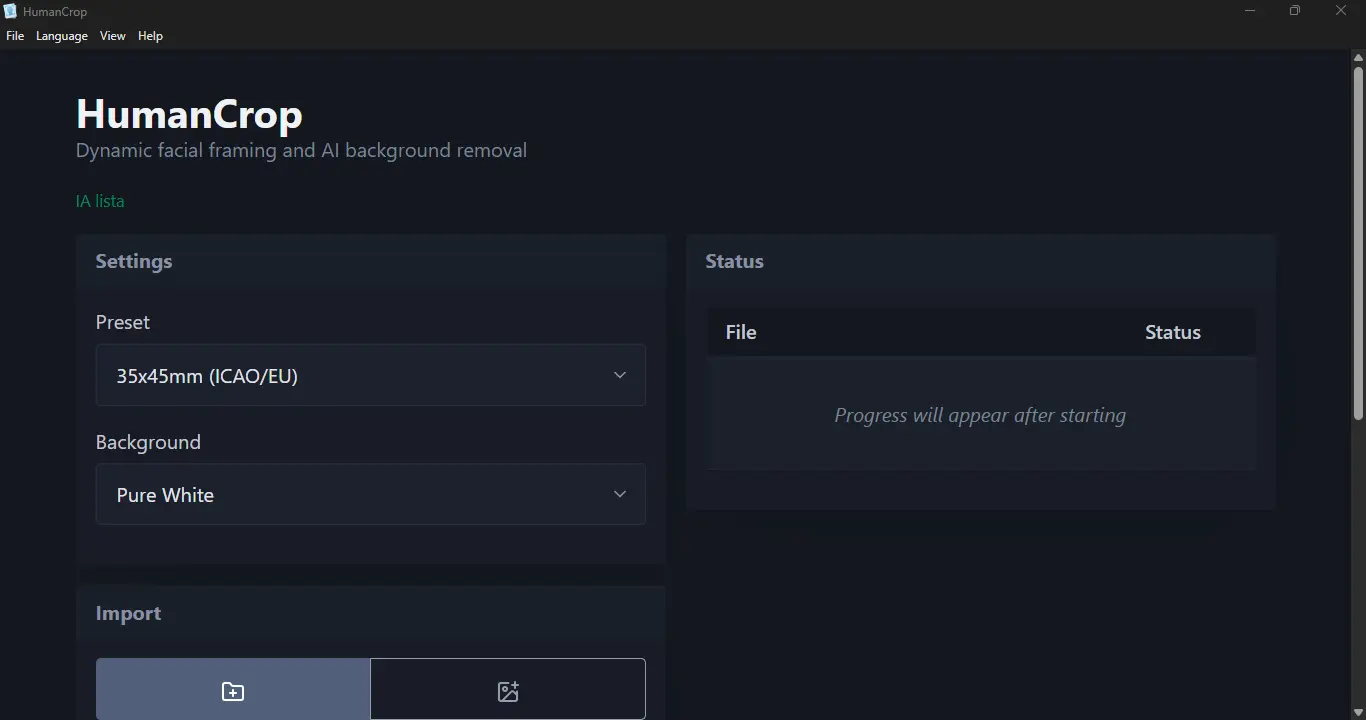 |
Main interface for configuring batch photo processing. |
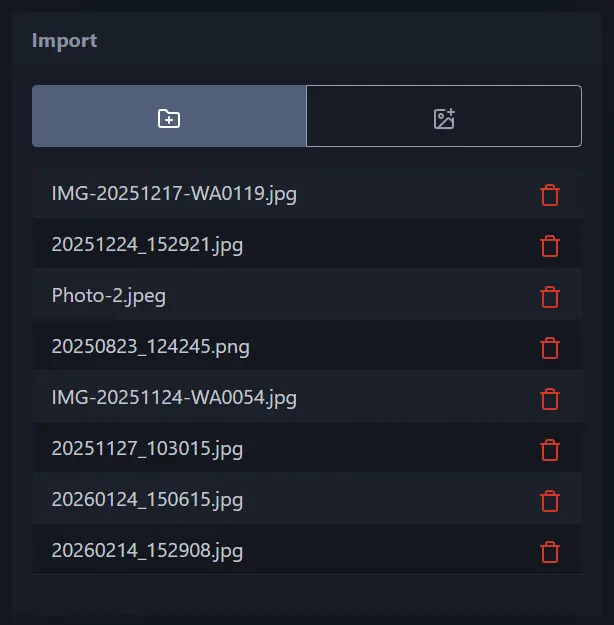 |
Import controls for adding images or a source folder. |
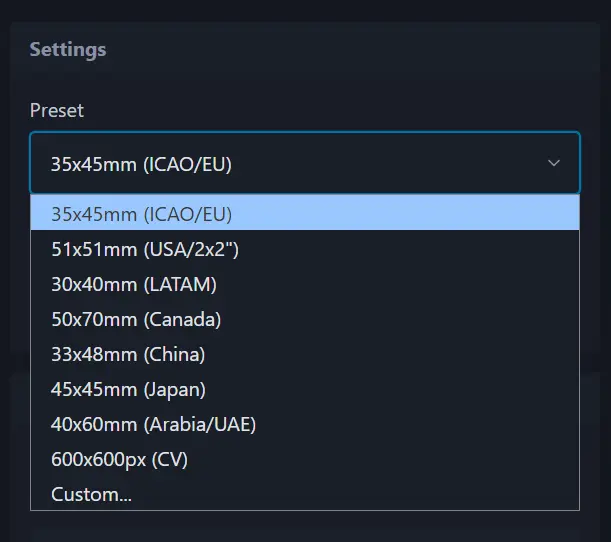 |
Preset selection for ID, passport, CV, and custom dimensions. |
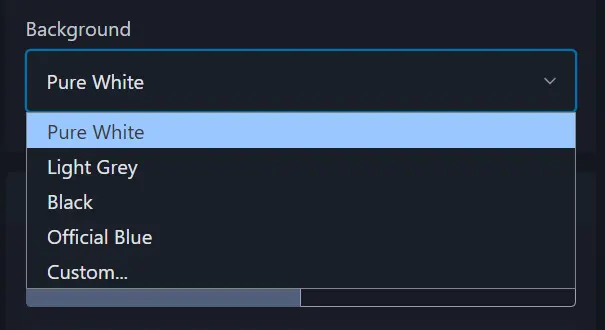 |
Background color controls. |
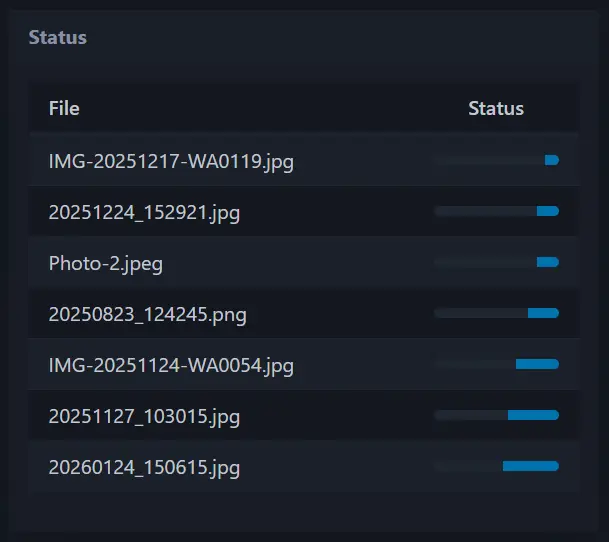 |
System status panel during setup. |
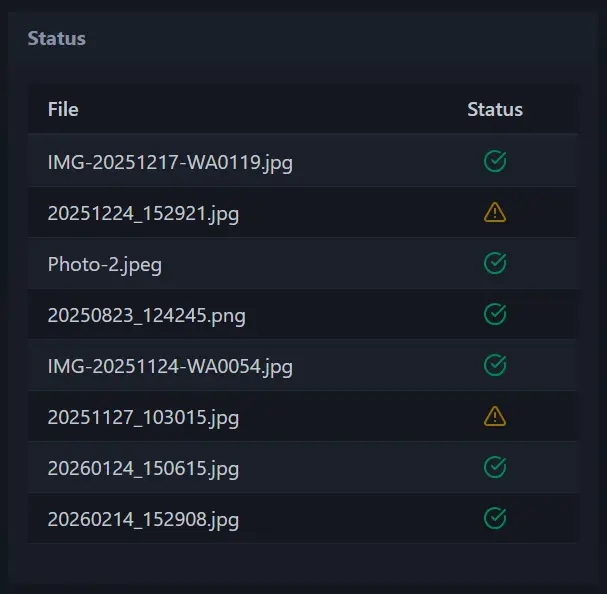 |
Batch progress and result statuses. |
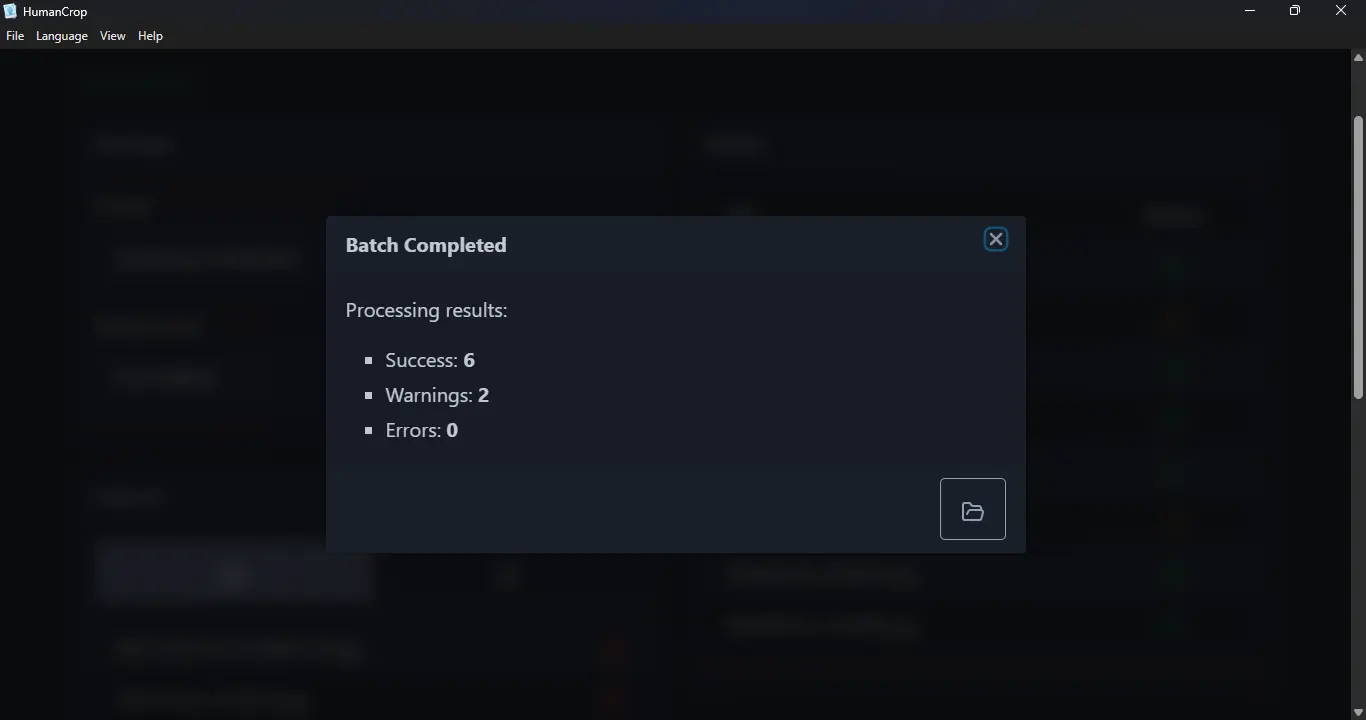 |
Completion dialog with success, warning, and error counts. |
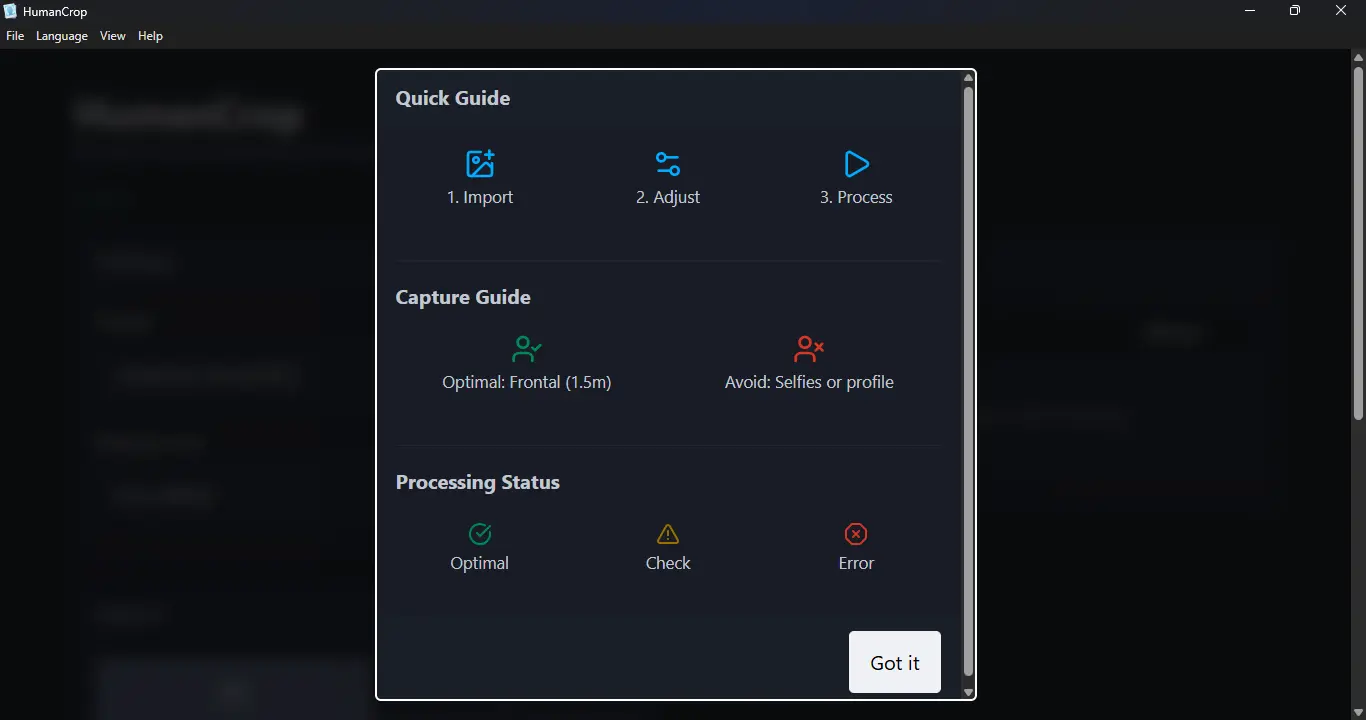 |
In-app guide for the HumanCrop workflow. |
License
MIT License. See LICENSE for details.