
Isometric Box Generator for Aseprite
This script lets you create boxes of various sizes in Aseprite:
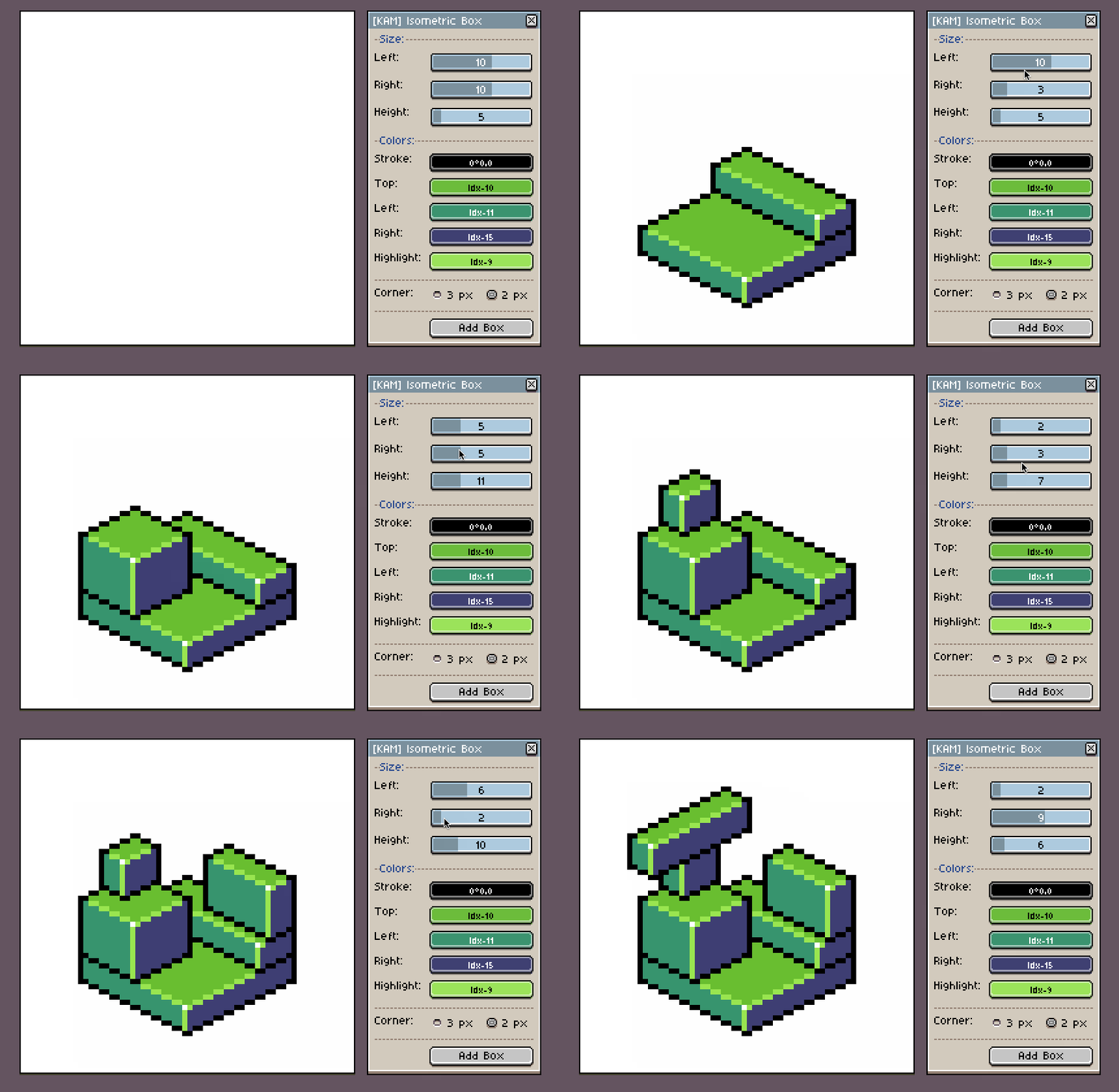
You can set a custom color for each of the sides, set a highlight and stroke color. You can also choose between two types of the corners: 2px and 3px. You can read more about the differences here.
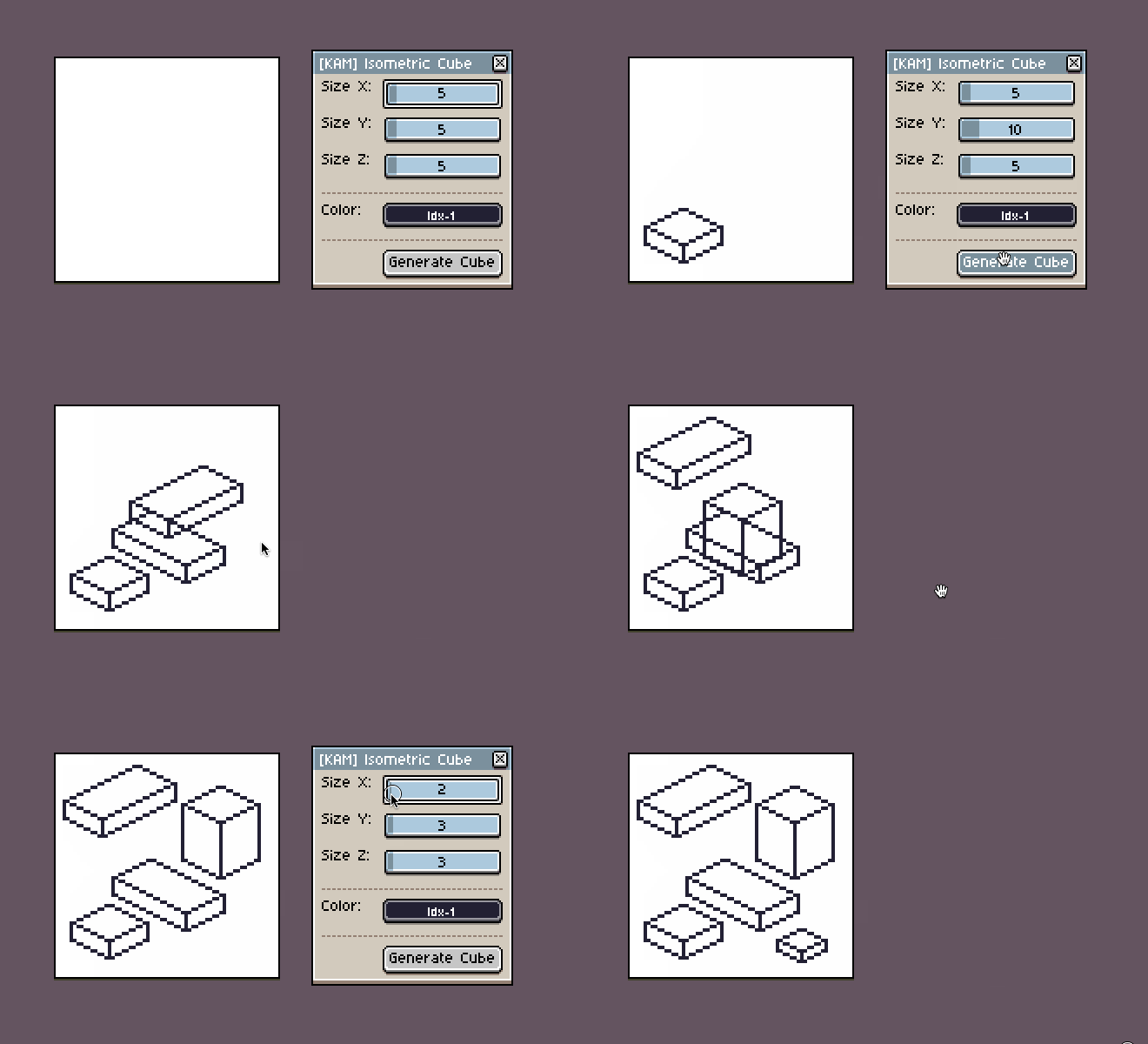
There are two versions of the script: Regular and Lite. Lite version generates a stroke only boxes, intended for quick prototyping with basic wired box without any colors.
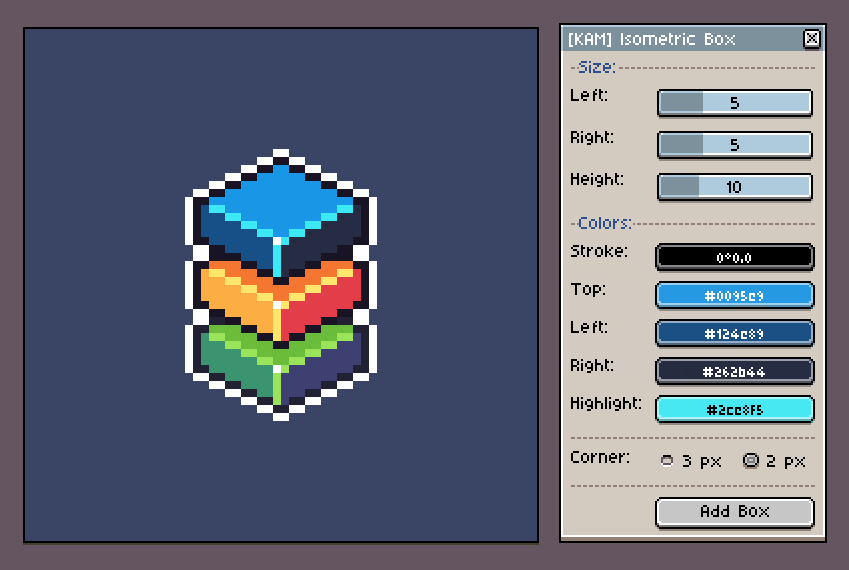
Using Regular version you can set a custom color for each of the sides of the box. By default it will generate shades of your current foreground color.
Features
- Custom X, Y and Z size of the box
- Custom colors for Stroke, Highlight and each side of the box
- Two types of the corners: 2px and 3px (Read more)
- Optional Lite version of the script with a basic wired box for quick prototyping
Requirements:
- Aseprite 1.2.10-beta2+ (“beta - Beta version - Preview features” branch in Steam)
- Color Mode: RGBA
Installation:
- Open Aseprite
- Go to
File → Scripts → Open Scripts Folder - Place downloaded LUA files into previously opened directory
- Restart Aseprite
You will find installed scripts under
File → Scriptsmenu. You can add shortcuts to each script underEdit → Keyboard Shortcuts(Read more)
You can also create a separate folder for these scripts for better organization (Read more)
Special thanks to @davidcapello for giving tips on how to improve the code 🙌