
Shopping Cart app build with JavaScript
Live demo
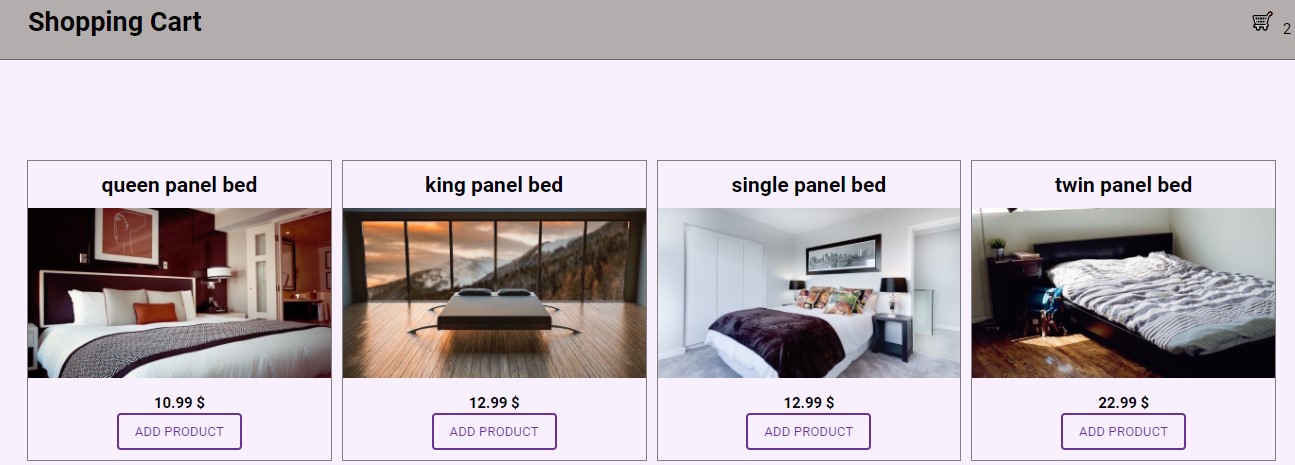
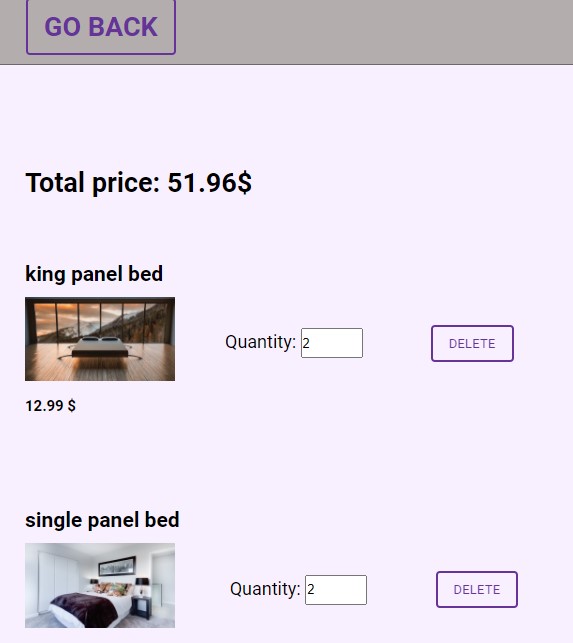
Table of contents
General info
- Responsive, build with HTML/CSS/JS.
Code Examples
./js/products.js
// loop thorough data and display each field
function displayData(data) {
  data.items.forEach((item, index) => {
    const div = document.createElement('div');
    div.classList.add('product-item');
    div.id = item.sys.id;

    div.innerHTML = `
          <div class="product__${index + 1}">
          <h3 class="product__${index + 1}--title">${item.fields.title}</h3>
          <div class="product__${index + 1}--image">
          <img
              class="image--${index + 1}"
              src="https://raw.githubusercontent.com/Cudi7/JavaScript_Shopping-cart/main/${item.fields.image.fields.file.url}"
              alt="product ${index + 1}"
              class="product-image"
          />
          </div>
          <h5 class="product__1--price">${item.fields.price} $</h5>
          <button class="btn add-cart">Add product</button>
          </div>
      `;

    productContainer.append(div);
  });

  loadListeners();
  loadPreviousCart();
  loadPreviousQtyCart();
}

function loadListeners() {
  const addCartBtn = document.querySelectorAll('.add-cart');

  addCartBtn.forEach((btn) => btn.addEventListener('click', handleAddProduct));
}

function loadPreviousCart() {
  const prevCart = getLocalStorage('currentCart');
  currentCart = prevCart ? prevCart : [];
  prevCart && displayCartItems(currentCart);
}

function loadPreviousQtyCart() {
  displayCartIcon('initialState');
}
Features
- Everything saves to localStorage
- You can see your cart number updating as you add more items
You can:
- Add a product
- Change quantity
- Delete product
Technology used
The project is created with:
- JavaScript
Contact
Coded by Cudi - feel free to contact me!