Jiascheduler
An open-source, high-performance, scalable task scheduler written in Rust, supporting dynamic configuration. It can push user scripts to tens of thousands of instances simultaneously and collect execution results in real time.
Jiascheduler does not require script execution nodes to be on the same network. It incorporates an ingenious network penetration model, allowing a single console to manage nodes across different subnets. For example, you can use https://jiascheduler.iwannay.cn to push scripts for execution on Tencent Cloud, Alibaba Cloud, and Amazon Cloud simultaneously, or even deploy scripts on your home computer.
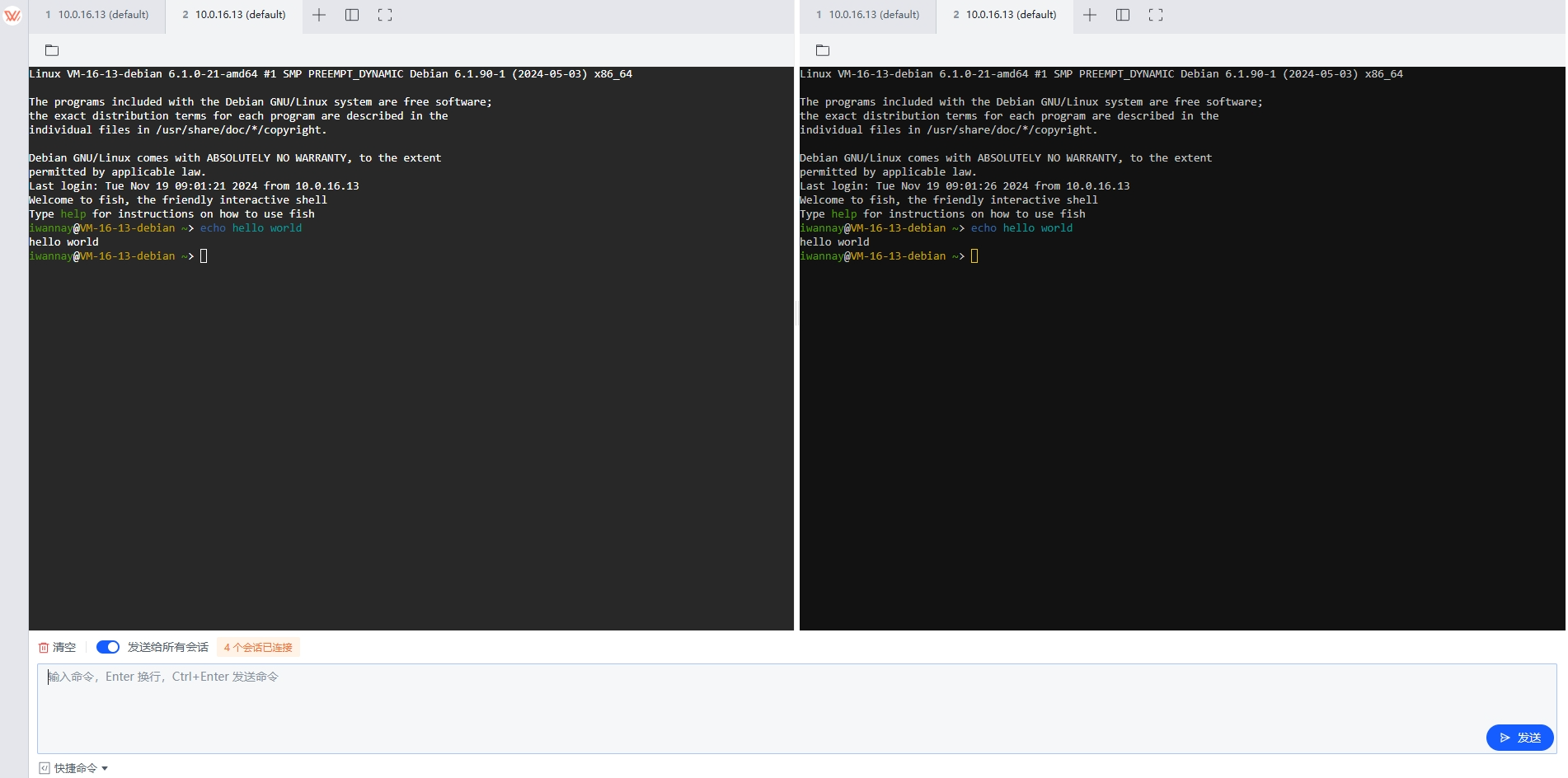
To facilitate node management, Jiascheduler also provides a powerful web SSH terminal, supporting multi-session operations, split-screen, file uploads, downloads, and more.
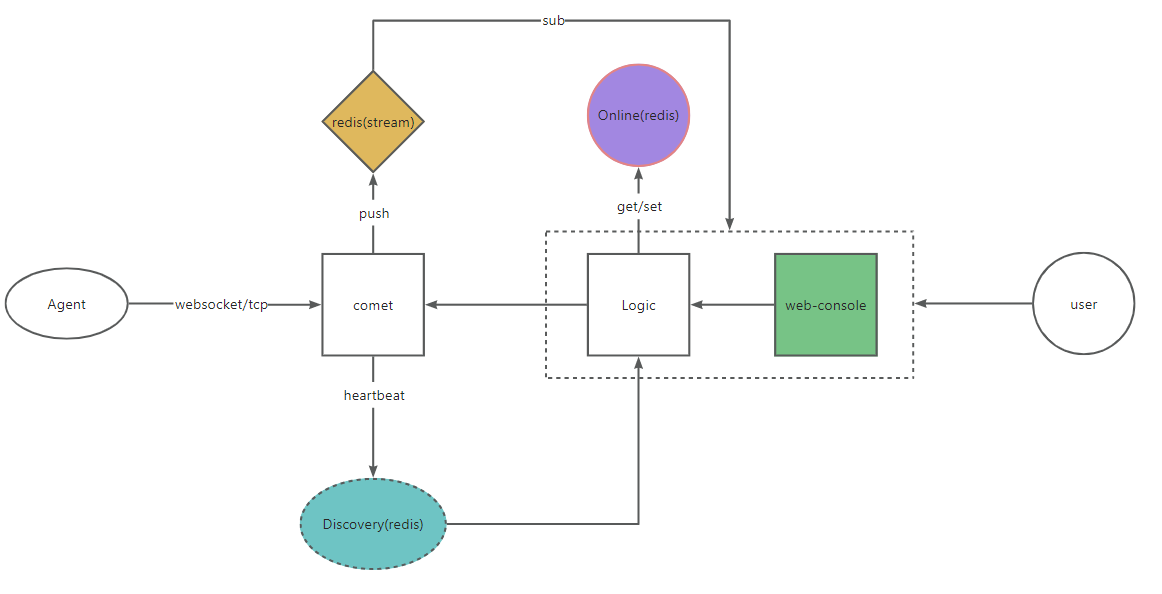
Architecture
Quick start
💖 Jiascheduler download click here 💖
https://jiascheduler.iwannay.cn
guest account:guest Password:guest
In addition to using the test server provided in the demo address, you can also deploy your own Agent. Once successfully deployed, the Agent will automatically connect to the jiascheduler online console. Through the console, you can check the Agent's status, execute scripts, view execution results, and initiate SSH connections.
# Only use job scheduling capability
./jiascheduler-agent --comet-addr ws://115.159.194.153:3000 --assign-username guest --assign-password guest

# Utilize job scheduling and webssh capabilities
./jiascheduler-agent --comet-addr ws://115.159.194.153:3000 --assign-username guest --assign-password guest --ssh-user your_ssh_user --ssh-port 22 --ssh-password your_ssh_user_password --namespace home
If you need to log off the node, simply exit the agent
Single-Instance Deployment
Jiascheduler consists of four executable programs:
-
jiascheduler-console: The console service, which provides the web console interface.
-
jiascheduler-comet: The connection layer service, which offers a unified access layer for agents to connect.
-
jiascheduler-agent: The local agent program, responsible for executing tasks.
-
jiascheduler: A bundled version of the above three services, designed for simple and quick deployment on a single node. It’s important to note that the bundled jiascheduler service also supports connections from different agents. Even if you deploy the bundled version of jiascheduler, you can still deploy additional comet and agent instances.
For single-instance deployment, you only need to execute the following:
// Access localhost:9090 via a browser to complete the initial setup.
// After the initial setup, the configuration file will be loaded, and there is no need to pass `--console-bind-addr` for subsequent restarts.
// The default path for the generated configuration file is $HOME/.jiascheduler/console.toml.
./jiascheduler --console-bind-addr 0.0.0.0:9090
Docker Deployment
jiascheduler-console reference configuration [console.toml](console.toml)

Multi-instance deployment
docker compose -f docker-compose.yml up -d
Single-node deployment
docker compose -f docker-compose-standalone.yml up -d
Access the console UI at 0.0.0.0:9090
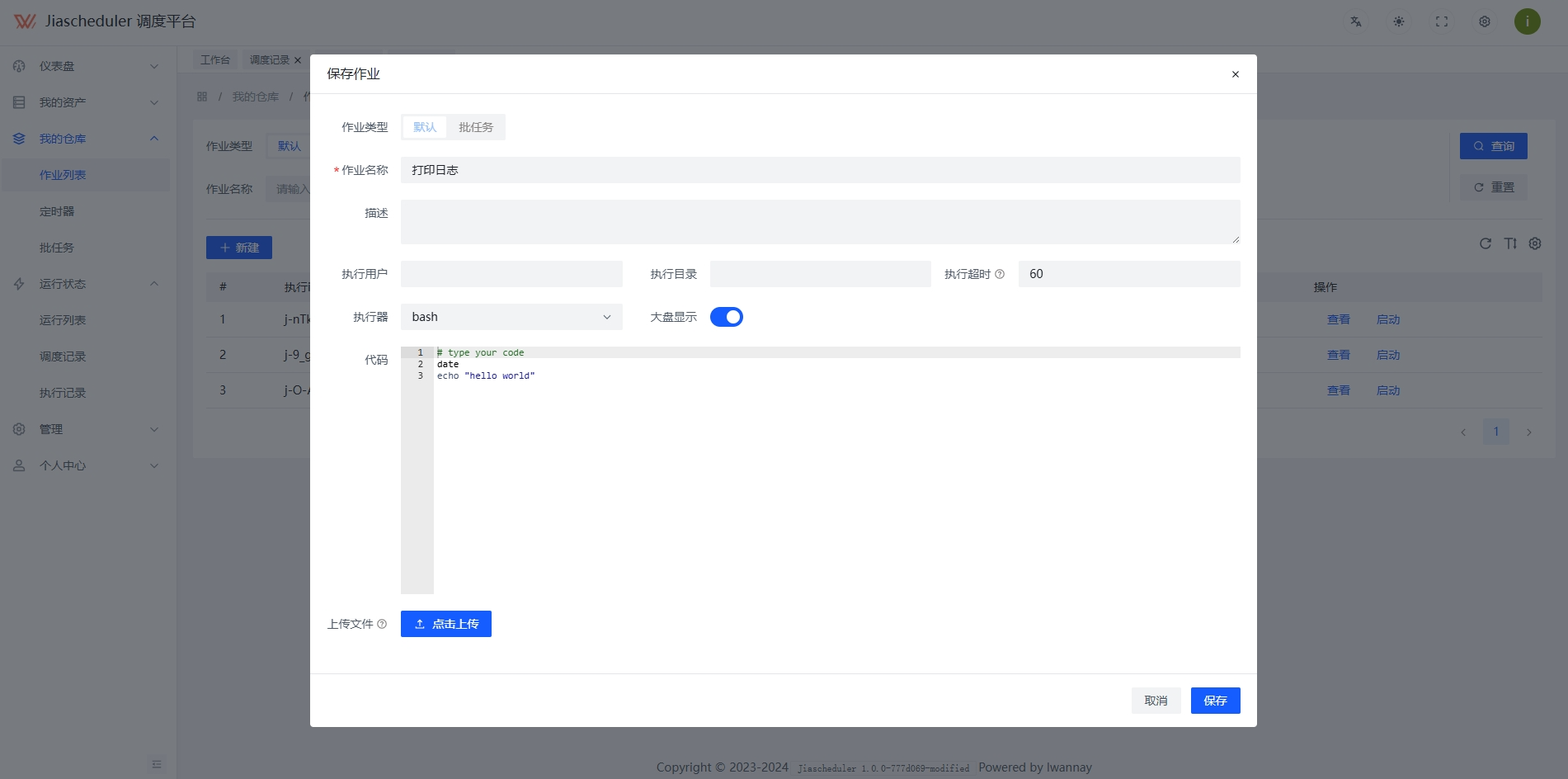
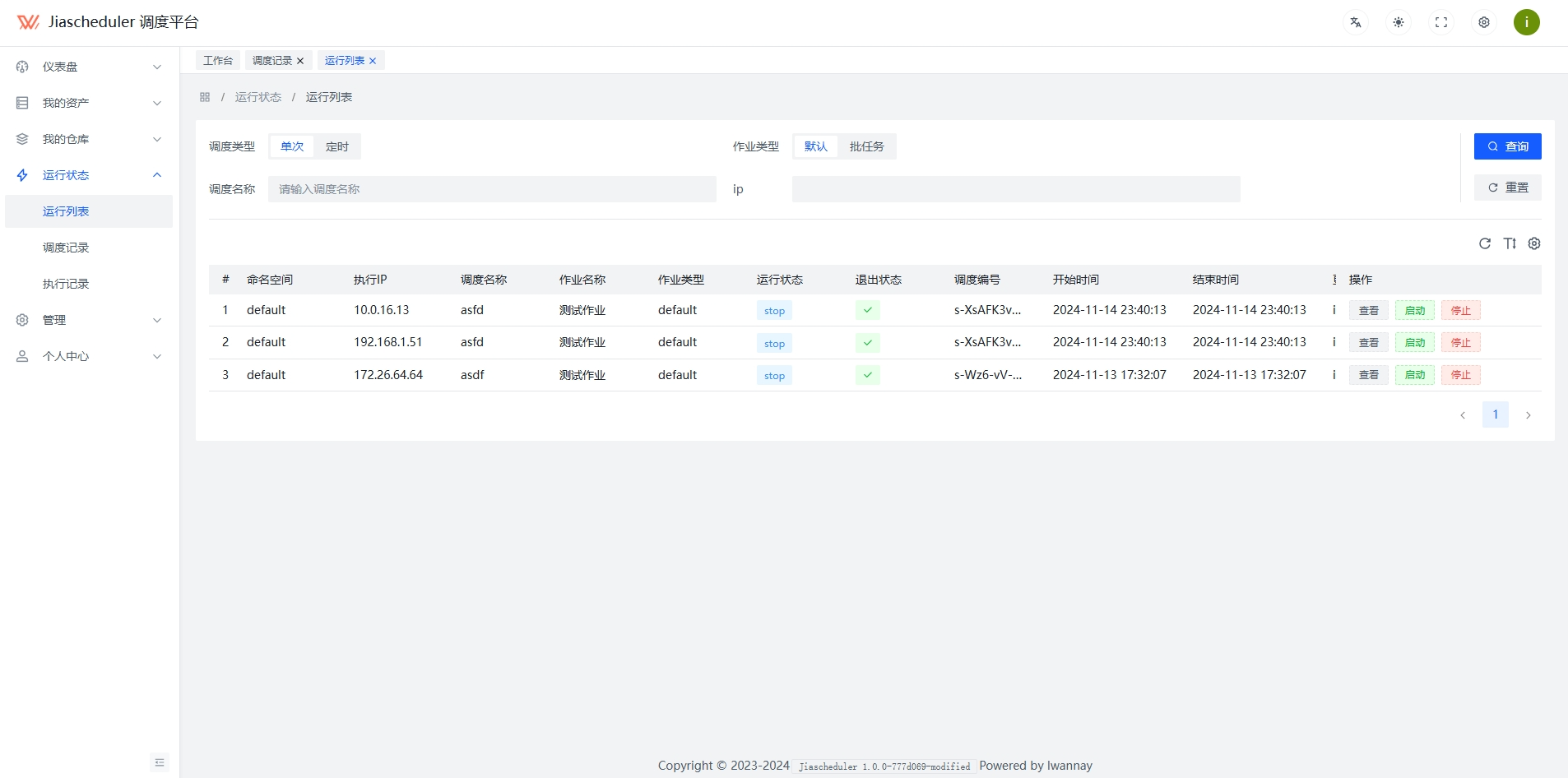
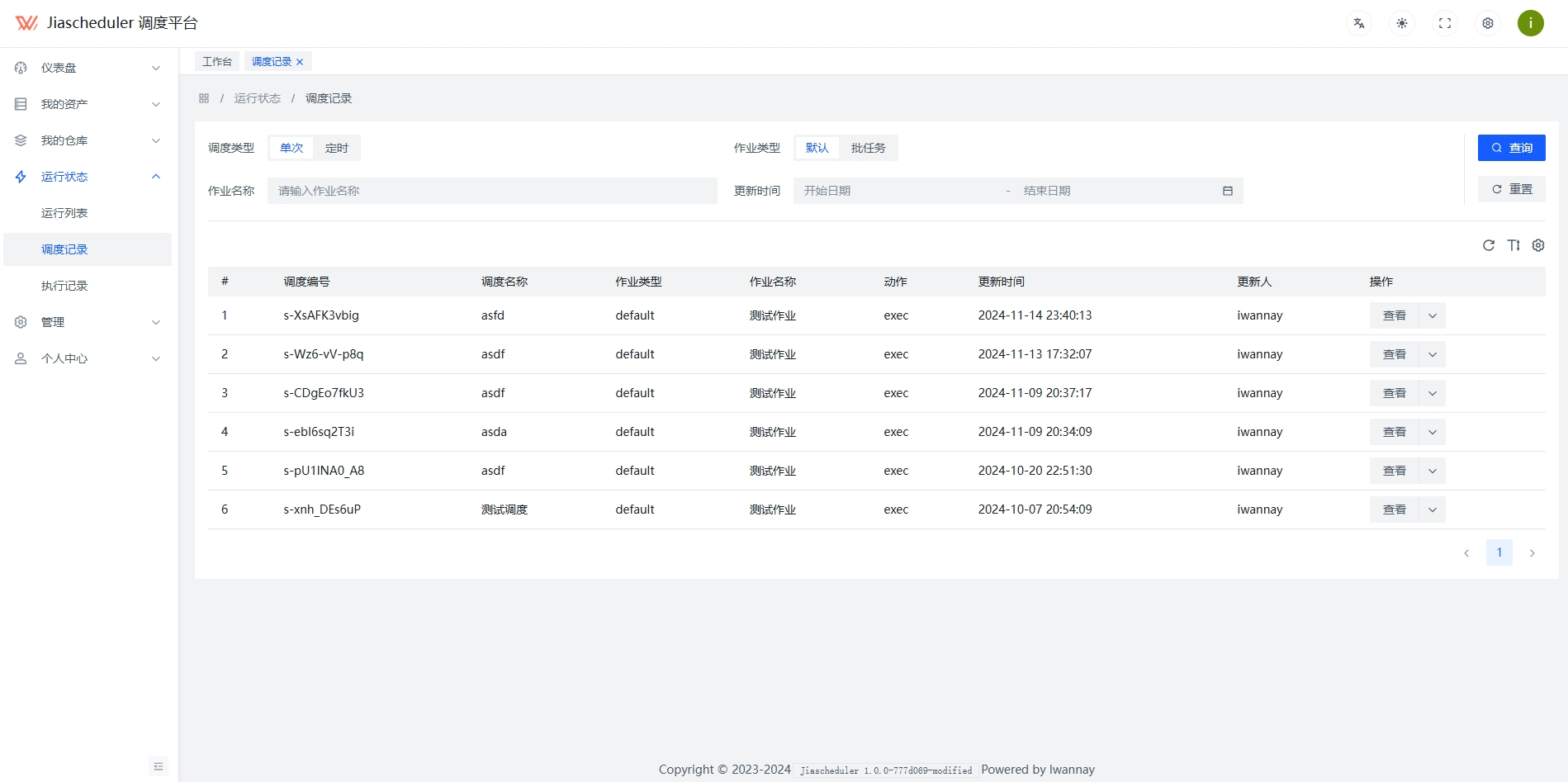
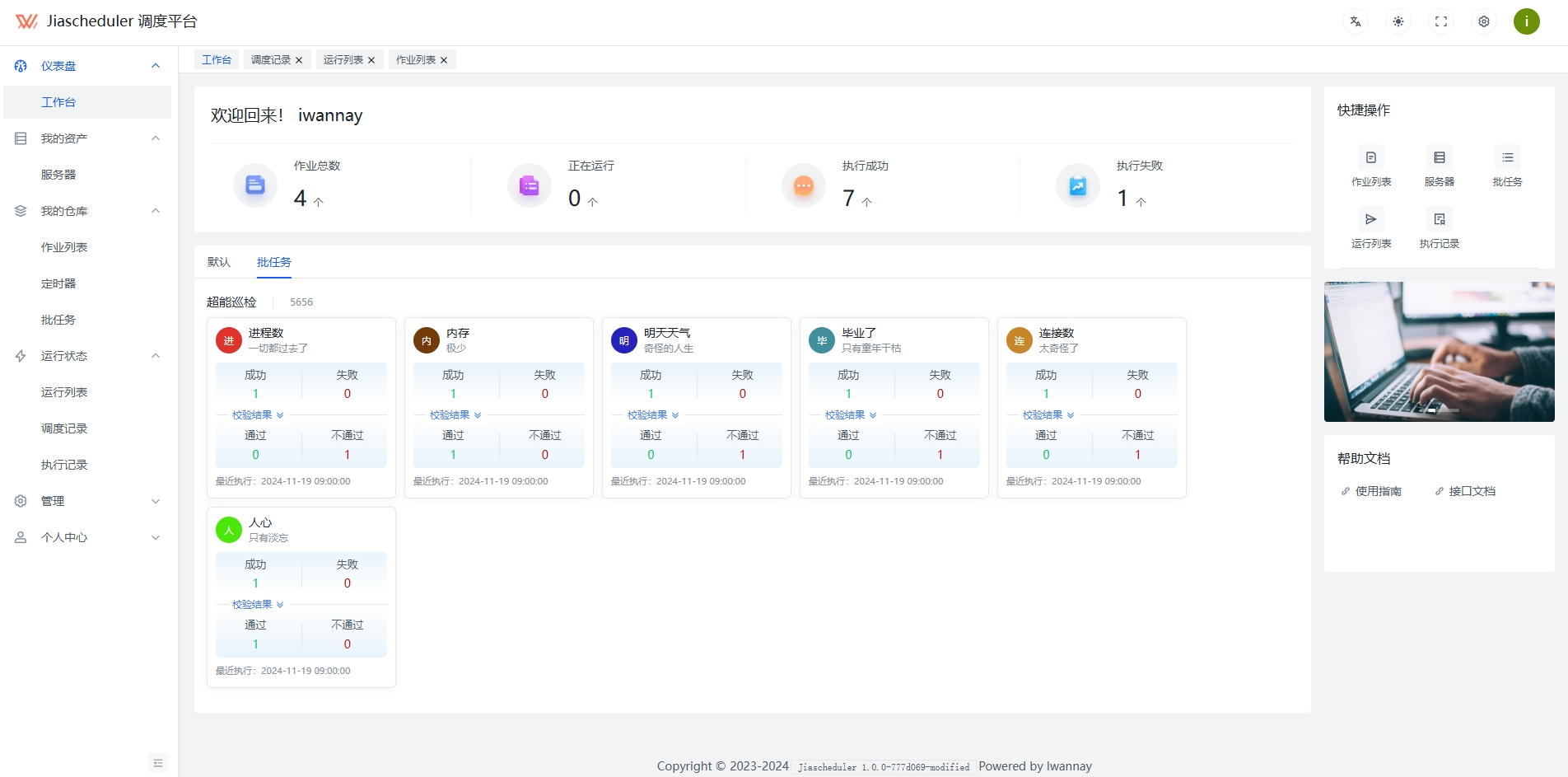
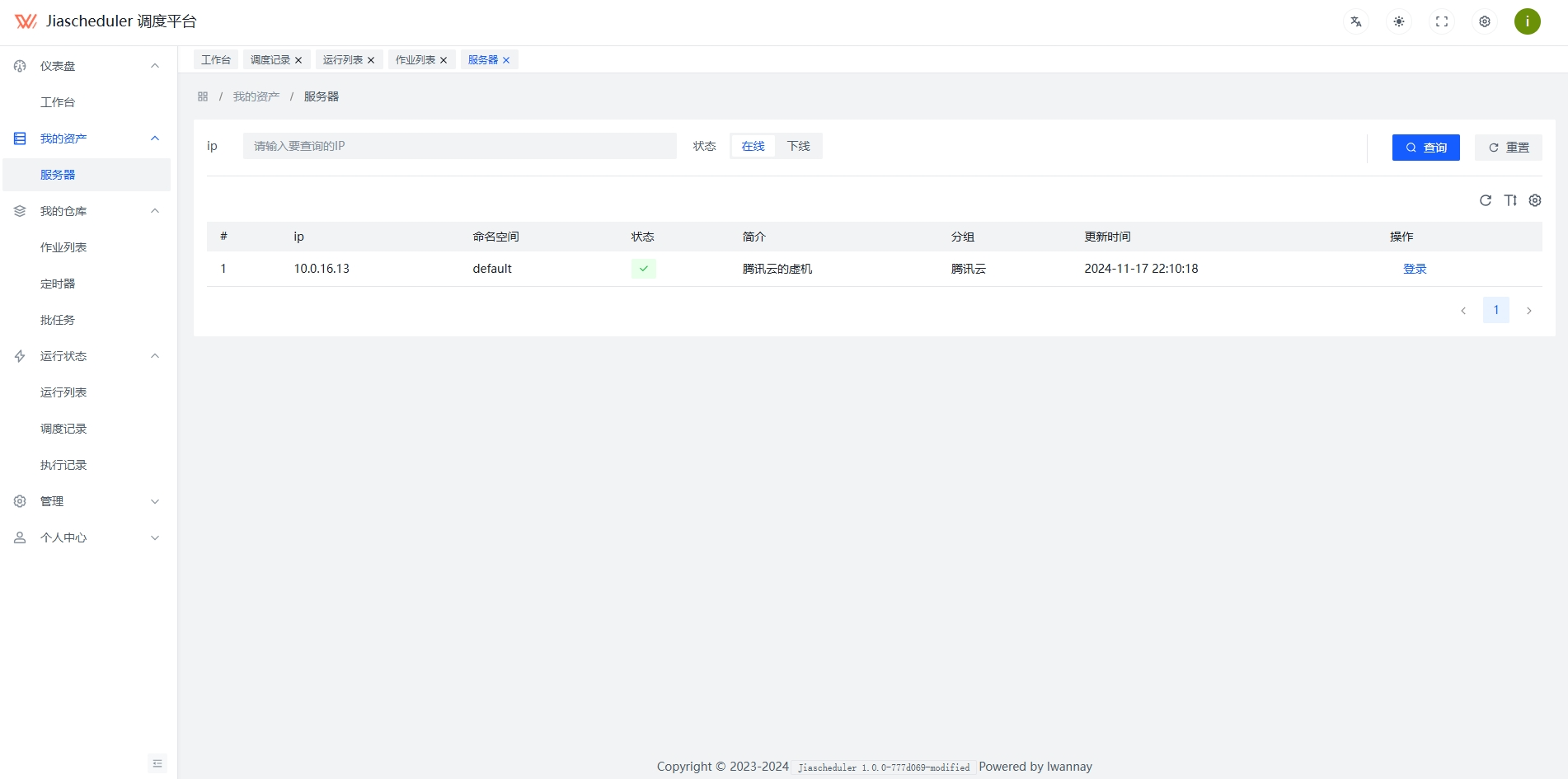
Screenshot
 |
 |
 |
 |
 |
 |
Help video
https://www.bilibili.com/video/BV19wzKYVEHL
Sponsorship
wechat: cg1472580369