
Jotty Android


An unofficial Android client for Jotty — the self-hosted, file-based checklist and notes app.
This is an independent community project and is not an official Jotty app, and is not affiliated with or endorsed by the Jotty project.
Disclaimer: This project is built mostly for personal use. Much of the code was written with AI assistance and may contain bugs or rough edges. If you find issues or want to improve things, issues and contributions are welcome. The web version of Jotty is very much mobile friendly and is probably sufficient for most people.
Features
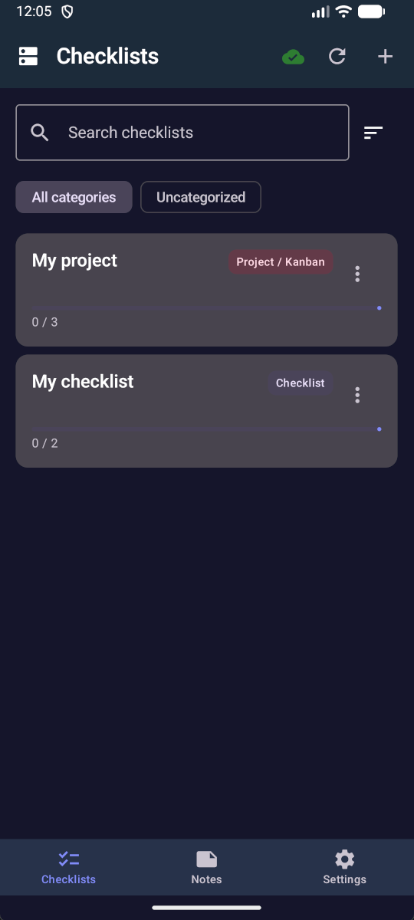
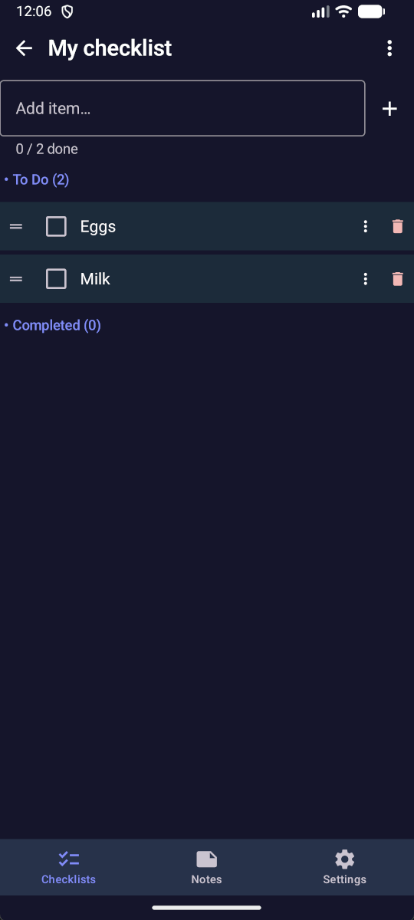
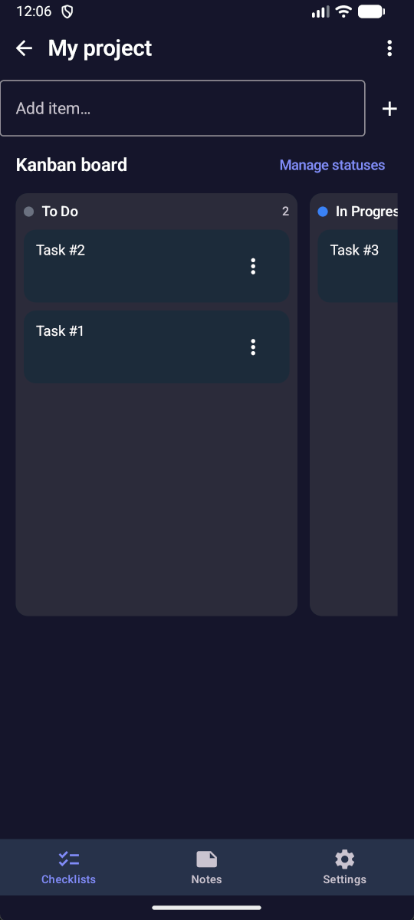
- Checklists — Task lists with progress, inline edit, and reorder (buttons or optional drag). Project / Kanban boards support column status management and task moves.
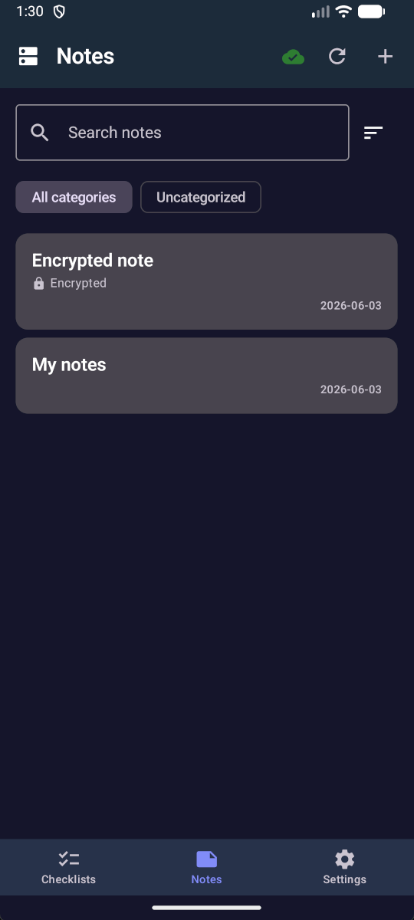
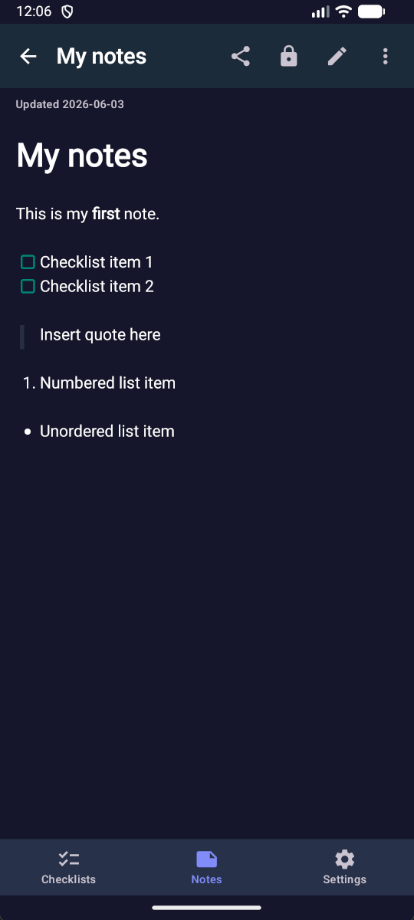
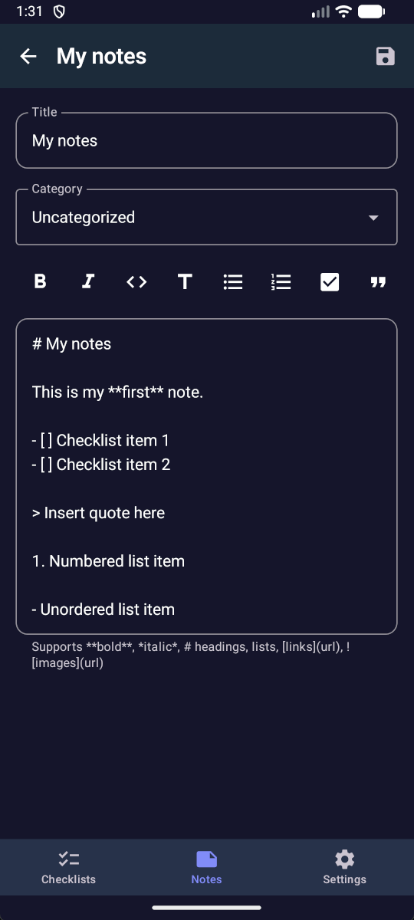
- Notes — Markdown notes with search, category filters, GFM tables, and server-hosted images. Editor toolbar and smart list continuation on Enter.
- Offline — Notes and checklists work without a connection; changes sync on reconnect, with optional background sync and per-item pending indicators.
- Multi-instance — Save several Jotty servers, set a default, and assign an accent color per instance.
- Encryption — XChaCha20-Poly1305 encrypt and decrypt in-app; optional biometric unlock for remembered passphrases (PGP-encrypted notes require the Jotty web app).
- Appearance — System/light/dark theme, color palettes, custom accent hex, reader text size, and content padding.
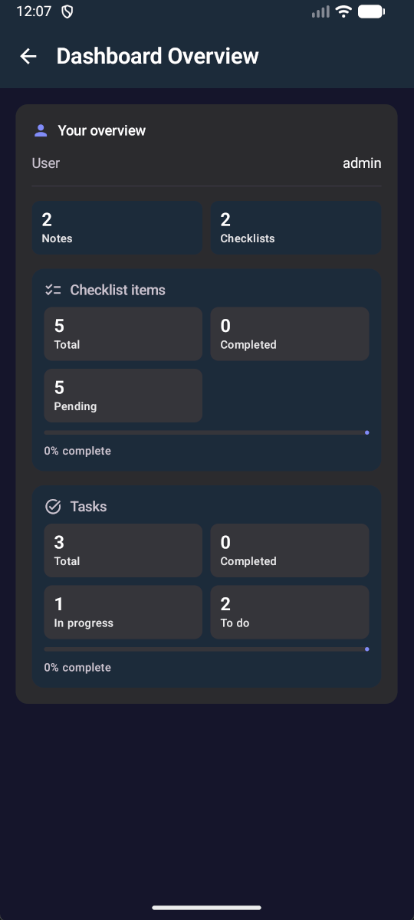
- Settings & dashboard — Health check, behavior toggles, server summary overview, security controls, and exportable debug logs.
- Deep links —
jotty-android://open/note/{id}opens a note directly in the app. - Connect — Works with any self-hosted Jotty instance via server URL and API key.
Screenshots
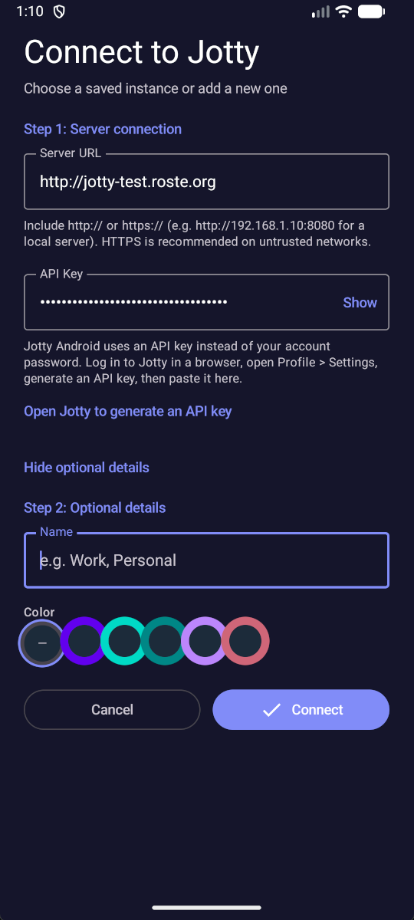
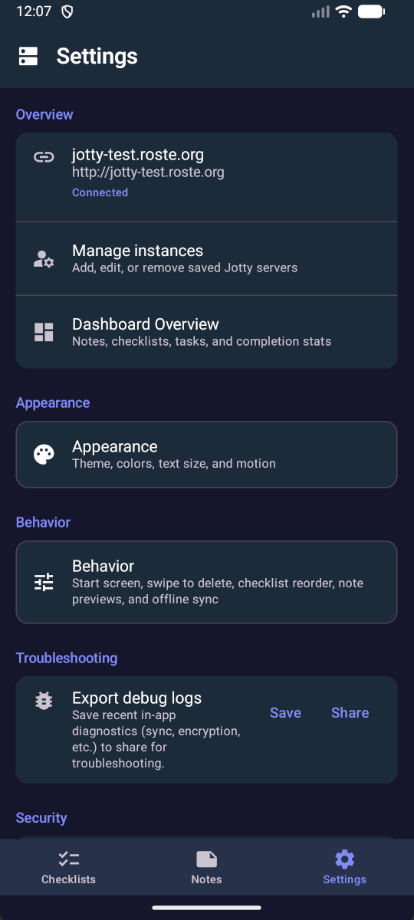
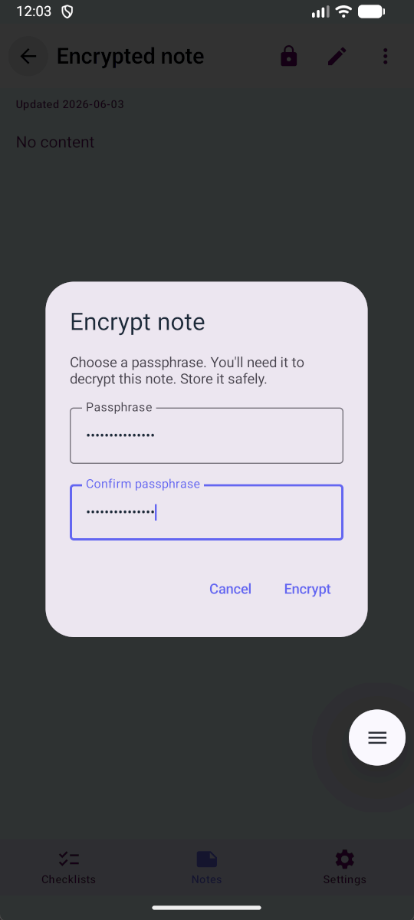
Demo content from v1.5.0. Dark is left, light is right. All captures in images/ (readme-*.png).
| Dark | Light |
|---|---|
 |
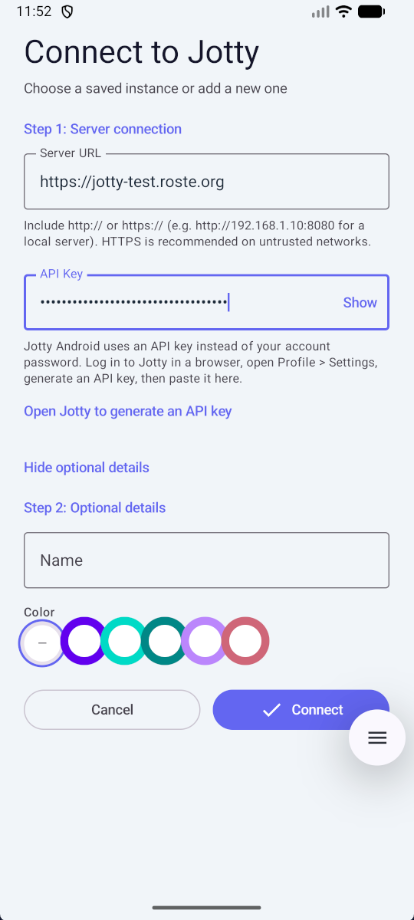 |
| Connect — server URL, API key, and accent color | |
 |
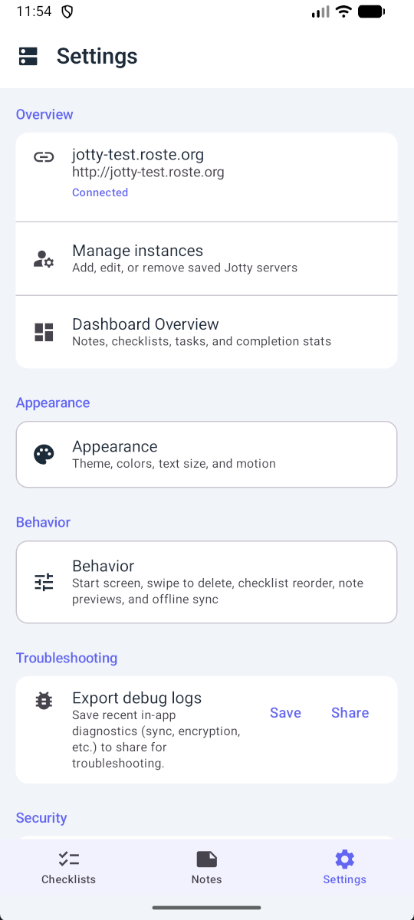 |
| Settings — instance, appearance, behavior, troubleshooting | |
 |
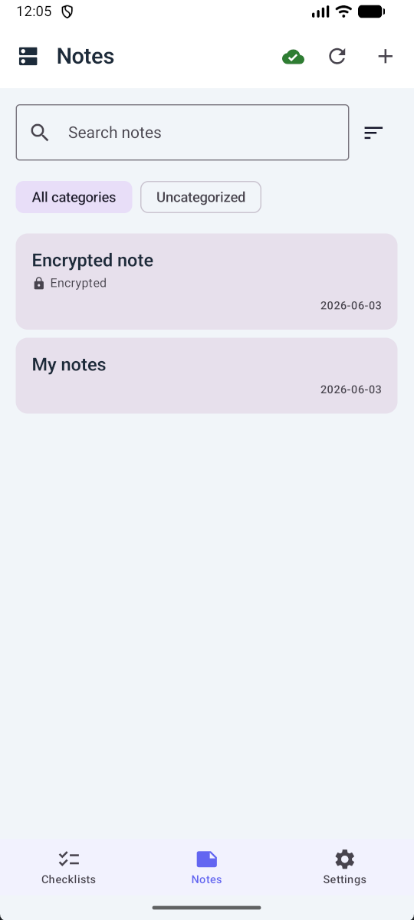 |
| Notes list — search and encrypted note badge | |
 |
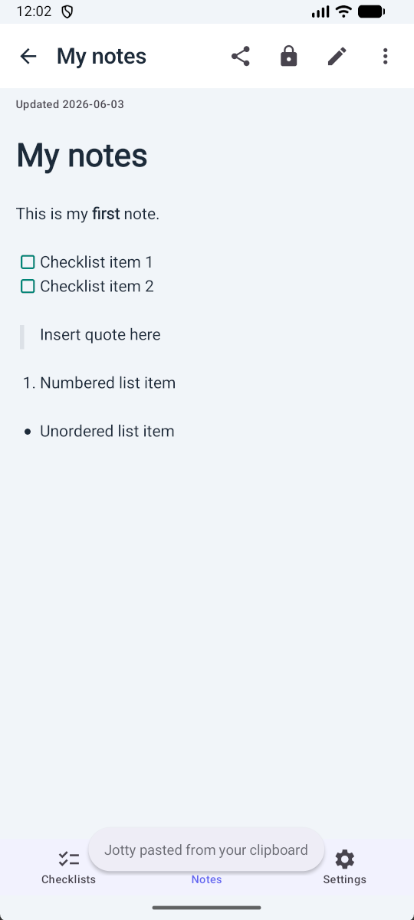 |
| Note detail — Markdown, lists, quotes, checkboxes | |
 |
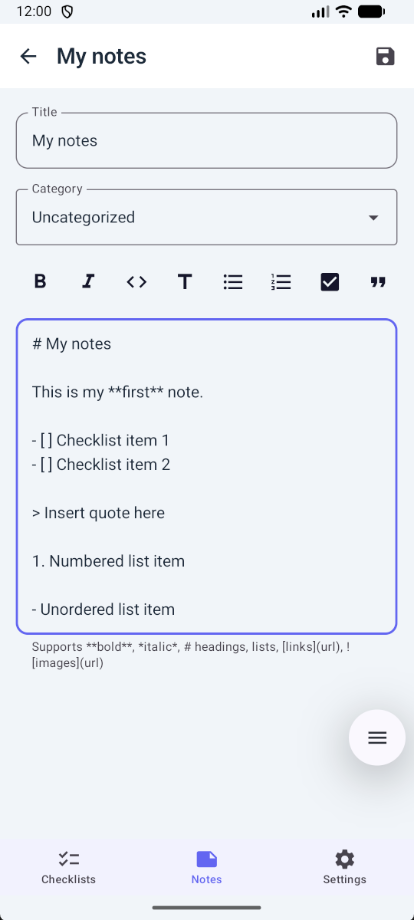 |
| Note editor — formatting toolbar | |
 |
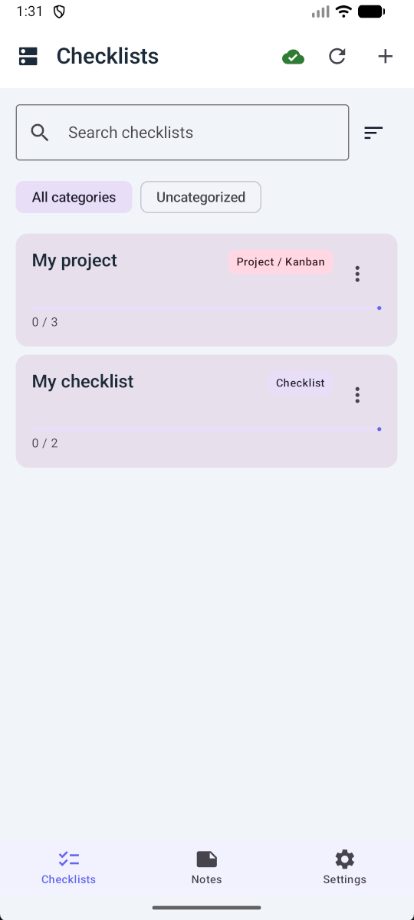 |
| Checklists — lists and Kanban projects with progress | |
 |
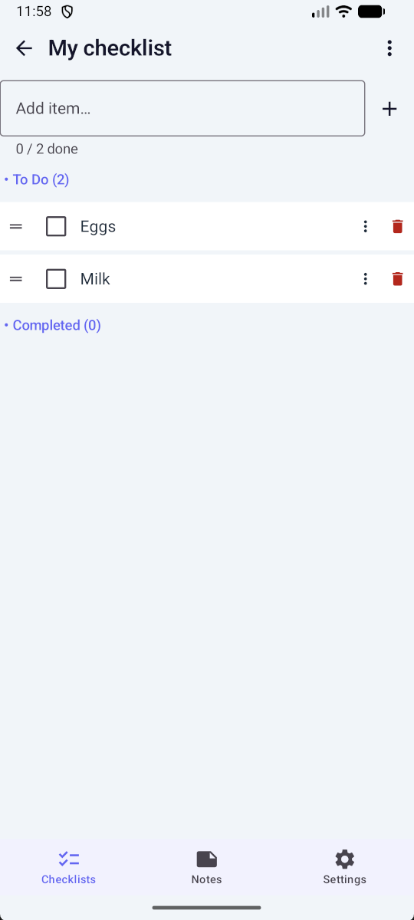 |
| Checklist detail — items, reorder, progress | |
 |
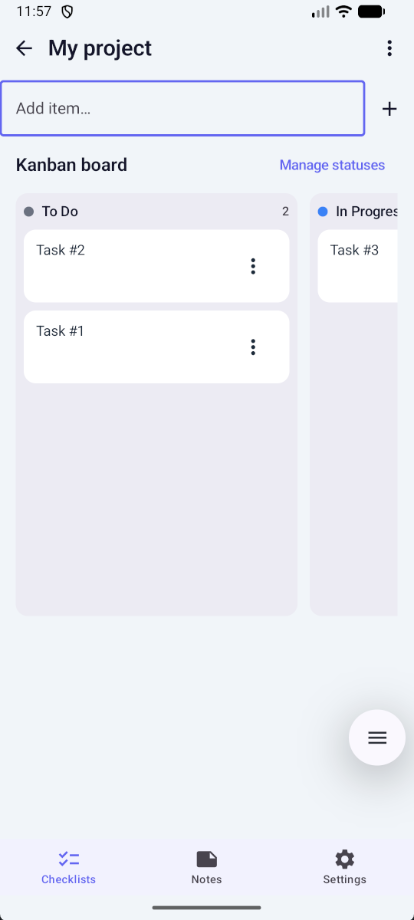 |
| Kanban — columns, tasks, manage statuses | |
 |
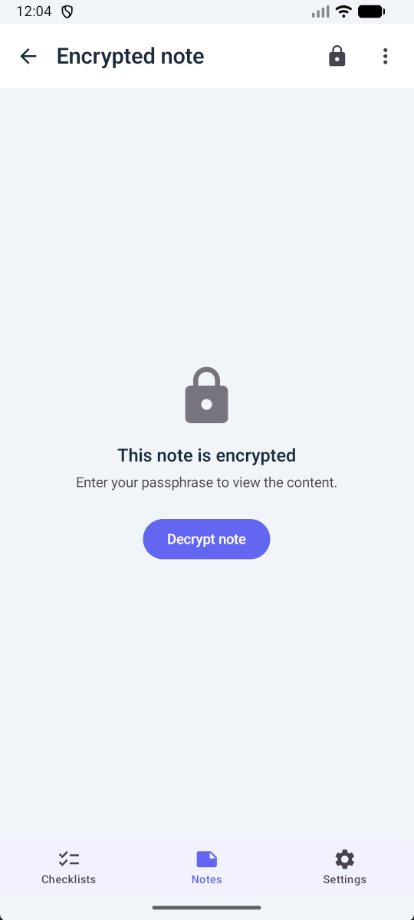 |
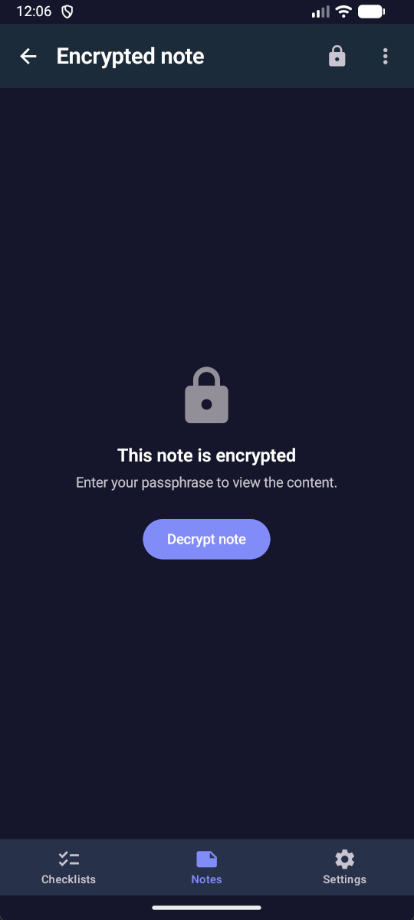
| Encrypted note — locked until you decrypt | |
 |
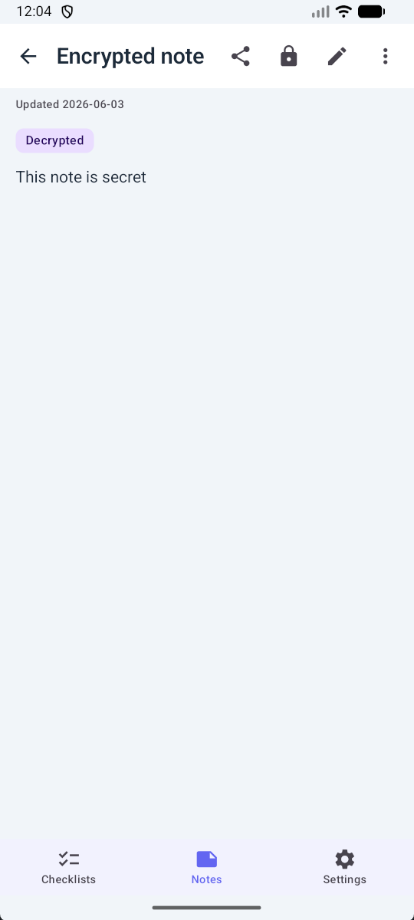 |
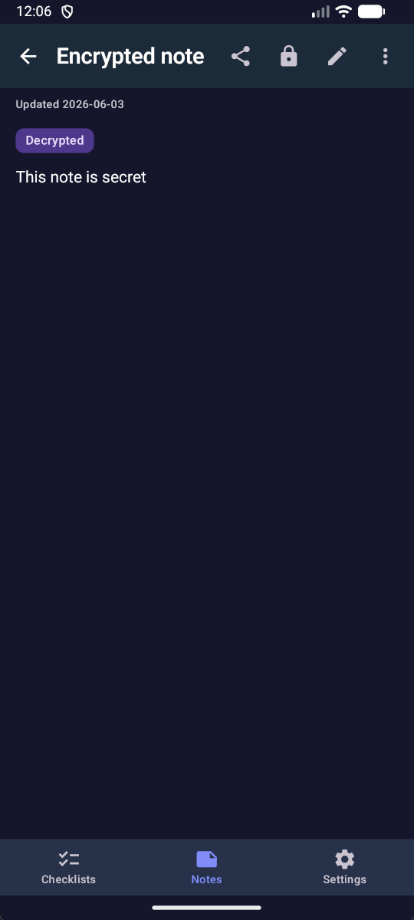
| Encrypted note — decrypted with session badge | |
 |
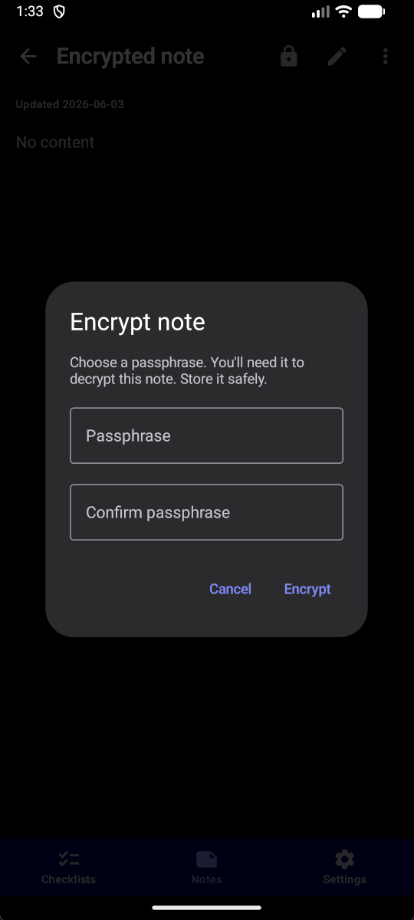 |
| Encrypt — passphrase dialog | |
 |
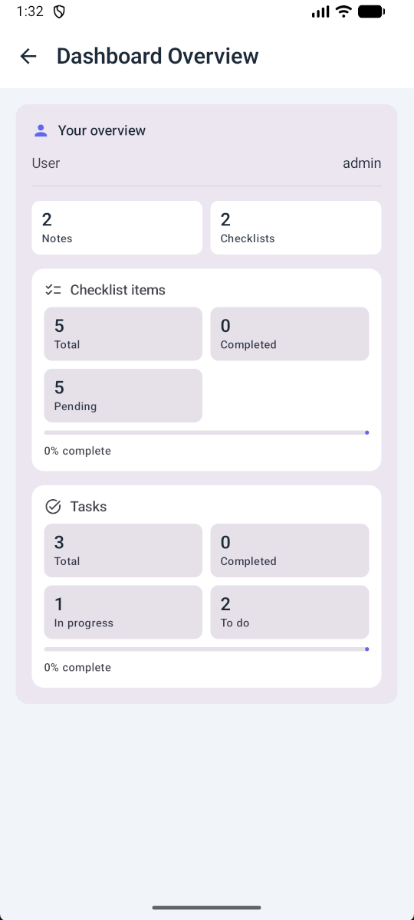 |
| Dashboard — server stats overview | |
Releases / Download
Pre-built APKs are published on the Releases page.
- With release signing configured (recommended): locally built or published APKs use
jotty-android-{version}.apkfrom Releases when you runscripts/publish-dev-latestorpublish-release.ps1 -LocalBuildwithkeystore.properties. - Without signing (e.g. forks): builds produce
jotty-android-{version}-debug.apkonly (debug-signed).
Maintainers: create one release keystore — see keystore.properties.example. CI and APK builds run locally by default (docs/LOCAL_CI.md); GitHub Actions workflows are manual-only to avoid runner costs.
- Stable release builds: download
jotty-android-*.apkfrom the release you want (or*-debug.apkif that is the only asset). - Rolling dev build: use the Dev Latest pre-release, which is updated automatically on every push to
dev.
Install on your device by enabling "Install from unknown sources" if needed.
Setup
1. Get your API key
- Log into your Jotty instance in a browser.
- Go to Profile → Settings.
- In the API Key section, click Generate.
- Copy the generated key (starts with
ck_).
2. Configure the app
- Open the app.
- Enter your Jotty server URL (e.g.
https://jotty.example.com). - Enter your API key.
- Tap Connect.
Releasing
Version is defined in gradle.properties (single source of truth):
VERSION_NAME— user-visible version (e.g.1.0.1)VERSION_CODE— integer, must increase each release (e.g.2)
Release scripts (two steps):
| Step | Windows | Linux/macOS |
|---|---|---|
| 1. Prep (version + changelog) | .\release.ps1 |
./release.sh |
| 2. Publish (push, PR, merge, GitHub release + APK) | .\scripts\publish-release.ps1 -LocalBuild |
./scripts/publish-release.sh --local-build |
Prep prompts for a version (default: current patch + 1), increments VERSION_CODE, and promotes the top CHANGELOG.md [dev-latest] section to a dated stable entry, leaving a fresh [dev-latest] header for the rolling dev-latest pre-release.
Publish requires a clean dev branch, gh CLI logged in, and committed prep. It pushes dev, opens (or reuses) dev → main, merges the PR, creates gh release create vX.Y.Z on main, and with -LocalBuild builds and uploads the APK locally (no GitHub Actions).
Typical stable release flow
.\release.ps1(or./release.sh), then commitgradle.properties+CHANGELOG.mdondev..\scripts\ci-local.ps1— optional but recommended before publish..\scripts\publish-release.ps1 -LocalBuild(or./scripts/publish-release.sh --local-build).devis synced tomainvia.\scripts\sync-dev-with-main.ps1(included when using-LocalBuild).
Dev builds: after pushing to dev, run .\scripts\publish-dev-latest.ps1 to build and update the dev-latest pre-release.
See docs/LOCAL_CI.md for all local workflow commands. GitHub Actions in .github/workflows/ are manual-only (workflow_dispatch); disable Actions entirely in repo settings if you prefer.
Manual fallback: update both values in gradle.properties, add an entry to CHANGELOG.md, then build and tag (e.g. v1.0.1).
Git: dev-latest tag conflicts on pull
The rolling dev-latest tag moves on every push to dev. Without setup, git pull --tags may report would clobber existing tag for dev-latest (the branch still updates; only the tag is skipped).
One-time per clone (fixes git pull --tags permanently for this repo):
.\scripts\setup-repo-git.ps1
./scripts/setup-repo-git.sh
That adds a +refs/tags/dev-latest fetch refspec so Git force-updates the local tag instead of refusing.
Day to day:
.\scripts\pull-dev.ps1
./scripts/pull-dev.sh
Or, after setup: git pull --tags origin dev. To refresh only the tag: .\scripts\sync-dev-latest-tag.ps1 / ./scripts/sync-dev-latest-tag.sh.
Signed release APK: Copy keystore.properties.example to keystore.properties, create a keystore (see the example file for the keytool command), then run .\build.ps1 -Release. The release APK will be signed and installable. Keep your keystore and passwords safe and never commit them.
Building
Requirements
- Android Studio Ladybug (2024.2.1) or newer, or
- JDK 17+
- Android SDK 36
- Min SDK 26 (Android 8.0)
Gradle Wrapper
Recommended: Open the project in Android Studio. It will download the Gradle wrapper automatically when you sync.
If the wrapper is missing (e.g. gradle-wrapper.jar), create it:
# With Gradle installed:
gradle wrapper --gradle-version 9.5.1
Build commands
# Debug APK
./gradlew assembleDebug

# Release APK (signed)
./gradlew assembleRelease
Troubleshooting
“App not installed” when updating
Android only allows an update when the new APK is signed with the same certificate as the installed app. This happens if you switch between a debug build, a locally built APK, and a GitHub release APK, or if releases were signed with different keys.
- Fix for users: Uninstall the old app once, then install the APK from the latest Release. Uninstall clears app data on the device (saved server instances, API keys, offline cache)—you will need to add your instance again. Content on your Jotty server is not deleted.
- Fix for maintainers: Use one release keystore for every GitHub release (secrets in
keystore.properties.example). Do not change the keystore between releases.
Server log: Session check error / ERR_SSL_WRONG_VERSION_NUMBER
This usually means something is speaking HTTP where TLS (HTTPS) is expected:
- If the app talks to your server: In the app, use an instance URL that starts with
https://(e.g.https://jotty.example.com). If you enter a URL without a scheme, the app addshttps://by default. - If the server does a “session check” (e.g. an outbound request to validate the session): that request’s URL must use
https://. Check the Jotty server config (e.g. app URL, callback URL, or any URL used for session validation) and ensure it’s HTTPS, not HTTP.
Server log: XChaCha Decryption Error: Error: invalid input at from_hex
The server is decoding encrypted content with hex while the Android app (and typically the Jotty web app) store base64 in the encrypted JSON (salt, nonce, data). So the server is likely using the wrong decoder for that payload.
- Fix on the Jotty server: In the Jotty repo, search for XChaCha decryption and
from_hex. The code that reads the encrypted note body should decode the JSON fields (salt, nonce, data) as base64, not hex. If some path expects hex, either switch it to base64 or add a format check (e.g. try base64 first, then hex) so both formats are accepted.
Architecture
- Jetpack Compose — UI
- Retrofit — REST API client for Jotty
- Room — Local database for offline storage
- DataStore — Storing app settings and instance metadata
- EncryptedSharedPreferences — Secure API key storage (with DataStore fallback when unavailable)
- Navigation Compose — Screen navigation
Offline Support
Jotty Android supports working offline. When enabled (default), notes and checklists are stored locally and synced when you have a connection. A background WorkManager job can retry sync for saved instances. See docs/OFFLINE_NOTES.md for note sync details.
Key features:
- Create, edit, and delete notes and checklist items without internet
- Automatic sync when connectivity is restored (checklist sync aborts the pull if a local push fails, keeping local data)
- Visual sync status indicators and per-item Pending sync labels
- Last-write-wins conflict resolution for notes
Encryption
Jotty supports XChaCha20-Poly1305 (passphrase-only, recommended) and PGP. This app supports only XChaCha20-Poly1305 in-app: you can encrypt and decrypt notes with a passphrase. Notes encrypted with PGP in the Jotty web app must be decrypted there; the app will show a short message and a link to use the web app.
Limitations: Encrypted note content cannot be searched (titles and metadata remain searchable). Only the key owner can decrypt; shared encrypted notes stay encrypted for others. There is no passphrase recovery — keep secure backups of your passphrase.
API Reference
The app uses the Jotty REST API. Authentication is via the x-api-key header.
Contributing
Contributions are welcome.
- Issues — Use GitHub Issues to report bugs, suggest features, or ask questions. A short description of what you expected, what happened, and your environment (Android version, Jotty server URL shape if relevant) helps a lot.
- Pull requests — Feel free to open a PR for fixes or improvements. Match the existing Kotlin and Compose style; see
AGENTS.mdfor project layout and conventions aimed at contributors and tooling.
Documentation
Additional guides live in docs/ (offline sync, server compatibility, Kanban, checklist reorder, conflicts, and more).
License
MIT