
jupyterlab-s3-browser 


A JupyterLab extension for browsing S3-compatible object storage.
Installation
JupyterLab 3
pip install jupyterlab-s3-browser
You may also need to run:
jupyter serverextension enable --py jupyterlab_s3_browser
to make sure the serverextension is enabled and then restart (stop and start) JupyterLab.
JupyterLab 2
jupyter labextension install jupyterlab-s3-browser
pip install jupyterlab-s3-browser
You may also need to run:
jupyter serverextension enable --py jupyterlab_s3_browser
to make sure the serverextension is enabled and then restart (stop and start) JupyterLab.
Usage
Configuration
If you have a ~/.aws/credentials file available or have already set up role-based access then no futher configuration is necessary.
If you wish to configure through environment variables, you can do so using environment variables, for example:
export JUPYTERLAB_S3_ENDPOINT="https://s3.us.cloud-object-storage.appdomain.cloud"
export JUPYTERLAB_S3_ACCESS_KEY_ID="my-access-key-id"
export JUPYTERLAB_S3_SECRET_ACCESS_KEY="secret"
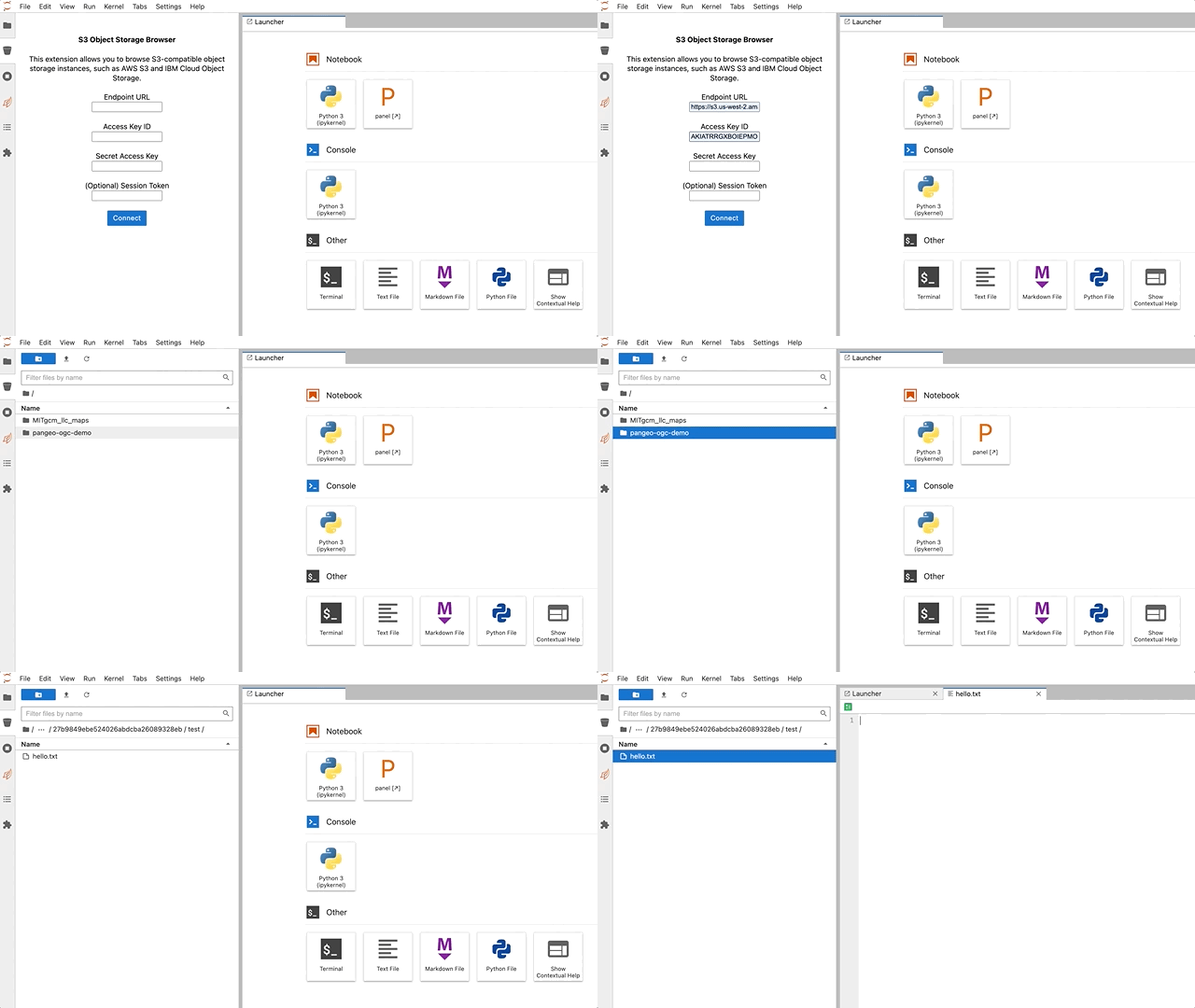
You can also start without any configuration and fill in your endpoint/credentials though the form when prompted.
Amazon SageMaker
View installation instructions specific to SageMaker here. Thanks to Bipin Pandey for helping figure this out.
Contributing
Contributions to this extension are welcome! View CONTRIBUTING.md to get started.