
The customizable, extendable, lightweight, and fully free React Table Component



Installation
npm
npm install ka-table
yarn
yarn add ka-table
Usage
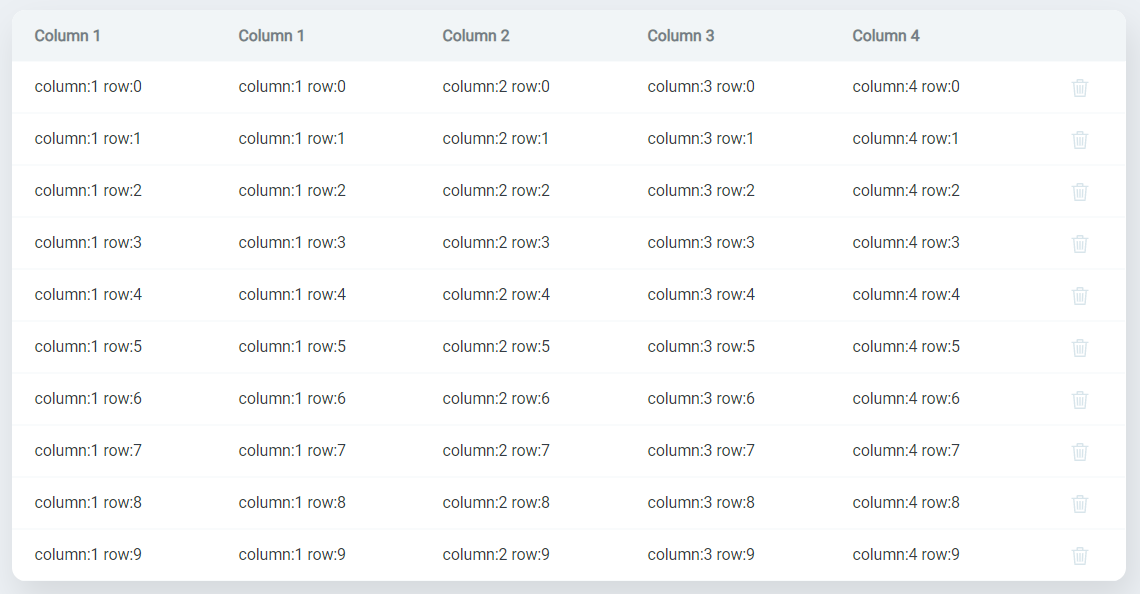
Basic example
import 'ka-table/style.css';

import React from 'react';

import { Table } from 'ka-table';
import { DataType, EditingMode, SortingMode } from 'ka-table/enums';

const dataArray = Array(10)
  .fill(undefined)
  .map((_, index) => ({
    column1: `column:1 row:${index}`,
    column2: `column:2 row:${index}`,
    column3: `column:3 row:${index}`,
    column4: `column:4 row:${index}`,
    id: index,
  }));

const OverviewDemo = () => {
  return (
    <Table
      columns={[
        { key: 'column1', title: 'Column 1', dataType: DataType.String },
        { key: 'column2', title: 'Column 2', dataType: DataType.String },
        { key: 'column3', title: 'Column 3', dataType: DataType.String },
        { key: 'column4', title: 'Column 4', dataType: DataType.String },
      ]}
      data={dataArray}
      editingMode={EditingMode.Cell}
      rowKeyField={'id'}
      sortingMode={SortingMode.Single}
    />
  );
};

export default OverviewDemo;