
Laqu-l




A complete starter kit that allows you create amazing apps that look native thanks to the Quasar Framework. Powered by an API developed in Laravel Framework using the easy GraphQL query language. And ready to use the Google Firebase features.
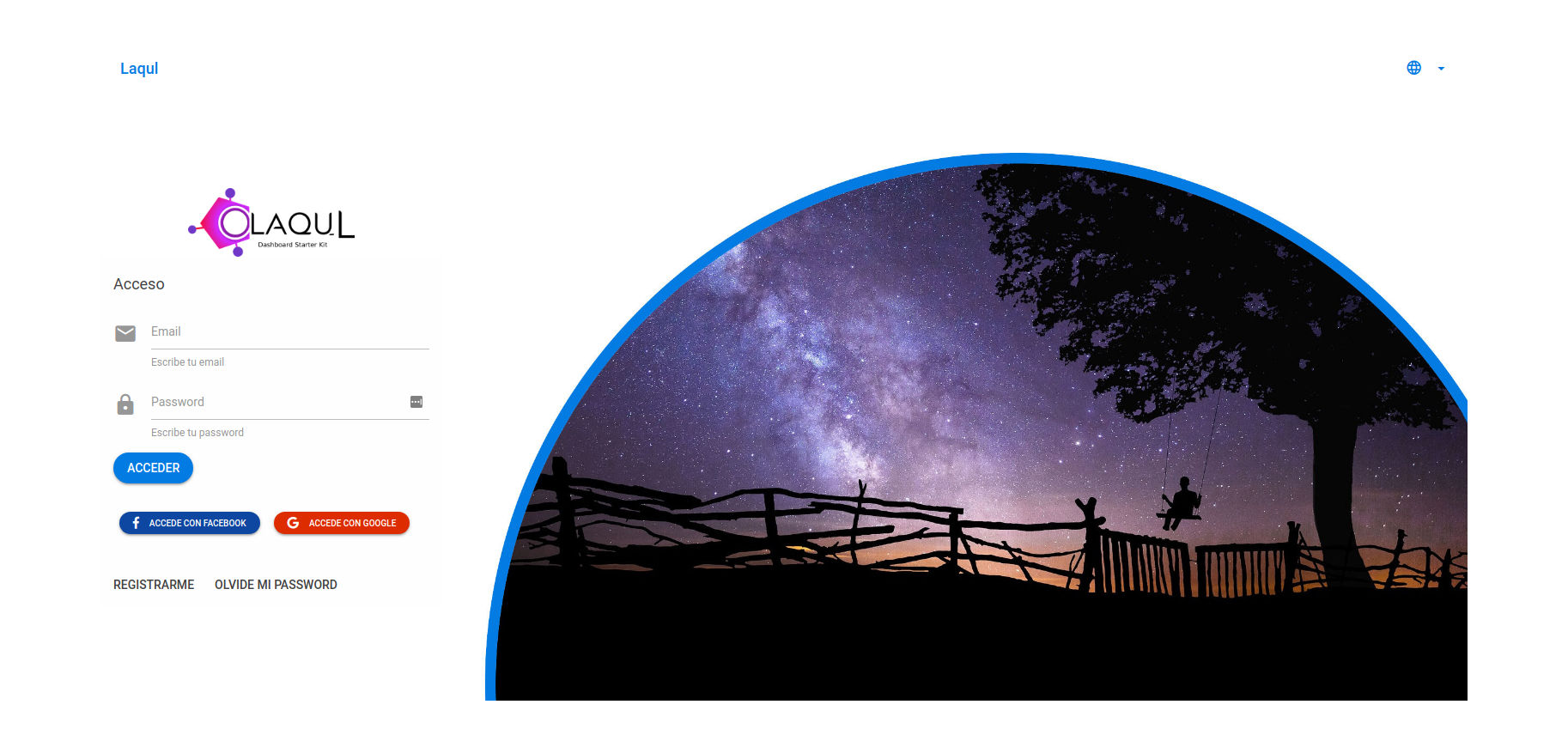
Login Screen
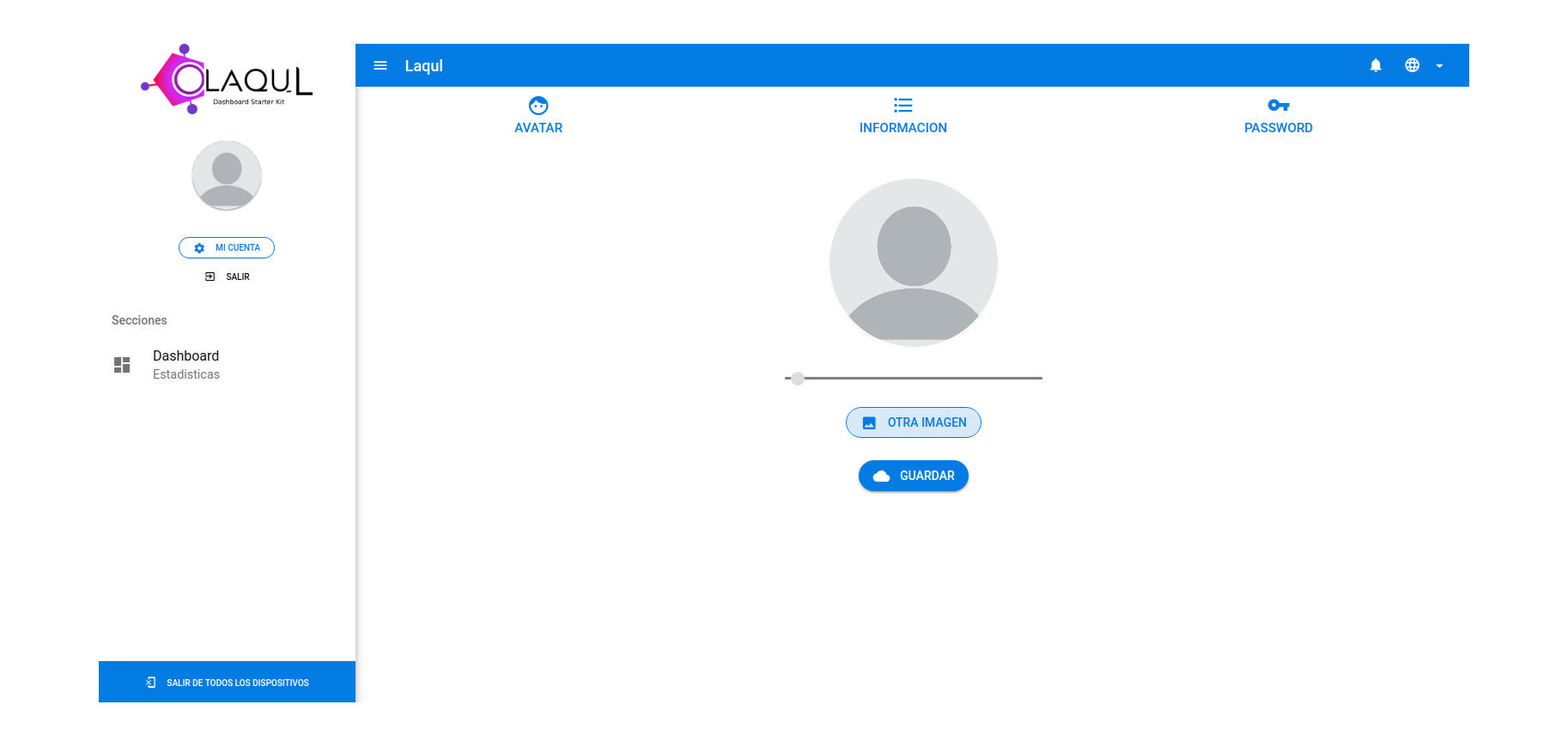
Admin Screen
Features
- Multilanguage capability
- XSRF protection in client and client-backend comunication.
- Use as SPA, PWA, DESKTOP APP, MOBILE APP, thanks to Quasar Framework
- Area for Terms and Conditions and Privacy Policy
- Social login (Google and Facebook by default)
- OAUTH 2 Authentication
- Password login
- User registration with password and email verification
- Reset password with email verification
- User avatar
- Update password
- Update user name
- Logout
- Firebase Authentication with custom generated token that allows using all Firebase features
- Firebase Cloud Messaging for app notifications
- User timezone detection for process related to user's time
- User roles
Components
API
OAUTH 2 Laravel API Powered with GraphQl
Client
Dashboard with a basic features developed with Quasar Framework
Client-Backend
PHP script that allows securely storing the API client-id and client-secret and managing the OAUTH2 authentication and refresh tokens process
Requirements
- LAMP Server
- Terminal
- node
- npm
- quasar-cli
- composer
- git
Installation
Video Tutorial
API Setup
Prepare the Laravel API for the initial setup
- In your terminal type:
git clone https://github.com/laqul/laqul.git
cd laqul/api
composer install
cp .env.example .env
php artisan key:generate
php artisan passport:keys
- Create a database using phpmyadmin or terminal:
mysql -u root -e "create database testdb";
If you have an existing mysql password, add -p above. You will be prompted for your password.
- Put your data connection in laqul/api/.env file:
DB_DATABASE=YOUR_DATABASE
DB_USERNAME=YOUR_DATABASE_USER
DB_PASSWORD=YOUR_DATABASE_PASSWORD
- Migrate data base
php artisan migrate --seed
- Configure the SMTP server for emails in laqul/api/.env file:
[email protected]
MAIL_FROM_NAME='Laqul'
MAIL_DRIVER=smtp
MAIL_HOST=SMTP_HOST
MAIL_PORT=SMTP_PORT
MAIL_USERNAME=SMTP_USERNAME
MAIL_PASSWORD=SMTP_PASSWORD
MAIL_ENCRYPTION=tls
- Create a Firebase project
- Go to project settings and get a service account then paste it in laqul/api/.env file
FIREBASE_SERVICE_ACCOUNT=YOUR_FIREBASE_SERVICE_ACCOUNT
-
Into the Firebase project settings in service account option generate a private key, one file was downloaded, rename the key file to firebase-private.key and move it to laqul/api/storage folder
-
Get the Firebase AUD and paste it in laqul/api/.env file More Info
FIREBASE_AUD=YOUR_FIREBASE_TOKEN_AUD
- Into the Firebase project settings in Cloud Messaging option get the server key and the sender id and paste it in laqul/api/.env file
FCM_SERVER_KEY=YOUR_FCM_SERVER_KEY
FCM_SENDER_ID=YOUR_FCM_SENDER_ID
- Get your Google Oauth 2.0 Client ID and Client Secret from Developers Console and paste it in laqul/api/.env file
SOCIAL_GOOGLE_CLIENTID=YOUR_GOOGLE_CLIENT_ID
SOCIAL_GOOGLE_CLIENTSECRET=YOUR_GOOGLE_CLIENT_SECRET
- Get your Facebook Oauth 2.0 Client ID and Client Secret from Facebook Developers and paste it in laqul/api/.env file
SOCIAL_FACEBOOK_CLIENTID=YOUR_FACEBOOK_CLIENT_ID
SOCIAL_FACEBOOK_CLIENTSECRET=YOUR_FACEBOOK_CLIENT_SECRET
- Back in your terminal make a sym-link to storage folder in your API folder
php artisan storage:link
- Run the API
php artisan serve
Run The Client Backend
- Open a new terminal in laqul/client-backend folder and run:
php -S localhost:8001
This creates a server listening in port 8001, this is the intermediary between client and api for the Oauth 2.0 authentication
Setup Client
- Open a new terminal in laqul/client folder and run:
npm install
- Go to laqul/client/src/config/index.js file and setup your firebase project data:
apiKey: 'YOUR_FIREBASE_API_KEY',
authDomain: 'YOUR_FIREBASE_AUTH_DOMAIN',
databaseURL: 'YOUR_FIREBASE_DATABASE_URL',
projectId: 'YOUR_FIREBASE_PROJECT_ID',
storageBucket: 'YOUR_FIREBASE_STORAGE_BUCKET',
messagingSenderId: 'YOUR_FIREBASE_SENDER_ID'
- Back to your terminal and run:
quasar dev
You are done! make something awesome!
Spelling and grammar correction are welcome :+1:
Frameworks Used
- Quasar 0.16: Official Documentation
- Laravel 5.6: Official Documentation
GraphQL
- Official Site: GraphQL Info
- Laravel GraphQL implementation: Folkloreatelier/laravel-graphql
Contributing
It would be great if you could contribute by adding new features, fixing bugs or showing us the steps to reproduce bugs.
License
Copyright (c) 2018-present Fabian VR