
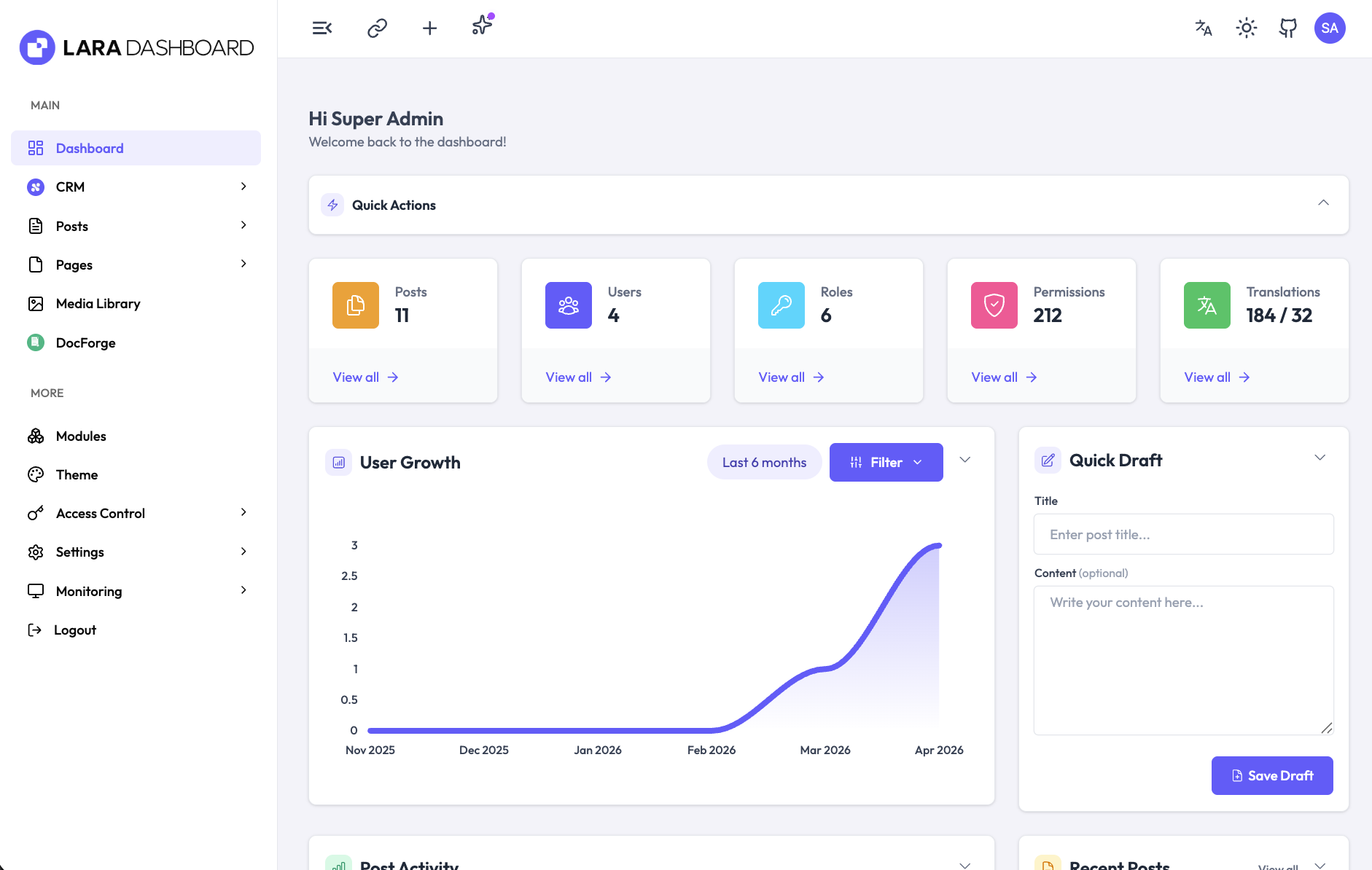
⚡ Lara Dashboard
Open-source Laravel Admin Panel, CMS & Modular Starter Kit — powered by Laravel 13, Livewire 3, Tailwind CSS v4 and an AI Agent.










🌐 Website • 🚀 Live Demo • 📖 Documentation • 🧩 Marketplace • 💬 Community
Lara Dashboard is a production-ready Laravel admin panel and headless CMS — a batteries-included Laravel boilerplate / starter kit with Users, Roles, Permissions (RBAC via Spatie), Modules, Settings, Translations, Posts & Pages, Media Library, REST API, AI content generation, and a WordPress-style hooks system (via eventy) for extensibility.
Built for Laravel developers who want to ship admin dashboards, SaaS apps, CRMs and internal tools in hours, not weeks — without trading away Laravel idioms, testability or type-safety.
Try the live demo: https://laradashboard.com/try-demo/ Credentials:
[email protected]/12345678
✨ Why Lara Dashboard?
- 🔐 Complete RBAC — Users, Roles, Permissions via Spatie, admin impersonation, social auth (Socialite), and 2FA-ready flows.
- 🧩 Modular Architecture — Self-contained modules via nwidart/laravel-modules. Install, enable, disable, zip and distribute with a single command.
- ⚡ CRUD Generator —
php artisan module:make-crudscaffolds Model, Migration, Service, FormRequest, Controller, Datatable, Views, Routes, Menu and Tests in one pass. - 📝 Full CMS — Posts, Pages, Categories, Tags, Media Library, visual block-based editor with drag-and-drop.
- 🤖 AI Agent built-in — Configure OpenAI, Anthropic, Gemini and more via filter hooks. Generate and refine content inline.
- 📧 Email System — Inbound/outbound SMTP connections, visual email template builder, campaign tracking, notifications.
- 🌐 i18n Out-of-the-box — 21 languages preloaded, chunked translation management, one-click language adds.
- 🔌 REST API — Auto-documented with Scramble, Sanctum-auth, ready for mobile apps and SPAs.
- 🎨 Beautiful UI — Tailwind CSS v4, Alpine.js, dark/light mode, 60+ components, responsive on every breakpoint.
- 🪝 WordPress-style Hooks — Actions and filters everywhere so you can extend without forking.
- 🧪 Tests & Static Analysis — Pest, PHPStan (Larastan), Rector, Pint — all wired up out of the box.
- 📦 Zero-friction Deploy — cPanel/shared-hosting ready, ZIP distribution with vendor folder, one-click core upgrades with backup/restore.
📚 Table of Contents
- Requirements
- Built With
- Project Setup
- Build Commands
- Features — How it Works
- Module Development
- CRUD Generator
- REST API
- Tests & Code Quality
- Distribution Package
- Screenshots
- Premium Modules
- Changelog
- Contributing
📋 Requirements:
- Spatie role permission package
^6.4 - Pest test package
^4.x - Tailwind CSS >= 4.x
- Laravel Modules - https://laravelmodules.com/docs/12/getting-started/introduction
- Laravel Events (A WordPress like action/filter hooks) - https://github.com/tormjens/eventy
- PHP 8.3 or 8.4
- Node.js >= 20.19 - https://nodejs.org/en/download/
🛠️ Built With









📝 Changelog
Latest release: v1.1.5 • Full changelog → • All GitHub releases
[v1.1.5] — 2026-05-18
- Fix: Migration is now idempotent — safe to re-run on databases that half-applied the v1.1.4 release.
[v1.1.4] — 2026-05-18
- New: Daily error digest email notifications for admins with error details.
- Improve: Improved module generator command to support custom stub templates and better error handling.
- Fix: Fixed switch toggle component styling.
[v1.1.3] — 2026-05-04
- Improve: Improved file upload component with close button and better error handling.
- Fix: Fixed minor upgrade issue for demo mode.
[v1.1.2] — 2026-04-19
- Fix: Module generator command improvement for Windows OS.
- Fix: CRUD generator command improvement for Windows OS.
- Improve: Added more extendibility support for email templates.
- Improve: Added more extendibility support for authentication pages.
[v1.1.1] — 2026-04-10
- Feat: Scheduled queue worker — runs every minute via
schedule:runto process queued jobs (workflow actions, emails) without requiring a long-running worker. - Improve: Sidebar submenu supports deeper (3rd and 4th level) nesting with proper indentation.
- Improve: Sidebar submenu expands without an inner scrollbar; the sidebar wrapper handles overflow when nav is long.
- Fix: Cleaned up user dropdown styling in the admin header.
👉 See the full changelog for all versions (v0.9.x – v2.x) →
🚀 Project Setup
Clone and Go Project
git clone [email protected]:laradashboard/laradashboard.git
cd laradashboard
Database & env creation
- Create database called -
laradashboard - Create
.envfile by copying.env.examplefile
cp .env.example .env
Install Composer & Node Dependencies
composer install
npm install
Generate Artisan key
php artisan key:generate
Link storage for file upload processing
php artisan storage:link
Migrate Database with seeder
php artisan migrate:fresh --seed
Run Project
composer run dev
So, You've got the project of Lara Dashboard on your local machine - http://localhost:8000
[Note]: For hot reloading to work, you must need node js version >= 20.19
🔨 Build Commands
| Command | Description |
|---|---|
npm run build |
Build core only |
npm run build:all |
Build core + all enabled modules |
npm run build:modules |
Build all enabled modules |
npm run build:modules -- --modules=crm |
Build specific module |
npm run build:modules -- --modules=crm,customform |
Build multiple modules |
npm run dev |
Dev server (core + modules) |
npm run dev:core |
Dev server (core only) |
📦 Distribution Package (Zip Build)
Create a production-ready zip package for distribution or manual upgrades. This package includes the vendor folder so users don't need Composer installed.
Using the Admin Panel:
- For production distribution, first run:
composer install --no-dev --optimize-autoloader - Go to Settings → Core Upgrades
- Click Create Backup
- Select backup type (Core + Modules recommended)
- Check Include vendor folder for production deployment
- Download the generated zip file
- Restore dev dependencies:
composer install
Manual Zip Creation:
# Build all assets first
npm run build:all

# Install production-only dependencies (removes dev packages like Pest, PHPUnit, etc.)
composer install --no-dev --optimize-autoloader

# Create distribution zip (excludes node_modules, .git, tests, uploads, etc.)
zip -r laradashboard-v$(cat version.json | grep -o '"version": "[^"]*' | cut -d'"' -f4).zip \
    app bootstrap config database resources routes vendor Modules \
    public/.htaccess public/index.php public/favicon.ico public/robots.txt \
    public/asset public/backend public/build public/build-* public/css public/js public/images/logo \
    storage/app/.gitignore storage/app/public/.gitignore \
    storage/framework/.gitignore storage/framework/cache/.gitignore \
    storage/framework/sessions/.gitignore storage/framework/views/.gitignore \
    storage/logs/.gitignore \
    artisan composer.json composer.lock package.json version.json index.php \
    .env.example .htaccess vite.config.js tailwind.config.js postcss.config.js \
    -x "*.git*" -x "node_modules/*" -x "tests/*" -x "storage/logs/*" -x "public/images/uploads/*" -x "public/uploads/*"

# Restore dev dependencies for local development
composer install
Note: Running
composer install --no-devbefore creating the zip ensures the vendor folder only contains production dependencies, significantly reducing the package size.
What's included in the distribution package:
app/- Application codebootstrap/- Bootstrap filesconfig/- Configuration filesdatabase/- Migrations, seeders, factoriespublic/- Public assets (build, css, js, images)resources/- Views, JS, CSS, lang filesroutes/- Route definitionsvendor/- Composer dependencies (optional, for production)index.php- Root entry point for shared hosting (cPanel).htaccess- Apache rewrite rules.env.example- Environment template- Core config files (composer.json, package.json, etc.)
Shared Hosting (cPanel) Deployment:
The package includes index.php and .htaccess in the root directory, so it works out-of-the-box on shared hosting without changing document root:
# Upload all files to public_html/
# No need to change document root - just upload and configure .env
If you prefer the standard Laravel setup (recommended for VPS/dedicated servers):
- Point your domain's document root to the
public/directory - Or create a symlink:
ln -s /path/to/laradashboard/public /home/user/public_html
Fresh Installation from Zip:
# Extract the zip
unzip laradashboard-vX.X.X.zip -d laradashboard
cd laradashboard

# Configure environment
cp .env.example .env
php artisan key:generate

# Update .env with your database credentials
# DB_DATABASE=your_database
# DB_USERNAME=your_user
# DB_PASSWORD=your_password

# Run migrations
php artisan migrate --seed
php artisan storage:link

# If vendor was not included, run:
composer install --no-dev --optimize-autoloader
🔄 Previously From laravel-role
We were previously at https://github.com/ManiruzzamanAkash/laravel-role, so you need to change the URL if you moved from there
git remote set-url origin [email protected]:laradashboard/laradashboard.git
⚙️ How it works
- Login using Super Admin Credential -
- Email -
[email protected] - Password -
12345678
- Email -
- Forget password - Password forget and reset will work if email is set up properly
- Create User
- Create Role
- Assign Permission to Roles
- Assign Multiple Role to an User
- Check by login with the new credentials.
- If you've not enough permission to do any task, you'll get a warning message.
- Dashboard with Beautiful chart integrated
- Module Based Development - Custom Module Add/Enable/Disable/Delete with detail view
- Monitoring - Logging of every action of your application
- Monitoring - Laravel Pulse
- Translation Management - Add/Edit/Delete Language, Add/Edit/Delete Translation
- Settings - General, Site Appearance, Content, Integration, Security settings
- Admin Menu - Add/Edit/Delete Menu, Submenu, Link
- Admin Impersonation - Login as another user and switch back to your original account
- Custom Error Pages - 404, 500, 503, 403
- Content Management System - Add/Edit/Delete Content, Content Category, Content Tag
- AI Content Generation - Configure AI providers (OpenAI, Anthropic, etc.) for content generation
- Email Management - Email connections, email templates with visual builder, notifications
- Detail Pages - User, Role, Permission, Module detail views with comprehensive information
- REST API — auto-documented REST endpoints for Users, Roles, Permissions, Settings, Translations, and Content (Post / Page / Category / Tag).
📧 Email setup
You can use Mailpit to test emails easily - https://mailpit.axllent.org/
Installation link - https://mailpit.axllent.org/docs/install/
MAIL_MAILER=smtp
MAIL_HOST=127.0.0.1
MAIL_PORT=1025
MAIL_USERNAME=null
MAIL_PASSWORD=null
MAIL_ENCRYPTION=null
[email protected]
MAIL_FROM_NAME="${APP_NAME}"
Browse Emails - http://localhost:8025
[!NOTE] You can also create custom Email connection from Email Connections page.
📚 Documentation
https://laradashboard.com/docs/
🔗 Rest API Documentation
We've used Scramble to automatically generate the Rest API documentation for Lara Dashboard. You can find the API documentation at:
http://localhost:8000/docs/api
Tests
We've used Laravel Pint, Rector, Larastan(PHPstan) - static analysis and Pest for unit tests, e2e (browser) tests.
composer run test
composer run test
Format: To format the code, we've used pint. You can run the following command to format the code:
composer run format
Type Safety: To improve type safety, we've used rector. You can run the following command to add type hints:
composer run type-check
You can also run individual commands for each tool (optional):
composer run pint
composer run phpstan
composer run pest
🛠️ Troubleshooting
Laragon/Windows: ext-sockets missing
If you get this error during composer install:
pestphp/pest-plugin-browser requires ext-sockets * -> it is missing from your system
Fix: Enable the sockets extension in php.ini:
extension=sockets
Or via Laragon UI: Right-click tray → PHP → Extensions → check sockets
Quick workaround:
composer install --ignore-platform-req=ext-sockets
🚀 Laravel Boost
Laravel Boost is already installed in this project to provide enhanced development and debugging tools for Lara Dashboard.
How to use Boost:
Visit the Laravel Boost documentation.
📸 Screenshots
🔐 Login & Authentication
Login Page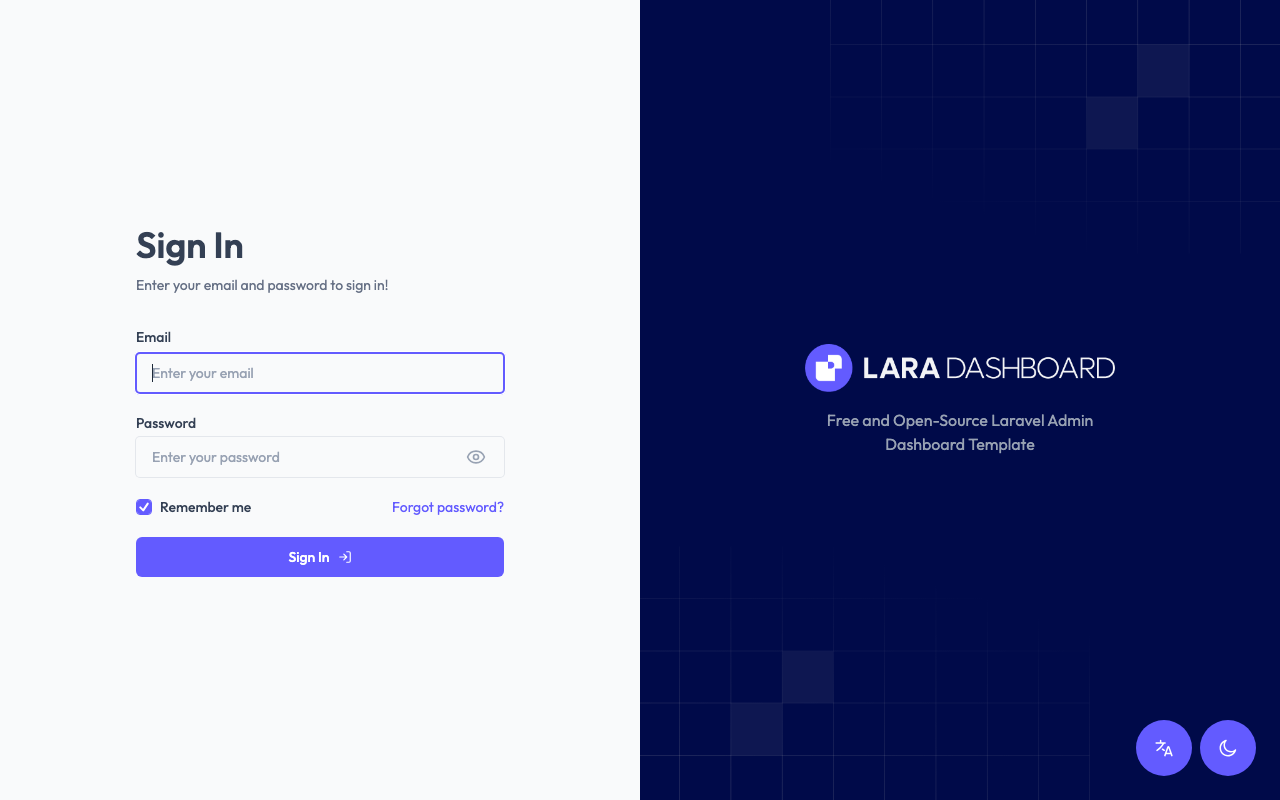
|
Forget Password Page (Dark Mode)
|
📊 Dashboard
|
Dashboard (Light Mode)
|
Dashboard (Dark Mode)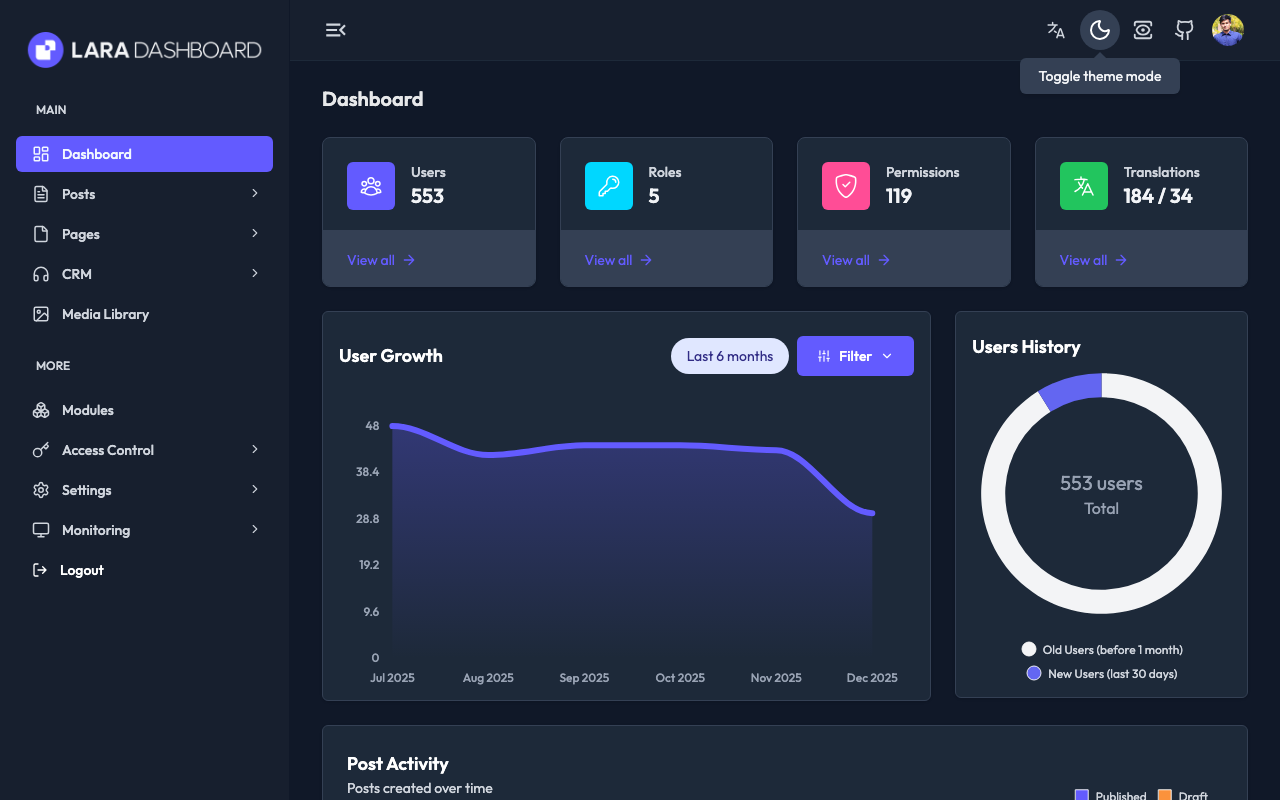
|
Dashboard Collapsed Sidebar
|
🔑 Role Management
Role List (Light Mode)
|
Role List (Dark Mode)
|
Role Create
|
Role Edit
|
Role Detail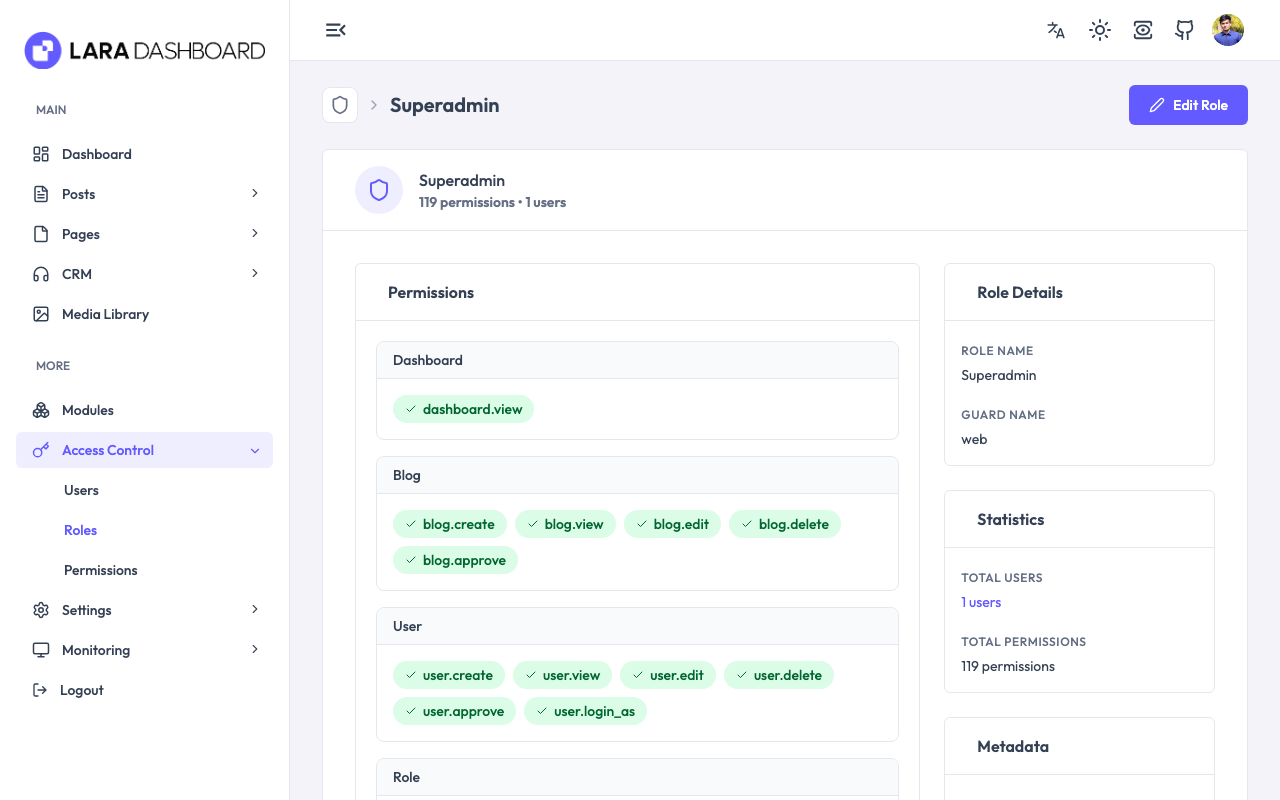
|
Permission List
|
Permission Detail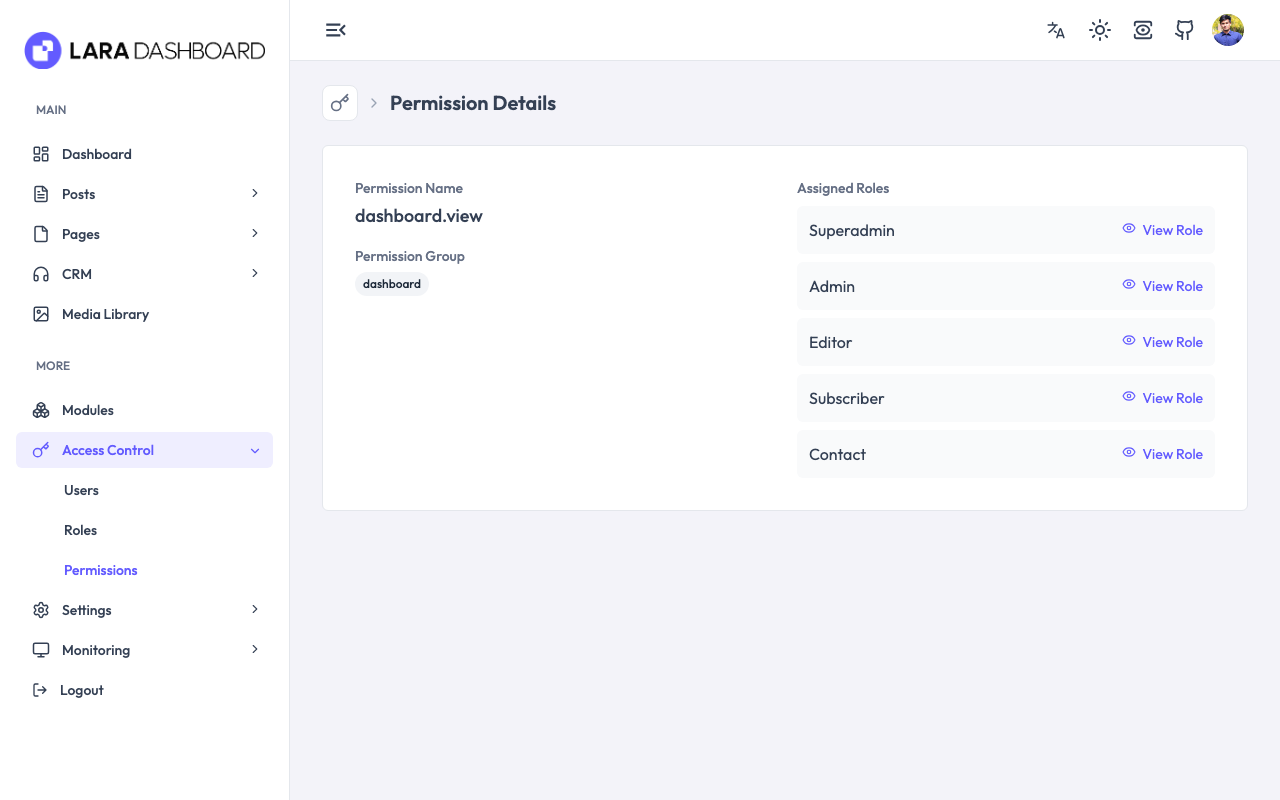
|
👥 User Management
Users List (Light mode)
|
User Create (Dark mode)
|
User Detail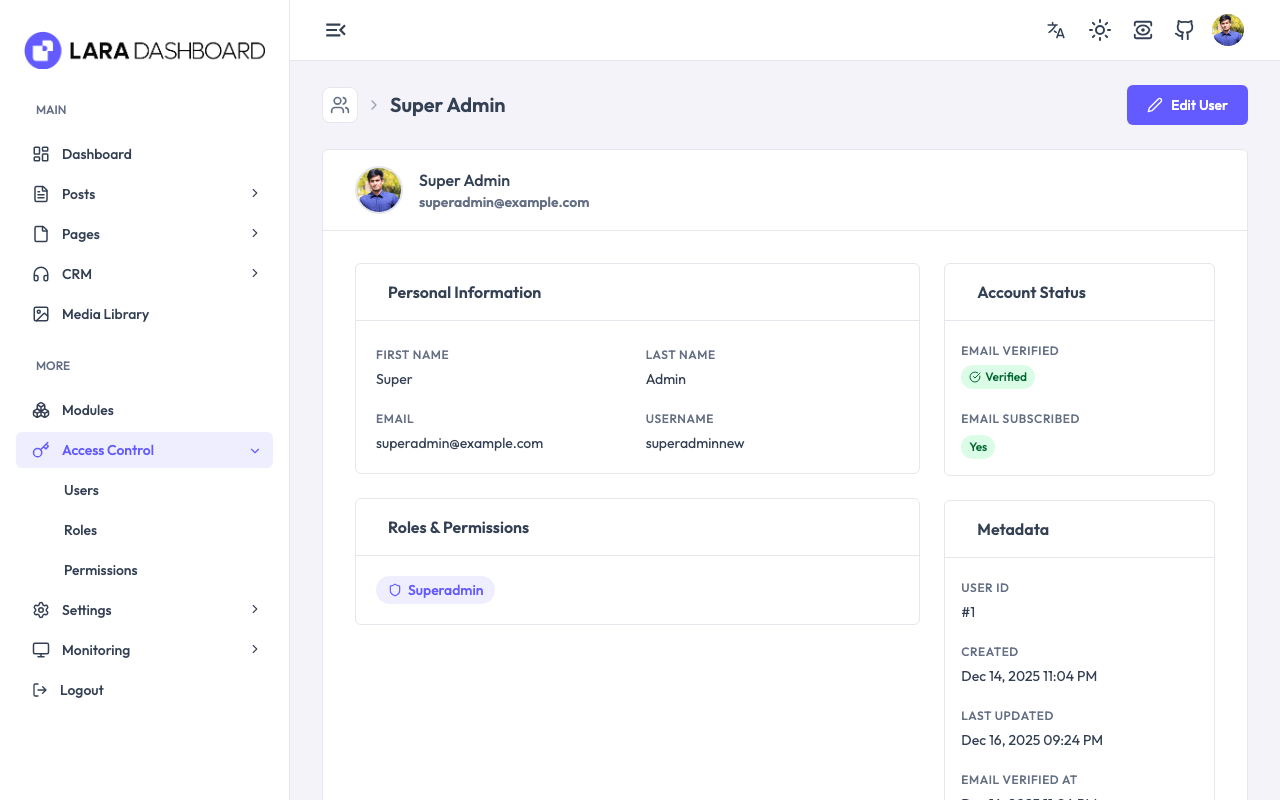
|
Profile Edit
|
User Delete
|
📝 Content Management - CMS
Posts List
|
Post Create
|
Pages List
|
Page Edit
|
Category List & Create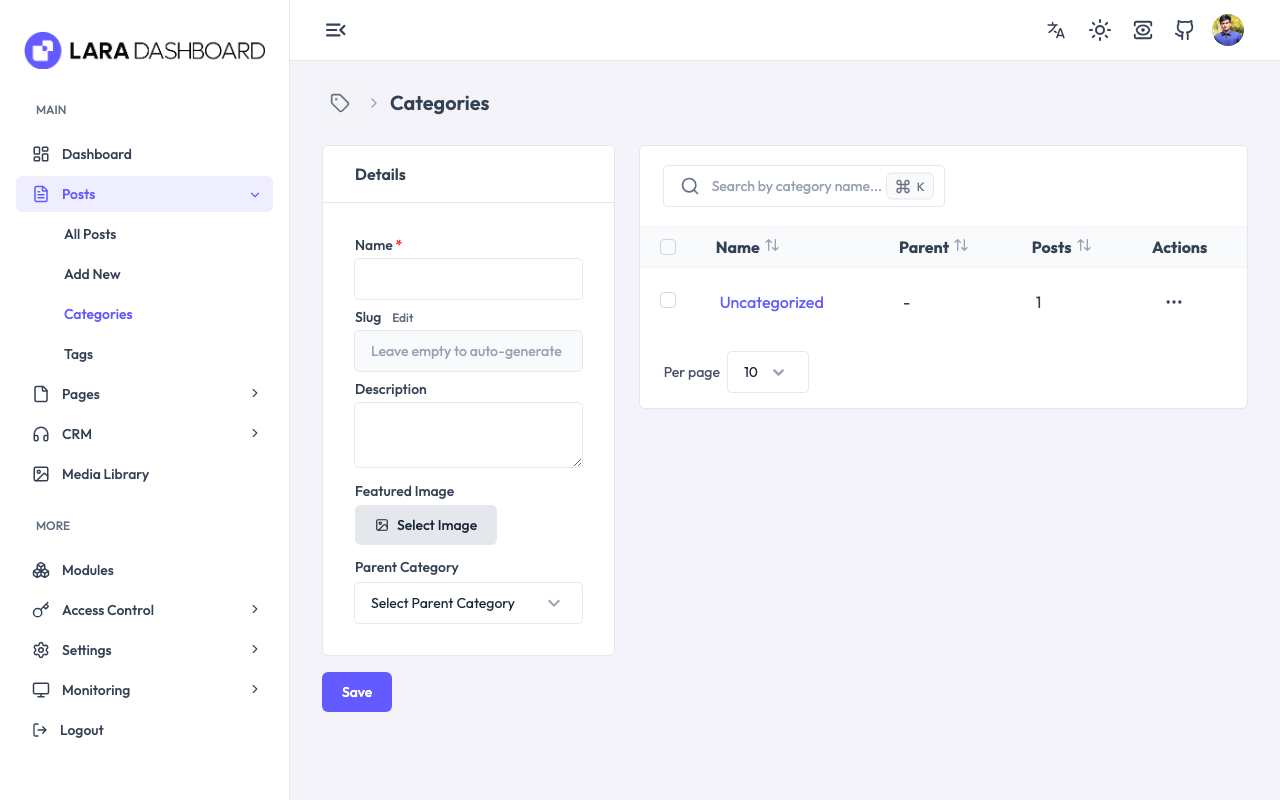
|
Category Edit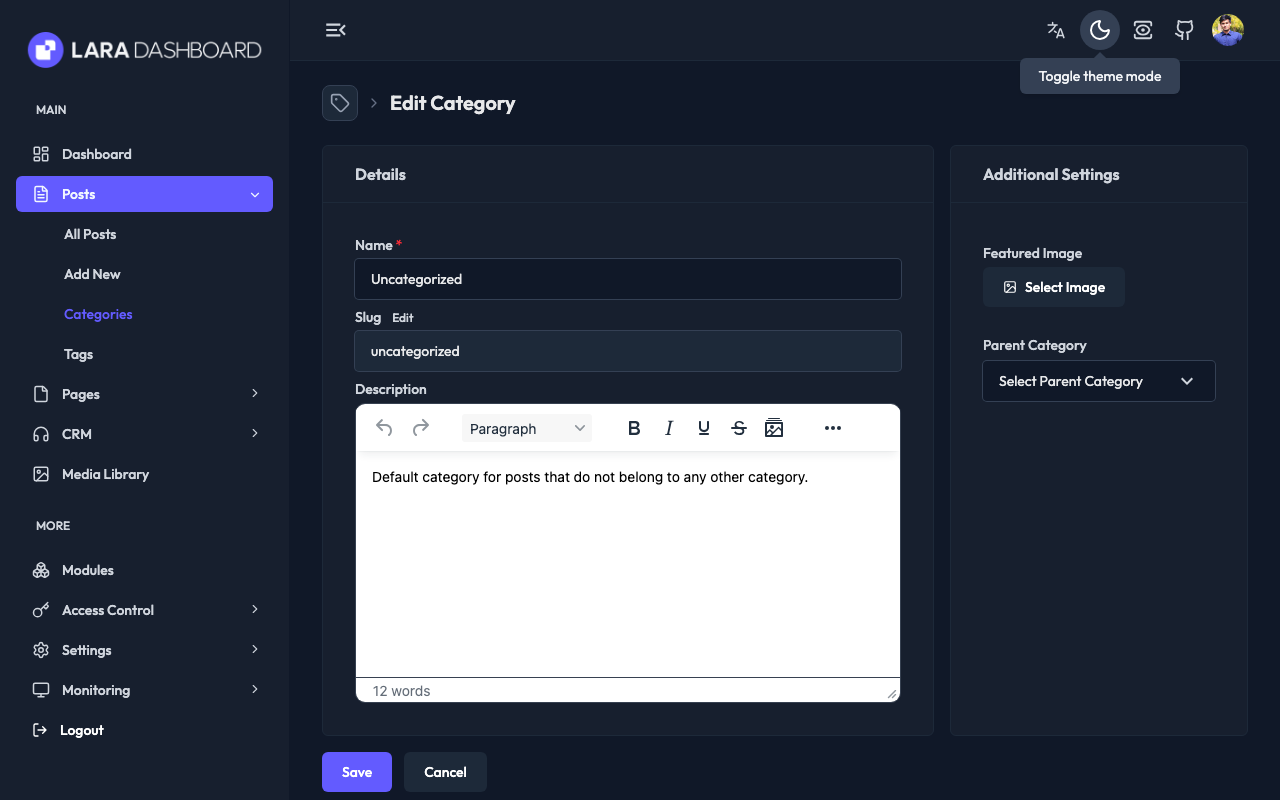
|
Tag List & Create
|
Tag Edit
|
📁 Media Management
Media List (Light Mode)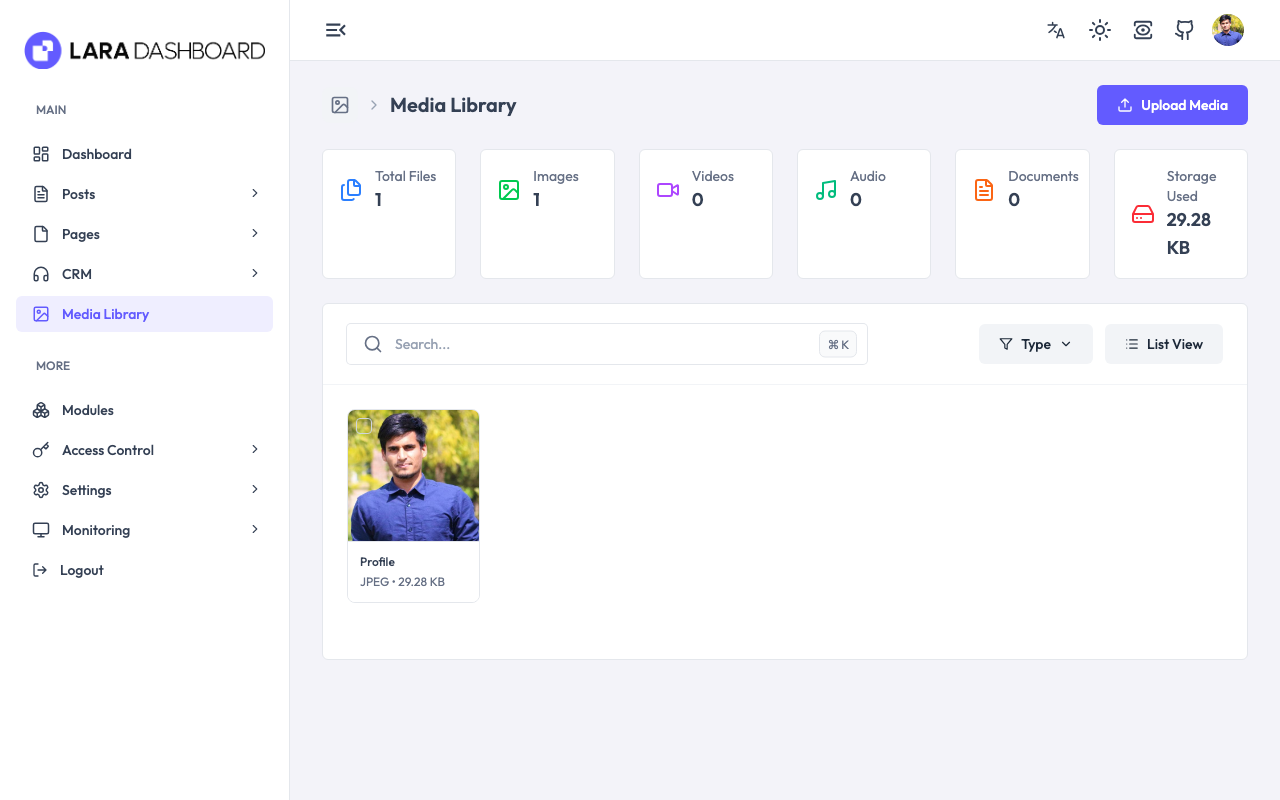
|
Media List (Dark Mode)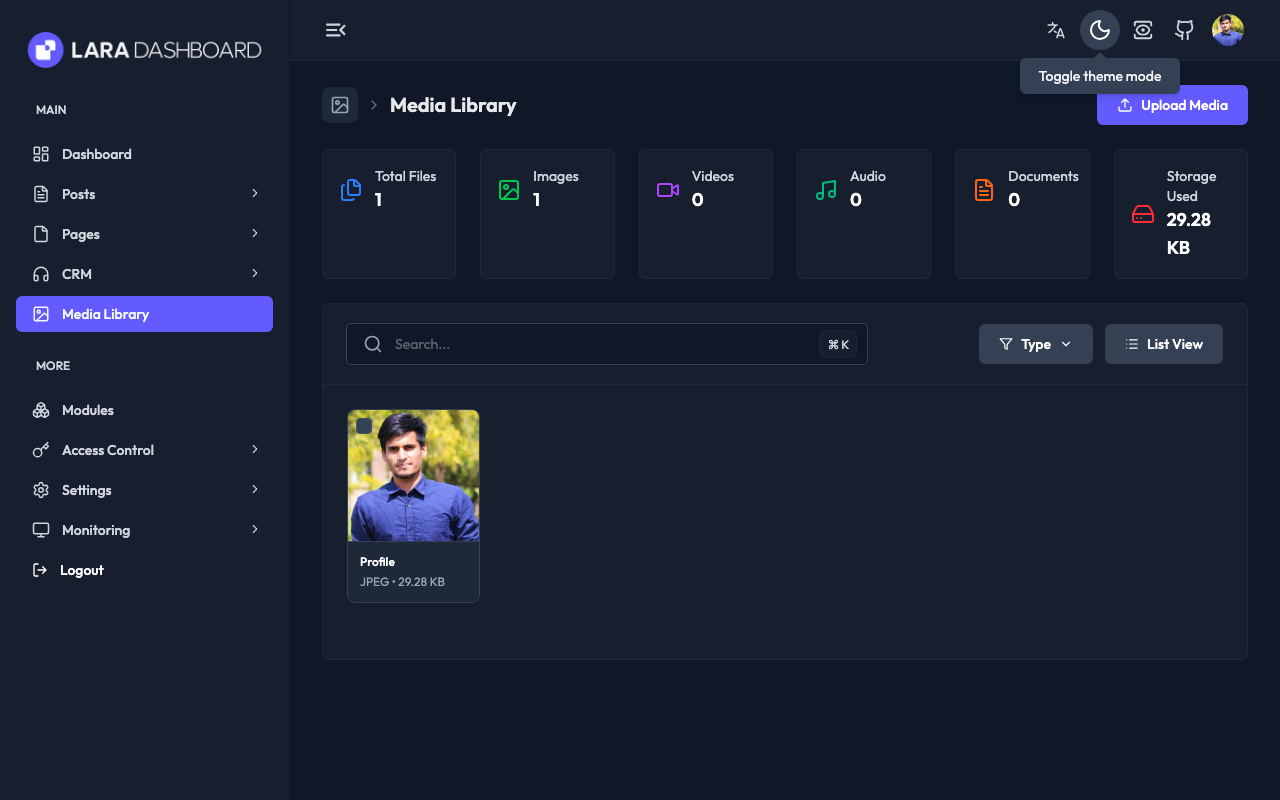
|
🤖 AI Content Generation
AI Providers Settings
|
AI Providers Settings
|
📧 Email Management
Email Connections
|
Email Templates
|
Email Template Create
|
Notifications Settings
|
🧩 Module Management
Module List
|
Install Module
|
Module Detail
|
⚙️ Settings Pages
General Settings
|
Site Appearance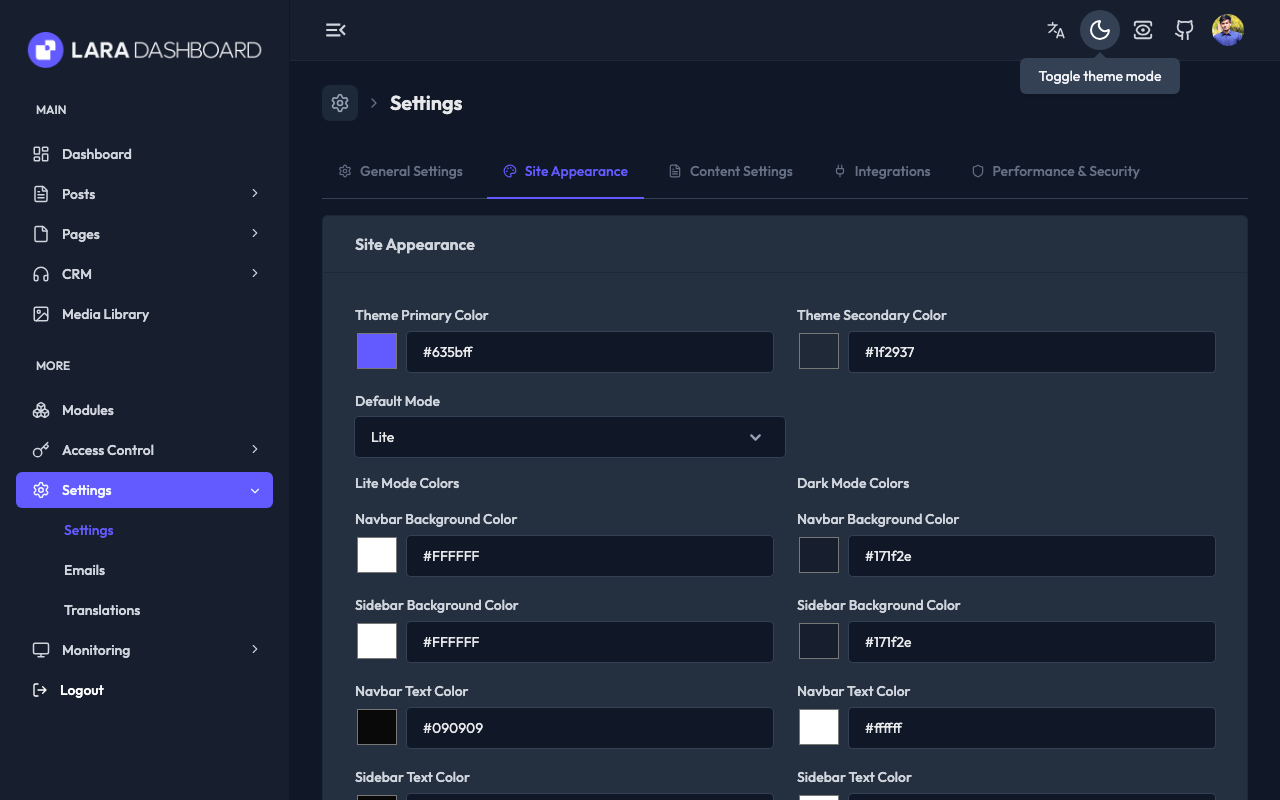
|
Content Settings
|
Integration Settings
|
Security Settings
|
🌐 Translations Pages
Translations List (Light Mode)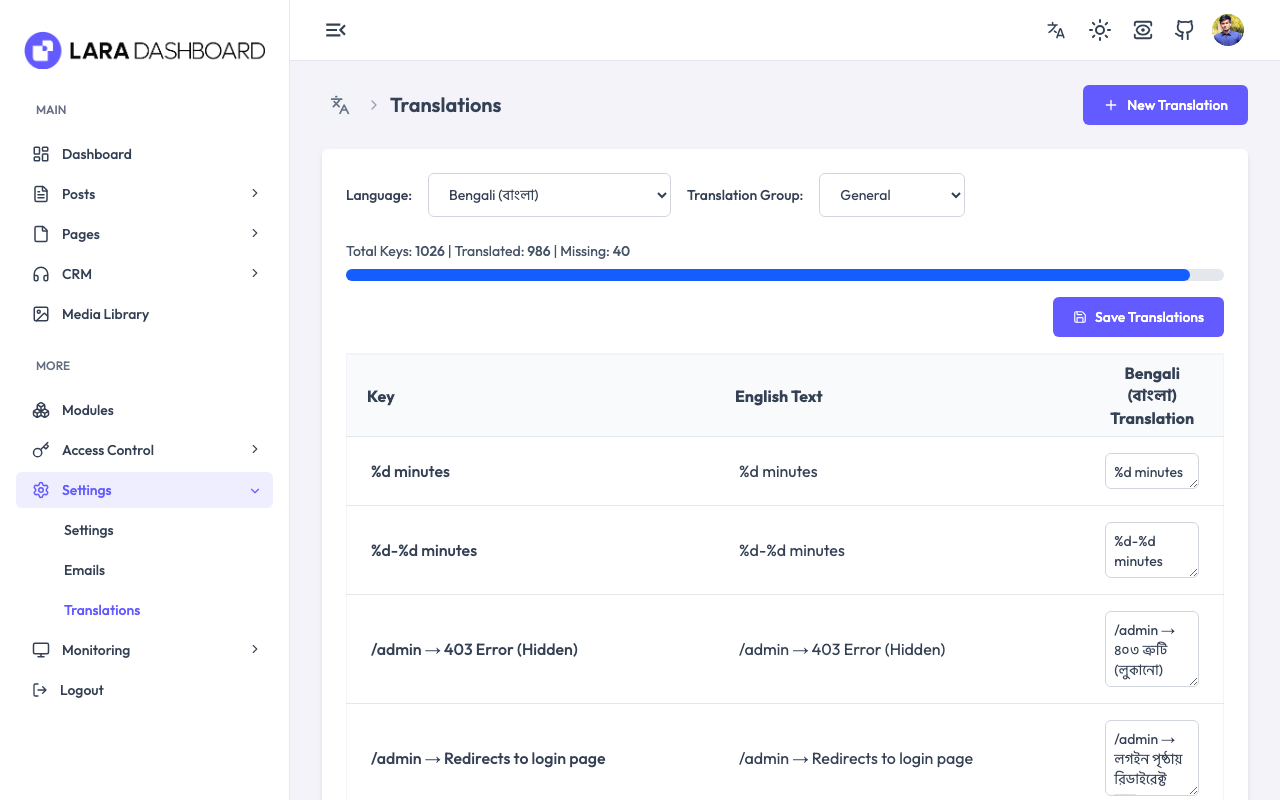
|
Translations List (Dark Mode)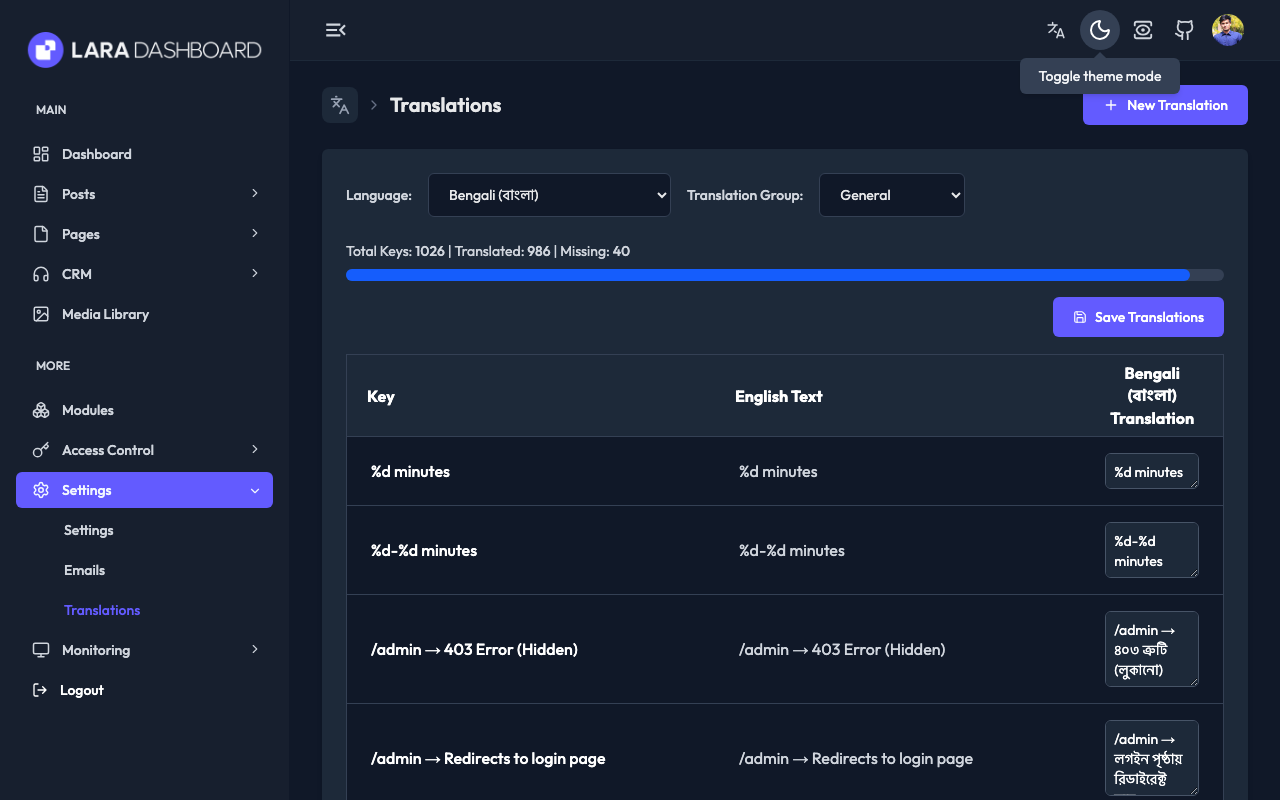
|
📊 Monitoring
Action Logs
|
Laravel Pulse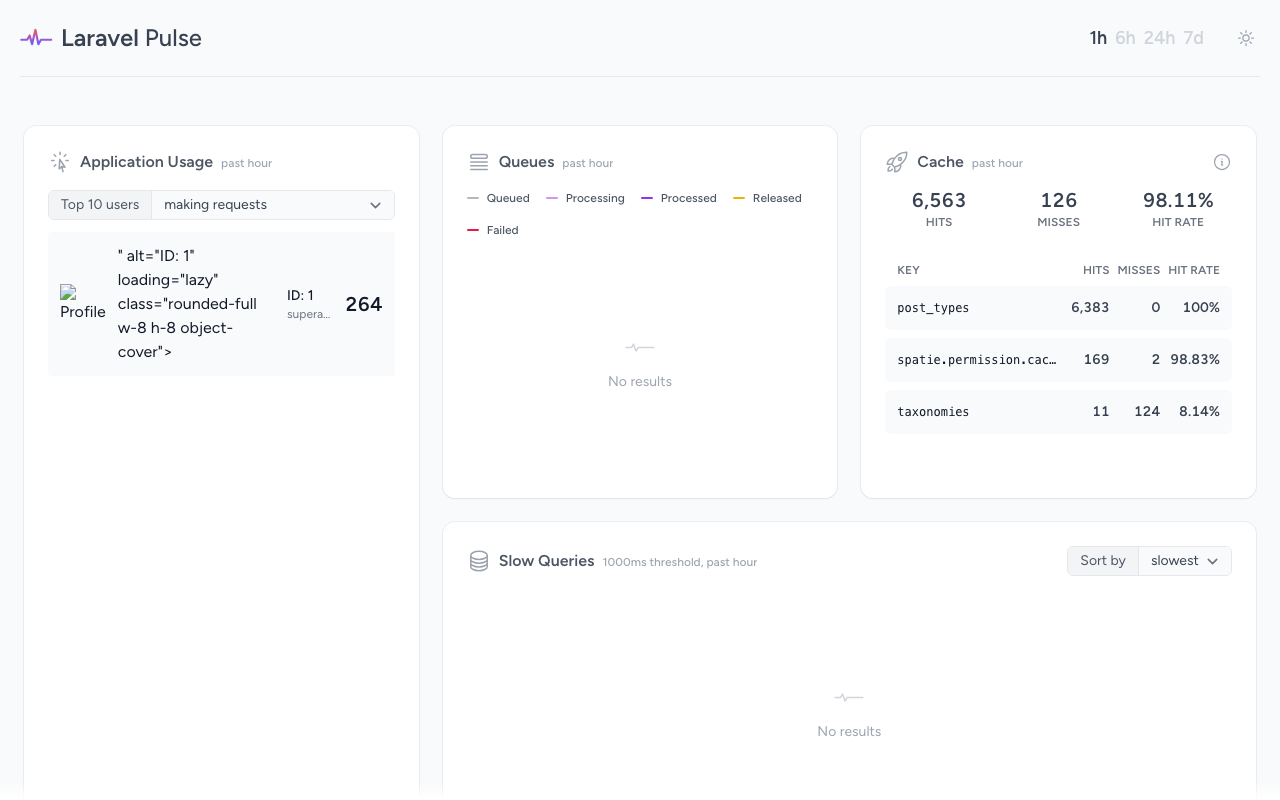
|
🧩 Rest API Management
Rest API
|
Rest API Login
|
🔧 Other Pages / Sections / Tests
Custom Error Pages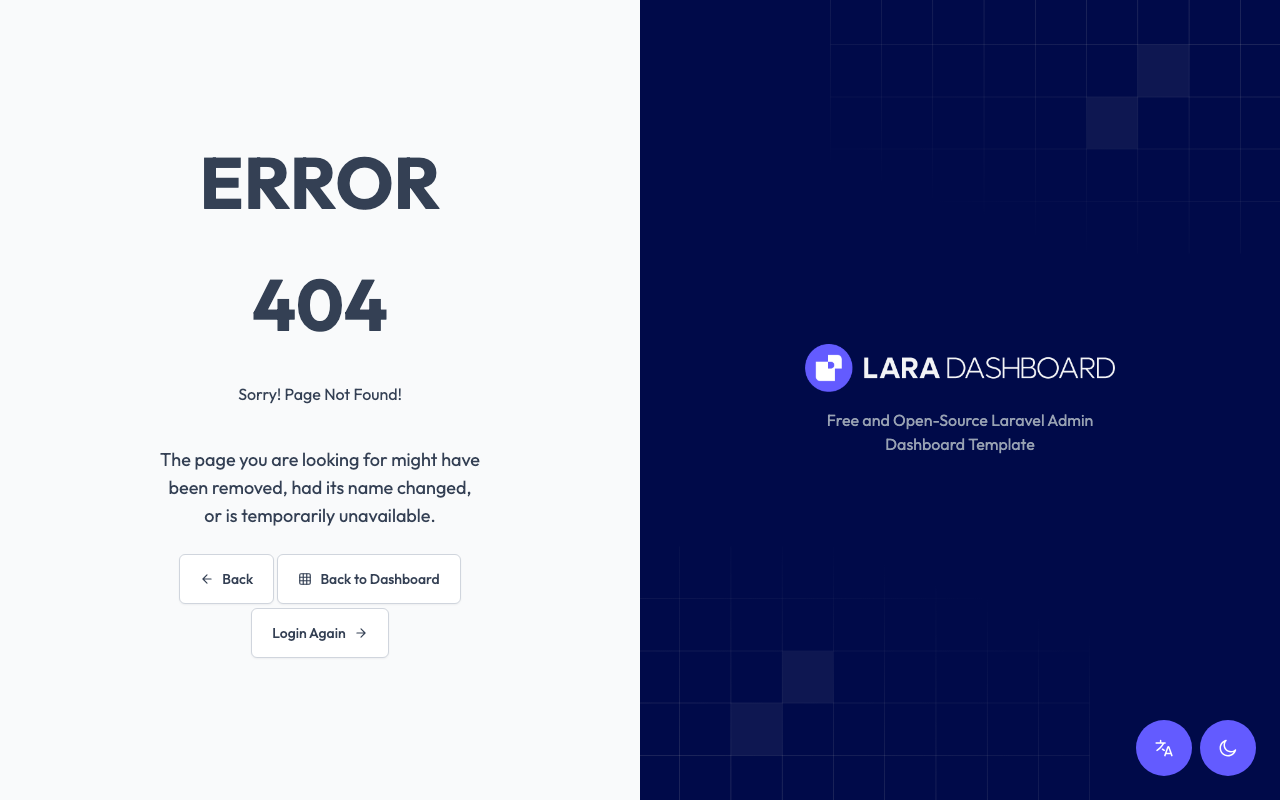
|
Post activity Chart
|
Pest, Pint, Rector, PHPstan tests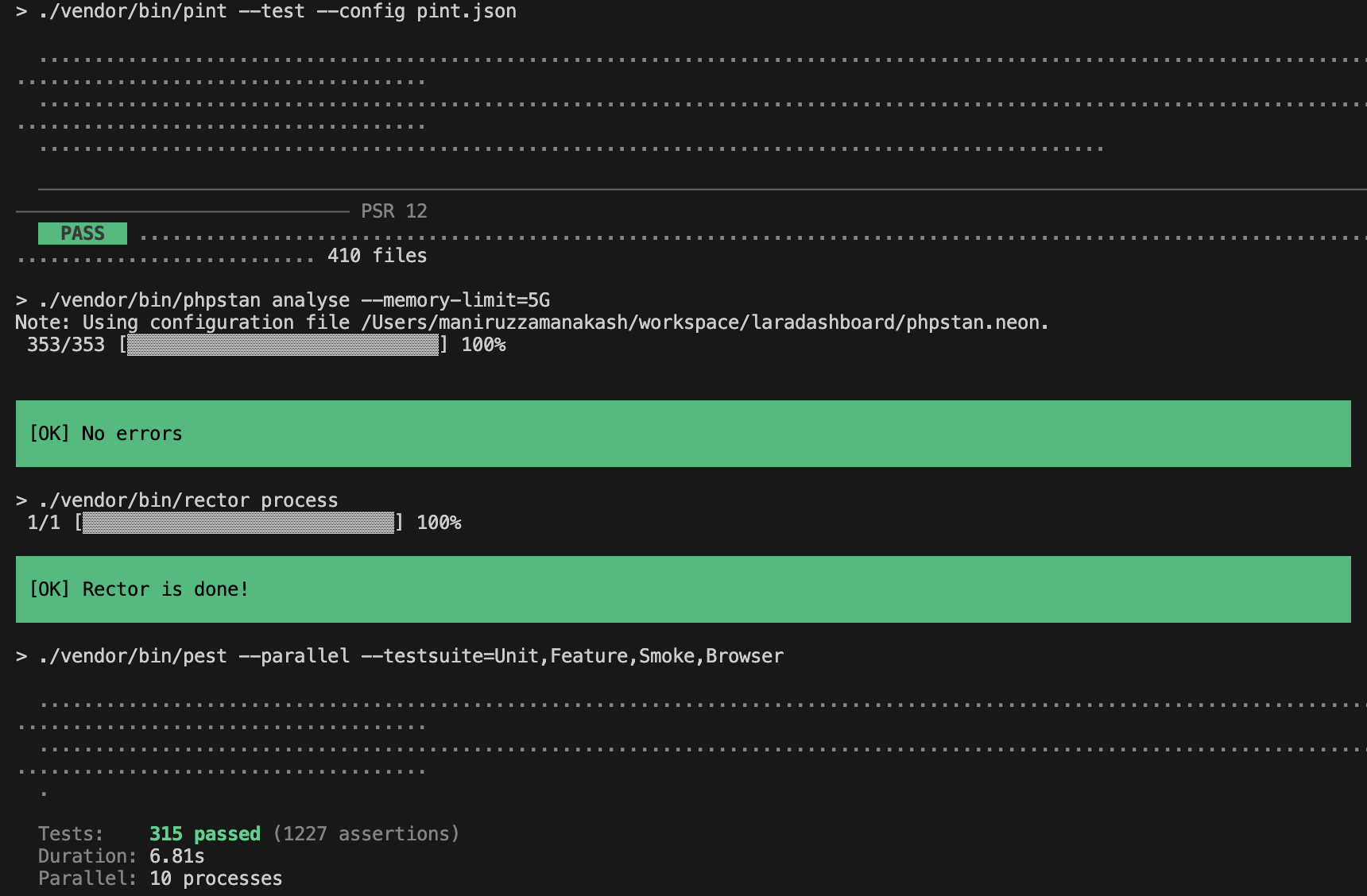
|
🔗 Live Demo
https://laradashboard.com/try-demo/
✨ Premium Features
Visit laradashboard.com for premium modules — CRM, HRM, Course Management, Project Management and more. Each premium module ships with the same CRUD generator, hooks, and test scaffolding as the core.
🧩 Core modules
- Task Manager - https://github.com/laradashboard/TaskManager - Basic Task Manager module for Lara Dashboard | Standard Starter Module for Lara Dashboard.
- User Avatar - https://github.com/laradashboard/UserAvatar - A very simple module create an avatar for a user. Handle migration, entries/updates in user forms and so on.
📦 Module Development
Lara Dashboard uses nwidart/laravel-modules for modular architecture. Modules are self-contained packages with pre-compiled assets - no npm required on the server.
Quick Start
# Create a new module
php artisan module:make Blog

# Build and package for distribution
php artisan module:zip Blog
# Output: Blog-v1.0.0.zip
Learn module development documentation
CRUD Generator
Rapidly scaffold complete CRUD operations with a single command.
php artisan module:make-crud Blog --model=Article --fields="title:string,author:string,content:text,is_published:boolean"
What gets generated:
- ✅ Model with fillable fields and casts
- ✅ Datatable with sorting, searching, pagination
- ✅ Index, Show, Create, Edit Livewire components
- ✅ Blade views with breadcrumb navigation
- ✅ Routes (index, create, show, edit)
- ✅ Sidebar menu item
Learn more CRUD generator documentation
Installing Modules
Via Web UI: Upload ZIP at Modules → Install Module (assets publish automatically)
Via CLI:
unzip Blog-v1.0.0.zip -d modules/
php artisan module:enable Blog
📖 Full Module Development Guide - Covers module structure, Tailwind CSS setup, building, packaging, and best practices.
👥 Contributing
Want to contribute? Fork the project, make your changes, and submit a pull request. Even small improvements to documentation are appreciated!
Please be sure to read our Contribution Guide before submitting your PR.
➶ Coding Standards
✨ Following a consistent coding standard ensures code quality, readability, and easier collaboration for everyone. 📏 Please be sure to read our Contribution Guide before submitting your PR.
🌟 Top contributors:
✩ Growth Story
💖 Support
If you like my work you may consider buying me a ☕ / 🍕
Go to Patreon📞 Connect
- Join Facebook Community (For any questions, latest updates) - https://www.facebook.com/groups/laradashboard
- Linkedin Community - https://www.linkedin.com/groups/14690156
- Youtube channel (For tutorials) - https://www.youtube.com/@laradashboard
- Maniruzzaman Akash - @LinkedIn | [email protected]