

Features | Screenshots | Getting started | Configuration | Technologies and tools | License
Learnin TODO Roadmap
New features and bug fixes for later time.
- Add import/export users (.csv)
- Create multiple users (and generate password)
- Add avatars and course thumbnails
- Add availability to reset password
- Add new course/task on dashboard
- ...
Bugs and improvements
- After editing user by admin it should not redirect to user's page
- Fix input border in searchable selects
- Do refactor:
- abandon principle "fat model, thin controller" and make services
- Extend docker compose by worker queue for cleaning generated zips directory + add crontab file
- Update all dependencies
- Migrate to NGINX and add PHP-FPM
- Write unit tests (Pest/PHP Unit)
About
LearnIn is the next generation learning management system. Provides constant monitoring of students in the progress of teaching. Create courses and tasks, issue grades for students, check uploaded files by students, add course and task referential files, generate statistics, and more. Powered by Laravel Framework for backend, Vue.js for frontend and MariaDB for database.
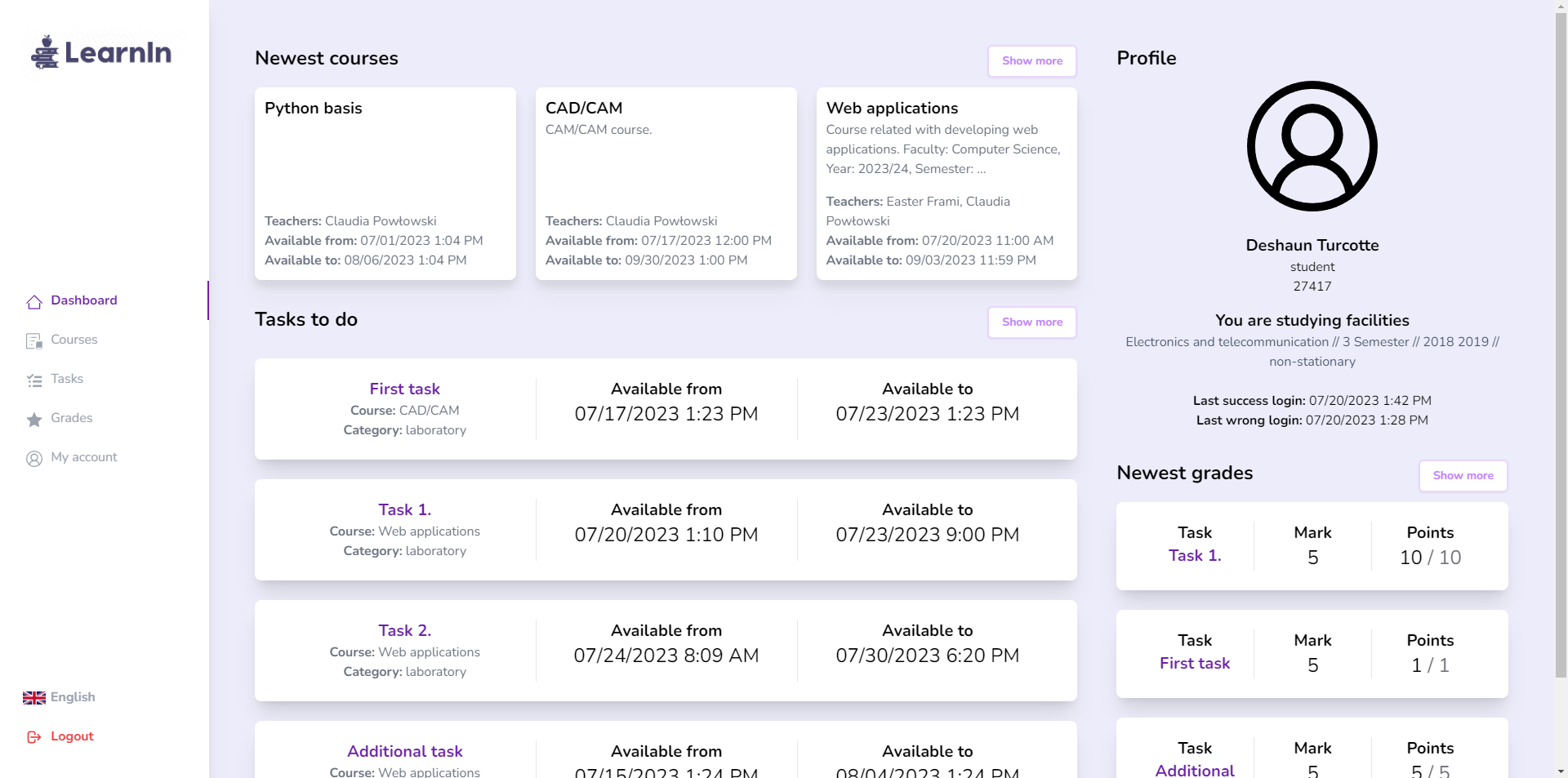 LearnIn dashboard
Features
- provides three types of user: administrator, teacher and student
- create courses and assign users them
- create categories to the course
- create tasks related with course categories
- issue grades for students
- easily assign new users to the course
- watch uploaded files by students and download .zip with all files
- upload course files (ex. lectures, books, etc.), task referential files (ex. instructions, executable programs, etc.) and student file to the task
- administration panel for managing all courses, users and tasks
- generate students marks statistics from specific task or whole course category
- user-friendly, responsive layout
- multilingual support (available now: English and Polish)
Screenshots
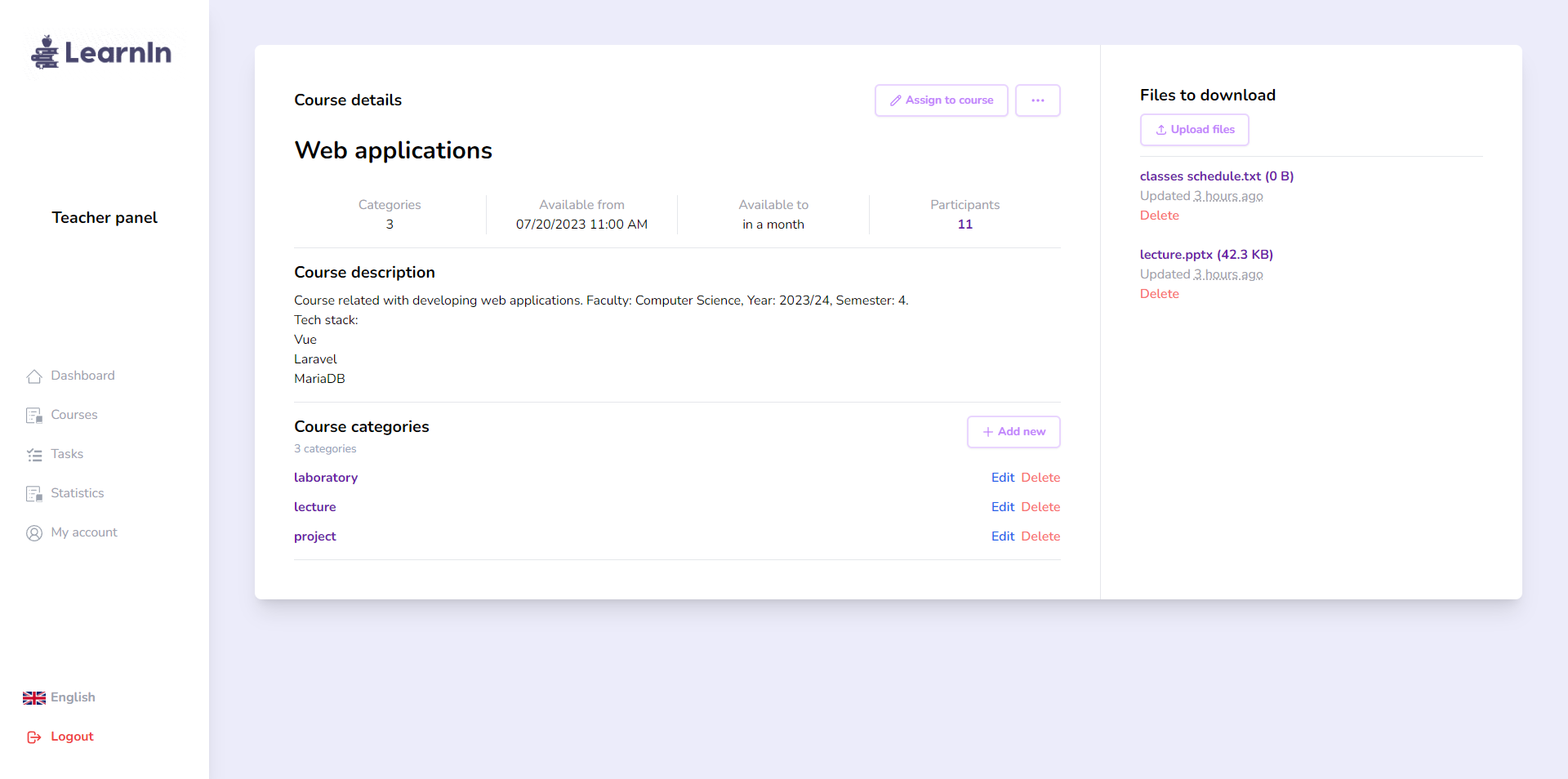
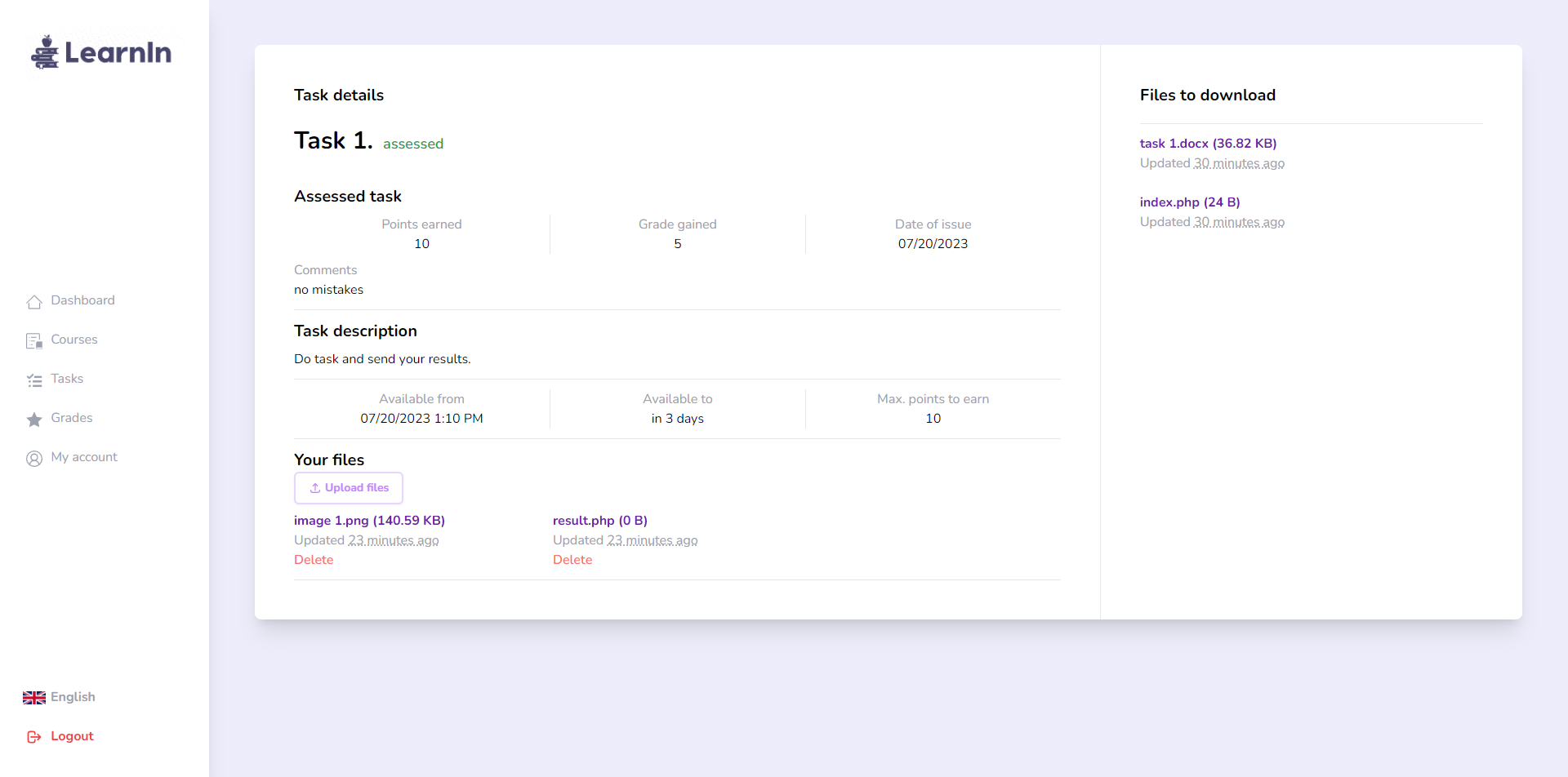
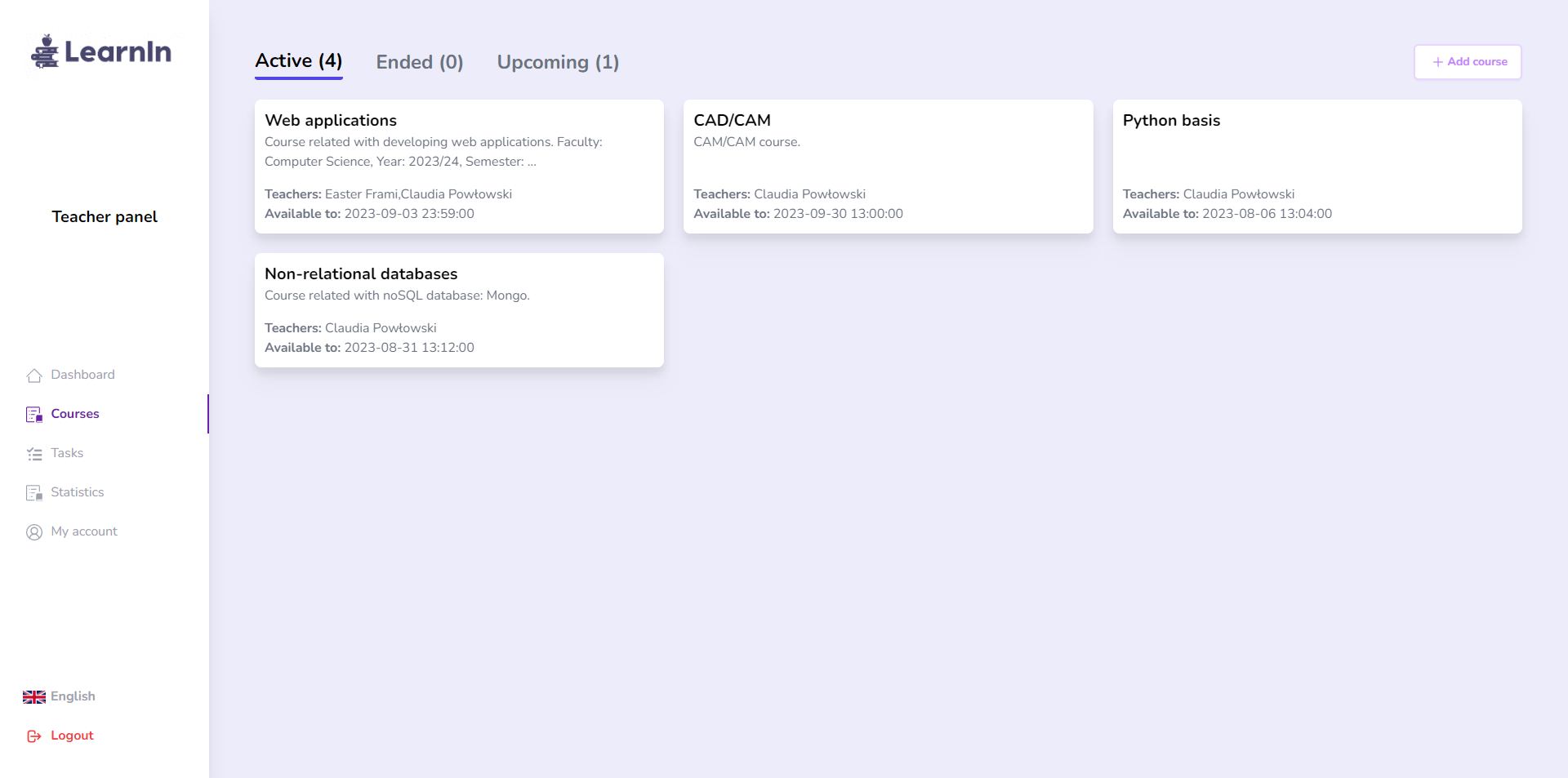
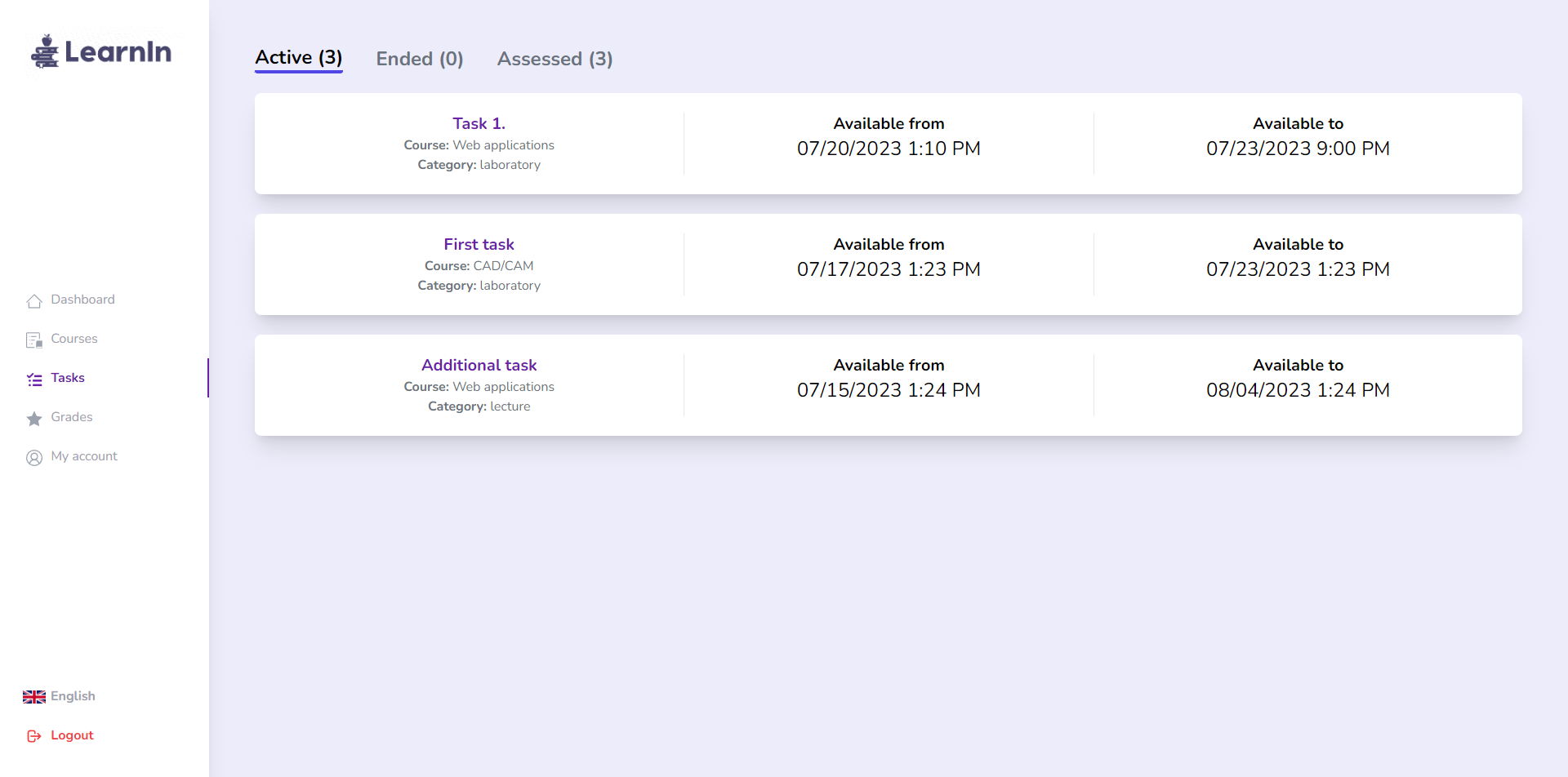
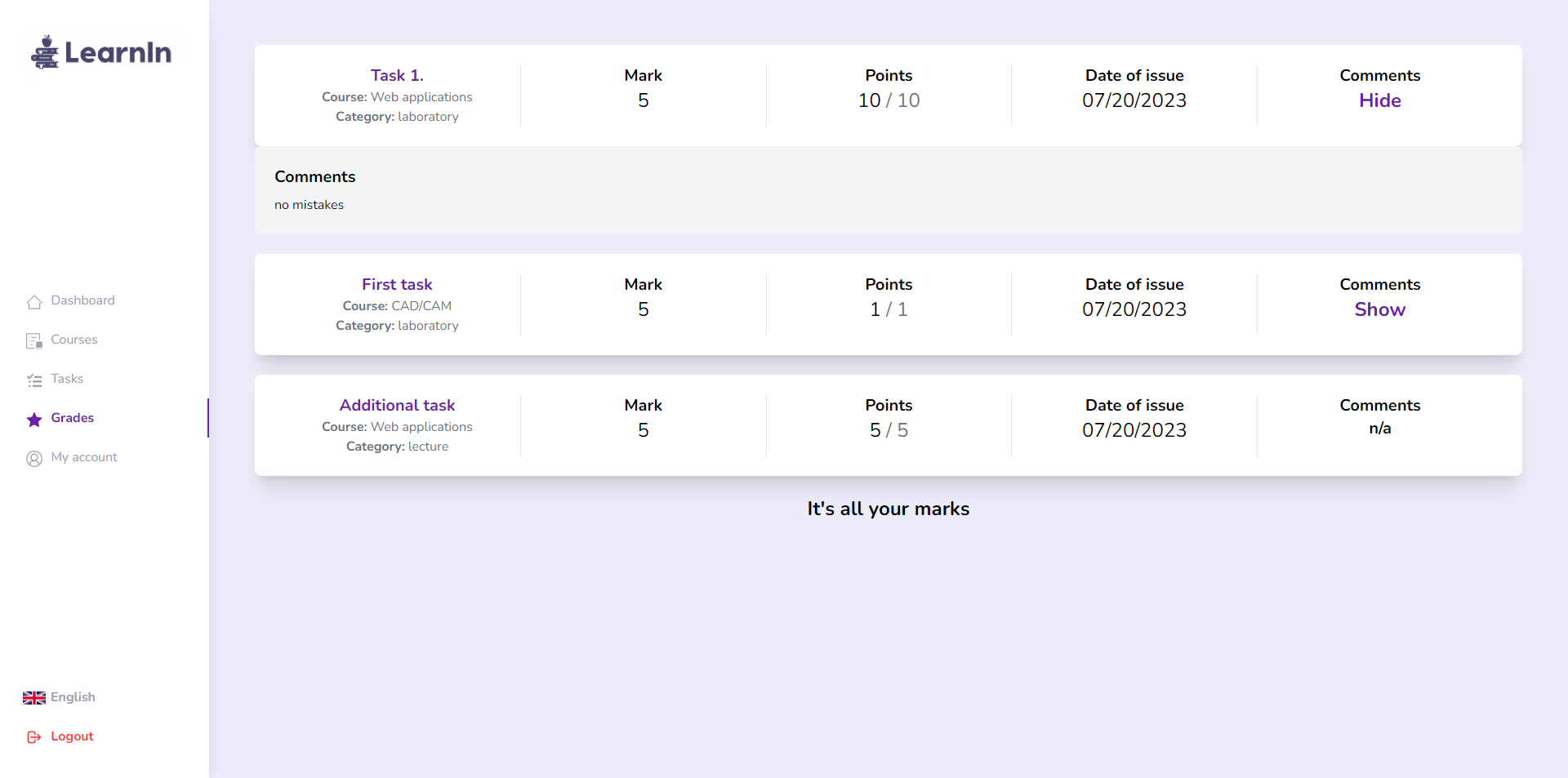
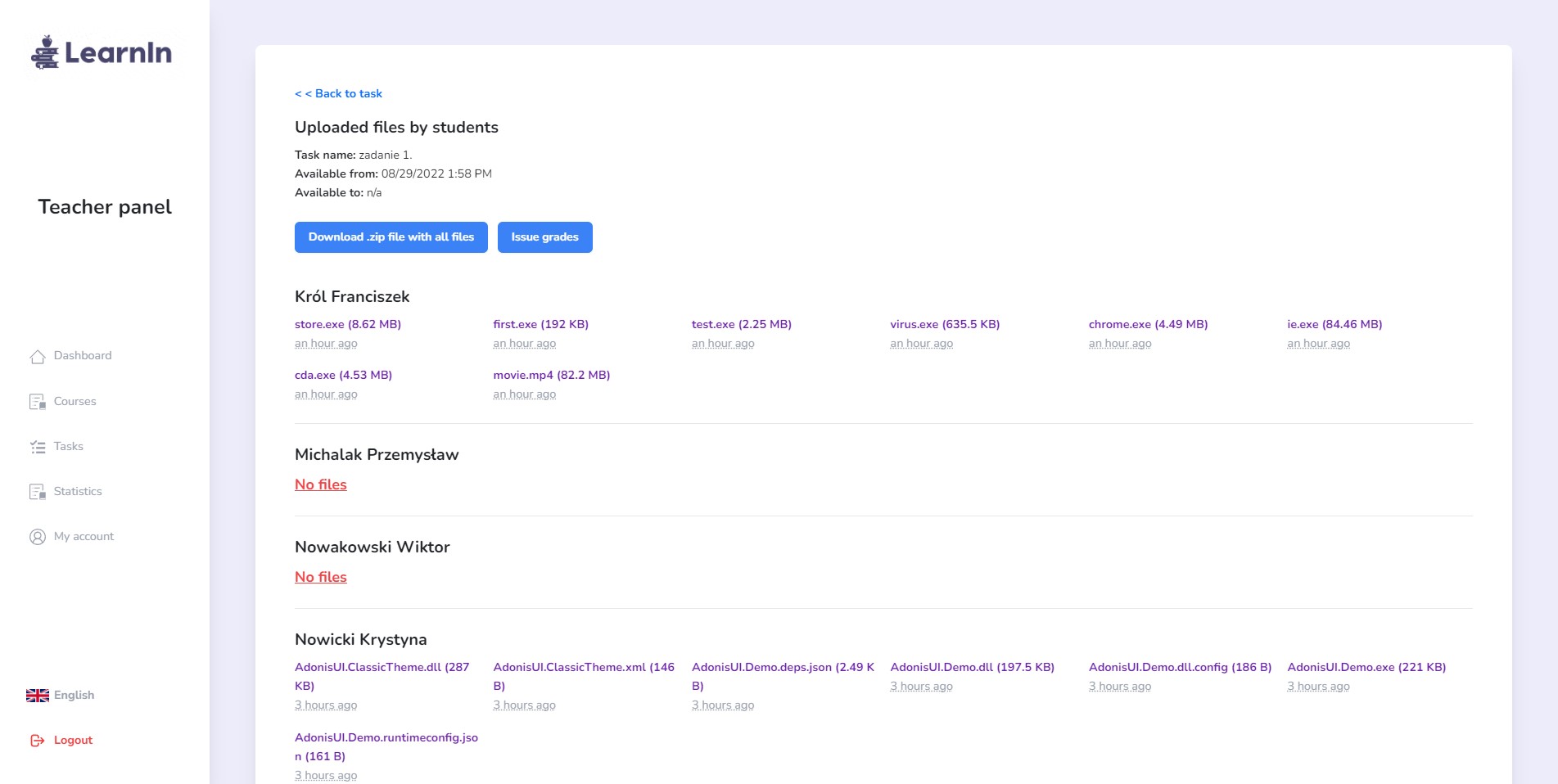
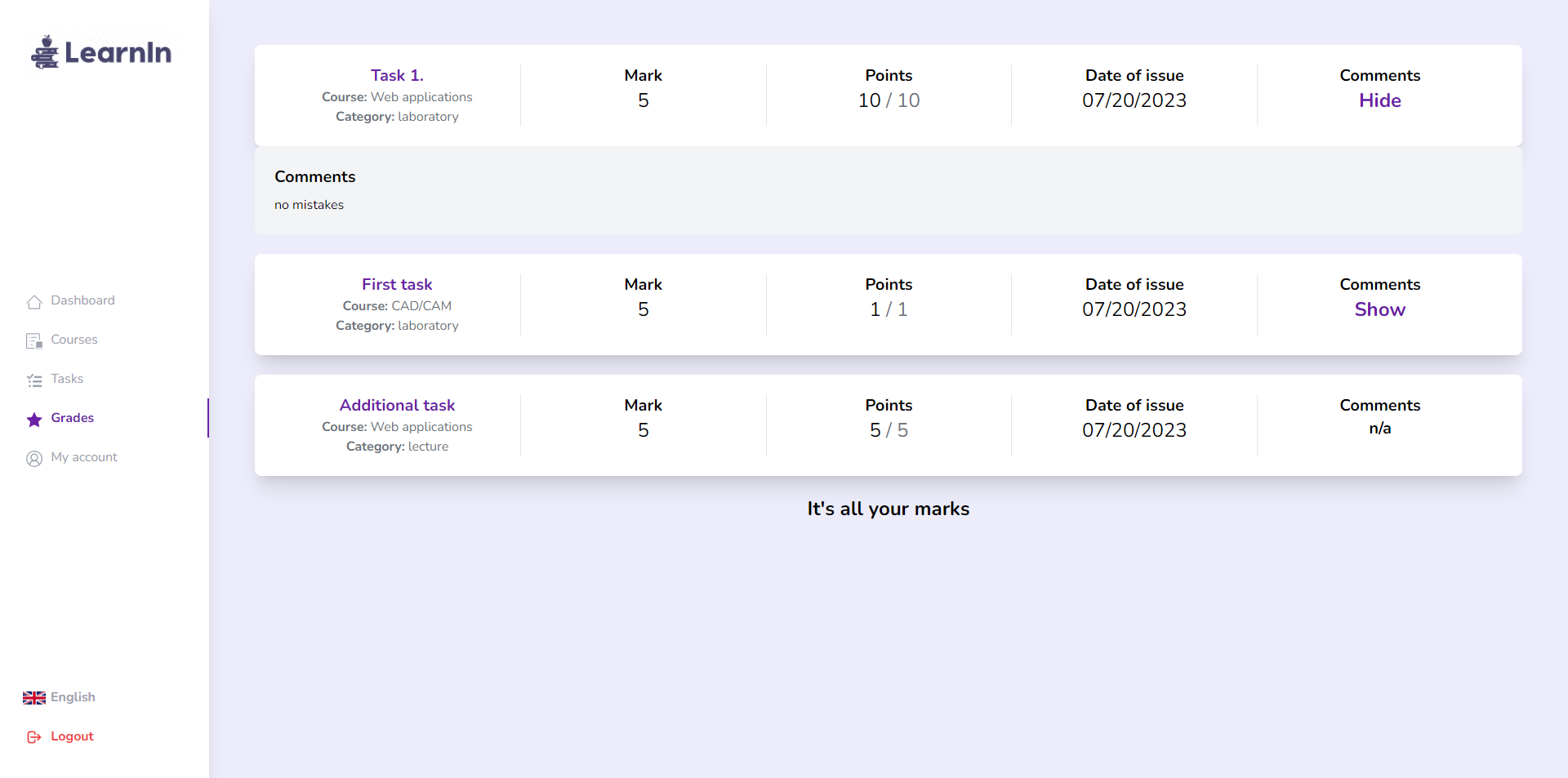
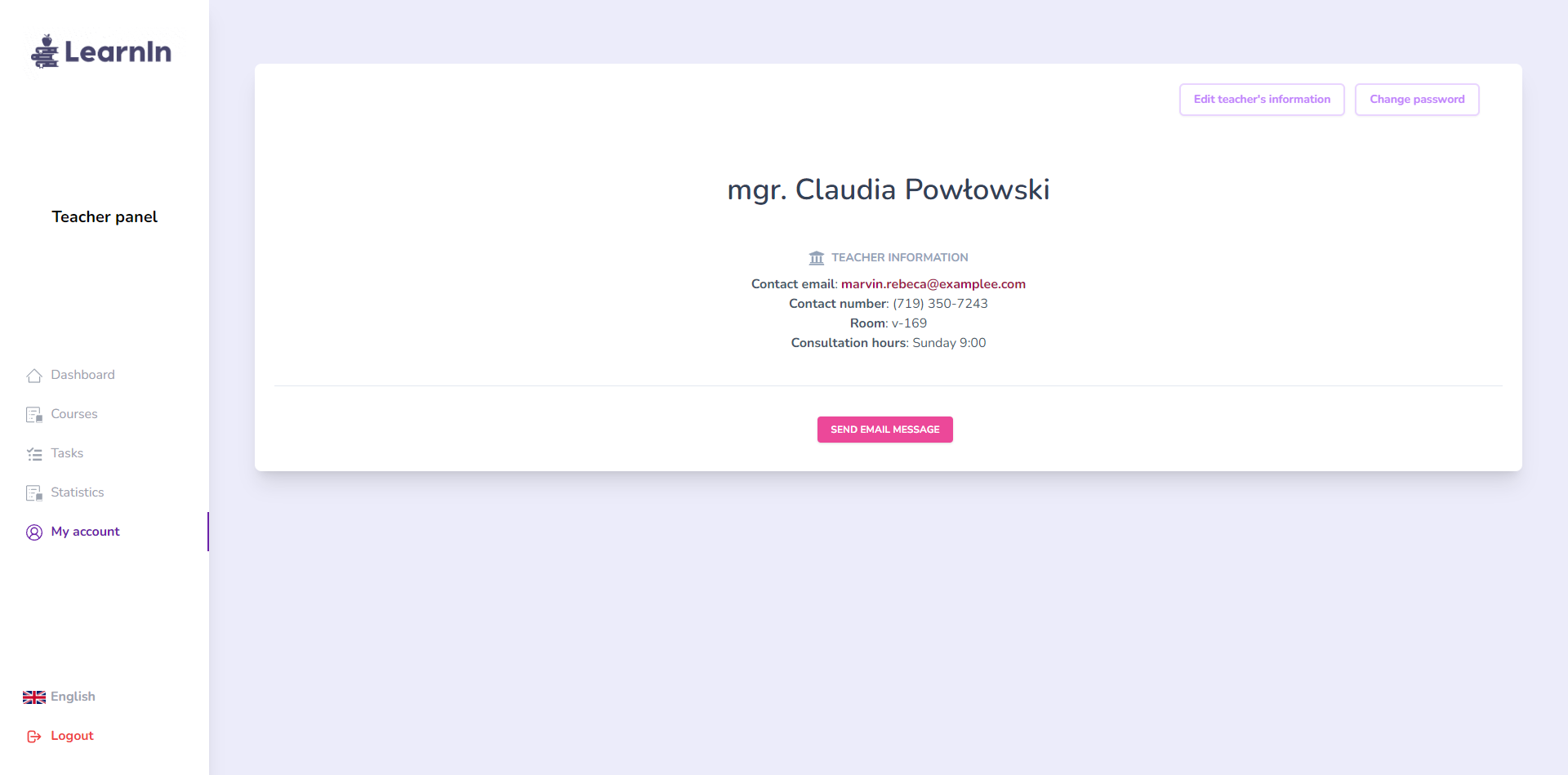
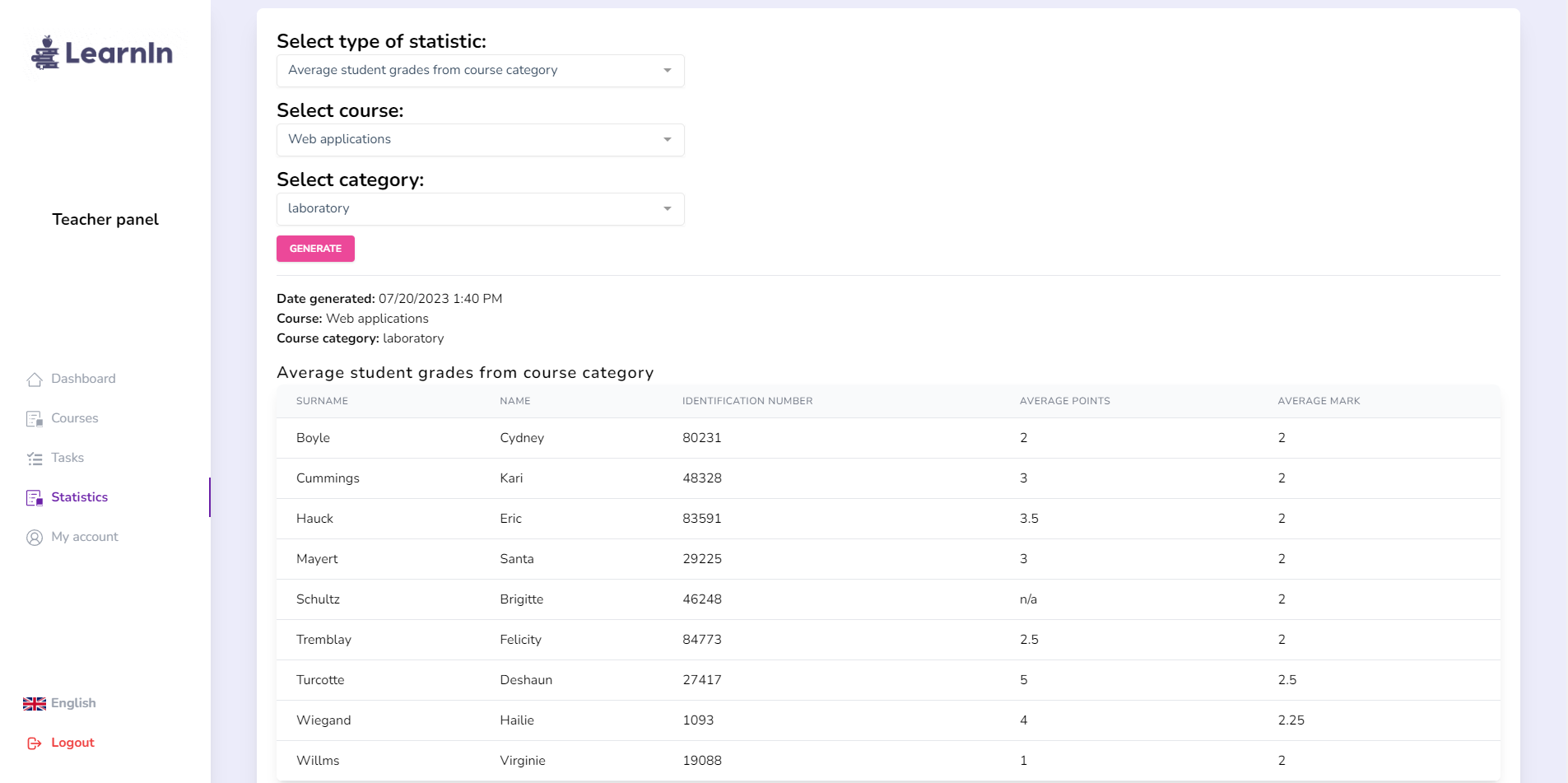
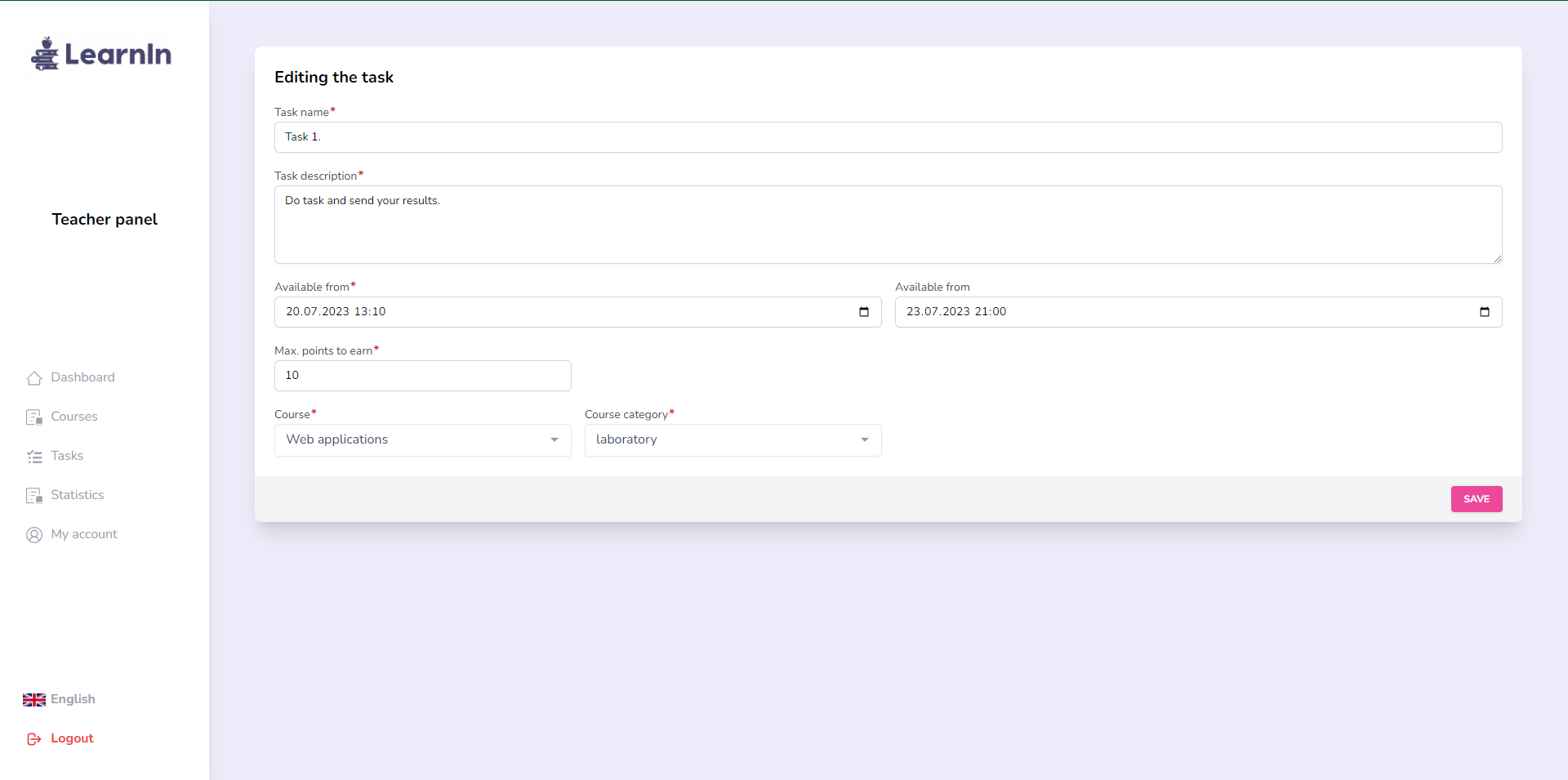
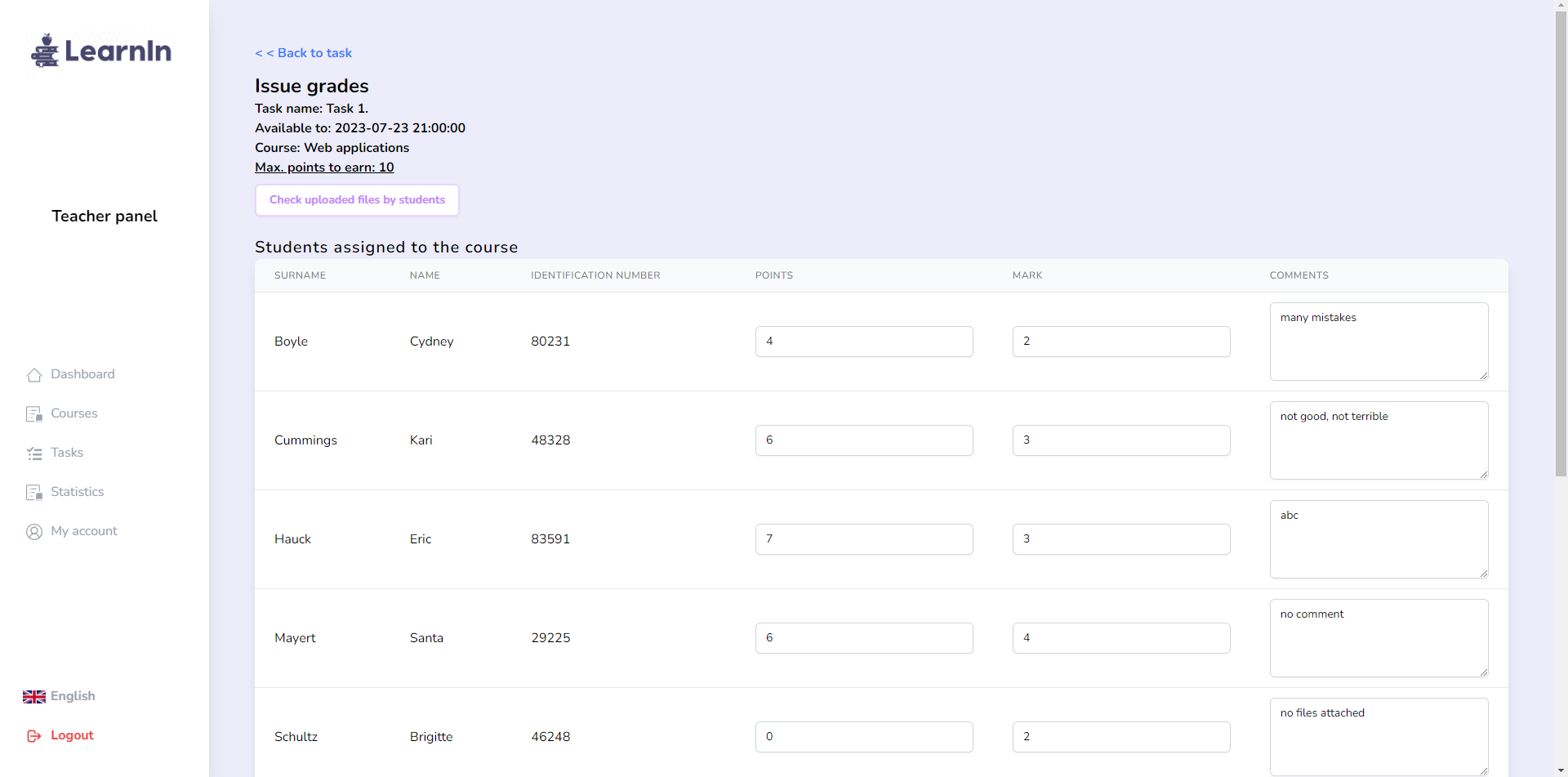
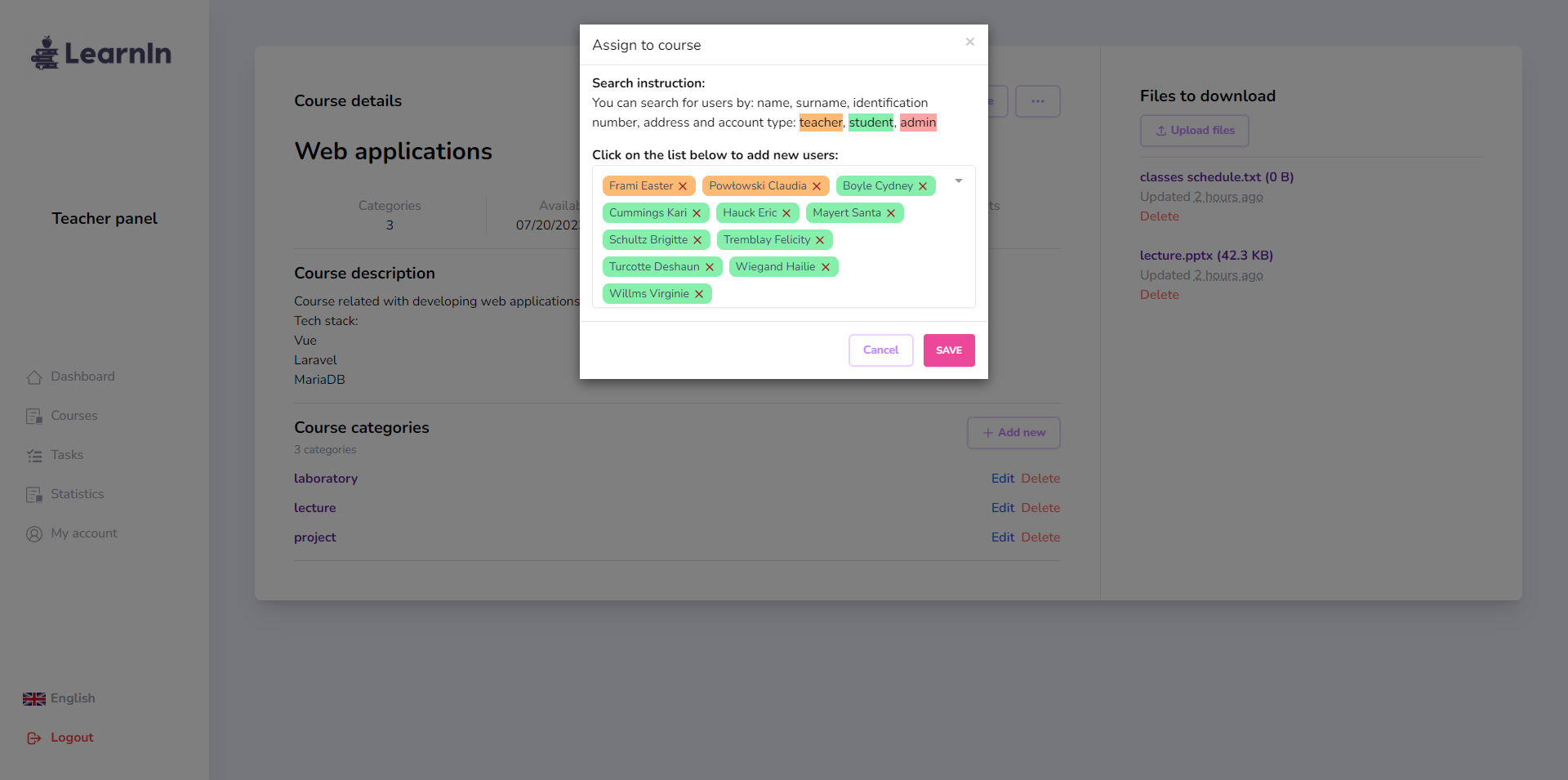
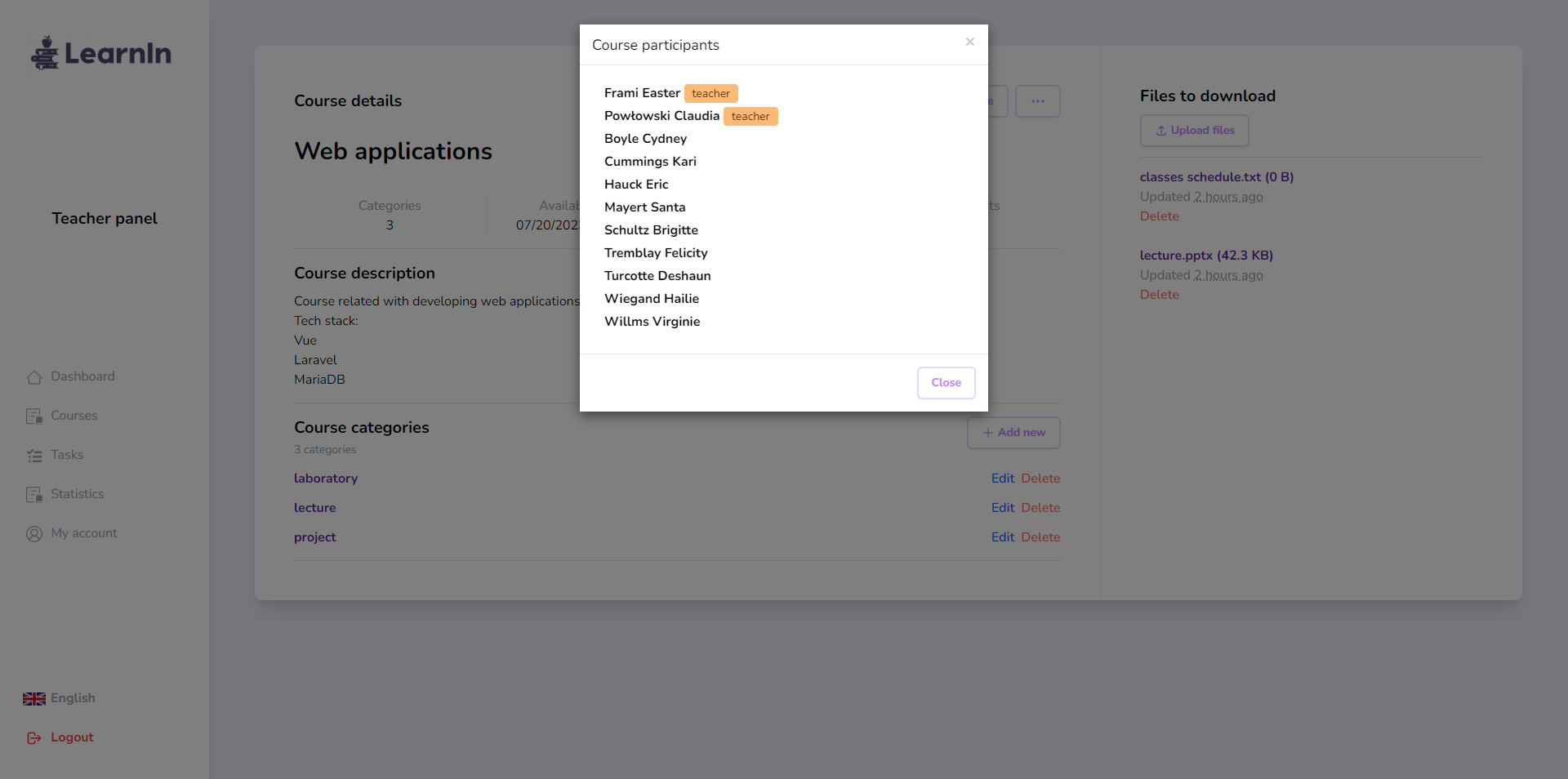
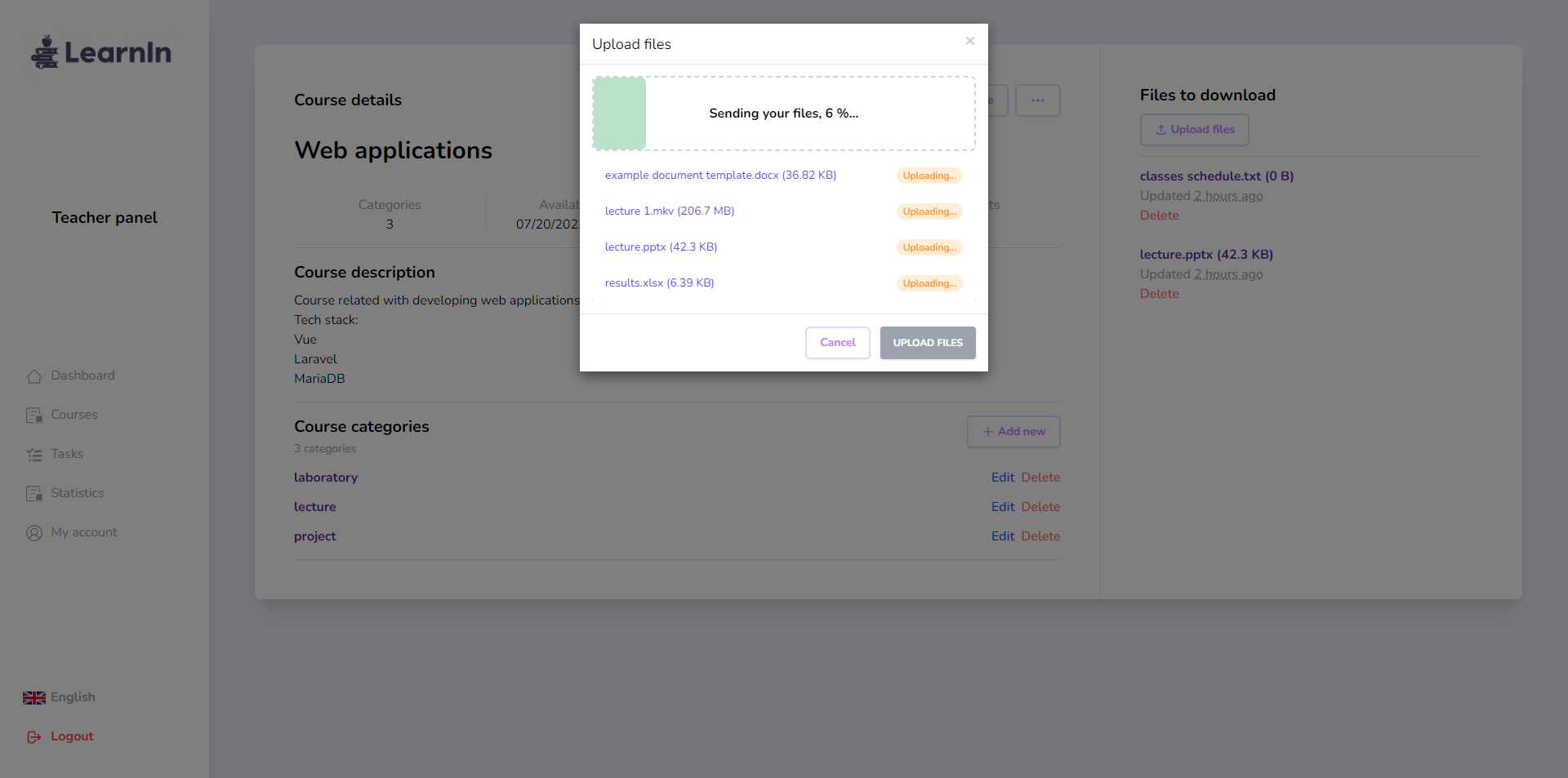
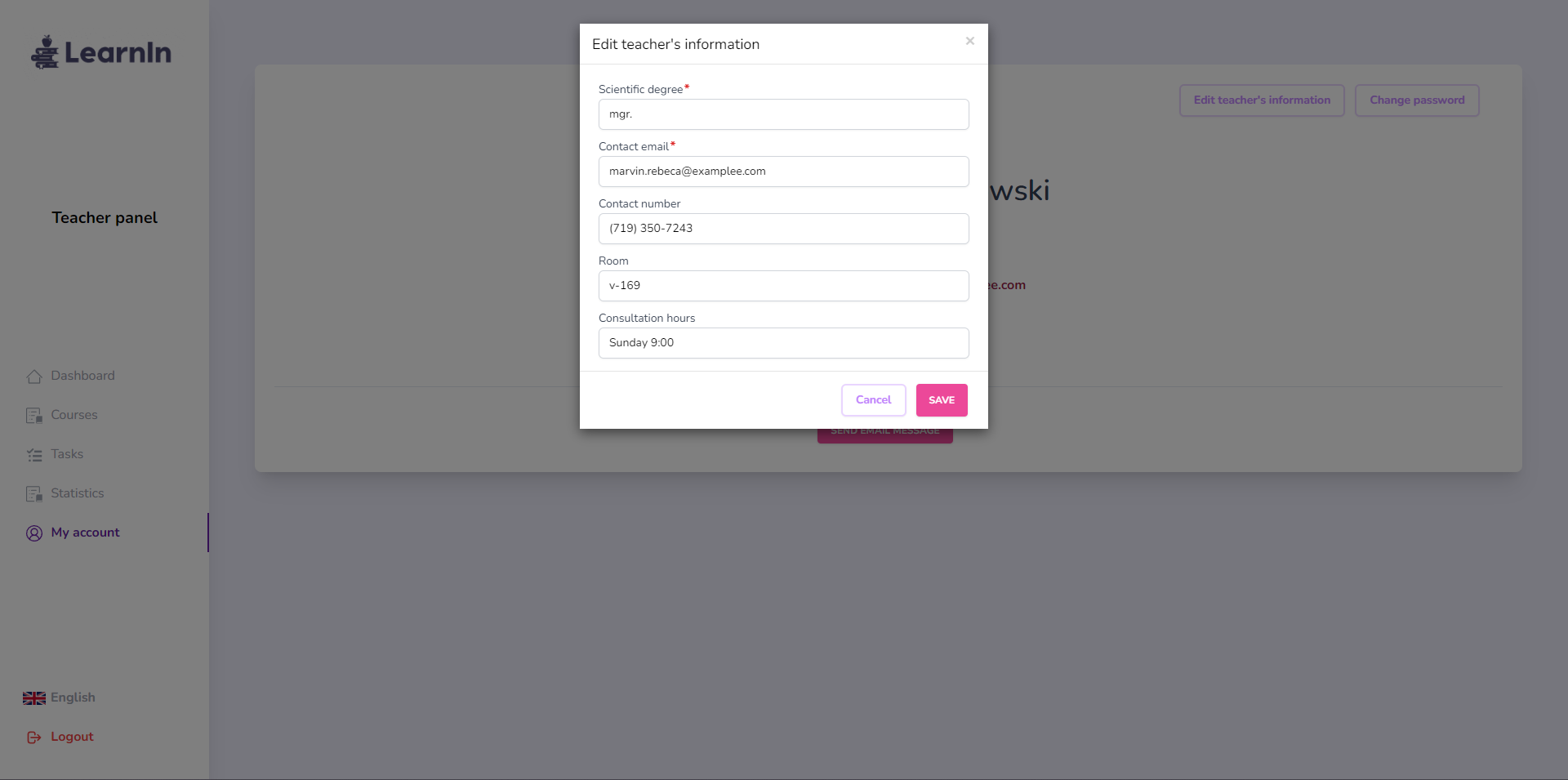
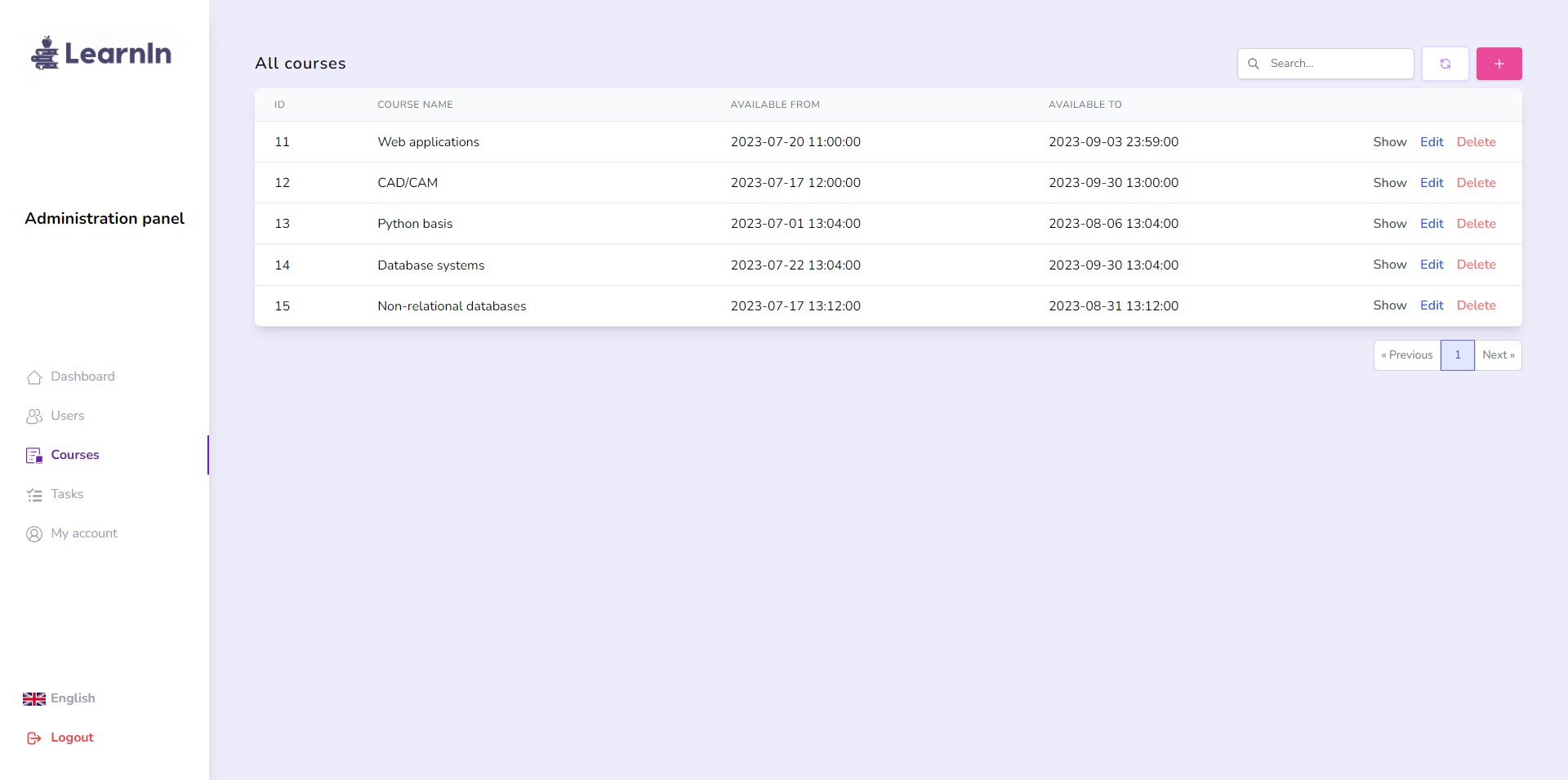
Getting started
Full installation guide for most users with requirements was described in Standard installation.
There are three ways to deploy LearnIn:
- production - for most users, prepared to deploy on your web server,
- development - for feature development,
- docker - docker environment.
Configuration
You can configure the project by your own needs. To do this, open .env file (cloned from .env.dev or .env.prod or .env.docker) and change parameters.
-
It's highly recommend to run the scheduler (that cleans old generated .zip files by teachers every 3 hours):
In Docker:
docker exec -it app sh -c "php /var/www/html/artisan schedule:work"
Locally:
php artisan schedule:work
Used technologies and tools
- HTML5
- PHP Laravel Framework v10.15.0
- MariaDB
- Apache
- Tailwind CSS v3.3.3
- Vue 3 and libraries:
- Vuex
- Axios
- Lodash
- laravel-vue-i18n
- vue-router
- DayJS
- vue-multiselect
- vue-toastification
- vue3-popper
- vuejs-paginate-next
- vue-modal
- Docker and Docker Compose
- bundler: Vite
- IDE and tools: Jetbrains PHPStorm, Postman, Jetbrains DataGrip
License
Distributed under the MIT License.