Lettura
Follow your favorite content and never miss a story.
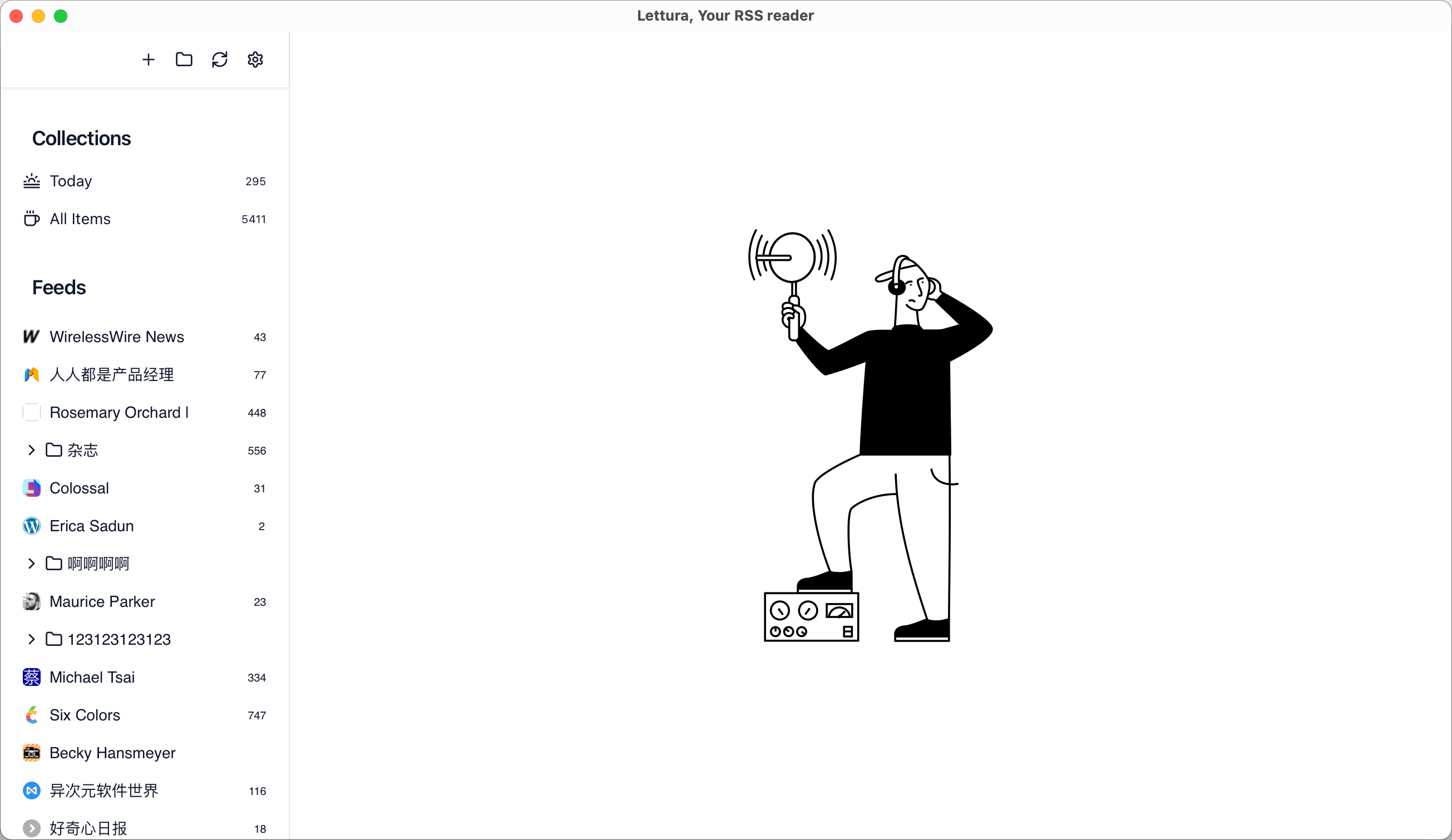
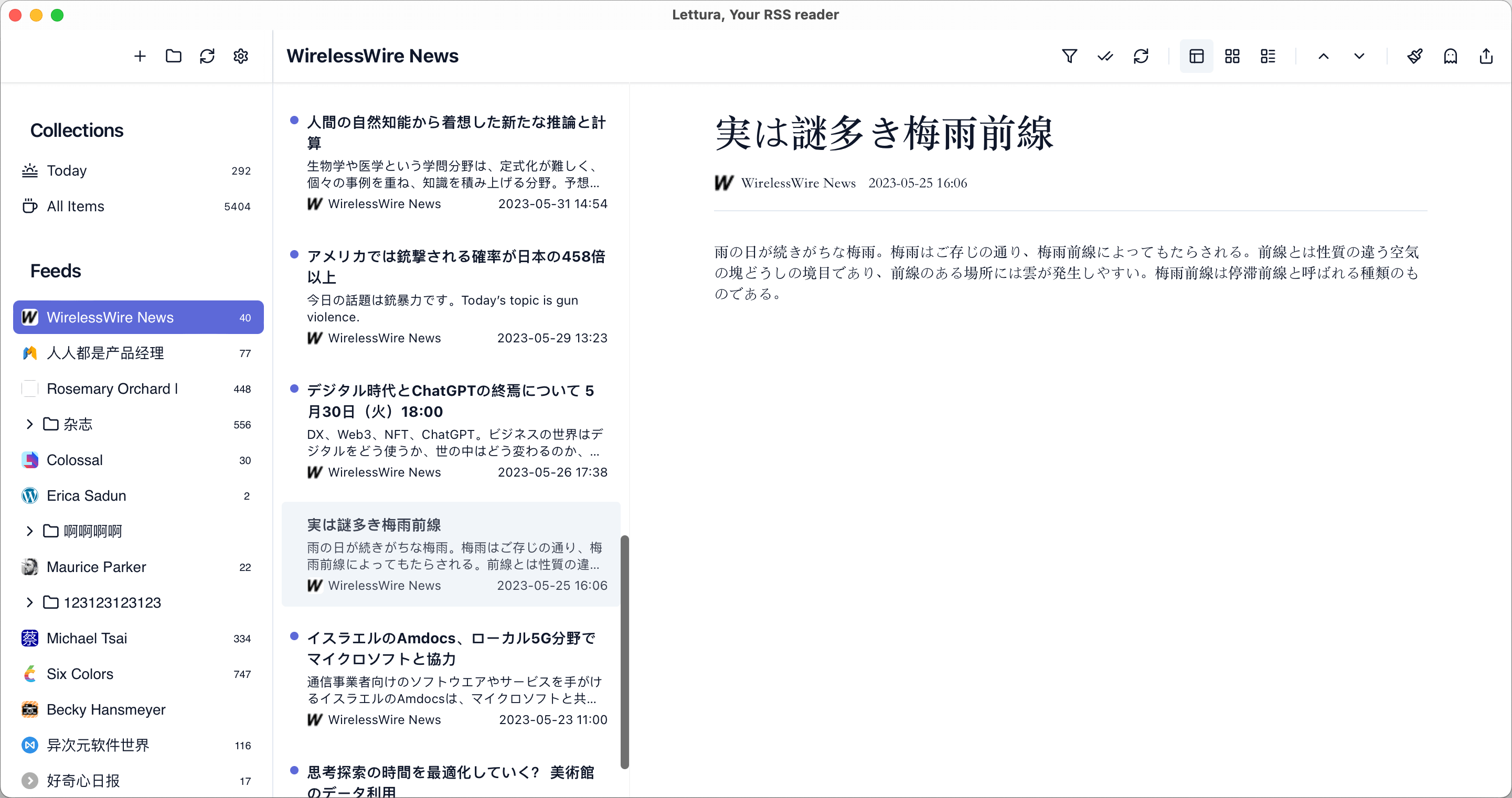
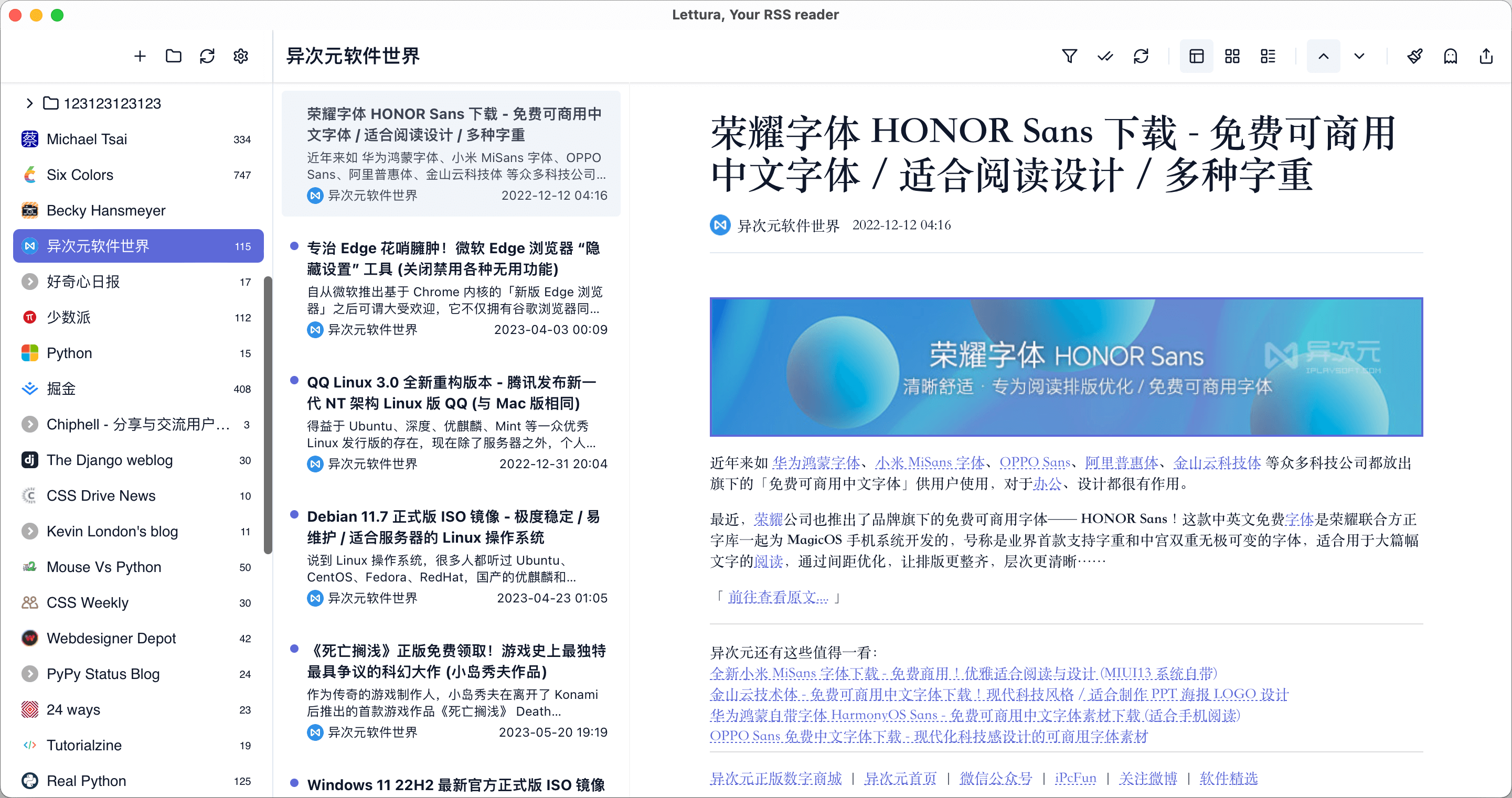
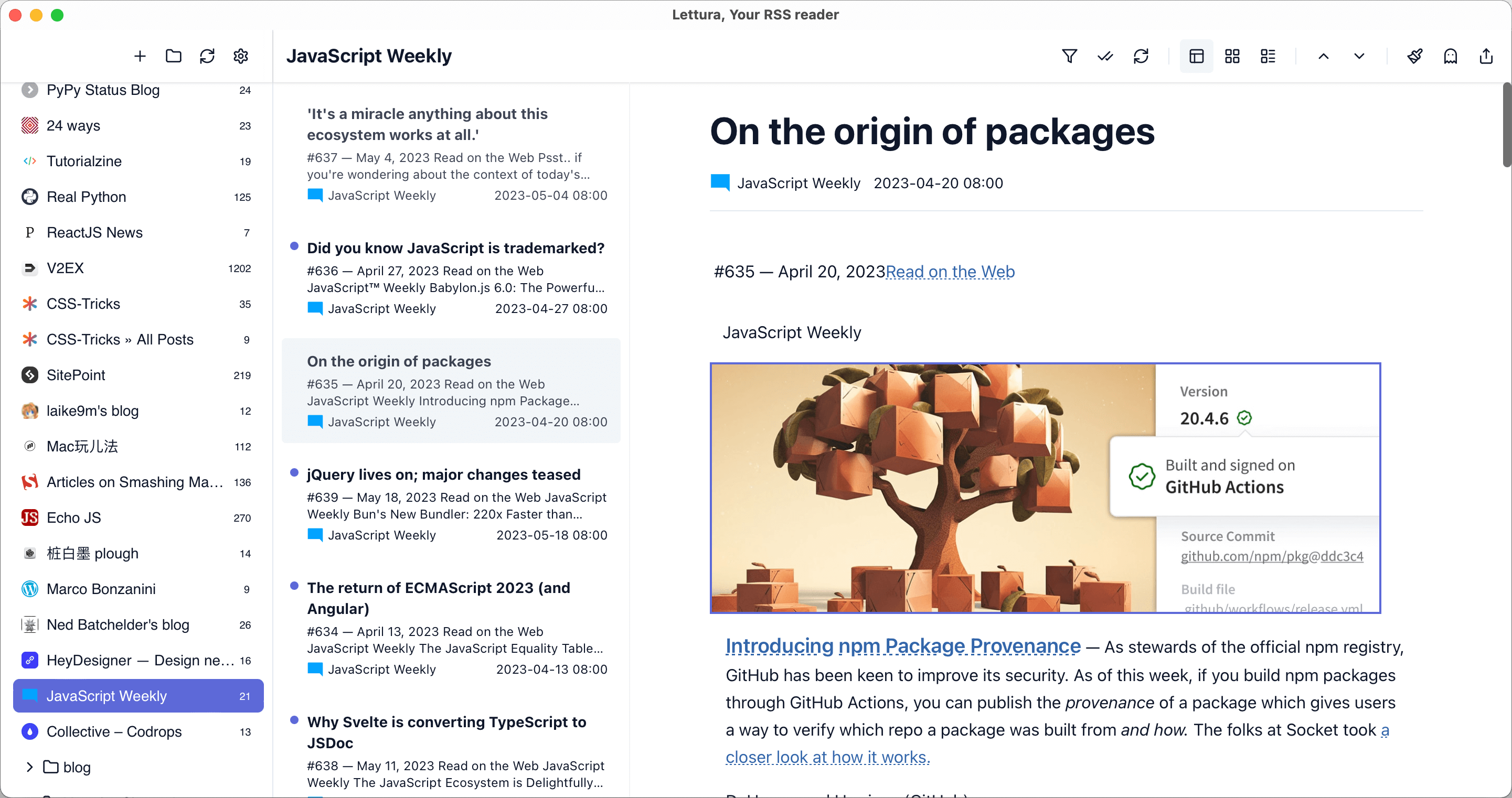
Another free and open-source feed reader designed to deliver an exceptional reading experience across multiple platforms.


Features
- Cross-Platform Compatibility: Seamlessly access your feeds on macOS, Windows, and soon Linux, ensuring your reading experience is uninterrupted regardless of your operating system.
- Lightning-Fast Performance: Built with speed in mind, Lettura ensures that you can browse and read your favorite content without any lag or delay.
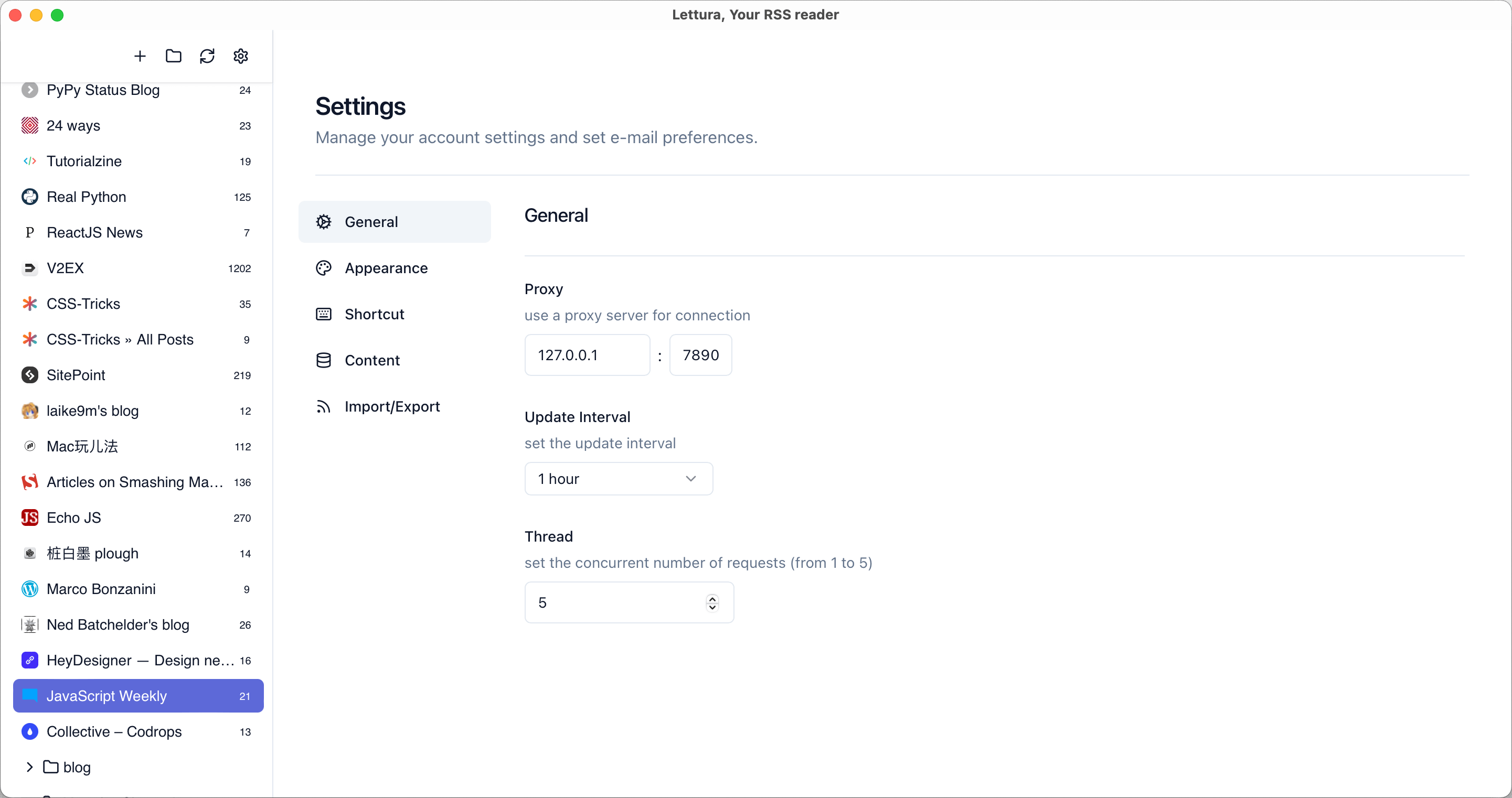
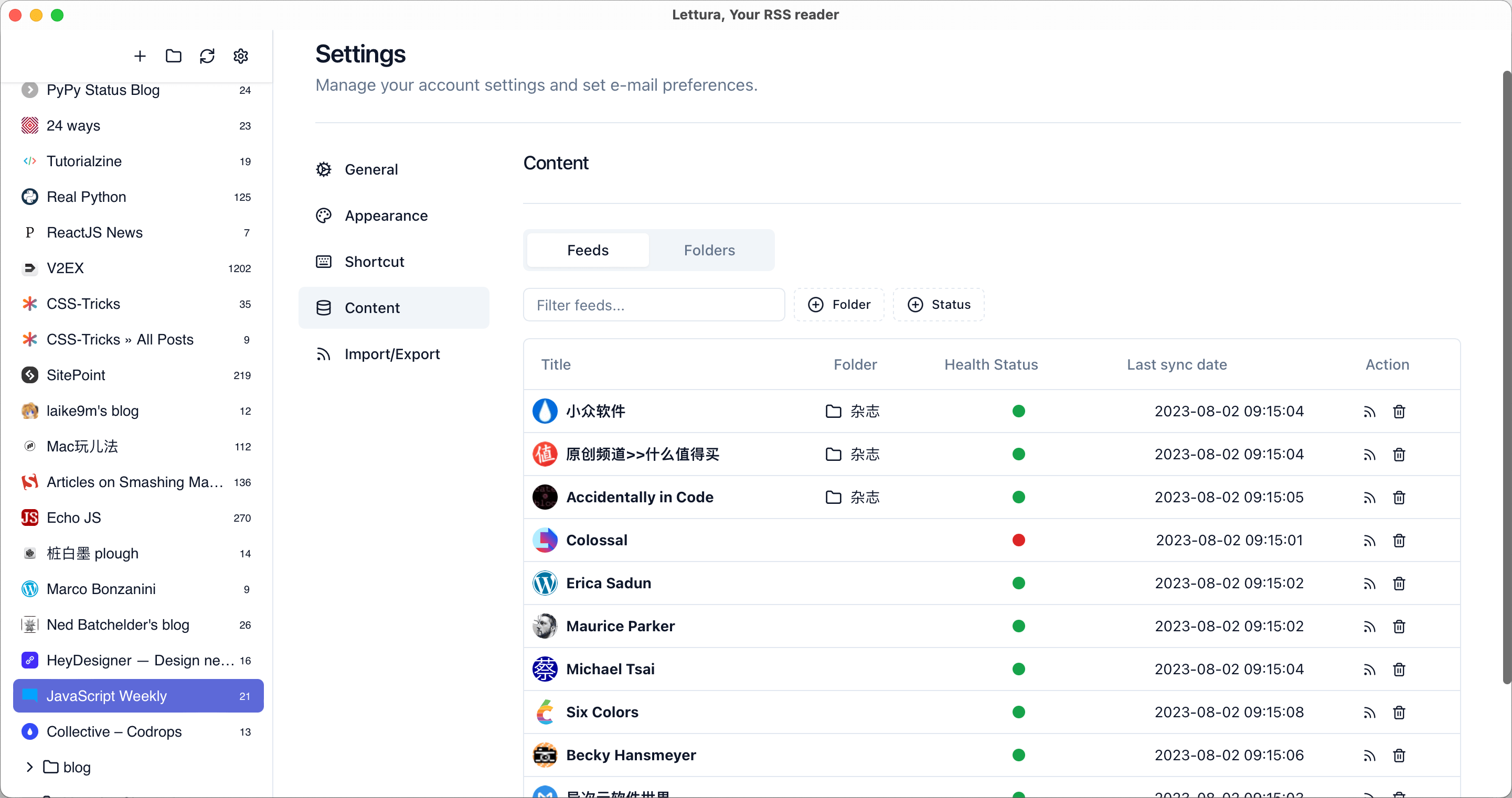
- Beautiful and Intuitive UI: Thanks to the elegant design from @shadcn/ui, Lettura offers a clean, distraction-free interface that makes reading a pleasure.
- Powerful Search Functionality: Quickly find the content you need with our efficient search feature that works across all your subscribed feeds.
- Keyboard Shortcuts: Master your reading experience with easy-to-use keyboard shortcuts that let you navigate and interact with nearly every function without lifting a finger.
- Podcast playback support: Enjoy your favorite audio content directly within the app without missing a single episode.
Get Started
Prerequisites
- Install Node.js. I recommend you to use NVM.
- Install pnpm. Here is the manual.
- Install Rust. You can find way in here
- Follow the Tauri setup guide
- Run pnpm install
Develop and Build
Desktop app (Tauri):
pnpm dev:desktop    # Frontend dev only
pnpm tauri dev      # Full desktop dev mode
pnpm tauri build    # Build desktop app
pnpm test           # Run tests
Docs site:
pnpm dev:docs       # Dev server for docs
pnpm build:docs     # Build docs site
You can get more details about building Tauri app in here
Repo Activity