Home
Softono
li

li

Open source Apache-2.0 TypeScript
13
Stars
3
Forks
0
Issues
2
Watchers
4 years
Last Commit

About li

Li is a next-generation low-code fullstack application development framework focused on building web services, particularly admin and backend management systems. Written in Go, Li uses Go code to describe frontend page schemas and leverages the ent ORM code generation capabilities. Developers define data table models and add view annotations to automatically generate complete CRUD controllers, views, and access control controllers, eliminating repetitive coding work. Key features include easy learning curve requiring only basic Go knowledge, comprehensive example applications, powerful permission management handling data permissions, operation permissions, and field permissions simultaneously, and a rich set of common admin interface components. The frontend requires zero coding as pages are automatically constructed from developer-defined schemas. While code generation speeds up development, Li's core strength lies in rapid view construction and flexible, complex permission handling. The backend stack uses G

Platforms

Web Self-hosted

Languages

TypeScript

Links

❤️ LI ❤️

a next-generation low-code & fullstack app to create web services | 下一代 低代码&全栈类&为web服务 的应用开发框架(当前专注场景在后台系统)


🚀 简介

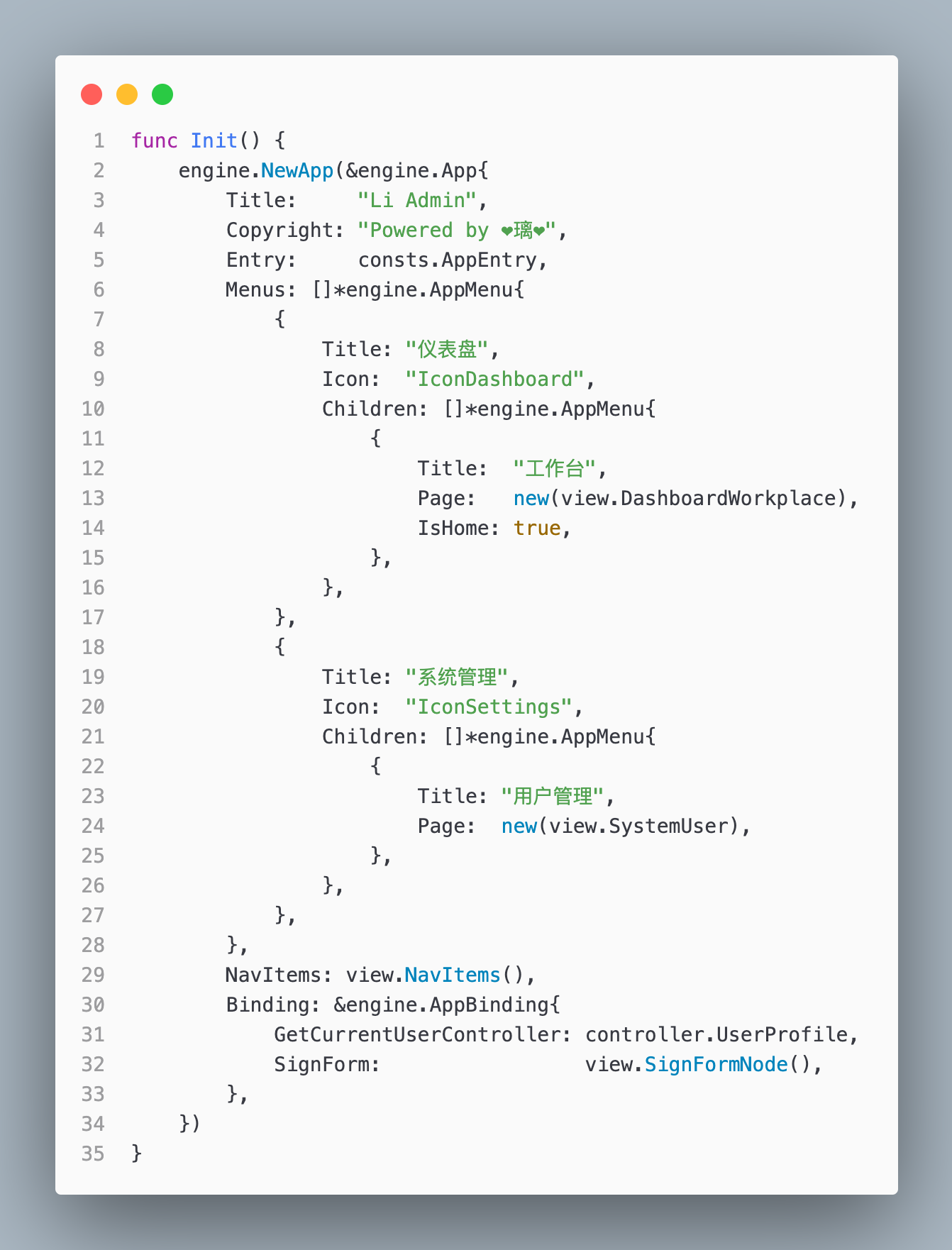
Li 是一个低代码 全栈类 的应用开发框架。她使用 Go 代码描述前端页面的 Schema , 基于图ORM框架 ent 的代码生成能力,只需要定义好数据表模型,在模型上添加上视图的注解,就能帮你自动生成完整的增删改查的 Controller & View & AC<权限控制器>,让你专注于业务开发。

代码生成并不是 Li 的核心能力,Li 专注于快速构建视图,处理复杂的 数据权限,操作权限,字段权限。

🌈 特性

  • 易于上手:会基础的 Go 即可
  • 例子完整:li-app 目录为真实的实战例子
  • 功能强大:快速构建应用,灵活性高,能够处理复杂权限,加上代码生成加快业务开发
  • 大量组件:支持后台管理系统的常见组件
  • 权限管理:Li 具备完备的权限控制,能够同时控制视图的接口请求
  • 前端零代码:前端页面按照开发者自定义的schema自动构建,无需处理前端代码

🧐 为什么要做 Li ?

  • 1: 通用的应用构建存在大量的重复劳动
  • 2: 基础的代码生成无法完美的服务于前端
  • 3: 权限处理繁琐

为了解决上面这些问题,Li 诞生了,她很年幼却很强大,而且目标很远大。

📟 技术体系

后端: Golang, GoFrame, Ent ...

前端: React, TypeScript, Formily, Arco-Design ...

⌨️ 快速开始

https://github.com/BeanWei/li-quickstart

🏗️ 本地开发 (示例仓库:https://github.com/BeanWei/li-example)

  • 1: cd li-web & pnpm
  • 2: cd li-web/apps/admin & pnpm dev
  • 3: cd li-app, 配置 config.yaml, make generate & make migrate
  • 4: 创建管理员账号:go run li.go user-create -u=你的邮箱 -p=你的密码 -n=Admin -a=true
  • 5: 浏览器打开 localhost:3000
  • 6: Just for fun~~~

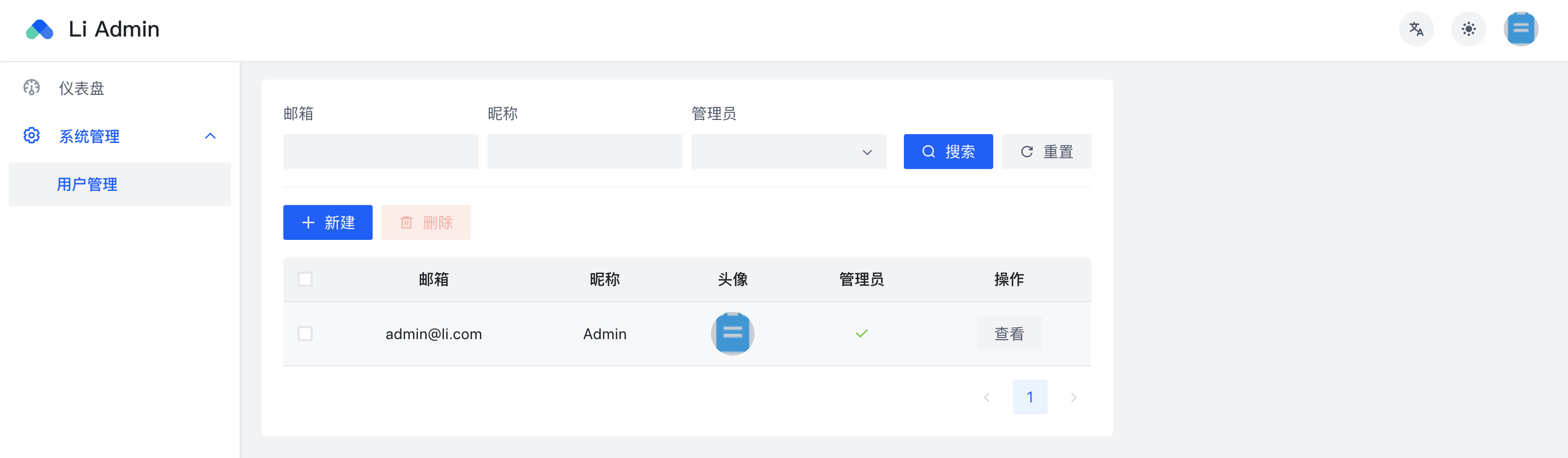
⛰ 演示截图


作者 Bean.Wei / vx: zlnwcq