Home
Softono
linktree-clone

linktree-clone

Open source Vue
115
Stars
35
Forks
1
Issues
1
Watchers
3 years
Last Commit

About linktree-clone

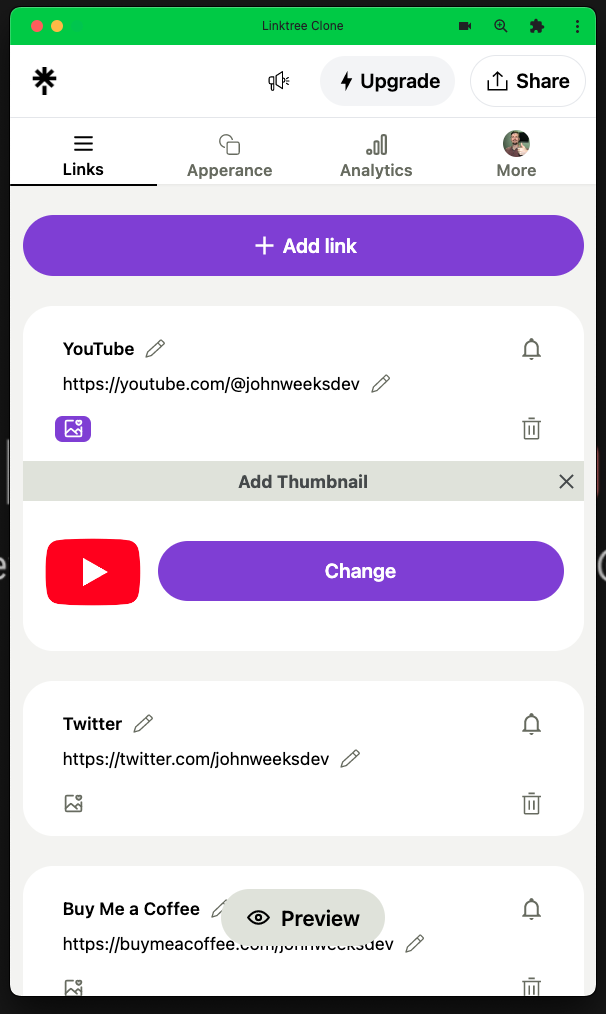
# Linktree Clone / PWA (linktree-clone) ### Learn how to build this! If you'd like a step by step guide on how to build this just **CLICK THE IMAGE BELOW** [![GO TO JOHN WEEKS DEV TUTORIAL VIDEOS](https://user-images.githubusercontent.com/108229029/228964328-b0e75187-32de-4b29-8fd0-d1546237b1fd.png)](https://www.youtube.com/watch?v=NtsbjB8QD3Y) Come and check out my YOUTUBE channel for lots more tutorials -> https://www.youtube.com/@johnweeksdev **LIKE**, **SUBSCRIBE**, and **SMASH THE NOTIFICATION BELL**!!! ## NOTE ### For this Linktree Clone to work you'll need the API/Backend: Linktree Clone API: https://github.com/John-Weeks-Dev/linktree-clone-api ## App Setup (localhost) ``` git clone https://github.com/John-Weeks-Dev/linktree-clone.git npm i npm run dev ``` Inside Plugins/axios.js make sure the baseUrl is the same as your API. <img width="443" alt="Screenshot 2023-03-15 at 00 14 21" src="https://user-images.githubusercontent.com/108229029/225085615-529afbca-8cb8-4ed4-bf5b-54ba6f827f36.png"> ...

Platforms

Web Self-hosted iOS

Languages

Vue

Linktree Clone / PWA (linktree-clone)

Learn how to build this!

If you'd like a step by step guide on how to build this just CLICK THE IMAGE BELOW

GO TO JOHN WEEKS DEV TUTORIAL VIDEOS

Come and check out my YOUTUBE channel for lots more tutorials -> https://www.youtube.com/@johnweeksdev

LIKE, SUBSCRIBE, and SMASH THE NOTIFICATION BELL!!!

NOTE

For this Linktree Clone to work you'll need the API/Backend:

Linktree Clone API: https://github.com/John-Weeks-Dev/linktree-clone-api

App Setup (localhost)

git clone https://github.com/John-Weeks-Dev/linktree-clone.git

npm i

npm run dev

Inside Plugins/axios.js make sure the baseUrl is the same as your API.

Screenshot 2023-03-15 at 00 14 21

You should be good to go!

Extra Info

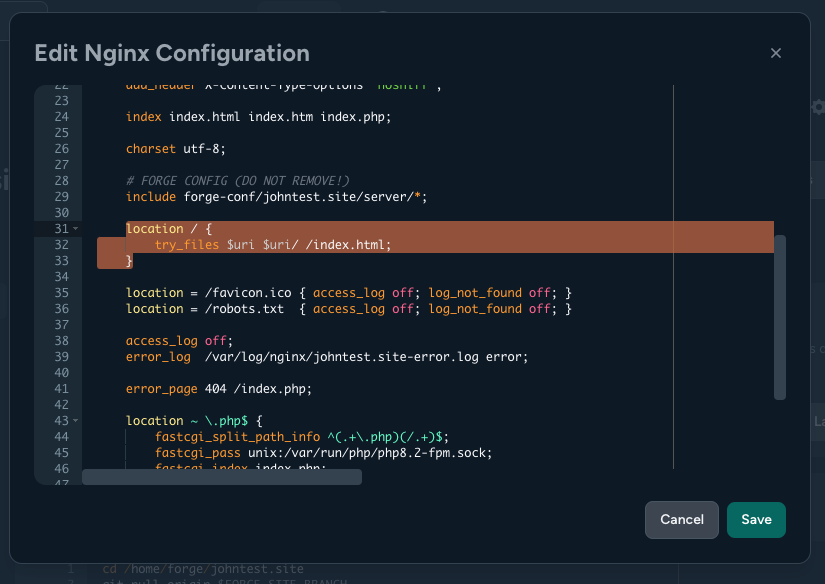
In the tutorial I show you what you need to edit in your Nginx config file.

This example is in Laravel Forge:

  1. In the frontend open the "Edit Nginx Configuration"
  1. Update the location section to this.

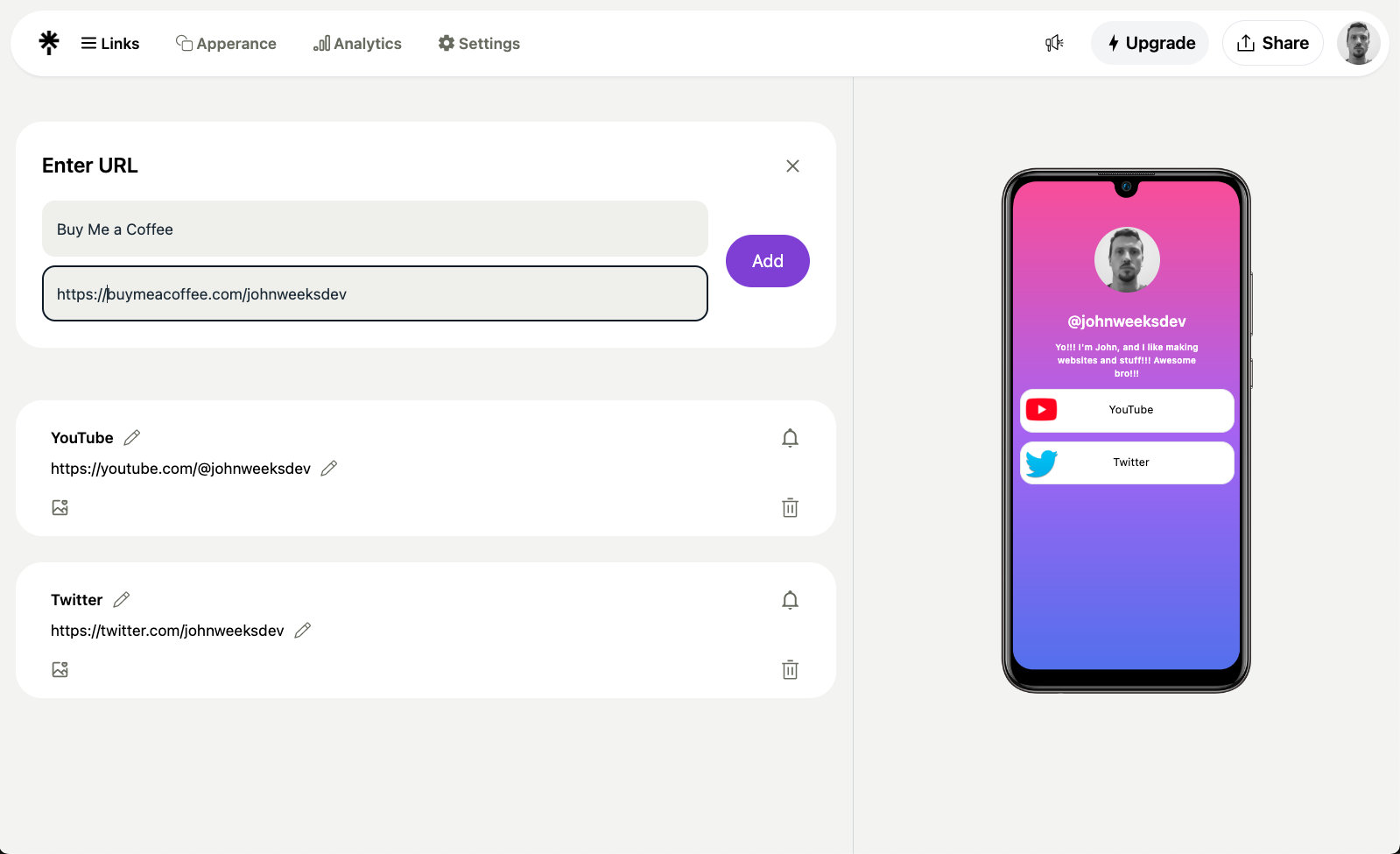
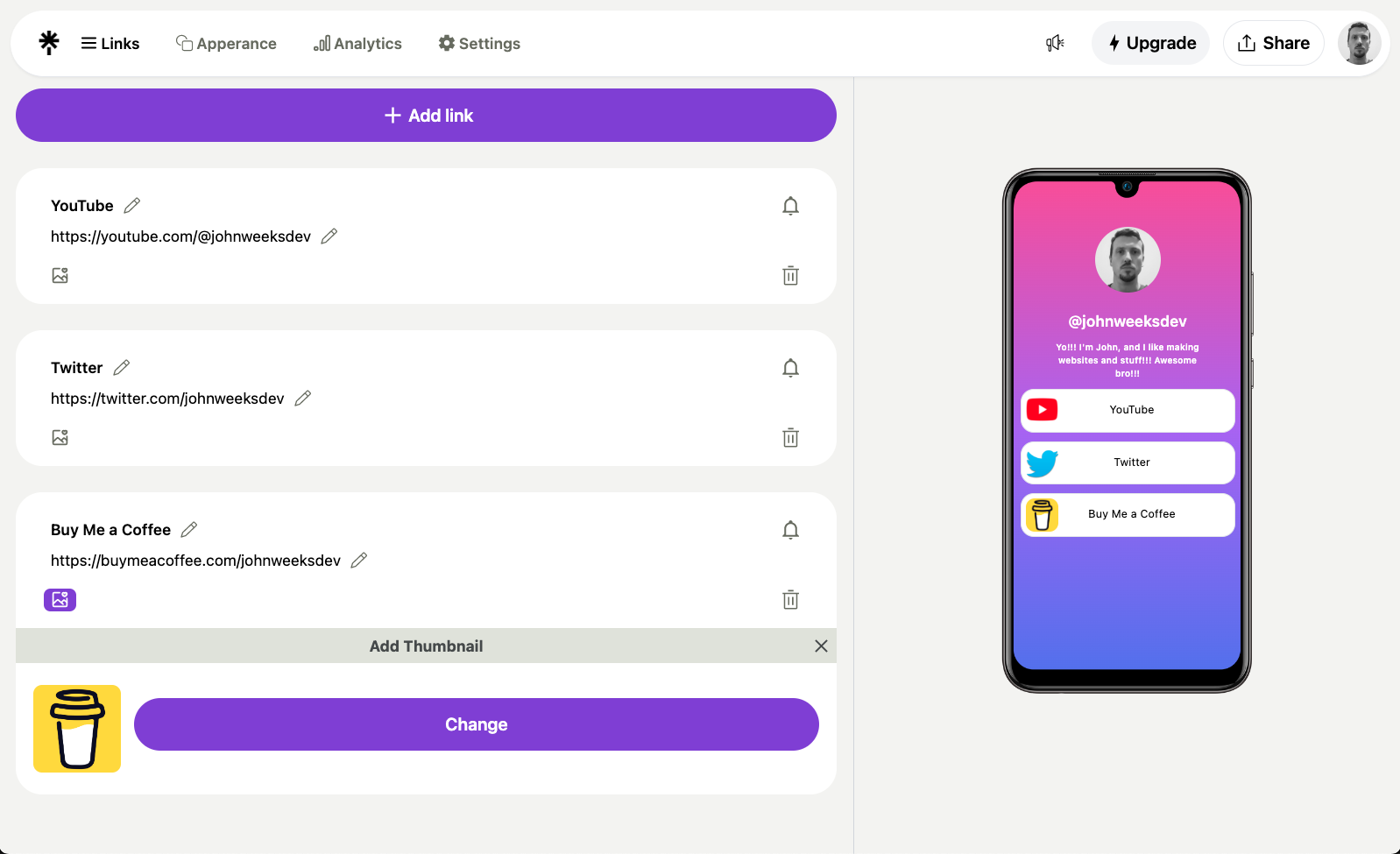
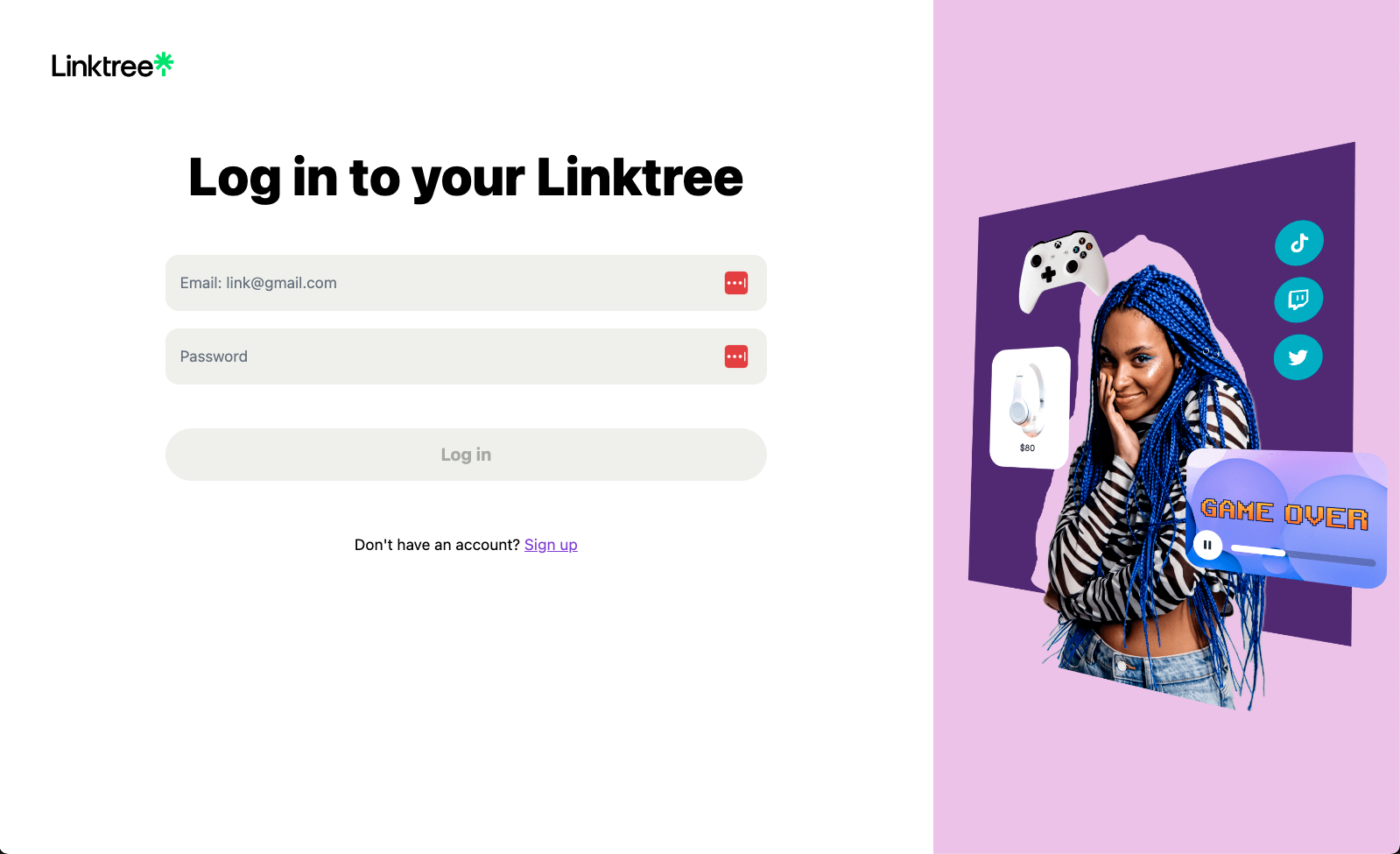
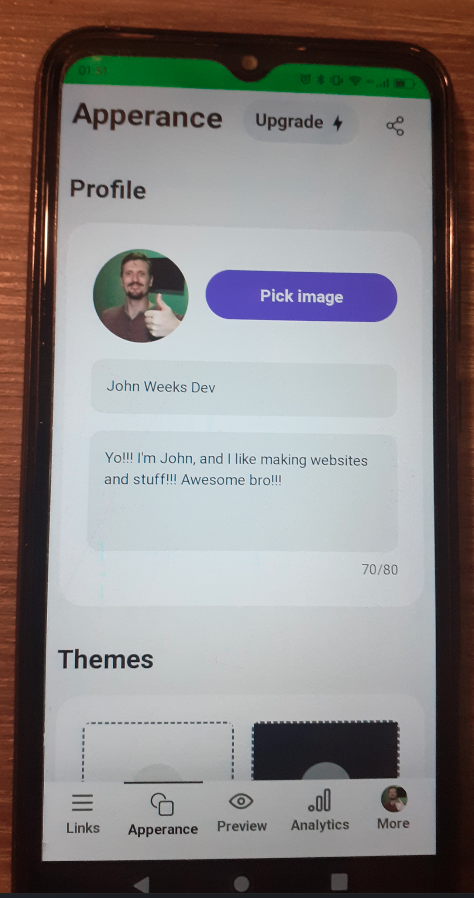
Application Images

PWA Images