
Lite Anvil

A fast code editor built in Rust with SDL3.
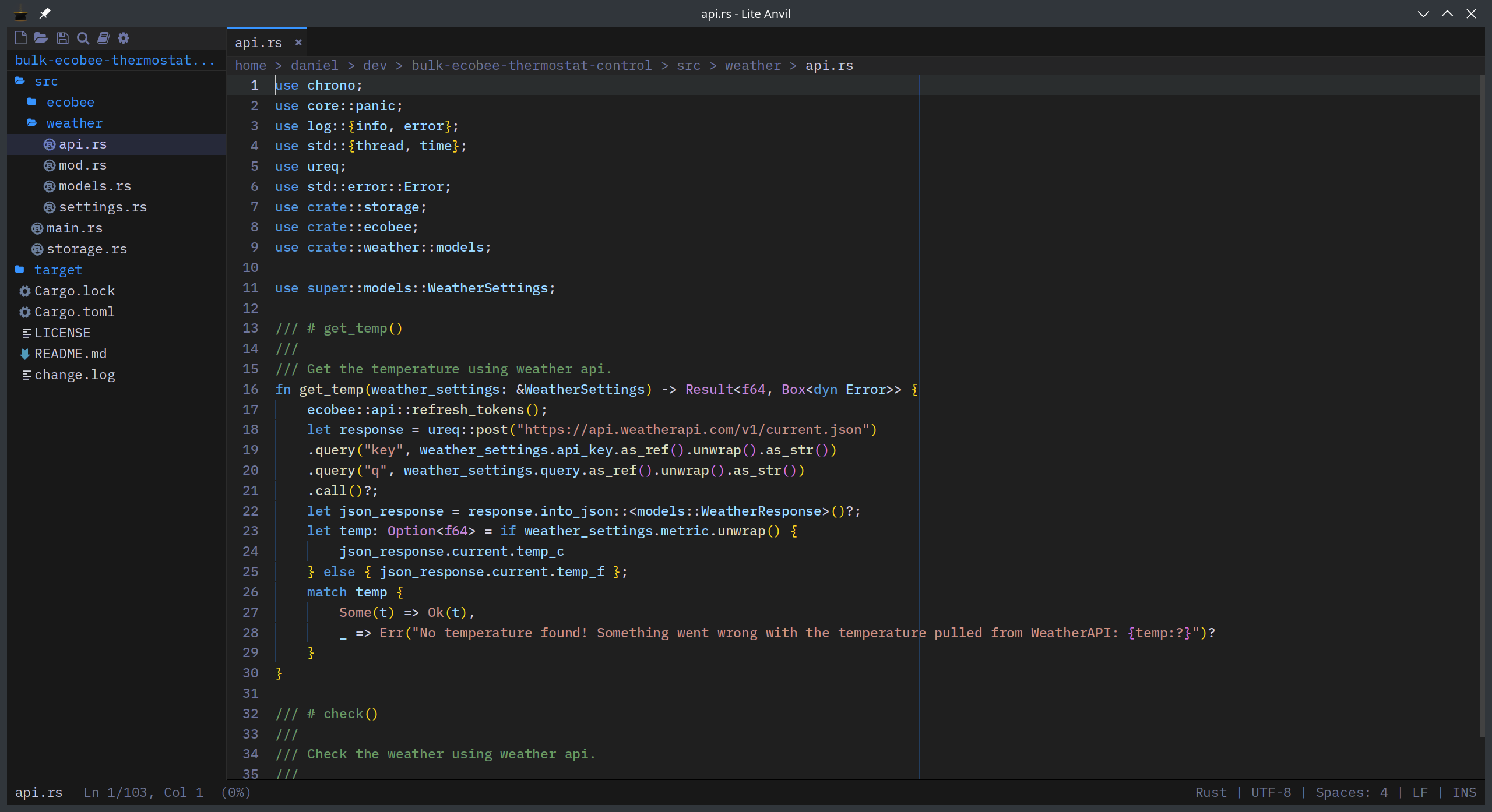
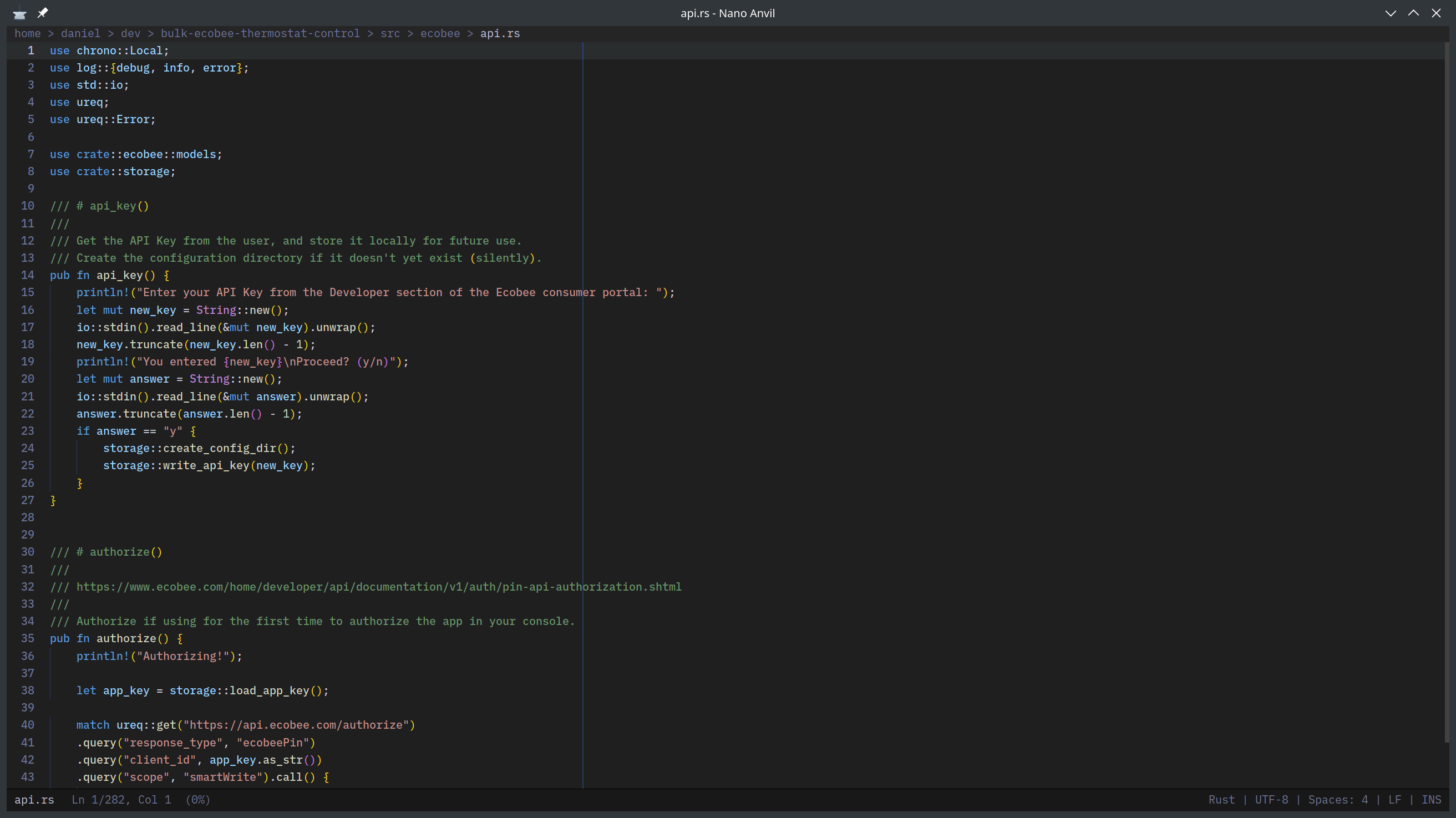
Ships with Nano Anvil, a minimal single-file editor for lightweight editing.
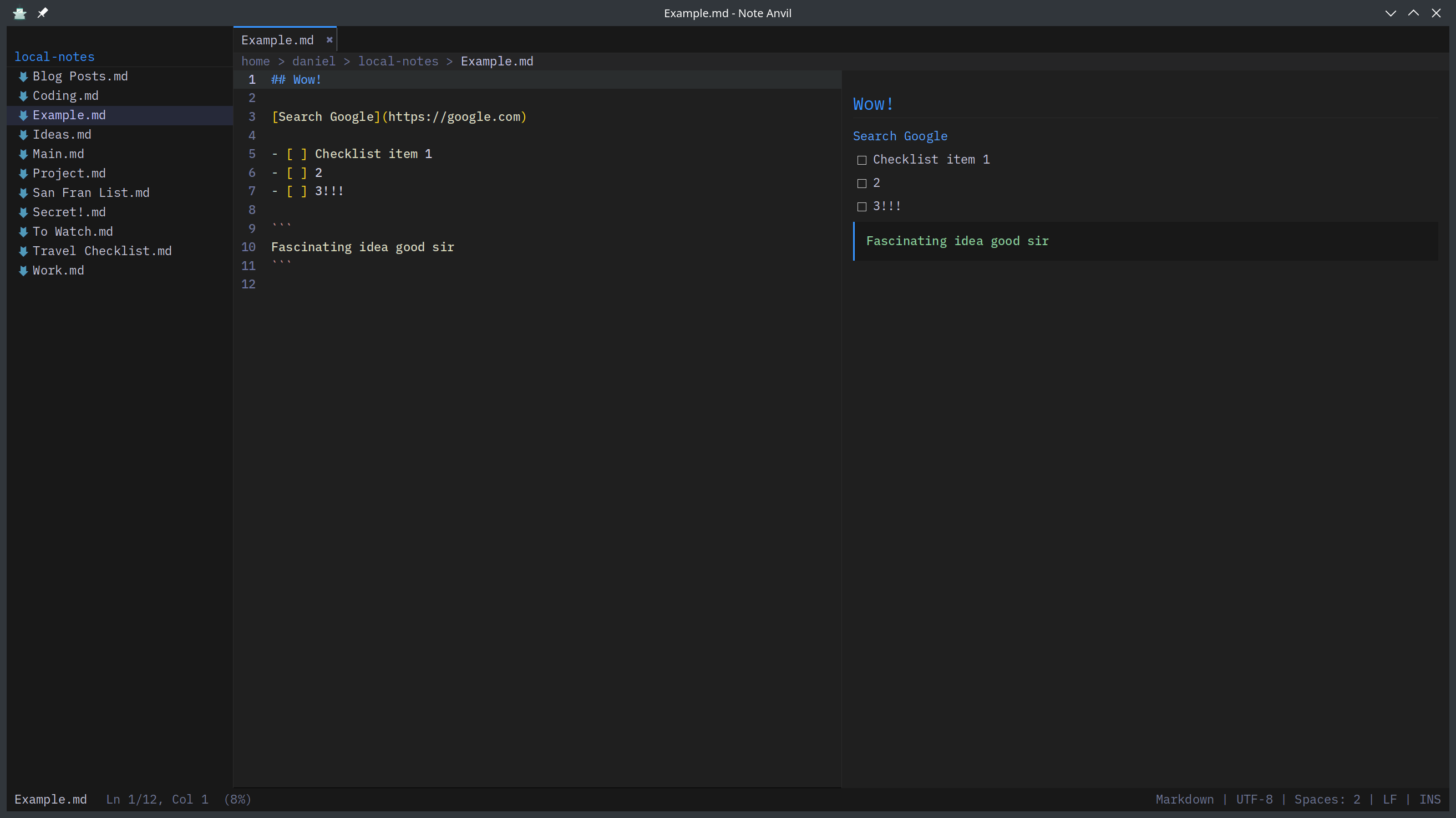
Ships with Note Anvil, a minimal markdown note taking and todo list app.
Lite Anvil is a fork of Lite XL, rewritten from the ground up in Rust.
Purpose & Forking
This project exists partially as an experiment, and partially as something I just wanted for myself.
No Support
I do not intend to maintain or support this in any way, but wanted to share the code so anyone interested can freely use, learn from, or fork this project into something new.
Features
- Built-in LSP with diagnostics, completion, hover, go-to-definition, references, inlay hints
- Embedded terminal with ANSI colors, scrollback, and multi-terminal support
- Find & Replace with live search, match counter, regex/whole-word/case toggles, and find-in-selection
- Bookmarks -- toggle with Ctrl+F4, navigate with F4 / Shift+F4, accent marker in gutter
- Code folding with indent-based fold detection
- Project-wide search (Ctrl+Shift+F) with grep-based results
- Git integration -- gutter markers, status view, blame annotations, file log, push/pull/commit/stash
- Multi-cursor editing -- Ctrl+Shift+Up/Down to add cursors, Ctrl+D to select next occurrence
- Minimap with syntax-colored blocks, click to scroll
- Language-aware line comments -- Ctrl+/ picks the correct marker for 51 languages
- 51 built-in syntax grammars including Rust, Go, Python, TypeScript, C, C++, Java, and more
- Session restore -- open files, active tab, font scale persist across restarts
- Native file watching via inotify for external-change detection
- JSON-backed color themes (
data/assets/themes/*.json) with runtime cycling (Ctrl+Shift+P) - Keyboard-navigated file/folder open with filesystem autocomplete and
:Nline support - Format on paste -- converts pasted indent whitespace to match document style
- Color-coded sidebar icons by file extension (90+ extensions)
- Check for Updates from the command palette
- Graceful font fallback -- falls back to built-in fonts with a warning if custom fonts fail
Nano Anvil
A stripped-down single-file editor for minimal resource usage.
- Single file at a time, always starts with a blank document
- Find and replace within the current file
- No sidebar, terminal, LSP, git, tabs, bookmarks, or code folding
Note Anvil
A stripped-down markdown note taker.
- Auto-saving.
- Live updating markdown.
- Port of NoteSquirrel.
- Alternative to Joplin for 100% local notes and todo lists.
Shortcuts
| Key | Action |
|---|---|
Ctrl+P |
Command palette |
Ctrl+O |
Open file (autocomplete navigator) |
Ctrl+Shift+O |
Open project folder |
Ctrl+Shift+R |
Open recent file or folder |
Ctrl+Shift+F |
Find in files |
Alt+Shift+F |
Replace in files |
Ctrl+F |
Find in file |
Alt+F |
Replace in file |
F3 / Shift+F3 |
Next / previous match |
Ctrl+/ |
Toggle line comment |
Ctrl+Up / Ctrl+Down |
Move line up / down |
Ctrl+F4 |
Toggle bookmark |
F4 / Shift+F4 |
Next / previous bookmark |
Ctrl+Shift+[ / ] |
Fold / unfold code block |
Ctrl+= / Ctrl+- |
Font zoom in / out |
Ctrl+M |
Toggle minimap |
Alt+Z |
Toggle line wrapping |
Ctrl+B |
Toggle sidebar |
Ctrl+`` / F5 |
Toggle terminal |
F12 |
Go to definition (LSP) |
Ctrl+K |
Hover info (LSP) |
Ctrl+Shift+P |
Cycle color theme |
Ctrl+W |
Close tab |
Ctrl+Tab |
Next tab |
Building
Quick start
# Ubuntu / Debian
apt install libsdl3-dev libfreetype6-dev libpcre2-dev

# Build
cargo build --release

# Run
./target/release/lite-anvil [path]
Rust 1.85+ required. See BUILDING.md for full instructions including macOS, Windows, and packaging.
Fonts
License
MIT -- see LICENSE.