
LockScript: Ultra-Secure Password Manager
LockScript is an advanced, server-client password manager developed with cutting-edge technologies, including Next.js, React.js, Node.js, Fastify, and TypeScript.
Table of Contents
- Features
- Getting Started
- Database Setup
- Contributing
- Pull Request Requirements
- Roadmap
- FAQ
- Media
- License
- Support
Features
- Security First: LockScript prioritizes the security of your passwords, ensuring top-notch protection for your sensitive information.
- User-Friendly Interface: The sleek and intuitive design makes password management easy for both beginners and advanced users.
- Technology Stack:
- Next.js: Utilizing the power of Next.js for a fast and efficient web application.
- React.js: Creating a dynamic and responsive user interface.
- Node.js: Leveraging the scalability and performance of Node.js for server-side development.
- Fastify: Ensuring high-speed server performance with the Fastify web framework.
- TypeScript: Adding static typing to the mix for enhanced code quality and productivity.
Getting Started
-
Clone the repository:
git clone https://github.com/cvs0/LockScript.git -
Install Dependencies:
cd LockScript cd client npm install cd .. cd server npm install -
Run the Client:
cd client yarn dev -
Run the Server:
cd ..
cd server
yarn dev
Visit http://localhost:3000 in your browser to access the LockScript client.
Database Setup
-
Download MongoDB:
-
Setup MongoDB:
- Go through the setup wizard completely.
-
Create a new database
- Create a database with the name
password-manager.
- Create a database with the name
Contributing
We welcome contributions from the community. If you'd like to enhance LockScript, please follow our Contribution Guidelines.
Pull Request Requirements
- Code Quality:
- Ensure your code follows our coding standards and practices.
- Documentation:
- Provide clear and concise documentation for any new features or changes.
- Testing:
- Include relevant tests for your changes and ensure all existing tests pass.
- Branch Naming:
- Use a descriptive branch name that reflects the nature of your changes.
- Commit Message:
- Write clear and meaningful commit messages, summarizing the purpose of each commit.
- License Compatibility:
- Ensure that any new code is compatible with the projects MIT License.
- Issues:
- Link your pull request to any related issues in the repository.
Roadmap
Version 2.1 (Upcoming Release)
- Fully featured landing page.
- Fully redone client using NextJS 14 + Tailwind CSS
- Updating all dependencies and addressing all security concerns
Version 2.2
- Fully redone auth with Clerk (with OAuth integration)
Version 2.3
- Full security blog
Version 2.3.1
- All open bugs will be patched in this release.
Version 2.3.2
- Small patches
Version 2.4
- Adding LockScript Drive, a secure end-to-ene encrypted focument storage system.
How to Contribute to the Roadmap
We encourage the community to share feedback and suggest features. Please open an issue to propose new ideas or upvote existing issues to help prioritize development efforts.
Frequently Asked Questions (FAQ)
Q: Is LockScript suitable for personal use?
A: Absolutely! LockScript is designed for both personal and professional use, providing a secure and user-friendly password management solution.
Q: How do I set up LockScript?
A: You need to regenerate the public.key and private.key, using this site and update all instances of the secure property in the server config, (constants.ts). (only if you are using TLS).
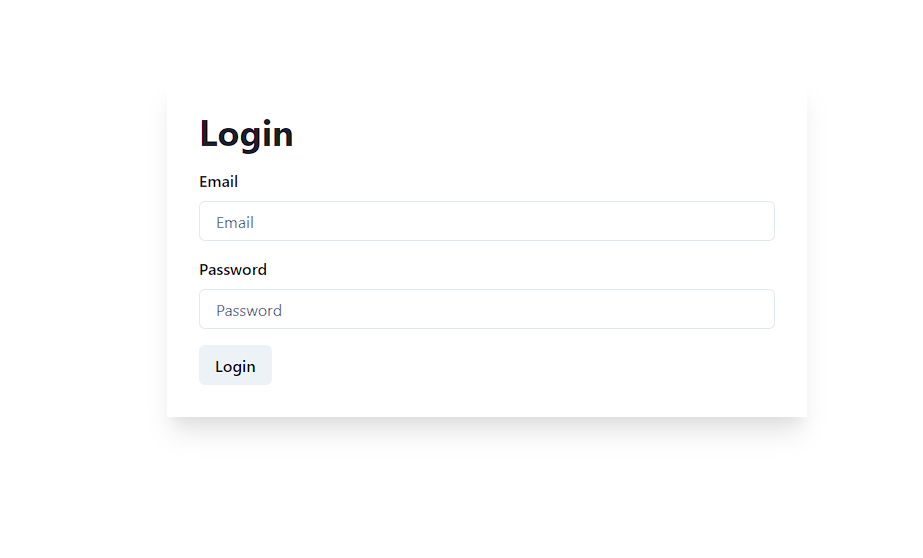
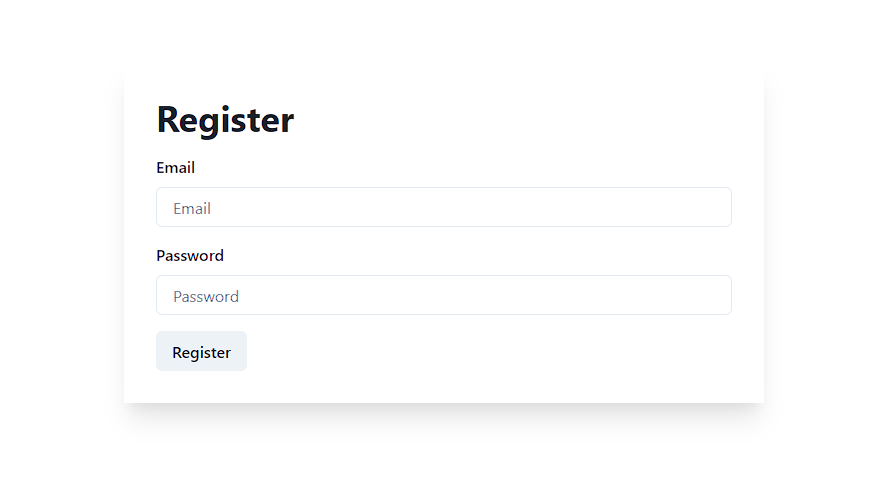
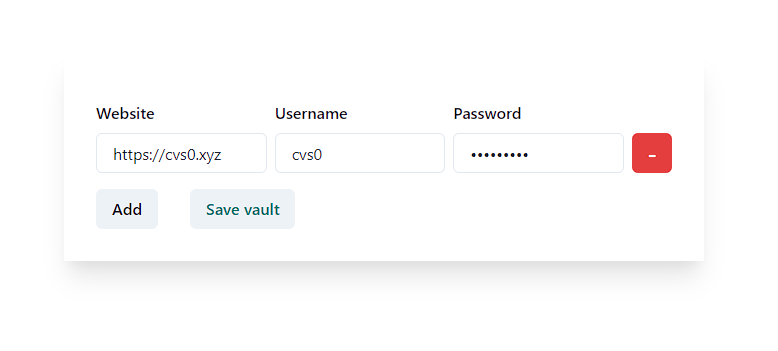
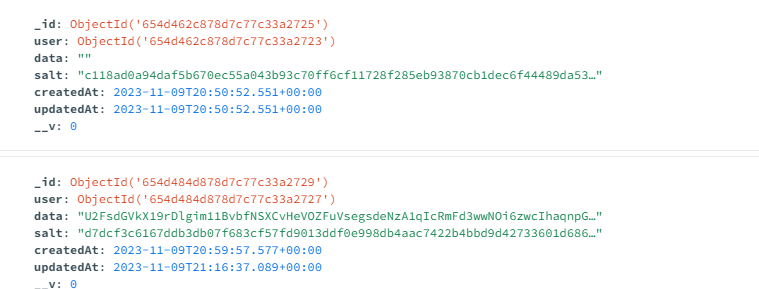
Media
License
LockScript is licensed under the MIT License, ensuring open collaboration and flexibility.
Support
If you encounter any issues or have questions, feel free to open an issue on the repository.