

Loopr
Intelligent URL & API Monitoring, Webhook Scheduling & Uptime Service
Loopr is a comprehensive, cloud-native URL and API monitoring application designed to track website and API uptime, performance, availability, and automate webhook scheduling in real-time. Built with modern web technologies and optimized for scalability, Loopr provides automated monitoring, intelligent alerting, webhook delivery, and detailed analytics for web services.
Screenshots
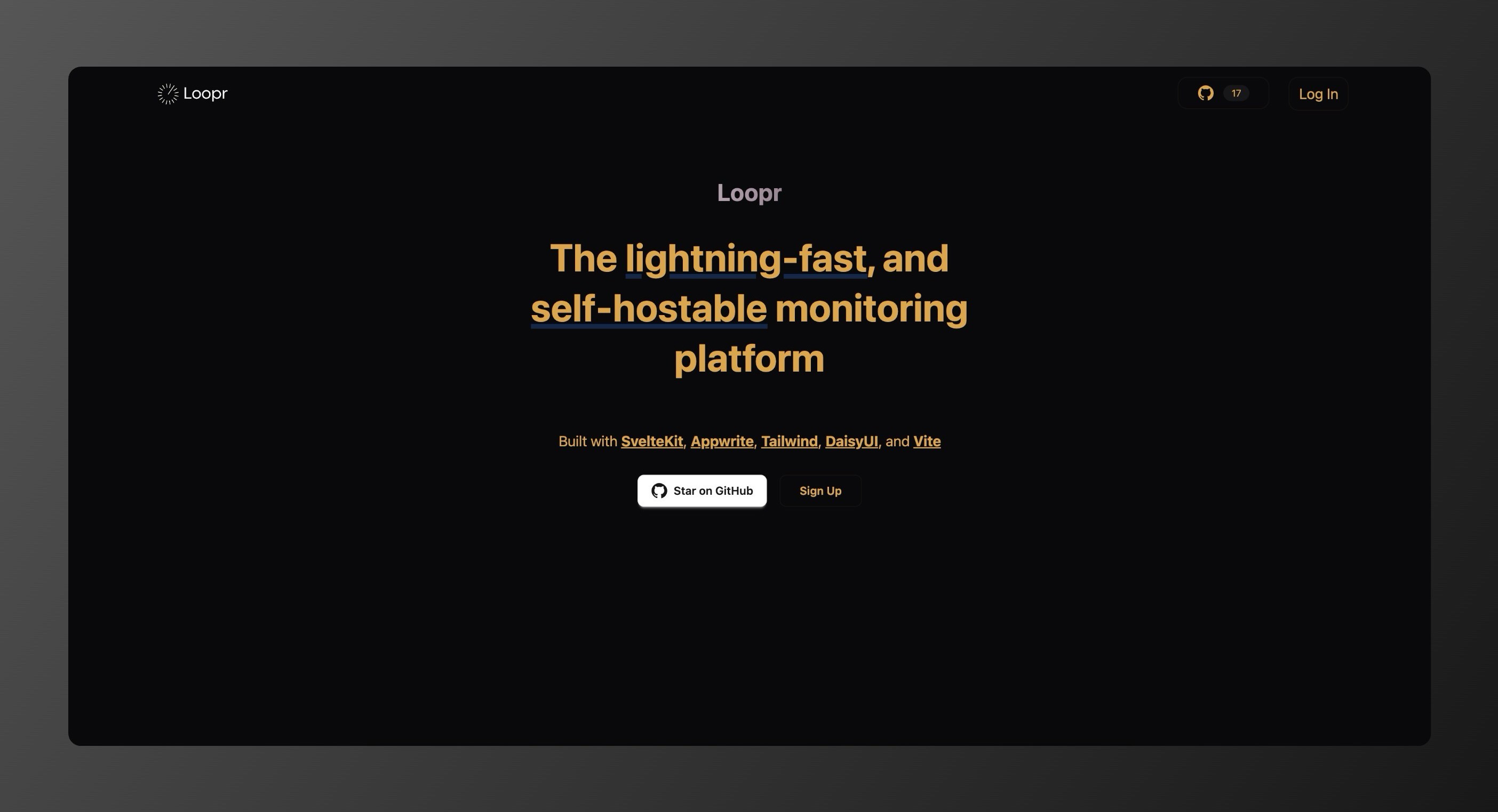
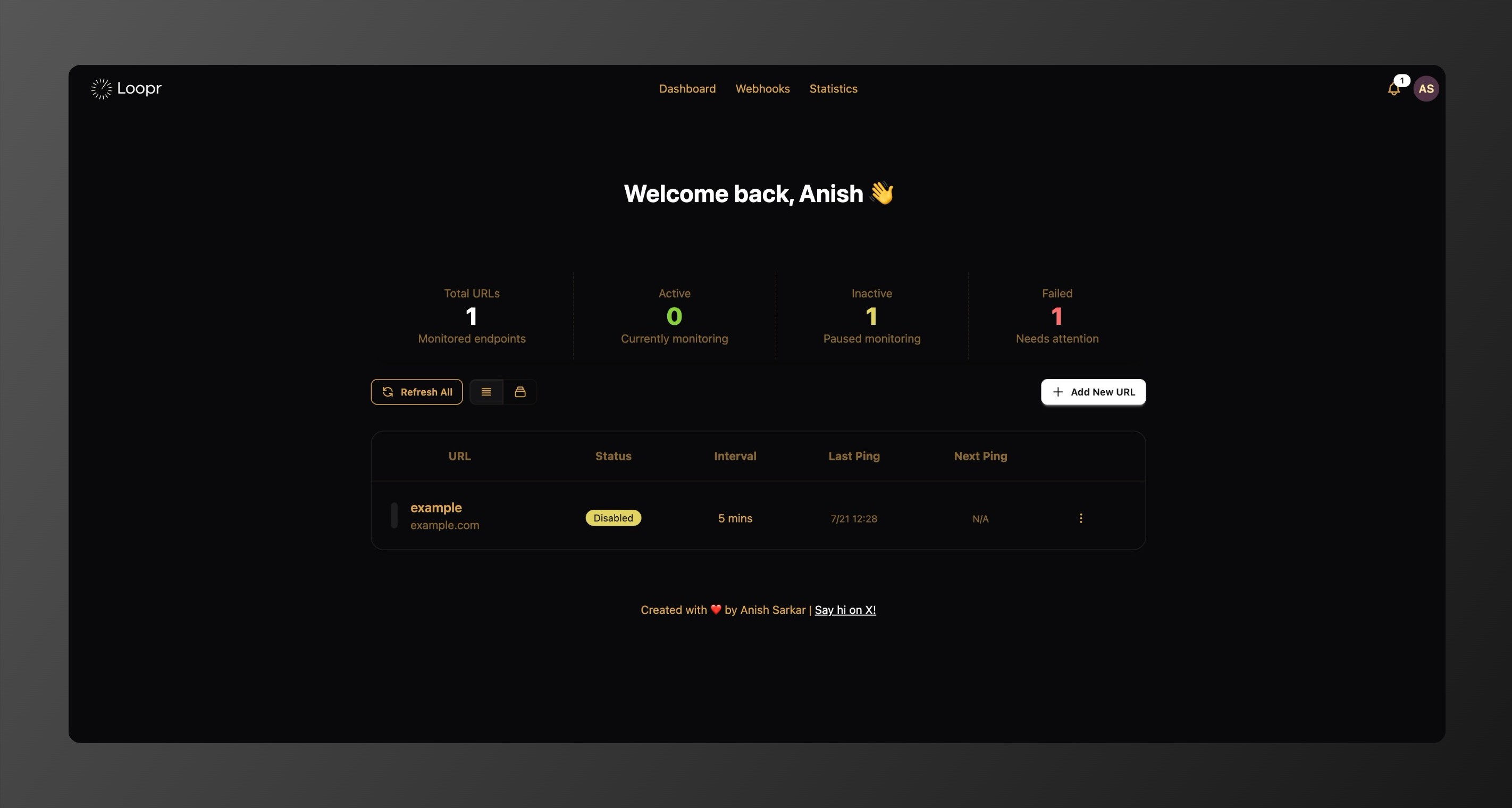
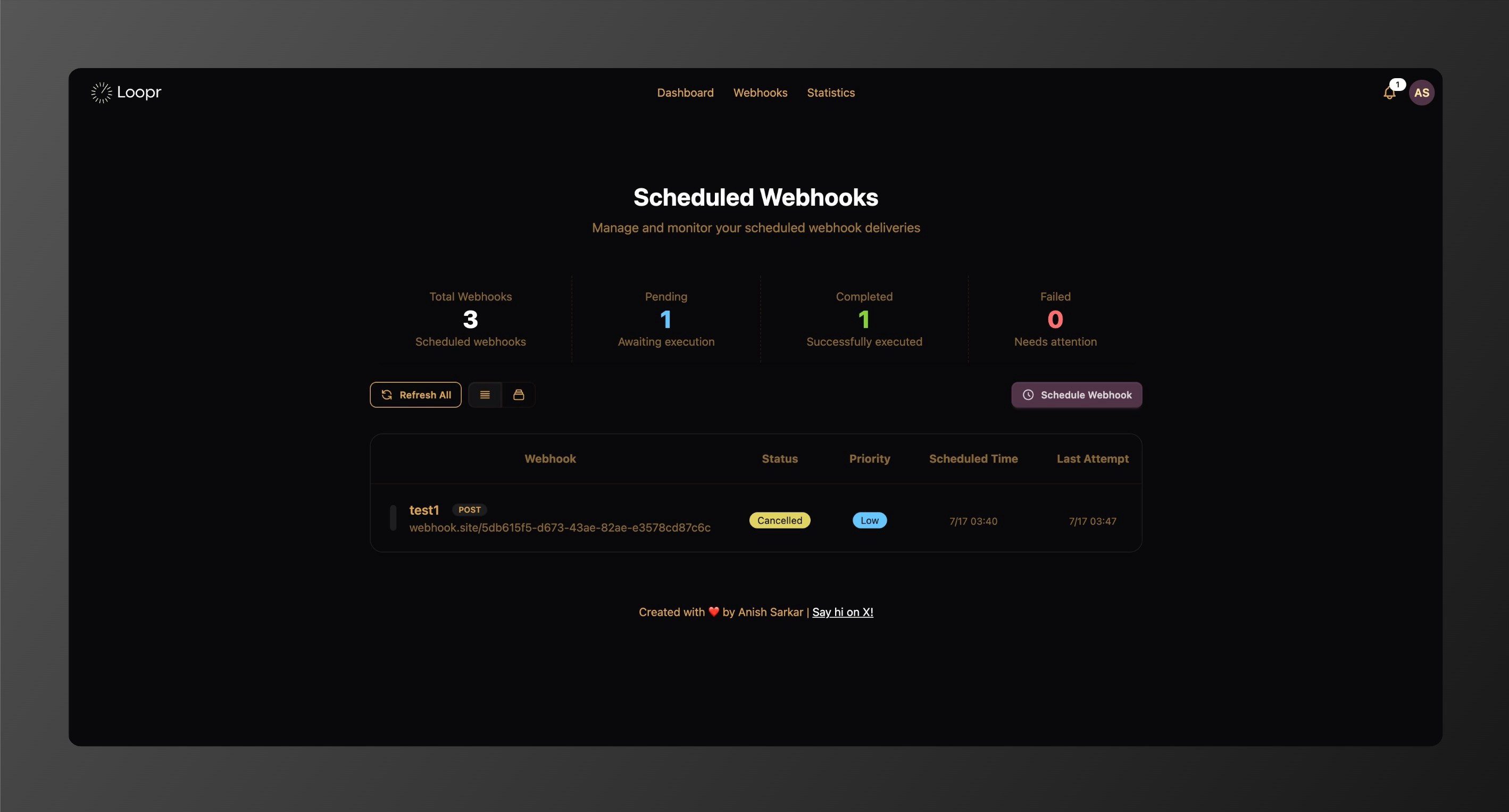
Overview
Loopr combines a sophisticated SvelteKit frontend with a robust Appwrite backend infrastructure, featuring intelligent cron job scheduling, webhook scheduling and delivery, and distributed monitoring capabilities. The application is engineered to handle high-frequency monitoring tasks while maintaining optimal resource utilization and cost efficiency.
Key Features
🔍 Real-Time Monitoring
- Continuous URL and webhook health checking with configurable ping intervals
- Multi-node distributed monitoring architecture
- Response time tracking and performance analytics
- Automated failure detection and recovery monitoring
🚨 Intelligent Alerting System
- Email notifications for service failures
- Real-time dashboard updates
- Customizable notification preferences
- Historical incident tracking
- Webhook scheduling and automated webhook delivery for integrations
📊 Advanced Analytics
- Comprehensive uptime statistics
- Response time trends and performance metrics
- Success/failure rate analysis
- Historical data visualization
👥 User Management
- Secure authentication and profile management
- Multi-user support with isolated monitoring spaces
- Personalized dashboards and settings
- Account management and security features
Architecture & Optimization
🧠 Distributed Worker System
Loopr employs a multi-node architecture that distributes monitoring tasks across worker nodes. This ensures:
- High availability
- No single points of failure
- Optimized resource usage
⚖️ Intelligent Load Balancing
- Dynamic load balancing algorithms
- Automatic redistribution of tasks based on node performance and availability
- Continuous operation even during node failures
🗃️ Database Optimization
- Efficient data sharding for scalability
- Automated cleanup for historical data
- Optimized query patterns
- Batch processing for high throughput
🚀 Performance Enhancements
- Parallel processing of tasks
- Configurable batch sizes
- Intelligent timeout handling
- Memory-efficient data operations
- Webhook scheduling and execution handled by dedicated serverless functions
graph TB
    %% User Interface
    User[User Dashboard]

    %% Core Application
    subgraph "Loopr Backend"
        API[SvelteKit App<br/>REST API]
        Appwrite[Appwrite BaaS<br/>Auth + Database]
    end

    %% Serverless Functions
    subgraph "Automated Functions"
        Monitor[URL Monitor]
        Workers[Load Balancer]
        Webhooks[Webhook Scheduler]
        Cleanup[Data Cleanup]
    end

    %% Data Storage
    subgraph "Database Collections"
        URLs[(URLs)]
        Results[(Results)]
        Nodes[(Worker Nodes)]
        Alerts[(Notifications)]
    end

    %% External
    Internet[Monitored URLs<br/>External APIs]
    Email[SMTP Alerts]

    %% Connections
    User --> API
    API --> Appwrite
    Appwrite --> Monitor
    Appwrite --> Workers
    Appwrite --> Webhooks
    Appwrite --> Cleanup

    Monitor --> URLs
    Monitor --> Results
    Monitor --> Internet
    Monitor --> Alerts

    Workers --> URLs
    Workers --> Nodes

    Webhooks --> Internet

    Cleanup --> Results
    Cleanup --> URLs

    Alerts --> Email

    %% Styling
    class Monitor,Workers,Webhooks,Cleanup functions
    class URLs,Results,Nodes,Alerts data
    class Internet,Email external
Serverless Function Optimization Strategy
🔄 Multi-Function Architecture
- URL Monitoring:
url-ping-monitoring- Distributed health checking across worker nodes - Node Management:
node-registration- Automated load balancing and URL redistribution - Data Cleanup:
database-cleanup- Intelligent data retention and orphaned URL reassignment - Webhook Scheduling:
webhook-scheduler- Reliable webhook delivery with retry mechanisms
📦 Adaptive Batch Processing
- Dynamic Sizing: Batch sizes automatically adjust based on
FUNCTION_TIMEOUTandPROCESSING_BUFFER - Parallel Processing: Configurable chunk sizes (
PARALLEL_CHUNK_SIZE: 25,WEBHOOK_PARALLEL_CHUNK_SIZE: 20) - Smart Querying: Offset-based pagination with configurable limits (
BATCH_SIZE: 100,WEBHOOK_BATCH_SIZE: 50) - Memory Optimization: Processing in smaller parallel chunks to prevent memory exhaustion
⏱️ Time-Aware Execution
- Execution Windows: Functions utilize full 300-second timeout with 30-second processing buffers
- Real-time Monitoring: Continuous elapsed time tracking to prevent timeouts
- Scheduled Intervals: Smart cron scheduling (every minute for monitoring, bi-daily for cleanup)
- Next Ping Calculation: Dynamic interval-based scheduling using
calculateNextPingTime
🧩 Resource Management
- Environment-Based Configuration: All parameters customizable via environment variables
- Worker Node Distribution: Intelligent load balancing across multiple node instances
- Database Sharding: User-based data partitioning with date-based shard keys
- Update Batching: Consolidated database operations via
updateUrlsInBatchesandupdateWebhooksInBatches
🛡️ Fault Tolerance
- Graceful Degradation: Individual chunk failures don't stop entire batch processing
- Automatic Recovery: Orphaned URL reassignment when nodes go offline
- Retry Mechanisms: Exponential backoff for webhook delivery failures
- Data Consistency: Race condition protection with
upsertShardDocumentpatterns - Error Isolation: Comprehensive error handling with detailed logging and partial success reporting
🎯 Performance Optimizations
- Connection Pooling: Efficient database connection reuse across batch operations
- Query Optimization: Compound indexes for fast lookups (
nodeId_enabled_nextping,status_priority_time) - Result Aggregation: Efficient data collection via
storeResultsByUser - Notification Management: Smart alerting with duplicate prevention and rate limiting
Deployment Architecture
☁️ Cloud-Native Design
- Fully containerized architecture
- Compatible with dev to production-scale hosting
📈 Scalable Infrastructure
- Horizontal scaling via worker node expansion
⚙️ Environment Configuration
- Full control using environment variables
- Ready-to-use deployment templates for multiple environments
Security Features
- Secure API key management
- Encrypted data communication
- Strong user authentication & authorization
- Privacy-respecting data policies
Technology Stack
🎨 Frontend
- SvelteKit for reactive UI
- TailwindCSS with DaisyUI for responsive design
- Real-time dashboard updates
🔧 Backend
- Appwrite as Backend-as-a-Service
- Appwrite serverless functions for automated scheduling and delivery of URLs and webhooks
- Node.js for serverless functions
- MariaDB for data persistence
- Redis for caching and session storage
🛠️ Infrastructure
- Docker containerization
- Configurable worker node deployment
- Automated database maintenance
- Distributed monitoring system
Use Cases
🔍 Web Service Monitoring
Monitor websites, APIs, and services with custom intervals and full analytics.
📈 Performance Tracking
Track uptime, latency, and availability trends.
🚨 Incident Management
Get real-time alerts and review incident histories.
🔗 Automated Webhook Integrations
Schedule and deliver webhooks to external services for seamless automation and integration with third-party tools.
📋 Compliance Reporting
Generate SLA uptime reports and conduct audits.
Self-Hosting Loopr
Follow these steps to deploy Loopr on your own infrastructure using Docker.
Prerequisites
- Docker and Docker Compose installed on your system
- Domain name (optional, for production deployment)
Quick Start
Step 1: Clone the Repository
git clone https://github.com/AnishSarkar22/Loopr.git
cd Loopr
Step 2: Environment Configuration
Copy the environment template and configure your settings:
cp .env.example .env
Edit the .env file with your specific configuration:
- Set your domain name in
_APP_DOMAINif in production - Configure database credentials
- Set up SMTP settings for email notifications (Must do)
- Generate secure API key within appwrite dashboard after self hosting (Must do)
Step 3: Launch the Application
Start all services using Docker Compose:
docker-compose up -d
This will automatically:
- Build the Loopr application container
- Start Appwrite backend services
- Initialize MariaDB database
- Configure Redis for caching
- Set up Traefik reverse proxy
Step 4: Initial Setup
Access the Appwrite console at http://your-domain/console to:
- Create your first admin account
- Set up the project name and project ID as
loopr-project - Configure authentication settings
Step 5: Create an API key in the settings and put it in APPWRITE_API_KEY in .env file and again run docker-compose up -d
Step 6: Enter the Loopr App Container
docker exec -it loopr-app sh
Step 7: Log in to Appwrite CLI
- For localhost deployments, use:
appwrite login --endpoint http://appwrite/v1
- For production deployments, use:
appwrite login appwrite login --endpoint https://<your-appwrite-domain.com>/v1
Step 8: Authenticate
appwrite login
Follow the CLI prompts to complete authentication.
Step 9: Deploy Appwrite Functions
Push all Appwrite functions and configurations:
appwrite push all --all --force
Step 10: Configure Global Variables in Appwrite
Use the .env.dist file as a reference and fill in all required global variables in your Appwrite project's settings. Make sure each environment variable needed by Loopr is set correctly in Appwrite.
Step 11: Access Loopr
Navigate to http://loopr.your-domain to access the Loopr dashboard and begin monitoring your URLs.
Production Deployment
SSL/TLS Configuration
For production deployments, configure SSL certificates:
- Update
_APP_OPTIONS_FORCE_HTTPS=enabledin your environment - Ensure your domain DNS points to your server
- Traefik will automatically handle Let's Encrypt certificate generation
Resource Optimization
Adjust the following environment variables based on your server capacity:
_APP_WORKER_PER_CORE- Worker processes per CPU coreBATCH_SIZE- Number of URLs processed per batchPARALLEL_CHUNK_SIZE- Concurrent monitoring operationsMAX_LOGS_PER_URL- Log retention per monitored URL
Scaling Considerations
For high-volume monitoring:
- Increase database connection limits
- Configure multiple worker nodes using
NODE_POOL_SIZE - Adjust batch sizes and processing intervals
- Consider horizontal scaling with multiple Loopr instances
LICENSE
Loopr is released under the GNU Affero General Public License v3.0, promoting open-source contributions while enforcing copyleft protections. See here.