

English | 中文
What is Lumina?
Lumina is an information management workspace that combines a web app, FastAPI backend, and browser extension to help you capture web content, use AI insights, and manage reading efficiently.
Core Features
- Browser capture workflow: one-click full-page or selection capture via popup/context menu, with built-in recent capture history, error logs, and site-adapter extraction.
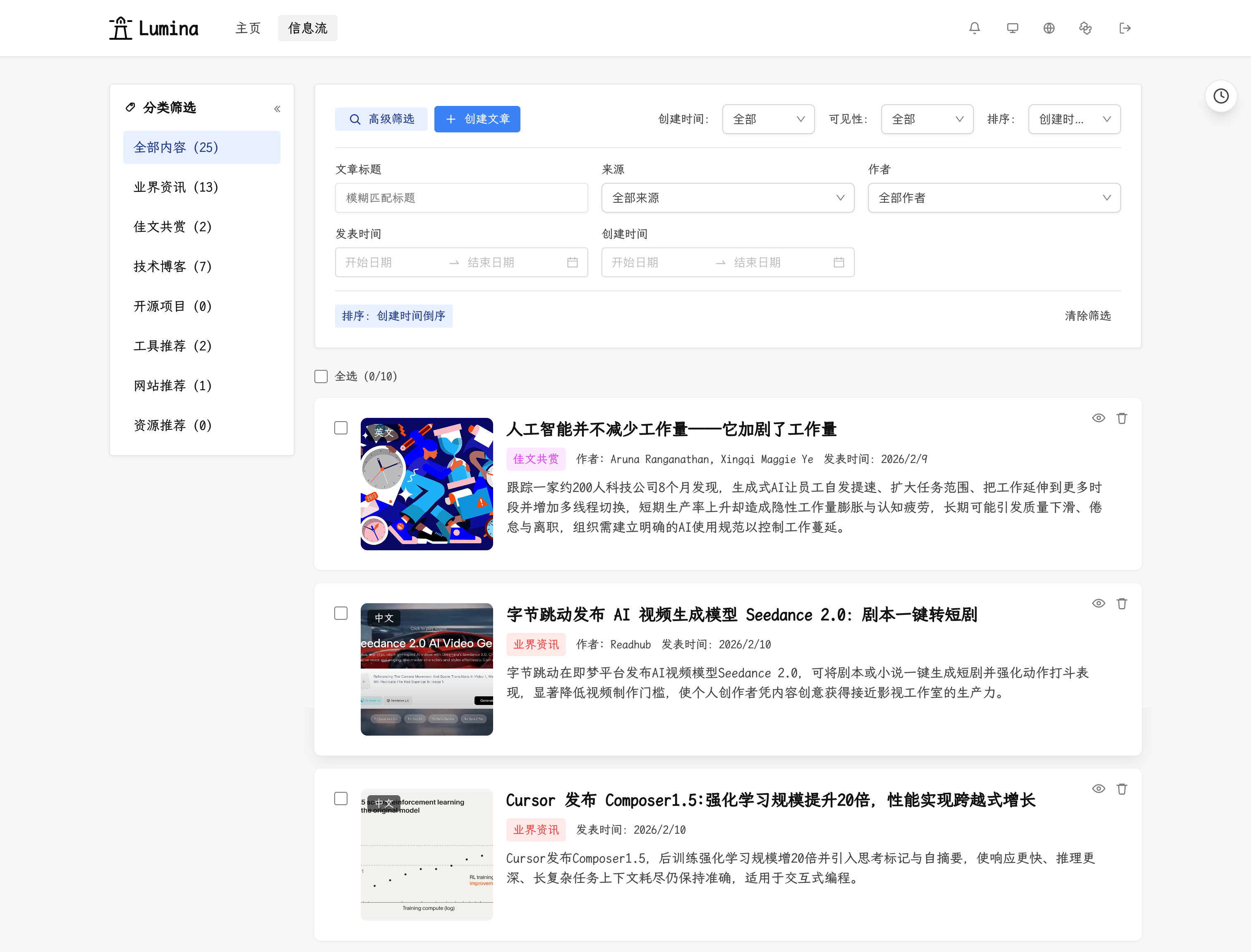
- Structured article library: title search plus category/tag/author/source/time filters, with batch category, hide, and delete actions for efficient content management.
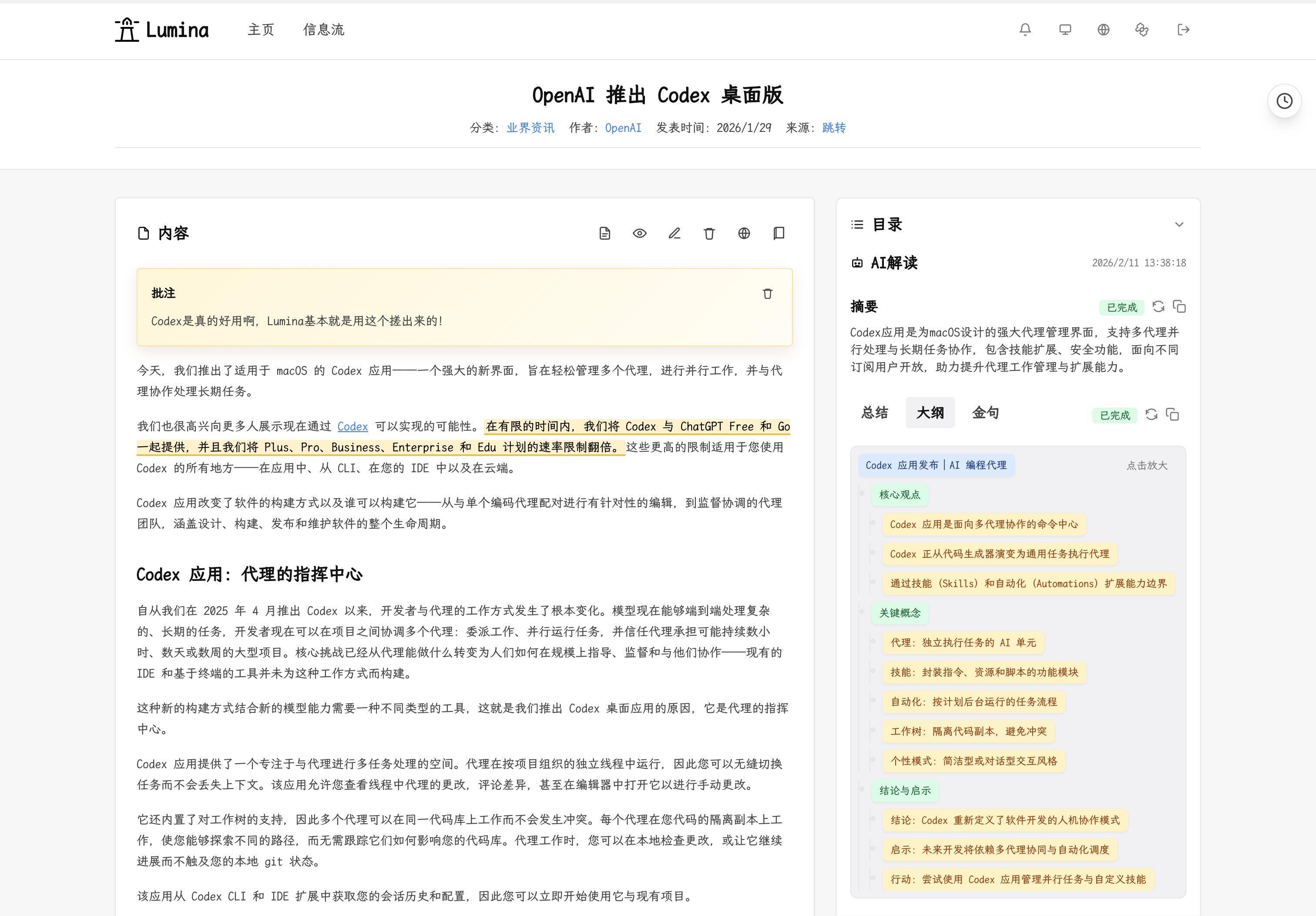
- Deep reading experience: detail page supports original/translated views, immersive mode, TOC, article notes, highlight annotations, and rendering for code, math, and common media embeds.
- AI insight pipeline: generate summaries, key points, quotes, outlines, translations, auto-classification, auto-tagging, and similar-article recommendations with monitorable background tasks that also support continuation feedback, repair rounds, cancellation, retry, and chain-based timelines.
- Review workflow: create template-driven periodic reviews, regenerate draft reviews from selected articles, and insert either article placeholders or quoted content references directly inside the review editor.
- Comments and collaboration: article comments/replies, admin moderation (hide/delete), GitHub/Google OAuth sign-in, and sensitive-word filtering for public discussions.
- Admin control center: configure site basics and home copy, model APIs (general/vector), prompts, recommendation strategy, categories, comments, review templates, and storage settings.
- Operations and observability: monitor AI task timelines, usage metrics (calls/tokens/cost), header notification center for failed tasks/API errors, and key backend health signals.
- Content lifecycle management: local media storage/compression/cleanup, detail-page Markdown export for both articles and reviews, public RSS feeds for articles and reviews, plus background backup generation/download and strict incremental import for migration and recovery.
- Localized UI and access model: built-in Chinese/English UI support, light/dark themes, guest browsing, and admin-authenticated management flows.
Product Flow
flowchart LR
    A["Capture article in extension"] --> B["Backend stores content"]
    B --> C["Create AI tasks"]
    C --> D["Worker runs AI analysis"]
    D --> E["Read and manage in web app"]
    E --> F["Export content"]
RSS Reader
Android phone RSS reader can use readrops-lumina, download, to quickly collect content to Lumina.
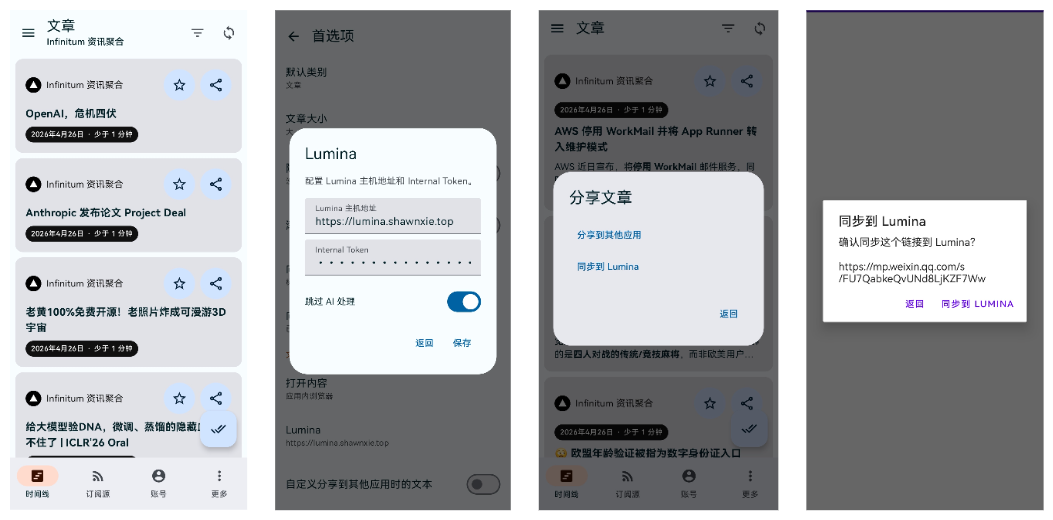
Screenshots
1) Home
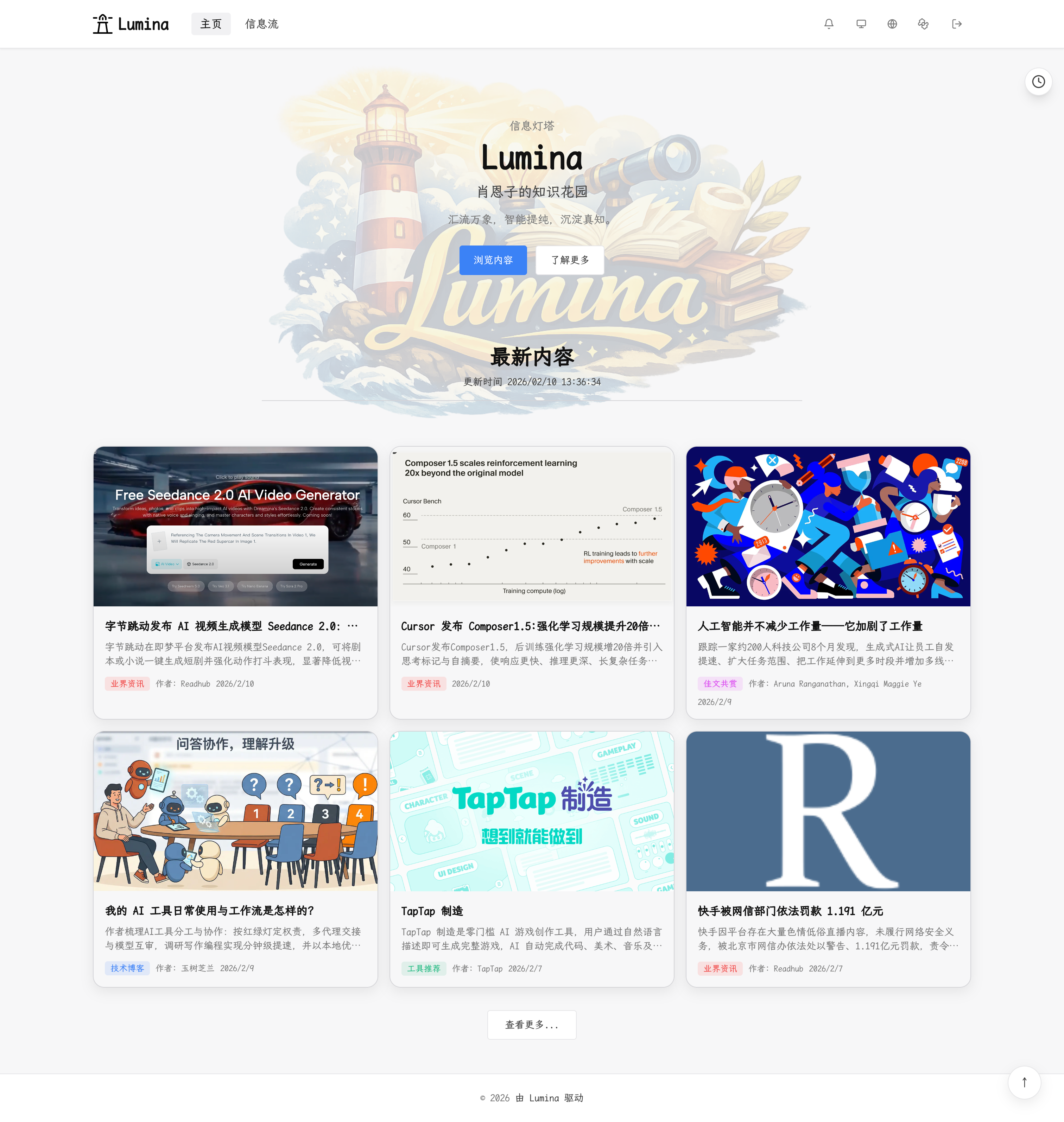
2) List page
3) Article detail page
- Normal mode (default): shows original content, full-text annotations, highlights, TOC, AI insights, and recommendations.
- Immersive mode: wide reading mode, hides navigation for focused reading.
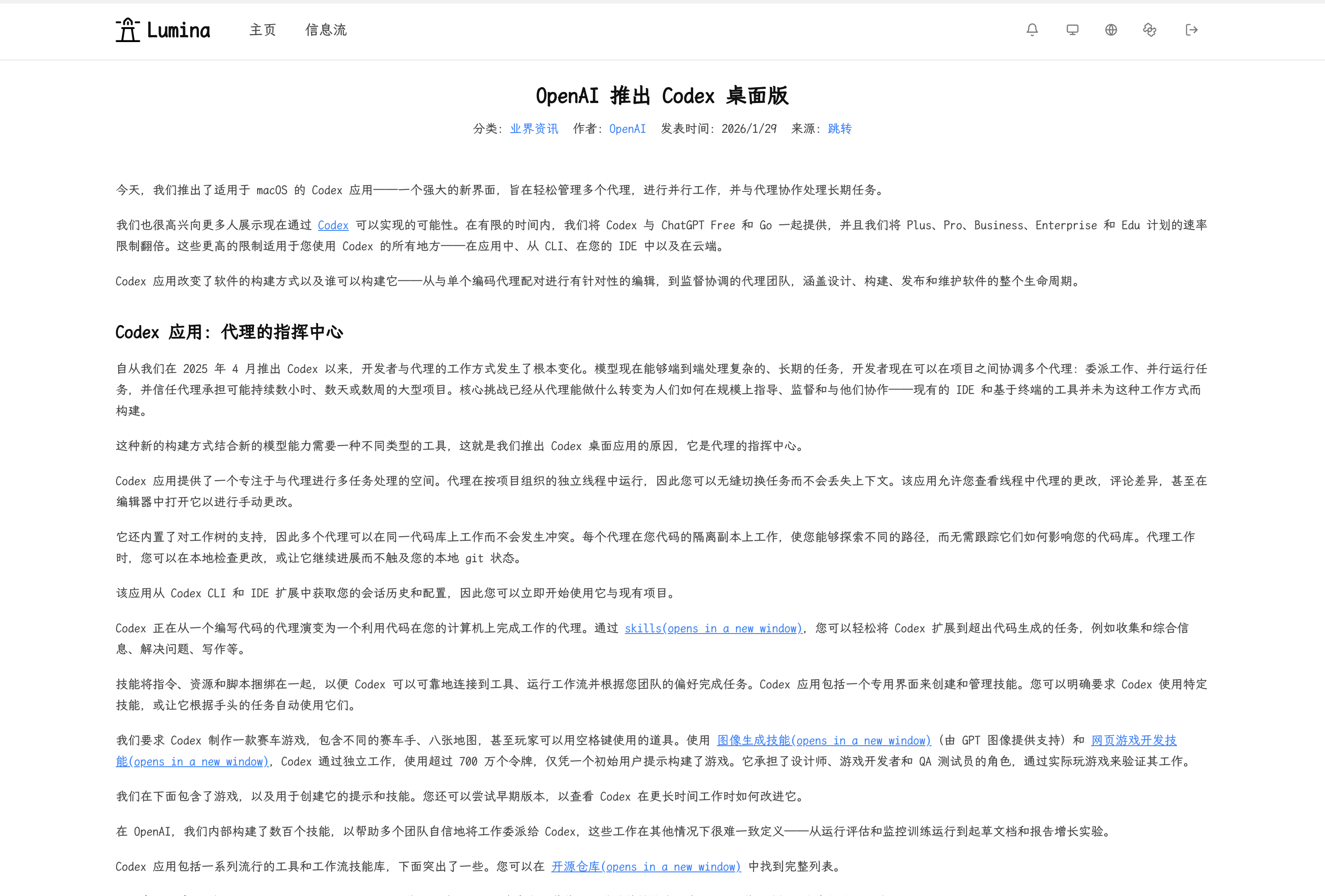
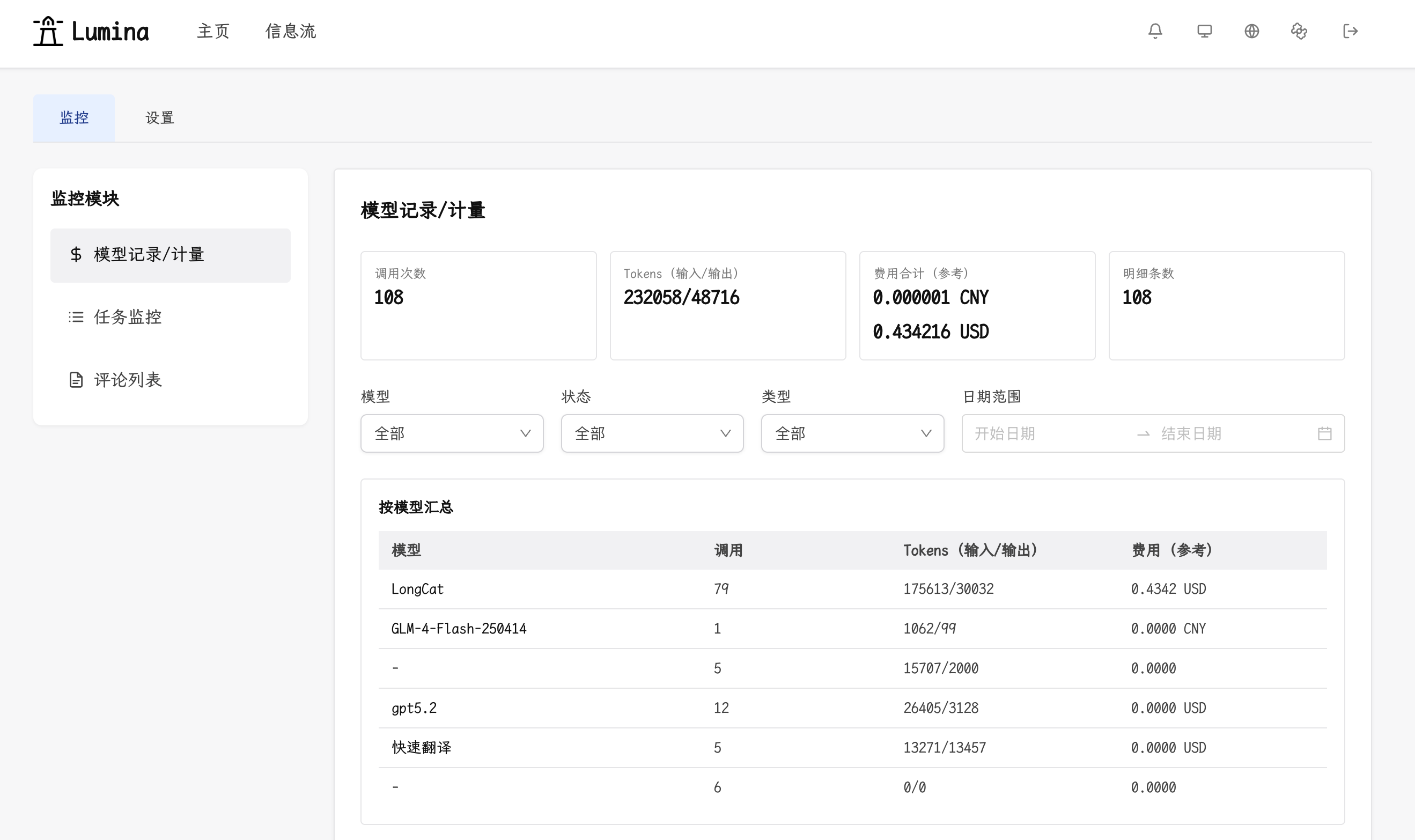
4) Admin dashboard
- Monitoring module: model usage/billing, AI tasks, and comment monitoring.
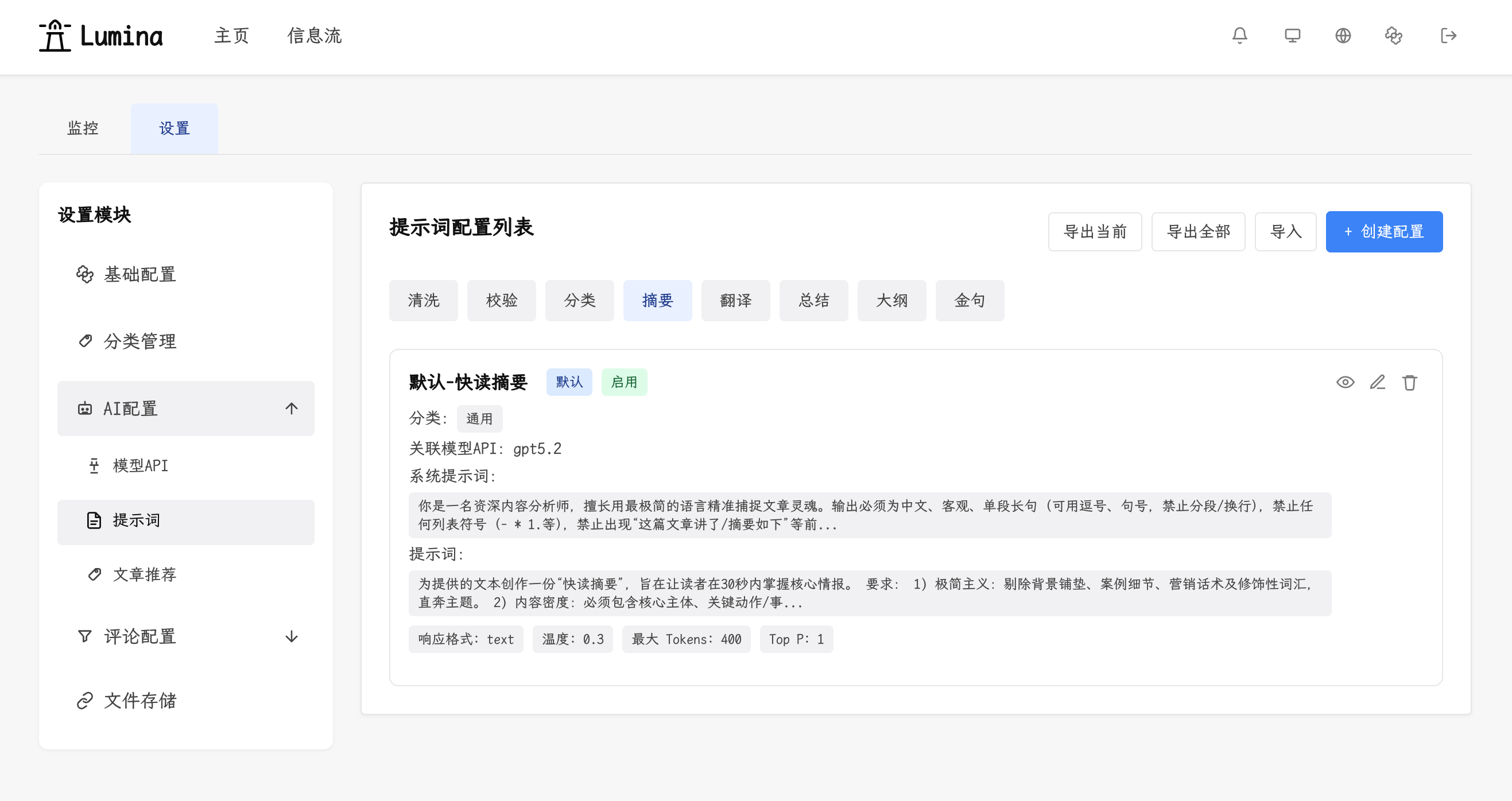
- Settings module: basic, categories, AI, comments, and storage configuration.
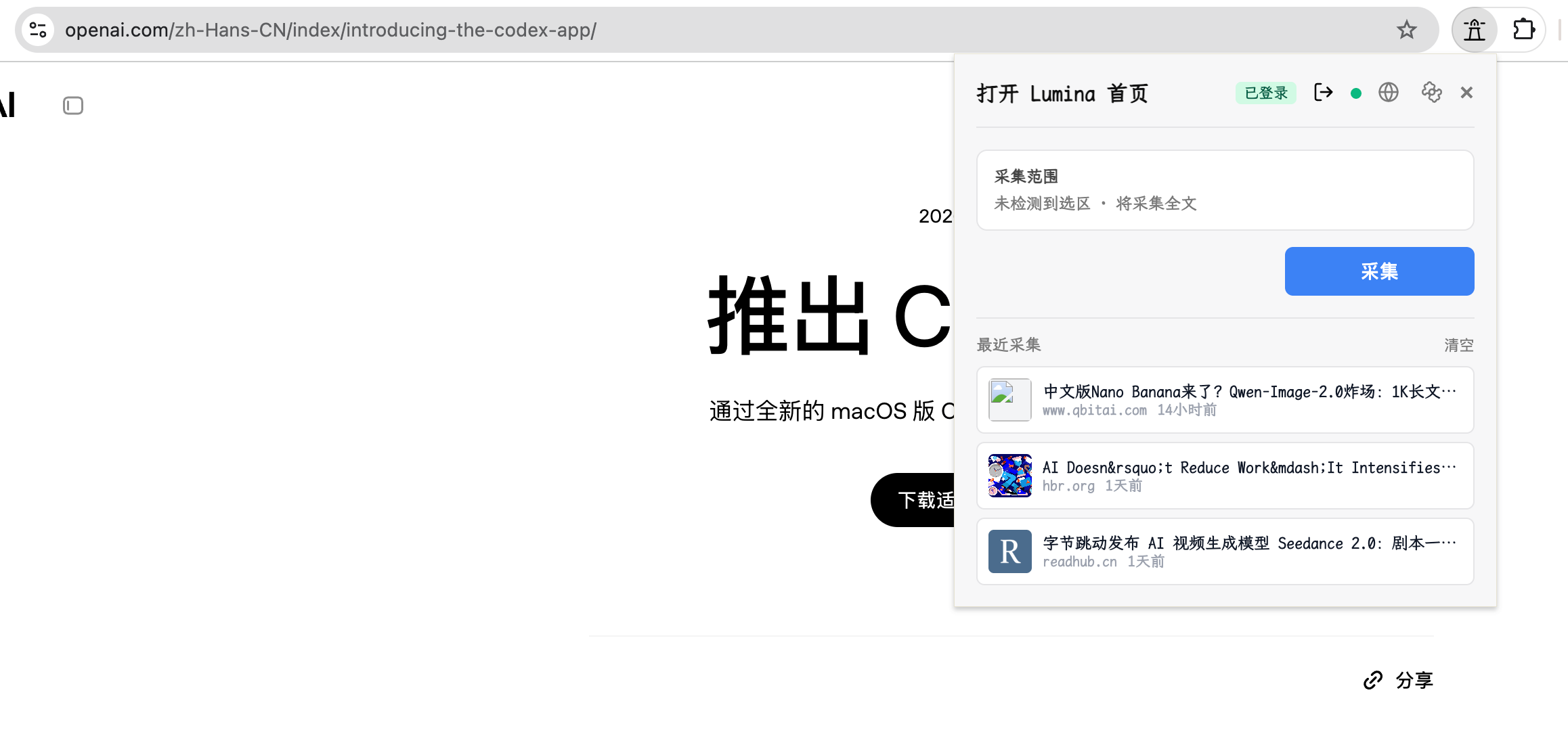
5) Extension
- One-click full-page capture: capture via extension button or page context menu without selecting text.
- One-click selection capture: select text first, then capture via extension button or context menu.
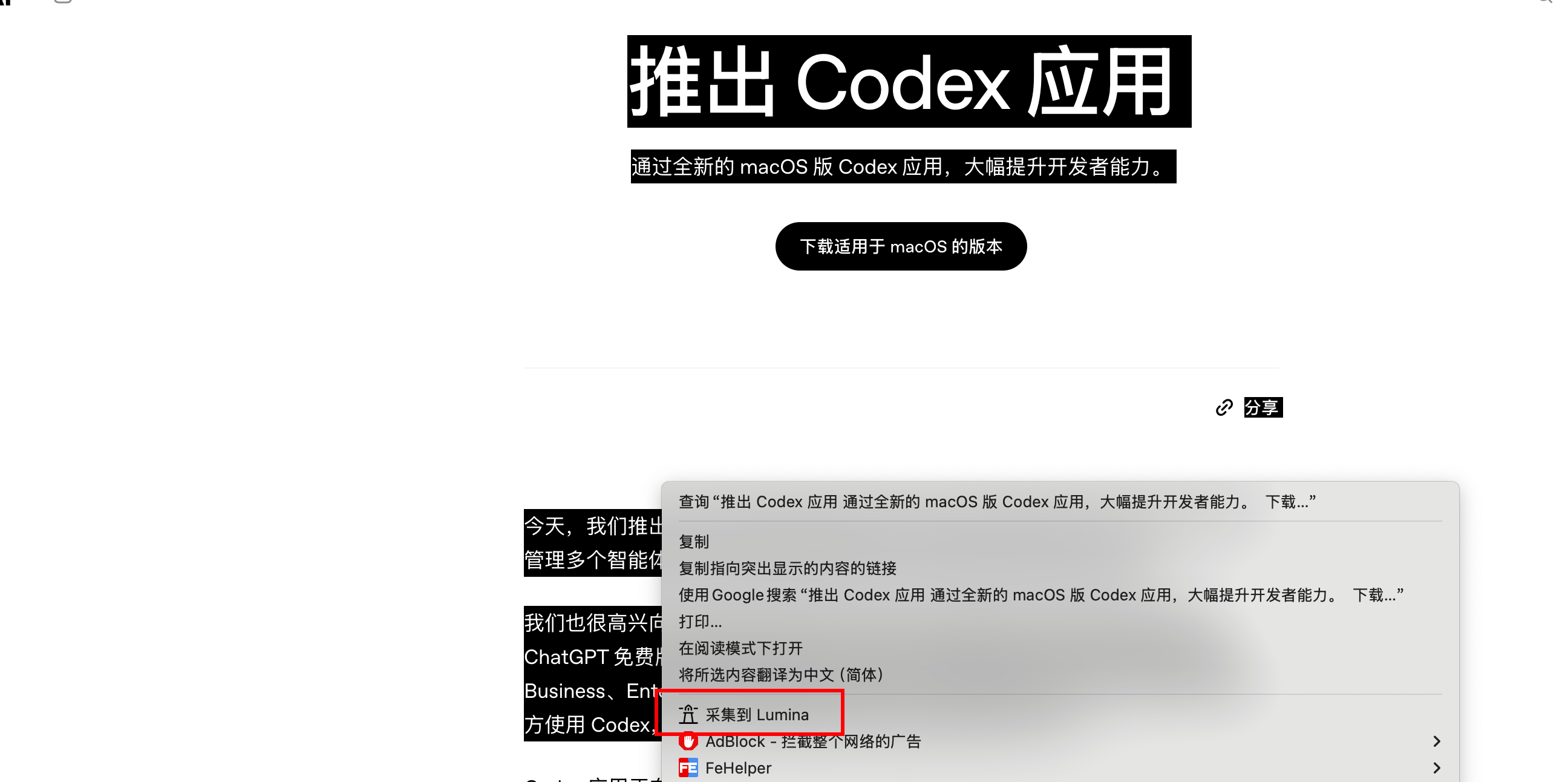
6) Other features
- Theme switch: supports light/dark mode.
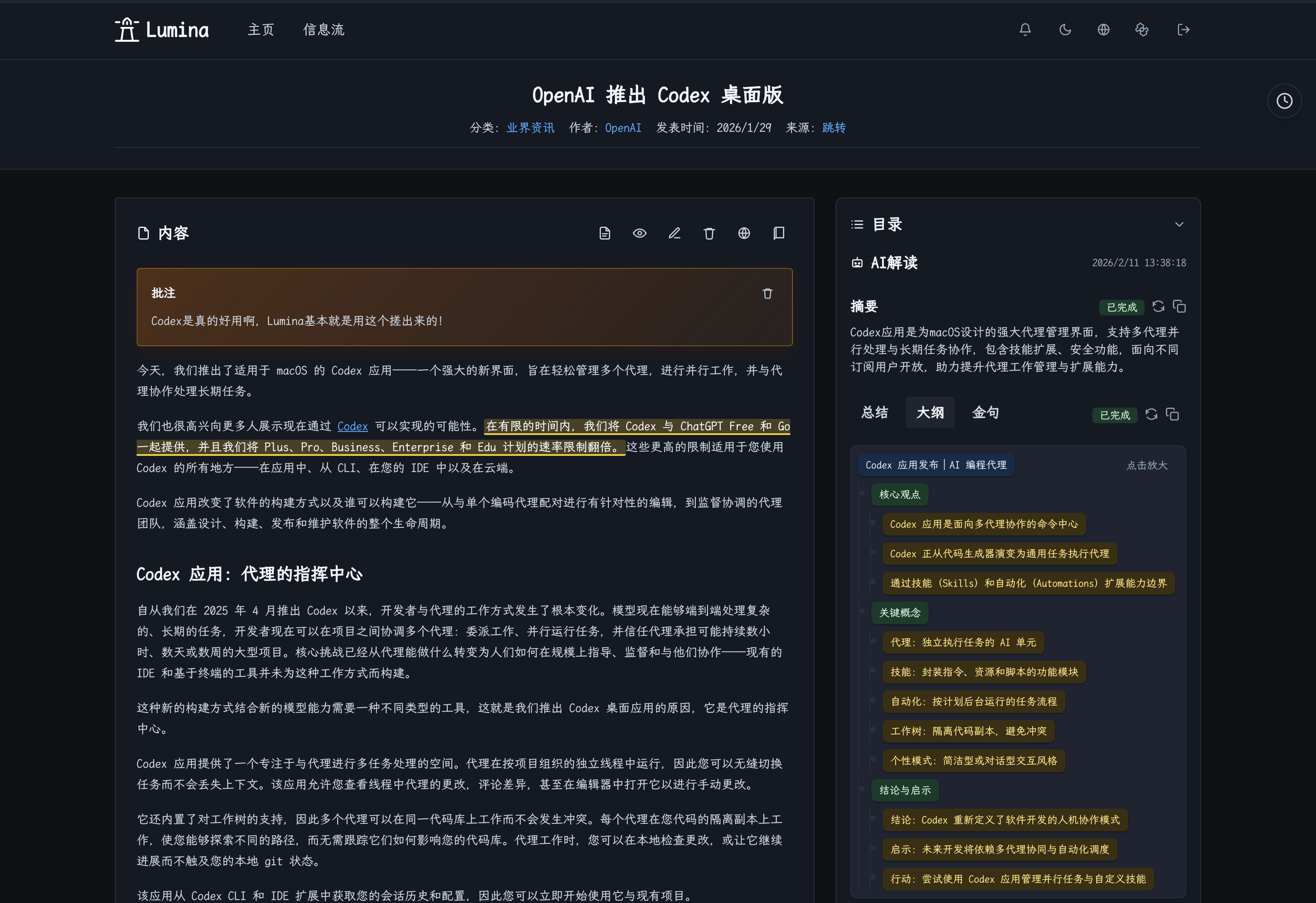
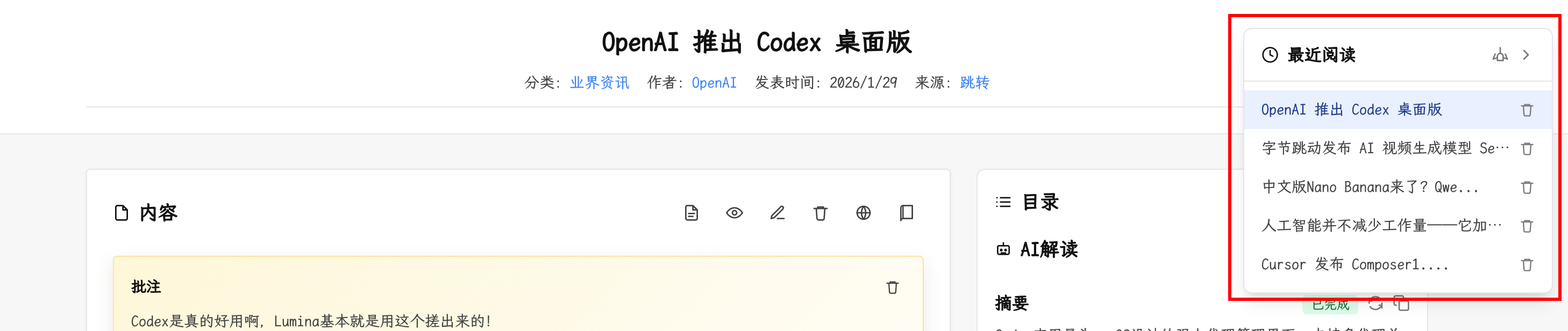
- Recent reading history: keeps the latest 5 articles for quick jump.
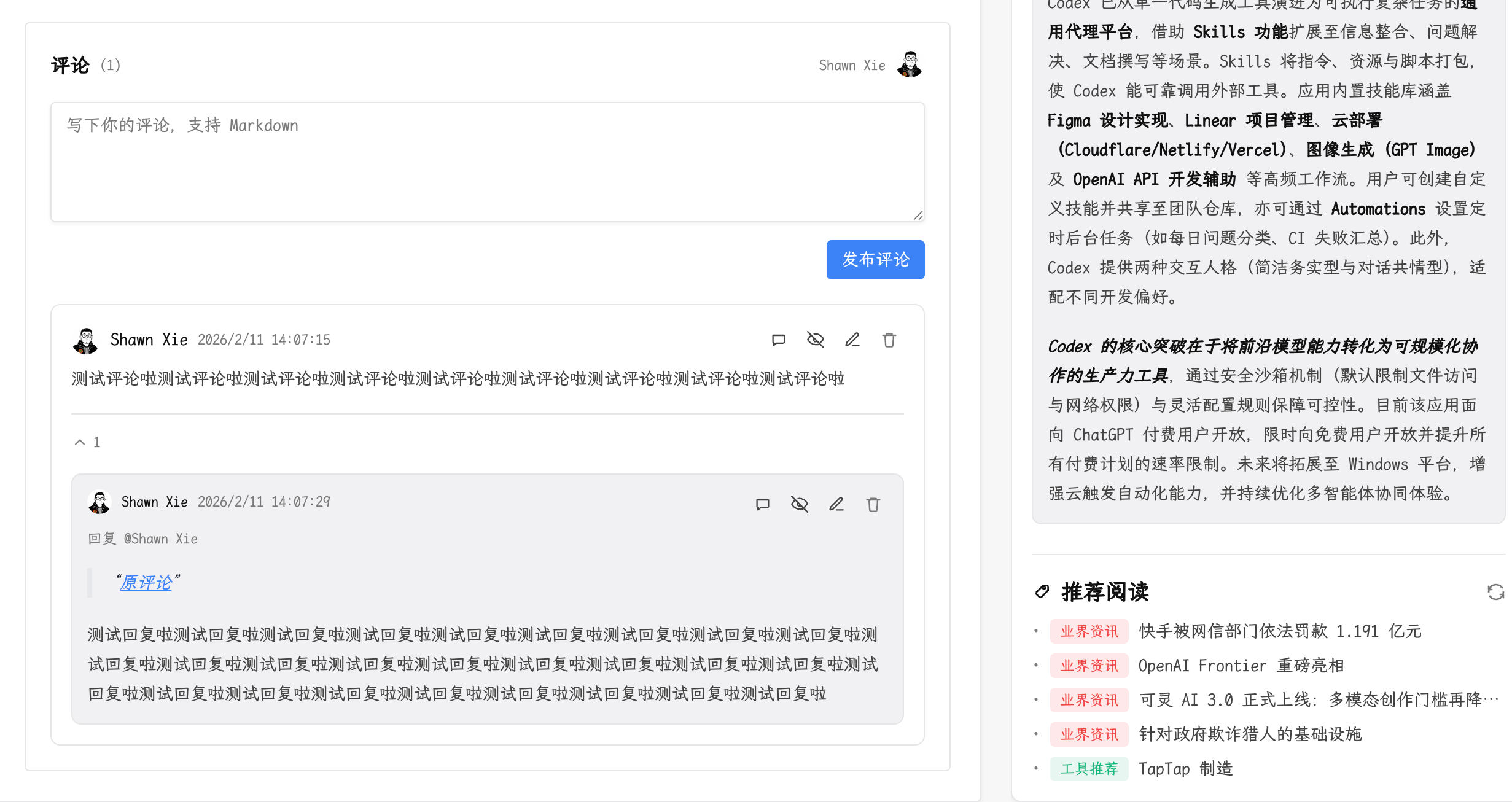
- Article comments: supports commenting on article detail pages for collaboration and feedback.
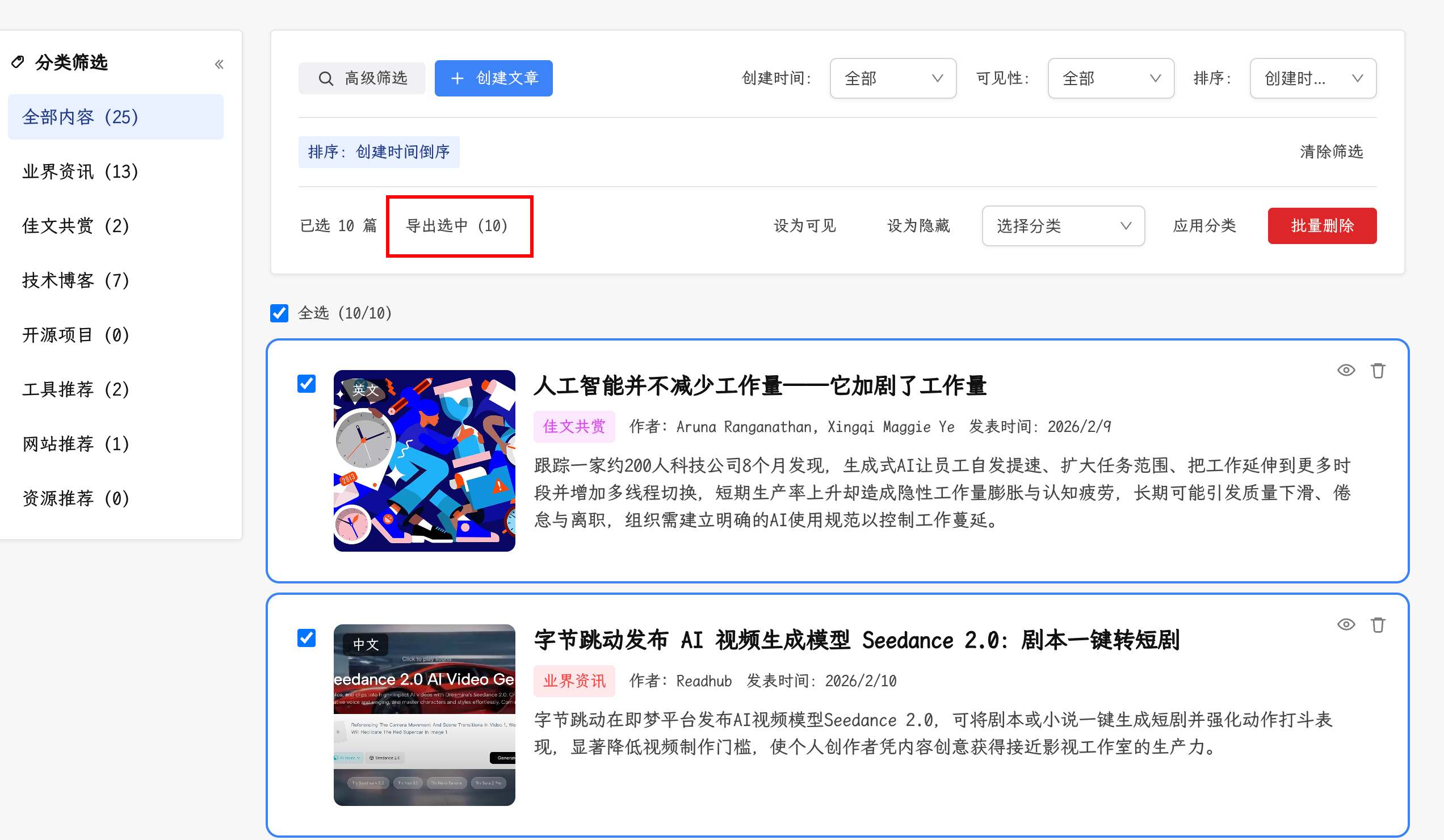
- Content export: export article title, cover image, and summary by category, and download the current article or review detail page as Markdown.
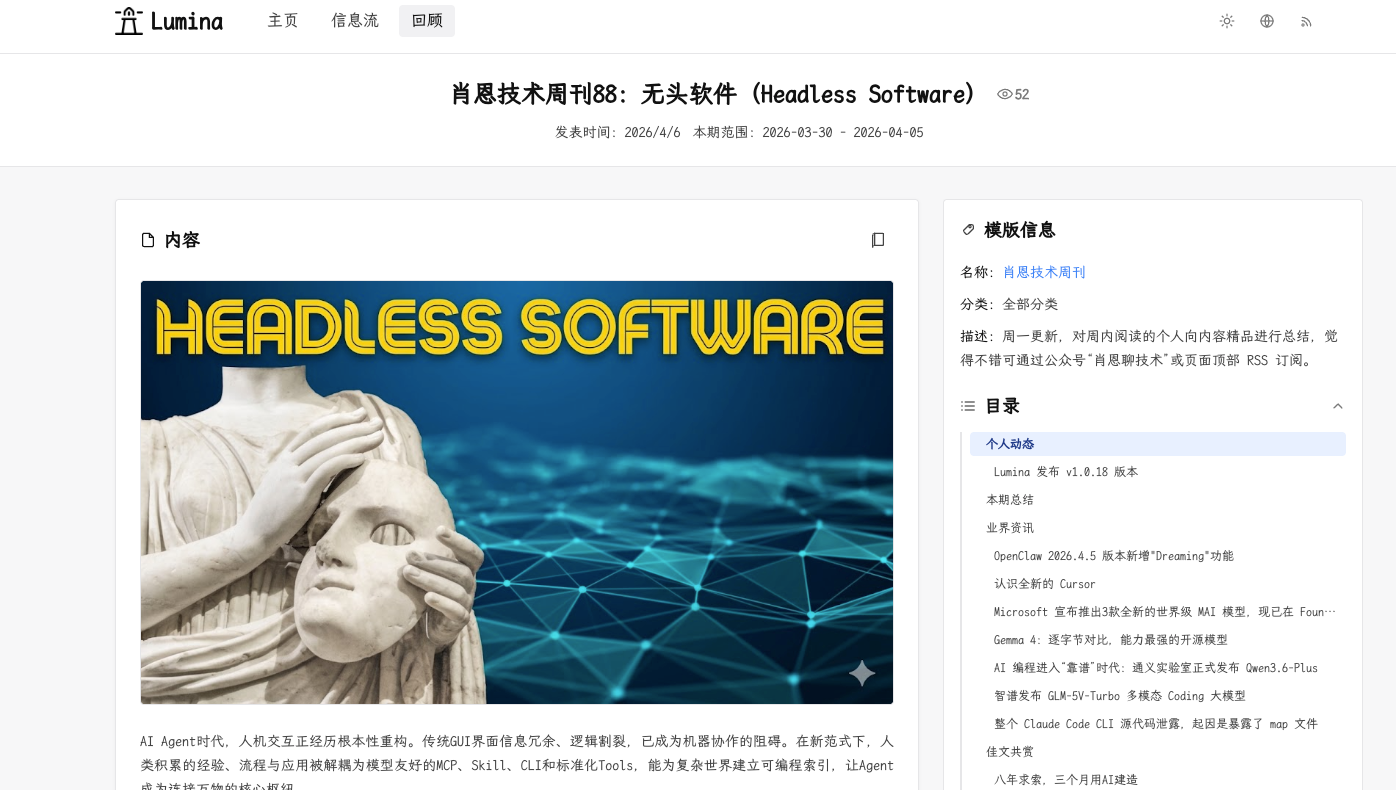
- Review workspace: published review pages, template-based review generation, article/content reference insertion, and review comments are available out of the box.
- RSS subscription: public RSS feeds are available for both articles and reviews, with article feeds supporting category and tag filters.

- Notification center: the header aggregates failed AI task chains and API error notifications in one place.

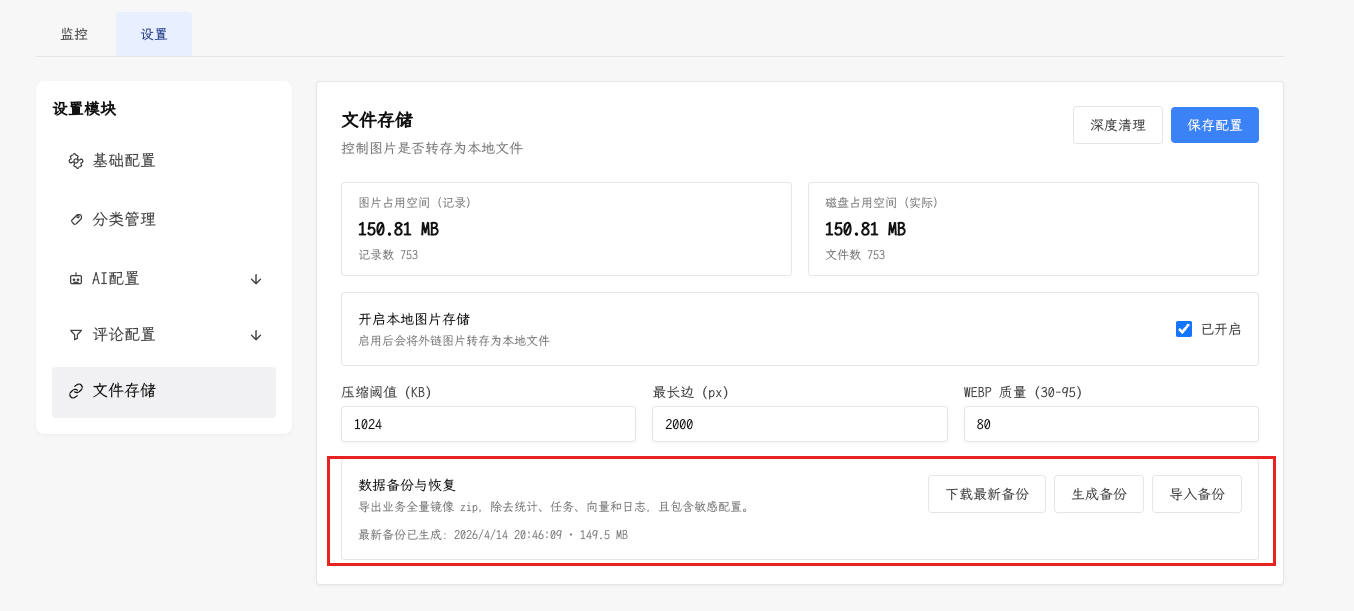
- Backup operations: the admin storage panel can trigger the latest backup as a background job, poll progress, and download the generated archive when ready.
More features are coming...
Quick Start
docker compose up -d
./scripts/docker_healthcheck.sh
Open:
- Web: http://localhost:3000
- API (routes): http://localhost:8000/backend
- API (docs): http://localhost:8000/docs
Production Notes
- Docker Compose files include an API healthcheck against
/backend/. ./scripts/docker_watchdog.shcan be run from cron or systemd to restart the API service when the health probe stops responding.- For production deployments, serve
/backend/media/directly from nginx instead of proxying media files through FastAPI. Seedeploy/nginx/lumina.conf.example.
Minimal Dev Notes
# Frontend
cd frontend
npm install
npm run dev

# Backend
cd backend
uv sync
uv run uvicorn main:app --reload

# Extension
cd extension
npm install
npm run dev
FAQ
Why does API fail to start?
INTERNAL_API_TOKEN is required by backend startup validation. Set it in your environment or Docker config.
Why can't I log in to the admin panel?
On first run, open /login and set the admin password before normal login.
Why does frontend API return 404 (for example /api/articles)?
Backend routes are served under /backend/api/* only (unprefixed /api/* is not available).
Check API_BASE_URL. In same-origin production it should normally be /backend; in local split-port setups it can be http://localhost:8000/backend.
Why does the extension fail to submit article?
Check extension API host settings and confirm backend is reachable from the browser.
License
MIT License