




What is Manifold?
Manifold is a Java compiler plugin. Use it to supplement your Java projects with highly productive features.
Advanced compile-time metaprogramming type-safely integrates any kind of data, metadata, or DSL directly into Java.
- SQL (New!)
- GraphQL
- JSON & JSON Schema, YAML, XML
- CSV
- JavaScript
- etc.
Powerful language enhancements improve developer productivity.
- Extension methods
- True delegation
- Properties
- Optional parameters (New!)
- Tuple expressions
- Operator overloading
- Unit expressions
- A Java template engine
- A preprocessor
- ...and more
Each feature is available as a separate dependency. Simply add the Manifold dependencies of your choosing to your existing project and begin taking advantage of them.
All fully supported in JDK LTS releases 8 - 25 + latest with comprehensive IDE support in IntelliJ IDEA and Android Studio.
What's New...
Type-safe SQL
Manifold SQL lets you write native SQL directly and type-safely in your Java code.
- Query types are instantly available as you type native SQL of any complexity in your Java code
- Schema types are automatically derived from your database, providing type-safe CRUD, decoupled TX, and more
- No ORM, No DSL, No wiring, and No code generation build steps


Who is using Manifold?
Sampling of companies using Manifold:

What can you do with Manifold?
Meta-programming
Use the framework to gain direct, type-safe access to any type of resource, such as SQL, JSON, GraphQL, XML, YAML, CSV, and even other languages such as JavaScript. Remove the code gen step in your build process. ▶ Check it out!
SQL: Use native SQL of any complexity directly and type-safely from Java.
Language english =
  "[.sql/]select * from Language where name = 'English'".fetchOne();
Film film = Film.builder("My Movie", english)
  .withDescription("Nice movie")
  .withReleaseYear(2023)
  .build();
MyDatabase.commit();
GraphQL: Use types defined in .graphql files directly, no code gen steps! Make GraphQL changes and immediately use them with code completion.
var query = MovieQuery.builder(Action).build();
var result = query.request("http://com.example/graphql").post();
var actionMovies = result.getMovies();
for (var movie : actionMovies) {
  out.println(
    "Title: " + movie.getTitle() + "\n" +
    "Genre: " + movie.getGenre() + "\n" +
    "Year: " + movie.getReleaseDate().getYear() + "\n");
}
JSON: Use .json schema files directly and type-safely, no code gen steps! Find usages of .json properties in your Java code.
// From User.json
User user = User.builder("myid", "mypassword", "Scott")
  .withGender(male)
  .withDob(LocalDate.of(1987, 6, 15))
  .build();
User.request("http://api.example.com/users").postOne(user);
Extension Methods
Add your own methods to existing Java classes, even String, List, and File. Eliminate boilerplate code. ▶ Check it out!
String greeting = "hello";
greeting.myMethod(); // Add your own methods to String!
Delegation
Favor composition over inheritance. Use @link and @part for automatic interface implementation forwarding and true delegation.
class MyClass implements MyInterface {
  @link MyInterface myInterface; // transfers calls on MyInterface to myInterface

  public MyClass(MyInterface myInterface) {
    this.myInterface = myInterface; // dynamically configure behavior
  }

  // No need to implement MyInterface here, but you can override myInterface as needed
}
Properties
Eliminate boilerplate getter/setter code, improve your overall dev experience with properties.
public interface Book {
  @var String title; // no more boilerplate code!
}
// refer to it directly by name
book.title = "Daisy";     // calls setter
String name = book.title; // calls getter
book.title += " chain";   // calls getter & setter
Additionally, the feature automatically infers properties, both from your existing source files and from compiled classes your project uses. Reduce property use from this:
Actor person = result.getMovie().getLeadingRole().getActor();
Likes likes = person.getLikes();
likes.setCount(likes.getCount() + 1);
to this:
result.movie.leadingRole.actor.likes.count++;
Optional parameters & named arguments
Use optional parameters and named arguments with any Java project to add clarity and flexibility to call sites and as a refreshing alternative to method overloads and builders.
String valueOf(char[] data,
               int offset = 0,
               int count = data.length - offset) {...}

valueOf(array) // use defaults for offset and count
valueOf(array, 2) // use default for count
valueOf(array, count:20) // use default for offset by naming count
Binary compatible with methods, constructors, and records.
Operator Overloading
Implement operator methods on any type to directly support arithmetic, relational, index, and unit operators.
// BigDecimal expressions
if (bigDec1 > bigDec2) {
  BigDecimal result = bigDec1 + bigDec2;
  ...
}
// Implement operators for any type
MyType value = myType1 + myType2;
Tuple expressions
Tuple expressions provide concise syntax to group named data items in a lightweight structure.
var t = (name: "Bob", age: "35");
System.out.println("Name: " + t.name + " Age: " + t.age);

var t = (person.name, person.age);
System.out.println("Name: " + t.name + " Age: " + t.age);
You can also use tuples with new auto type inference to enable multiple return values from a method.
Unit Expressions
Unit or binding operations are unique to the Manifold framework. They provide a powerfully concise syntax and can be applied to a wide range of applications.
import static manifold.science.util.UnitConstants.*; // kg, m, s, ft, etc
...
Length distance = 100 mph * 3 hr;
Force f = 5.2 kg m/s/s; // same as 5.2 N
Mass infant = 9 lb + 8.71 oz;
Ranges
Easily work with the Range API using unit expressions. Simply import the RangeFun constants to create ranges.
// imports the `to`, `step`, and other "binding" constants
import static manifold.collections.api.range.RangeFun.*;
...
for (int i: 1 to 5) {
  out.println(i);
}

for (Mass m: 0kg to 10kg step 22r unit g) {
  out.println(m);
}
Science
Use the manifold-science framework to type-safely incorporate units and precise measurements into your applications.
import static manifold.science.util.UnitConstants.*; // kg, m, s, ft, etc.
...
Velocity rate = 65mph;
Time time = 1min + 3.7sec;
Length distance = rate * time;
Preprocessor
Use familiar directives such as #define and #if to conditionally compile your Java projects. The preprocessor offers a simple and convenient way to support multiple build targets with a single codebase. ▶ Check it out!
#if JAVA_8_OR_LATER
  @Override
  public void setTime(LocalDateTime time) {...}
#else
  @Override
  public void setTime(Calendar time) {...}
#endif
Structural Typing
Unify disparate APIs. Bridge software components you do not control. Access maps through type-safe interfaces. ▶ Check it out!
Map<String, Object> map = new HashMap<>();
MyThingInterface thing = (MyThingInterface) map; // O_o
thing.setFoo(new Foo());
Foo foo = thing.getFoo();
out.println(thing.getClass()); // prints "java.util.HashMap"
Type-safe Reflection
Access private features with @Jailbreak to avoid the drudgery and vulnerability of Java reflection. ▶ Check it out!
@Jailbreak Foo foo = new Foo();
// Direct, *type-safe* access to *all* foo's members
foo.privateMethod(x, y, z);
foo.privateField = value;
Checked Exception Handling
You now have an option to make checked exceptions behave like unchecked exceptions! No more unintended exception swallowing. No more try/catch/wrap/rethrow boilerplate!
List<String> strings = ...;
List<URL> urls = strings.stream()
  .map(URL::new) // No need to handle the MalformedURLException!
  .collect(Collectors.toList());
String Templates
Inline variables and expressions in String literals, no more clunky string concat! ▶ Check it out!
int hour = 15;
// Simple variable access with '$'
String result = "The hour is $hour"; // Yes!!!
// Use expressions with '${}'
result = "It is ${hour > 12 ? hour-12 : hour} o'clock";
A Java Template Engine
Author template files with the full expressive power of Java, use your templates directly in your code as types. Supports type-safe inclusion of other templates, shared layouts, and more. ▶ Check it out!
List<User> users = ...;
String content = abc.example.UserSample.render(users);
A template file abc/example/UserSample.html.mtl
<%@ import java.util.List %>
<%@ import com.example.User %>
<%@ params(List<User> users) %>
<html lang="en">
<body>
<% for(User user: users) { %>
  <% if(user.getDateOfBirth() != null) { %>
    User: ${user.getName()} <br>
    DOB: ${user.getDateOfBirth()} <br>
  <% } %>
<% } %>
</body>
</html>
IDE Support
Use the Manifold plugin to fully leverage Manifold with IntelliJ IDEA and Android Studio. The plugin provides comprehensive support for Manifold including code completion, navigation, usage searching, refactoring, incremental compilation, hotswap debugging, full-featured template editing, integrated preprocessor, and more.
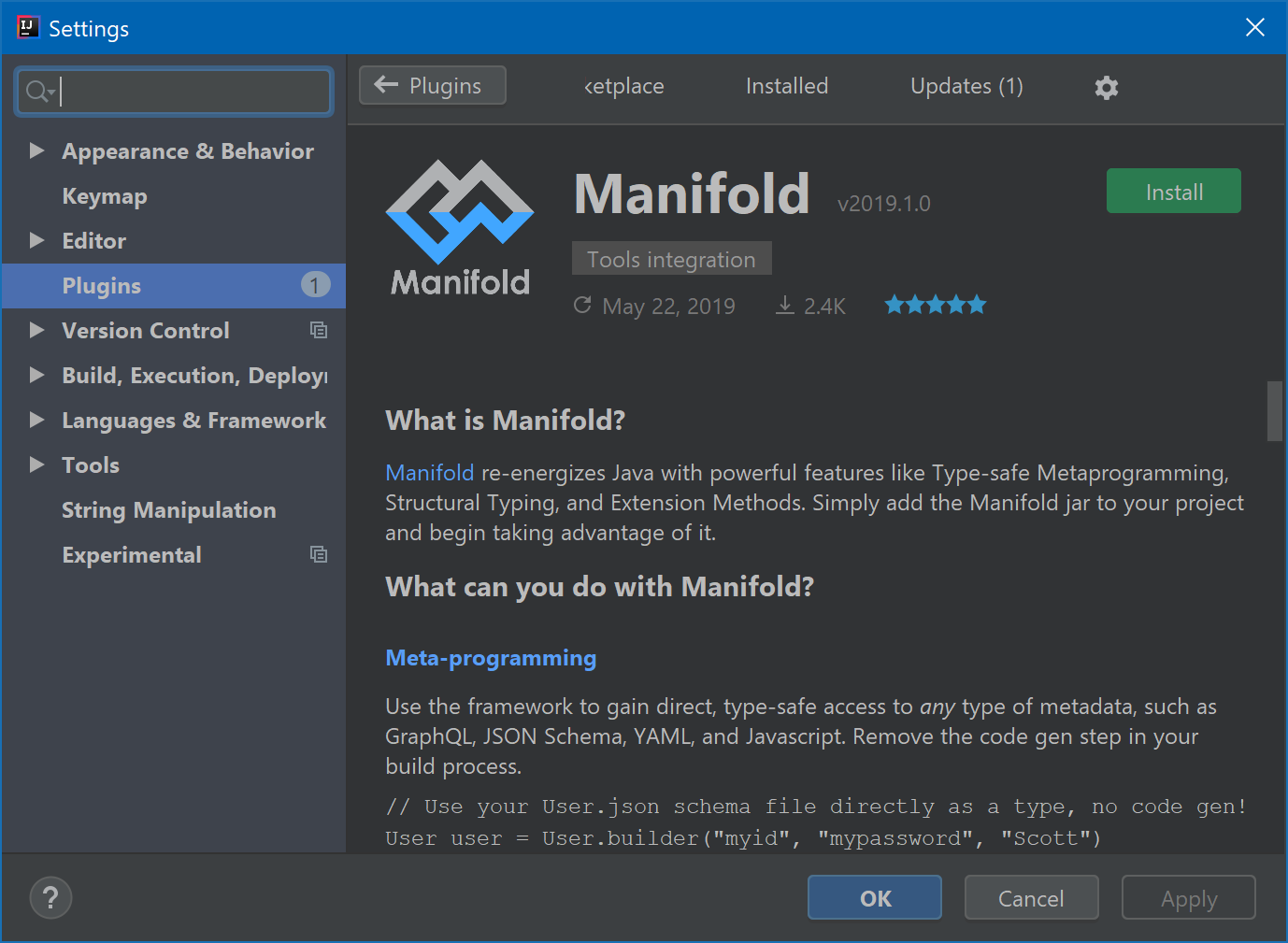
Get the plugin from JetBrains Marketplace
Projects
The Manifold project consists of the core Manifold framework and a collection of sub-projects implementing SPIs provided by the core framework. Each project consists of one or more dependencies you can easily add to your project:
Manifold : Optional parameters & named arguments
Manifold : SQL
Manifold : GraphQL
Manifold : JSON
Manifold : XML
Manifold : YAML
Manifold : CSV
Manifold : Property Files
Manifold : Image
Manifold : Dark Java
Manifold : JavaScript
Manifold : String Interpolation
Manifold : (Un)checked Exceptions
Manifold : Collections
Manifold : I/0
Manifold : Text
Experiment with sample projects:
Platforms
Manifold supports:
Comprehensive IDE support is also available for IntelliJ IDEA and Android Studio.
Chat
Join our Discord server to start a discussion, ask questions, provide feedback, etc. Someone is usually there to help.