
Material Web
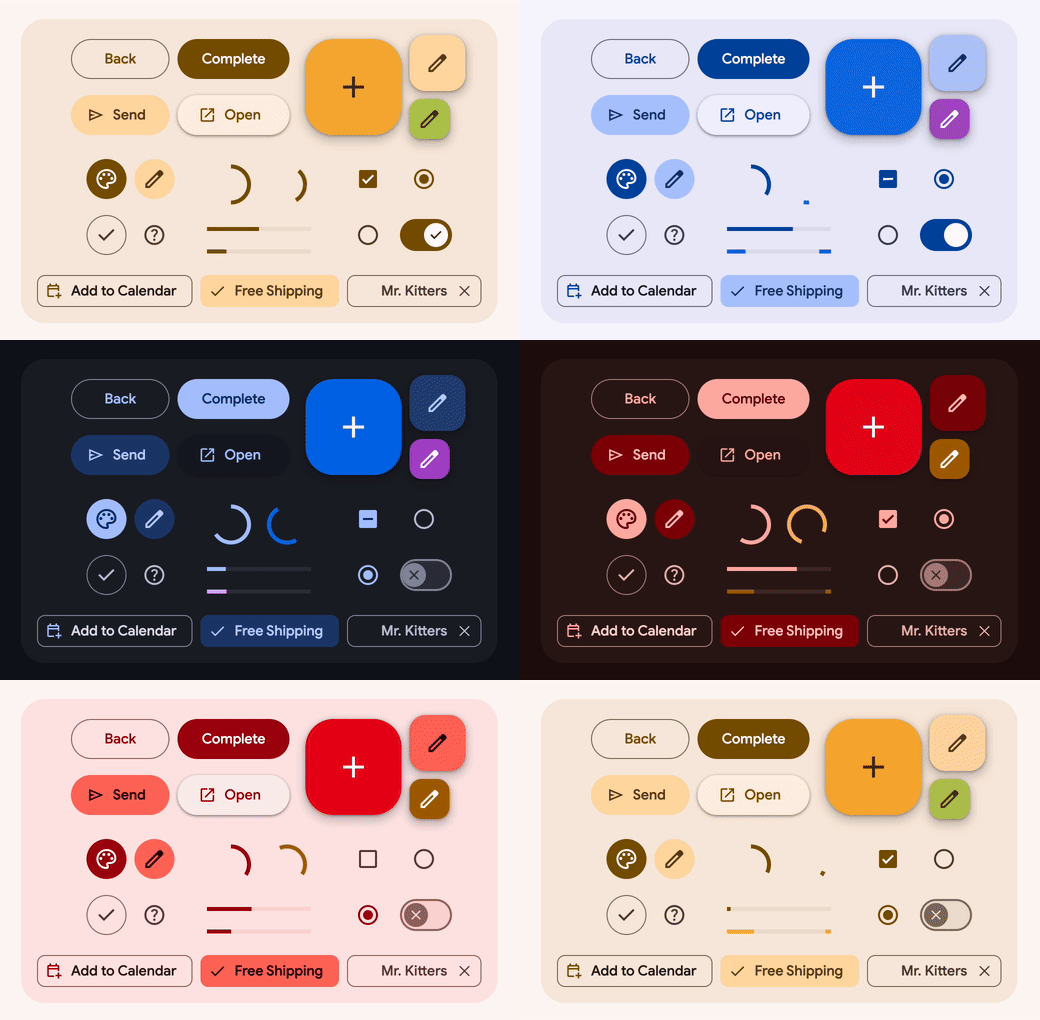





@material/web is a library of
web components
that helps build beautiful and accessible web applications. It uses
Material 3, the latest version of Google's
open-source design system.
Note: MWC is in maintenance mode pending new maintainers.
Resources
Quick start
Tip: Using Angular? We recommend using Angular Material components instead.
This code snippet is a buildless example that loads @material/web from a CDN.
Check out the quick start guide to install and build
for production.
<head>
  <link href="https://fonts.googleapis.com/css2?family=Roboto:wght@400;500;700&display=swap" rel="stylesheet">
  <script type="importmap">
    {
      "imports": {
        "@material/web/": "https://esm.run/@material/web/"
      }
    }
  </script>
  <script type="module">
    import '@material/web/all.js';
    import {styles as typescaleStyles} from '@material/web/typography/md-typescale-styles.js';

    document.adoptedStyleSheets.push(typescaleStyles.styleSheet);
  </script>
</head>
<body>
  <h1 class="md-typescale-display-medium">Hello Material!</h1>
  <form>
    <p class="md-typescale-body-medium">Check out these controls in a form!</p>
    <md-checkbox></md-checkbox>
    <div>
      <md-radio name="group"></md-radio>
      <md-radio name="group"></md-radio>
      <md-radio name="group"></md-radio>
    </div>

    <md-outlined-text-field label="Favorite color" value="Purple"></md-outlined-text-field>

    <md-outlined-button type="reset">Reset</md-outlined-button>
  </form>
  <style>
    form {
      display: flex;
      flex-direction: column;
      align-items: flex-start;
      gap: 16px;
    }
  </style>
</body>