










About
mcp-use is the fullstack MCP framework to build MCP Apps for ChatGPT / Claude & MCP Servers for AI Agents.
- Build with mcp-use SDK (ts | py): MCP Servers and MCP Apps
- Preview on mcp-use MCP Inspector (online | oss): Test and debug your MCP Servers and Apps
- Deploy on Manufact MCP Cloud: Connect your GitHub repo and have your MCP Server and App up and running in production with observability, metrics, logs, branch-deployments, and more
Documentation
Visit our docs or jump to a quickstart (TypeScript | Python)
Skills for Coding Agents
Using Claude Code, Codex, Cursor or other AI coding agents?
Quickstart: MCP Servers and MCP Apps
 TypeScript
Build your first MCP Server or MPC App:
npx create-mcp-use-app@latest
Or create a server manually:
import { MCPServer, text } from "mcp-use/server";
import { z } from "zod";

const server = new MCPServer({
  name: "my-server",
  version: "1.0.0",
});

server.tool({
  name: "get_weather",
  description: "Get weather for a city",
  schema: z.object({ city: z.string() }),
}, async ({ city }) => {
  return text(`Temperature: 72°F, Condition: sunny, City: ${city}`);
});

await server.listen(3000);
// Inspector at http://localhost:3000/inspector
→ Full TypeScript Server Documentation
MCP Apps
MCP Apps let you build interactive widgets that work across Claude, ChatGPT, and other MCP clients — write once, run everywhere.
Server: define a tool and point it to a widget:
import { MCPServer, widget } from "mcp-use/server";
import { z } from "zod";

const server = new MCPServer({
  name: "weather-app",
  version: "1.0.0",
});

server.tool({
  name: "get-weather",
  description: "Get weather for a city",
  schema: z.object({ city: z.string() }),
  widget: "weather-display", // references resources/weather-display/widget.tsx
}, async ({ city }) => {
  return widget({
    props: { city, temperature: 22, conditions: "Sunny" },
    message: `Weather in ${city}: Sunny, 22°C`,
  });
});

await server.listen(3000);
Widget: create a React component in resources/weather-display/widget.tsx:
import { useWidget, type WidgetMetadata } from "mcp-use/react";
import { z } from "zod";

const propSchema = z.object({
  city: z.string(),
  temperature: z.number(),
  conditions: z.string(),
});

export const widgetMetadata: WidgetMetadata = {
  description: "Display weather information",
  props: propSchema,
};

const WeatherDisplay: React.FC = () => {
  const { props, isPending, theme } = useWidget<z.infer<typeof propSchema>>();
  const isDark = theme === "dark";

  if (isPending) return <div>Loading...</div>;

  return (
    <div style={{
      background: isDark ? "#1a1a2e" : "#f0f4ff",
      borderRadius: 16, padding: 24,
    }}>
      <h2>{props.city}</h2>
      <p>{props.temperature}° — {props.conditions}</p>
    </div>
  );
};

export default WeatherDisplay;
Widgets in resources/ are auto-discovered — no manual registration needed.
Visit MCP Apps Documentation
Templates
Ready-to-use MCP Apps you can deploy in one click or remix as your own.
| Preview | Name | Tools | Demo URL | Repo | Deploy |
|---|---|---|---|---|---|
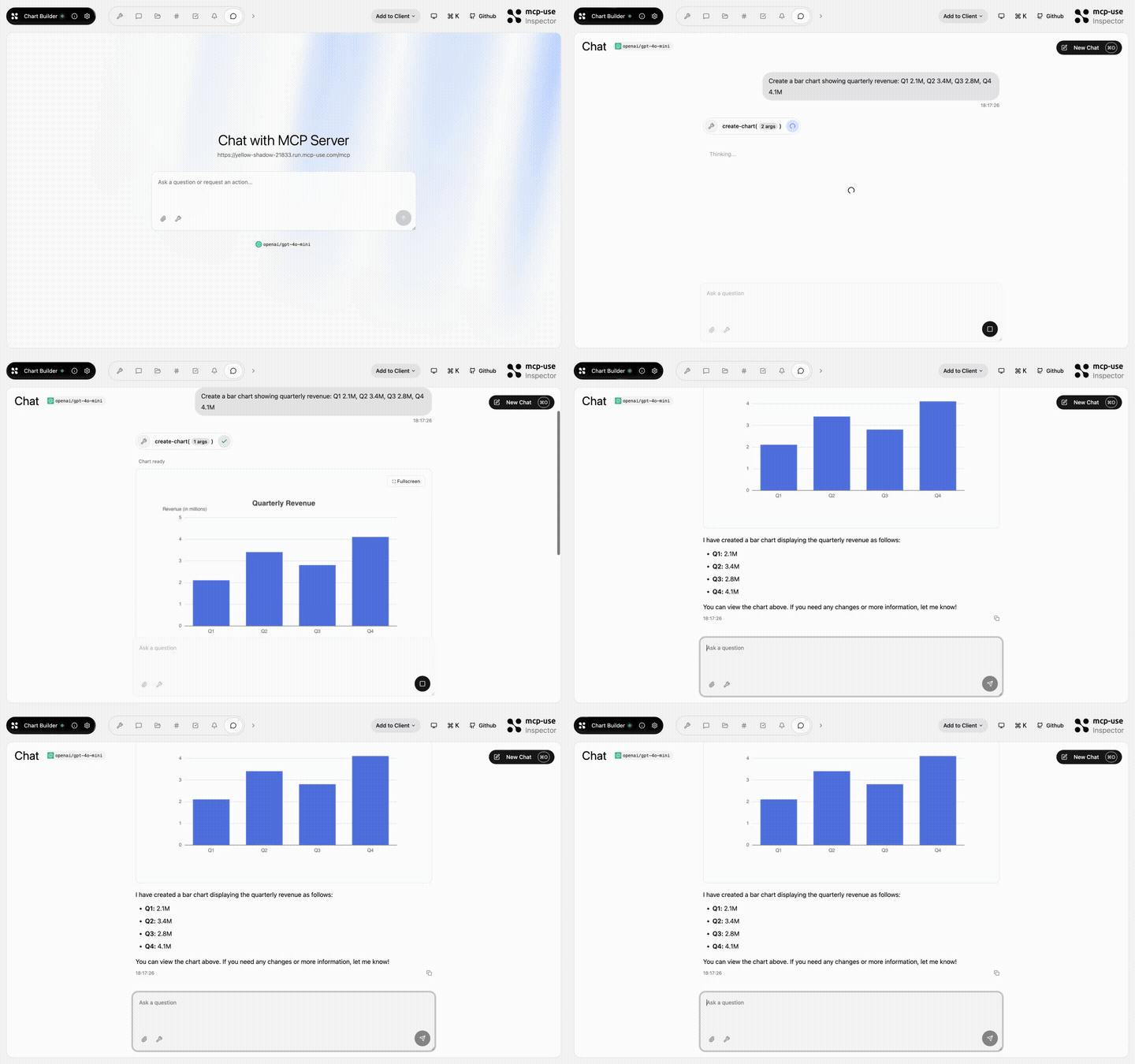 |
Chart Builder | create-chart |
Open URL | mcp-use/mcp-chart-builder |  |
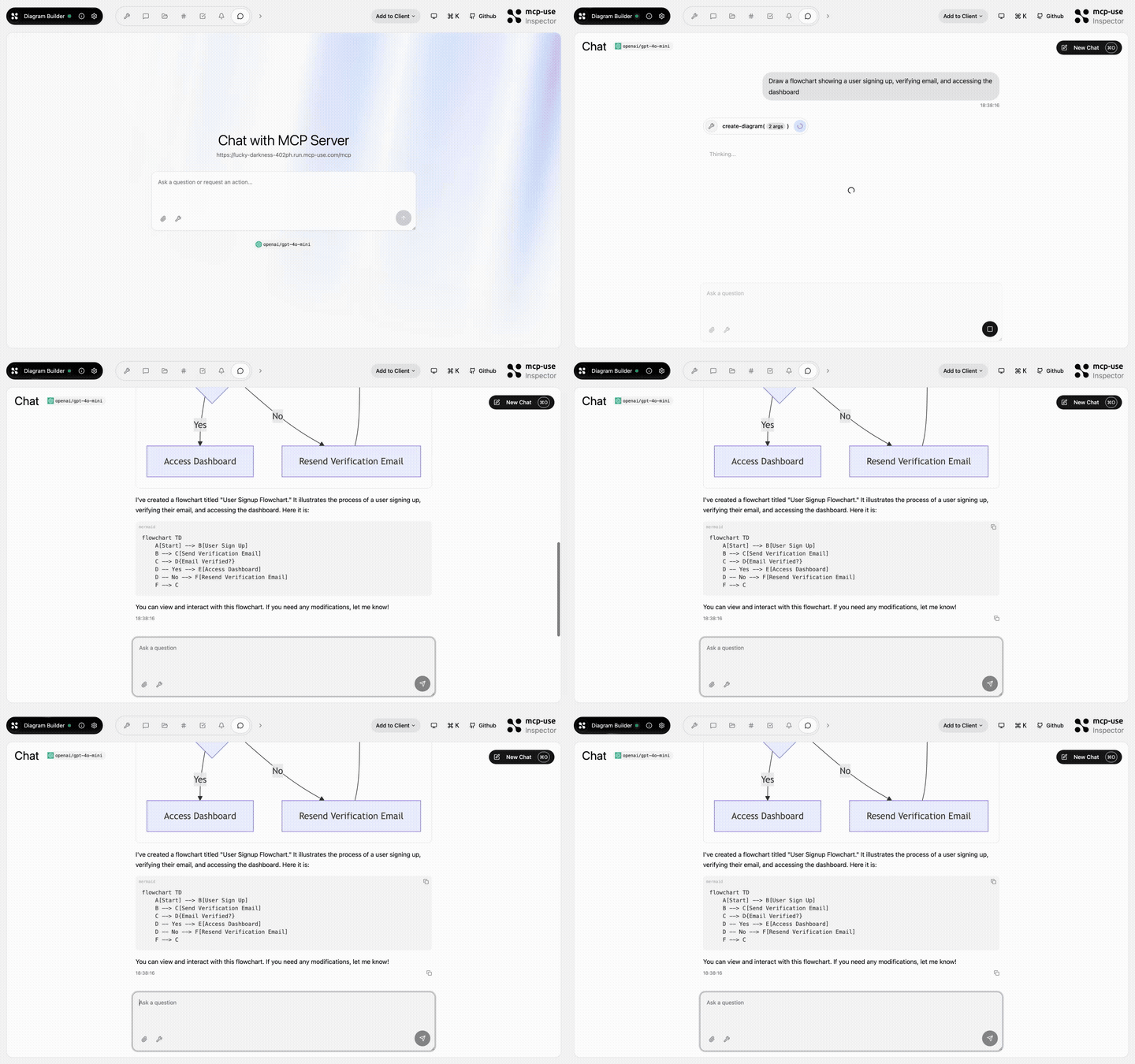 |
Diagram Builder | create-diagram, edit-diagram |
Open URL | mcp-use/mcp-diagram-builder | |
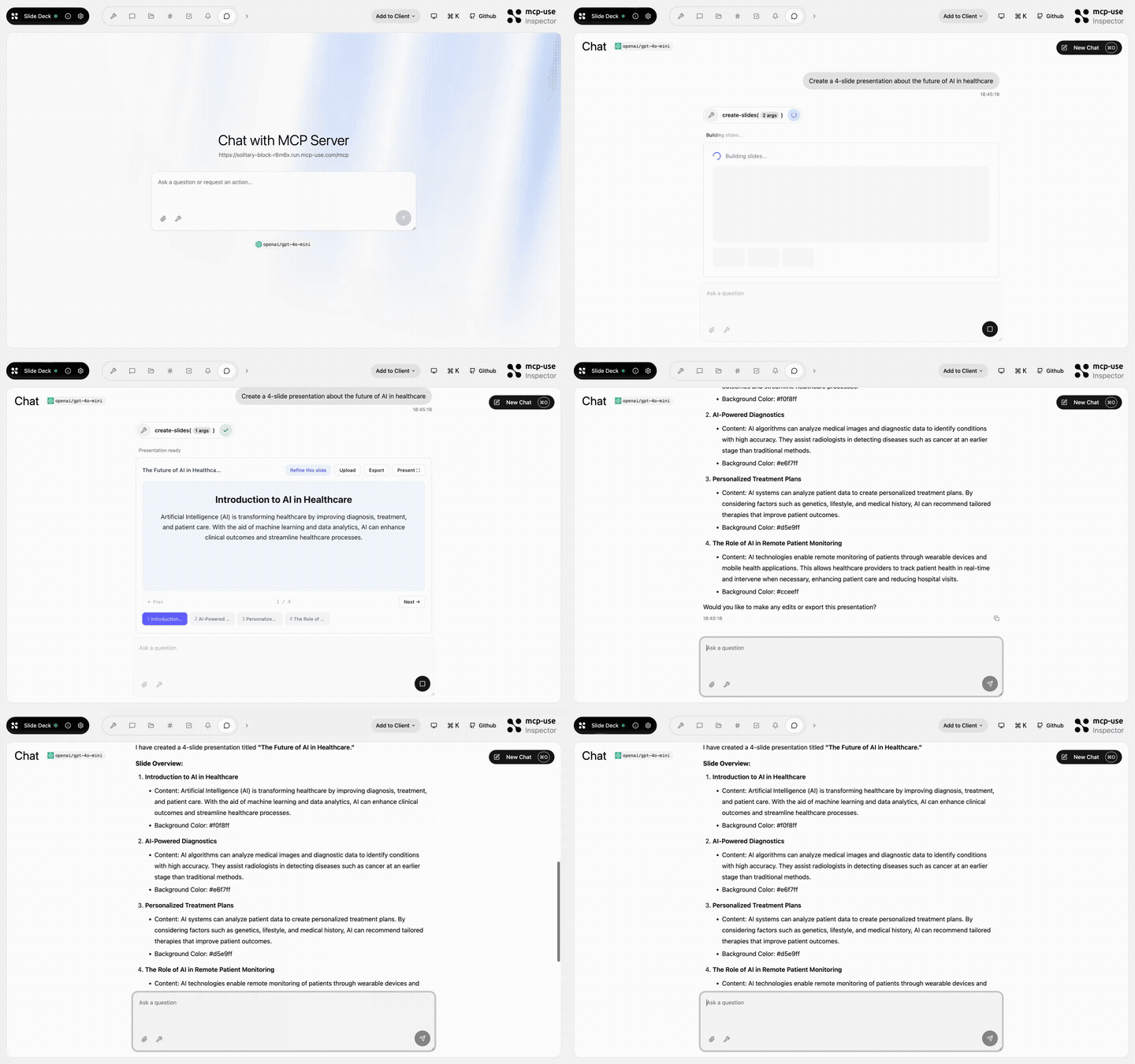 |
Slide Deck | create-slides, edit-slide |
Open URL | mcp-use/mcp-slide-deck | |
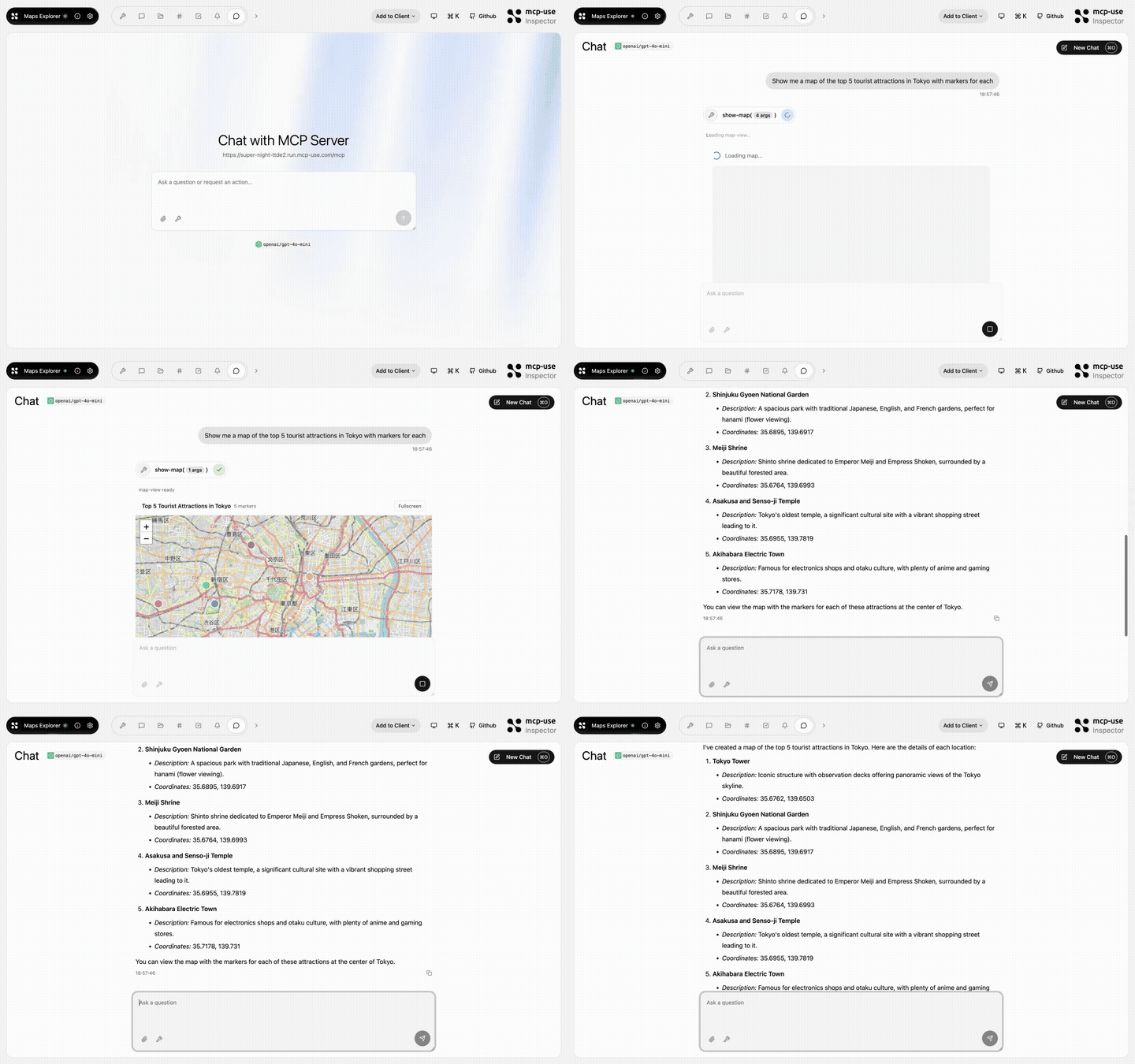 |
Maps Explorer | show-map, get-place-details, add-markers |
Open URL | mcp-use/mcp-maps-explorer | |
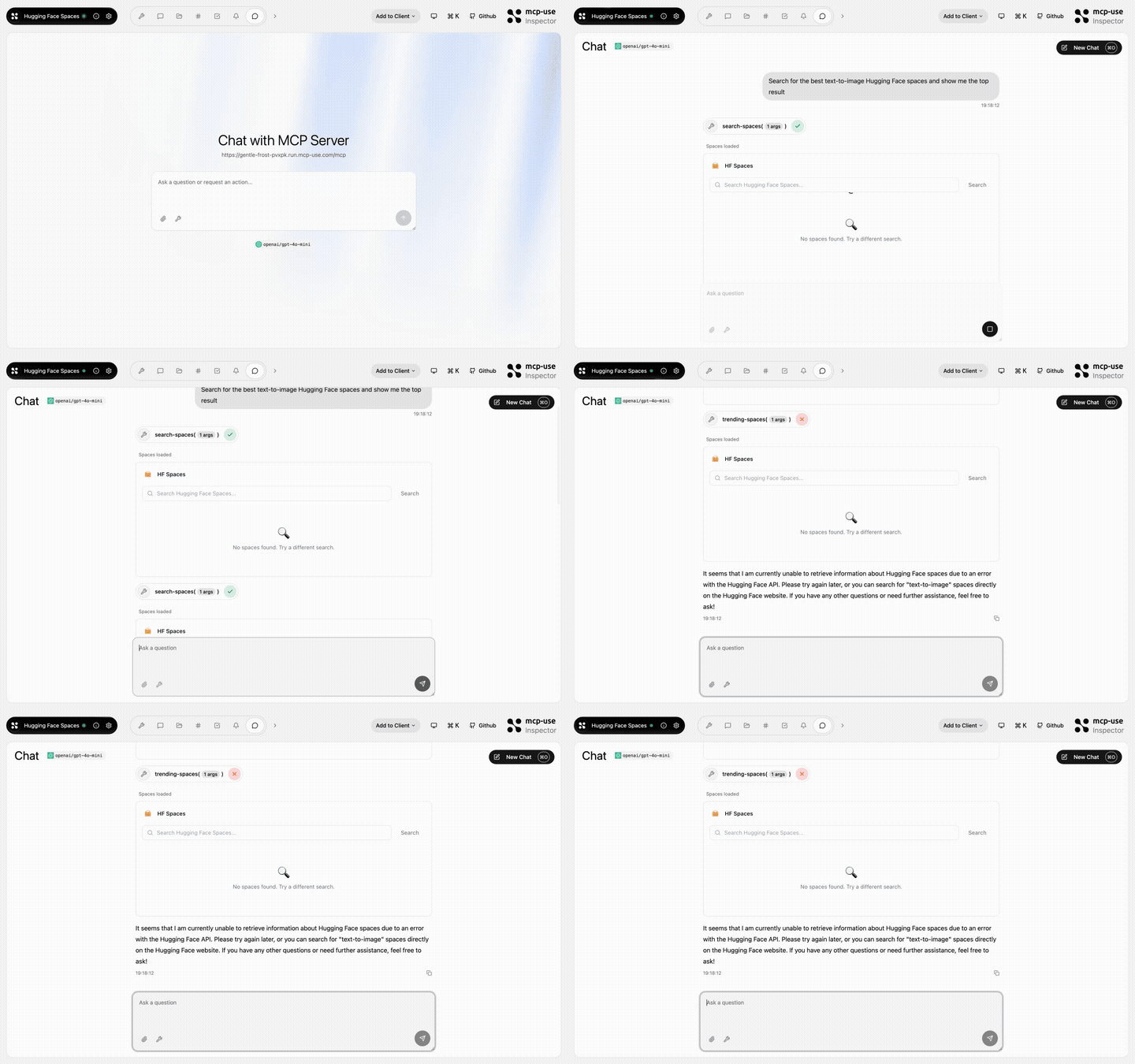 |
Hugging Face Spaces | search-spaces, show-space, trending-spaces |
Open URL | mcp-use/mcp-huggingface-spaces | |
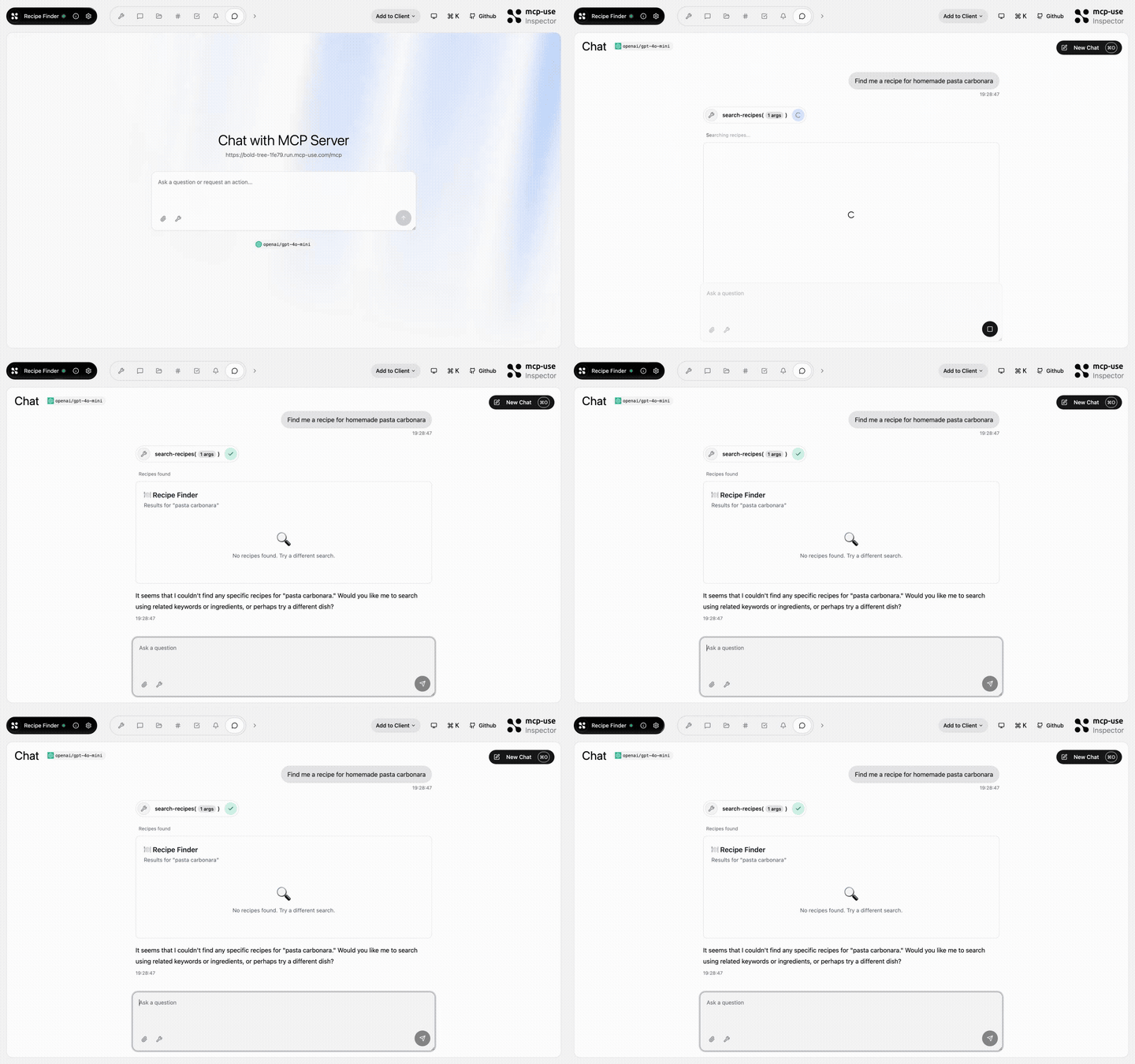 |
Recipe Finder | search-recipes, get-recipe, meal-plan, recipe-suggestion |
Open URL | mcp-use/mcp-recipe-finder | |
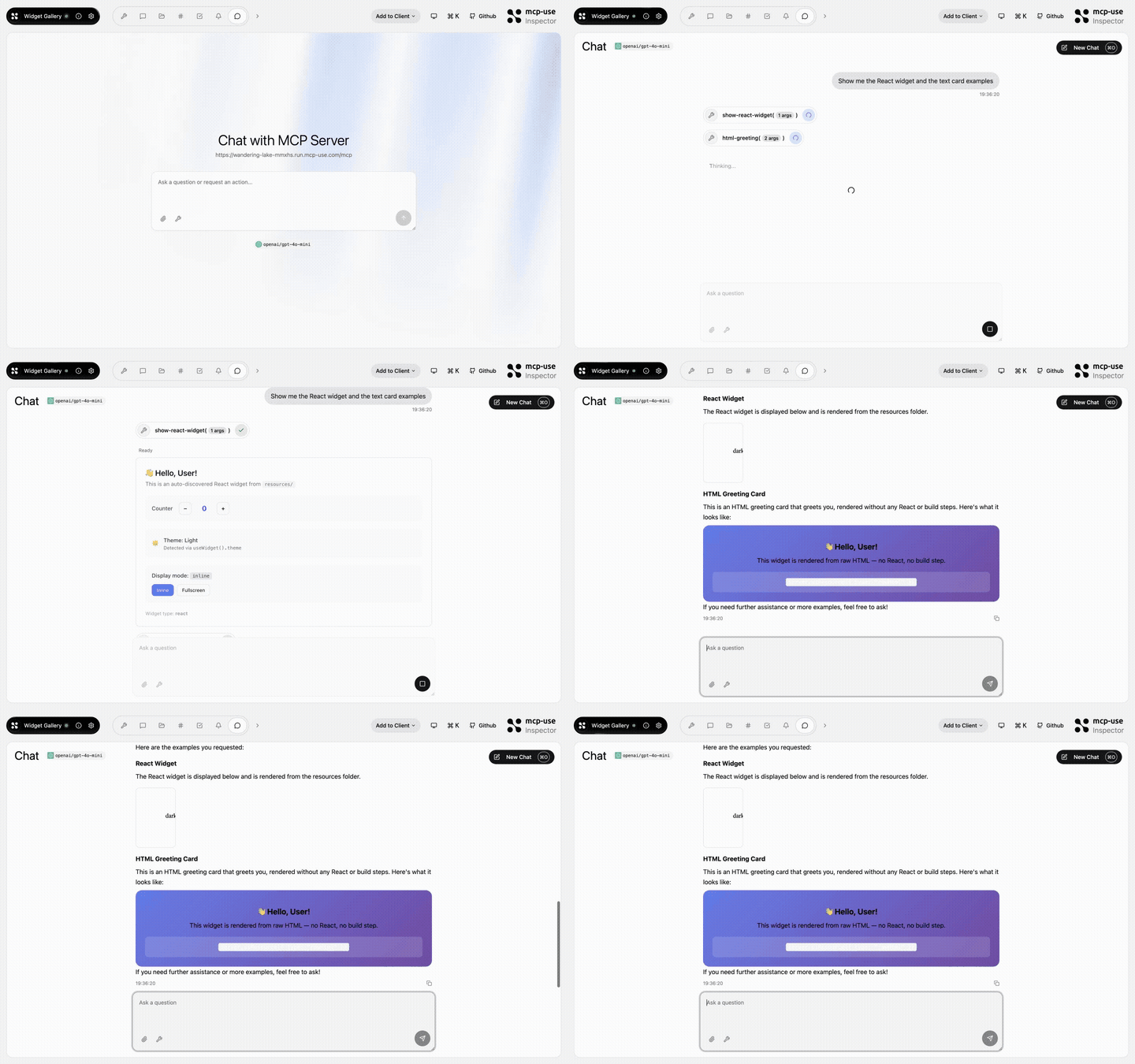 |
Widget Gallery | show-react-widget, html-greeting, mcp-ui-poll, programmatic-counter, detect-client |
Open URL | mcp-use/mcp-widget-gallery | |
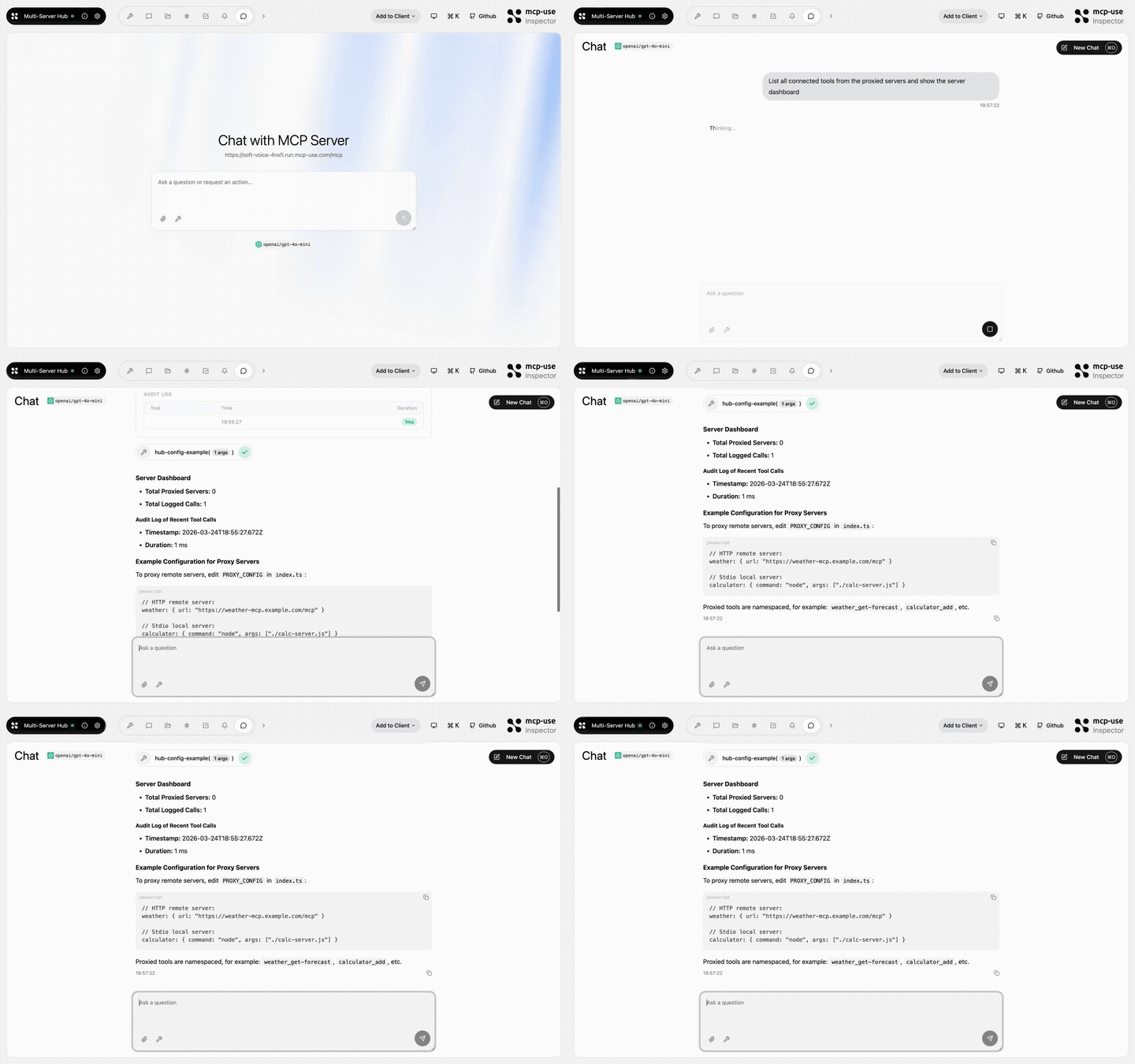 |
Multi Server Hub | hub-status, hub-config-example, audit-log |
Open URL | mcp-use/mcp-multi-server-hub | |
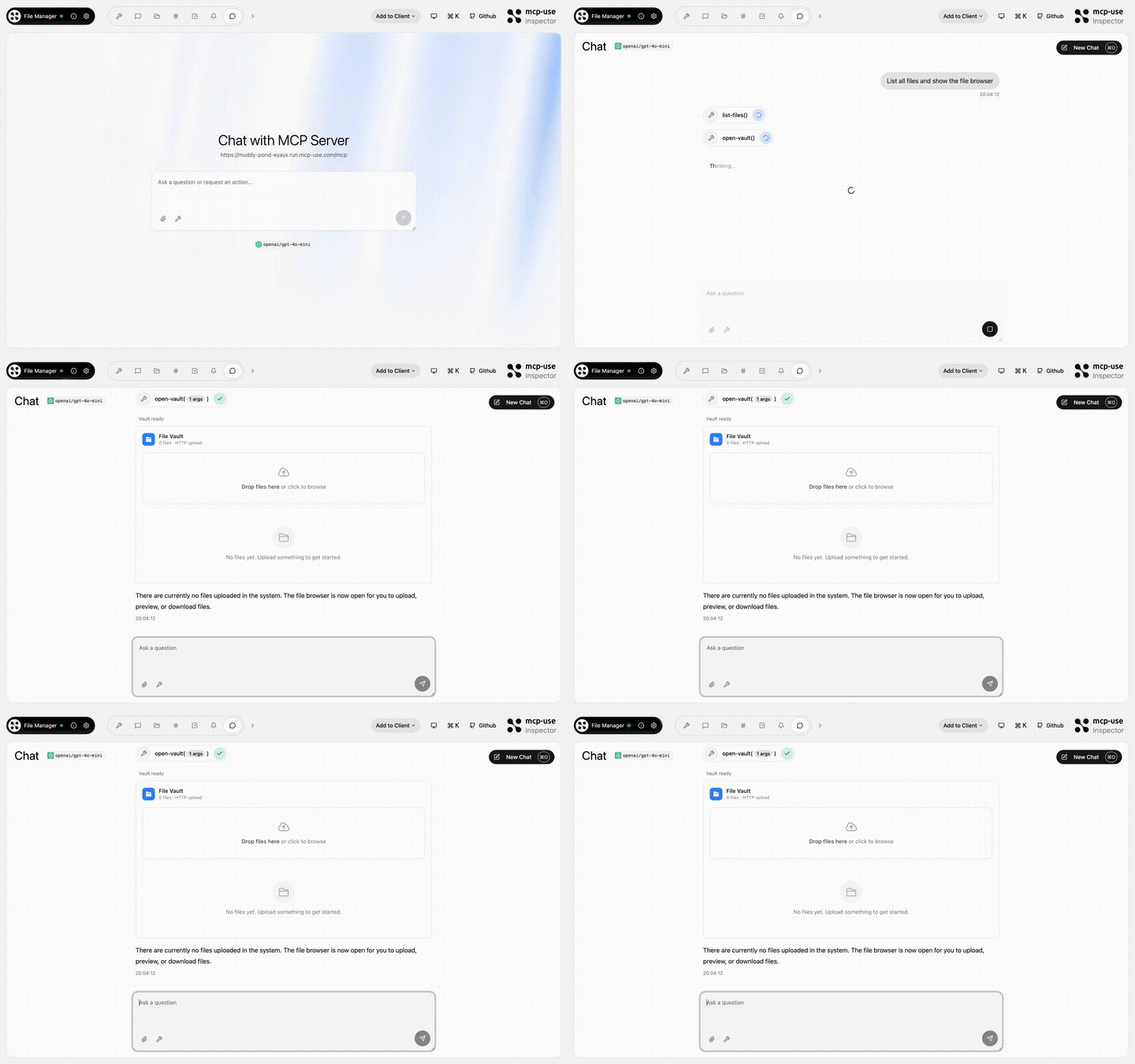 |
File Manager | open-vault, get-file, list-files |
Open URL | mcp-use/mcp-file-manager | |
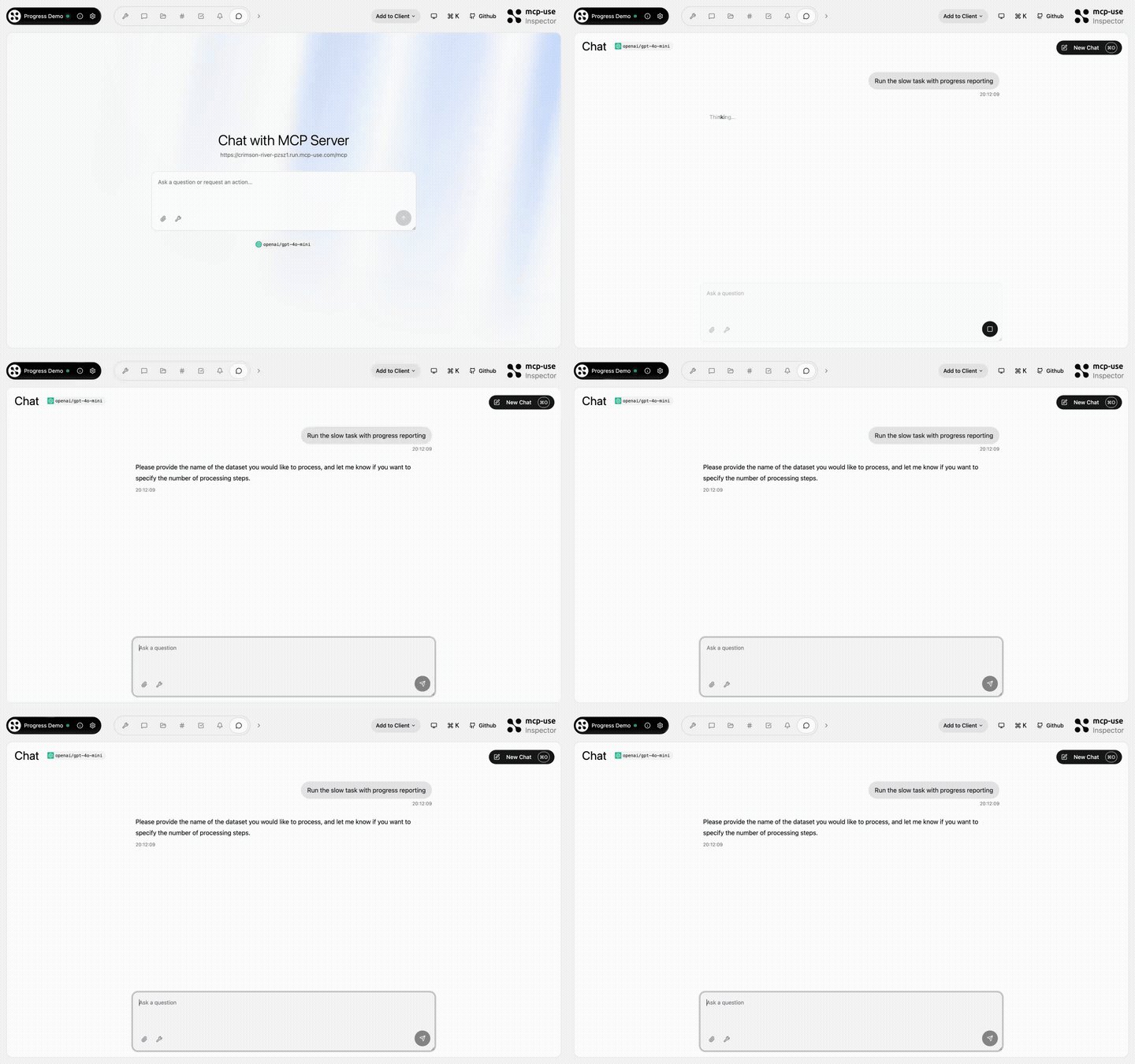 |
Progress Demo | process-data, fetch-report, delete-dataset, search-external, failing-tool |
Open URL | mcp-use/mcp-progress-demo | |
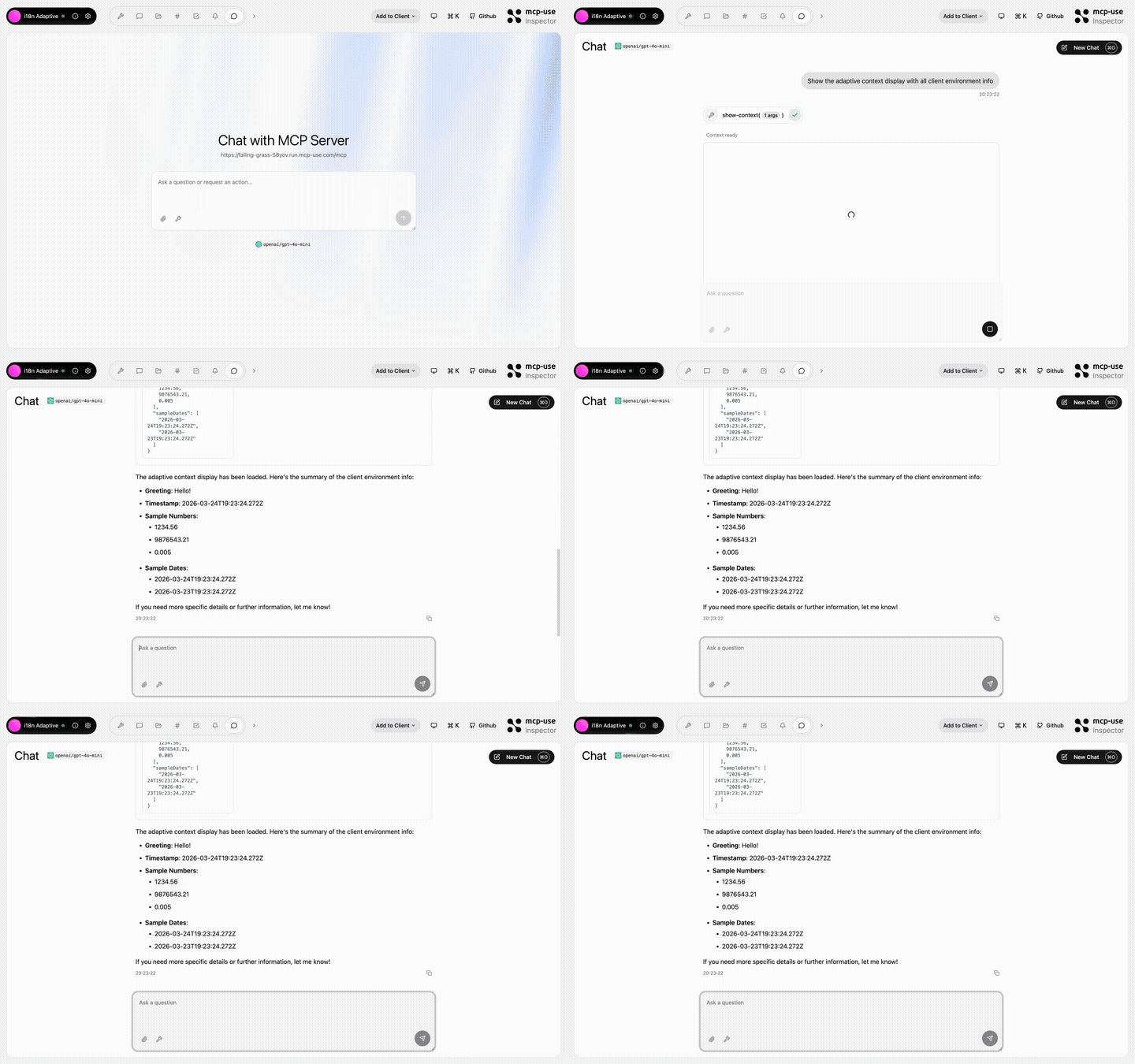 |
i18n Adaptive | show-context, detect-caller |
Open URL | mcp-use/mcp-i18n-adaptive | |
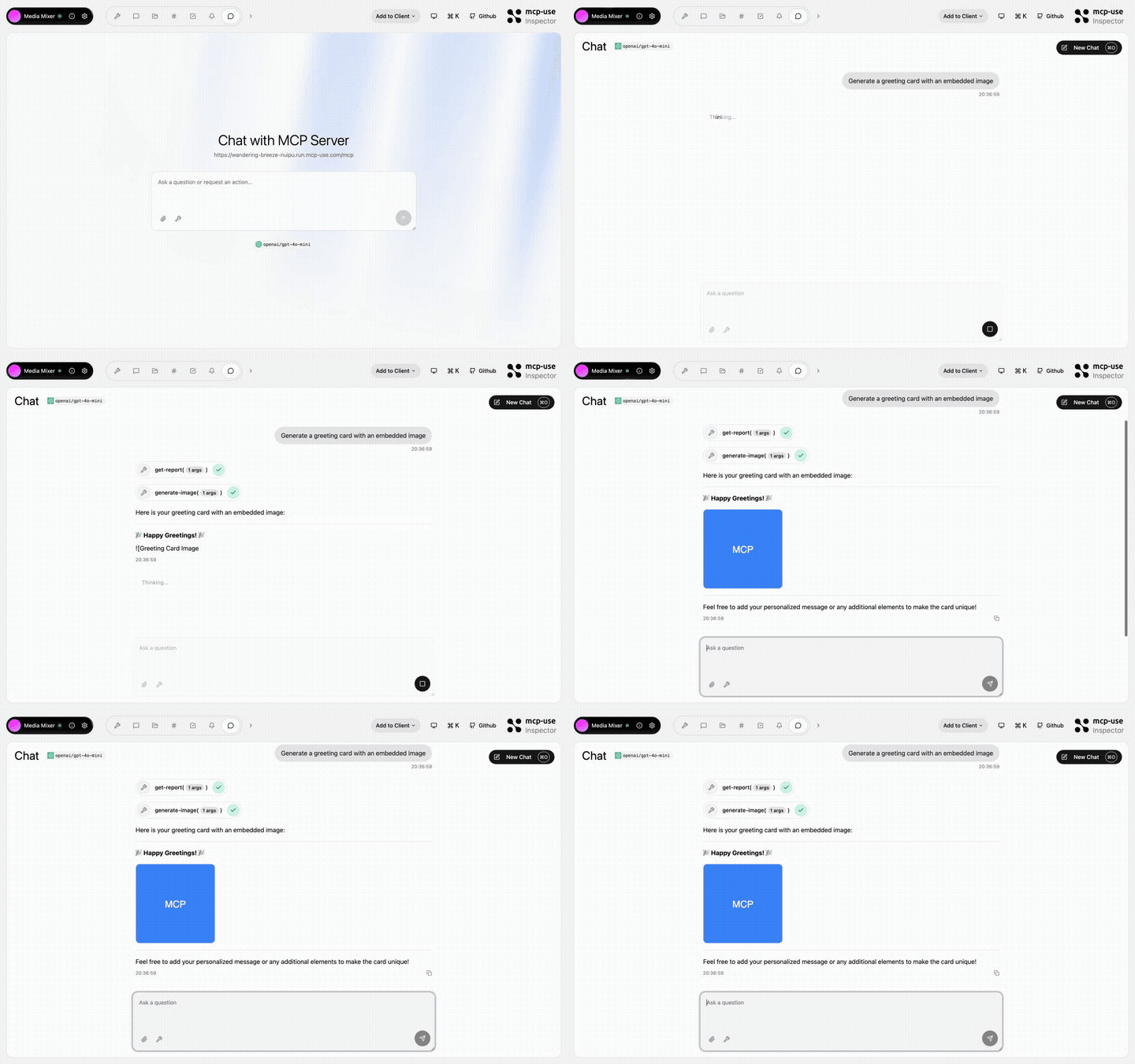 |
Media Mixer | generate-image, generate-audio, generate-pdf, get-report, get-html-snippet, get-xml-config, get-stylesheet, get-script, get-data-array |
Open URL | mcp-use/mcp-media-mixer | |
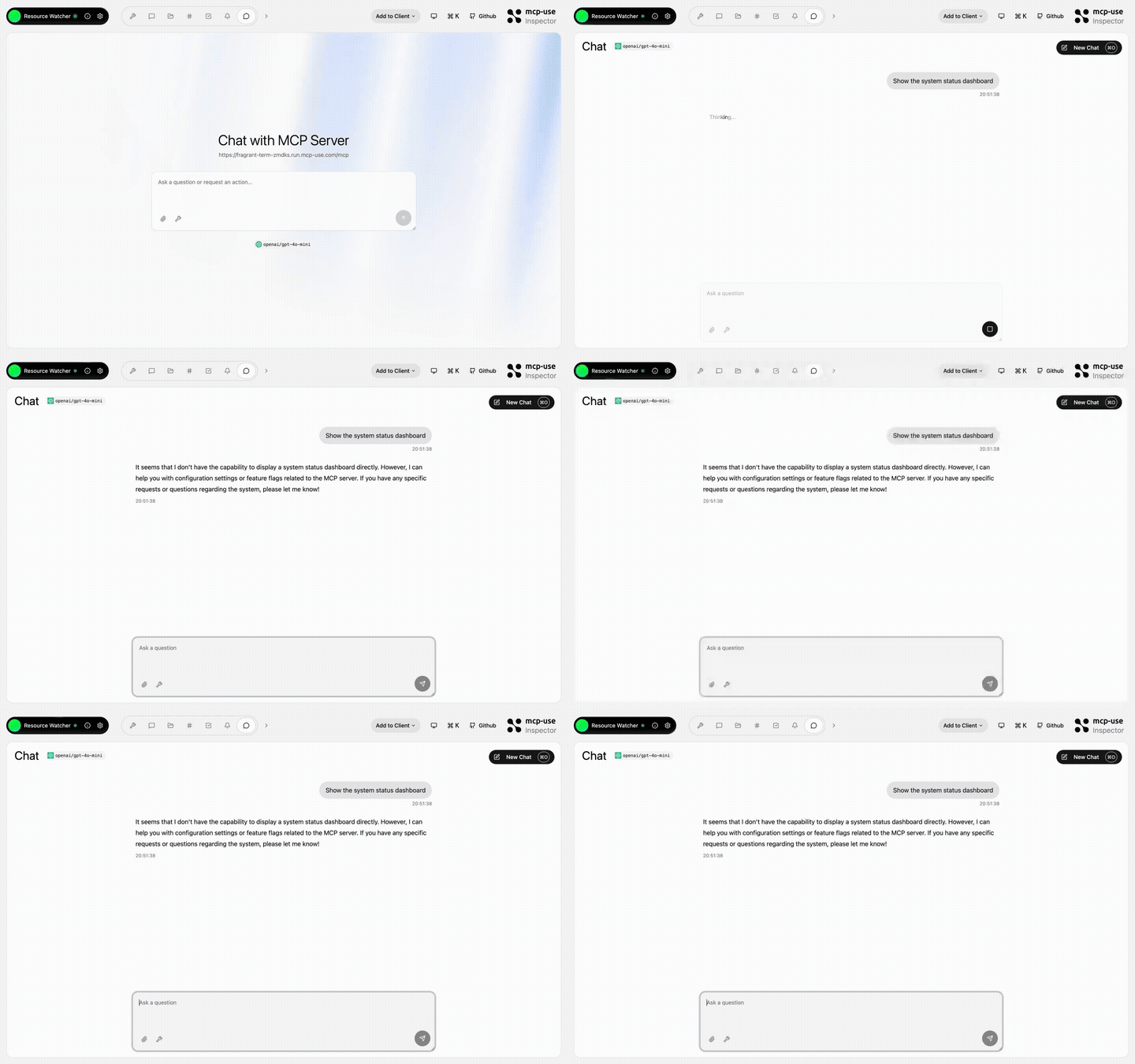 |
Resource Watcher | show-config, update-config, toggle-feature, list-roots |
Open URL | mcp-use/mcp-resource-watcher | |
 Python
pip install mcp-use
from typing import Annotated

from mcp.types import ToolAnnotations
from pydantic import Field

from mcp_use import MCPServer

server = MCPServer(name="Weather Server", version="1.0.0")

@server.tool(
    name="get_weather",
    description="Get current weather information for a location",
    annotations=ToolAnnotations(readOnlyHint=True, openWorldHint=True),
)
async def get_weather(
    city: Annotated[str, Field(description="City name")],
) -> str:
    return f"Temperature: 72°F, Condition: sunny, City: {city}"

# Start server with auto-inspector
server.run(transport="streamable-http", port=8000)
# 🎉 Inspector at http://localhost:8000/inspector
→ Full Python Server Documentation
Inspector
The mcp-use Inspector lets you test and debug your MCP servers interactively.
Auto-included when using server.listen():
server.listen(3000);
// Inspector at http://localhost:3000/inspector
Online when connecting to hosted MCP servers:
Standalone: inspect any MCP server:
npx @mcp-use/inspector --url http://localhost:3000/mcp
Visit Inspector Documentation
Deploy
Deploy your MCP server to production:
npx @mcp-use/cli login
npx @mcp-use/cli deploy
Or connect your GitHub repo on manufact.com — production-ready with observability, metrics, logs, and branch-deployments.
Package Overview
This monorepo contains multiple packages for both Python and TypeScript:
Python Packages
| Package | Description | Version |
|---|---|---|
| mcp-use | Complete MCP server and MCP agent SDK | |
TypeScript Packages
| Package | Description | Version |
|---|---|---|
| mcp-use | Core framework for MCP servers, MCP apps, and MCP agents | |
| @mcp-use/cli | Build tool with hot reload and auto-inspector |  |
| @mcp-use/inspector | Web-based previewer and debugger for MCP servers |  |
| create-mcp-use-app | Project scaffolding tool |  |
Also: MCP Agent & Client
mcp-use also provides a full MCP Agent and Client implementation.
Build an AI Agent
Python
pip install mcp-use langchain-openai
import asyncio
from langchain_openai import ChatOpenAI
from mcp_use import MCPAgent, MCPClient

async def main():
    config = {
        "mcpServers": {
            "filesystem": {
                "command": "npx",
                "args": ["-y", "@modelcontextprotocol/server-filesystem", "/tmp"]
            }
        }
    }

    client = MCPClient.from_dict(config)
    llm = ChatOpenAI(model="gpt-4o")
    agent = MCPAgent(llm=llm, client=client)

    result = await agent.run("List all files in the directory")
    print(result)

asyncio.run(main())
→ Full Python Agent Documentation
TypeScript
npm install mcp-use @langchain/openai
import { ChatOpenAI } from "@langchain/openai";
import { MCPAgent, MCPClient } from "mcp-use";

async function main() {
  const config = {
    mcpServers: {
      filesystem: {
        command: "npx",
        args: ["-y", "@modelcontextprotocol/server-filesystem", "/tmp"],
      },
    },
  };

  const client = MCPClient.fromDict(config);
  const llm = new ChatOpenAI({ modelName: "gpt-4o" });
  const agent = new MCPAgent({ llm, client });

  const result = await agent.run("List all files in the directory");
  console.log(result);
}

main();
Use MCP Client
Python
import asyncio
from mcp_use import MCPClient

async def main():
    config = {
        "mcpServers": {
            "calculator": {
                "command": "npx",
                "args": ["-y", "@modelcontextprotocol/server-everything"]
            }
        }
    }

    client = MCPClient.from_dict(config)
    await client.create_all_sessions()

    session = client.get_session("calculator")
    result = await session.call_tool(name="add", arguments={"a": 5, "b": 3})

    print(f"Result: {result.content[0].text}")
    await client.close_all_sessions()

asyncio.run(main())
TypeScript
import { MCPClient } from "mcp-use";

async function main() {
  const config = {
    mcpServers: {
      calculator: {
        command: "npx",
        args: ["-y", "@modelcontextprotocol/server-everything"],
      },
    },
  };

  const client = new MCPClient(config);
  await client.createAllSessions();

  const session = client.getSession("calculator");
  const result = await session.callTool("add", { a: 5, b: 3 });

  console.log(`Result: ${result.content[0].text}`);
  await client.closeAllSessions();
}

main();
Conformance to Model Context Protocol


Security
See SECURITY.md
Community & Support
- Discord: Join our community
- GitHub Issues: Report bugs or request features
- Documentation: mcp-use.com/docs
- Website: manufact.com
- X.com: Follow Manufact
- Contributing: See CONTRIBUTING.md
- License: MIT © MCP-Use Contributors
Star History
Contributors
Thanks to all our amazing contributors!
Core Contributors
- Pietro (@pietrozullo)
- Luigi (@pederzh)
- Enrico (@tonxxd)
San Francisco | Zürich