Included addon packages:
Prerequisites
- PHP >= 8.0.2
- Laravel >= 9.x
- MySQL >= 8.x
- PHPREDIS if using
redis for drivers, which our default .env.example has set.
Notes
- This demo is meant to be seeded before use. Registration also assumes a pre-seeded database, as we automatically create threads between the admin user and a newly registered user, as well as set friendships.
- Calling will be disabled by default. Even though we have our janus-client installed, you are responsible for setting up your own
Janus Server.
- Please see Janus official docs for more information.
- We use
pusher.com by default for our websocket implementation, however you may choose to use the drop-in replacement laravel-websockets
Installation
Clone or download this repository
git clone [email protected]:RTippin/messenger-demo.git
Composer install
composer install
Rename the .env.example to .env and configure your environment, including your pusher keys if you use pusher.
DB_CONNECTION=mysql
DB_HOST=127.0.0.1
DB_PORT=1234
DB_DATABASE=demo
DB_USERNAME=root
DB_PASSWORD=password
PUSHER_APP_ID=
PUSHER_APP_KEY=
PUSHER_APP_SECRET=
PUSHER_APP_CLUSTER=
MESSENGER_SOCKET_PUSHER=true
MESSENGER_SOCKET_KEY="${PUSHER_APP_KEY}"
MESSENGER_SOCKET_CLUSTER="${PUSHER_APP_CLUSTER}"
#etc
Run the Install Command
- This command will generate your
APP_KEY for you, as well as migrating fresh and downloading our documentation files.
- This will
WIPE any data in your database as it runs migrate:fresh under the hood.
php artisan demo:install
Running locally:
Run these commands in their own terminal inside your project folder
php artisan serve
php artisan queue:work --queue=messenger,messenger-bots
Default seeded admin account:
Password: messenger
All other seeded accounts use messenger password as well
UI configurations / Websockets
- If you plan to use laravel-websockets, or want more information regarding our UI, please visit our documentation:
Pictures
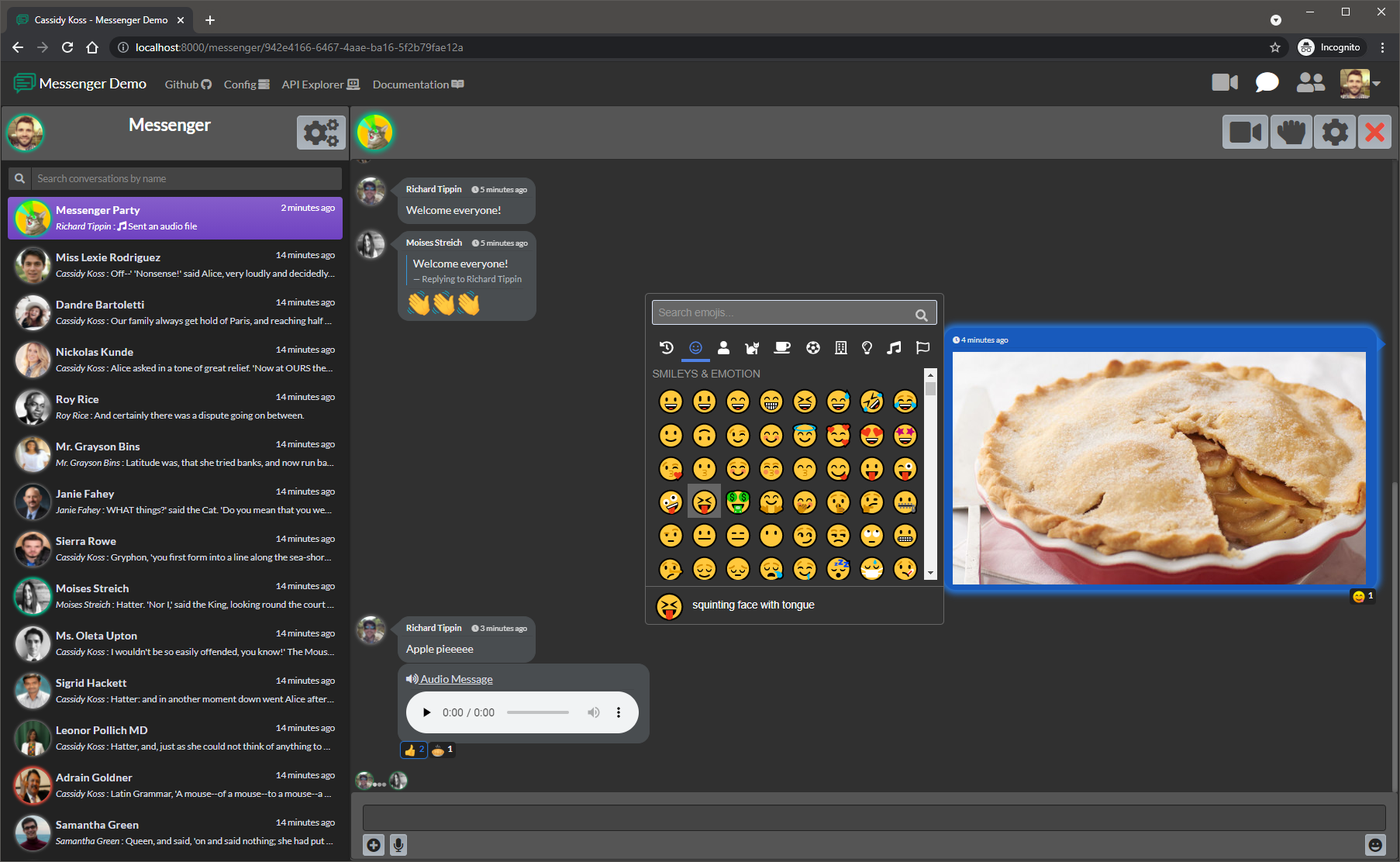
Sending images, voice messages, replies, and reactions
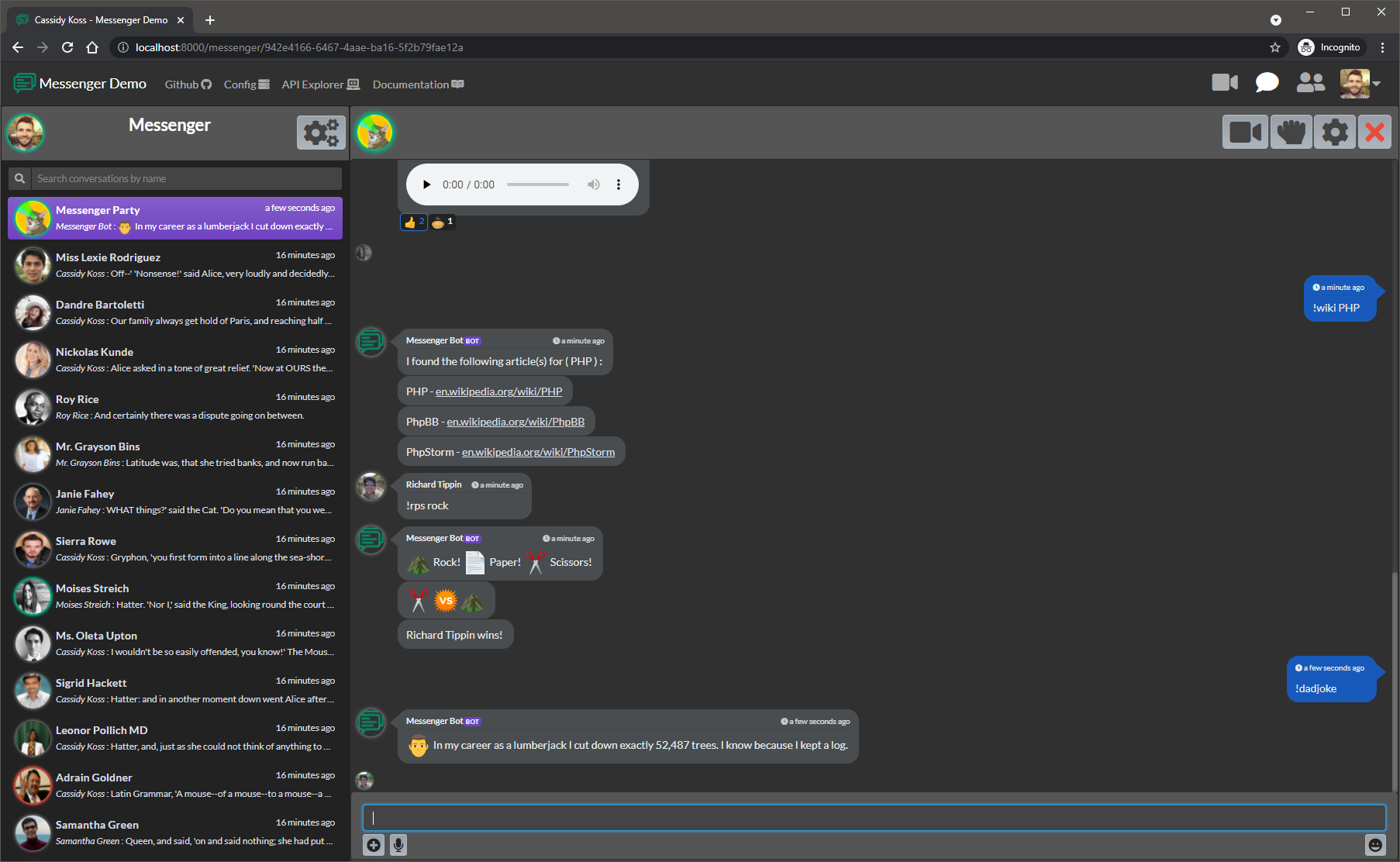
Interacting with a chat-bot using triggers to invoke responses
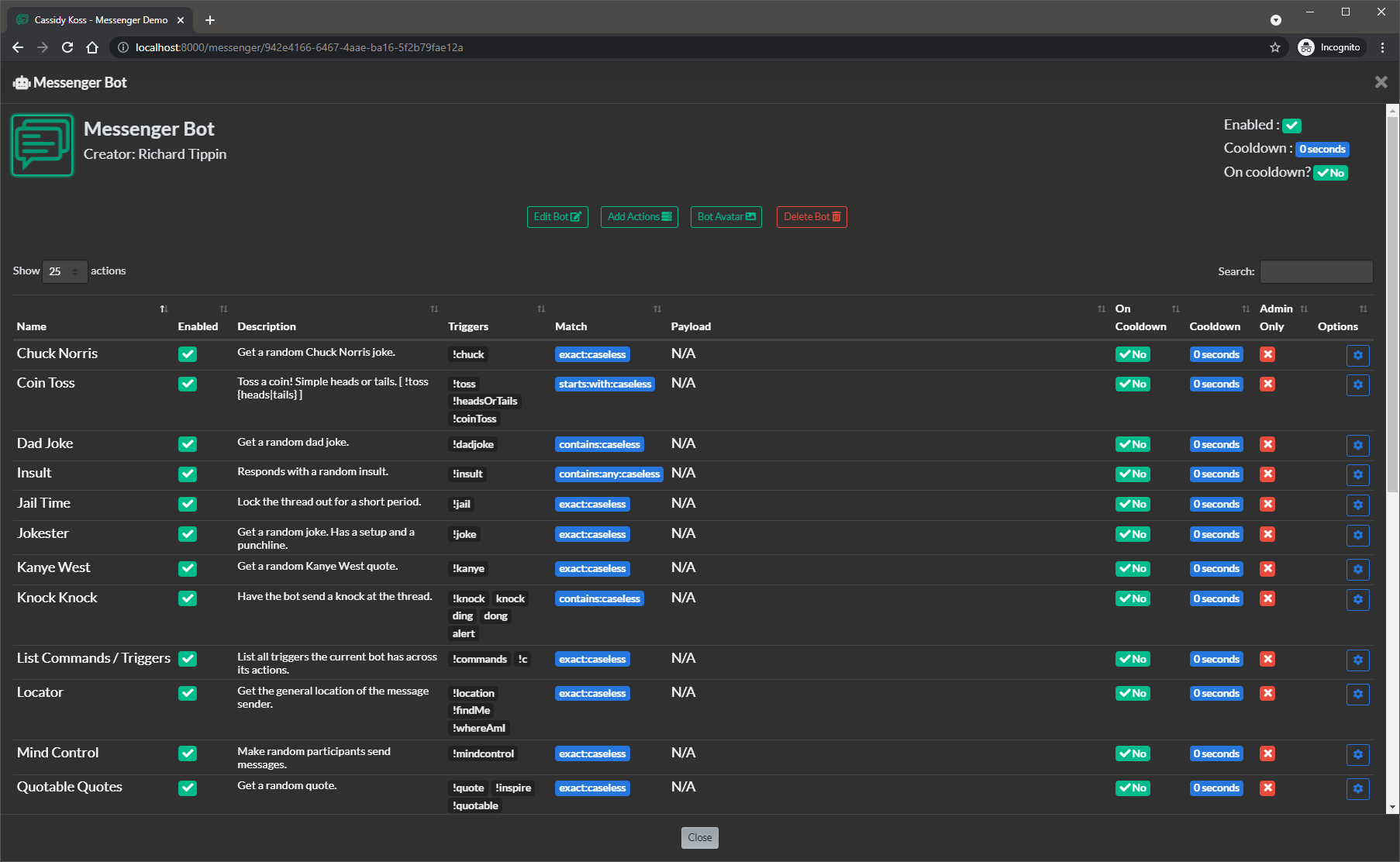
Viewing a bots actions and triggers
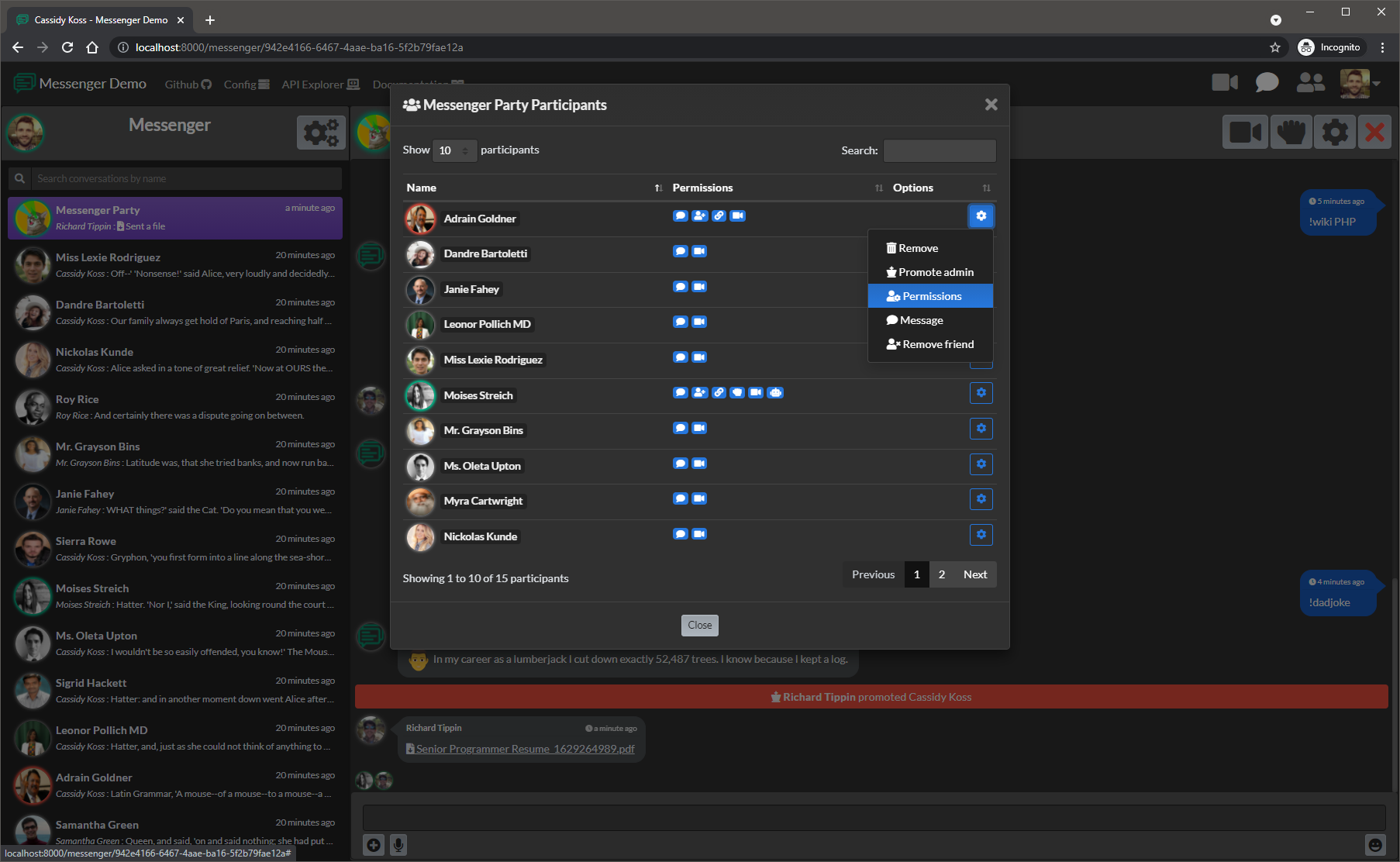
Managing a groups participants
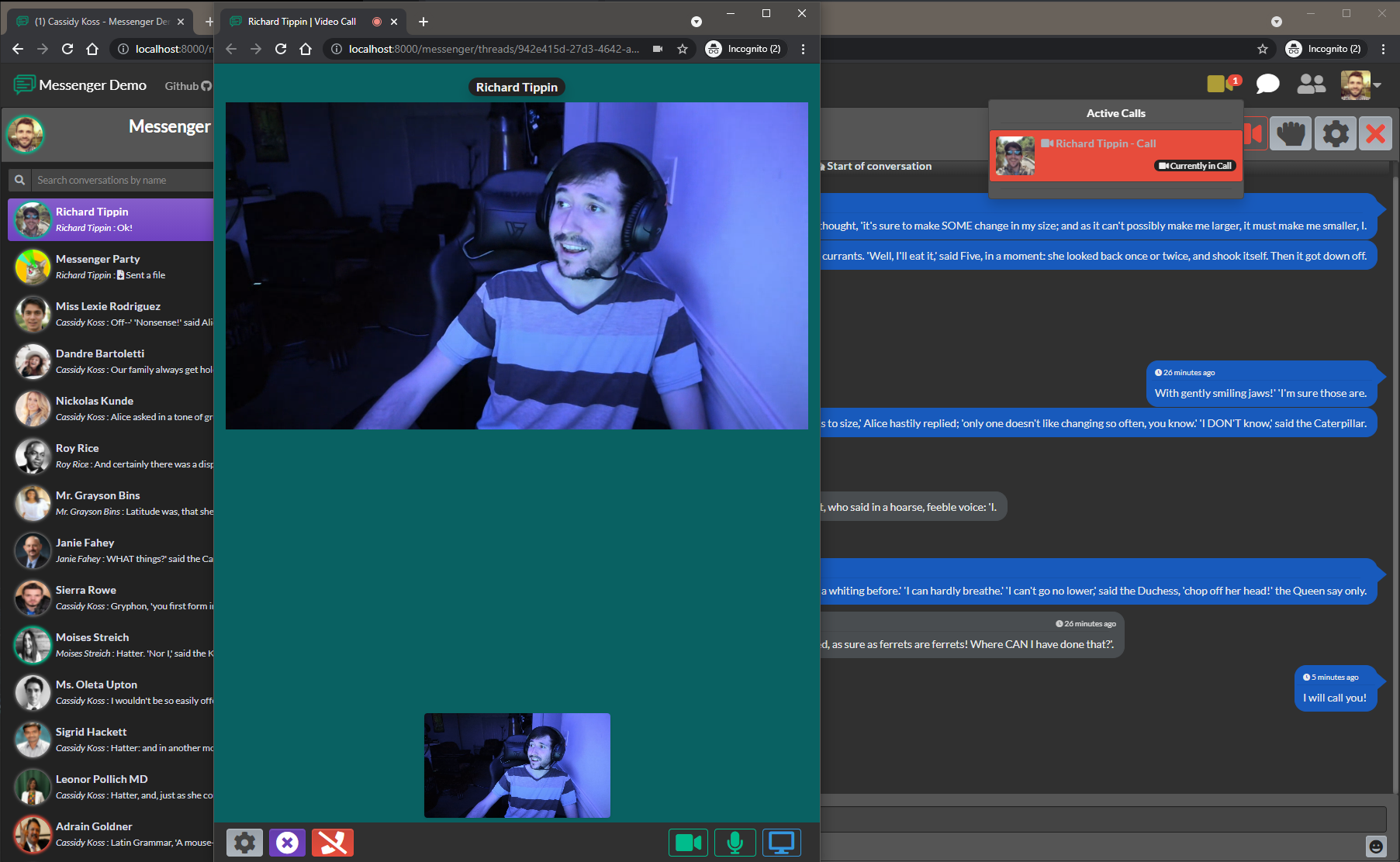
In a video call
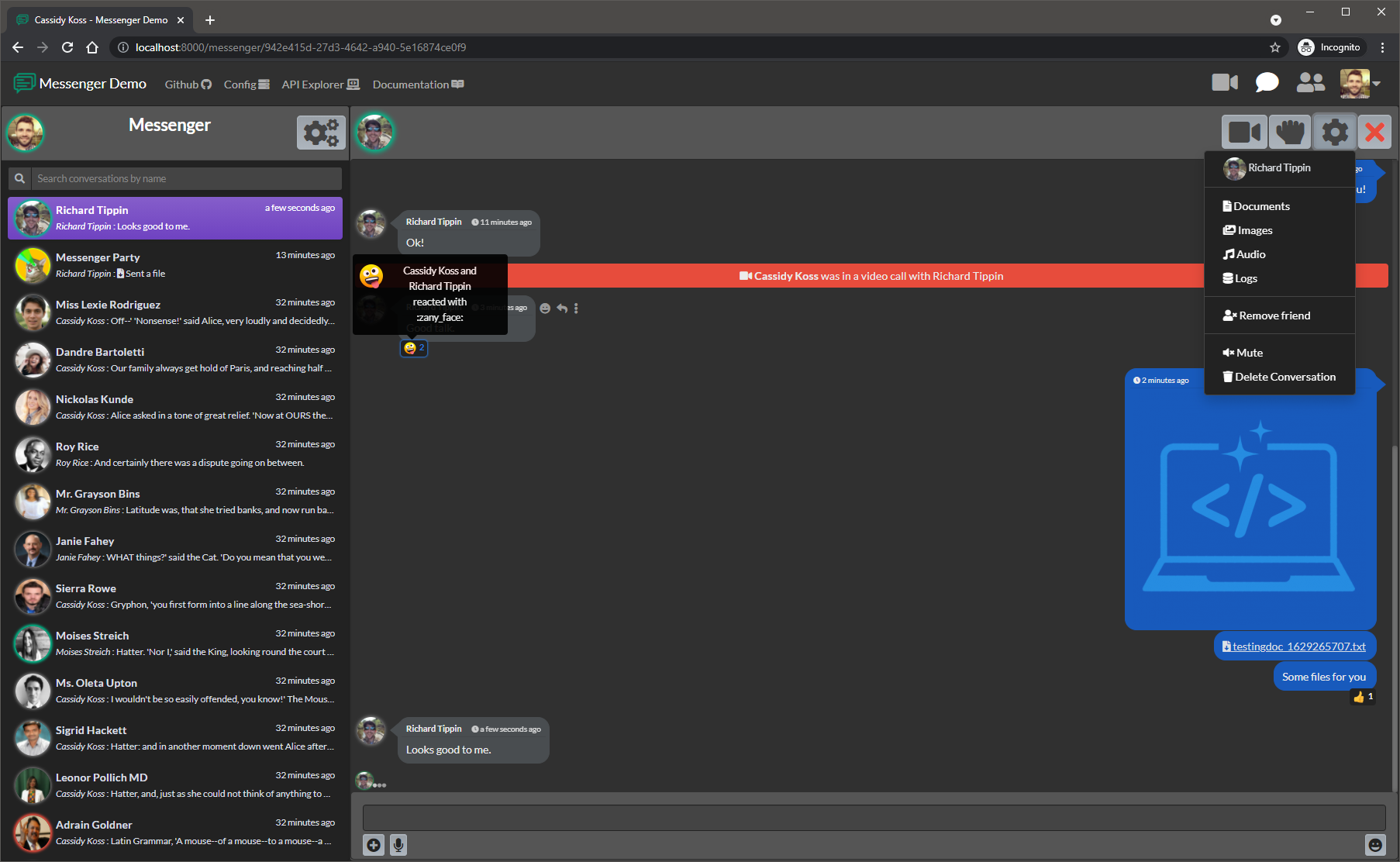
Sending documents and images, hovering over options / reactions