metacubexd
Mihomo Dashboard, The Official One, XD





✨ Features
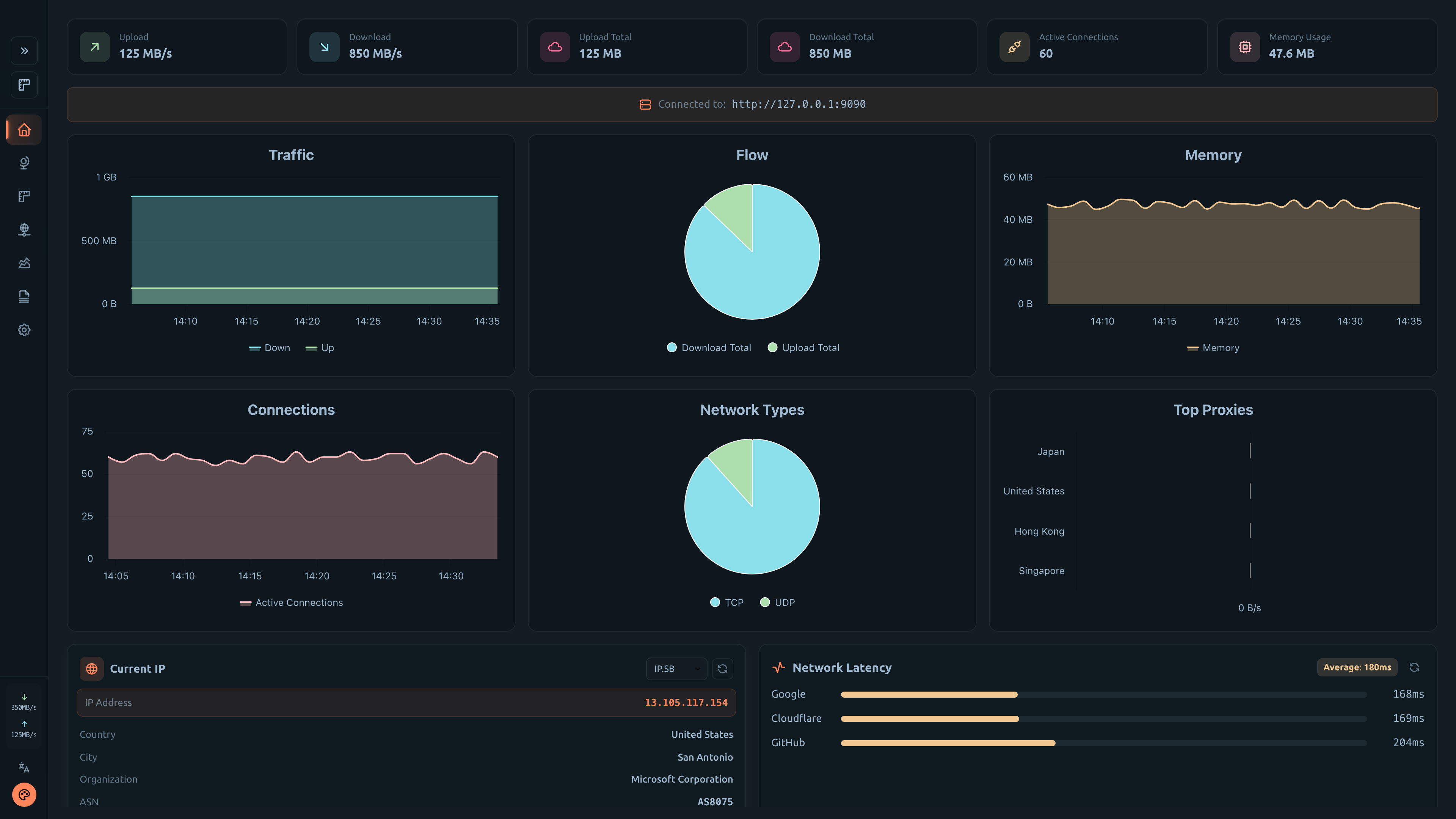
- 📊 Real-time traffic monitoring and statistics
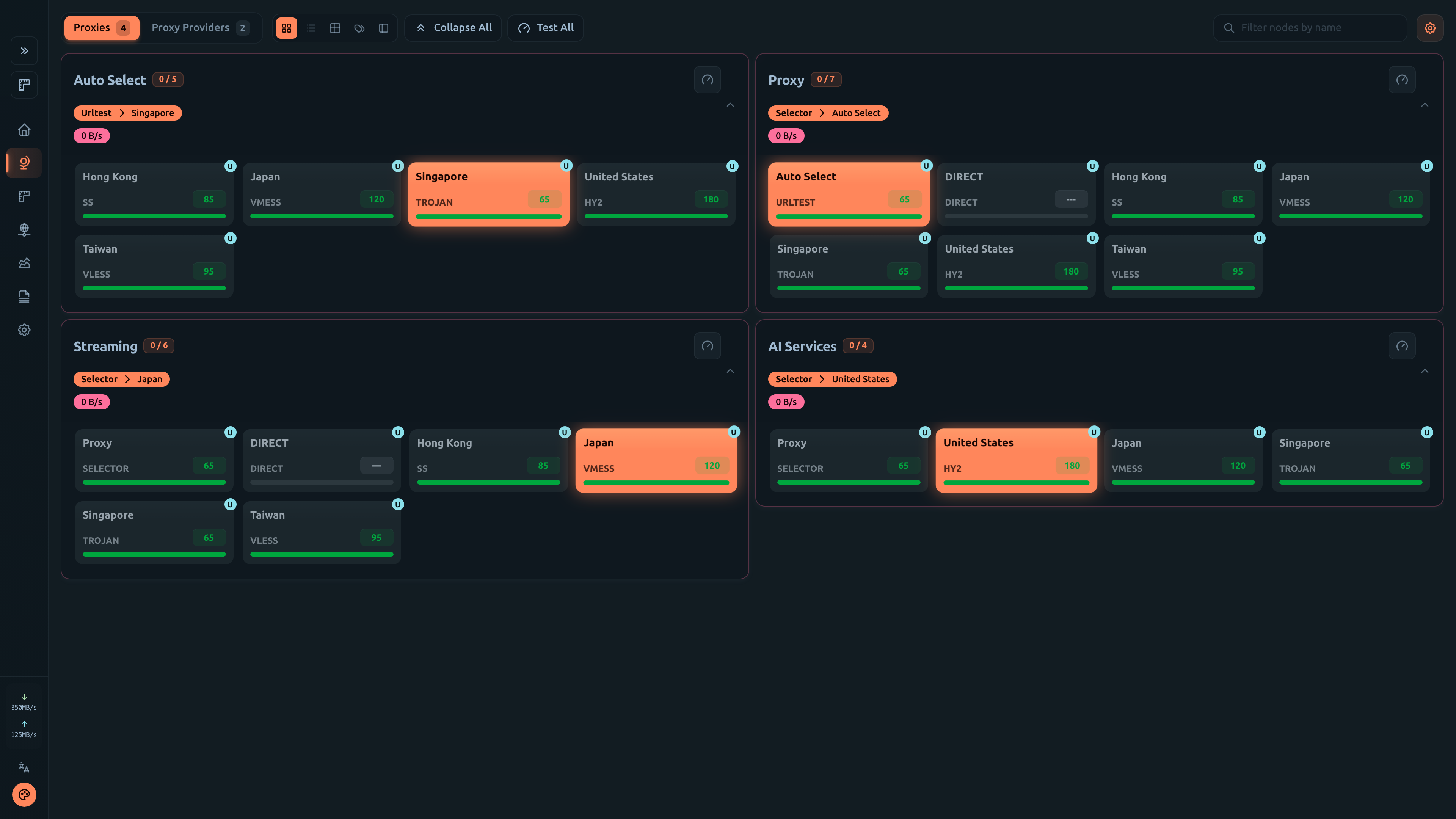
- 🔄 Proxy group management with latency testing
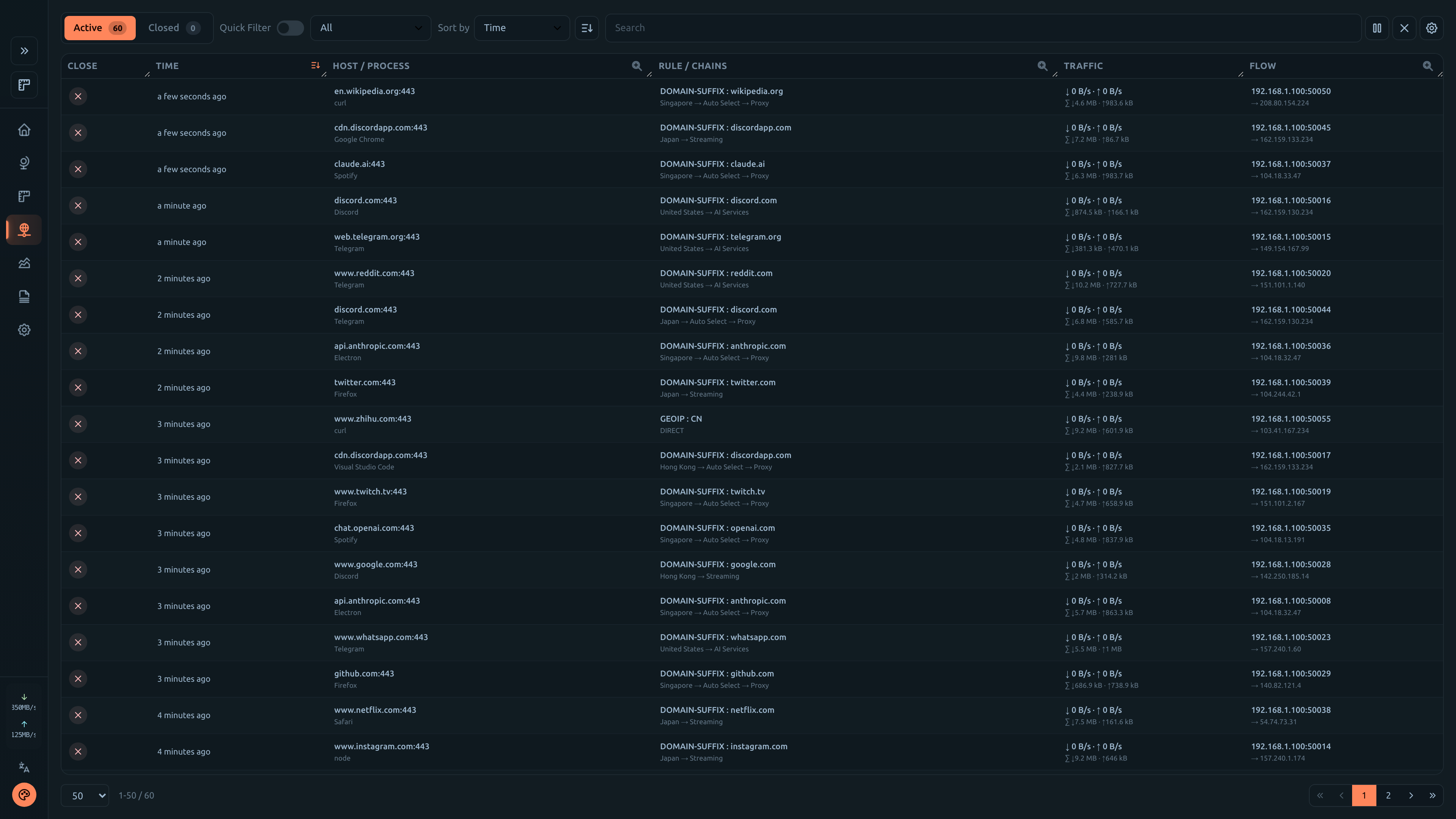
- 📡 Connection tracking and management
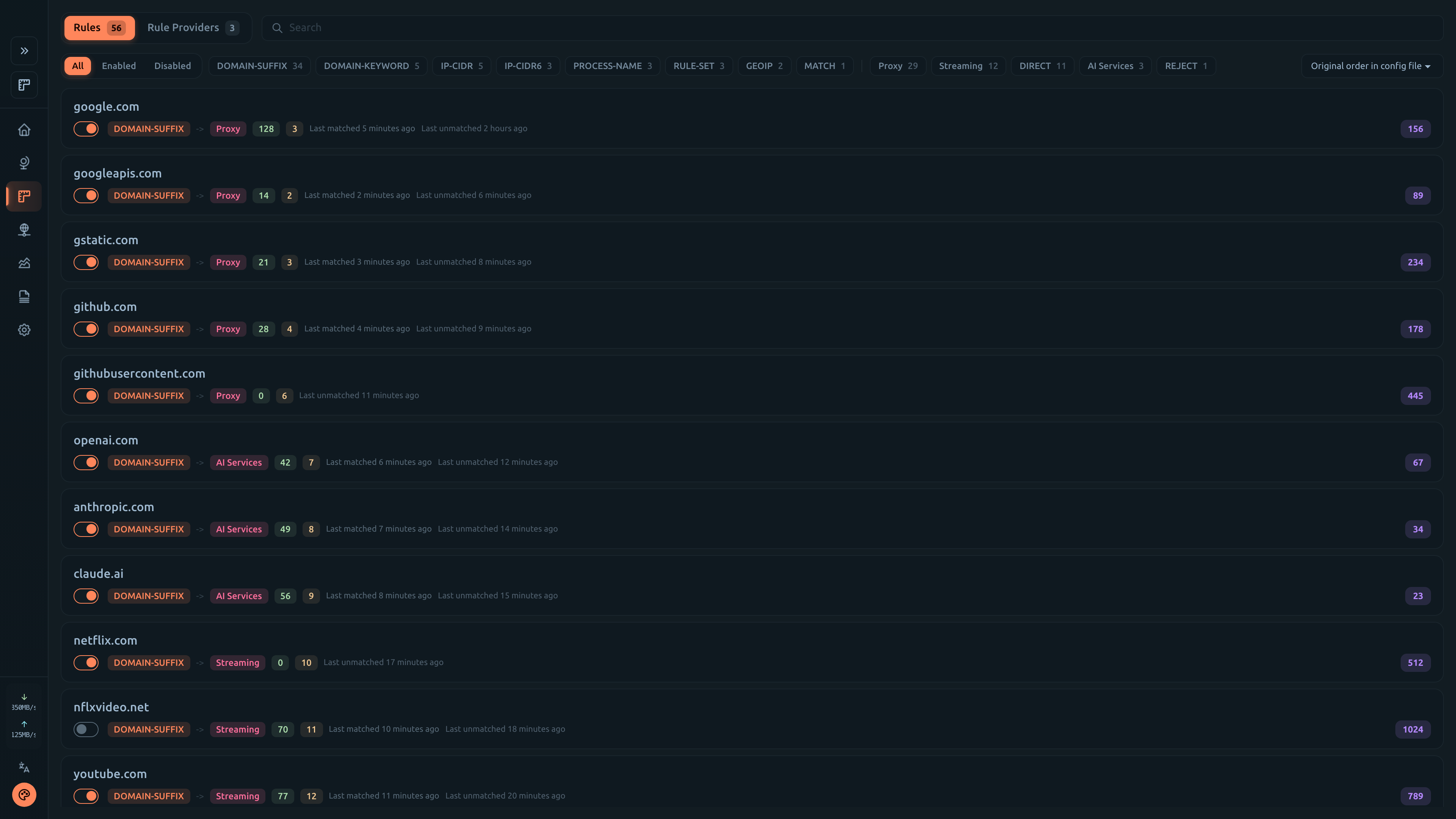
- 📋 Rule viewer with search functionality
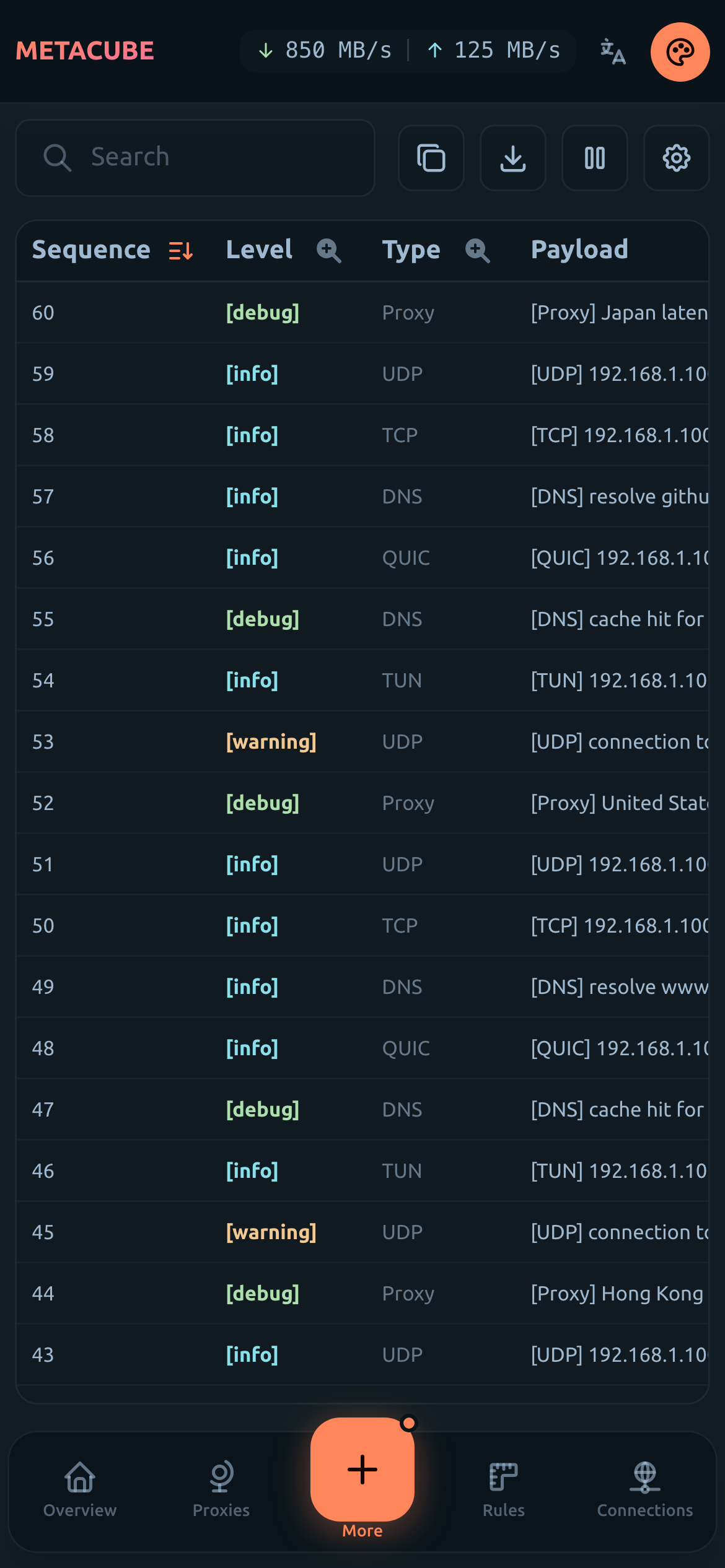
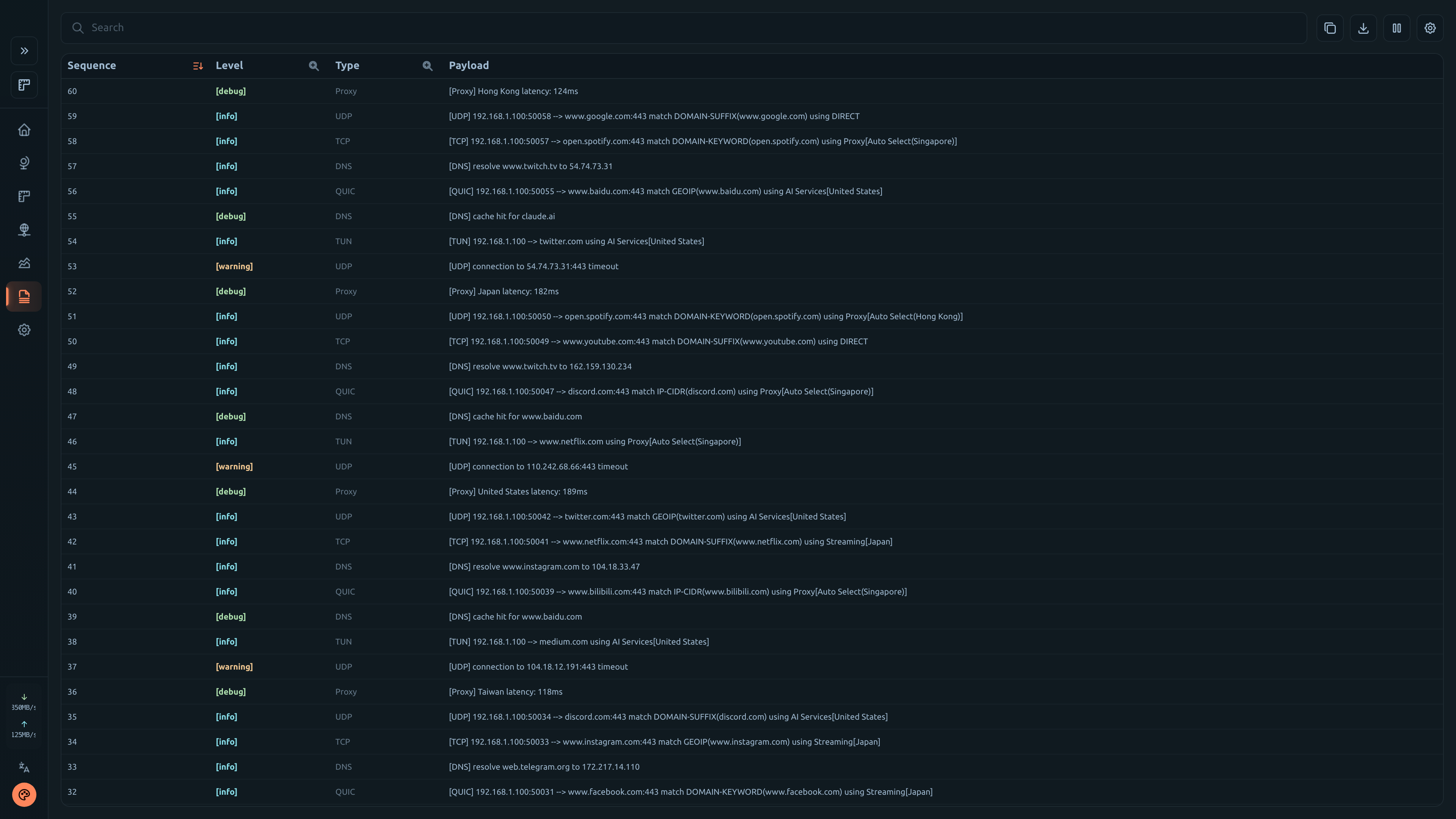
- 📝 Live log streaming
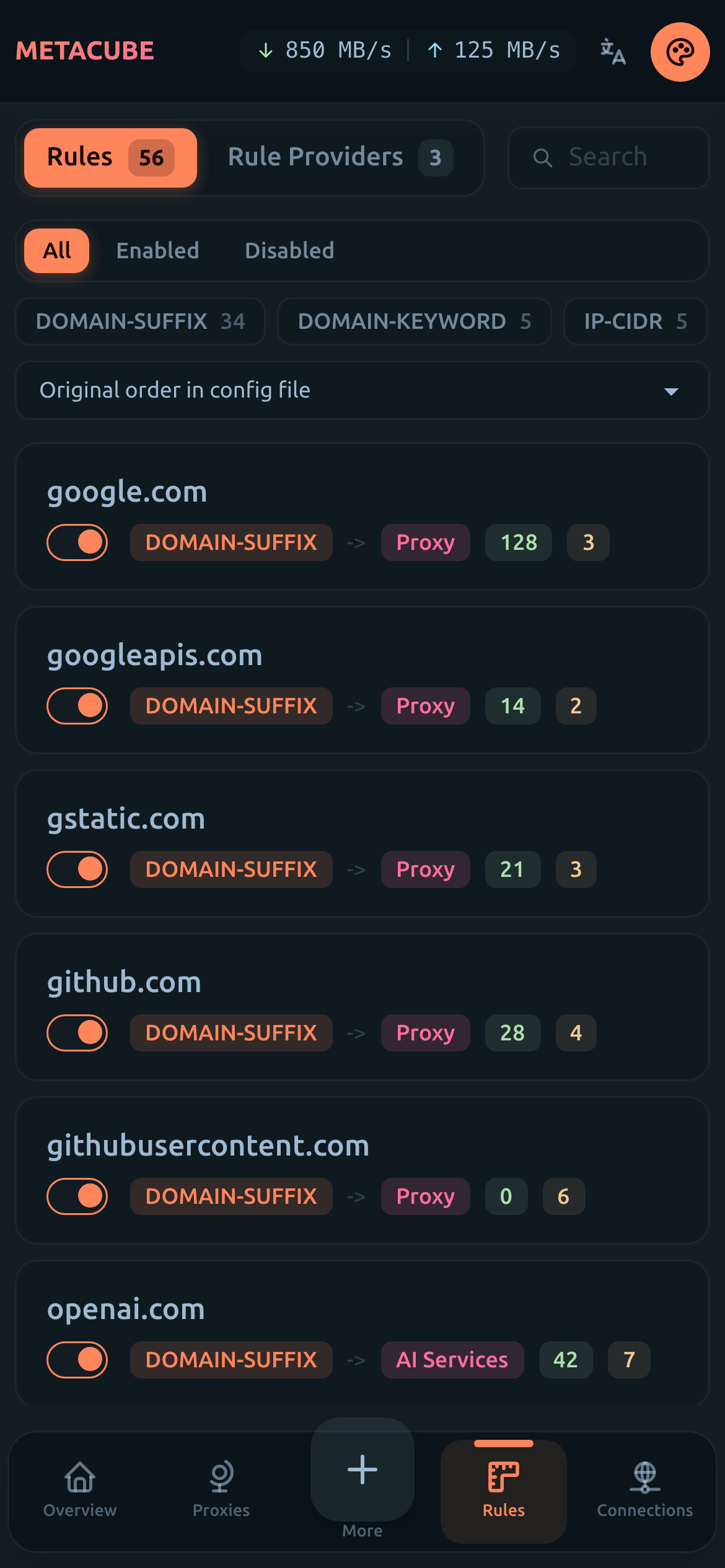
- 🎨 Beautiful UI with light/dark theme support
- 📱 Fully responsive design for mobile devices
- 🌐 Multi-language support (English, 中文, Русский)
🖼️ Preview
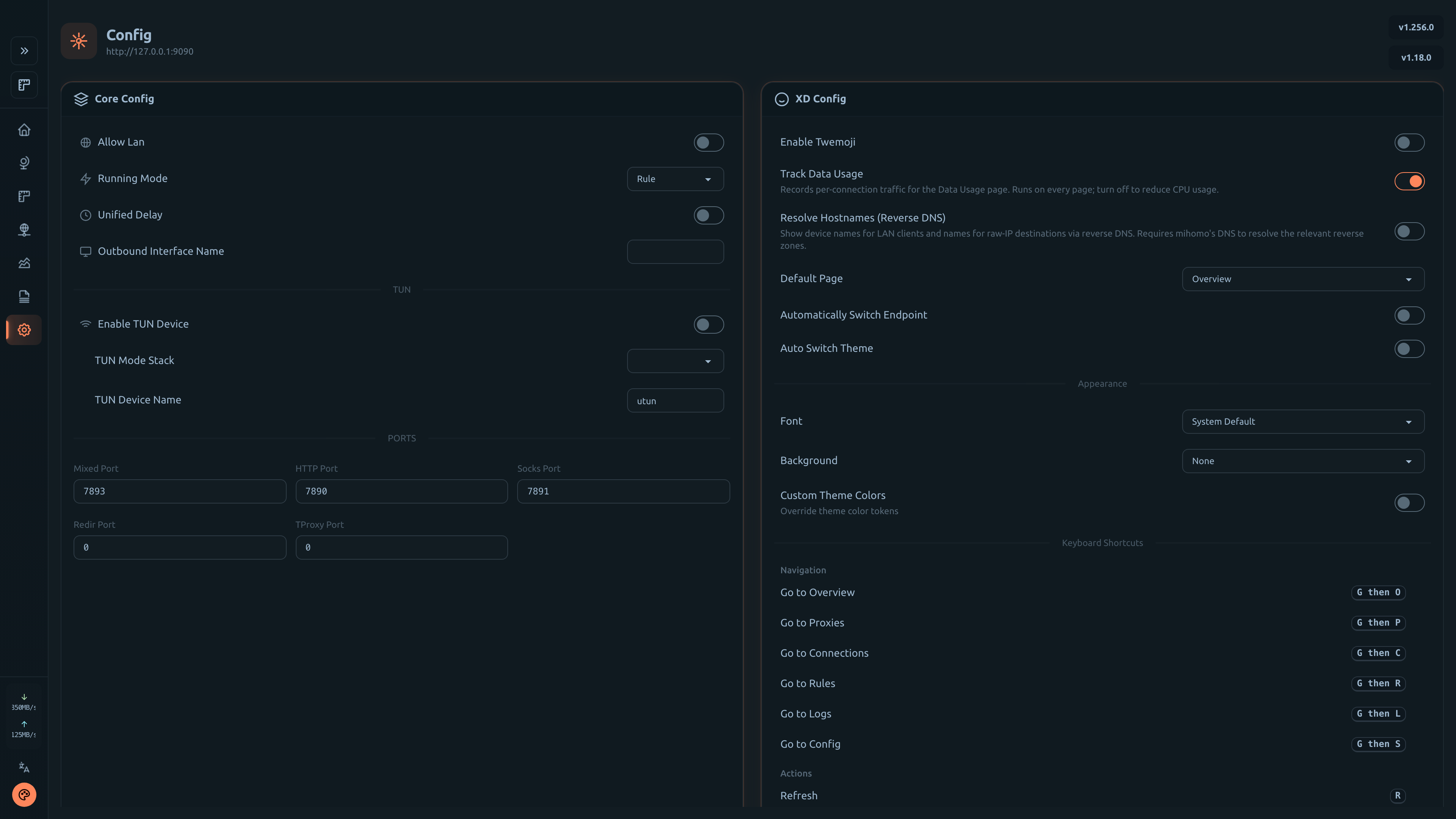
Desktop Screenshots
| Overview |
Proxies |
 |
 |
| Connections |
Rules |
 |
 |
| Logs |
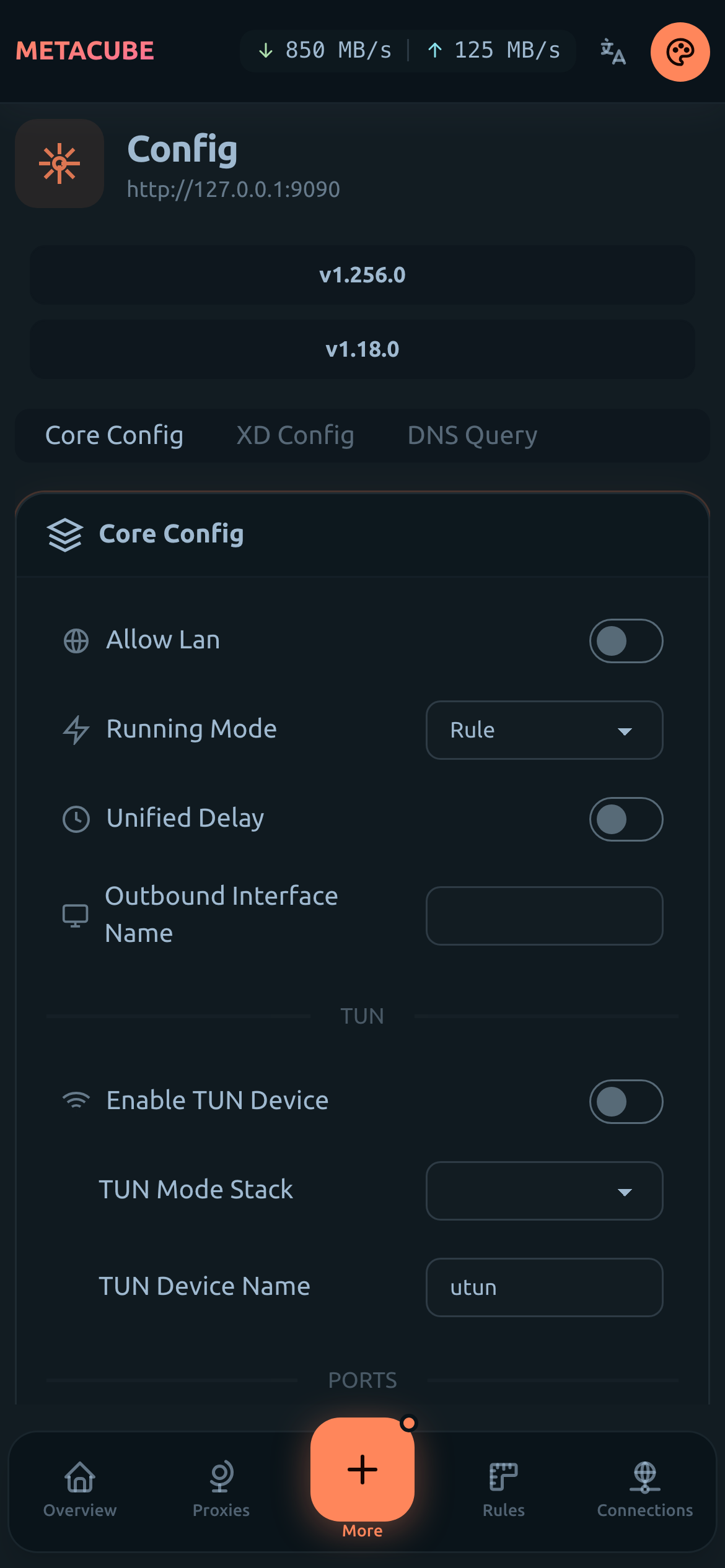
Config |
 |
 |
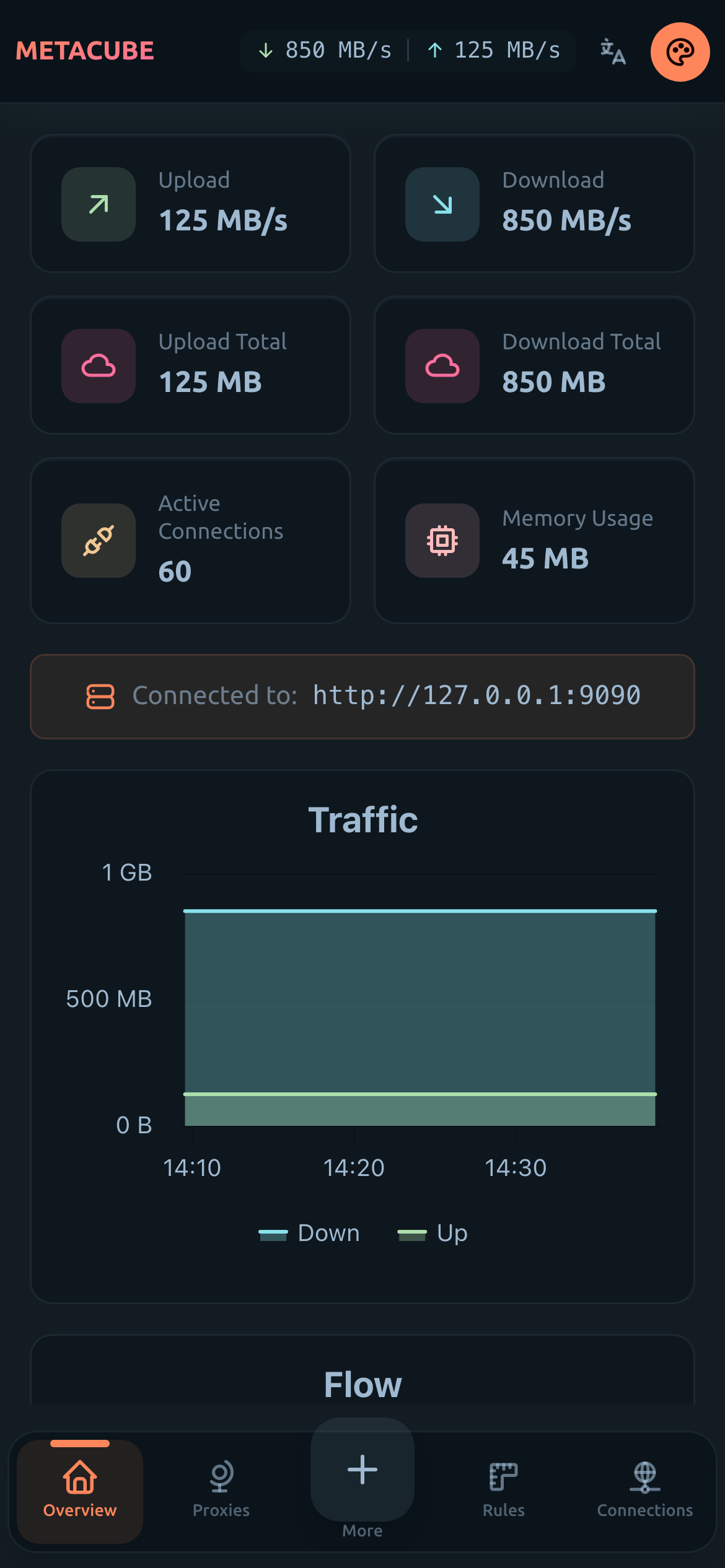
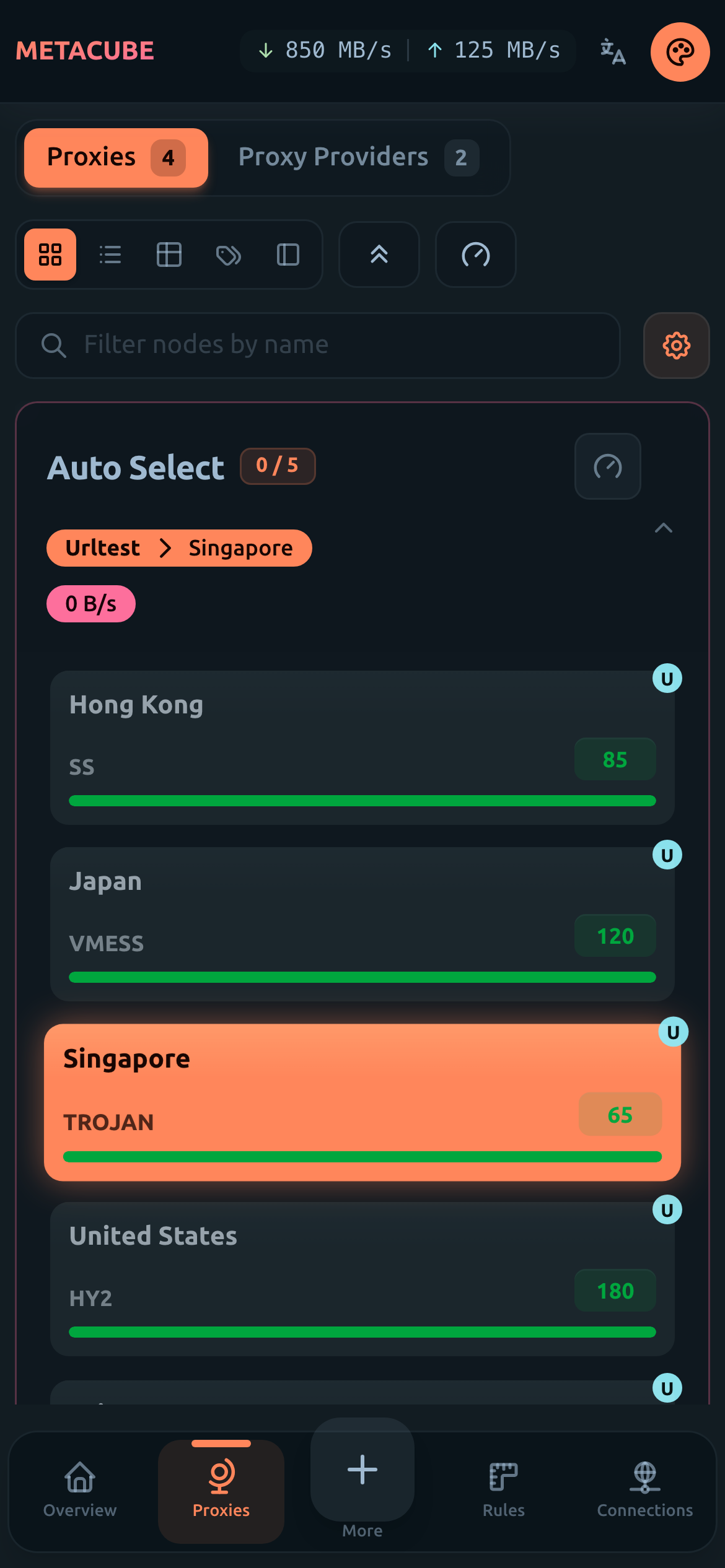
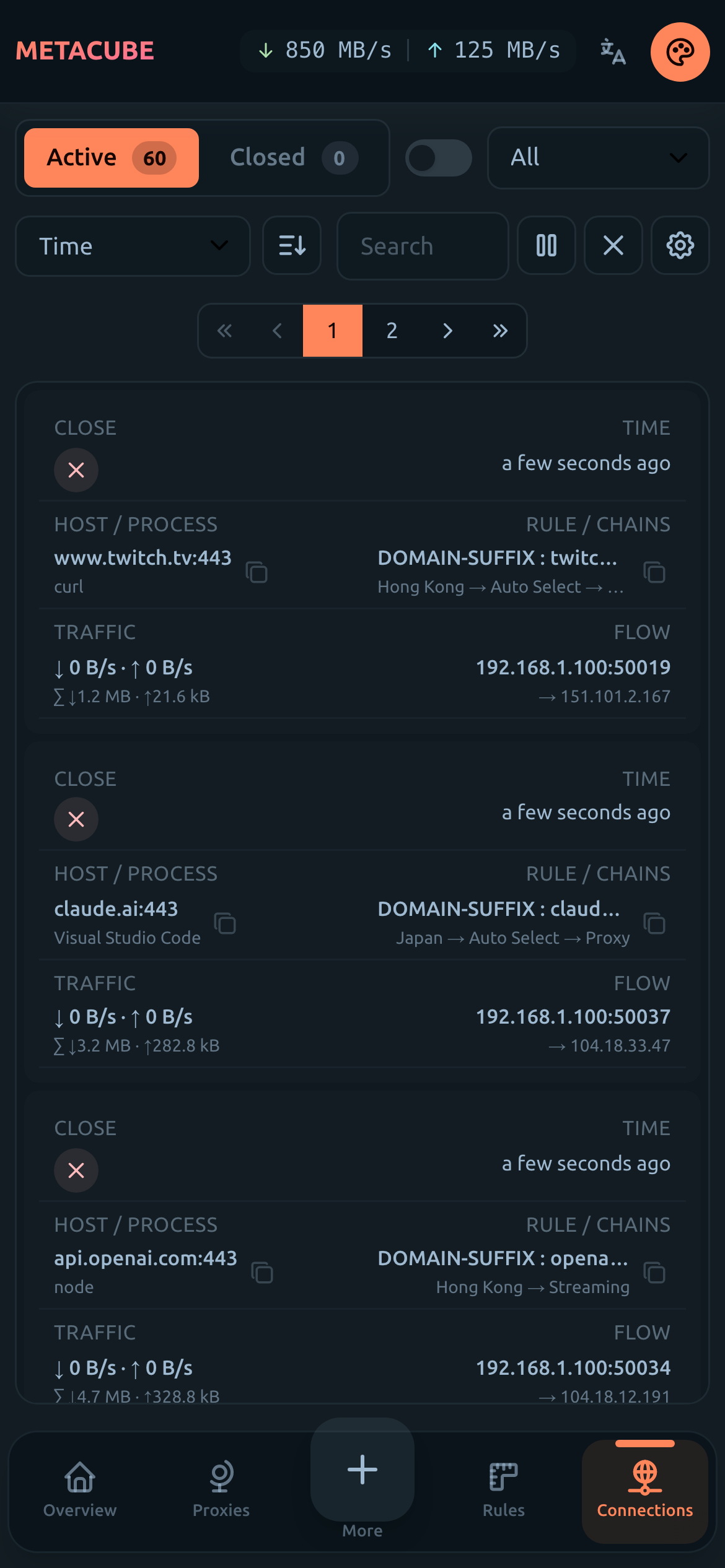
Mobile Screenshots
| Overview |
Proxies |
Connections |
 |
 |
 |
🔗 Official Links
🚀 Quick Start
Prerequisites
Enable external-controller in your mihomo config:
external-controller: 0.0.0.0:9090
Option 1: Use Pre-built Assets
# Clone the gh-pages branch
git clone https://github.com/metacubex/metacubexd.git -b gh-pages /etc/mihomo/ui

# Set external-ui in your config
# external-ui: /etc/mihomo/ui

# Update to latest version
git -C /etc/mihomo/ui pull -r
Option 2: Docker
# Basic usage
docker run -d --restart always -p 80:80 --name metacubexd ghcr.io/metacubex/metacubexd

# With custom default backend URL
docker run -d --restart always -p 80:80 --name metacubexd \
  -e DEFAULT_BACKEND_URL=http://192.168.1.1:9090 \
  ghcr.io/metacubex/metacubexd

# Update
docker pull ghcr.io/metacubex/metacubexd && docker restart metacubexd
Docker Compose
services:
  metacubexd:
    container_name: metacubexd
    image: ghcr.io/metacubex/metacubexd
    restart: always
    ports:
      - '80:80'
    # environment:
    #   - DEFAULT_BACKEND_URL=http://192.168.1.1:9090

  # Optional: mihomo instance
  mihomo:
    container_name: mihomo
    image: docker.io/metacubex/mihomo:Alpha
    restart: always
    pid: host
    network_mode: host
    cap_add:
      - ALL
    volumes:
      - ./config.yaml:/root/.config/mihomo/config.yaml
      - /dev/net/tun:/dev/net/tun
docker compose up -d

# Update
docker compose pull && docker compose up -d
Option 3: Build from Source
# Install dependencies
pnpm install

# Build for static hosting (gh-pages, etc.)
pnpm generate

# Preview
pnpm preview
🛠️ Development
# Start dev server
pnpm dev

# Start dev server with mock data
pnpm dev:mock

# Lint & Format
pnpm lint
pnpm format
📄 License
MIT
🙏 Credits
- Nuxt - The Intuitive Vue Framework
- Vue.js - The Progressive JavaScript Framework
- daisyUI - Tailwind CSS components
- Tailwind CSS - Utility-first CSS framework