
Minifeed
Minimalist self-hosted feed reader and its native iOS app.
Screenshots
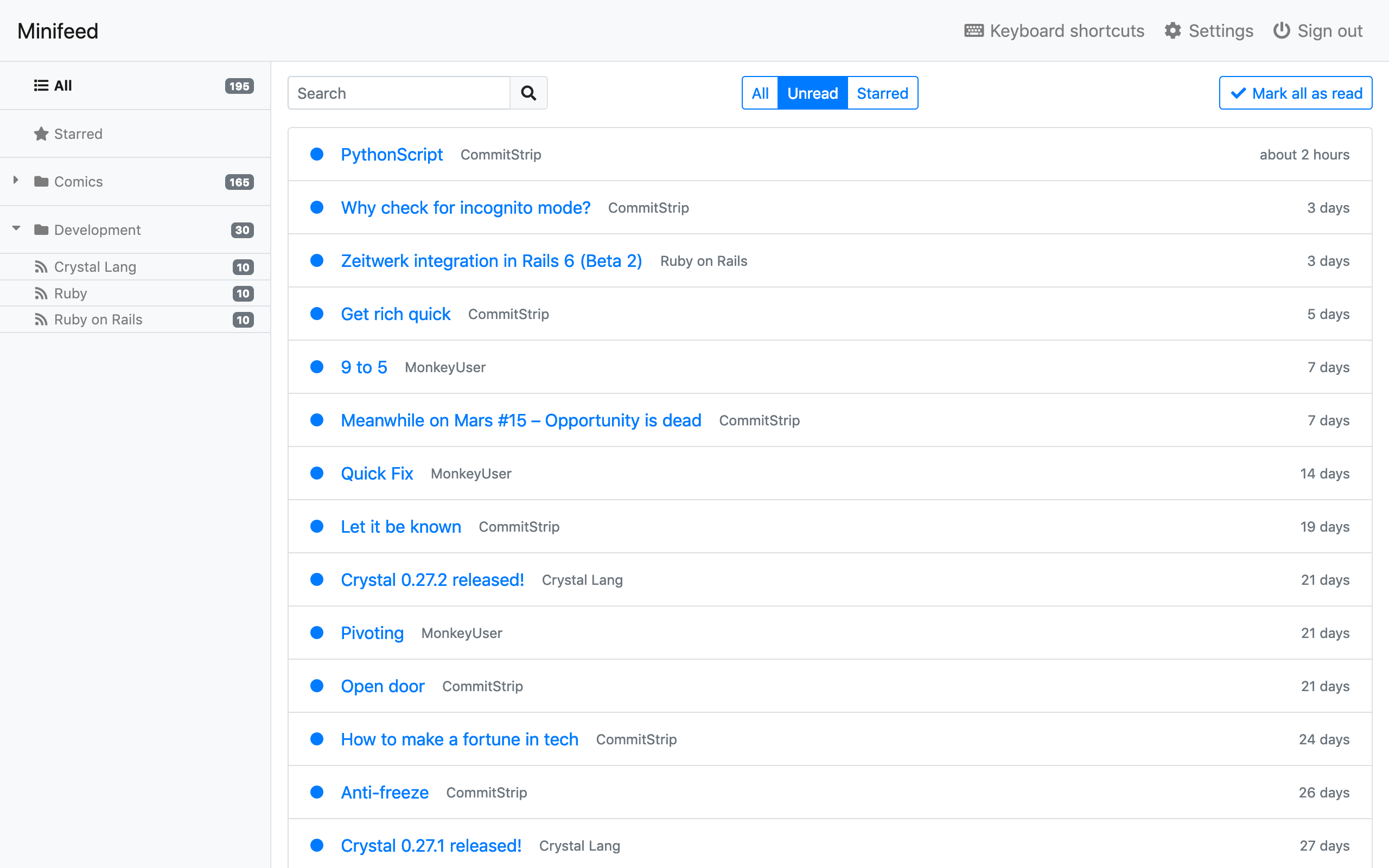
|
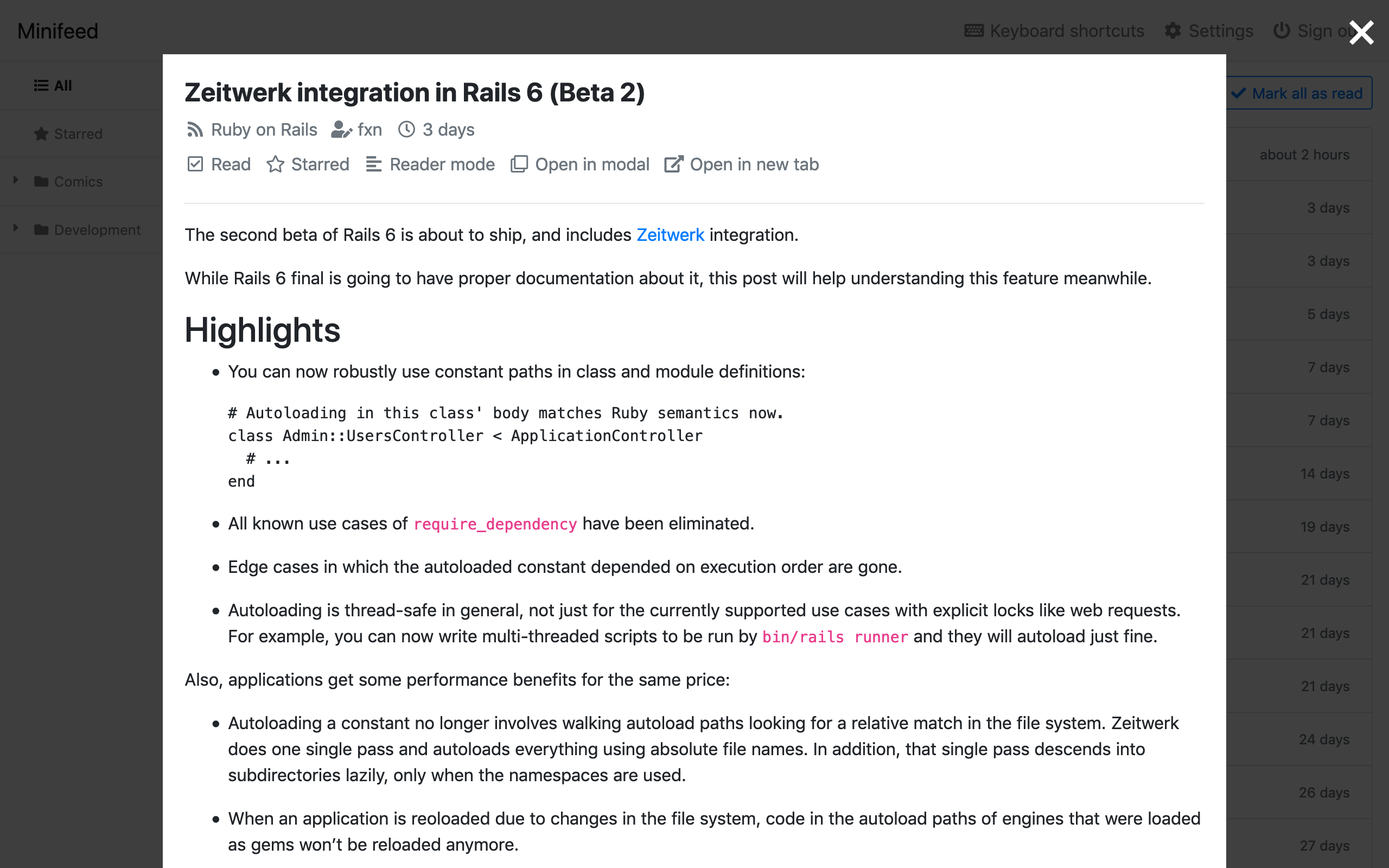
|
Screenshots of the iOS app are available in the iOS repository.
Features
- Organize feeds by category
- Add bookmarks
- An integrated reader mode
- OPML import and export
- Multi-user
- Keyboard shortcuts
- Simple UI based on Bootstrap
- Light/Dark modes
- A native iOS app
Anti-features
- No social/sharing features
Demo / Deploy to Heroku
Click on the "Deploy" button and follow the instructions.

Your login is [email protected] and your password is password.
You can change your email/password and manage your feeds from the "Settings" menu.
Wait a minute for the demo feeds to load.
Warning: if you use free Heroku dynos, feeds are only imported when the server is running.
Docker install (recommended)
Copy the docker-compose.yml file and run docker compose up.
Minifeed is listening on port 3000.
Your login is [email protected] and your password is password.
You can change your email/password and manage your feeds from the "Settings" menu.
Manual install
You can install Minifeed like any other Rails app:
git clone https://github.com/BenoitMC/minifeed.rails.git
cd minifeed.rails
yarn install
bundle install
bundle exec rake db:prepare
bundle exec rails server
Your login is [email protected] and your password is password.
You can change your email/password and manage your feeds from the "Settings" menu.
And to update an existing instance:
cd minifeed.rails
git pull origin master
yarn install
bundle install
bundle exec rake db:migrate
bundle exec rails server
Configuration
You can change some options using environment variables (copy .env.example to .env and change what you want) and in the config/minifeed.rb file.
Requirements / Technical information
Minifeed has very few dependencies:
- Linux or macOS
- Ruby
- PostgreSQL
- Yarn
Minifeed is designed to be easy to install and maintain, simplicity is preferred over performance, so it has:
- No extra dependencies like Redis or ElasticSearch
- No file storage
- No extra process for running jobs
- No blockchain
- No 3-week-old JS framework
By default, feeds are imported in the background of the server process using solid-queue.