
missue

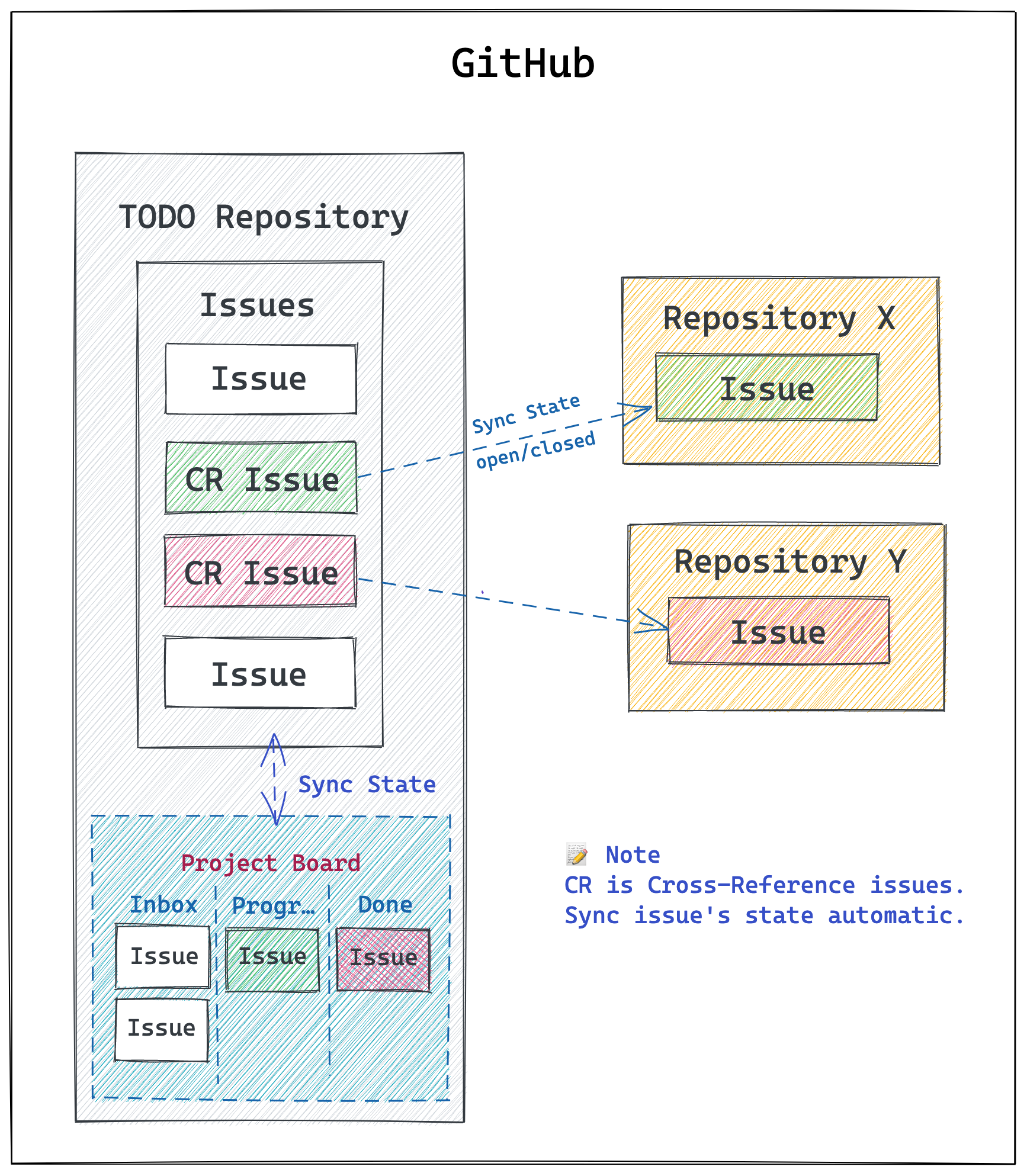
A Toolkit help you to management your TODO based on GitHub Issues.
Purposes
- Use GitHub issues for your personal TODO management
- Create "public" or "private" repository for your TODO
- Sync cross-reference(CR) issues for avoiding duplicated issue management
Installation
This repository is template.
You can create new TODO repository based on this repository, and you can start to manage your TODO.
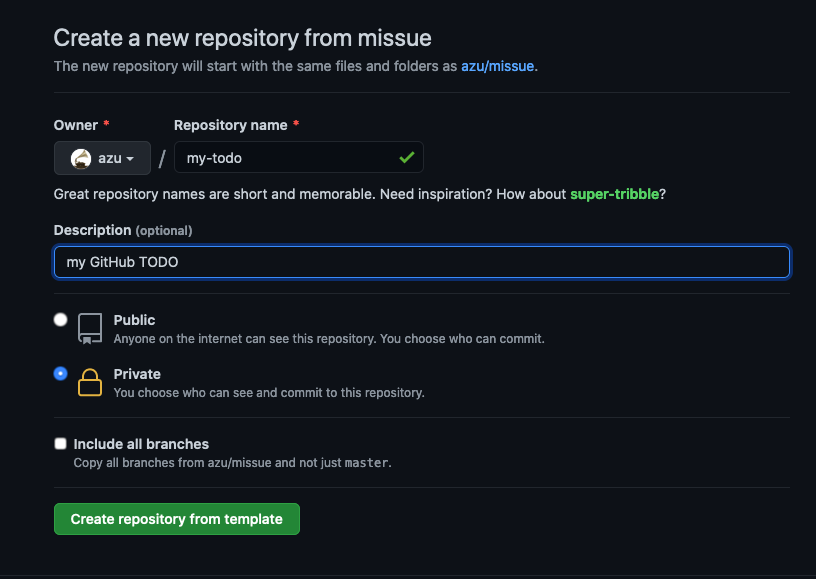
- Visit https://github.com/azu/missue/generate
- Input Repository name. Example) my-todo
- Select "Public" or "Private"
- Click "Create repository from template"
Setup
Setup TODO labels workflow
You can create TODO-like labels for your repository with 1 click.
- Visit
https://github.com/<your-name>/<your-repo>/actions/workflows/setup.yml - Click "Run workflow"
- Setup labels for your repository
You can see example labels on https://github.com/azu/missue/labels
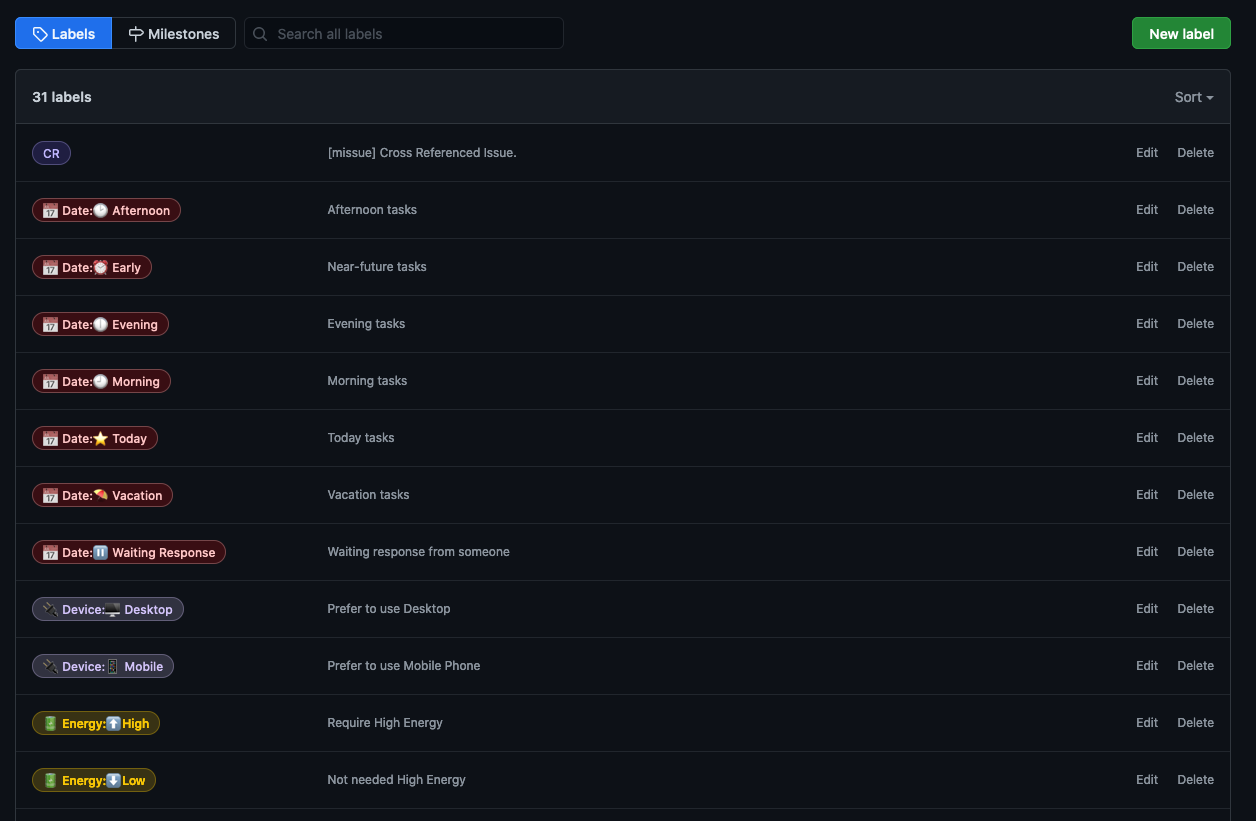
If you want to add labels, you can edit labels.yml
Sync "CR" issue's state
"CR" is Cross Reference Issues.
You can create Cross Reference Issues with userscript
Cross Reference Issues has a link that you want to track and has "CR" label.
Sync "CR" workflow can sync state between original issue and your CR issue.
- Visit
https://github.com/<your-name>/<your-repo>/actions/workflows/sync-cr.yml - Click "Run workflow"
- Sync CR issue's state
Create "CR" issue from existing issue
userscript help you to create "CR" issue
- Install Greasemonkey-like extension
- I've tested with Violentmonkey
- Install add-item-to-missue.user.js
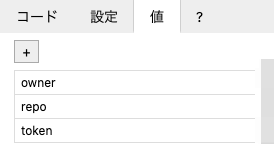
- Add setting to the installed user script
- Please see userscript README
Client
You can get simple electron client.
missue client has following features:
- Sync "CR" issues on focus
- Has simple Webview starts with your TODO repository
Build Steps:
git clone https://github.com/azu/missue
cd missue/
cd client/
yarn intall
GITHUB_TOKEN=yourtoken INPUT_URL="https://github.com/your/private-todo/issues" npm run build
For more details, see client/.
Tips
Want to pull this template repository changes
You can merge a template's changes into your todo repository.
npm run sync-template
Add newer issue to your project board automatically
Following probot or GitHub Actions helps you.
- philschatz/project-bot
- konradpabjan/actions-add-new-issue-to-column
- takanabe/github-actions-automate-projects️
- technote-space/auto-card-labeler
Contributing
Pull requests and stars are always welcome.
For bugs and feature requests, please create an issue.
- Fork it!
- Create your feature branch:
git checkout -b my-new-feature - Commit your changes:
git commit -am 'Add some feature' - Push to the branch:
git push origin my-new-feature - Submit a pull request :D
Author
License
MIT © azu