
Mobo POS





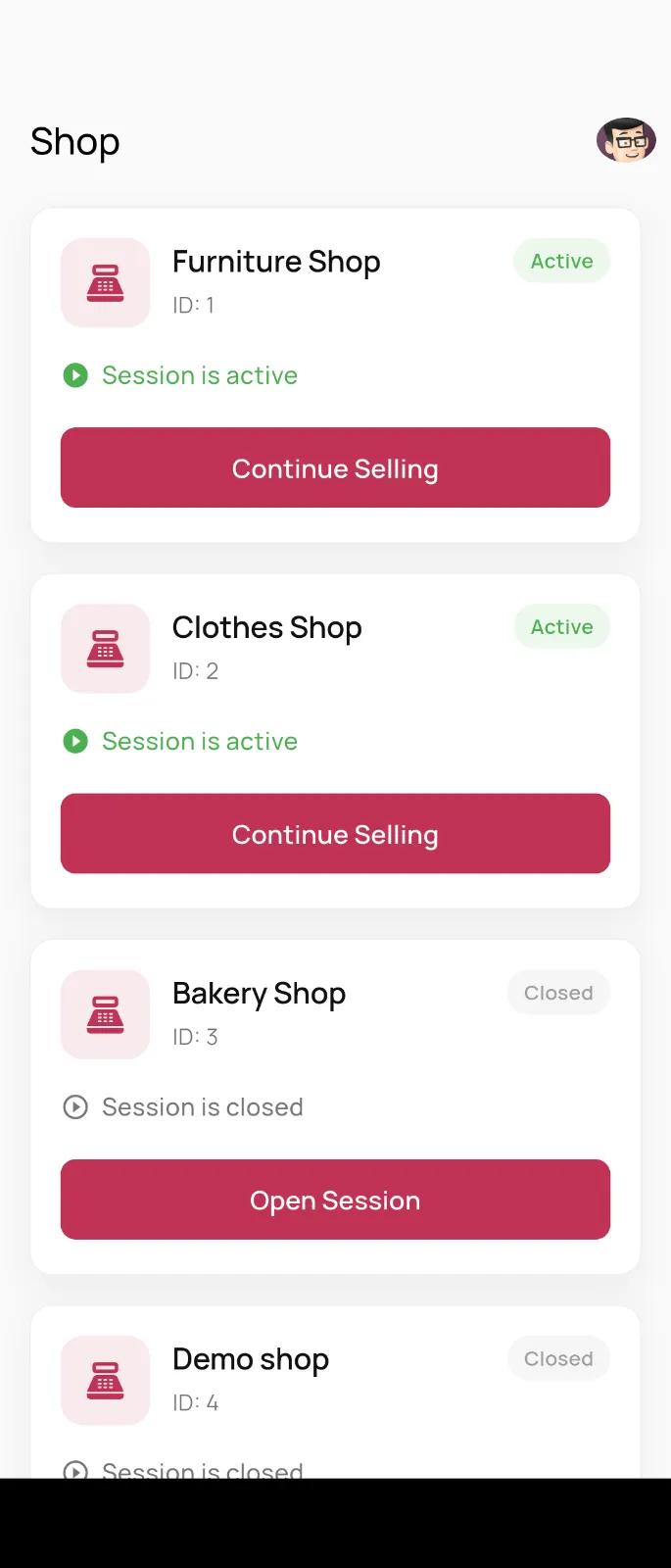
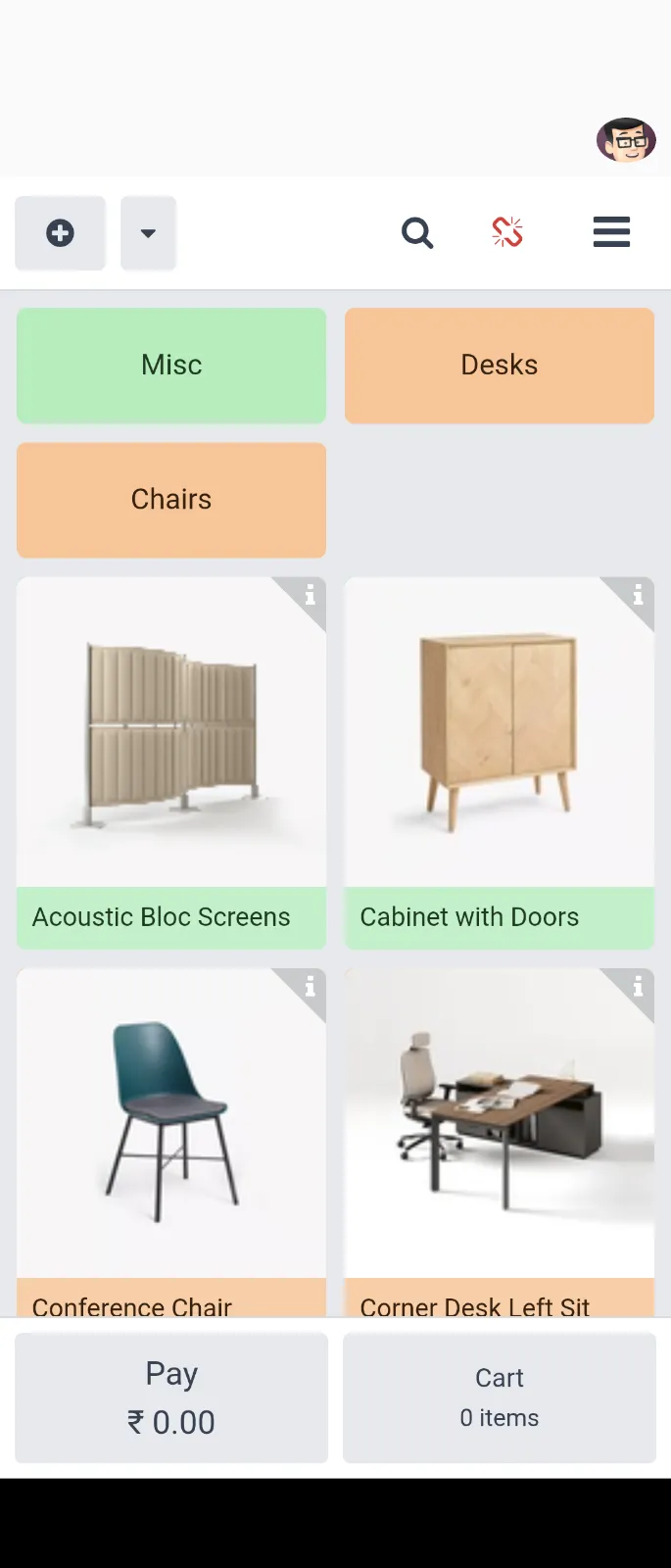
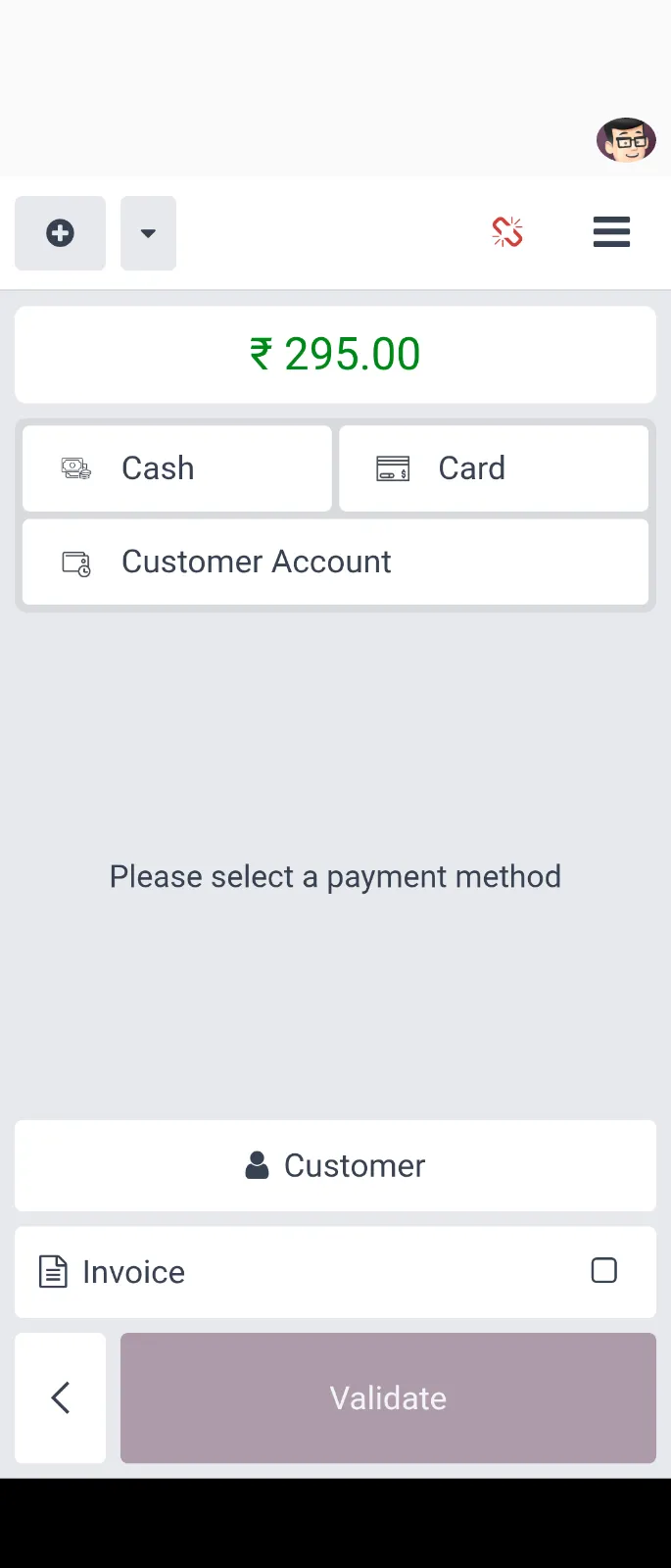
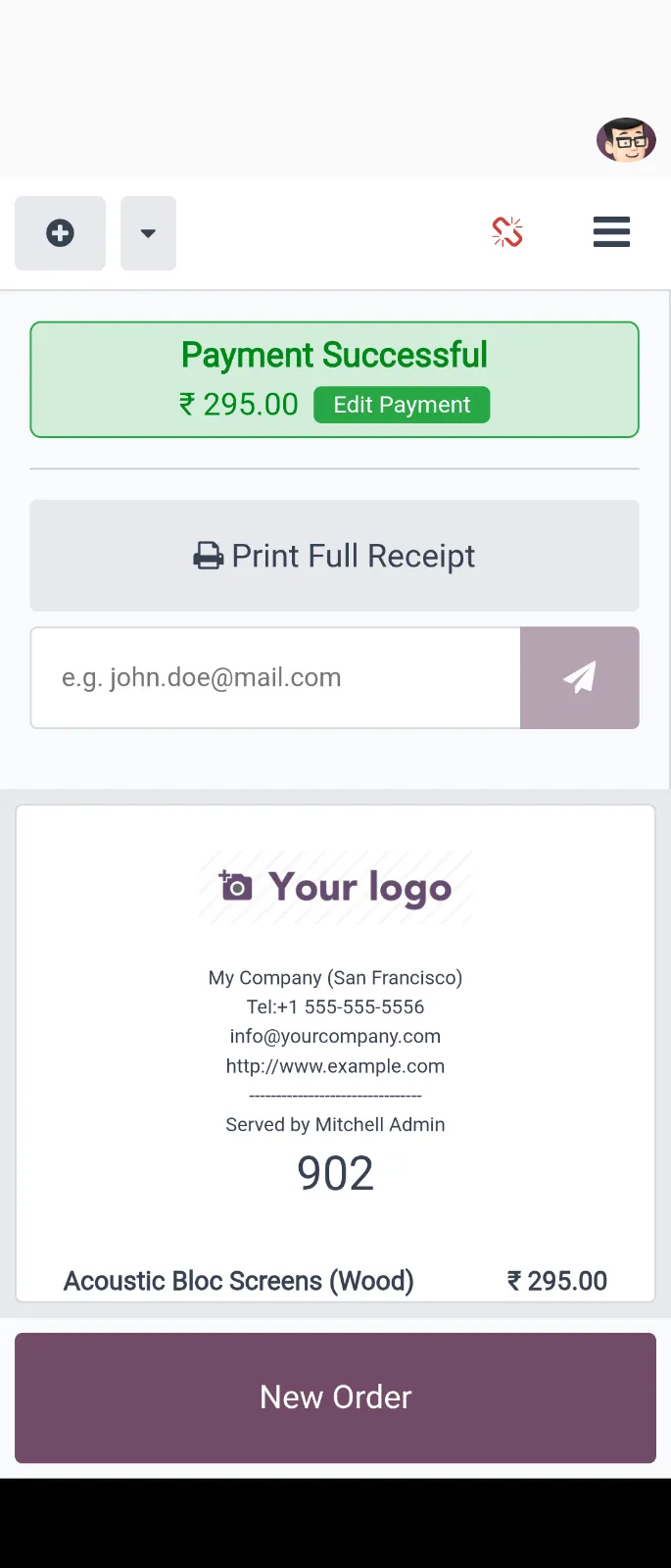
Mobo POS is a professional mobile application designed to bring the power of Odoo Point of Sale to Android and iOS devices. Built with Flutter, it offers a high-performance, touch-optimized interface for retail and restaurant operations, allowing staff to process orders, manage sessions, and handle customers directly from their mobile phones or tablets.
Key Features
Modern POS Experience
- Touch-Optimized WebView: Integrated Odoo POS interface for a consistent and powerful user experience.
- Session Control: Open, resume, and manage POS sessions directly from the app.
- Real-Time Sync: Automatic synchronization with your Odoo backend for up-to-the-minute data.
Multi-Account & Multi-Company
- Switch Account: Quickly swap between multiple Odoo accounts and databases without re-entering credentials.
- Multi-Company Support: Seamlessly switch between different company profiles within the same instance.
- Global Server Support: Dynamically handle different Odoo server URLs.
Security & User Experience
- Biometric Authentication: Secure and fast login using fingerprint or Face ID.
- Advanced UI/UX: Modern design with dark mode support, smooth animations, and premium typography (YaroRg).
- In-App Review: Integrated system to gather user feedback and maintain quality.
- Micro-Animations: Shimmer effects and smooth transitions for a premium feel.
Screenshots
Technology Stack
Mobo POS is built using modern technologies to ensure reliability and performance:
- Frontend: Flutter (Dart)
- State Management: Provider
- Local Database: Isar (High-performance NoSQL database for account caching)
- Web Integration: Flutter InAppWebView (Lag-free web-to-mobile bridge)
- Backend API: Odoo RPC
- Authentication: Local Auth (Biometrics)
Supported Odoo Versions
Tested and verified on:
- Odoo version 14 - 19 (Community & Enterprise)
Getting Started
Prerequisites
- Flutter SDK (^3.7.2)
- Odoo Instance (v14 or higher)
- Android Studio or VS Code
Installation
-
Clone the repository
git clone https://github.com/mobo-open-source/mobo_pos.git cd mobo_pos -
Install dependencies
flutter pub get -
Generate Isar schemas Run the build runner to generate necessary database bindings:
dart run build_runner build --delete-conflicting-outputs -
Run the application
flutter run
Usage
To get started with Mobo POS:
- Open the App: Launch Mobo POS on your mobile device.
- Setup Server: Enter your Odoo server URL and select your database.
- Login: Enter your Odoo credentials.
- Select POS: Choose the POS configuration you want to manage.
- Start Selling: Process orders and manage your retail/restaurant operations.
Maintainers
Team Mobo at Cybrosys Technologies
- Email [email protected]
- Website - https://www.cybrosys.com/mobo/
License
This project is primarily licensed under the Apache License 2.0. It also includes third-party components licensed under:
- MIT License
- GNU Lesser General Public License (LGPL)
See the LICENSE file for the main license and THIRD_PARTY_LICENSES.md for details on included dependencies and their respective licenses.