
Gaussian Splatting SLAM
*Hidenobu Matsuki · *Riku Murai · Paul H.J. Kelly · Andrew J. Davison
(* Equal Contribution)
CVPR 2024 (Highlight)
Paper | Video | Project Page
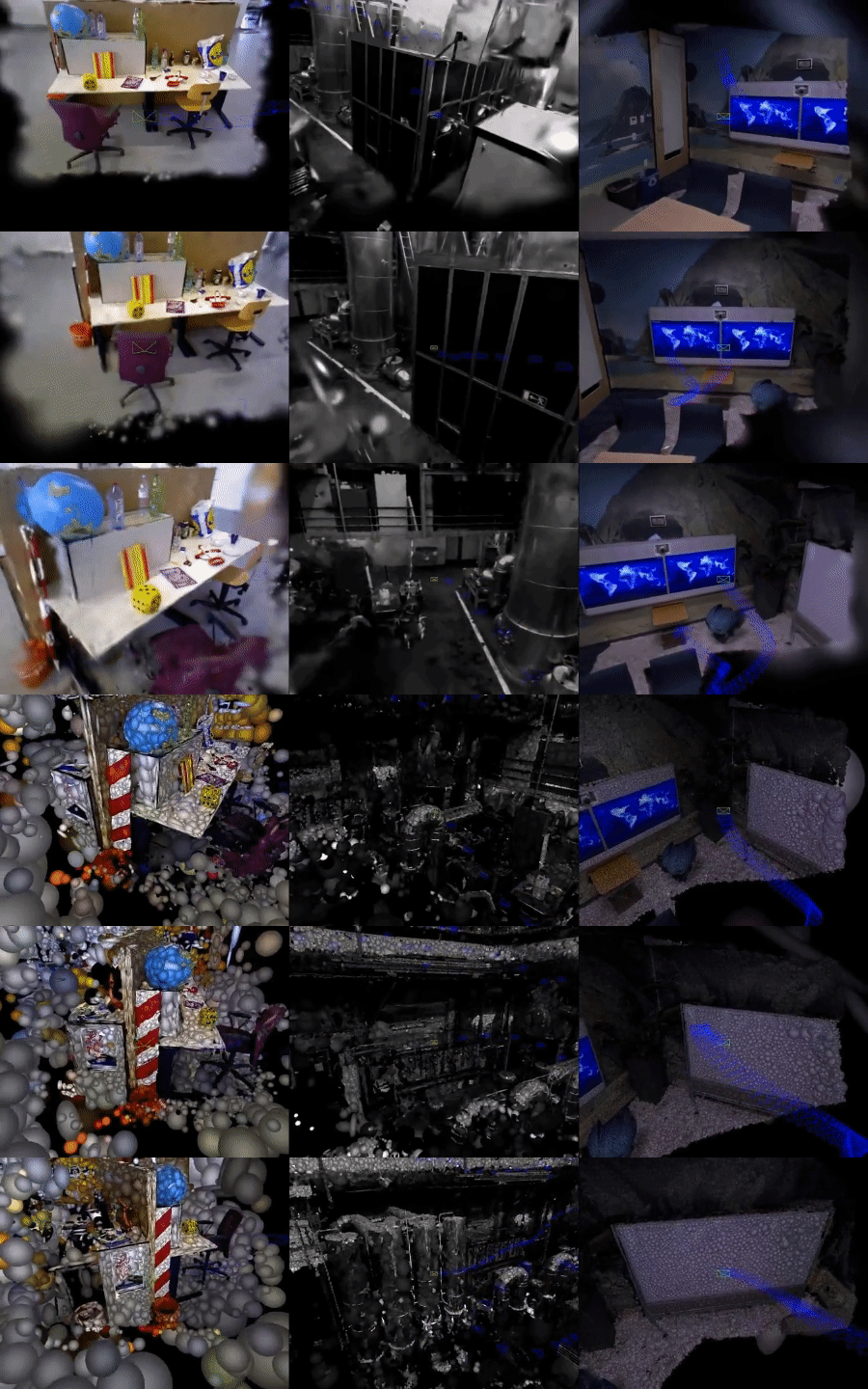
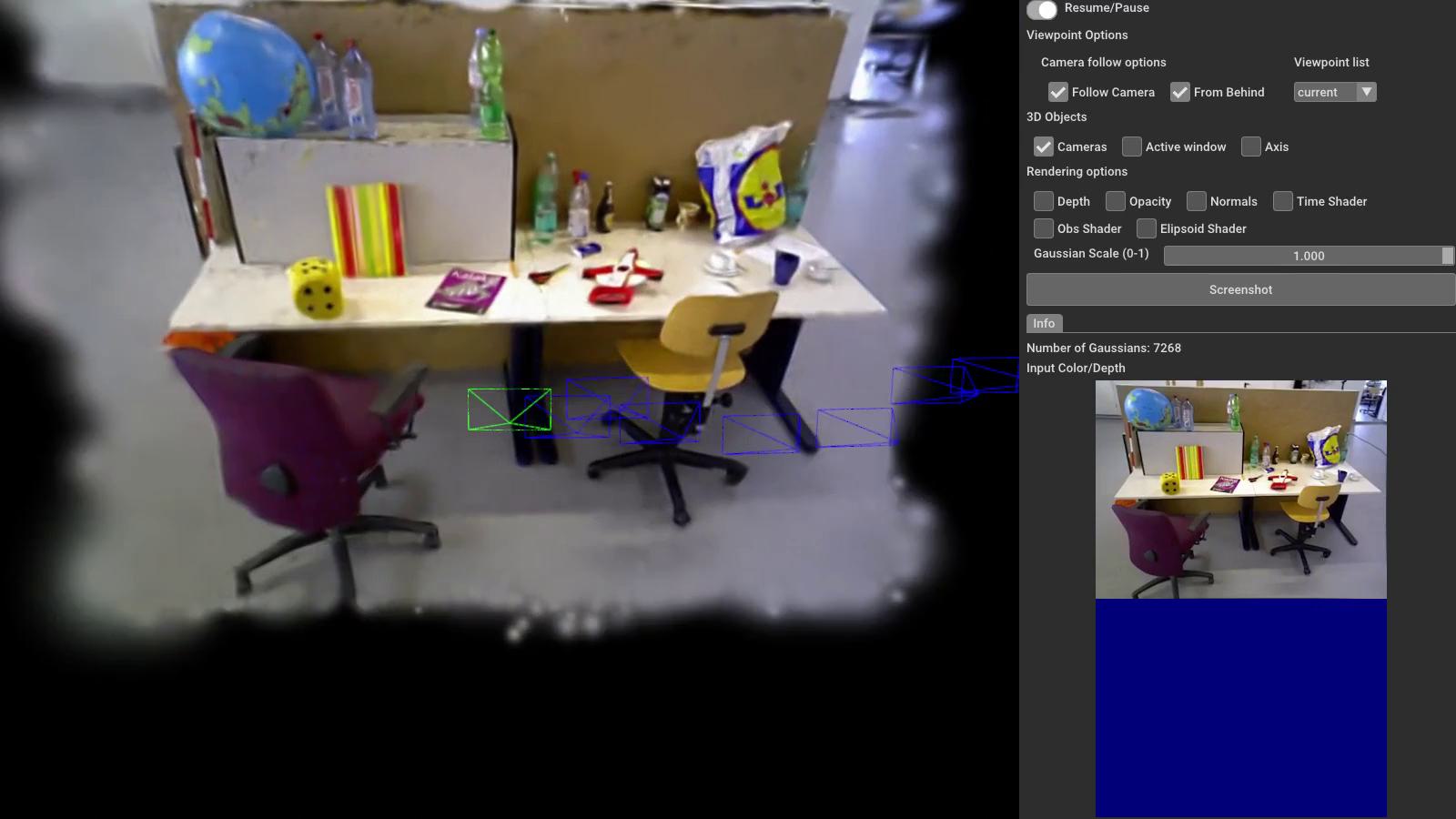
This software implements dense SLAM system presented in our paper Gaussian Splatting SLAM in CVPR'24. The method demonstrates the first monocular SLAM solely based on 3D Gaussian Splatting (left), which also supports Stereo/RGB-D inputs (middle/right).
Note
- In an academic paper, please refer to our work as Gaussian Splatting SLAM or MonoGS for short (this repo's name) to avoid confusion with other works.
- Differential Gaussian Rasteriser with camera pose gradient computation is available here.
- [New] Speed-up version of our code is available in
dev.speedupbranch, It achieves up to 10fps on monocular fr3/office sequence while keeping consistent performance (tested on RTX4090/i9-12900K). The code will be merged into the main branch after further refactoring and testing.
Getting Started
Installation
git clone https://github.com/muskie82/MonoGS.git --recursive
cd MonoGS
Setup the environment.
conda env create -f environment.yml
conda activate MonoGS
Depending on your setup, please change the dependency version of pytorch/cudatoolkit in environment.yml by following this document.
Our test setup were:
- Ubuntu 20.04:
pytorch==1.12.1 torchvision==0.13.1 torchaudio==0.12.1 cudatoolkit=11.6 - Ubuntu 18.04:
pytorch==1.12.1 torchvision==0.13.1 torchaudio==0.12.1 cudatoolkit=11.3
Quick Demo
bash scripts/download_tum.sh
python slam.py --config configs/mono/tum/fr3_office.yaml
You will see a GUI window pops up.
Downloading Datasets
Running the following scripts will automatically download datasets to the ./datasets folder.
TUM-RGBD dataset
bash scripts/download_tum.sh
Replica dataset
bash scripts/download_replica.sh
EuRoC MAV dataset
bash scripts/download_euroc.sh
Run
Monocular
python slam.py --config configs/mono/tum/fr3_office.yaml
RGB-D
python slam.py --config configs/rgbd/tum/fr3_office.yaml
python slam.py --config configs/rgbd/replica/office0.yaml
Or the single process version as
python slam.py --config configs/rgbd/replica/office0_sp.yaml
Stereo (experimental)
python slam.py --config configs/stereo/euroc/mh02.yaml
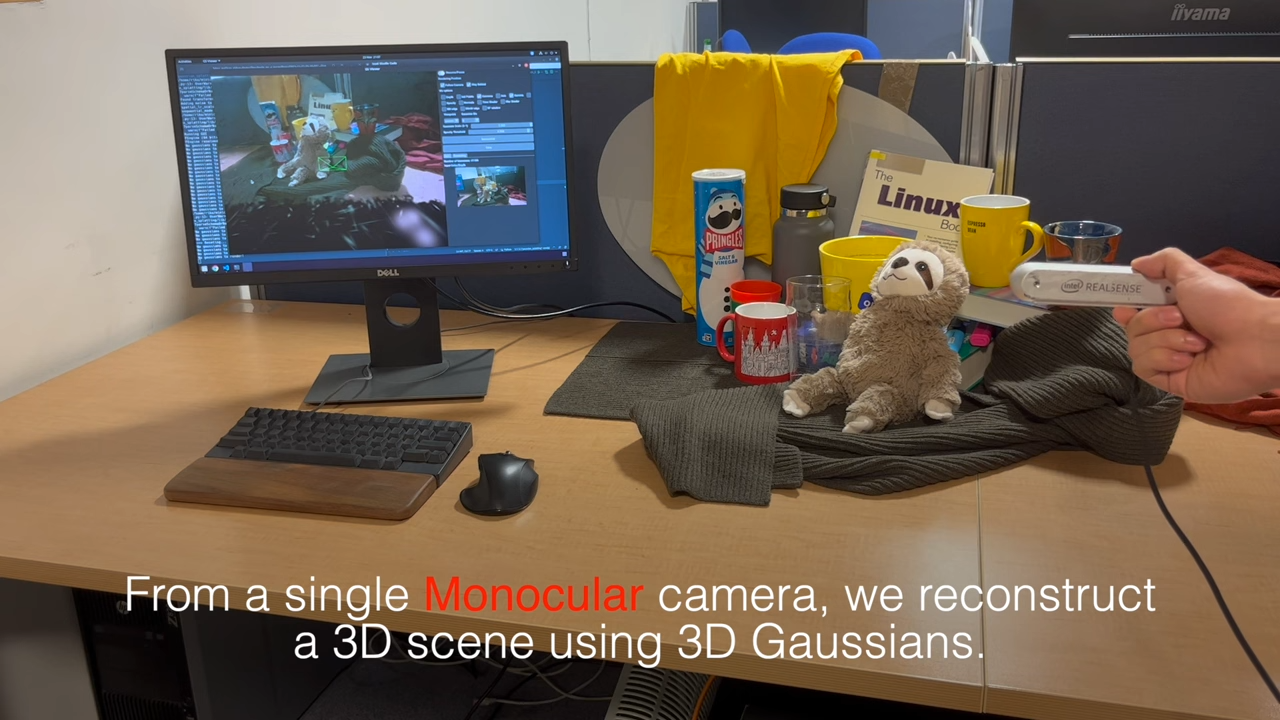
Live demo with Realsense
First, you'll need to install pyrealsense2.
Inside the conda environment, run:
pip install pyrealsense2
Connect the realsense camera to the PC on a USB-3 port and then run:
python slam.py --config configs/live/realsense.yaml
We tested the method with Intel Realsense d455. We recommend using a similar global shutter camera for robust camera tracking. Please avoid aggressive camera motion, especially before the initial BA is performed. Check out the first 15 seconds of our YouTube video to see how you should move the camera for initialisation. We recommend to use the code in dev.speed-up branch for live demo.
Evaluation
To evaluate our method, please add --eval to the command line argument:
python slam.py --config configs/mono/tum/fr3_office.yaml --eval
This flag will automatically run our system in a headless mode, and log the results including the rendering metrics.
Reproducibility
There might be minor differences between the released version and the results in the paper. Please bear in mind that multi-process performance has some randomness due to GPU utilisation. We run all our experiments on an RTX 4090, and the performance may differ when running with a different GPU.
Acknowledgement
This work incorporates many open-source codes. We extend our gratitude to the authors of the software.
- 3D Gaussian Splatting
- Differential Gaussian Rasterization
- SIBR_viewers
- Tiny Gaussian Splatting Viewer
- Open3D
- Point-SLAM
License
MonoGS is released under a LICENSE.md. For a list of code dependencies which are not property of the authors of MonoGS, please check Dependencies.md.
Citation
If you found this code/work to be useful in your own research, please considering citing the following:
@inproceedings{Matsuki:Murai:etal:CVPR2024,
  title={{G}aussian {S}platting {SLAM}},
  author={Hidenobu Matsuki and Riku Murai and Paul H. J. Kelly and Andrew J. Davison},
  booktitle={Proceedings of the IEEE/CVF Conference on Computer Vision and Pattern Recognition},
  year={2024}
}