
MovieDex - Open Source Movie Streaming App
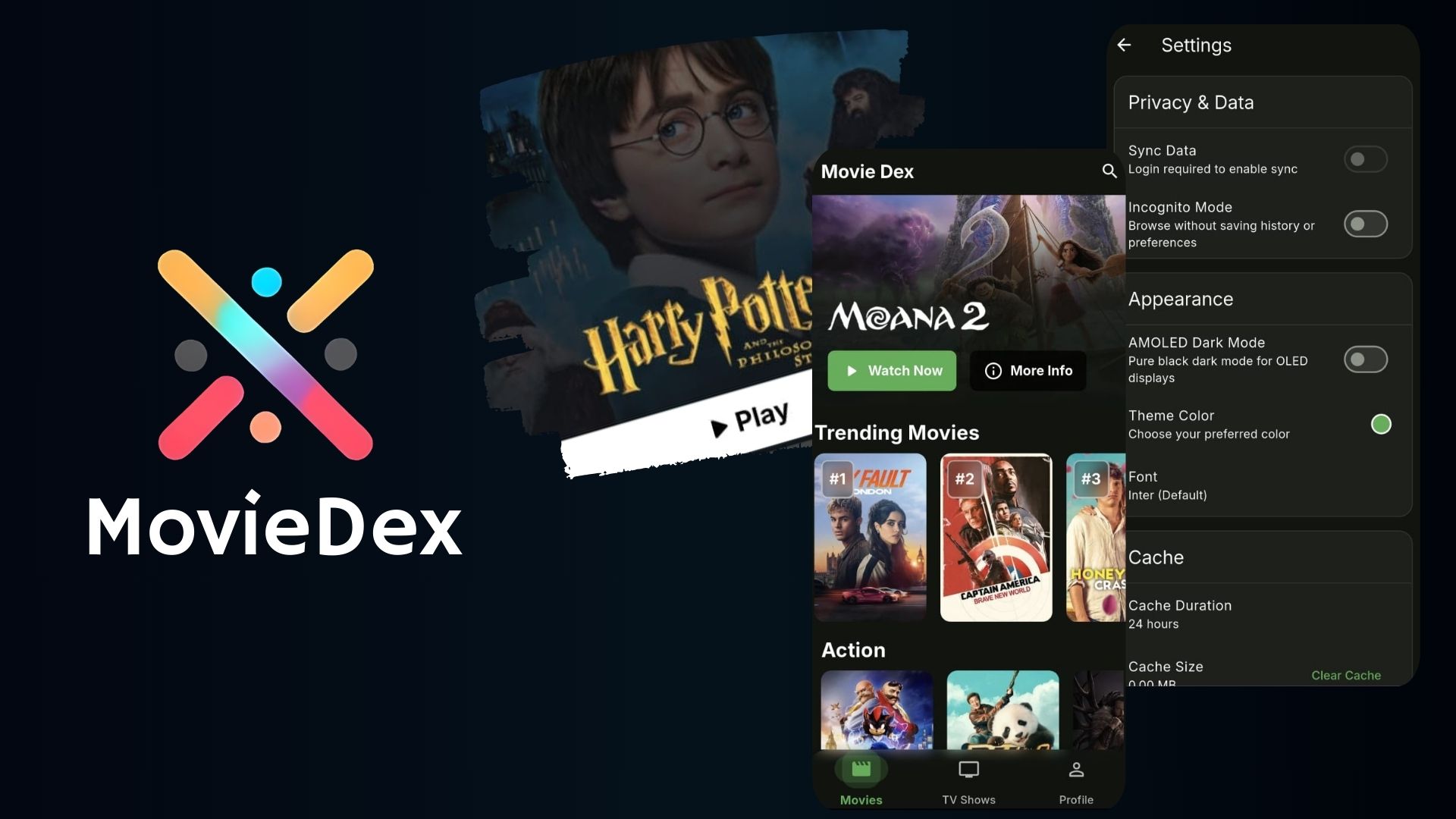
MovieDex is a Flutter-based movie and TV show streaming application that provides a beautiful user interface and rich features for streaming enthusiasts.
Features
- 🎬 Movie & TV Show Streaming
- 🔍 Advanced Search
- 📱 Responsive Design
- 🌙 Dark/AMOLED Theme
- 📋 Watchlist Management
- 🔐 User Authentication
- 🔄 Cloud Sync
- 📺 Multiple Video Quality
- 🌐 Proxy Support
Screenshots
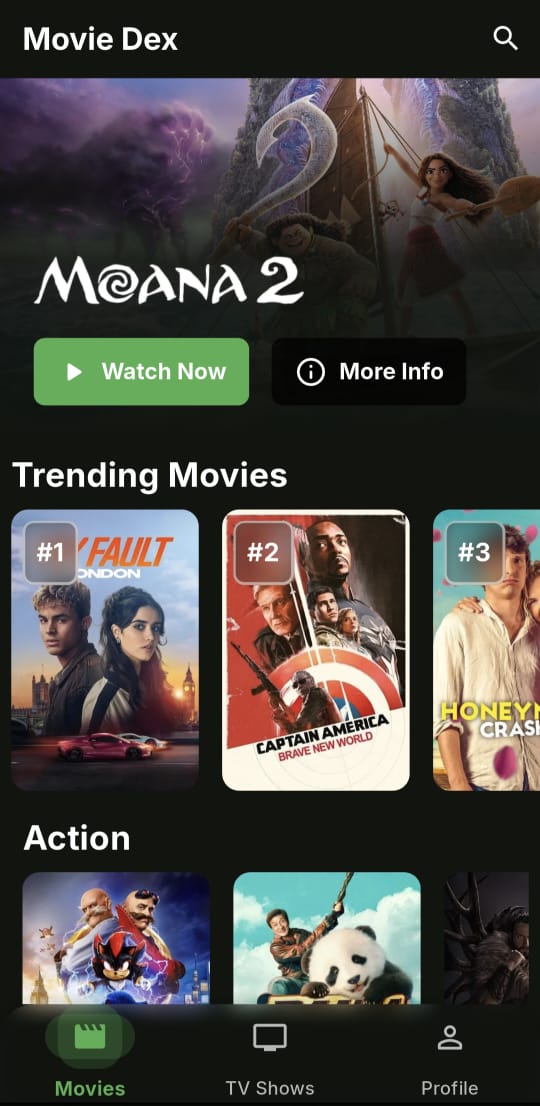
|
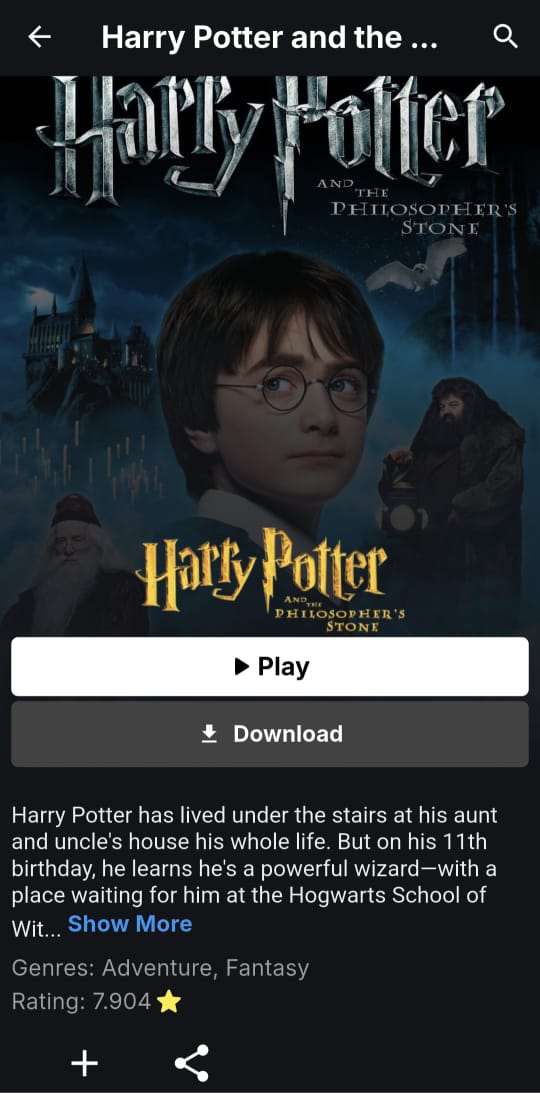
|
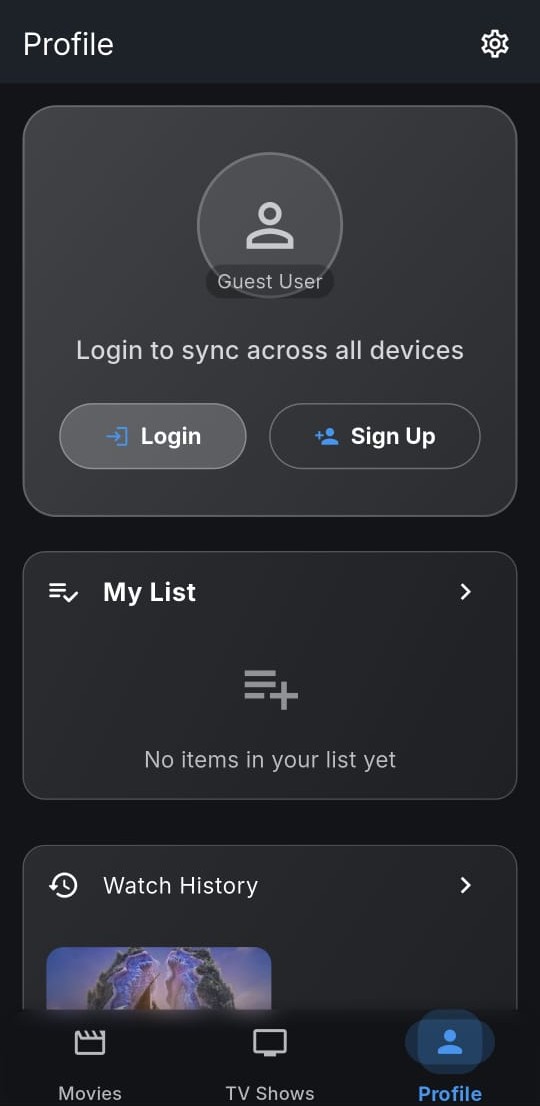
|
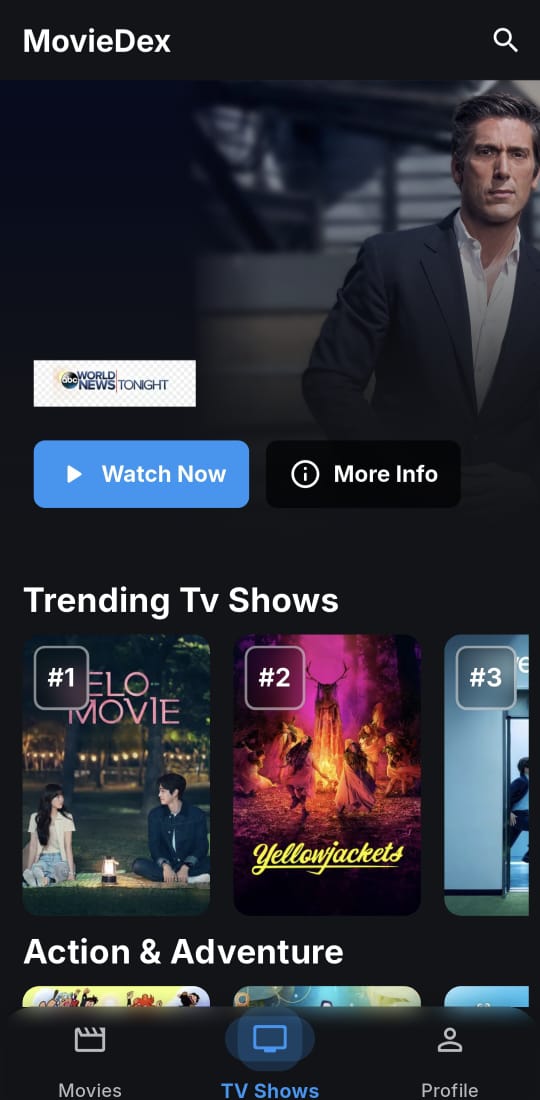
|
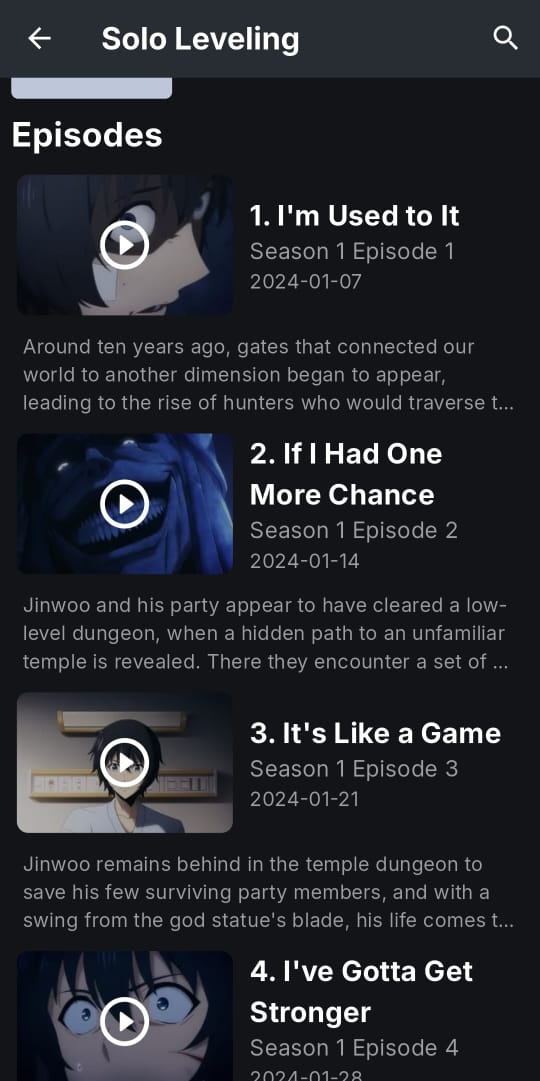
|
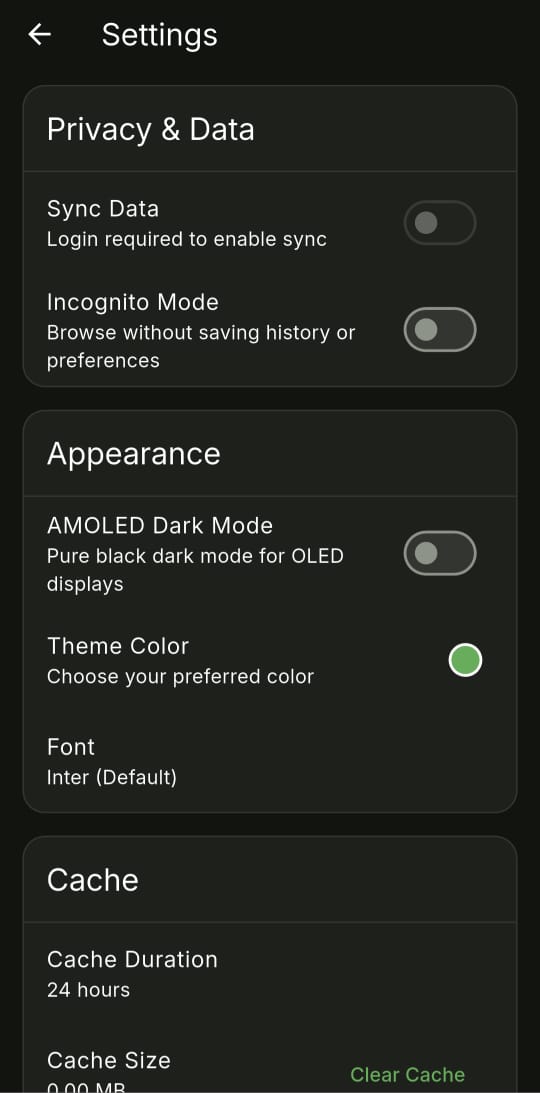
|
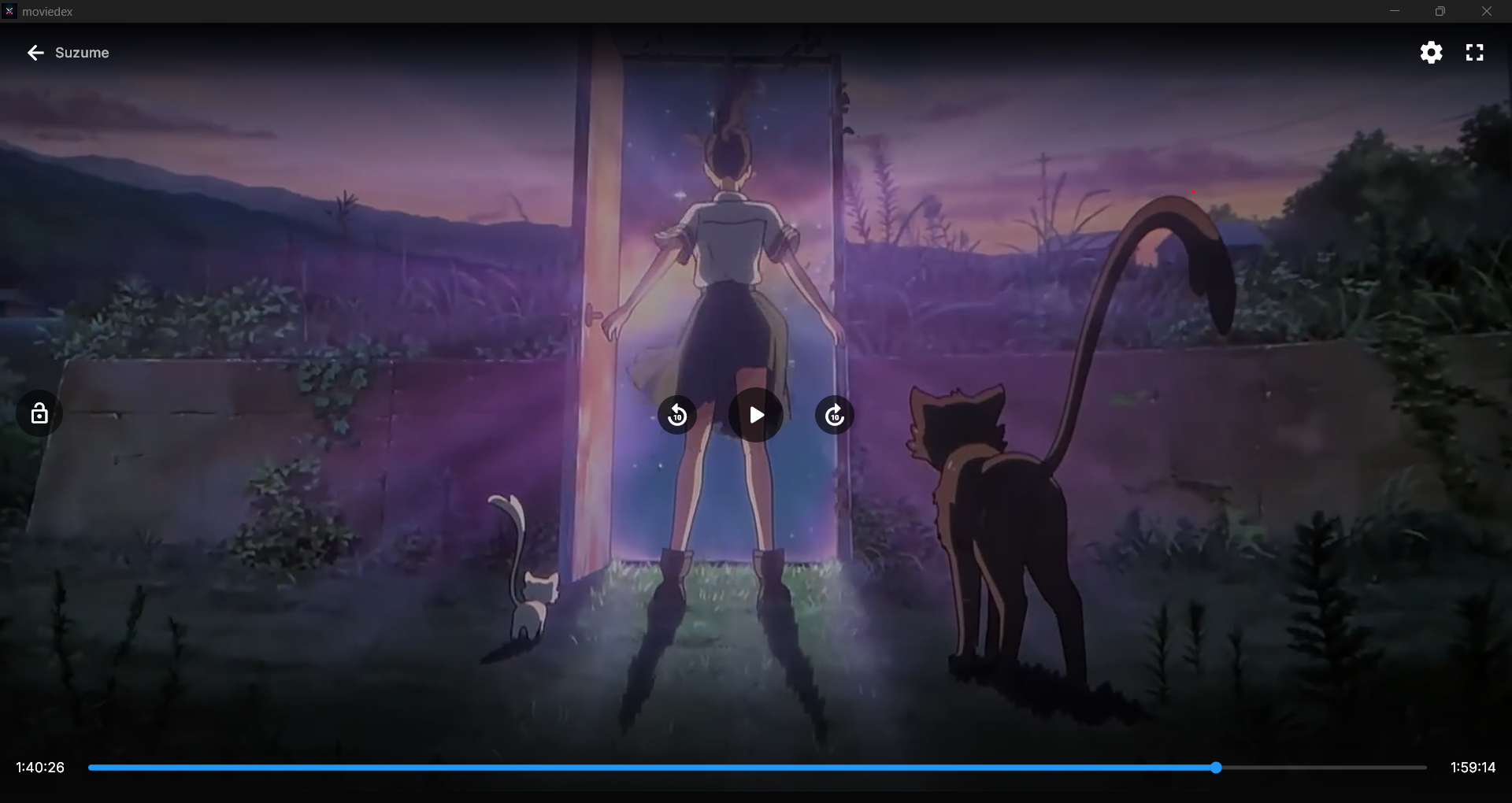
Desktop Screenshots
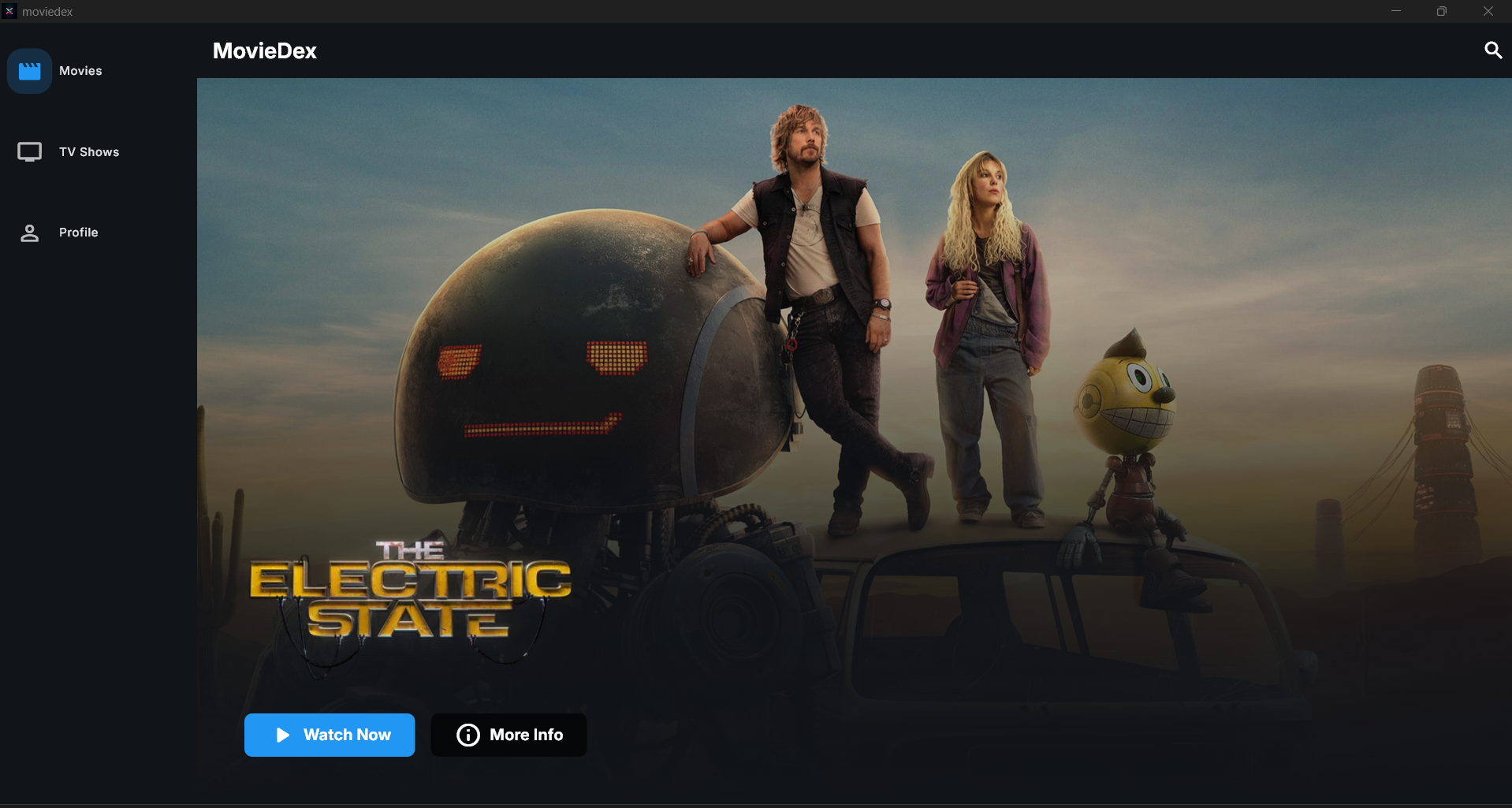
|
|
Setup Instructions
Prerequisites
- Flutter SDK (3.0 or higher)
- Dart SDK
- Android Studio / VS Code
- Git
Installation Steps
- Clone the repository:
git clone https://github.com/kodify-js/MovieDex.git
cd MovieDex
- Install dependencies:
flutter pub get
- Setup TMDB API:
- Sign up at TMDB
- Get your API key from API Settings
- Create
lib/api/secrets.dart:
const String apiKey = 'YOUR_TMDB_API_KEY';
- Appwrite Setup:
- Create a new Appwrite project at Appwrite Console
- Create a new platform for Flutter in your project settings
- Update
lib/api/secrets.dartwith your Appwrite credentials:
// TMDB API Key
const String apiKey = 'YOUR_TMDB_API_KEY';

// Appwrite Credentials
const projectId = "<YOUR Appwrite project Id>";
const databaseId = "<YOUR Appwrite database Id>";
const watchHistoryCollection = "<YOUR Appwrite  watchHistoryCollection Id>";
const userListCollection = "<YOUR Appwrite userListCollection Id>";
const mixpanelToken = "<YOUR Mixpanel Token>";
- Create
lib/services/appwrite_service.dart:
- Generate Hive Adapters:
flutter pub run build_runner build
- Run the app:
flutter run
Configuration
Appwrite Setup Details
- Go to Appwrite Console
- Create a new project
- Add Flutter platform:
- Go to your project settings
- Click on 'Add Platform'
- Choose 'Flutter App'
- Add your app's package name (e.g.,
com.kodify.moviedex)
- Enable Authentication:
- Go to Auth > Settings
- Enable Email/Password sign-in method
- Setup Database:
- Create a new database
- Create necessary collections (watchlist, user_preferences)
- Set up appropriate attributes and indexes
- Configure read/write permissions
TMDB API Setup
- Create account on TMDB
- Request an API key
- open
secrets.dart:
const String apiKey = 'YOUR_API_KEY';
Contributing
- Fork the Project
- Create your Feature Branch (
git checkout -b feature/AmazingFeature) - Commit your Changes (
git commit -m 'Add some AmazingFeature') - Push to the Branch (
git push origin feature/AmazingFeature) - Open a Pull Request
License
This project is licensed under the MIT License - see the LICENSE file for details
Acknowledgments
- TMDB for providing the movie database
- Flutter for the amazing framework
- Appwrite for backend services
Support
If you find this project helpful, please give it a ⭐️!
For help getting started with Flutter development, view the online documentation, which offers tutorials, samples, guidance on mobile development, and a full API reference.
Contributors
Core Team
- KodifyJs - Project Lead
- Core architecture
- Video player implementation
- Content providers
Contributors
Project Structure
Key features and their locations:
lib/
├── api/              # API and data layer
├── components/       # Reusable UI components
├── pages/           # Application screens
├── providers/       # State management
├── services/        # Business logic
└── utils/          # Helper functions
Key Files
lib/api/contentproviders/- Streaming source implementationslib/components/content_player.dart- Video player componentlib/services/watch_history_service.dart- History trackinglib/services/appwrite_service.dart- Authenticationlib/services/cache_service.dart- Local caching
See CONTRIBUTING.md for detailed project structure and contribution guidelines.
DMCA disclaimer
The developers of this application do not have any affiliation with the content available in the app. It collects content from sources that are freely available through any web browser.