machbase-neo
Machbase is a blazing fast time-series database designed specifically for IoT applications and implemented in C.
machbase-neo is an IoT Database Server that embeds the Machbase engine and offers essential and convenient features for building IoT platforms,
including MQTT and HTTP APIs. It is highly versatile and can be installed on a wide range of machines,
from Raspberry Pi devices to high-performance servers.
API and Interfaces
- HTTP: Applications and sensors read/write data via HTTP REST API
- MQTT: Sensors write data via MQTT protocol
- SSH: Command line interface for human and batch processes
- WEB UI (Batteries included)
- UI API to build custom UI (Batteries replaceable)
- A zero-dependency Go client for building applications, available at https://github.com/machbase/neo-client
Documents
Install Prebuilt Binary
- Download
sh -c "$(curl -fsSL https://docs.machbase.com/install.sh)"
- Unzip the archive file
Install Using Docker
docker pull machbase/machbase-neo
https://hub.docker.com/r/machbase/machbase-neo
Build using docker
It is recommended to build machbase-neo using a container to ensure a consistent and reproducible build environment.
-
Checkout
machbase/neo-server -
Prepare build container
docker build -t centos-build-env -f ./scripts/CentOS7.Dockerfile .
- Run build container
docker run --rm -v ./tmp:/app/tmp -v ./packages:/app/packages centos-build-env
- Find the executable binary in
./tmp/machbase-neoand pakcage zip file in./packages.
Build from Sources
- Install Go latest version
- Require a C compiler and linker (e.g., gcc)
- Checkout
machbase/neo-server - Execute
go run mage.go install-neo-webto download the web-UI package - Execute
go run mage.go machbase-neoto buildmachbase-neo - Find the executable binary in
./tmp/machbase-neo
Web User Interface
-
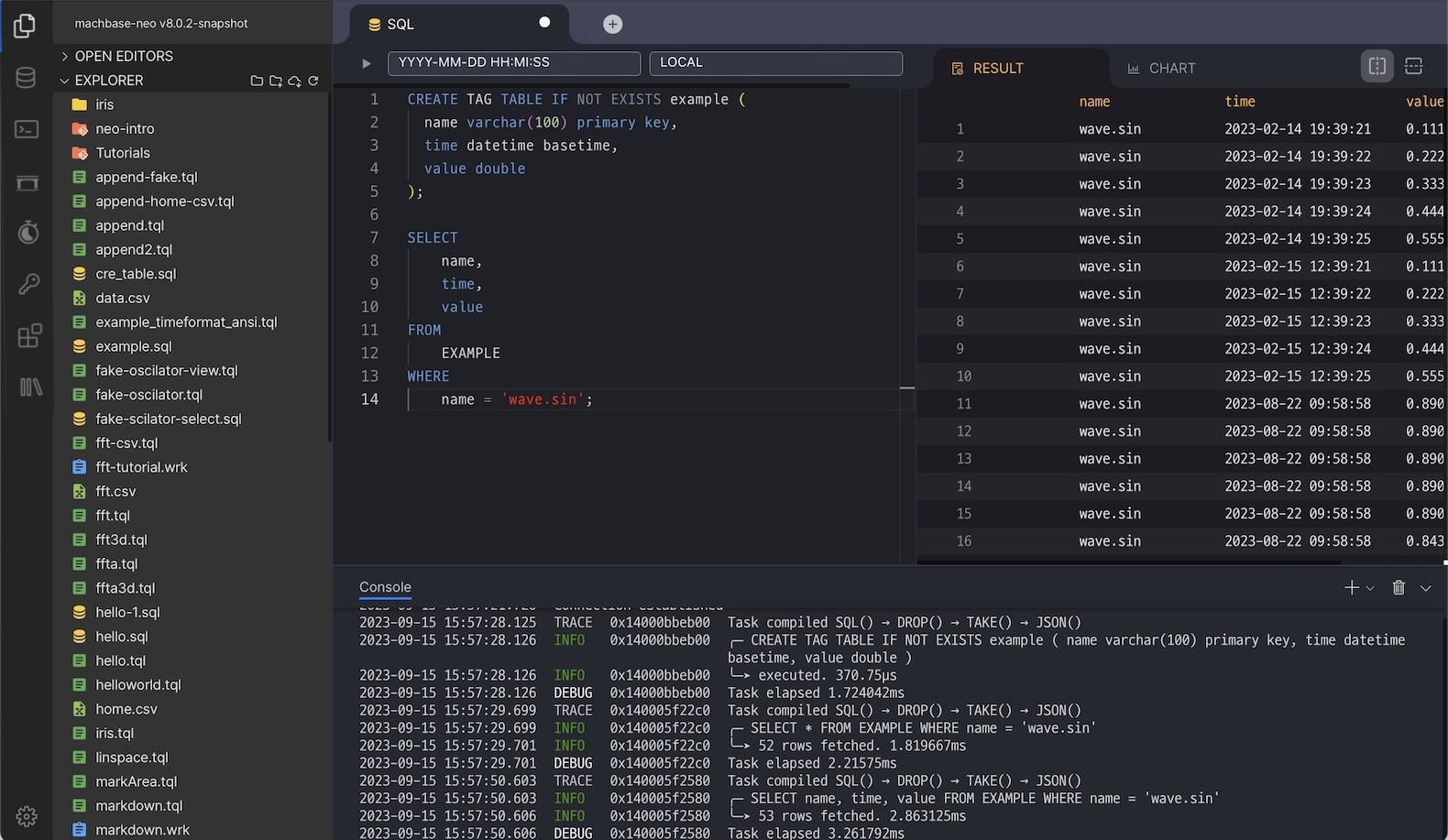
SQL
-
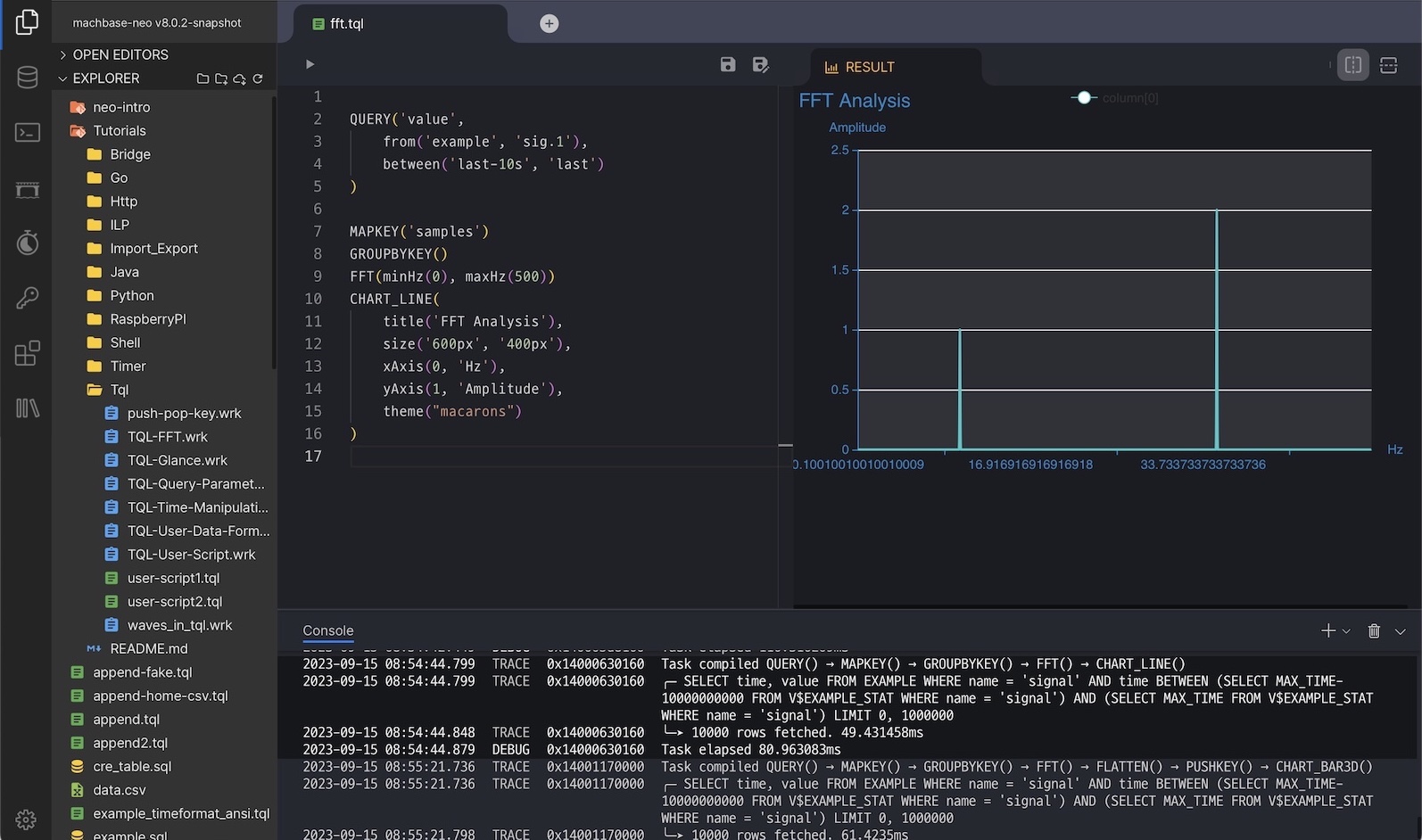
TQL: Script for transforming data
-
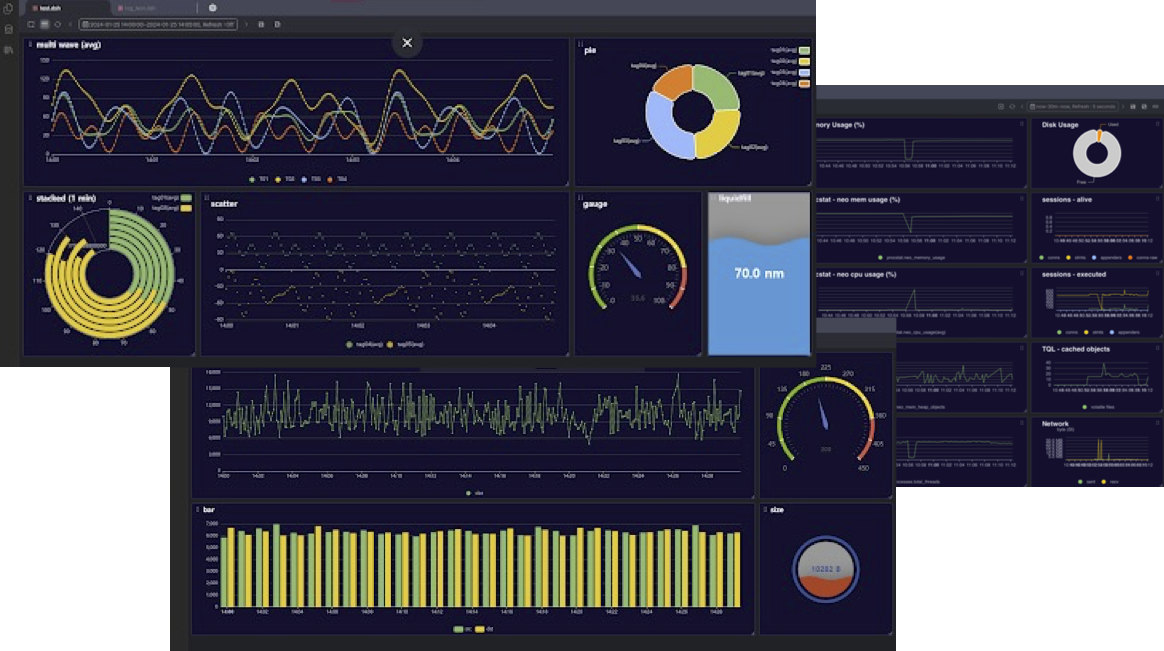
Dashboard: Data Monitoring
-
Geodetic Data Visualization
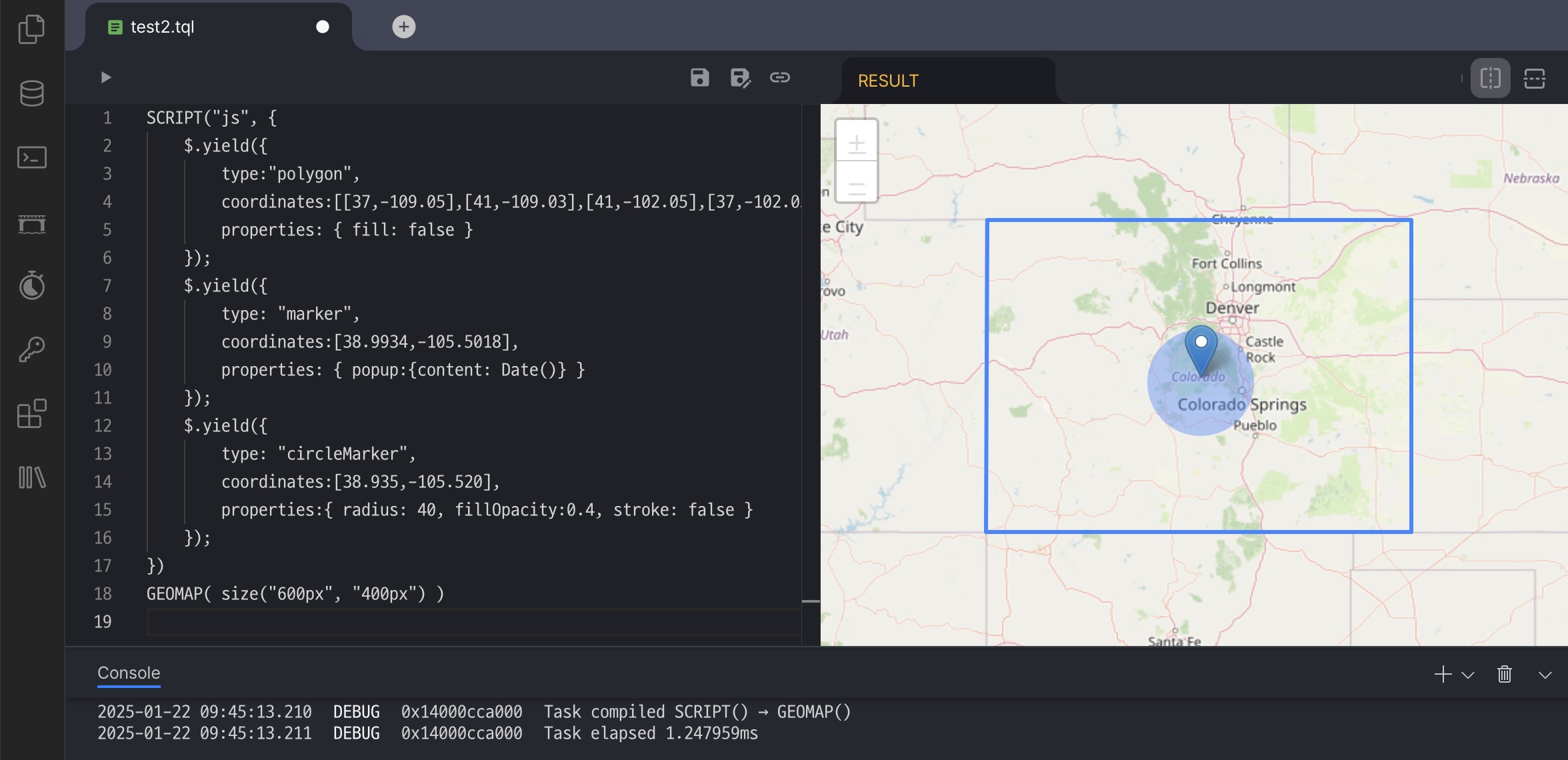
-
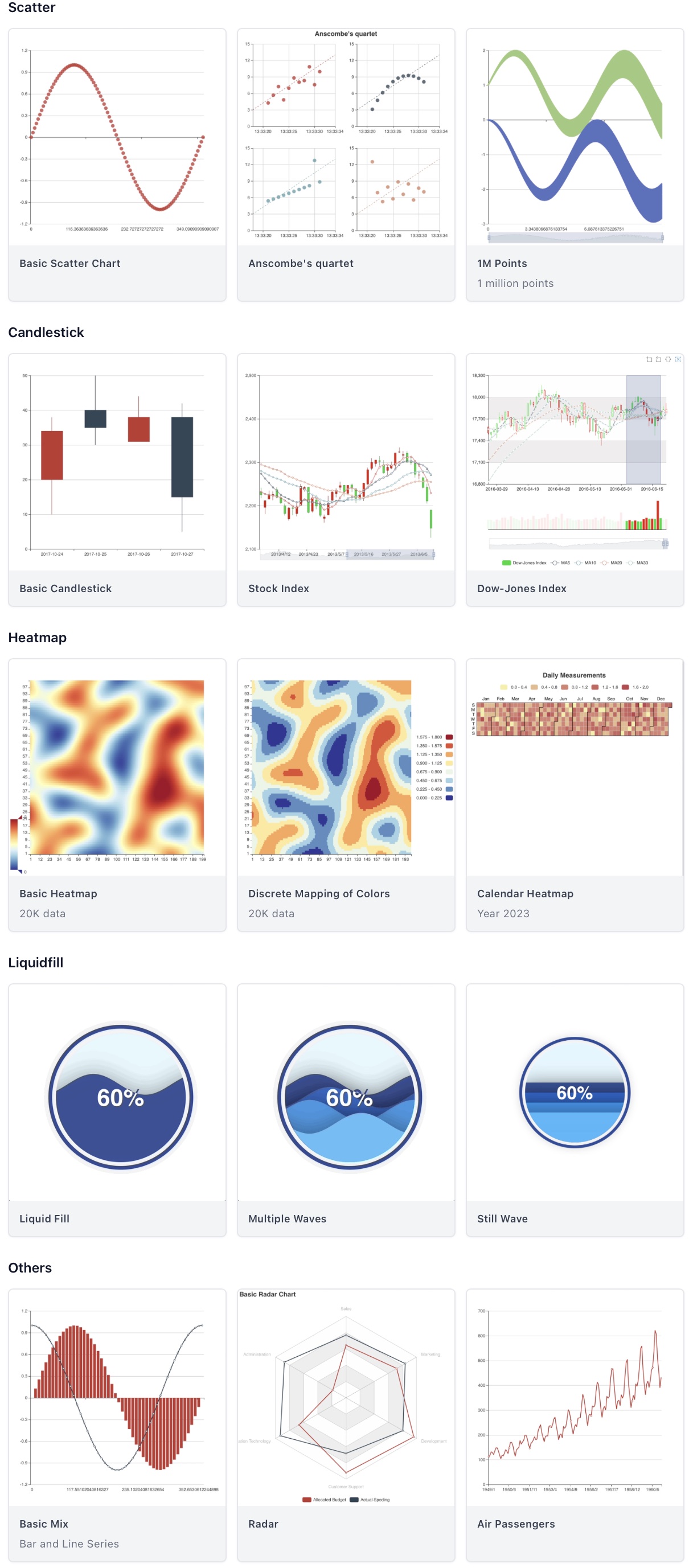
Data Visualization
Find more samples in the documents.