
Point of Sale (POS) - Inventory & Super Shop Management System - C#




Quick Shortcuts
1. Get Started
2. Quick Overview - Setup & Run
3. Tools & Technologies
4. Solution Explorer & Layer Architecture
5. Database Diagram
6. Screens
7. Note
Point of Sale (POS)
Point of Sale (POS) with N-Tier Architecture (5 Layers). This Project was developed in C# and follows Object Relational Mapping (ORM) from scratch and using MS SQL Server 2019 and .NET Framework 4.8 as backend. Project-based on my university course curriculum CSC 2210: Object Oriented Programming 2.
This POS has 3 Roles features.
# Roles
- User 1 : Admin
- User 2 : Cashier
- User 3 : Salesman
# Features
1. Admin
- Manage Employees – Add Employee, Delete Employee, Edit Employee Info.
- Manage Products – Add Product, Delete Product, Edit Product Info.
- Manage Stock – Add, Delete, Edit - Vendor’s Product.
- Salary History Tracking.
- Expenses & Liabilities Tracking.
- Make Sell.
- Bill Generate.
- Selling History.
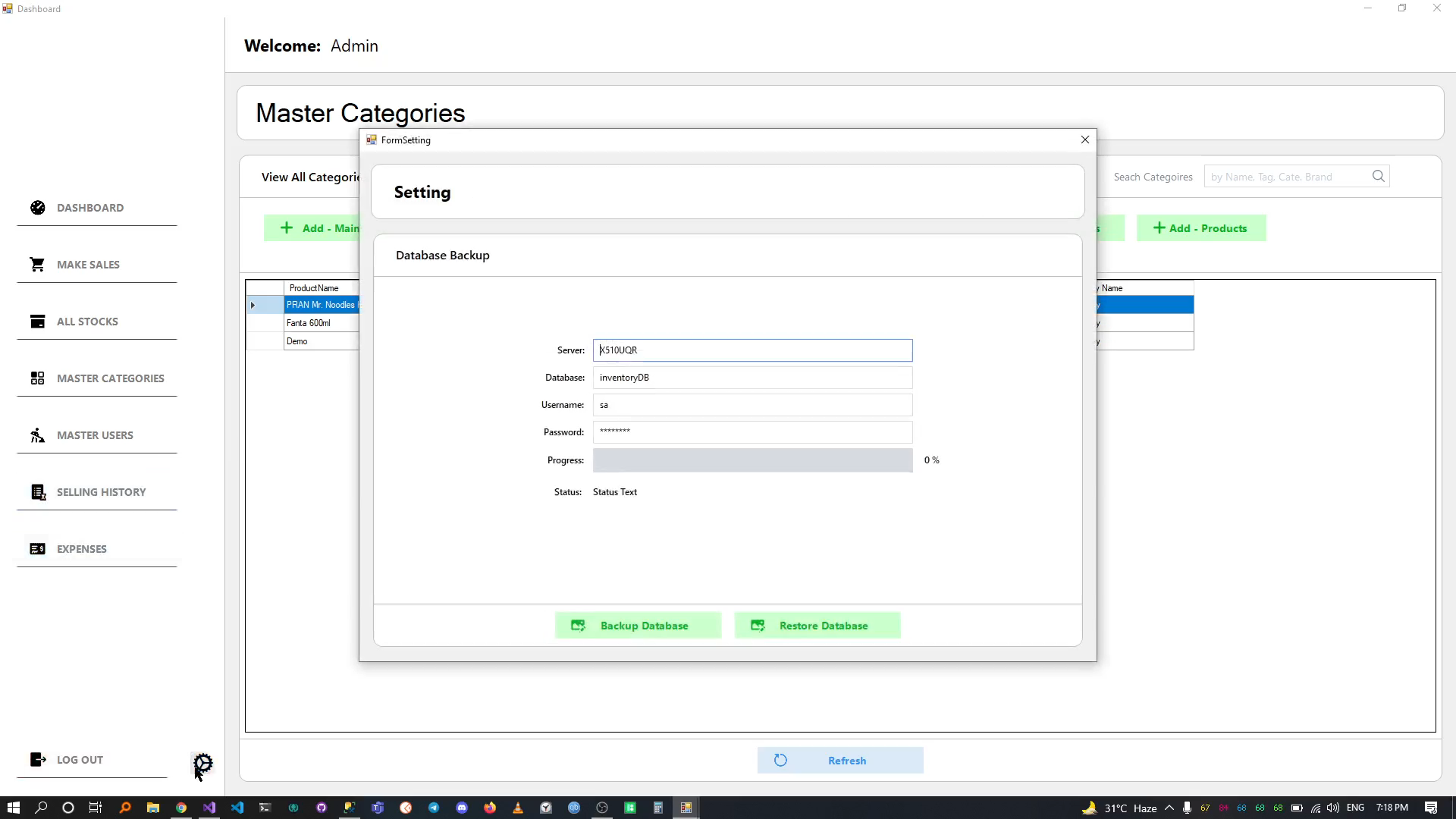
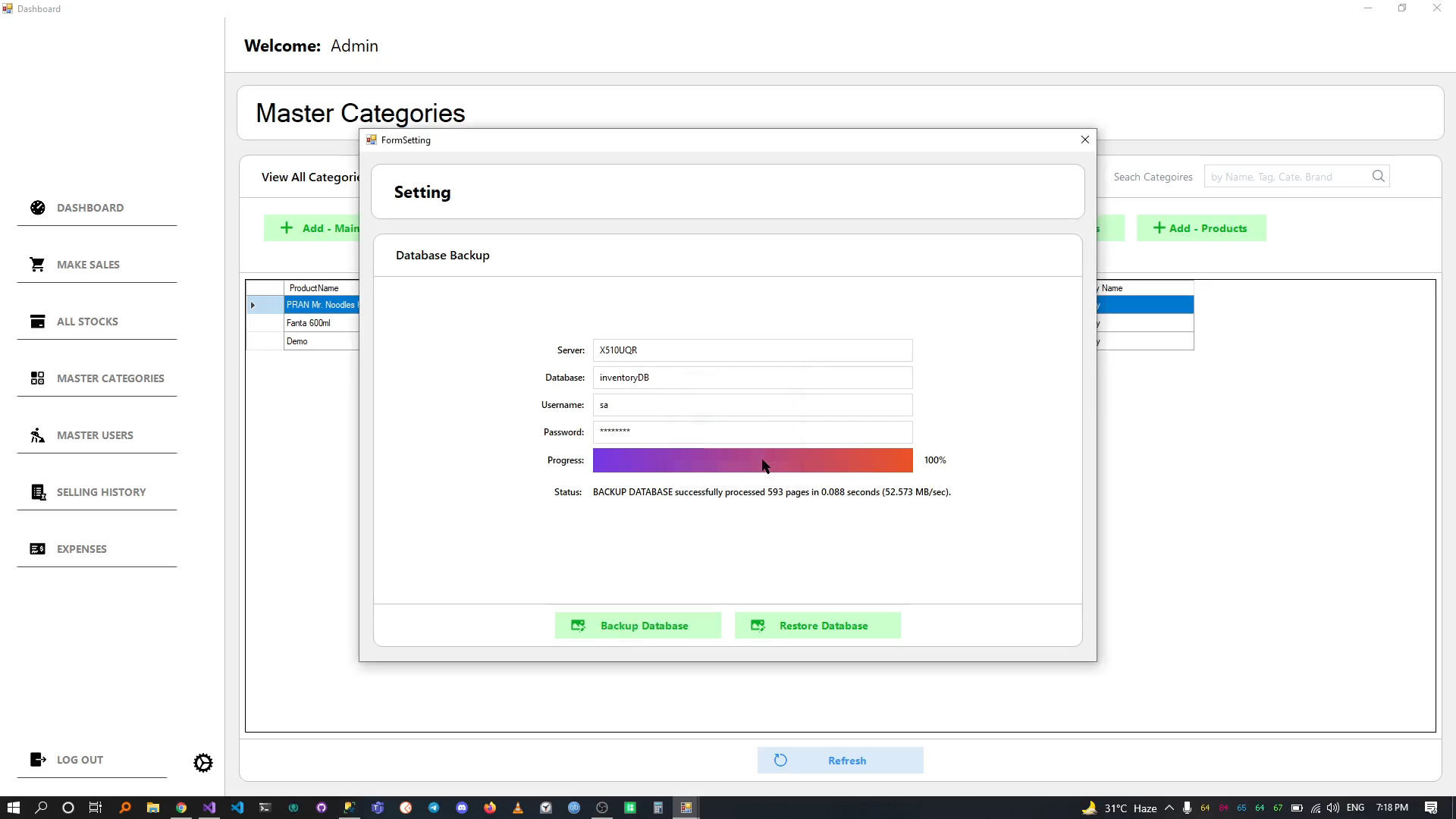
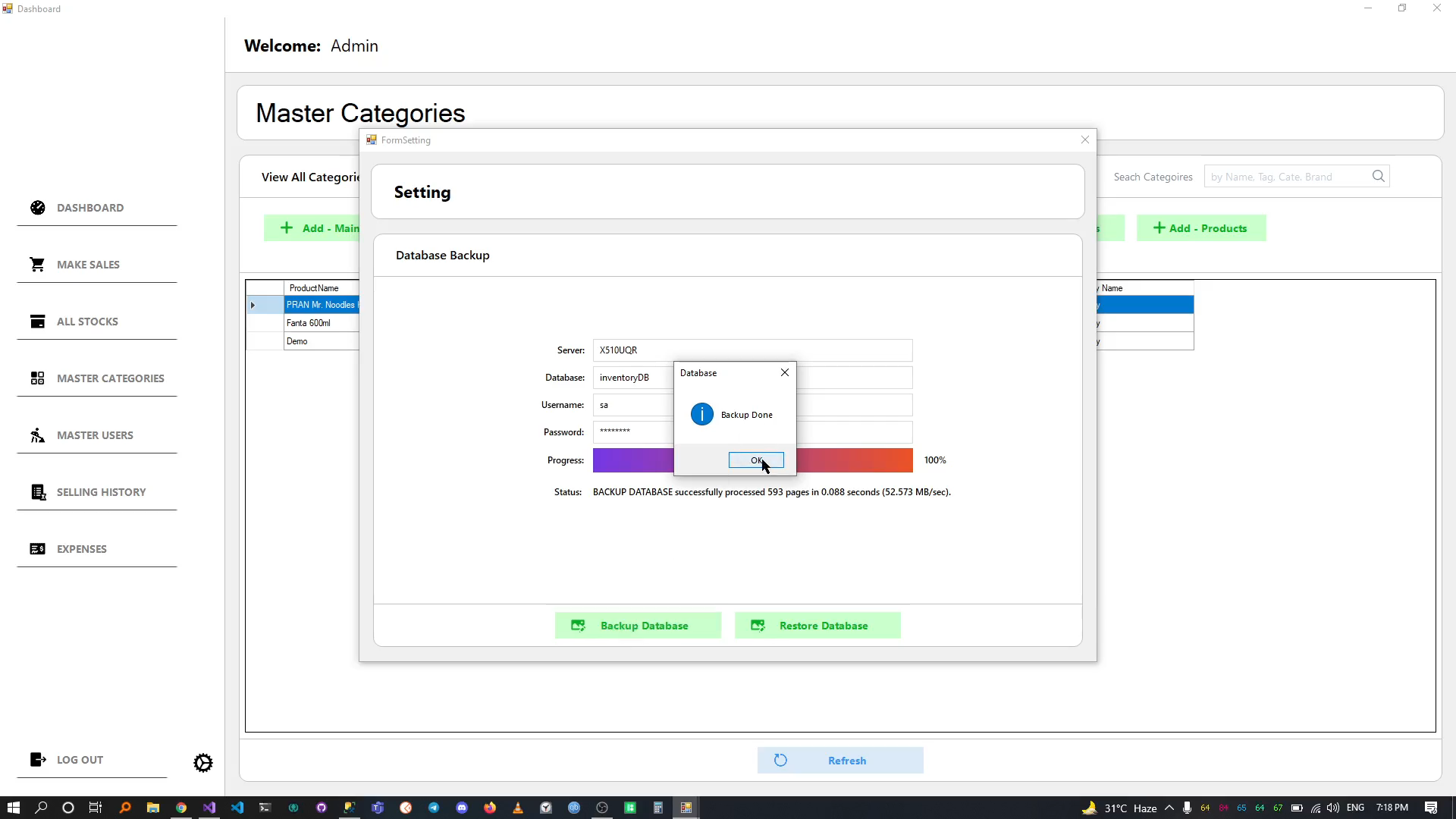
- Database Backup & Restore.
2. Cashier
- Make Sell.
- Bill Generate.
- Selling History.
- Manage Stock.
3. Salesman
- Make Sell.
- Bill Generate.
Quick Overview - Setup & Run
Need to Download:
Visual Studio 2019
.NET Framework 4.8
Microsoft SQL Server 2019 Express (64-bit)
SQL Server Management Studio (SSMS) 18.9.2
Step - 1
Download or Clone
git clone https://github.com/livealvi/.NET-Point-of-Sale-POS--Csharp
Step - 2
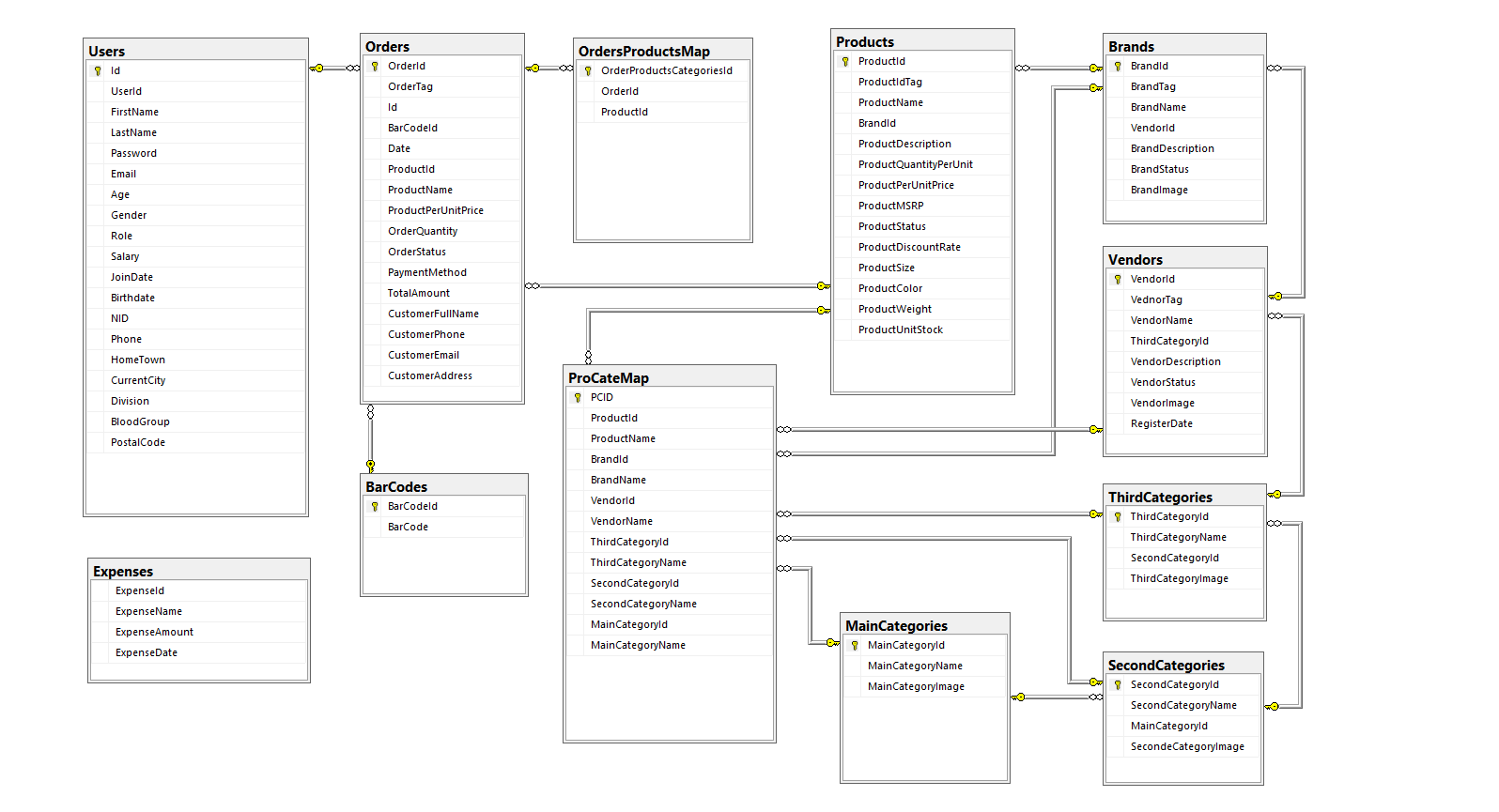
Make Database follow this Diagram
Step - 3
Make Database connection on DataAccess Layer
Step - 4
Goto project folder PointOfSaleProject open
POS.InventoryManagementSystem.sln with Visual Studio
Step - 3
Build & Run the project
Tools & Technologies
Languages
- C# Language Basics
- .NET Framework 4.8
IDE
Database
Icons
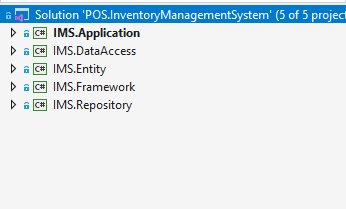
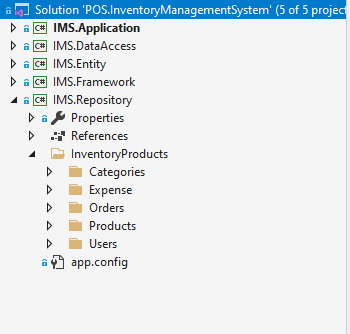
Solution Explorer & Layer Architecture
Using 5 layers
Solution
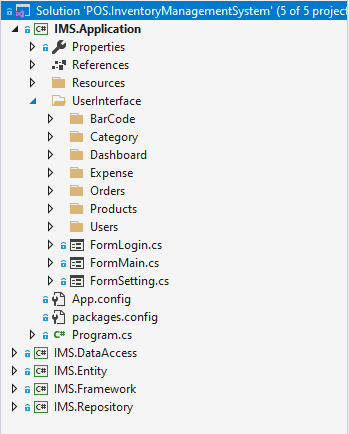
1. Application Layer
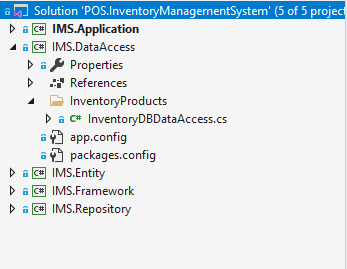
2. DataAccess Layer
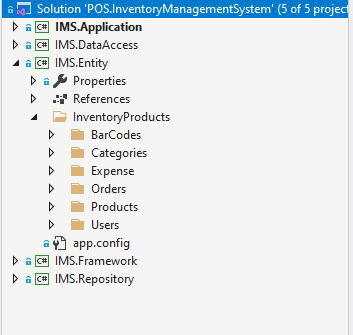
3. Entity Layer
4. Framework Layer
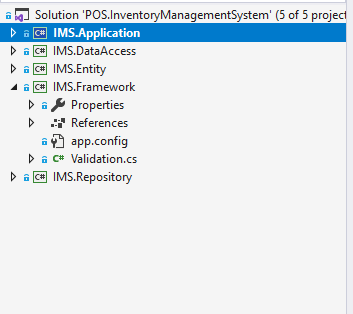
5. Repository Layer
Database Diagram
Note: Using SQL Server & SQL Server Management Studio (SSMS)
(Database Script or .bak file Not Include on this repo)
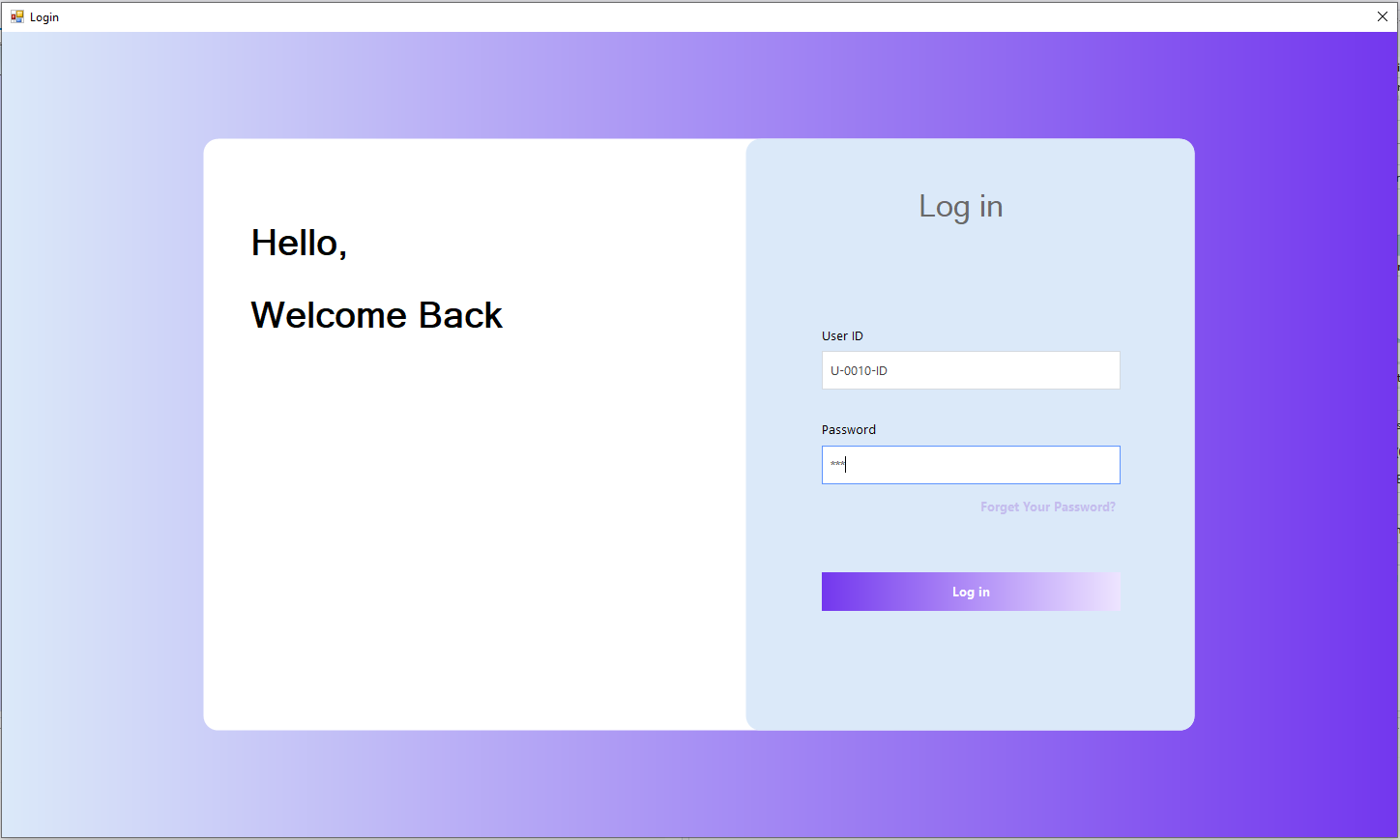
Screens
Windows Forms
Note: Using Default .NET UI Component And Two 3rd Party .NET UI & Reporting Components
(3rd Party UI Not Include on this repo)
# Login
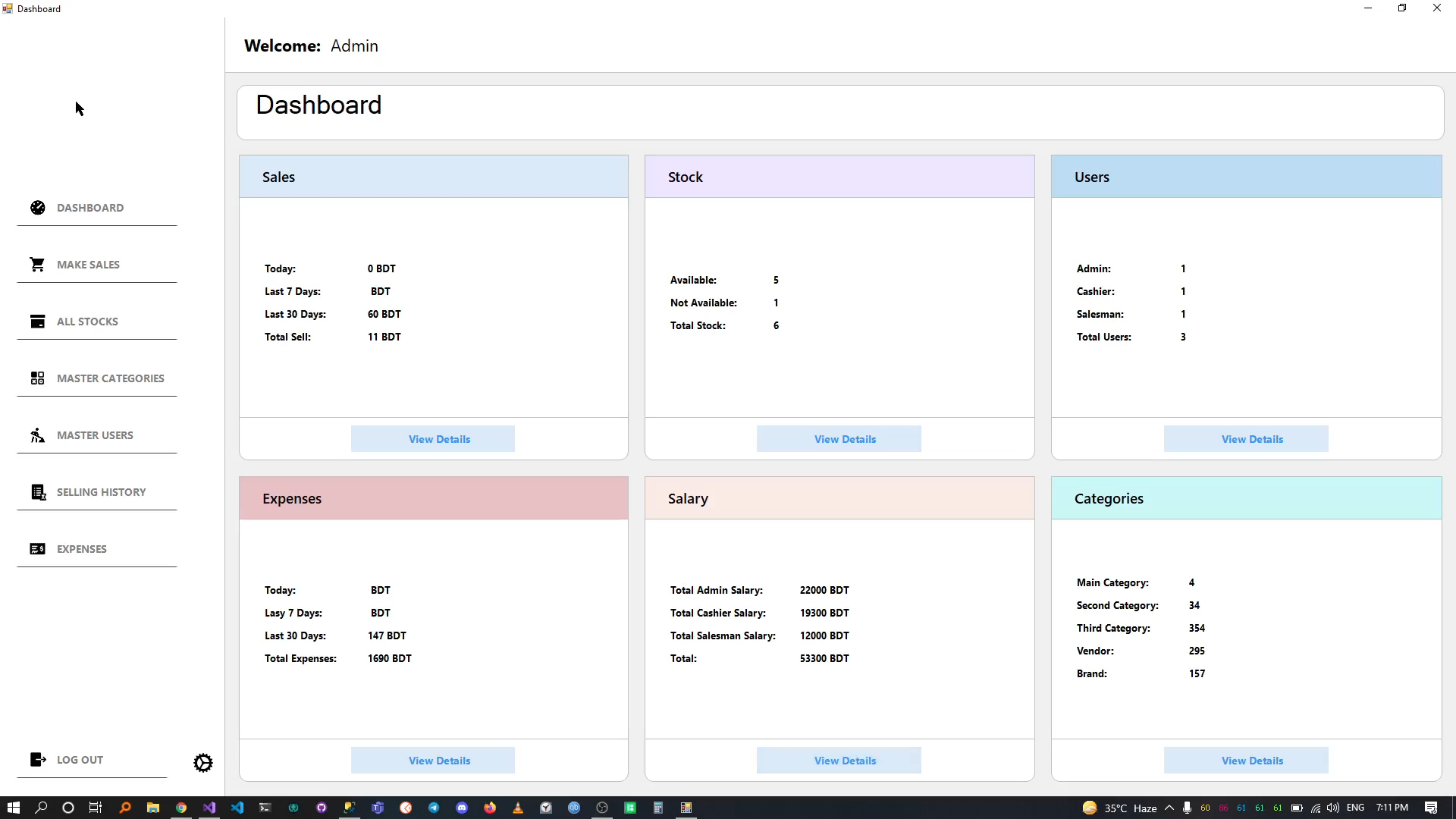
# Dashboard
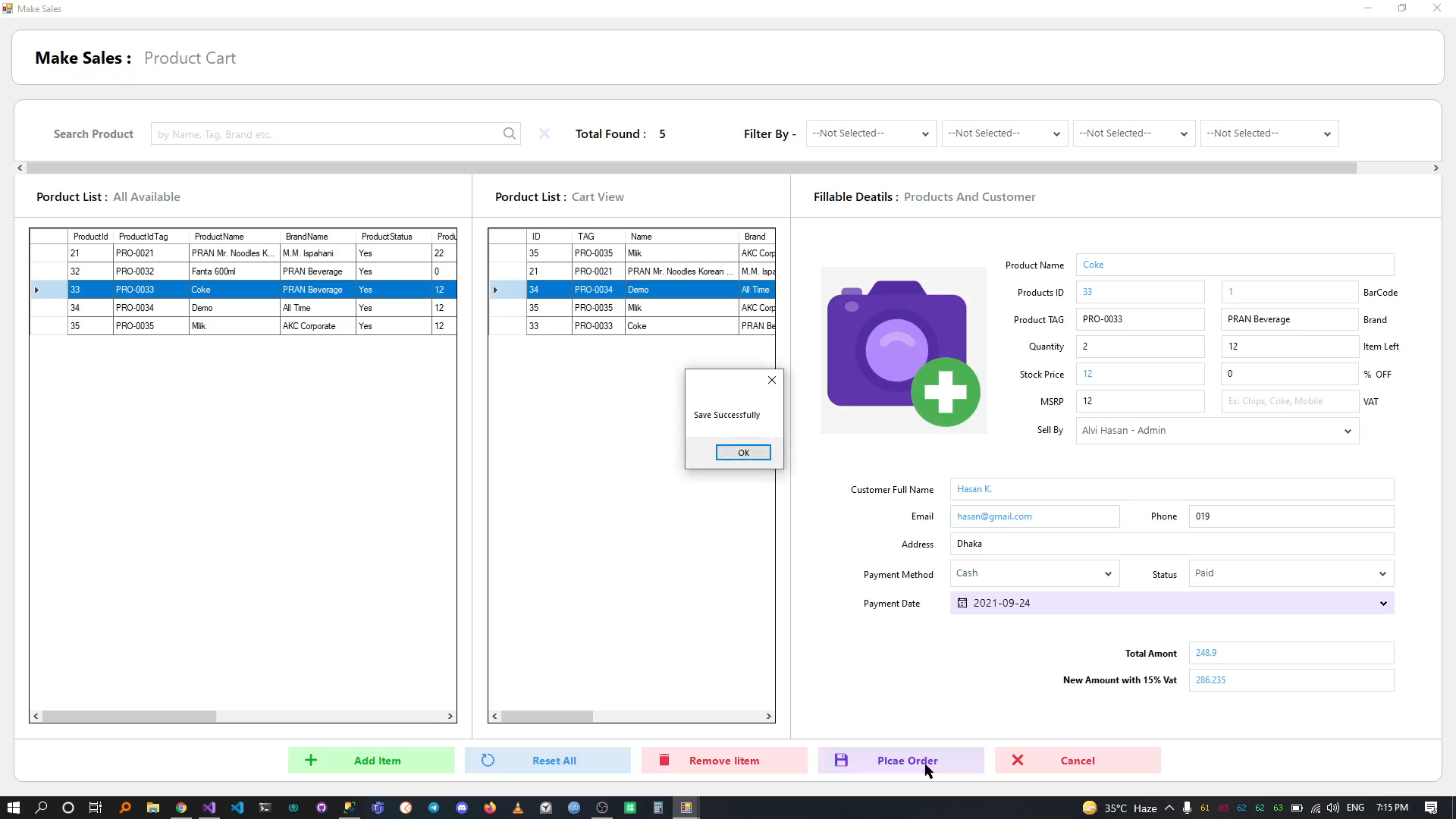
# Make Payment
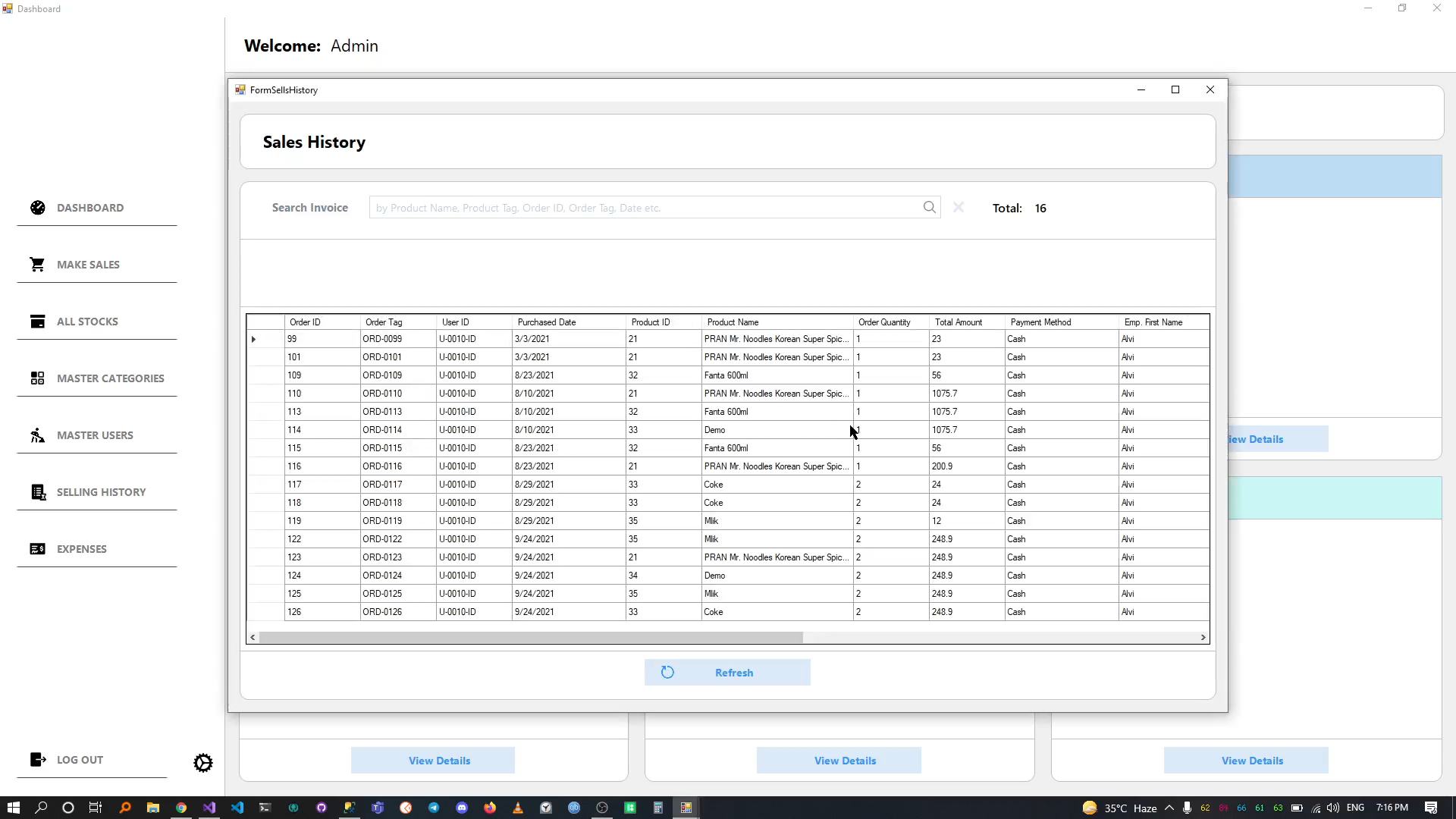
# Sales History
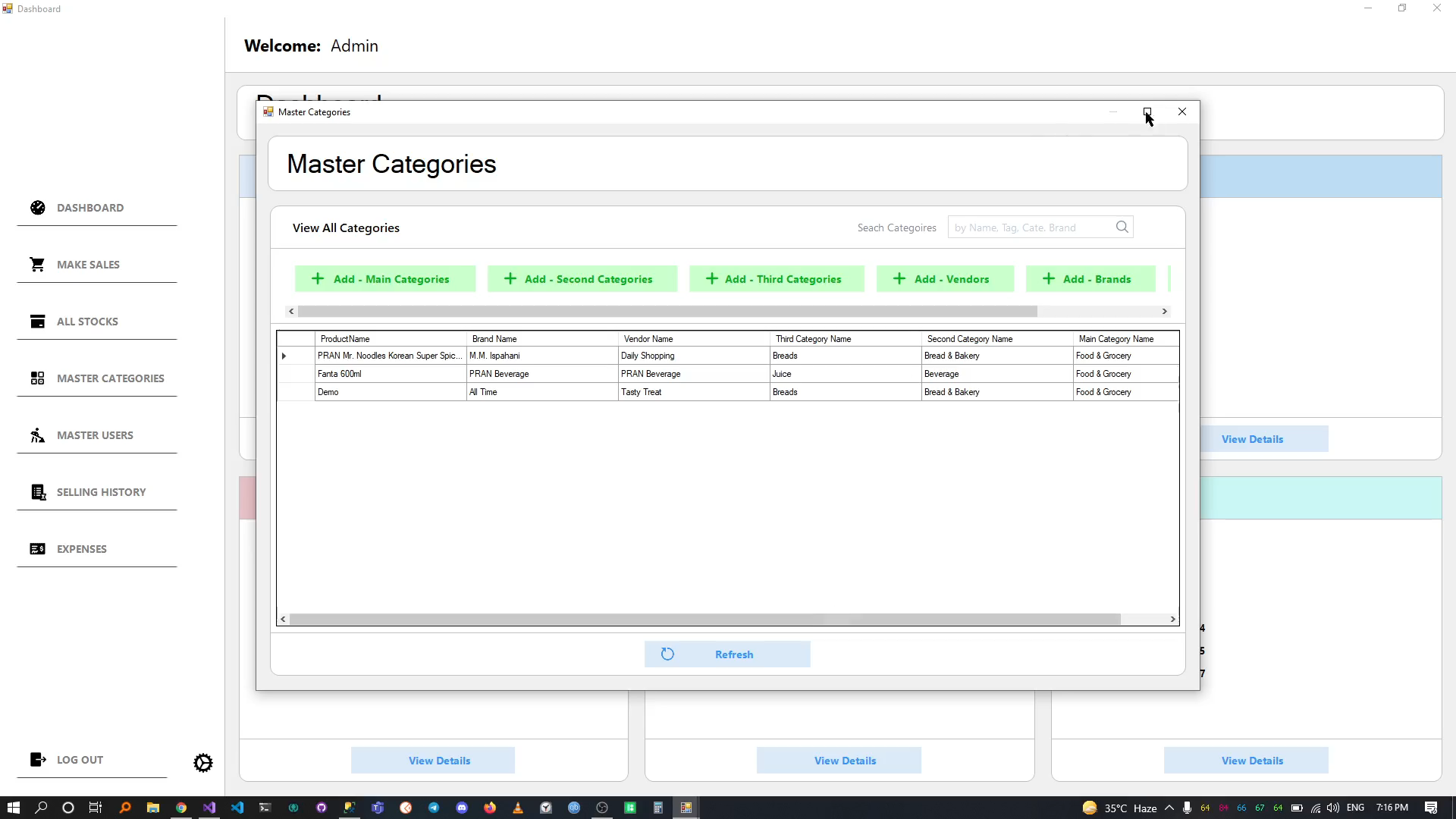
# Master Categories
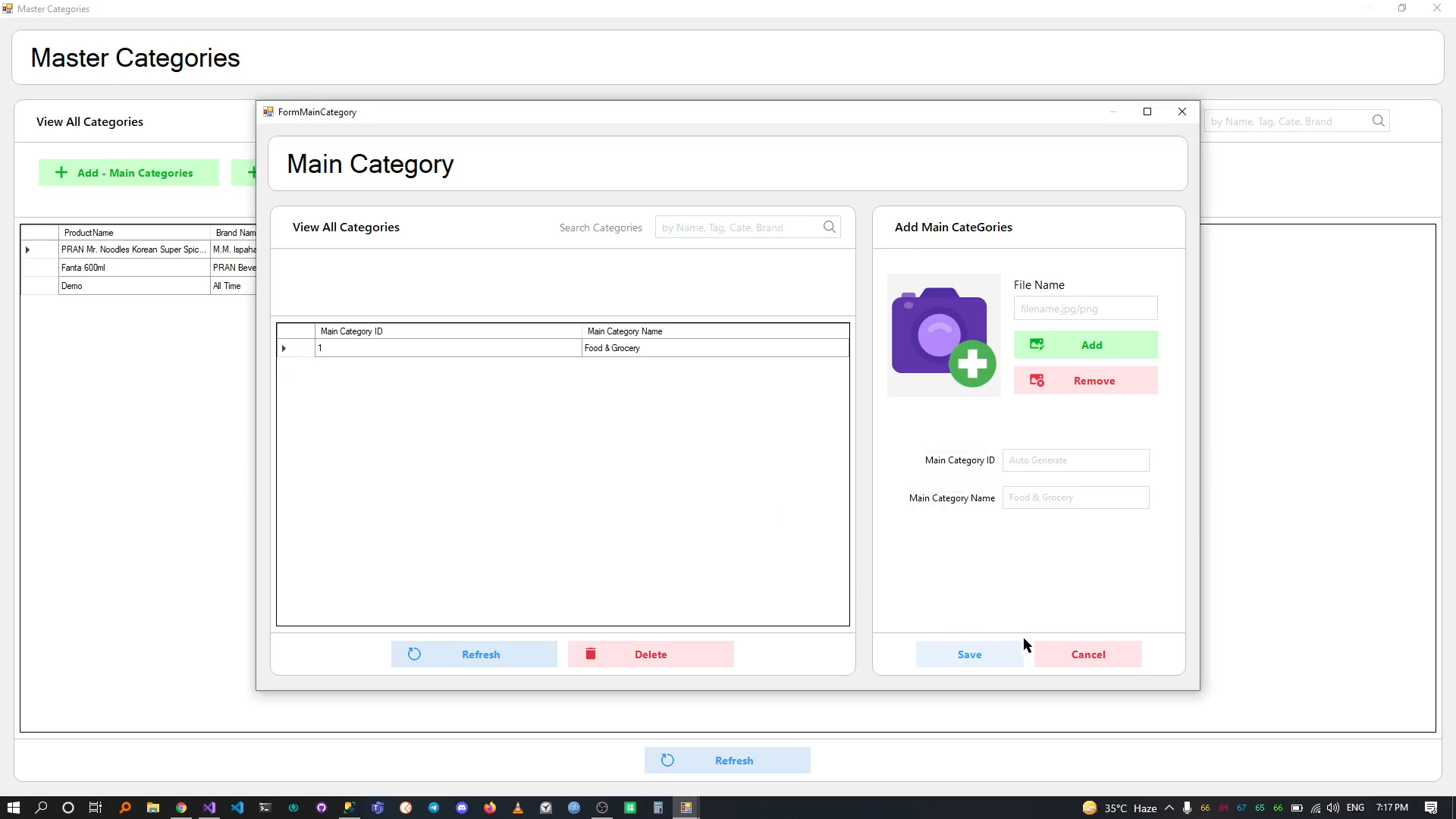
# Main Category
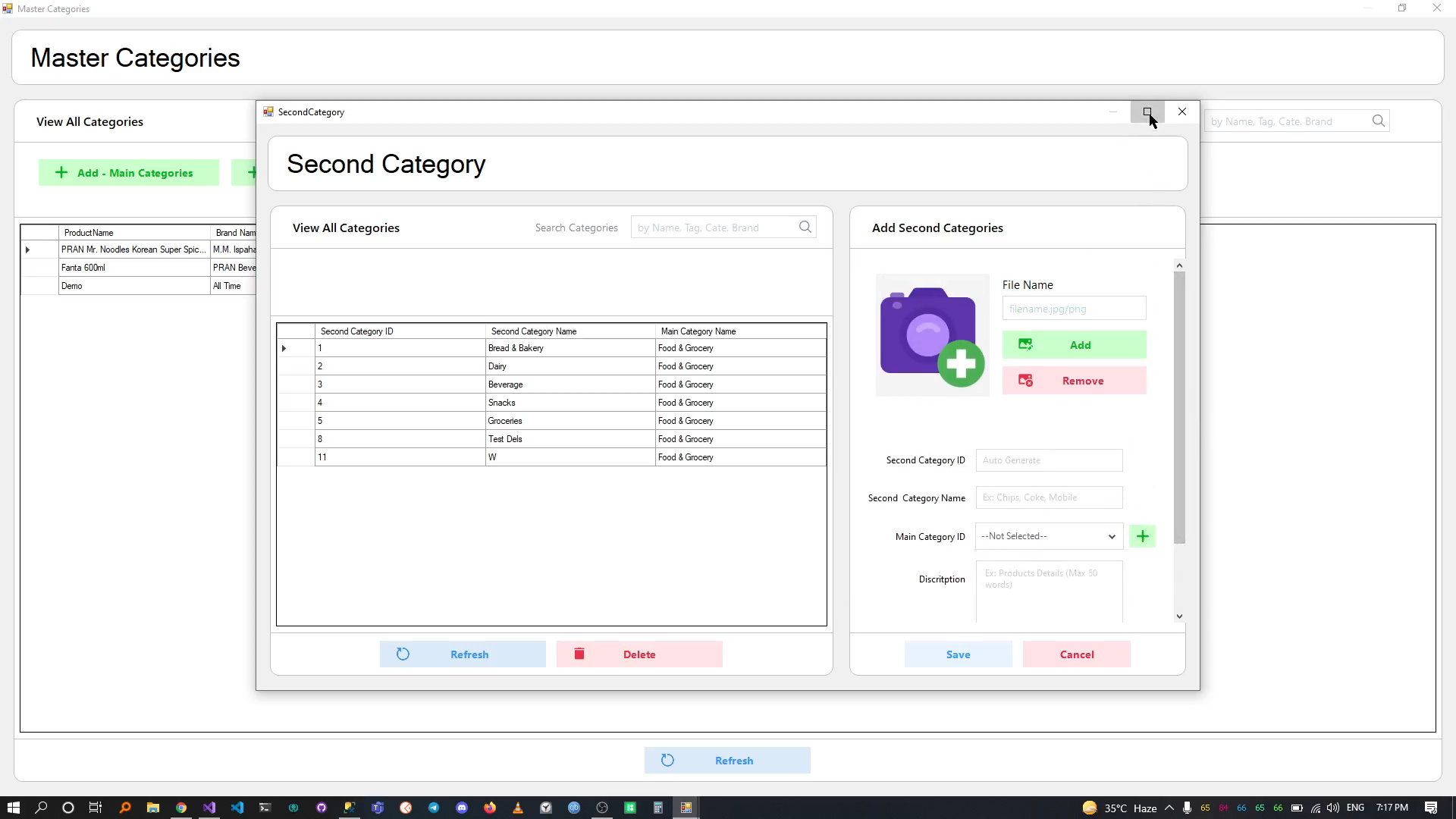
# Second Category
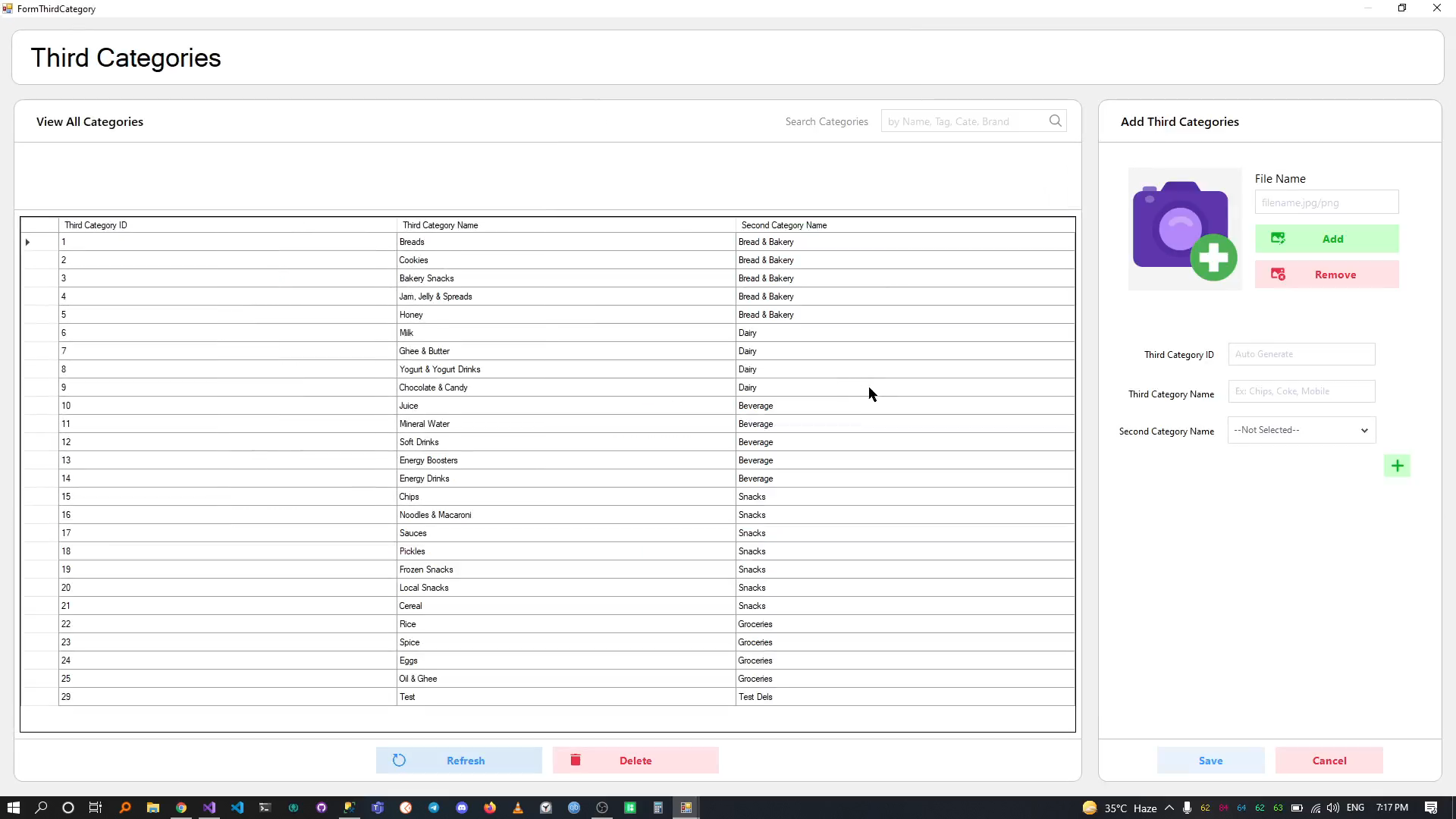
# Third Category
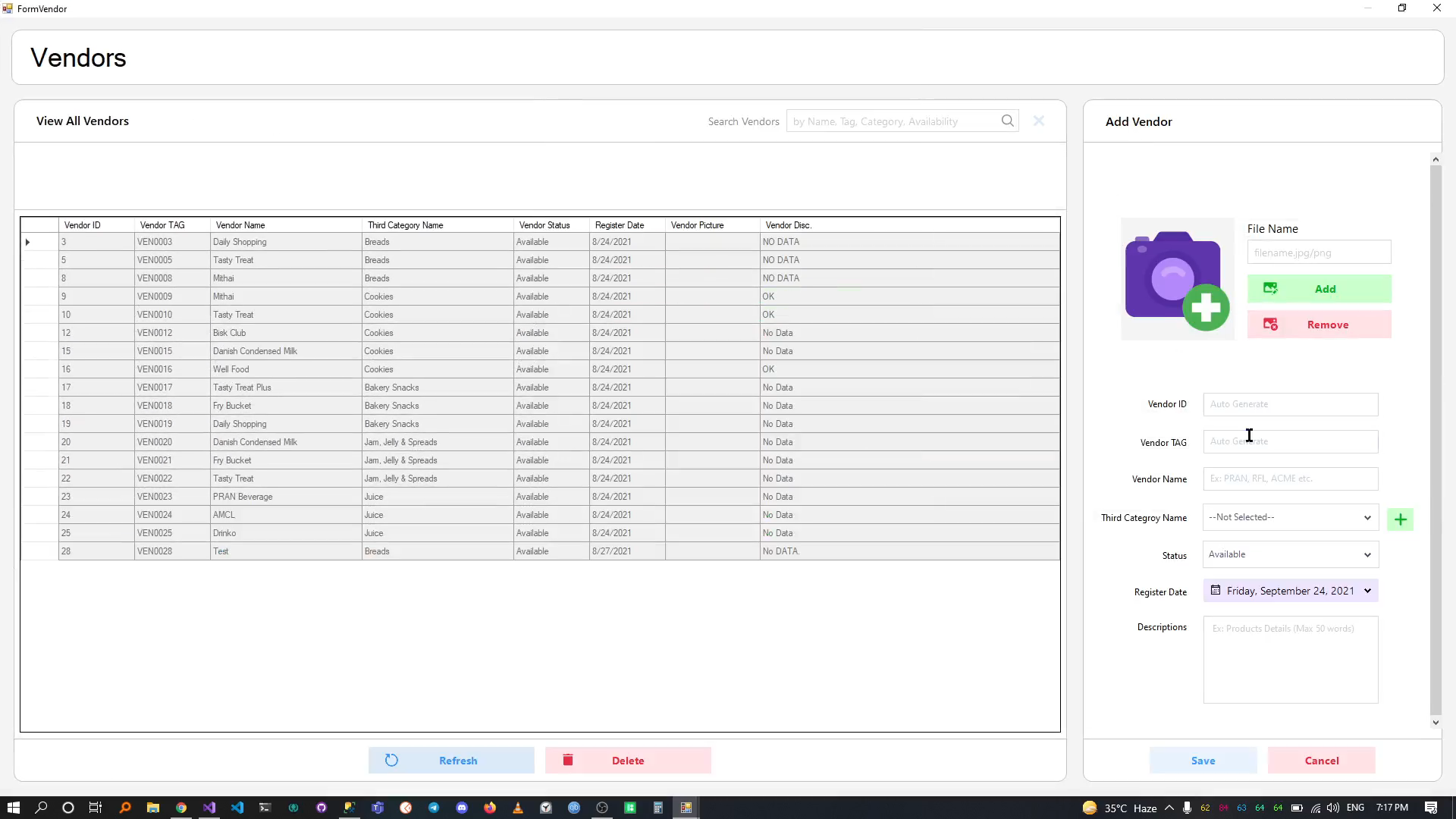
# Vendors
# Brands
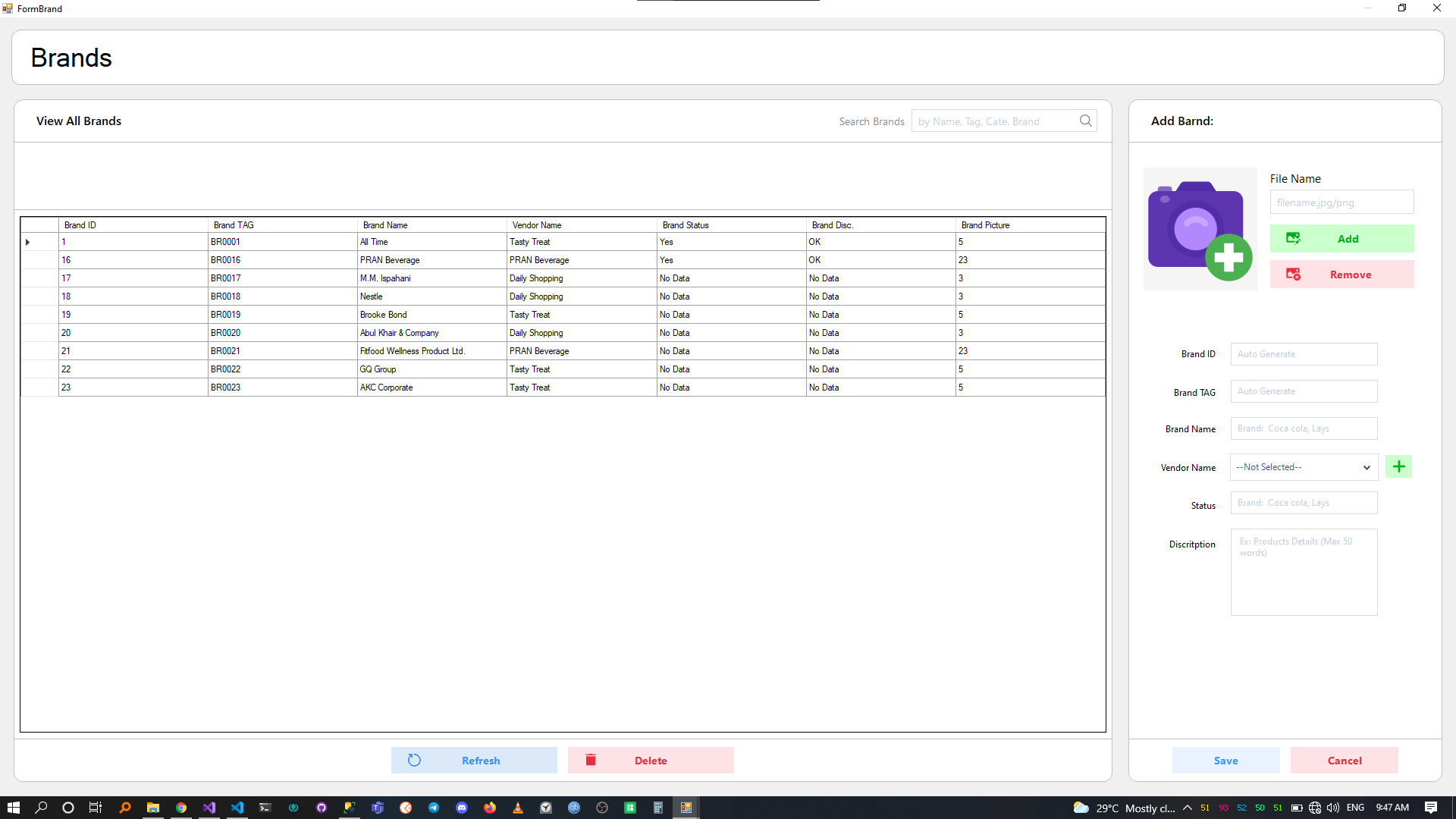
# Products
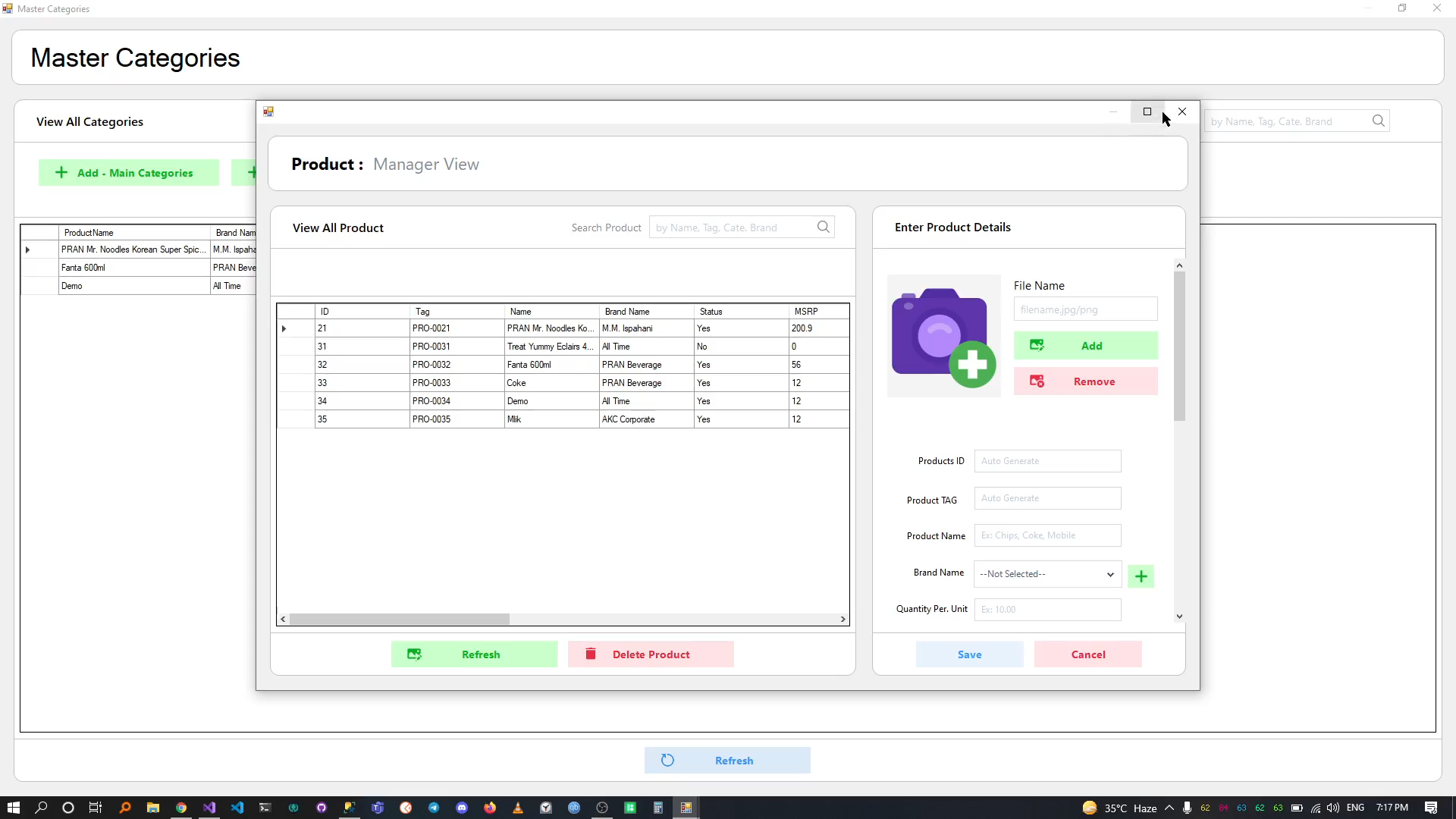
# Employees & User Tracker
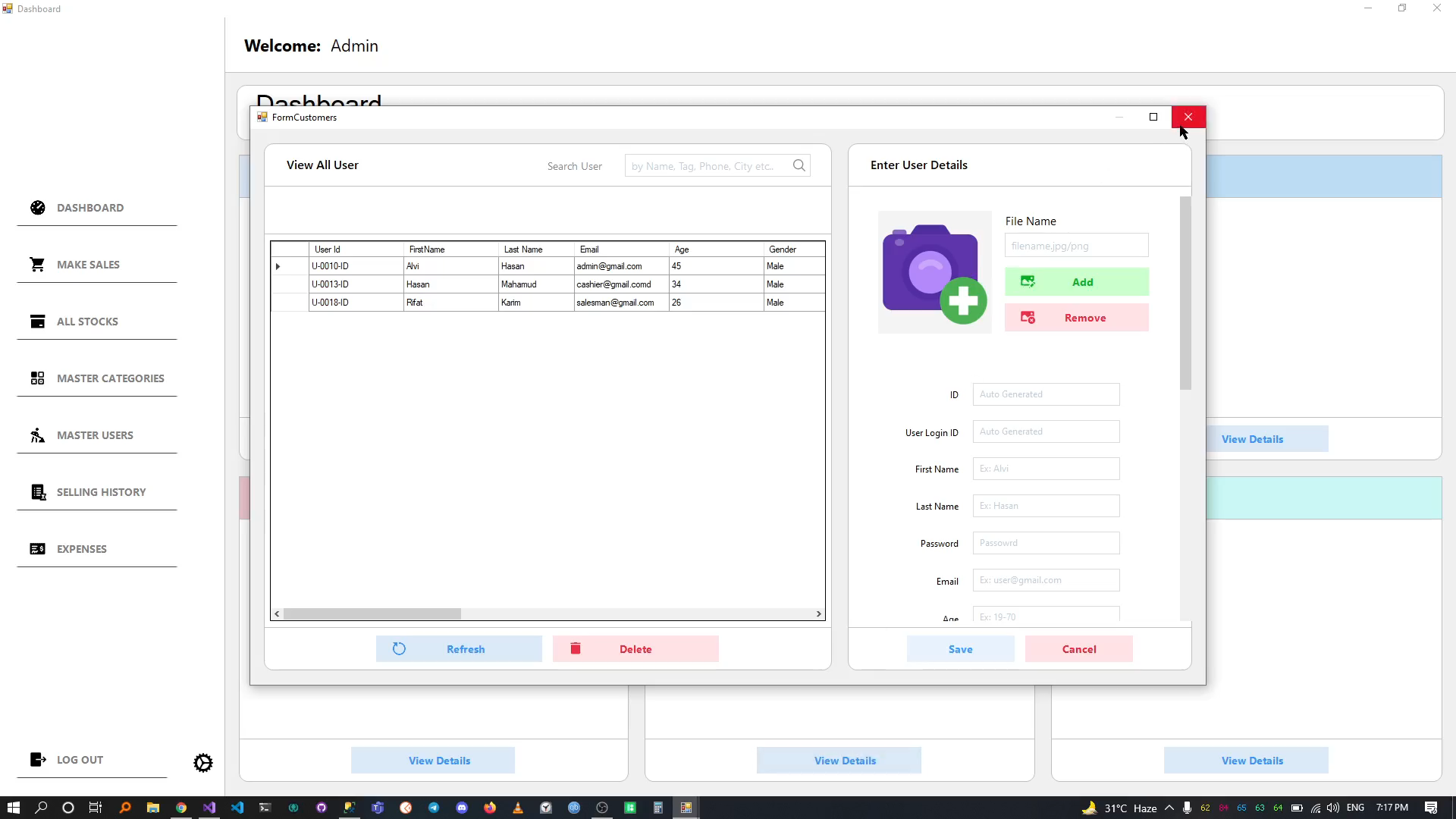
# Expenses Tracker
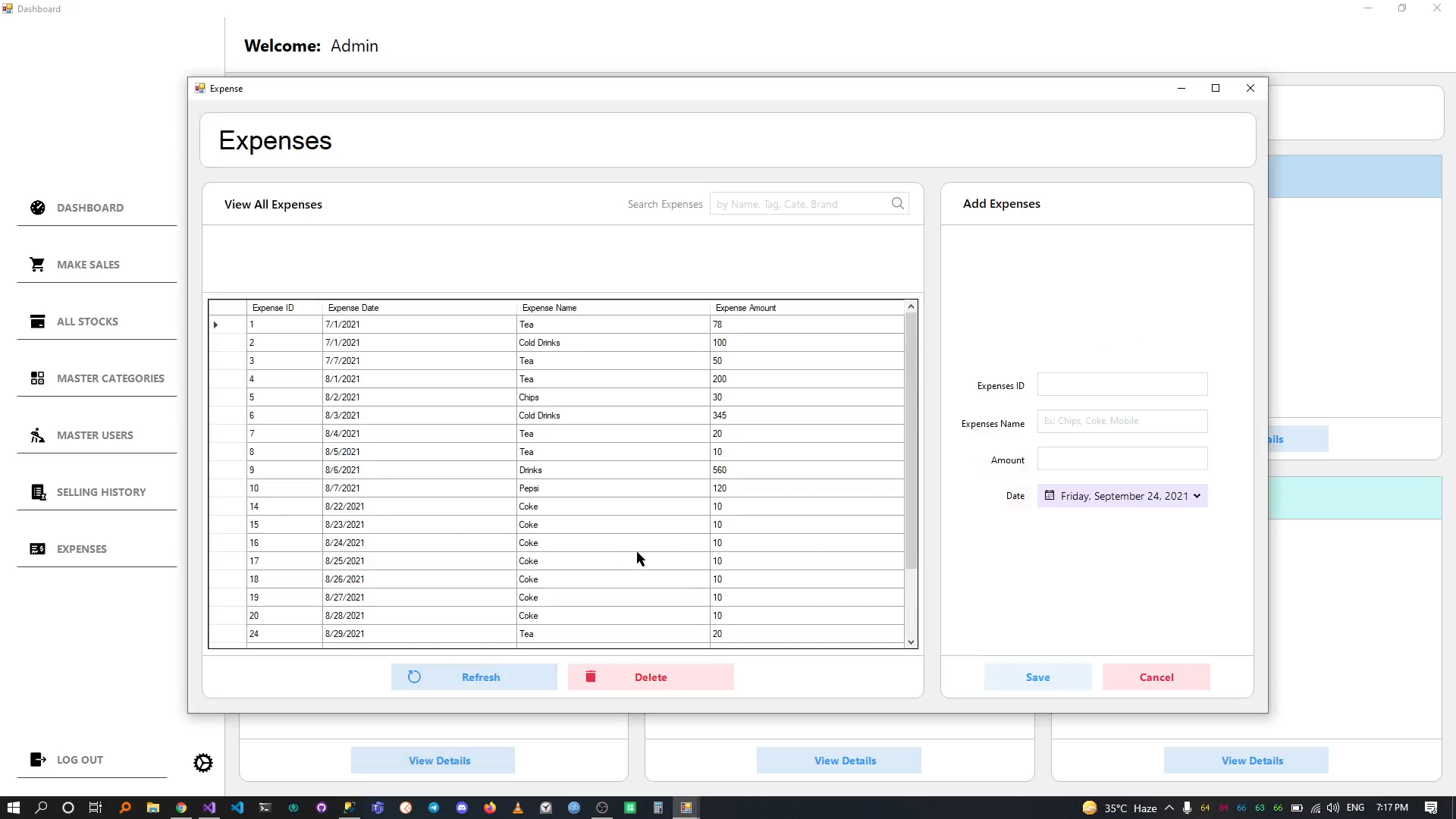
# Database Backup & Restore
Note
- Backup Microsoft SQL Database Script or .bak file Not Include
- 3rd Party .NET UI & Reporting Components Not Include DevExpress and Guna UI2 Not Include