
FlowVision
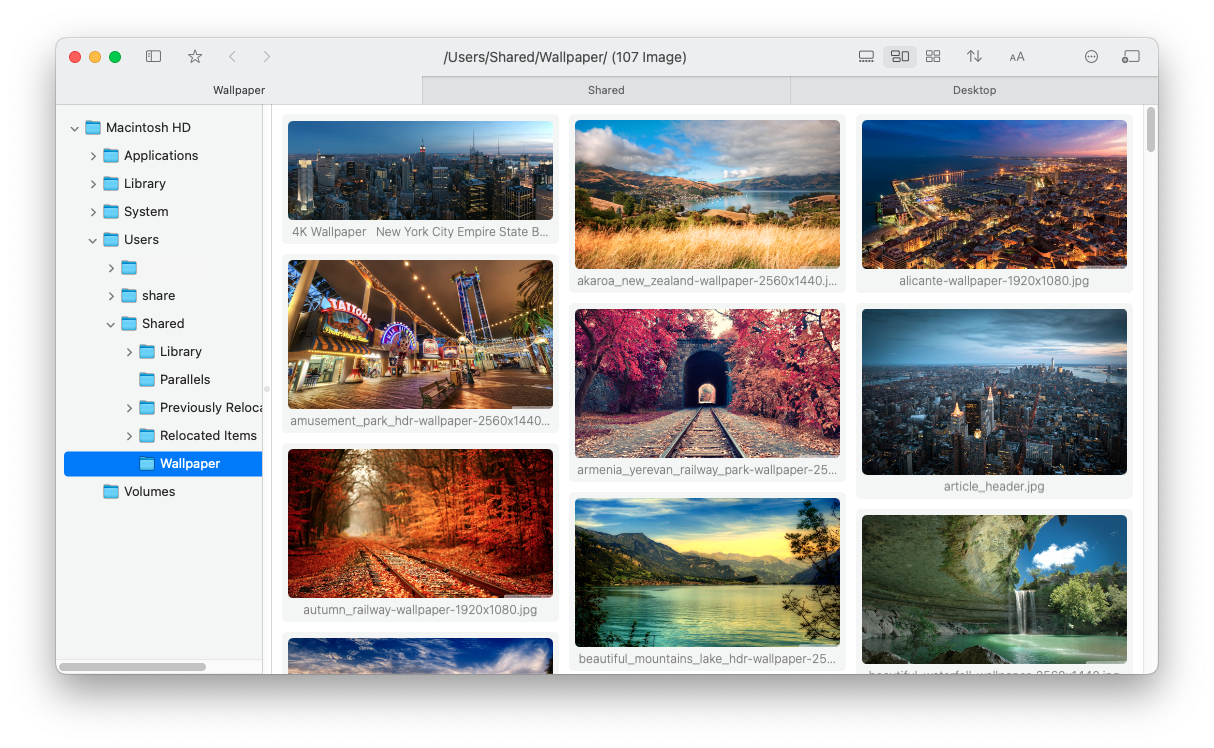
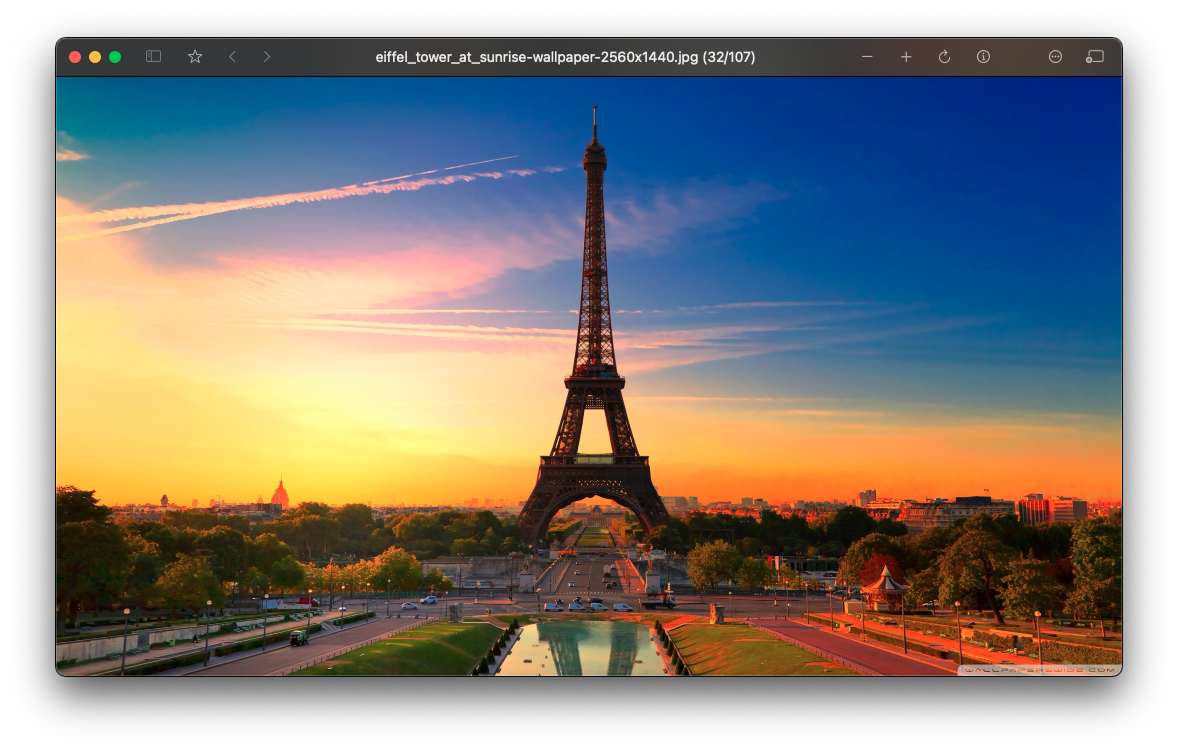
Waterfall-style Image Viewer for macOS
[中文说明]



Screenshots
Light Mode
Dark Mode
Features:
- Adaptive layout mode, light/dark mode
- Convenient file management (similar to Finder)
- Right-click gestures, quickly find the previous/next folder with images/videos
- Performance optimizations for directories with a large number of images
- High-quality scaling (reduces moiré and other issues)
- Support for video playback
- Support for HDR display
- Recursive mode
Installation and Usage
System Requirements
- macOS 11.0 or Later
Privacy and Security
- Open source
- No Internet connection
Homebrew Install
Initial Installation
brew install flowvision
Upgrade
brew update
brew upgrade flowvision
Instructions:
In Image View:
- Double-click to open/close the image
- Hold down the right/left mouse button and scroll the wheel to zoom
- Hold down the middle mouse button and drag to move the window
- Long press the left mouse button to switch to 100% zoom
- Long press the right mouse button to fit the image to the view
Right-Click Gestures:
- Right/Left: Switch to the next/previous folder with images/videos (logically equivalent to the next folder when sorting all folders on the disk)
- Up: Switch to the parent directory
- Down: Return to the previous directory
- Up-Right: Switch to the next folder with images at the same level as the current folder
- Down-Right: Close the tab/window
Keyboard Shortcuts:
- W: Same as the right-click gesture Up
- A/D: Same as the right-click gesture Left/Right
- S: Same as the right-click gesture Down
Build
Environment
Xcode 15.2+
Libraries
- https://github.com/arthenica/ffmpeg-kit
- https://github.com/attaswift/BTree
- https://github.com/sindresorhus/Settings
Steps
-
Clone the source code of the project and libraries.
-
For ffmpeg-kit, it need to be built to binary first. If you want to save time, you can directly download its pre-built binary, named like
ffmpeg-kit-full-gpl-6.0-macos-xcframework.zip(not LTS version). Unzip it, then execute this in terminal to remove its quarantine attribute:sudo xattr -rd com.apple.quarantine ./ffmpeg-kit-full-gpl-6.0-macos-xcframework(Due to the project being discontinued and copyright reasons, the prebuilt binaries have been removed. Here is a backup of original file.)
-
Organize the directory structure as shown below:
├── FlowVision │ ├── FlowVision.xcodeproj │ └── FlowVision │ └── Sources ├── ffmpeg-kit-build │ └── bundle-apple-xcframework-macos │ ├── ffmpegkit.xcframework │ └── ... ├── BTree │ ├── Package.swift │ └── Sources └── Settings ├── Package.swift └── Sources -
Open
FlowVision.xcodeprojby Xcode, click 'Product' -> 'Build For' -> 'Profiling' in menu bar. -
Then 'Product' -> 'Show Build Folder in Finder', and you will find the app is at
Products/Release/FlowVision.app.
Donate
If you found the project is helpful, feel free to buy me a coffee.


License
This project is licensed under the GPL License. See the LICENSE file for the full license text.