
How to use Netlify Forms and Functions to submit data to Sanity.io
This is a simple example of how you can use Forms and Functions in Netlify to submit data to your Sanity.io project.
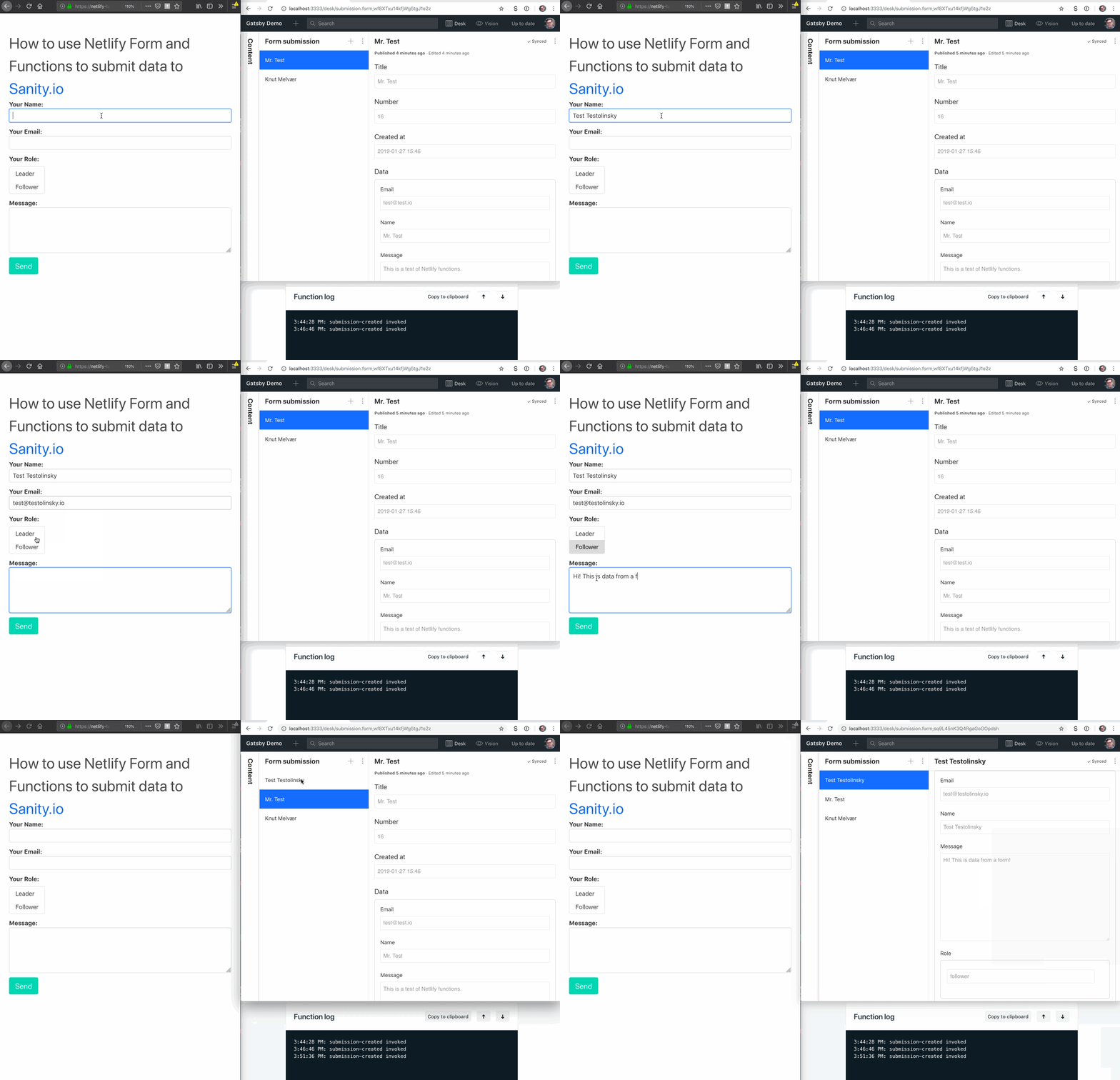
How to use
- Fork or clone this repo
- Run
yarnornpm install - Change the
projectIdand thedatasetconfiguration in/lambda/submission-created.jsto your Sanity.io project`s - Commit and push the changes to your GitHub repo
- Connect Netlify to that repo, and add a environment variable in Netlify called
SANITY_TOKEN - Go to your Settings -> API in your project at manage.sanity.io, and add a token with
writerights. - Paste this token as the value for
SANITY_TOKEN(be careful with where you store this token!) - Submissions will be stored with
_idon a path:"submission.<uuid>", and will not be available through the public API without a token withreadrights. - If you want to view the submissions in the Studio, you can add the following schema to your project:
/*
 * Doesn't cover all the data fields.
 * Remove or set readOnly to `false` if you want to be able
 * to edit the responses in the Studio
 */

export default {
  name: 'submission.form',
  type: 'document',
  title: 'Form submission',
  readOnly: true,
  fields: [
    {
      name: 'title',
      type: 'string',
      title: 'Title'
    },
    {
      name: 'number',
      type: 'number',
      title: 'Number'
    },
    {
      name: 'created_at',
      type: 'datetime',
      title: 'Created at'
    },
    {
      name: 'data',
      type: 'object',
      title: 'Data',
      fields: [
        {
          name: 'email',
          type: 'email',
          title: 'Email'
        },
        {
          name: 'name',
          type: 'string',
          title: 'Name'
        },
        {
          name: 'message',
          type: 'text',
          title: 'Message'
        },
        {
          name: 'role',
          type: 'array',
          title: 'Role',
          of: [{ type: 'string' }]
        }
      ]
    }
  ]
}