
Inspired by Next.js's example for statically generated blog using WordPress as the data source.
Next.js WordPress Boilerplate (starter kit)
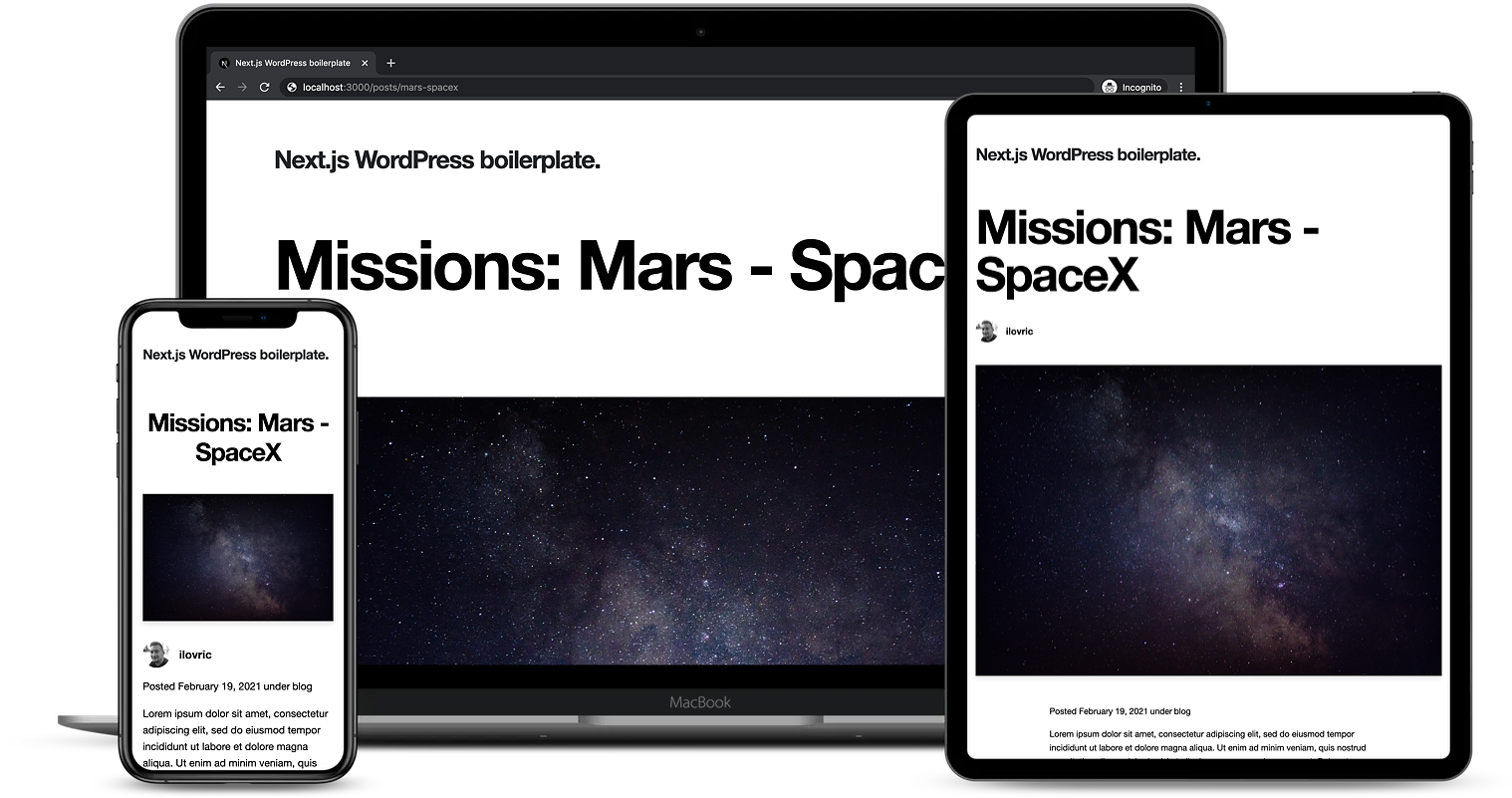
A statically generated blog example using Next.js and WordPress as headless CMS.
Demo
https://cms.workspace.hr
How to use
Prerequisites
First, make sure you have Node.js (npm or yarn) installed.
$ node -v
v16.x.x
Also, you can use nvm as a helpful tool to install the correct node and npm/yarn version.
Installing the application
$ git clone https://github.com/workspace-agency/nextjs-wordpress-boilerplate.git <my-project-name>
$ cd <my-project-name>
$ yarn
This command will install all of the latest dependencies. Installation might take some time.
Set up environment variables
Copy the .env.local.example file in this directory to .env.local (which will be ignored by Git):
cp .env.local.example .env.local
Then open .env.local and set WORDPRESS_API_URL, WORDPRESS_AUTH_REFRESH_TOKEN, and WORDPRESS_PREVIEW_SECRET to match your WordPress data.
You can find the full configuration guide here:
Your .env.local file should look like this:
WORDPRESS_API_URL=...

# Only required if you want to enable preview mode
WORDPRESS_AUTH_REFRESH_TOKEN=
WORDPRESS_PREVIEW_SECRET=
Running the application
$ yarn dev
Runs the app in the development mode. Open http://localhost:3000 to view it in the browser.
Building the application
$ yarn build
Builds the application for production usage.
Built with
- Next.js as a React framework for Static Generation and Server-side Rendering
- TypeScript as a language for application-scale JavaScript
- Sass as CSS pre-processor
- Material-UI as component library
Libraries
In addition several smaller libraries are used. Instructions on how to use them are linked below.
| Library | Purpose |
|---|---|
| date-fns | for manipulating JavaScript dates |
| Classnames | for conditionally joining classNames together |
| ESLint | for making code more consistent and avoiding bugs |
| Stylelint | for avoiding errors and enforcing conventions in styles |
| Prettier | for code formatting |
| Husky | for preventing bad commit or push |
See package.json for a complete overview.
Folder structure
.
├── components                                 # place for all reusable components
│   └── {ComponentName}                        # reusable component
│   │   ├── {ComponentName}.module.scss        # component styles
│   │   ├── {ComponentName}.tsx                # component
│   │   └── index.ts                           # for root component of a directory
├── lib                                        # place to store services, config, etc.
│   ├── api.ts                                 # API functions
│   ├── constants.ts                           # place to store all app constants
│   └── queries.ts                             # place to store all GraphQL queries
├── pages                                      # place to store pages (routes); each page should match a route
│   ├── api                                    # API routes
│   ├── {page}                                 # place for page (route)
│   │   ├── [param].tsx                        # dynamic page (route)
│   │   └── index.tsx                          # page (route)
│   ├── _app.tsx                               # custom App
│   ├── _document.tsx                          # custom Document
│   └── index.tsx                              # home page
├── public                                     # place to store static files, like images
├── styles                                     # place to store global styles
│   ├── globals                                # place for reset and base styling
│   ├── mixins                                 # place to store all mixins
│   ├── settings                               # place to store all fonts, colors, and breakpoints
│   ├── utils                                  # place to store all utility functions for styling
│   └── index.scss                             # styling entry point
├── types                                      # place to store all types
└── utils                                      # place to store all utility functions that are shared across the app
    ├── context                                # place to store all Context data
    └── hooks                                  # place to store all custom Hooks
Style Guide
As a "base" style guide, the Airbnb's style guide is being used. Since we're applying different eslint configs that are combined with Airbnb's config, large number of these rules are already enforced.
Versioning
This project use SemVer for versioning. For the versions available, see the tags on this repository.
Contributing
If you're interested in contributing to this project, please first discuss the change you wish to make via issue, email, or any other method with the owner of this repository before submitting a pull request.