
NextJS and NextUI Dashboard Template Starter
You can deploy here directly to vercel
V1 Version Stitches https://v1-nextui-dashboard-template.vercel.app/ V1 Code: https://github.com/Siumauricio/nextui-dashboard-template/tree/v1
This is a template for NextJS and NextUI.
You can see the demo here: https://nextui-dashboard-template.vercel.app/ For improve this template, you can create a pull request or open an issue here Issues or Pull Request
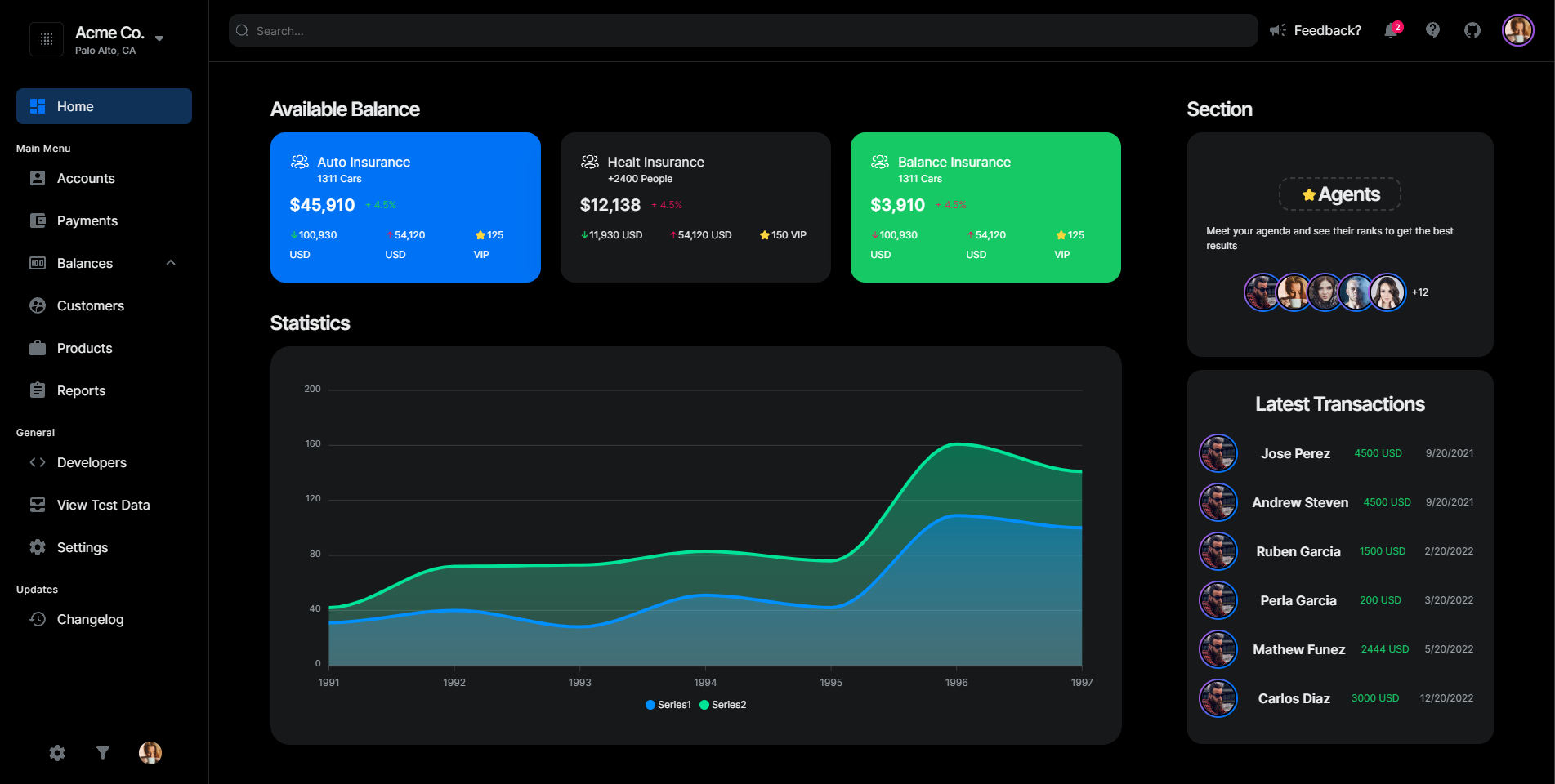
Dark Mode
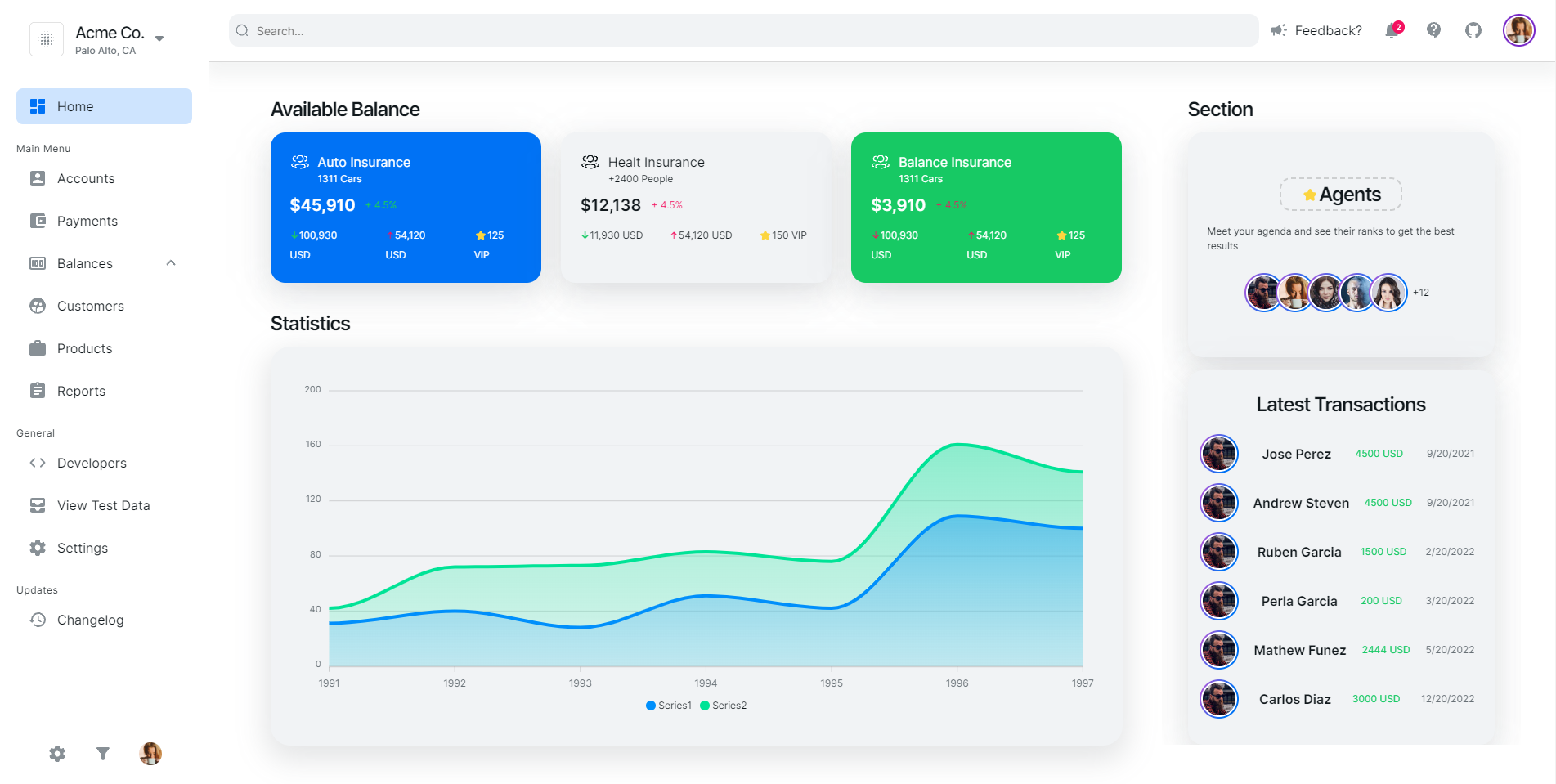
Light Mode
- Dark Mode Support
- Full Responsive
- Home Page with Charts
- Accounts Page
- More pages coming soon...
├── components
│   ├── accounts            # Accounts components
│   ├── charts              # Charts components
│   ├── breadcrumb          # component
|   ├── home                # Home components
|   ├── layout              # Layout components
|   ├── navbar              # Navbar components
|   ├── sidebar             # Sidebar components
|   ├── table               # Table components
|   ├── styles              # Some reusable components
|   ├── icons               # Icons
|   ├── hooks               # Hooks
├── app                     # Documentation files
│   ├── accounts            # Accounts route
|       ├── page.tsx        # Accounts page
│   ├── page.tsx            # Entry point for the app
│   ├── layout.tsx          # Layout applied to all application pages
│   ├── providers.tsx       # Theme provider
│   ├── more...             # Soon
└──
For Run
Install dependencies
npm install
Start the server
npm run dev
Now you can visit https://localhost:3000 in your browser.