
Nginx AutoIndex 美化
基于 React & MUI 的 Nginx AutoIndex 美化,完美支持GitHub Markdown语法,用了都说好!
大多数 Nginx AutoIndex 的美化都是基于 nginx 的 xslt 模块,然而,这个模块在大多数主流的发行版中都是默认关闭的(包括 Docker 镜像),自行编译又太麻烦。而本项目无需 xslt 模块,只需简单的修改 Nginx 配置文件即可。
[demo] 小水管,第一次打开速度慢...
React + MUI + Remark + KaTeX
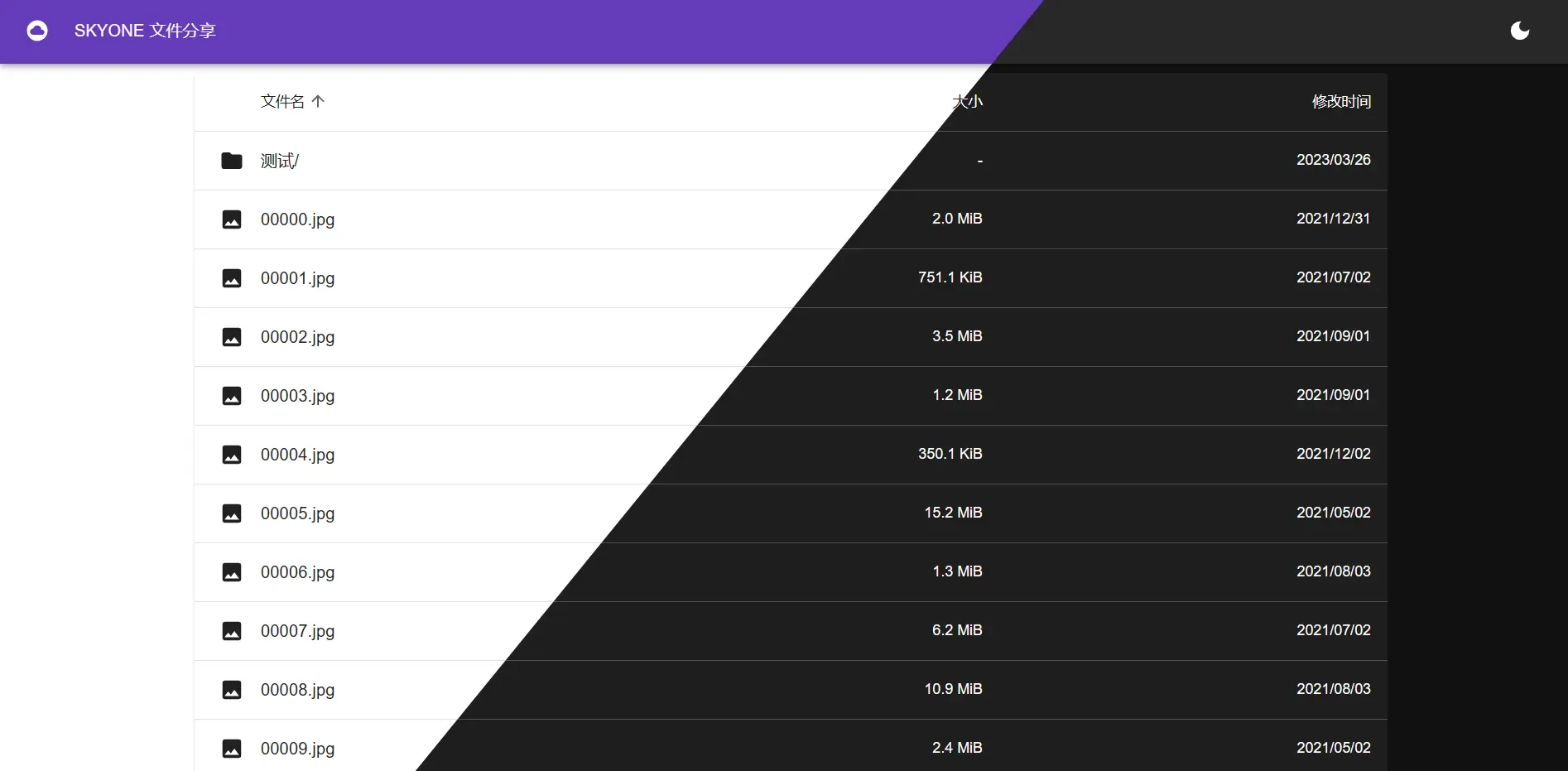
已完成:
- 很好看(大概)
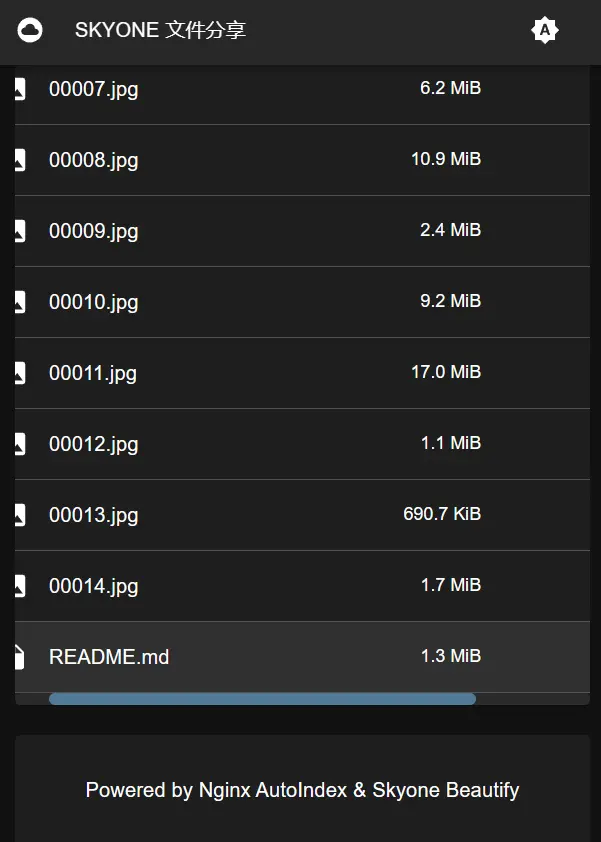
- 适配手机等窄设备
- 按文件名、大小、修改时间排序
- 简单自定义
- 暗色模式 & 跟随系统模式
- README.md & gfm
- 数学公式、代码高亮
- 使用
react-router实现不刷新页面的路由 - README 支持折叠
计划:
- 欢迎 issue
有人用才有动力更新呐~
部署教程
从 Releases 下载最新版 nginx-autoindex.zip ,解压到一个任意目录(例如 /path/to/file )
/path/to/file
├─nginx-autoindex
│ ├─app.js
│ ├─xxx.js
│ └─xxx.css
└─autoindex.html
编辑文件 /path/to/file/autoindex.html ,按需修改
<script>
    window.siteConfig = {
        name: "文件分享",      // 标题,默认为 `文件分享`
        title: undefined,     // 浏览器标题栏显示的标题,默认与 `name` 相同
        footer: "Powered by Nginx AutoIndex & Skyone Beautify", // 最底部的说明
        readme: true,         // 是否启用 README.md , 需要 766KB , gzip 压缩后约 220KB
                              // 异步加载, 不会堵塞主界面, 还有不错地加载动画
                              // 还可以选择配置用于渲染 markdown 的服务器的 URL
                              // 例如: "https://example.com/markdown/render"
                              // 个人感觉没必要, 220KB 已经足够小了
        before: true          // README.md 显示在文件列表前面还是后面
    }
</script>
<!--  其余部分  -->
编辑 Nginx 配置文件,模板如下:
server {
    listen 80;                    # 监听的端口
    server_name www.skyone.host;  # 你的域名
    charset utf-8;

    location = /autoindex.html {
        root   /path/to/file;     # 改为 nginx-autoindex.zip 解压后文件的目录
    }

    location ~ ^/nginx-autoindex/ {
        root   /path/to/file;     # 改为 nginx-autoindex.zip 解压后文件的目录
    }

    location / {
        root /var/www;            # 要分享的文件的位置
        autoindex on;
        add_after_body /autoindex.html;
    }
}
Docker 部署
下载 docker-compose.yml 到本地,直接运行即可。
wget https://raw.githubusercontent.com/skyone-wzw/nginx-autoindex/master/docker-compose.yml
docker-compose up -d
将要分享的内容挂载到 /var/www/html ,默认为同目录下的 data 文件夹。
可以直接使用环境变量进行配置,以下环境变量与 window.siteConfig 相对应
SITECONFIG_NAMESITECONFIG_TITLESITECONFIG_FOOTERSITECONFIG_READMESITECONFIG_BEFORE
构建与开发
参考 BUILD.md
更多截图
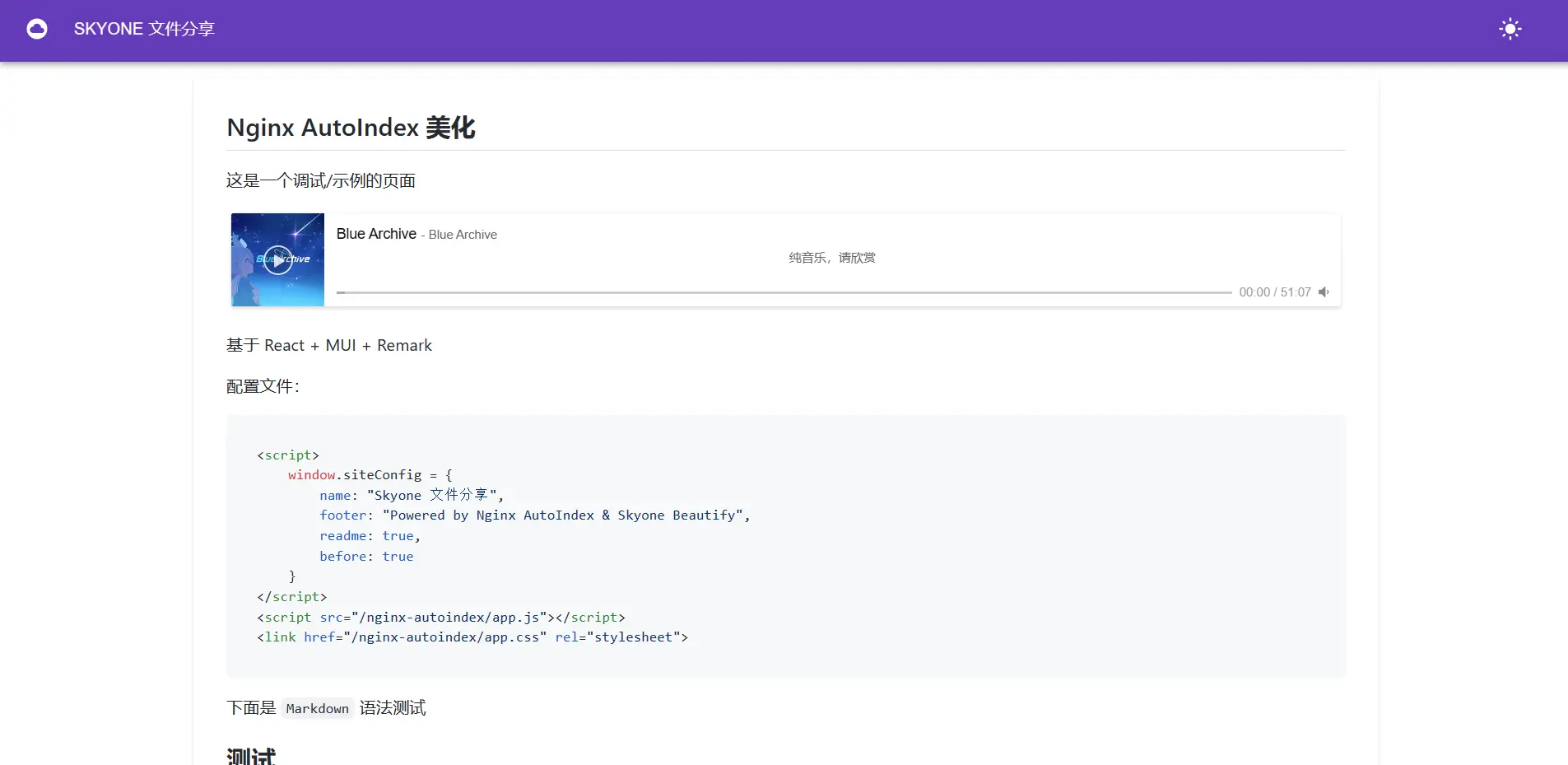
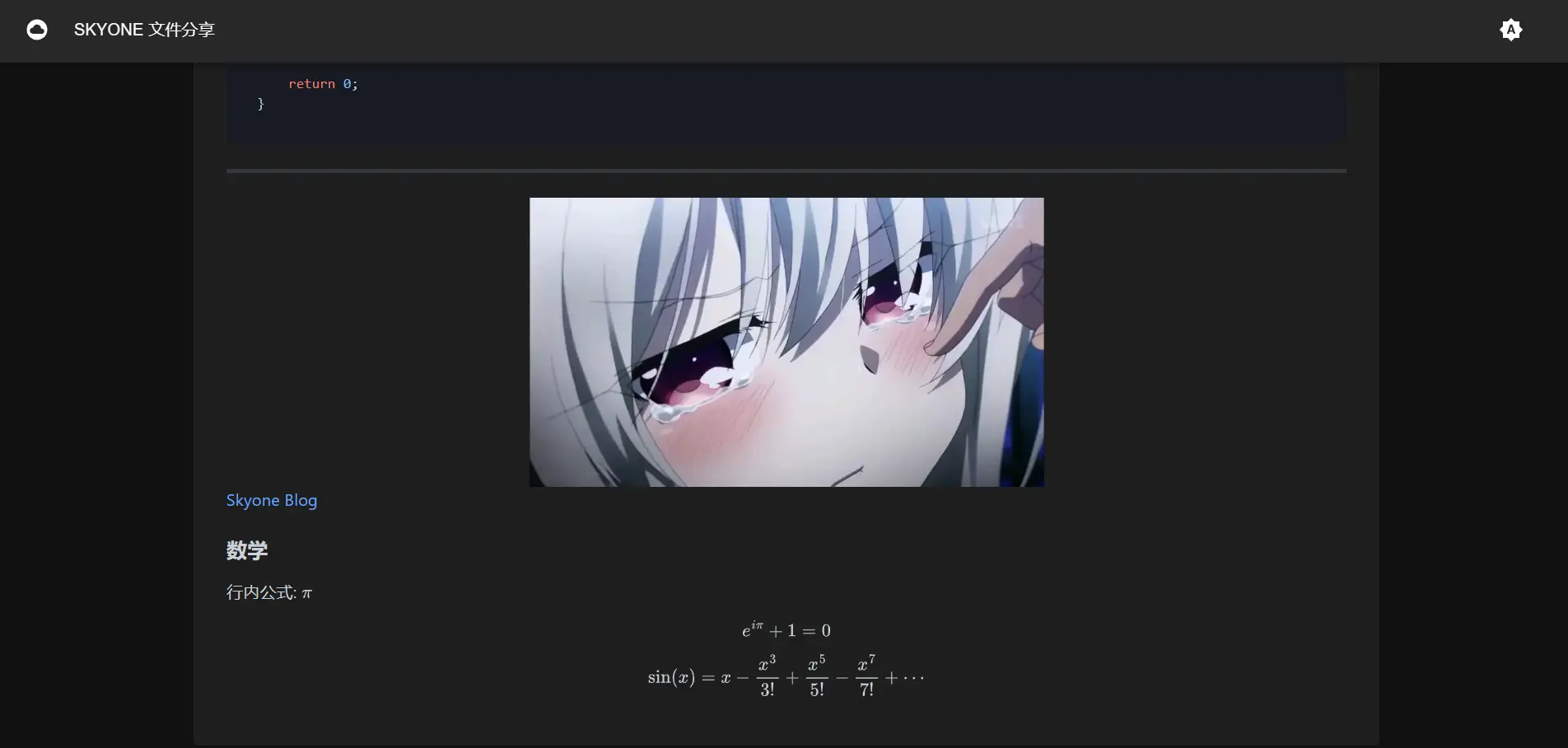
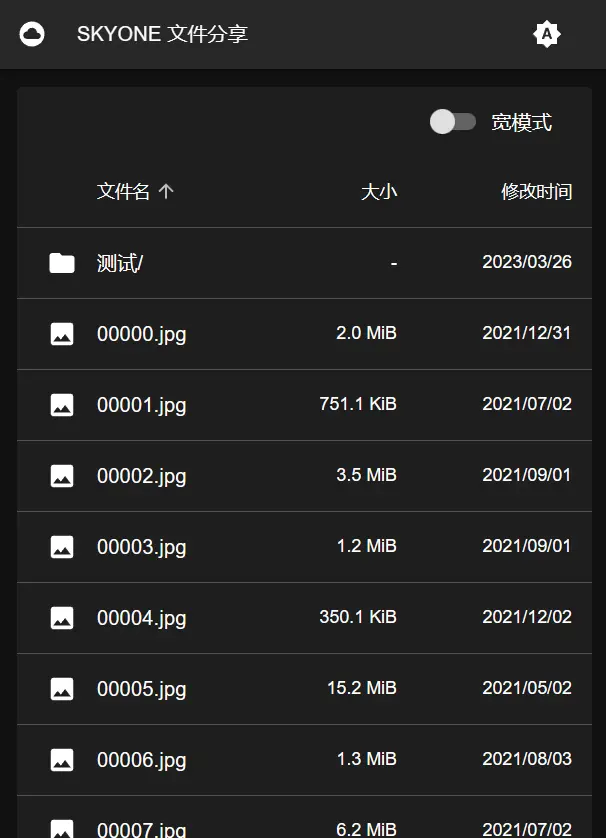 |
 |