


Nimble Commander
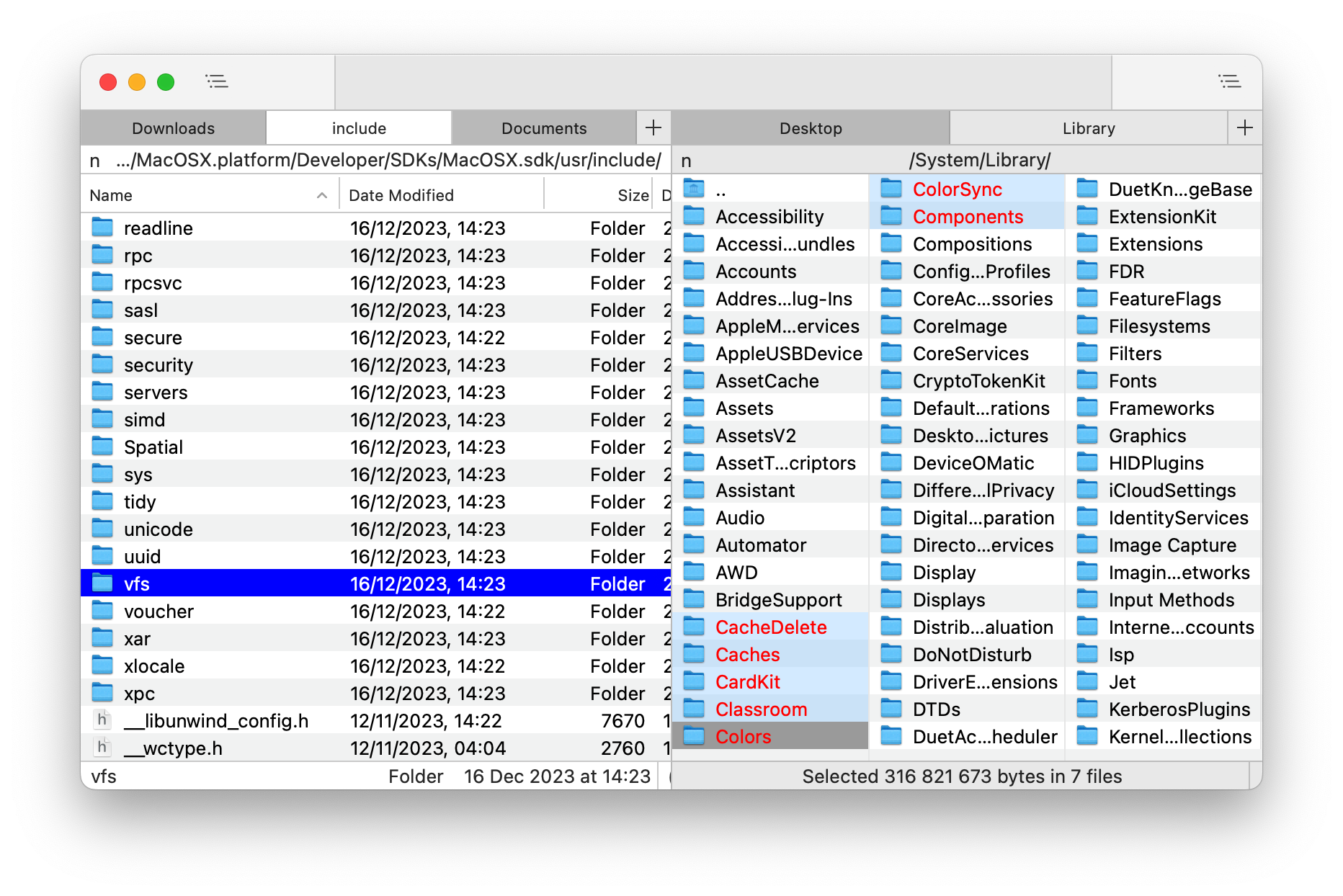 Nimble Commander is a free dual-pane file manager for macOS, designed with a focus on speed, keyboard-based navigation, and flexibility.
The project's aim is to blend the user experience of classic file managers from the '80s-'90s with the modern look and feel of Mac computers.
Visit the project's website at: https://magnumbytes.com.
Getting Nimble Commander
Nightly Builds
You can download the latest nightly build of the app from GitHub Actions.
Go to the most recent integration and select the nimble-commander-nightly in the Artifacts section (a GitHub account is required).
Current Release
Direct download link: https://magnumbytes.com/downloads/releases/nimble-commander.dmg.
Available on Mac App Store: https://itunes.apple.com/app/files-lite/id905202937?ls=1&mt=12.
Install via Homebrew: brew install nimble-commander.
Past Releases
Access all previous releases at https://github.com/mikekazakov/nimble-commander-releases.
Documentation
The user guide can be found here: Help.md.
Changelog
Details about each released version can be found in the WHATS_NEW.md file.
Building from Source
For build instructions and an overview of the source code, please refer to the Building.md document.
Contributing to the Project
Your contributions are welcome and greatly appreciated! For guidelines on how to contribute, including reporting bugs, suggesting features, and submitting code changes, please see the CONTRIBUTING.md file.
License
Copyright (C) 2013-2026 Michael Kazakov ([email protected])
The source code is distributed under GNU General Public License version 3.