
Ntfy App
A cross-platform desktop client for ntfy.sh and self-hosted ntfy instances. Built with Rust, Tauri, and Next.js.
Automatic updates are disabled by default to reduce background activity, external requests to GitHub, and unnecessary resource usage. Update checking and installation are user controlled through the system tray.





Features
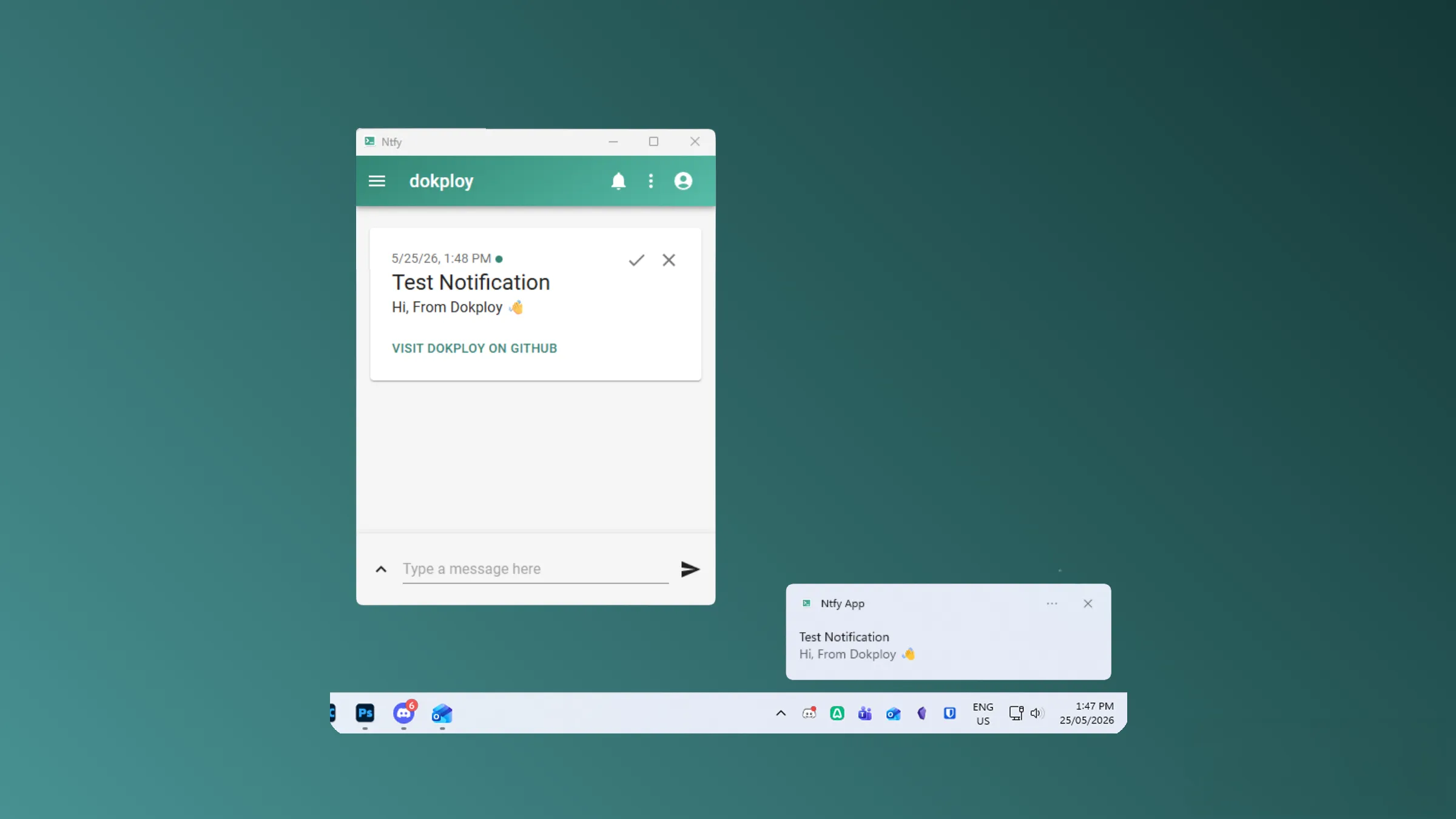
- Notifications: Receive native desktop notifications from any ntfy topic
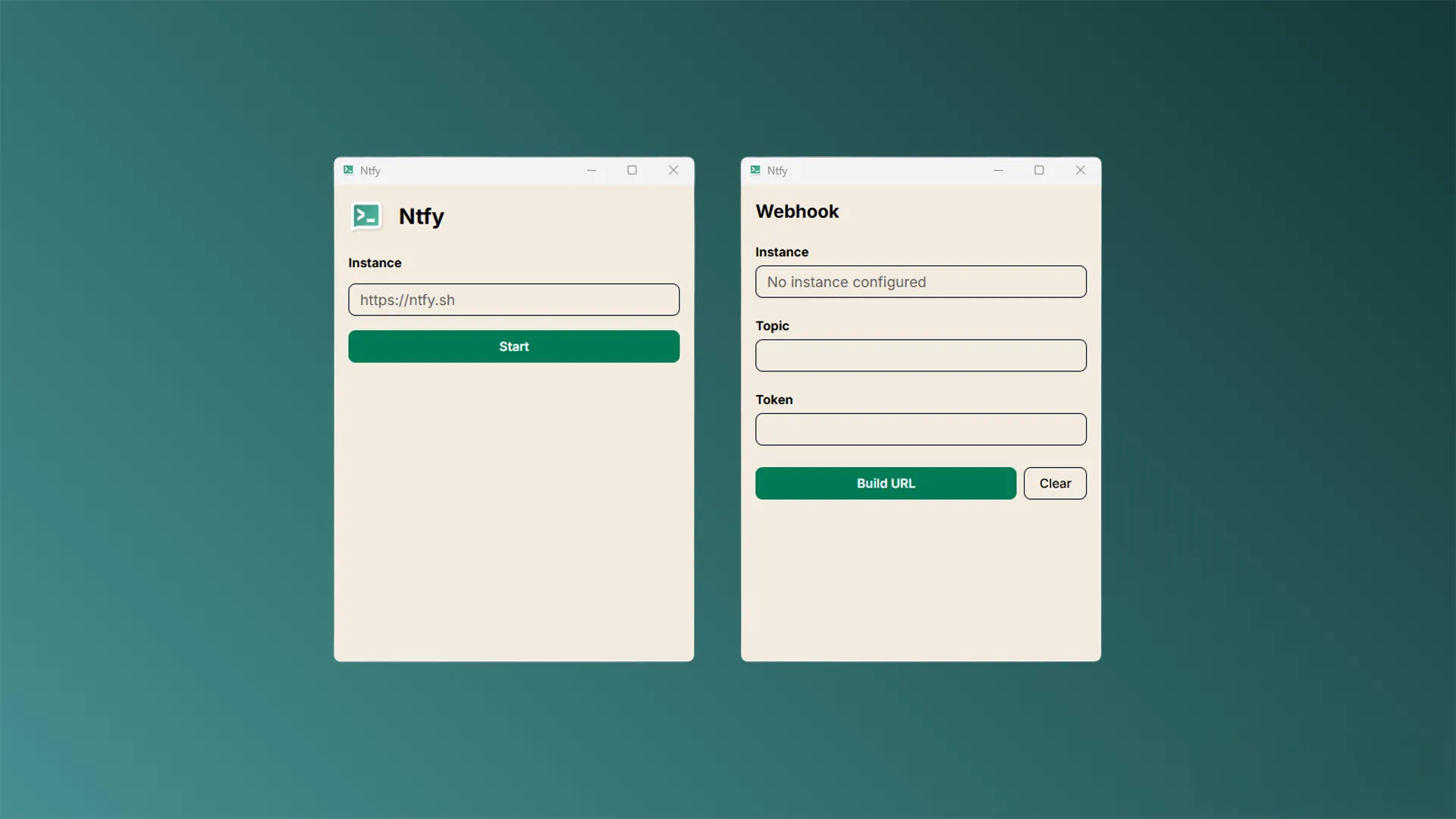
- Webhook Builder: Generate authenticated webhook URLs for your topics
- Schedules: Schedule working hours for notification alerts and suppression
- Self-hosted: Connect to your own ntfy instance or use ntfy.sh
- Cross-platform: Windows, Linux, and macOS (Intel & Apple Silicon)
- System Tray: Runs quietly in the background with tray controls
- Lightweight: Built with Rust and Tauri for minimal resource usage
- Modern UI: Next.js, React, and Tailwind CSS
In Development (Beta)
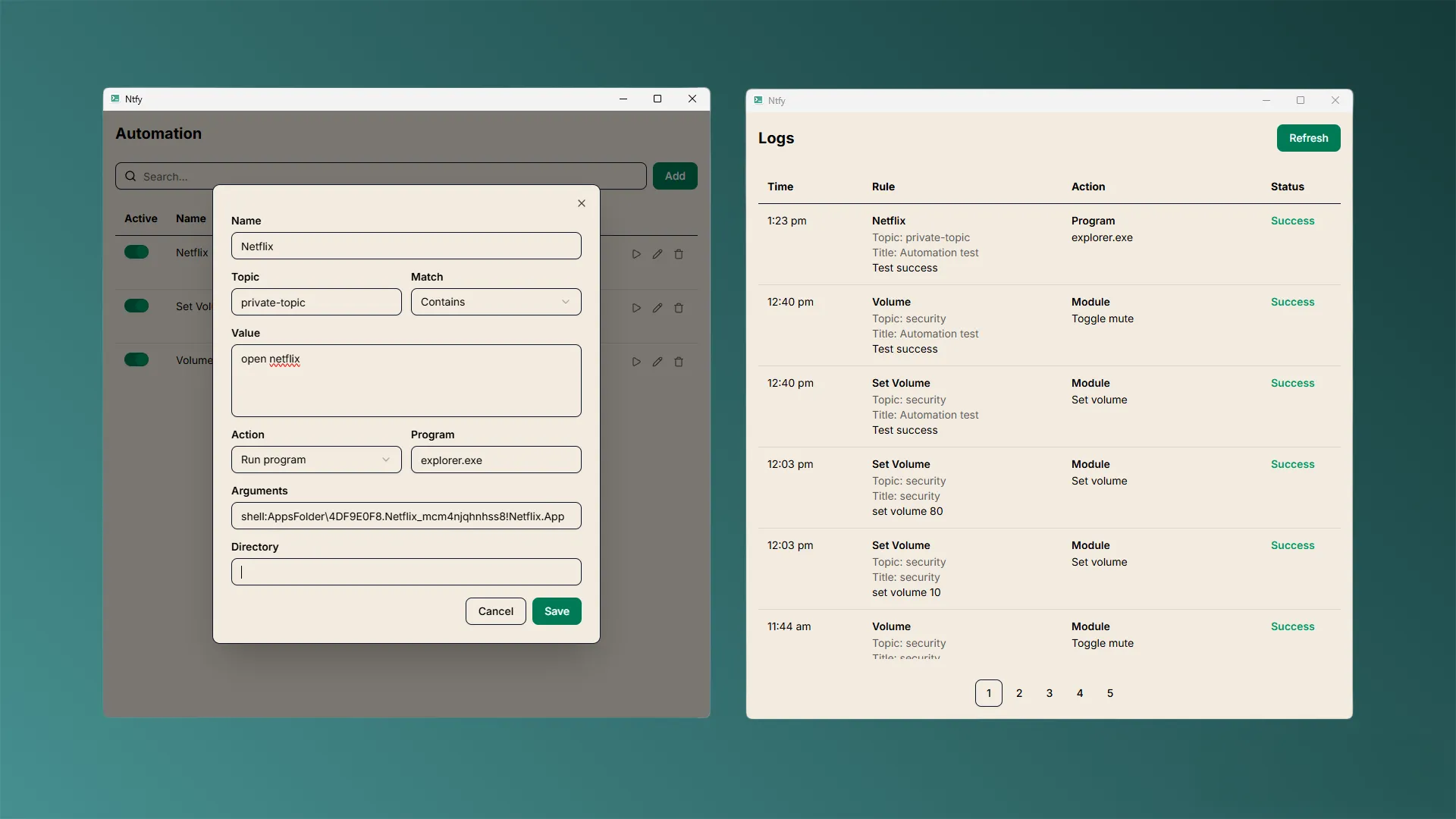
- Automations: Trigger local programs, scripts, URLs, and system actions based on incoming ntfy messages
Note: Automation topics should be reserved and access-controlled. For self-hosted instances, use ntfy ACL to restrict publish access to trusted users only.
macOS
macOS may block unsigned applications on first launch. Open Terminal and run the following command once before opening the app:
xattr -cr "/Applications/Ntfy App.app"
Prerequisites
- Node.js 24.x or 25.x
- pnpm 10.x or later
- Rust 1.93.1 or later (for building)
From Releases
Download the latest release for your operating system from the releases page.
From Source
-
Clone the repository:
git clone https://github.com/rubix-studios-pty-ltd/ntfy-app.git cd ntfy-app -
Install dependencies:
pnpm install -
Build the application:
pnpm buildThe executable will be created in
src-tauri/target/release/.
Development
Prerequisites
Install Rust toolchain:
curl --proto '=https' --tlsv1.2 -sSf https://sh.rustup.rs | sh
For macOS, also install additional targets:
rustup target add aarch64-apple-darwin x86_64-apple-darwin
Running Development
Start the development server:
pnpm dev
This will:
- Start the Next.js dev server on
http://localhost:5173 - Launch the Tauri development window with hot-reload
Scripts
# Development
pnpm dev          # Start development server with Tauri
pnpm dev:ui       # Start Next.js dev server only (port 5173)

# Building
pnpm build        # Build the full Tauri application
pnpm build:ui     # Build Next.js frontend only

# Format and Lint
pnpm lint         # Run linter (Biome)
pnpm lint:fix     # Fix linting issues automatically
pnpm format       # Format code with Biome
pnpm typecheck    # Check TypeScript types

# Maintenance
pnpm update       # Update dependencies interactively
Structure
ntfy-app/
├── app/                    # Next.js app directory
├── components/             # React components
├── lib/                    # Utility functions
├── src-tauri/              # Rust/Tauri backend
│   ├── src/
│   │   ├── main.rs         # Application entry point
│   │   ├── window.rs       # Window event handling
│   │   ├── tray.rs         # System tray setup
│   │   ├── listener.rs     # ntfy listener logic
│   │   ├── commands/       # Tauri IPC commands
│   │   └── ...
│   └── tauri.conf.json     # Tauri configuration
├── styles/                 # Global styles
├── types/                  # TypeScript types
├── utils/                  # Frontend utilities
└── scripts/                # Build/release scripts
Contributing
We welcome contributions! Please follow these guidelines:
- Fork the repository
- Create a feature branch (
git checkout -b feature/amazing-feature) - Make your changes
- Run linting and type checking:
pnpm lint:fix pnpm typecheck - Commit your changes (
git commit -m 'Add amazing feature') - Push to the branch (
git push origin feature/amazing-feature) - Open a Pull Request
Security
Please refer to SECURITY.md for security vulnerability reporting guidelines.
Changelog
See CHANGELOG.md for release notes and version history.
License
This project is licensed under the MIT License - see the LICENSE file for details.
Support
For support or inquiries:
- LinkedIn: rubixvi
- Website: Rubix Studios
Author
Rubix Studios
https://rubixstudios.com.au