
Online Quiz

screenshots
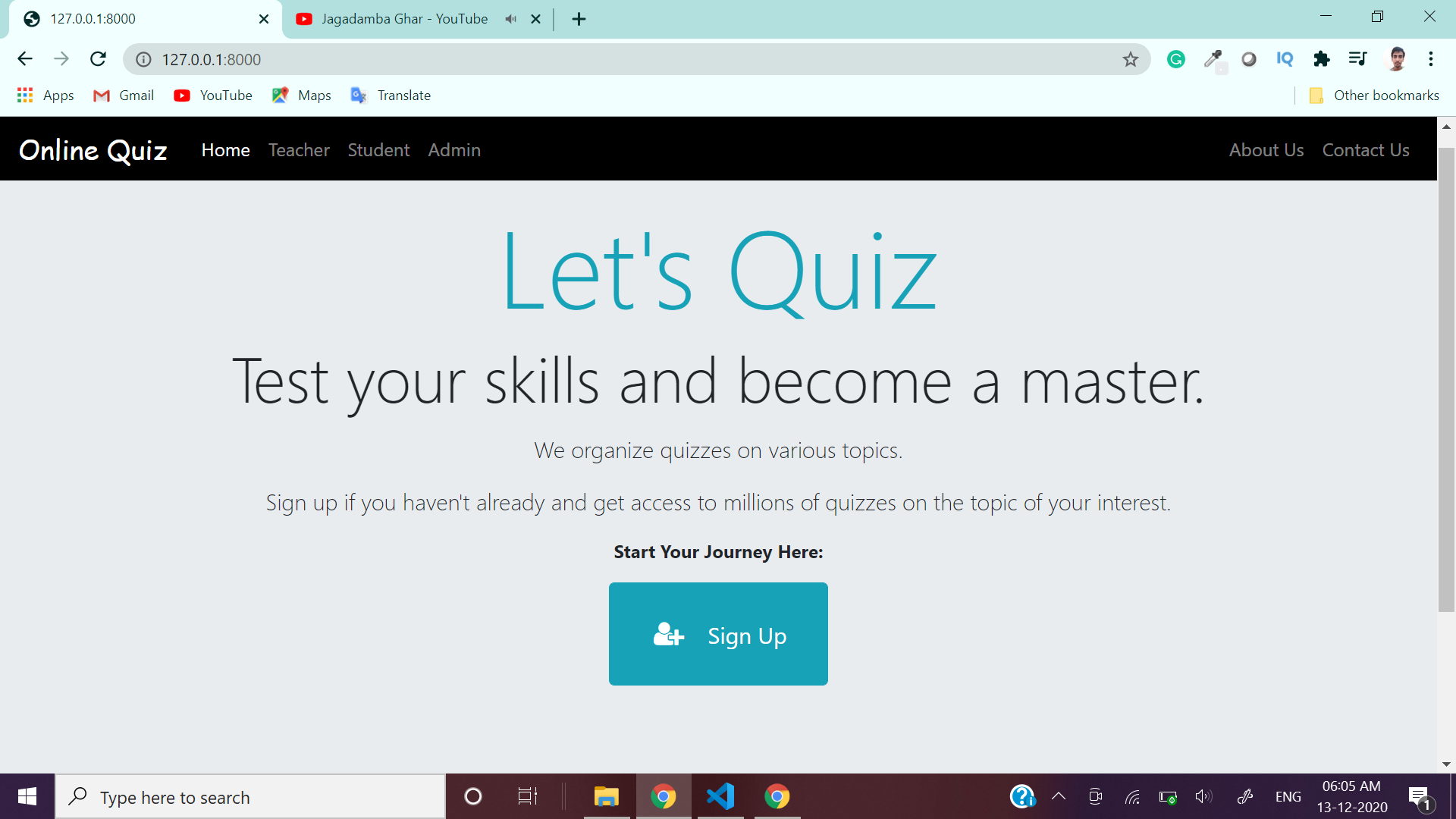
Homepage
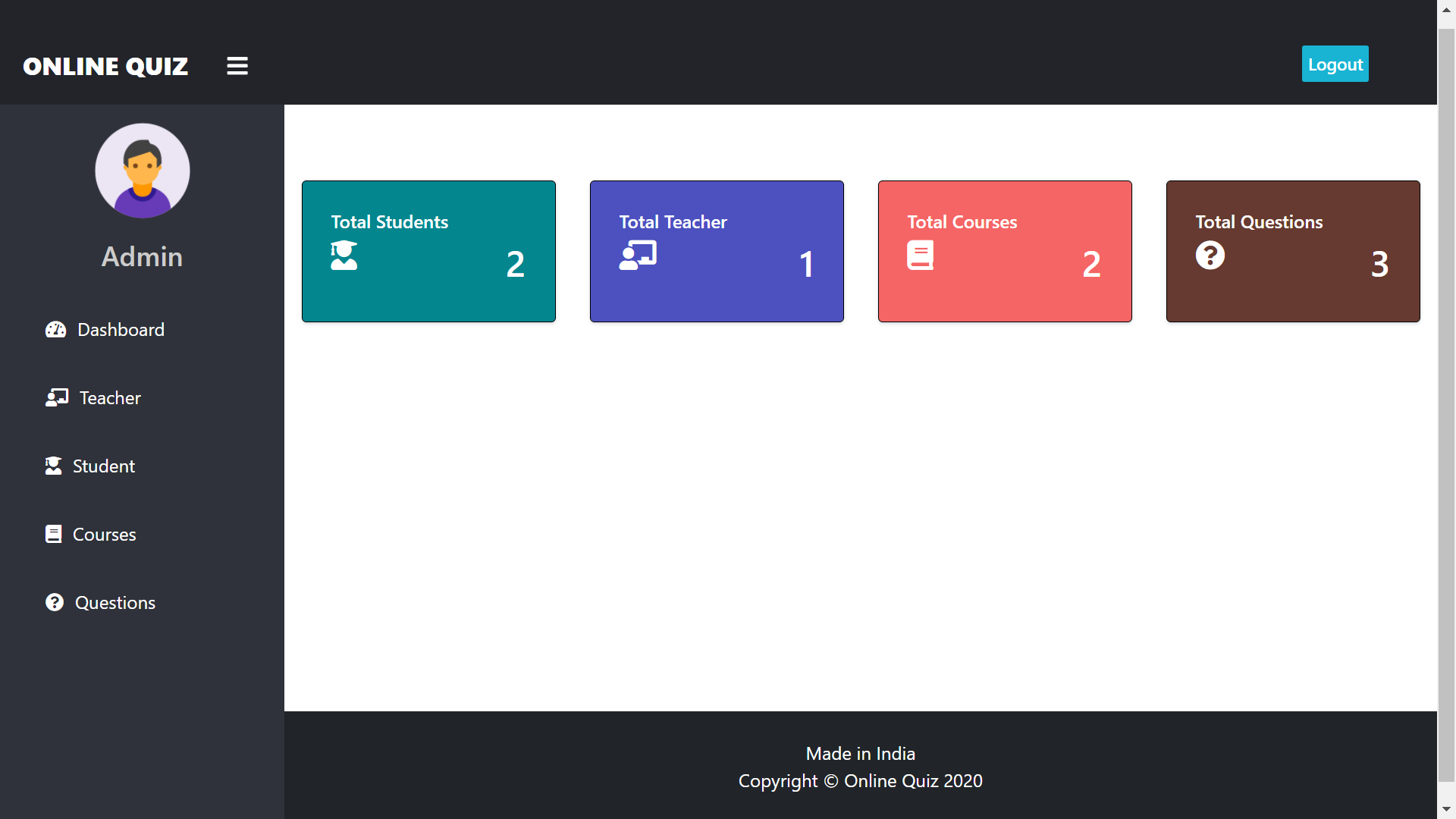
Admin Dashboard
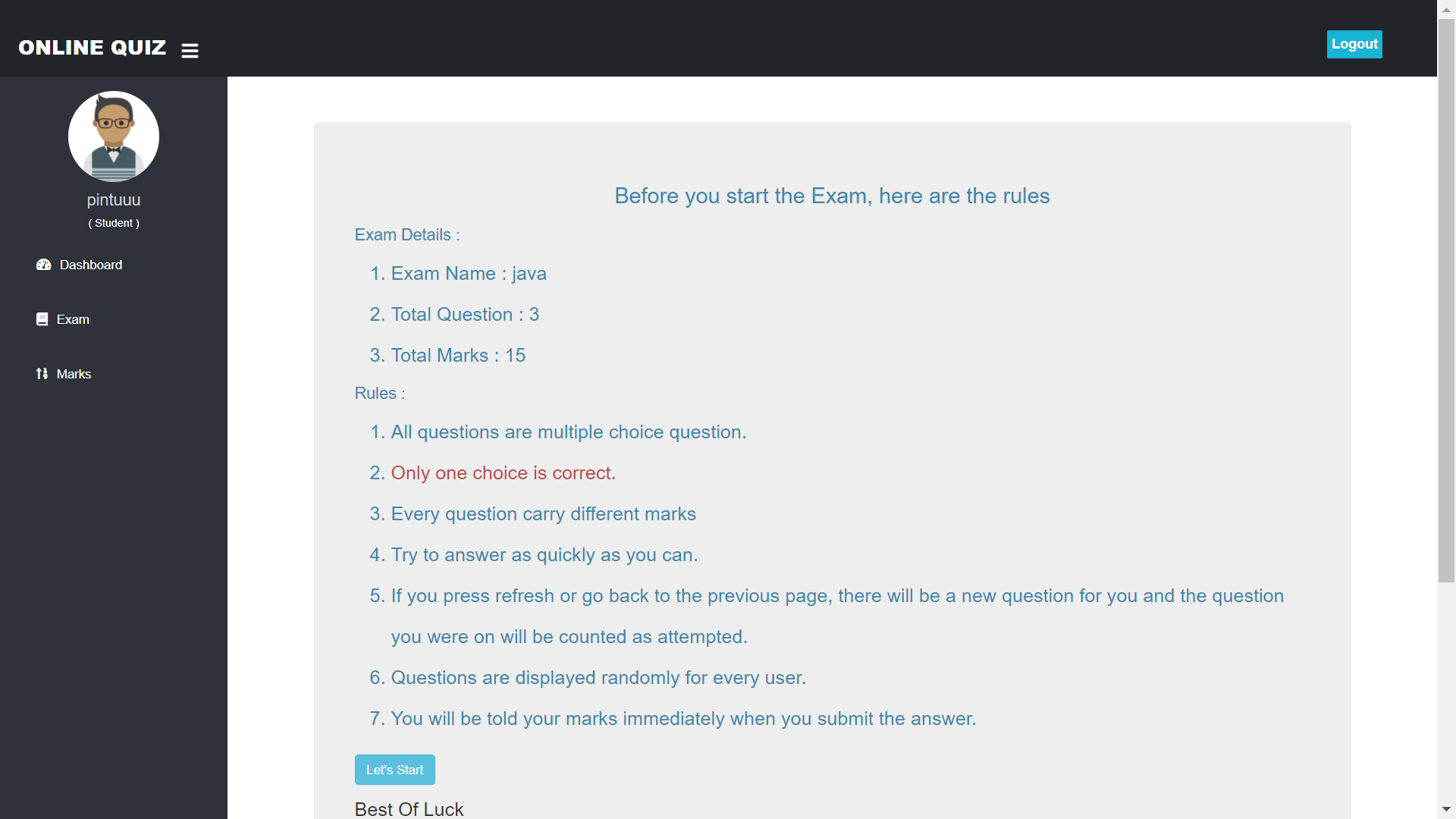
Exam Rules
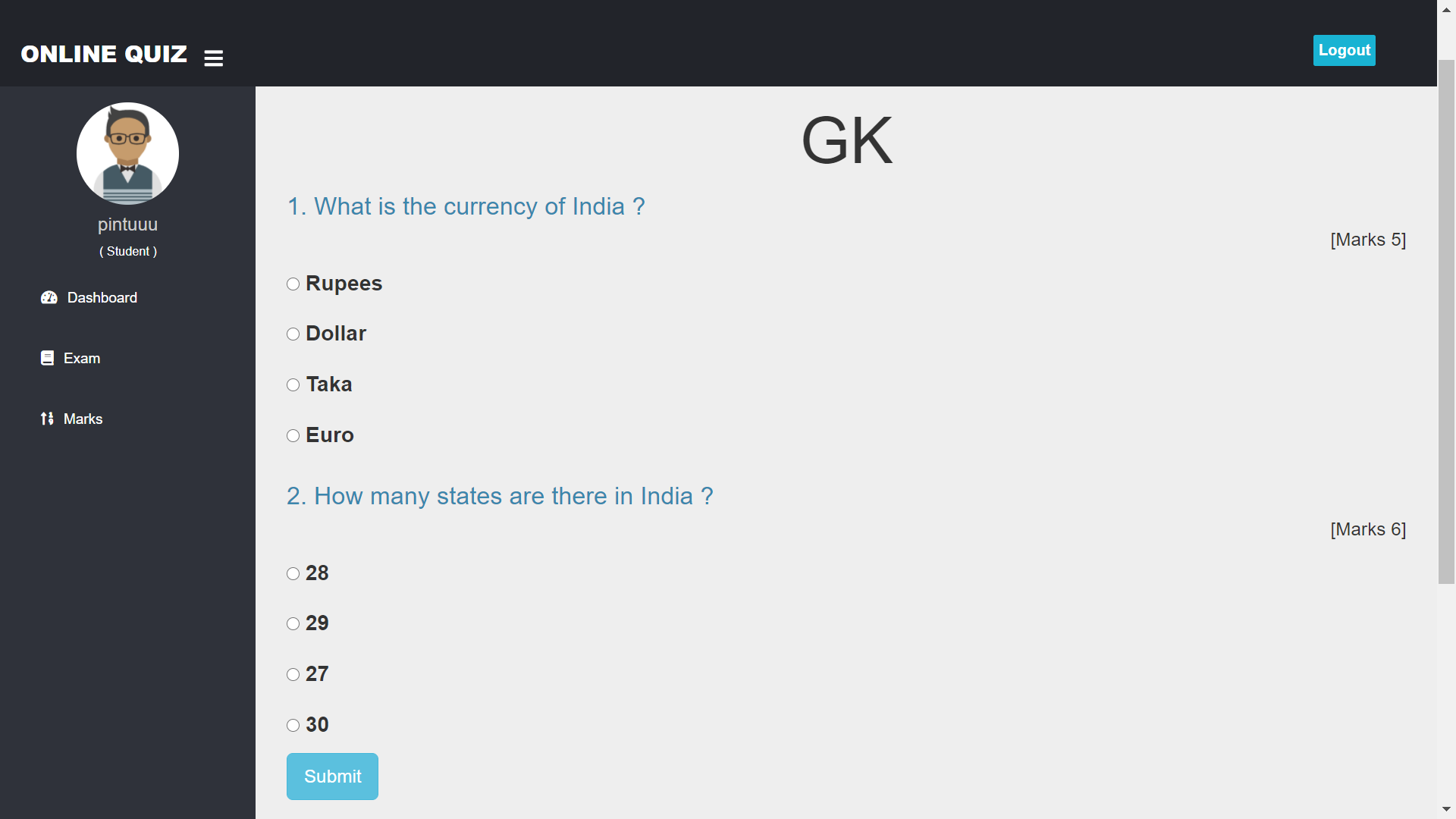
Exam
Teacher
Functions
Admin
- Create Admin account using command
py manage.py createsuperuser
- After Login, can see Total Number Of Student, Teacher, Course, Questions are there in system on Dashboard.
- Can View, Update, Delete, Approve Teacher.
- Can View, Update, Delete Student.
- Can Also See Student Marks.
- Can Add, View, Delete Course/Exams.
- Can Add Questions To Respective Courses With Options, Correct Answer, And Marks.
- Can View And Delete Questions Too.
Teacher
- Apply for job in System. Then Login (Approval required by system admin, Then only teacher can login).
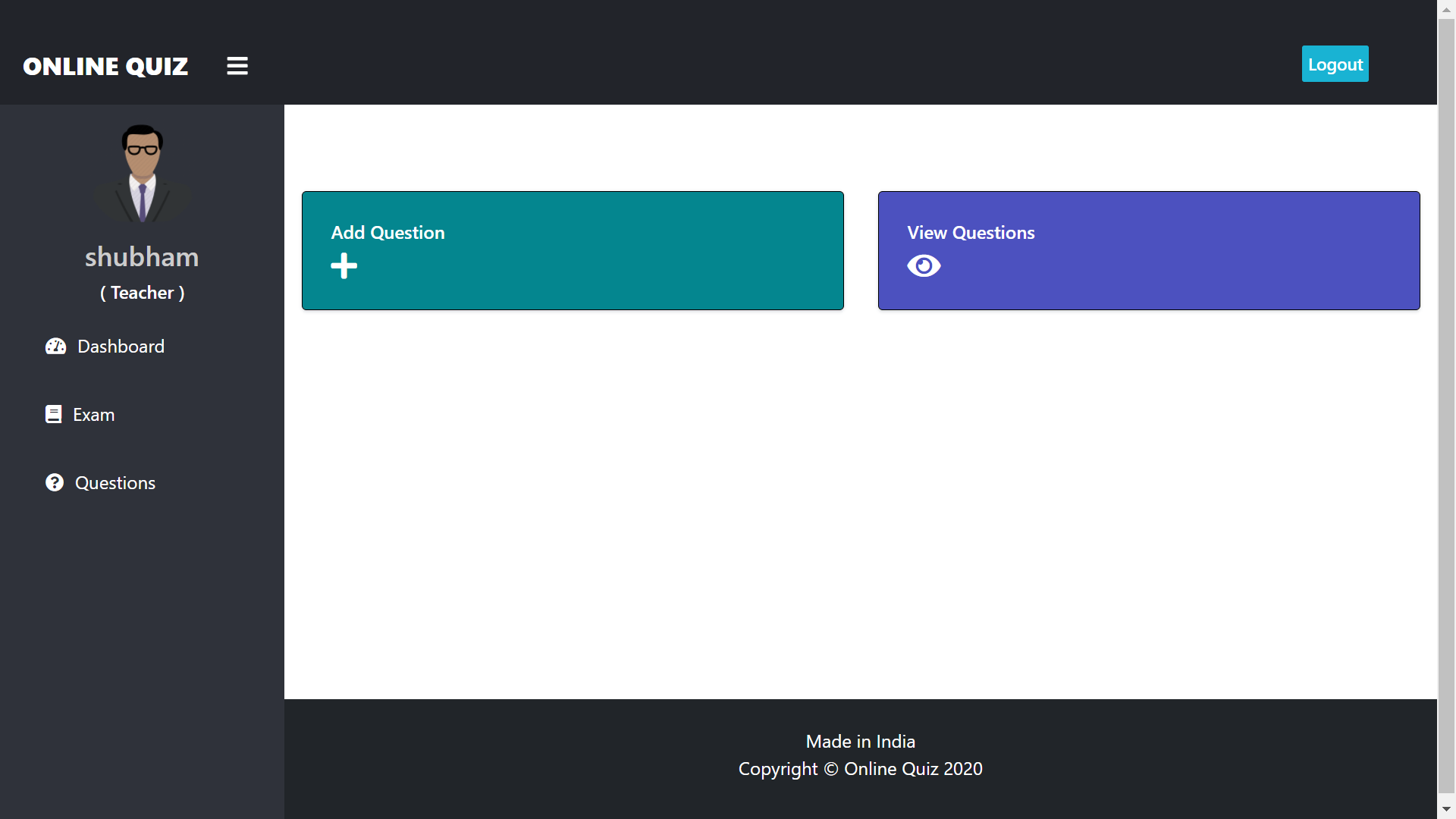
- After Login, can see Total Number Of Student, Course, Questions are there in system on Dashboard.
- Can Add, View, Delete Course/Exams.
- Can Add Questions To Respective Courses With Options, Correct Answer, And Marks.
- Can View And Delete Questions Too.
NOTE: Basically Admin Will Hire Teachers To Manage Courses and Questions.
Student
- Create account (No Approval Required By Admin, Can Login After Signup)
- After Login, Can See How Many Courses/Exam And Questions Are There In System On Dashboard.
- Can Give Exam Any Time, There Is No Limit On Number Of Attempt.
- Can View Marks Of Each Attempt Of Each Exam.
- Question Pattern Is MCQ With 4 Options And 1 Correct Answer.
HOW TO RUN THIS PROJECT
- Install Python(3.7.6) (Dont Forget to Tick Add to Path while installing Python)
- Open Terminal and Execute Following Commands :
python -m pip install -r requirements. txt
- Download This Project Zip Folder and Extract it
- Move to project folder in Terminal. Then run following Commands :
py manage.py makemigrations
py manage.py migrate
py manage.py runserver
- Now enter following URL in Your Browser Installed On Your Pc
http://127.0.0.1:8000/
CHANGES REQUIRED FOR CONTACT US PAGE
- In settins.py file, You have to give your email and password
EMAIL_HOST_USER = '[email protected]'
EMAIL_HOST_PASSWORD = 'your email password'
EMAIL_RECEIVING_USER = '[email protected]'
Drawbacks/LoopHoles
- Admin/Teacher can add any number of questions to any course, But while adding course, admin provide question number.
Feedback
Any suggestion and feedback is welcome. You can message me on facebook