
OOPS
Kubernetes Is All You Need

OOPS is a Kubernetes PaaS where humans and AI Agents are equal first-class operators. Deploy applications, manage multiple clusters, run sandboxed commands, and configure domains — all from a clean web UI, or driven programmatically through the bundled OOPS CLI Skill.
Why OOPS?
KubeSphere, Rainbond, and ArgoCD each solve a real slice of the Kubernetes problem — and each one assumes a human is the only operator. OOPS keeps the human experience intact and lets Agents drive the same platform through the same surface:
| Project | Built for | How OOPS differs |
|---|---|---|
| KubeSphere | Platform teams building enterprise IDPs through plug-in ecosystems | Small, focused surface — same actions usable from UI or API, no plug-in framework to navigate |
| Rainbond | Developers who don't want to learn Kubernetes | Same simplicity for developers, plus a programmatic surface so Agents can drive the platform too |
| ArgoCD | GitOps pipelines reconciling Git → cluster | Humans or Agents can deploy directly from a code archive — Git is supported but not required |
Features
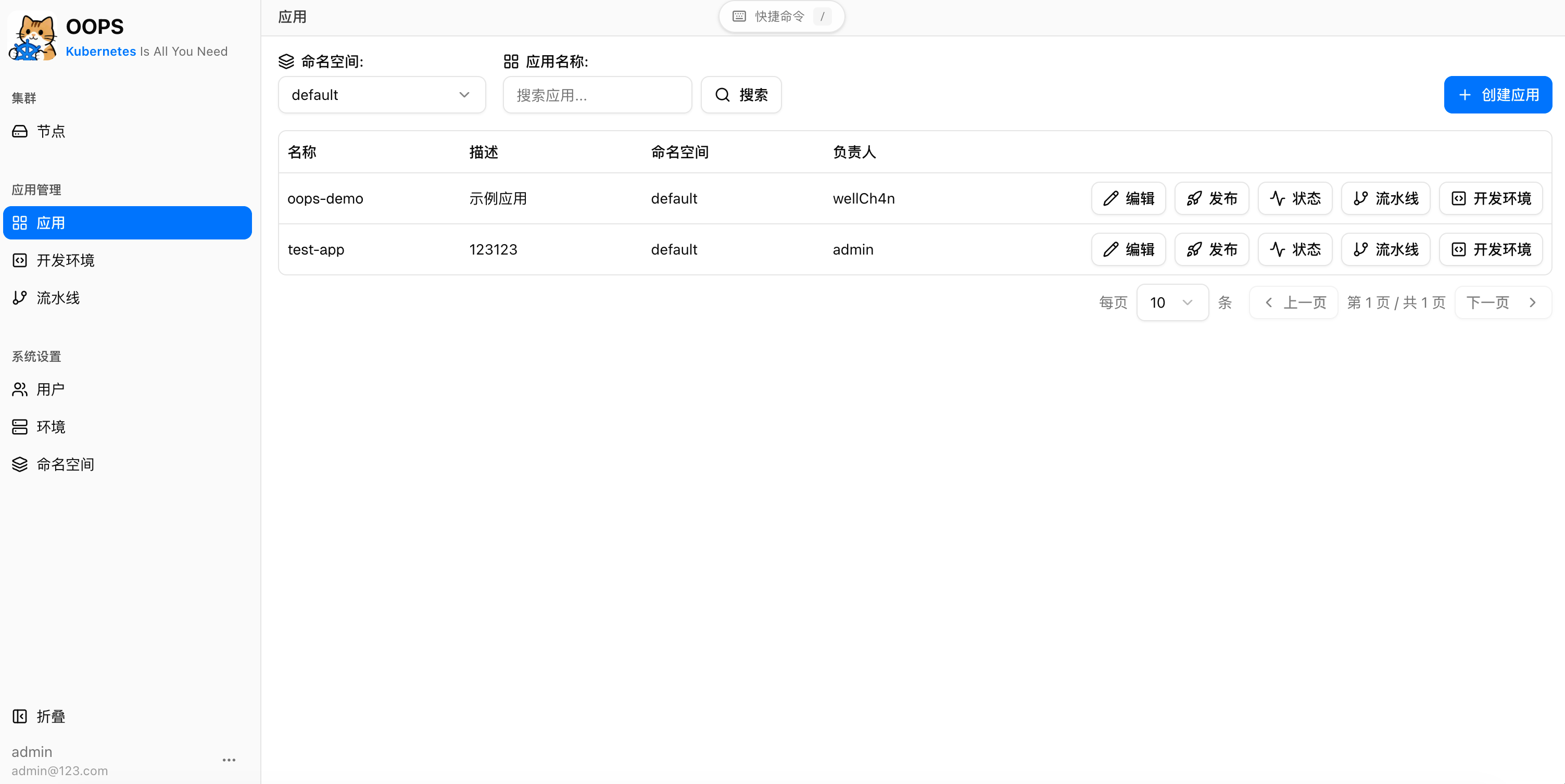
Deploy any app
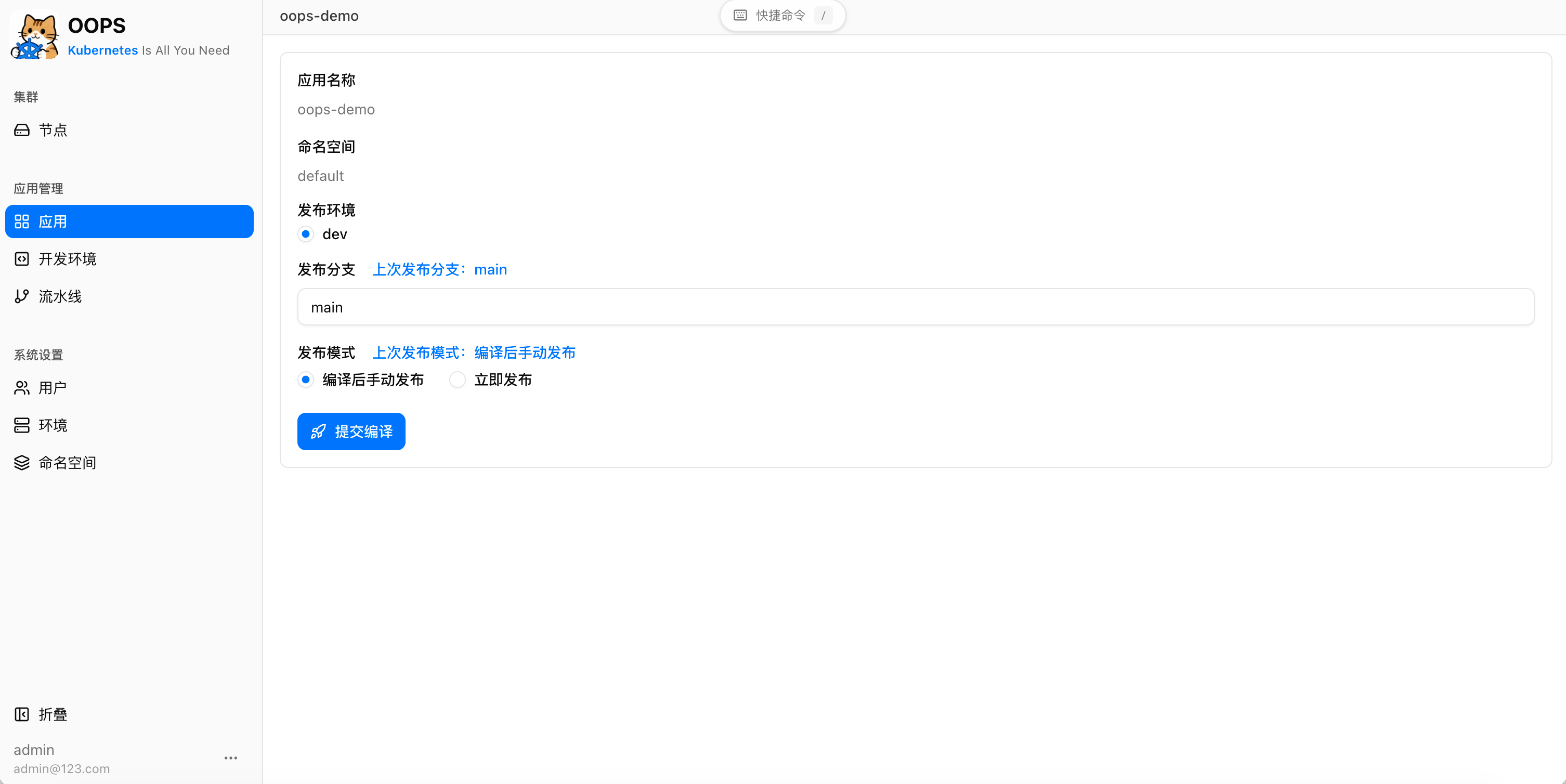
Push code or upload a ZIP, choose a repository Dockerfile or inline one, and OOPS builds the image and rolls it out to your Kubernetes cluster with build logs streaming in real time. Roll back to any previous successful build in one click — it reuses the existing image and skips the build entirely.
Tune every deployment
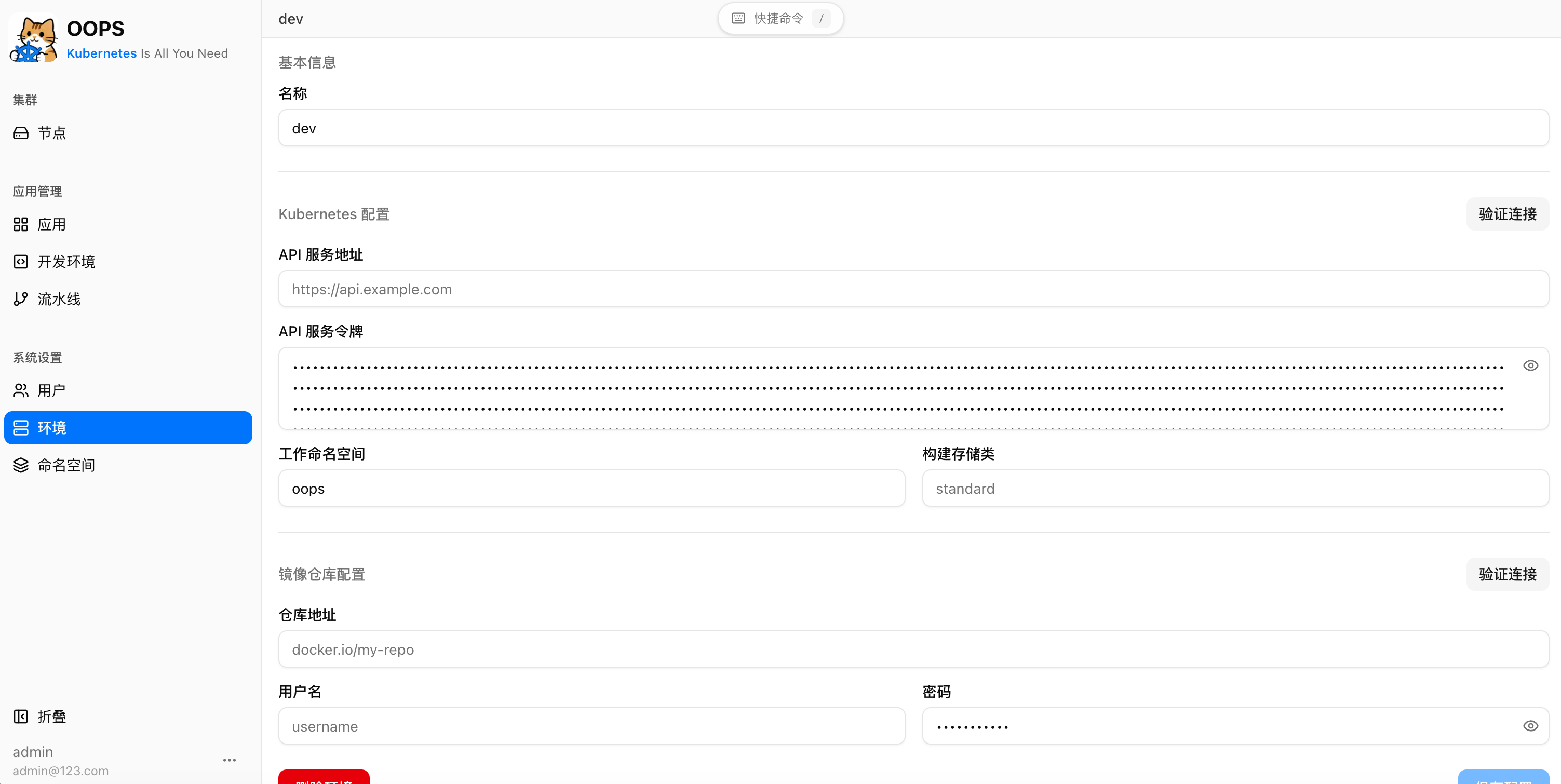
Set CPU and memory requests and limits, replica count, and liveness/readiness probes per environment, and inject configuration through ConfigMaps and environment variables — without hand-writing YAML.
Multi-cluster management
Connect any number of clusters and manage them side by side from a single console — switch deployment targets without leaving the UI.
Teams and access control
Invite multiple users with ADMIN or USER roles. Every application has an owner who can share access with collaborators, while destructive actions stay restricted to owners and admins.
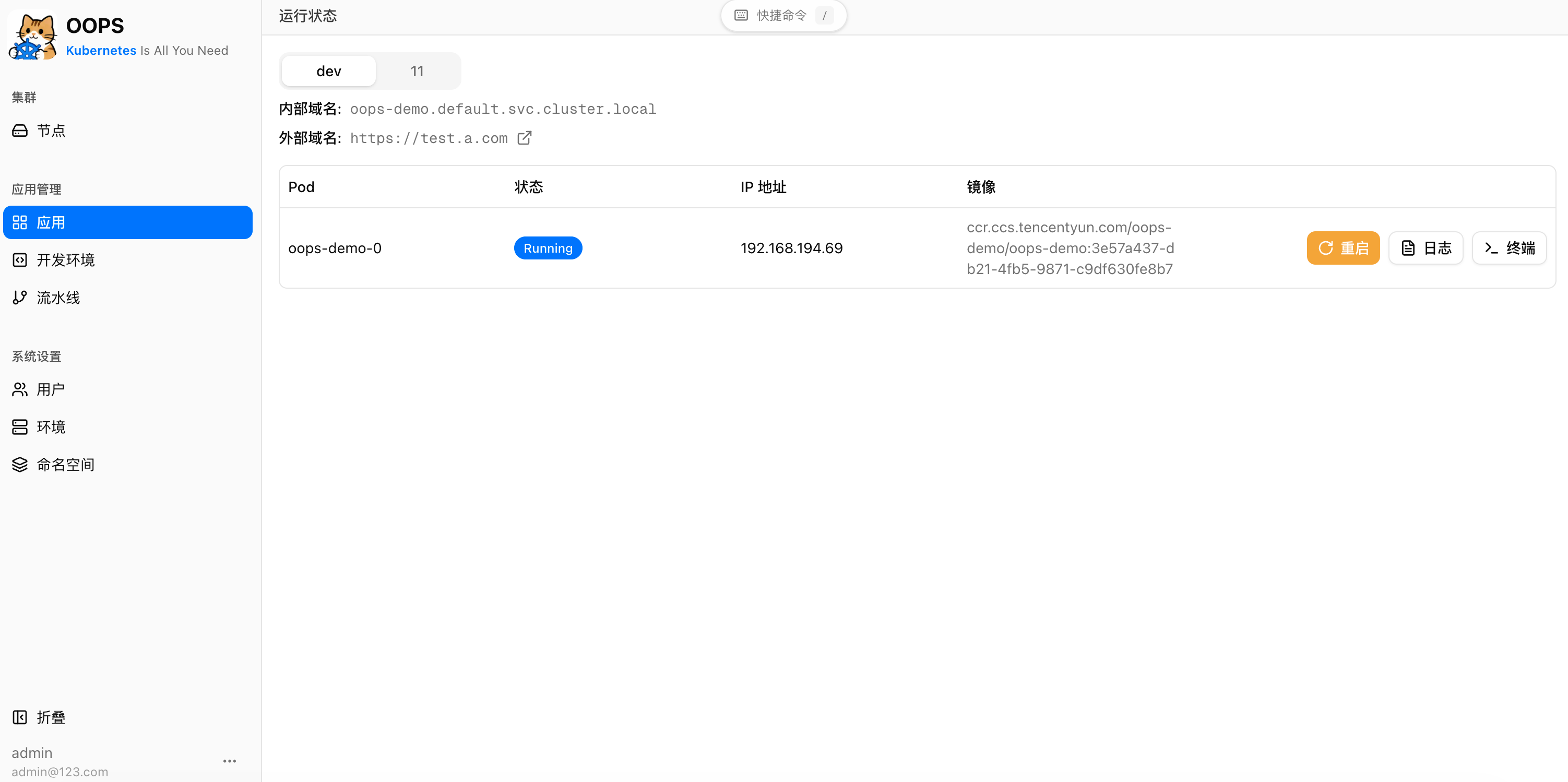
Watch what's running
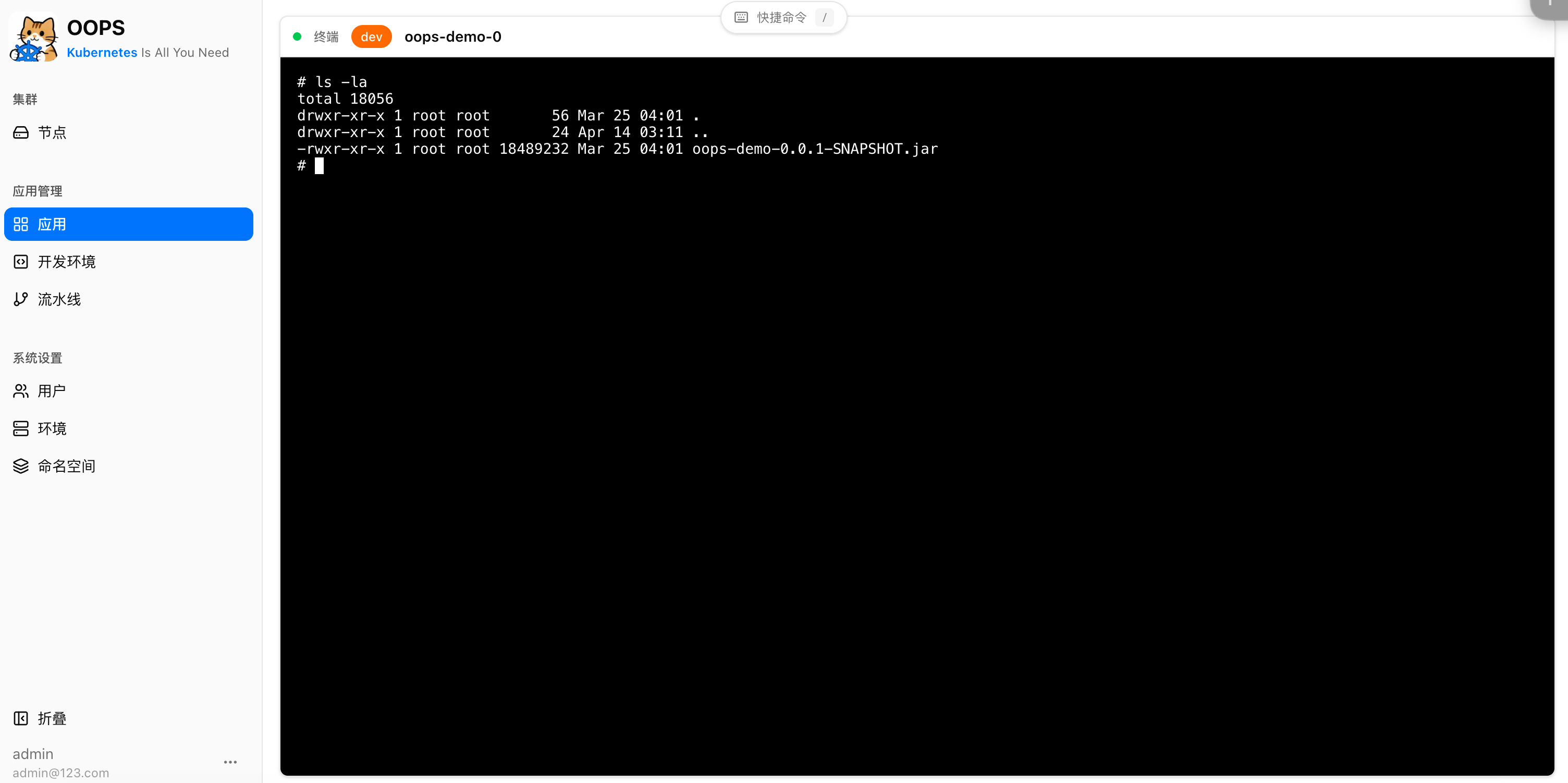
Live logs, in-browser terminal, editable pod files, Kubernetes events, cluster nodes, and rollout status at a glance.
Pipeline notifications
Get build and deploy status pushed straight to chat — created, build succeeded, deploying, succeeded, failed, or stopped. Delivered to Feishu (Lark) today.
A sandbox built for Agents
Agent-grade sandbox capability built in (similar to OpenSandbox) — give your Agent an isolated workspace to run commands, install tools, edit files, or debug. Use one-shot streamed executions or long-lived sandbox instances with a browser terminal.
Programmatic OpenAPI
Use per-user access tokens with the /openapi/** surface, or let an Agent drive the repo-vendored Python CLI in skills/oops. The same deployment workflow is available from the UI and automation.
IDEs and static assets
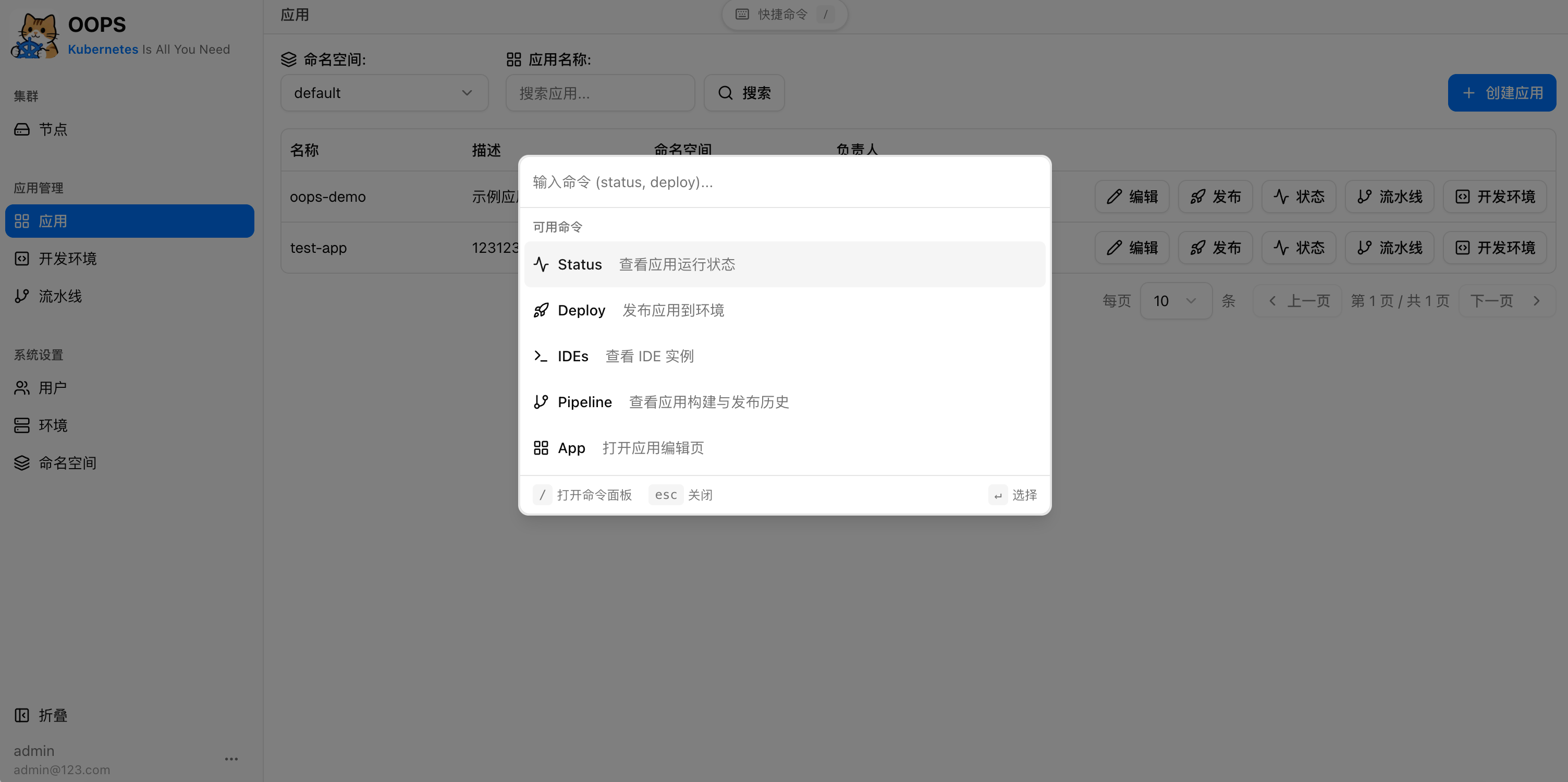
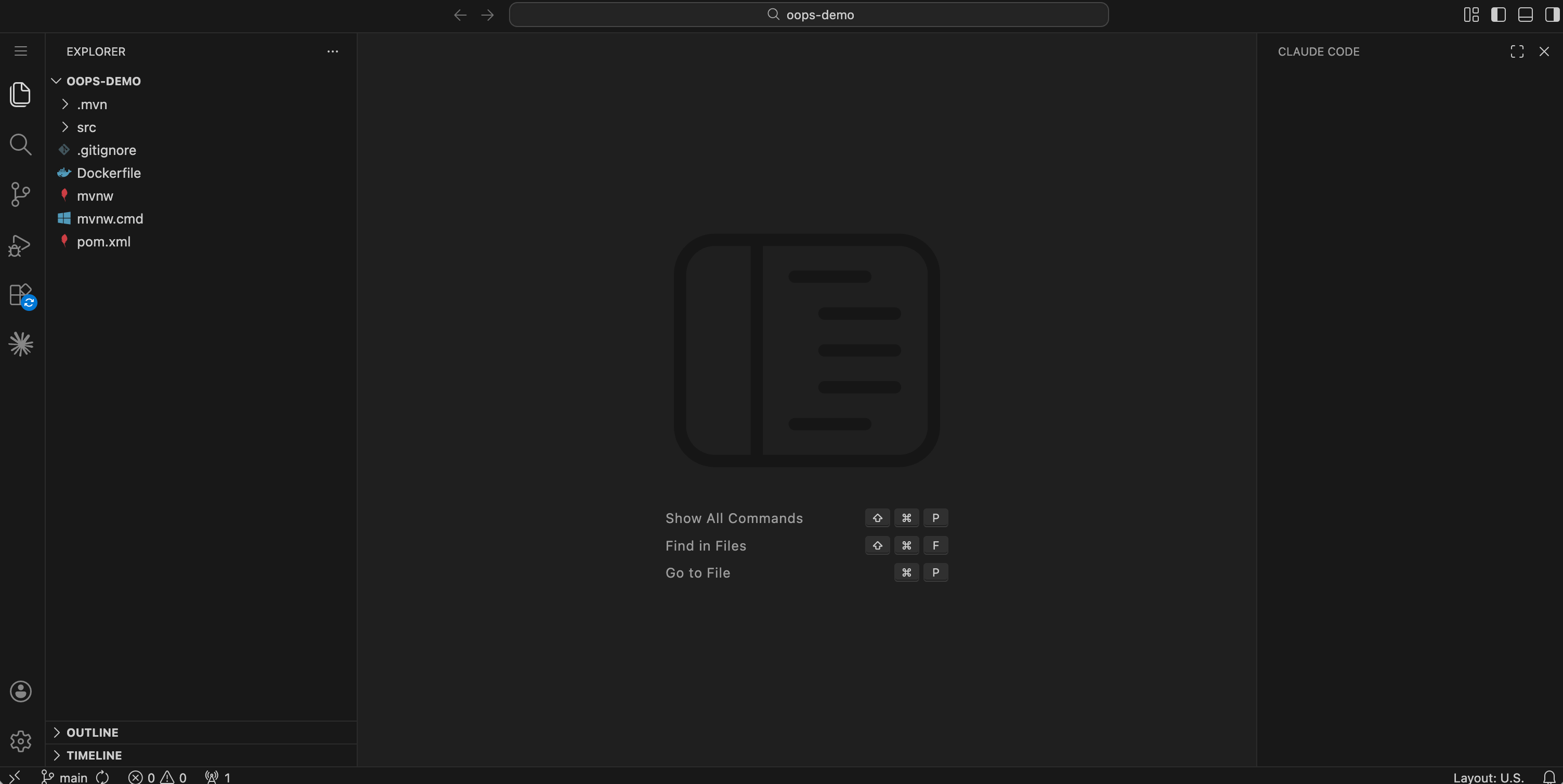
Launch optional code-server IDE instances for applications, and manage object-storage-backed static assets from the UI.
Multi-domain management
Manage multiple domains from a single console. Configure automatic HTTPS via certificate resolvers or upload your own TLS certificates; wildcard domains are supported.
Requirements
| Component | Required | Purpose |
|---|---|---|
| Kubernetes cluster (1.22+) | Yes | Runtime for applications, pipelines, and IDEs |
| MySQL 8.x | Yes | Persistence for OOPS metadata |
| Container image registry | Yes | Pipeline image push / pull |
| Traefik v3 | No | Ingress and HTTPS routing |
| S3-compatible object storage | No | ZIP source uploads and static assets |
Quick Start
cp docker/application.yml.example docker/application.yml
# edit docker/application.yml — change secrets, datasource, and any optional features
Docker Compose (prebuilt images)
Pulls ghcr.io/wellch4n/oops-backend:latest and ghcr.io/wellch4n/oops-frontend:latest from GitHub Container Registry.
docker compose -f docker/docker-compose.yml up -d
Then open http://localhost:8080 and sign in with admin / admin123.
Docker Compose (build from source)
Build images locally instead of pulling from GHCR.
Bundled MySQL:
docker compose -f docker/docker-compose.build.yml up -d --build
Existing MySQL — edit the spring.datasource section in docker/application.yml first:
docker compose -f docker/docker-compose.local.yml up -d --build
Run from source
# Backend
cp config/application.yml.example config/application.yml
./mvnw spring-boot:run

# Frontend
cd web && pnpm install && pnpm dev
Default admin credentials: admin / admin123 (override oops.admin.password in application.yml).
How it works
Application Build & Deploy Pipeline
flowchart TD
    Start([User triggers deploy]) --> Src{Source}
    Src -->|GIT| Clone["① Clone<br/>git clone"]
    Src -->|ZIP| Upload["Upload ZIP<br/>(presigned S3 URL)"]
    Upload --> CloneZ["① Clone<br/>curl from S3"]
    Clone --> Dockerfile["② Dockerfile<br/>(optional inline USER Dockerfile)"]
    CloneZ --> Dockerfile
    Dockerfile --> Build["③ Build<br/>(optional command)"]
    Build --> Push["④ Push<br/>Buildah build & push"]
    Push --> Scan{"Job result<br/>(polled 5s)"}
    Scan -->|Failed| Err([ERROR ❌])
    Scan -->|Succeeded| Mode{Deploy mode}
    Mode -->|MANUAL| Wait([BUILD_SUCCEEDED ⏸️<br/>awaits trigger])
    Mode -->|IMMEDIATE| Deploy["Apply K8s<br/>StatefulSet · Service · IngressRoute"]
    Wait --> Deploy
    Deploy --> Rollout{"Rollout health<br/>(polled 5s)"}
    Rollout -->|Ready| Ok([SUCCEEDED ✅])
    Rollout -->|Failed / timeout| Err

    style Start fill:#4CAF50,color:#fff
    style Ok fill:#4CAF50,color:#fff
    style Err fill:#f44336,color:#fff
    style Wait fill:#FF9800,color:#fff
Pipeline State Machine
stateDiagram-v2
    direction TB
    [*] --> INITIALIZED: Pipeline created
    INITIALIZED --> RUNNING: K8s Job submitted
    INITIALIZED --> DEPLOYING: Rollback skips build

    RUNNING --> BUILD_SUCCEEDED: Job succeeded<br/>(MANUAL mode)
    RUNNING --> DEPLOYING: Job succeeded<br/>(IMMEDIATE mode)
    RUNNING --> ERROR: Job failed
    RUNNING --> STOPPED: User cancels

    BUILD_SUCCEEDED --> DEPLOYING: User triggers deploy
    BUILD_SUCCEEDED --> STOPPED: User cancels

    DEPLOYING --> ROLLING_OUT: K8s resources applied
    DEPLOYING --> ERROR: Deploy failed
    DEPLOYING --> STOPPED: User cancels

    ROLLING_OUT --> SUCCEEDED: Rollout ready
    ROLLING_OUT --> ERROR: Rollout failed

    SUCCEEDED --> [*]
    ERROR --> [*]
    STOPPED --> [*]
Snapshots
License
This project is licensed under the Apache License 2.0. See the LICENSE file for details.