
openui5-app-shopping-cart
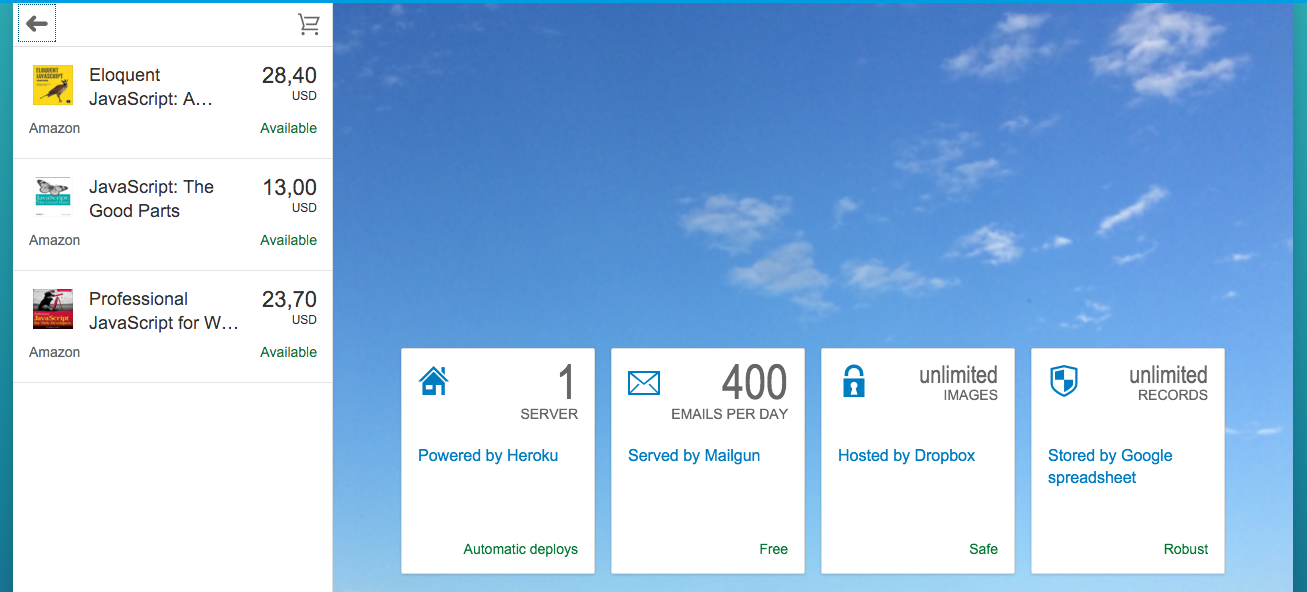
About This Project
This is one of my personal open source project built on top of the demo app comes with the sdk, a hassle-free shopping cart web application created for a senior friend of mine who runs a mamas & papas shop. This application was built with OpenUI5 framework that consumes the most robust and easy to maintain database - Google spreadsheet :) as its data source, hosted with Heroku, integrated with Mailgun. It's not really that impressive from a technical point of view, but I'm happy with it because once again, the code I wrote, the things I built made a small difference in someone's day.
Getting Started
- Replace the sSheetsUrl variable value (util/Util.js line 11) with your Google spreadsheet key, and check out this sample sheet to create your own data source.
- Replace Mailgun API key and address (app.rb line 23) with your own Mailgun account API key and address.
Deploying to Heroku
- Download the Heroku Toolbelt.
- Go to Heroku.com and register.
- Issue "heroku login" to authenticate, with the credentials from previous step. Make sure it's a git repository, by issuing "git init", and also "git add", "git commit" your files.
- Then "heroku create" to create this app on heroku. This command also adds a "heroku" remote repository that you can push to.
- To deploy, issue "git push heroku master".
- Other helpful heroku commands:
- heroku logs
- heroku logs -t
- heroku rename
- heroku restart
- heroku run console
- heroku help