
Website |
Docs |
Self-hosting |
Pitch |
Vision
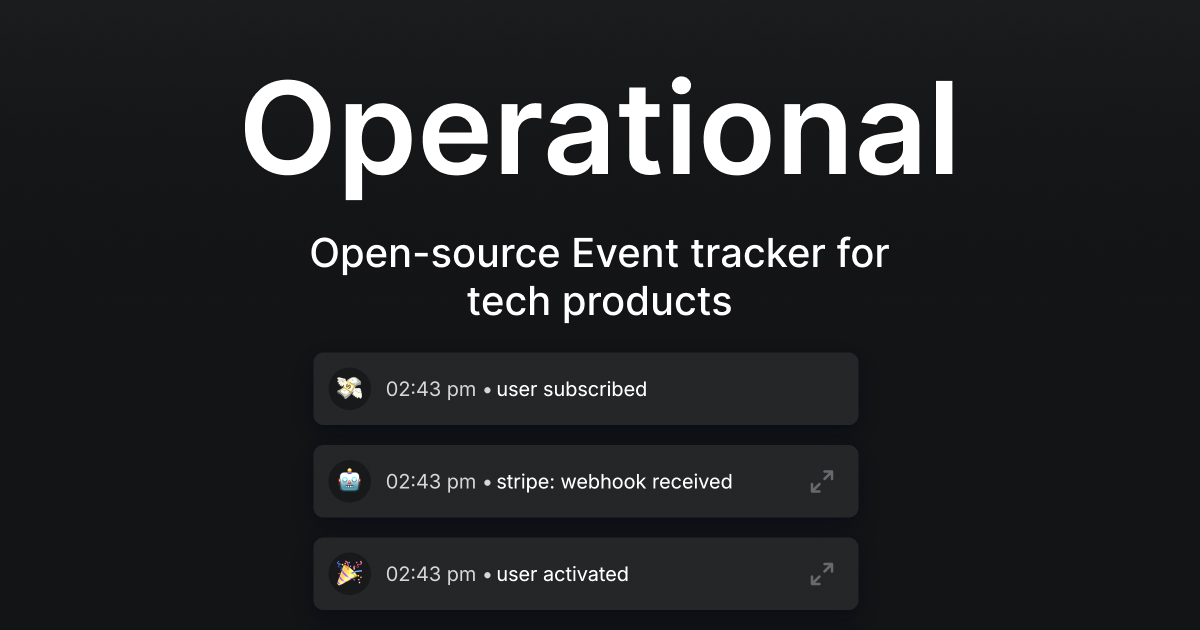
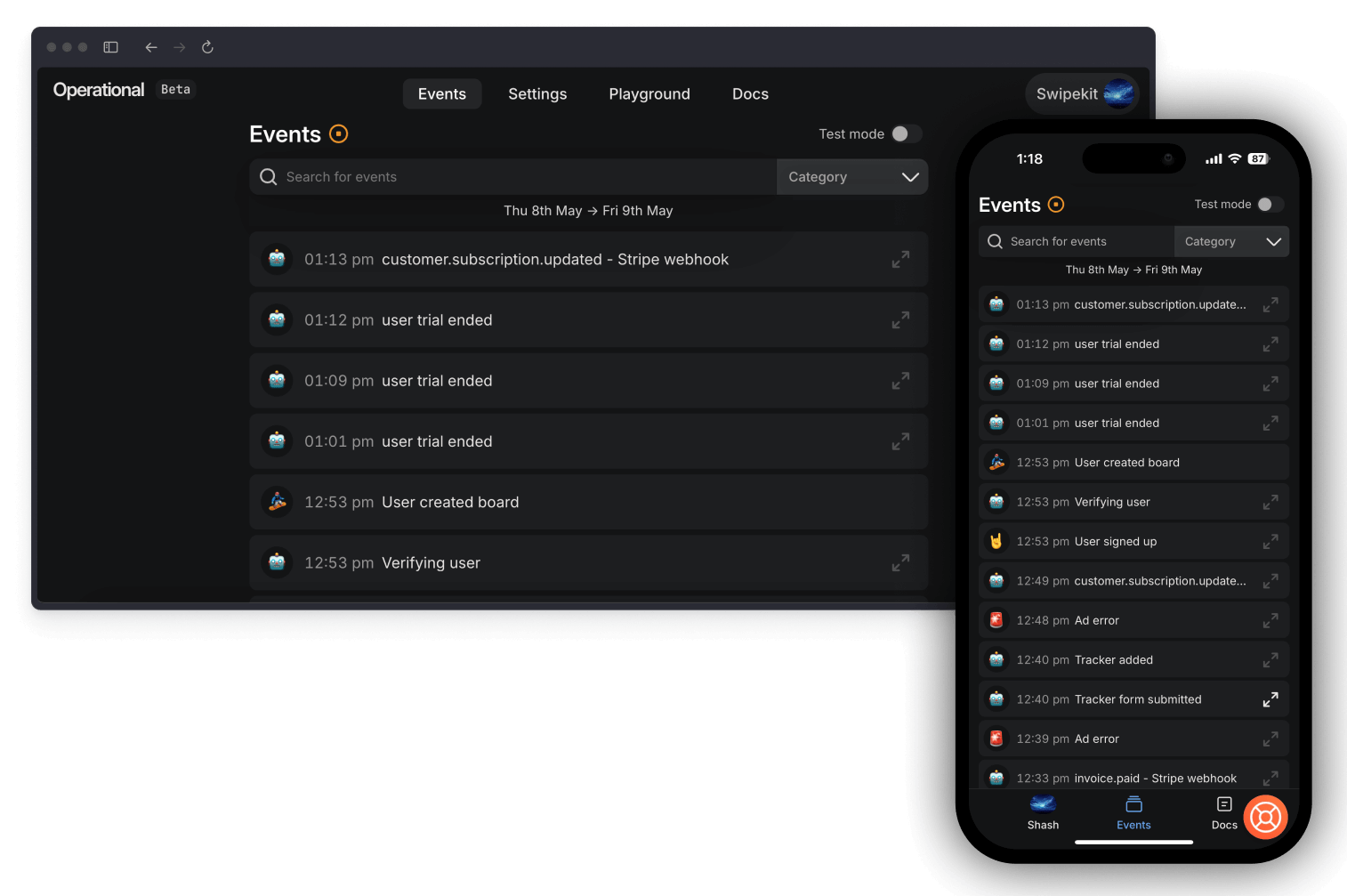
Operational.co is a open-source Event tracking tool. Monitor signups, webhooks, cronjobs and more.
Currently Swipekit Facebook ad library tool and youtubedescriptionextractor are using this in production.
🔍 View Live Demo - See Operational in action with a demo account receiving test events.
✨ Key Features
- Get push notifications for critical events straight to your phone, or on the webapp
- Monitor critical events
- Trigger webhooks via action buttons
- Understand complex events via contexts(events-in-events)
- Usable on mobile as a progressive web app(can receive push notifications on mobile too)
- Built for tech products
🚀 Getting Started
There are two ways to start using Operational:
| Option | Description |
|---|---|
| Hosted Service | Fastest way to get started |
| Self-Hosting | Deploy and manage Operational on your own VPS |
📚 Explore our documentation to learn more about setup and usage.
🪄 Highlights
- Heaps of self-hosting options, from Render.com to docker images, with video guides. We want you to self-host!
- Very few 3rd party dependencies. No need to install clickhouse in the open source version.
- Feature packed. Send json, formatted json, bundle up logs in contexts, add action buttons, and more.
- Easy to grok and tear apart - no useless dependencies, nor unnecessarily complex code.
🏡 Community
We have a active Discord community. We highly recommend jumping on our Discord server for updates, feedback and help.
⛏️ Contributing to Operational
👩🔬 Technology
Operational has a dead-simple tech stack:
- Nodejs >=18
- Mysql 8.x
- Prismajs
- Clickhouse(optional)
- Expressjs 5.x
- Vue 3
- Vite
Operational itself is a monorepo of 3 repos:
-
/app the SPA for operational.co
-
/backend the expressjs app powering the backend
-
/website astrojs marketing website
-
/packages folder has public npm packages which are shared across all repos.
Bootstrap article
Use the article bootstrap command to create a new draft blog post and its banner assets.
Required env var:
OPENROUTER_API_KEY
The command reads OPENROUTER_API_KEY from website/.env first, then falls back to your shell environment.
Examples:
npm --workspace website run bootstrap-article -- --title="My Article Title"npm --workspace website run bootstrap-article -- --slug="my-article-slug"npm --workspace website run bootstrap-article -- --title="My Article Title" --slug="my-article-slug"
What it creates:
website/src/content/blog/{slug}.mdwebsite/public/images/blog/{slug}/banner.pngwebsite/public/images/blog/{slug}/banner-og.jpg
Behavior:
- If only
titleis passed, the script slugifies it and uses that for the article slug. - If only
slugis passed, the script de-slugs it into a readable title. - If both are passed, the script keeps the provided title and slug.
- The article is created as a draft with starter content.
- The script stops without overwriting anything if the target article already exists.