

Self-hosted password manager for secure online credentials.
Written in Python/Django


[!WARNING] This project should not be considered a replacement for professionally audited password managers. If you need a production ready solution for storing sensitive passwords there are more mature and tested alternatives available.
Features
- AES-256 GCM encryption with per-user keys derived from the
master passwordandsalt - Multi-factor authentication for extra account protection
-
Create,read,updateanddeletevault items - Vault search
- Detect
weakpasswords across your vault -
Importandexportvault data in csv format - Configurable vault timeout with automatic locking
- Brute force login protection with rate limiting
- Automated discord webhook alerts for new account registrations
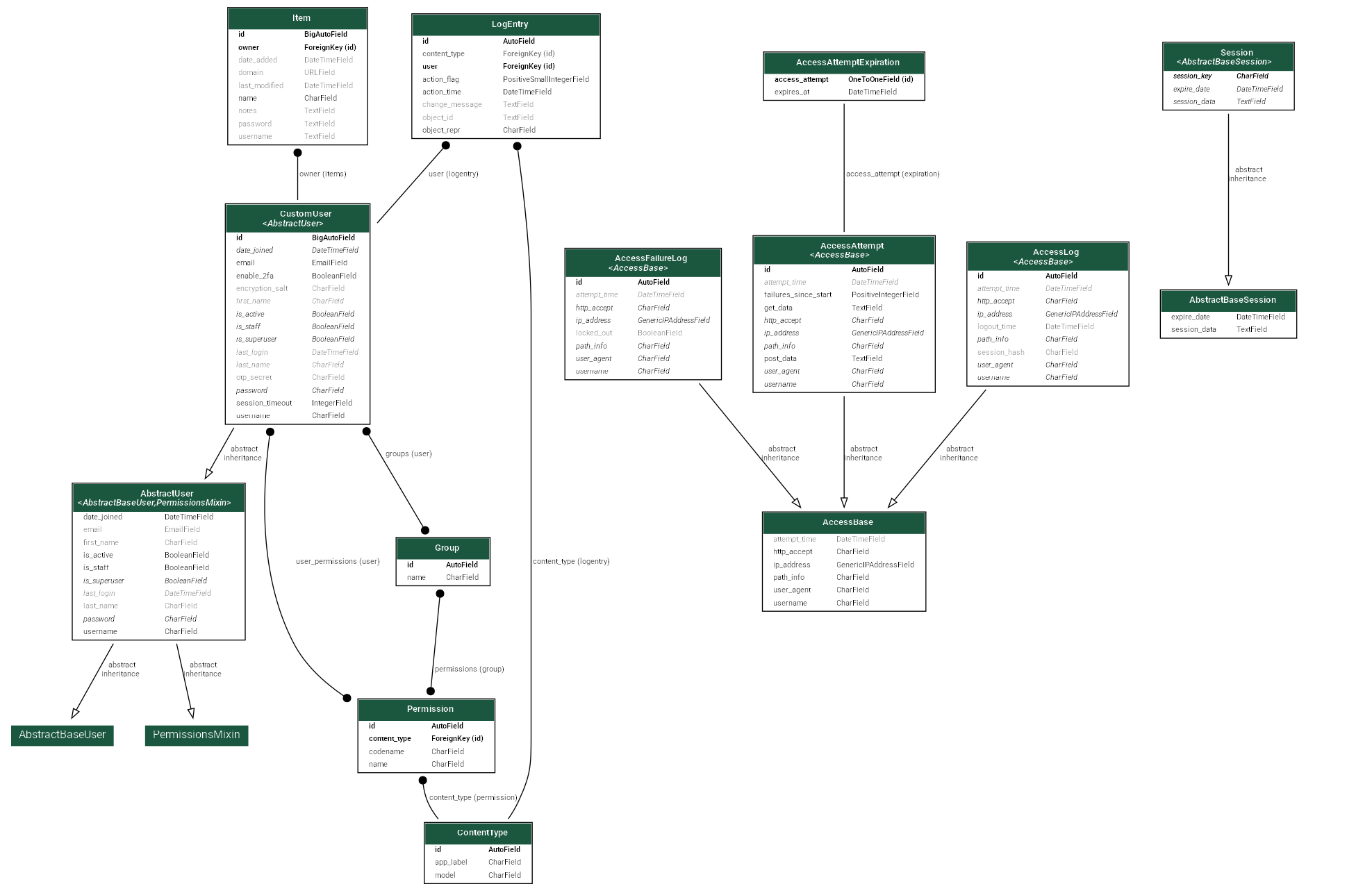
Database Schema
Usage
Local Development
First install uv and sync the project dependencies:
cd path/to/root/directory
pip install uv
uv sync
uv sync --extra dev  # for devs only
Migrate database:
uv run manage.py migrate
Run Django server:
uv run manage.py runserver
Access web application at http://127.0.0.1:8000 or http://localhost:8000.
Production Deployment (Docker)
Set up your environment variables:
cp .env.prod .env
nano .env  # modify file, instructions inside
Build and start the container in the background:
docker compose up -d --build
Access web application at http://127.0.0.1:8000 or http://localhost:8000.
Run Tests
uv run manage.py test
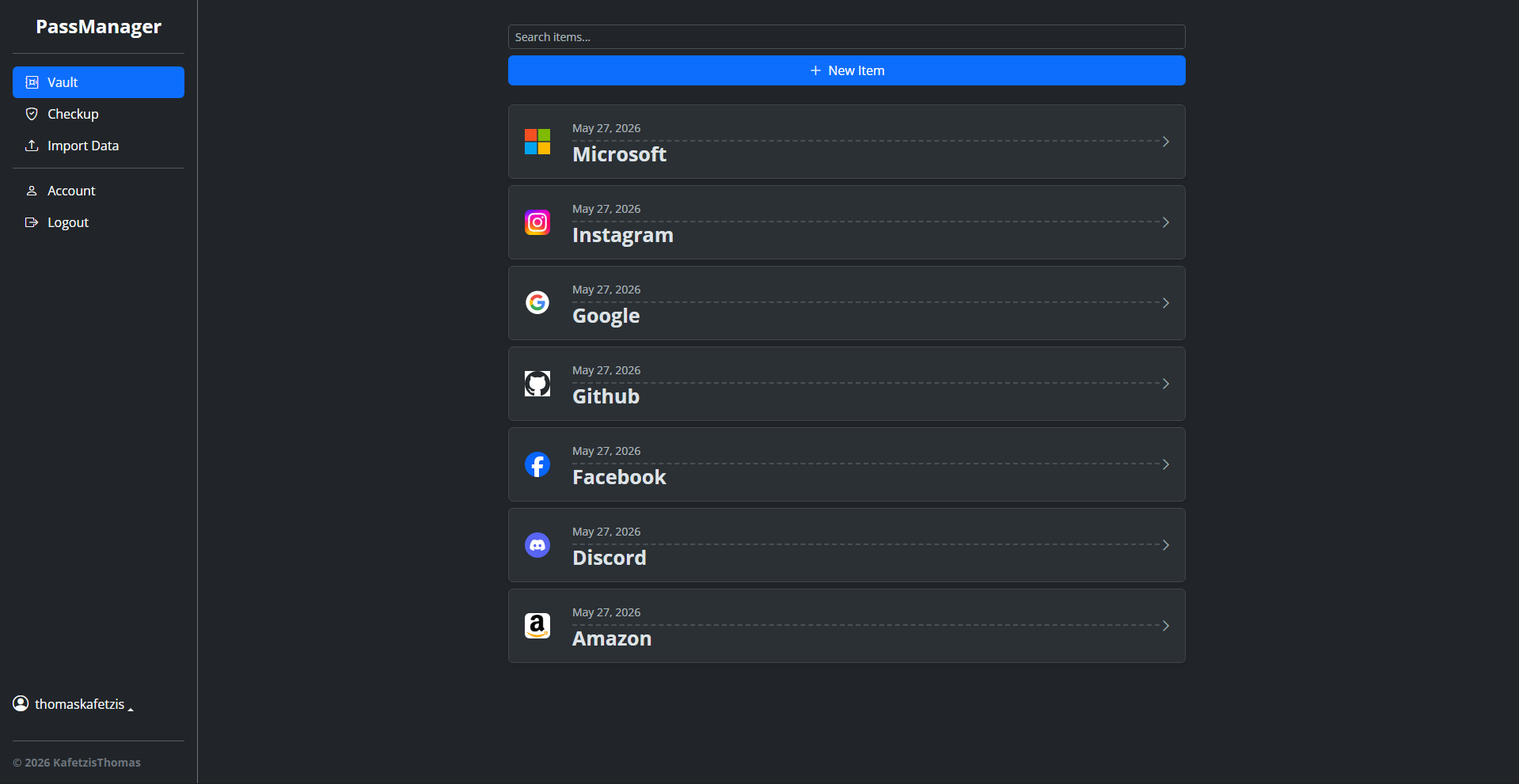
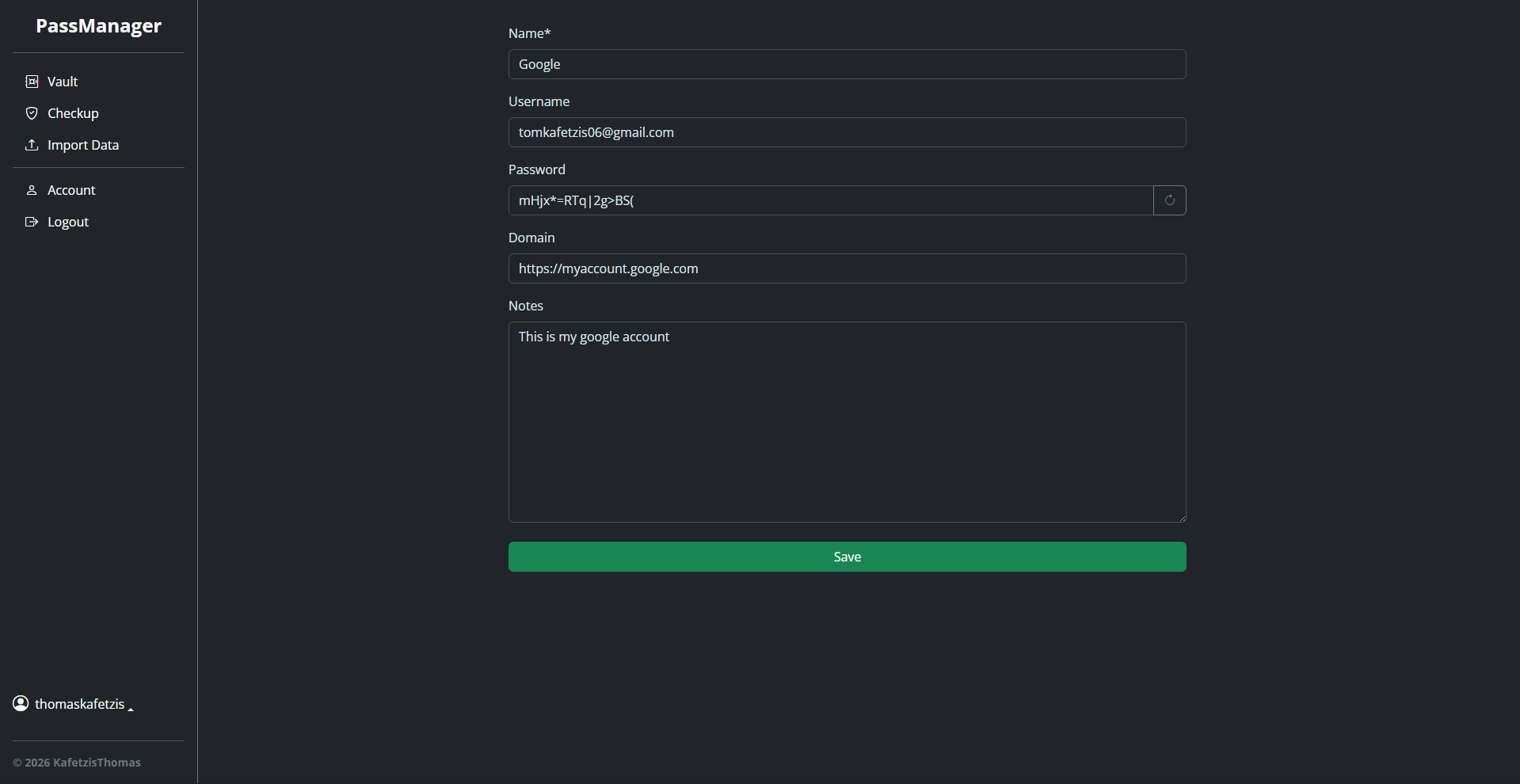
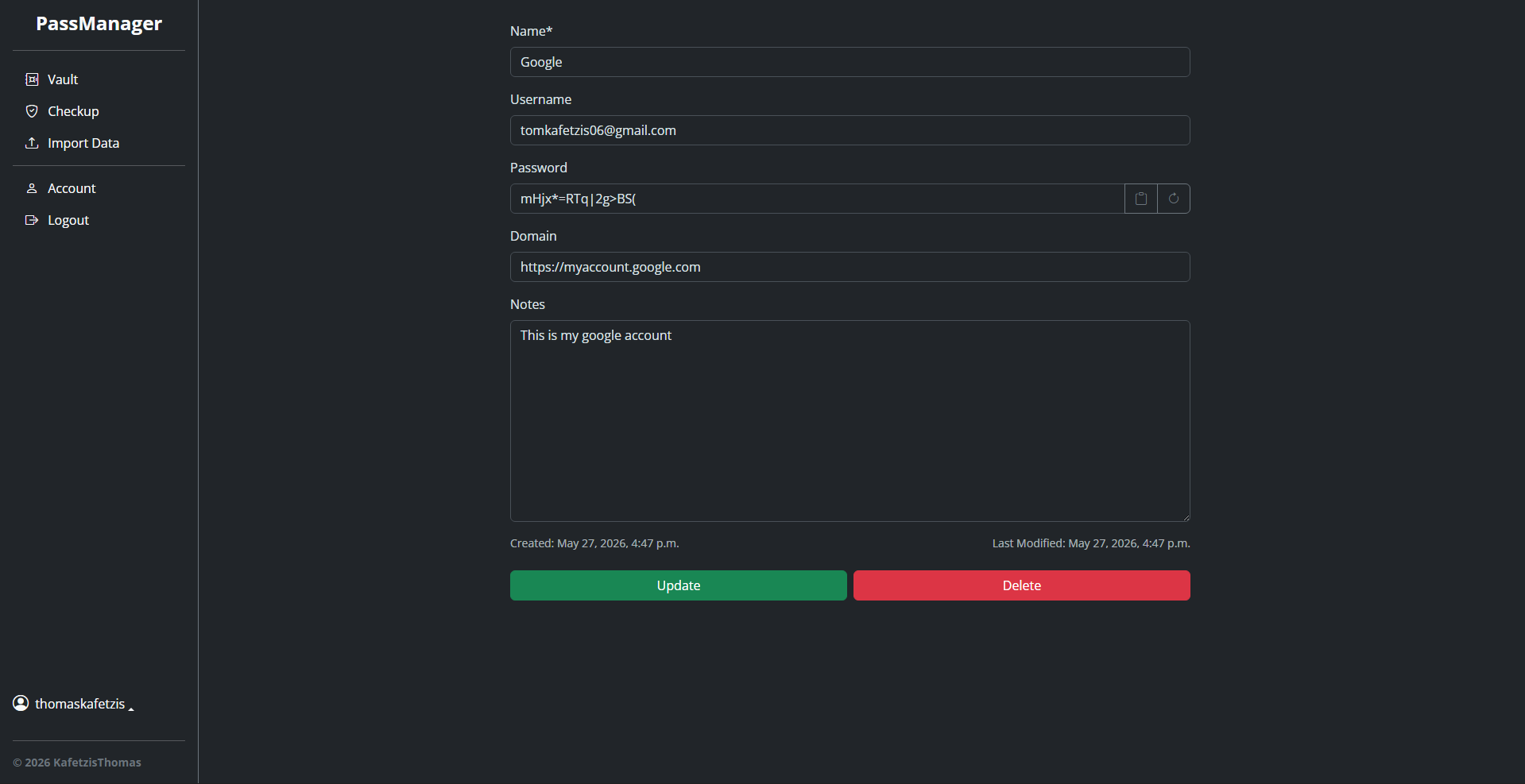
Demo Images
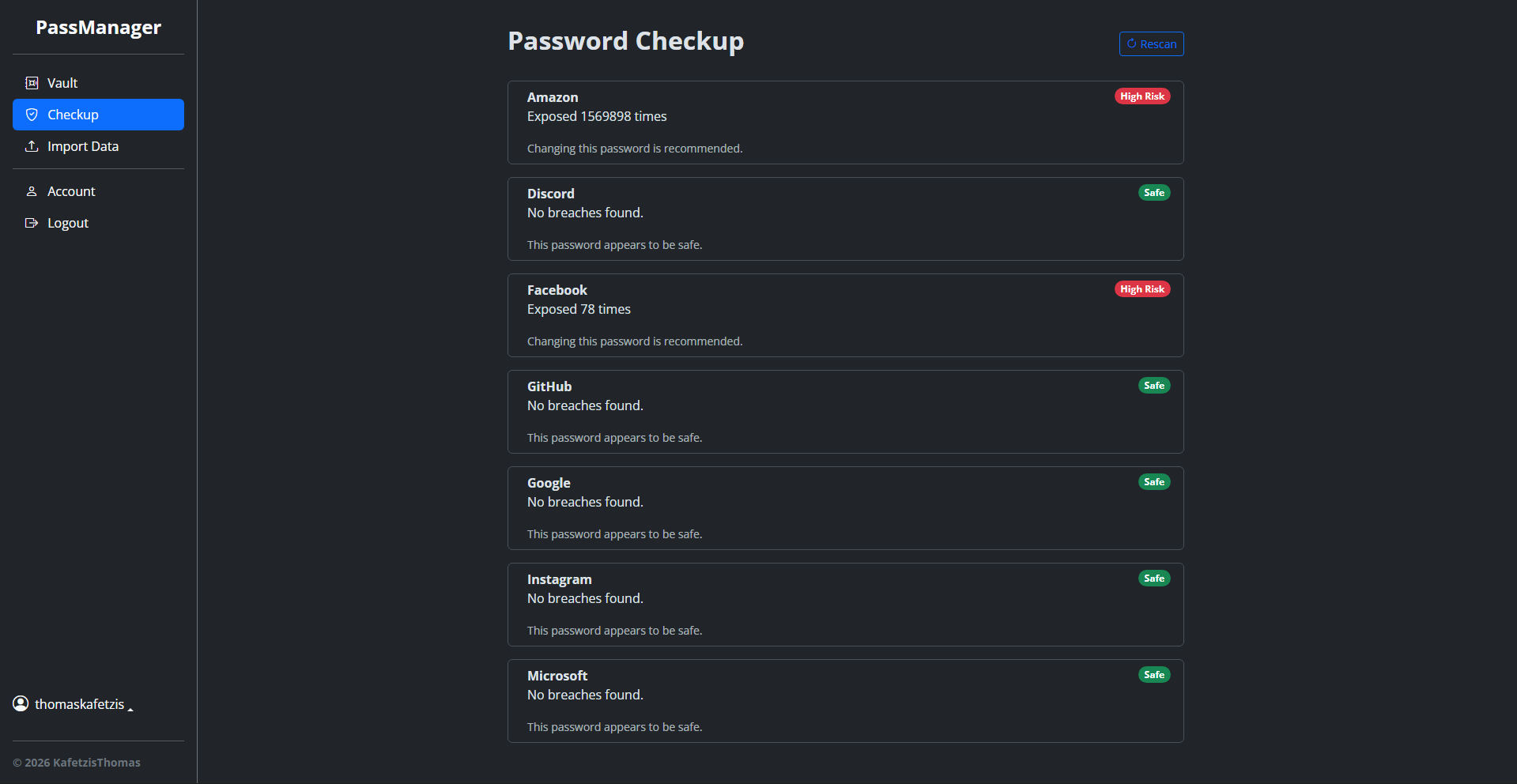
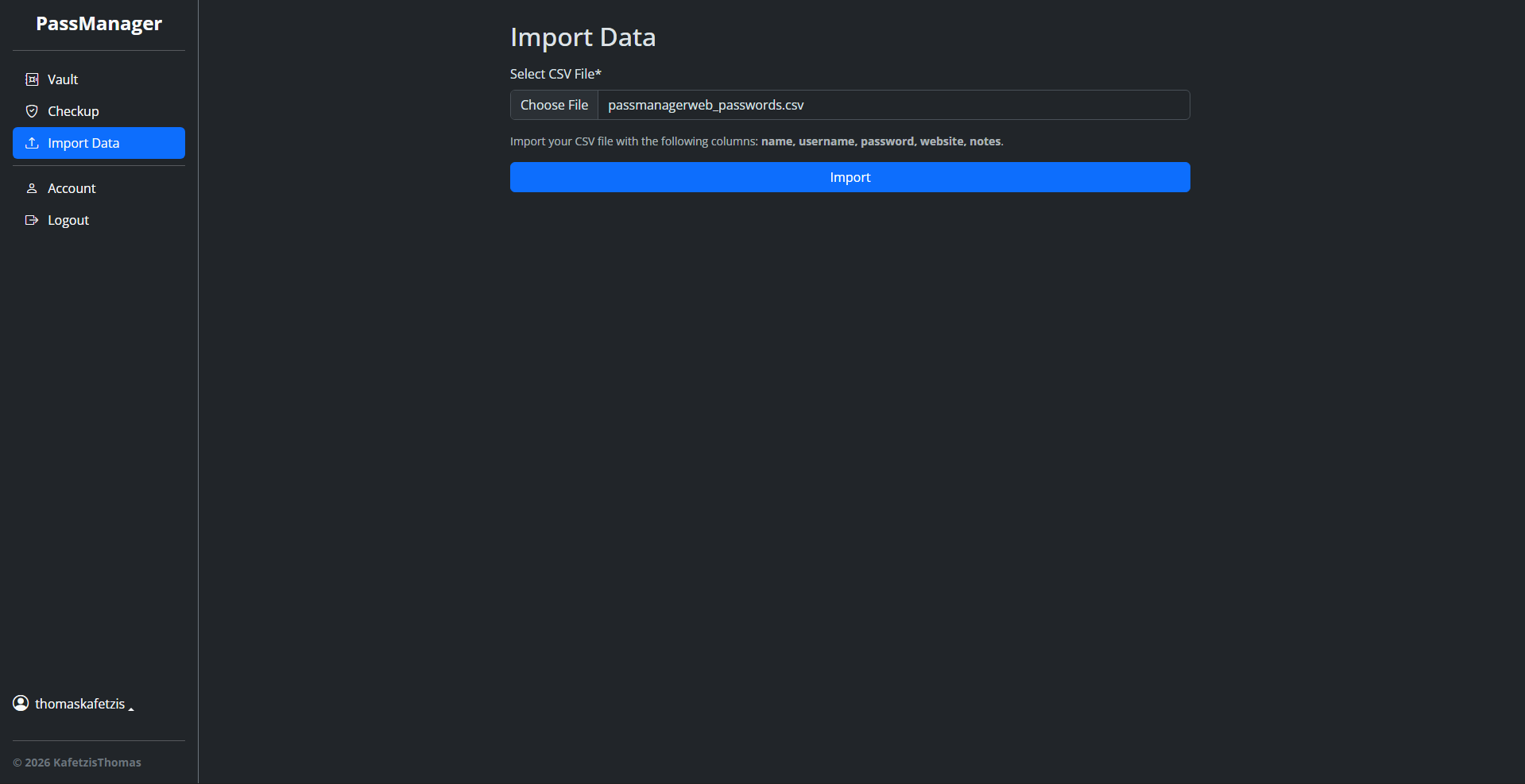
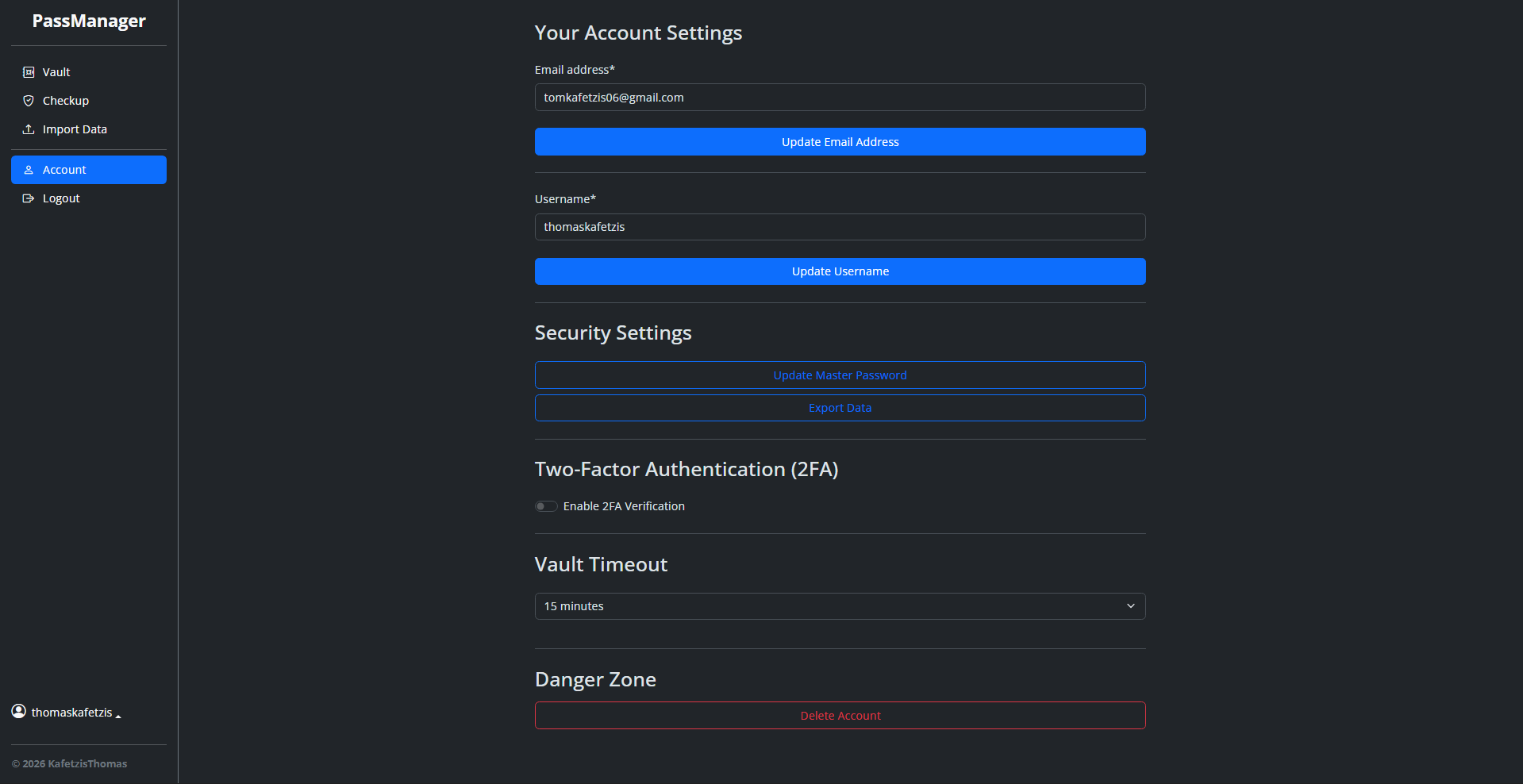
Contributing Guidelines
Pull Requests
- Simplicity: Keep changes focused and easy to review.
- Libraries: Avoid adding non-standard libraries unless discussed via an issue.
- Testing: Ensure code runs error-free, passes all tests, and meets coding standards.
Bug Reports
- Report bugs via GitHub Issues.
- Submit pull requests via GitHub Pull Requests.
Thank you for supporting PassManager!