
📦 PasteBox — Secure, Fast & Smart File Sharing Platform


PasteBox is a modern file-sharing and storage platform that lets users instantly upload files and generate short, shareable download links or QR codes. With a clean UI, lightning-fast uploads (via AWS), and optional user authentication, PasteBox is designed for both casual and power users.
Live Demo (Coming Soon) | Powered by MERN + AWS
✨ Features
🚀 General Features
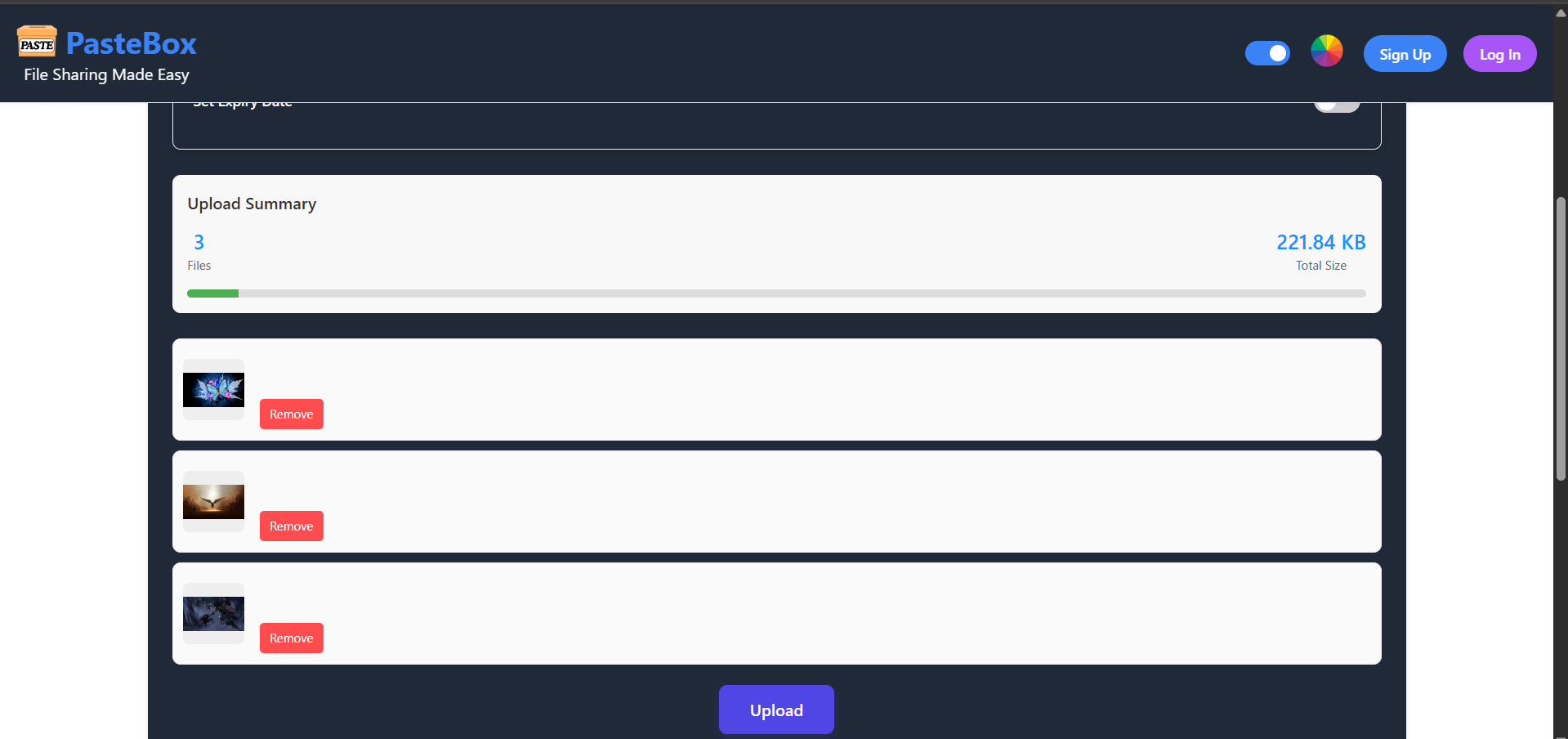
- ⚡ Fast file uploads via AWS S3 & MongoDB GridFS
- 🔐 JWT-based authentication (Login/Register)
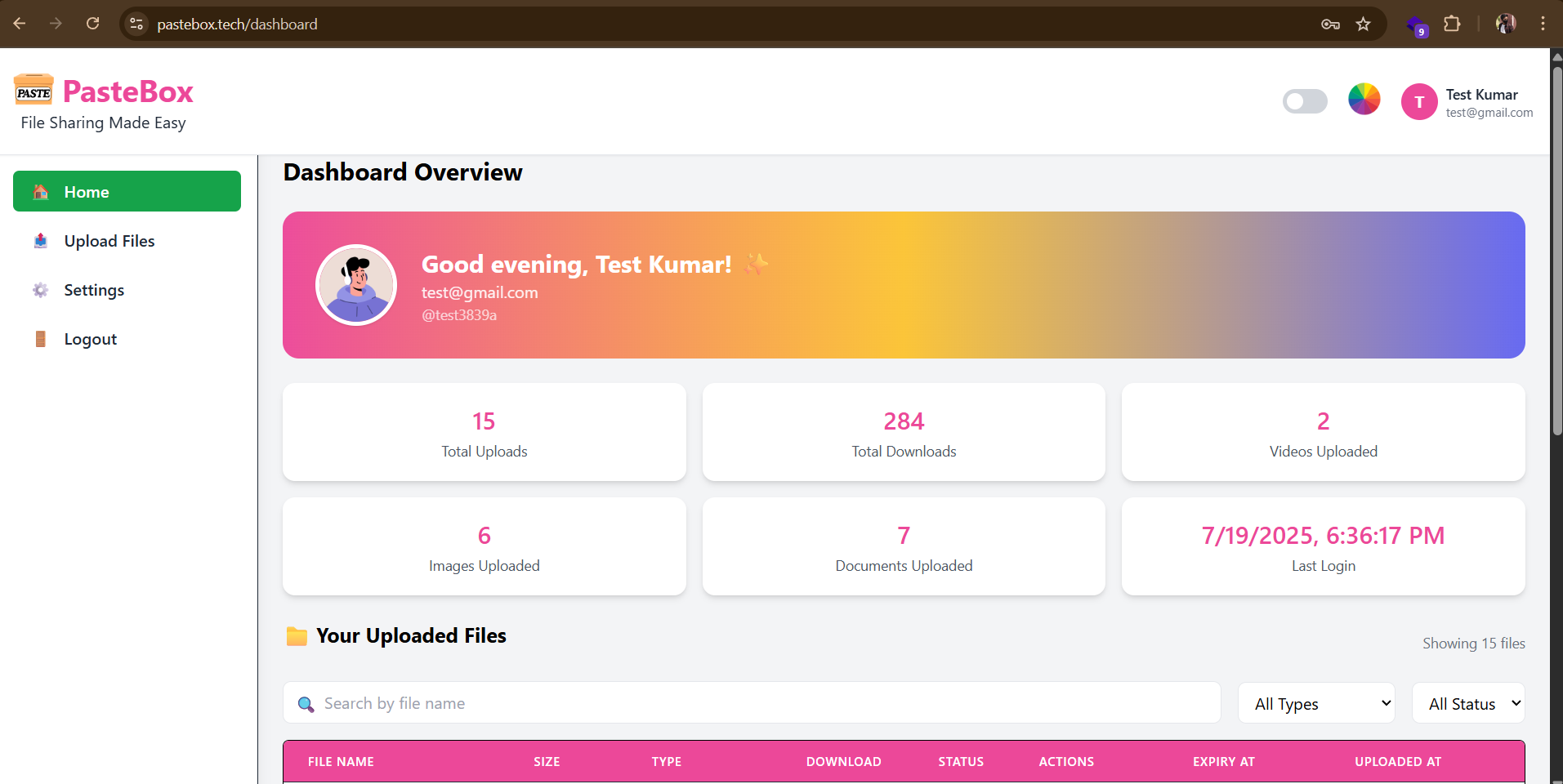
- 🧾 Dashboard for managing uploaded files
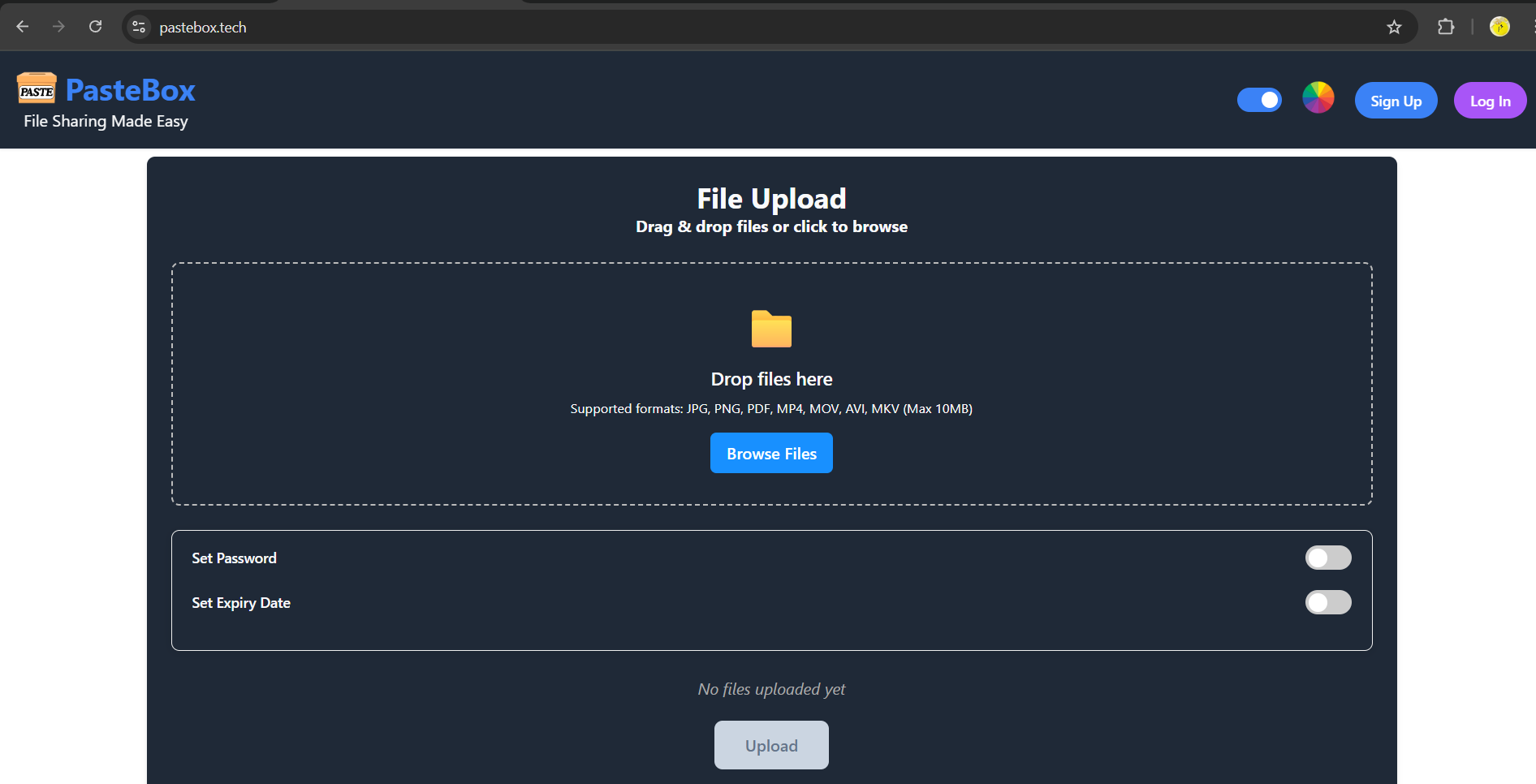
- 💾 Anonymous sharing via LocalStorage
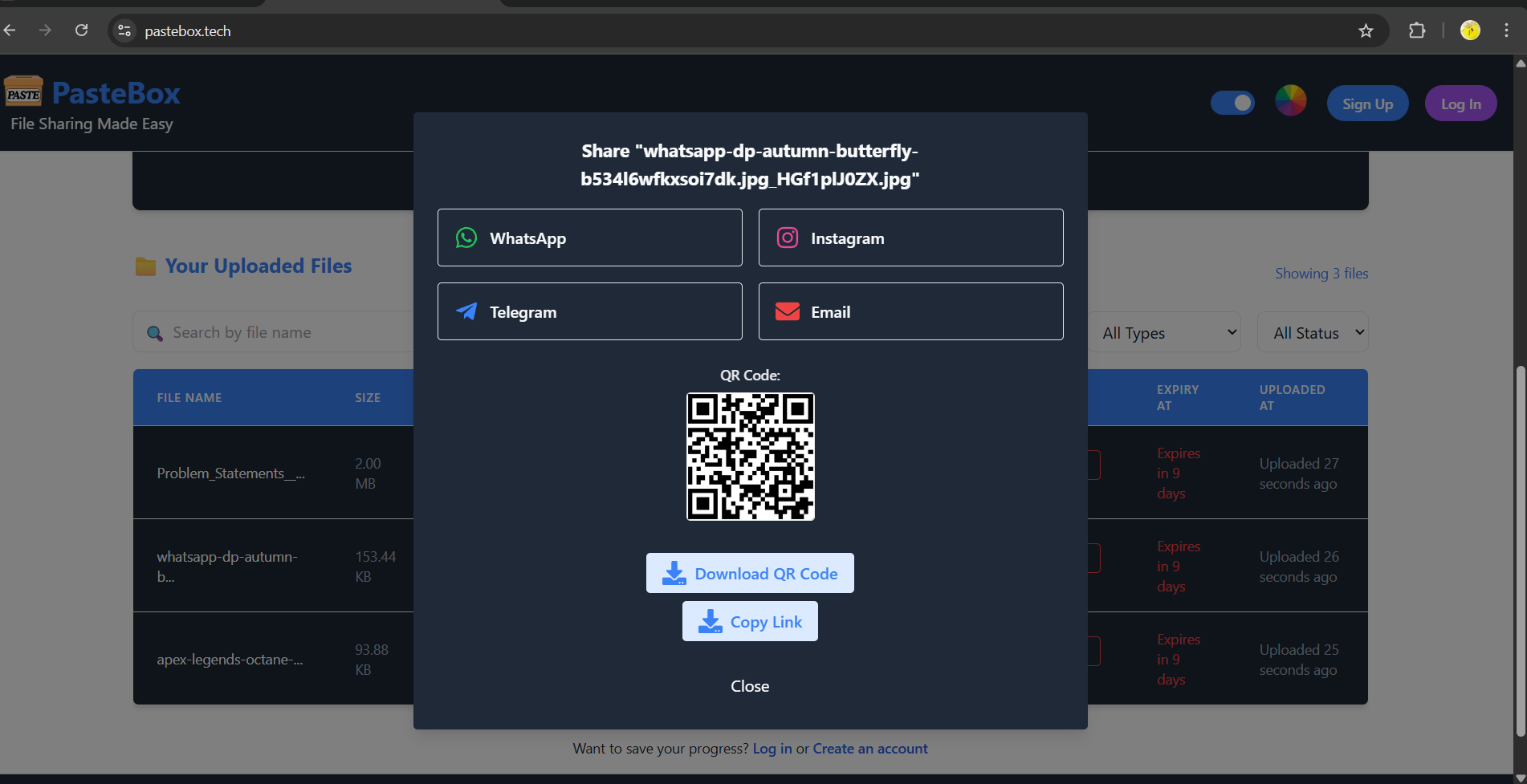
- 🔗 Share links with QR Codes, WhatsApp, Email, Facebook, etc.
- 📅 Expiration countdown for temporary files
- 📤 Download/Preview features with tracking
- 🌐 SEO-optimized public pages
- 📈 Progress indicators, spinners, and toasts for smooth UX
📡 Sharing Options
- Share links via:
- Direct QR Code
- Copy link with one click
⚙️ Backend & Storage
- Uses AWS S3 for fast and reliable file storage
- GridFS support for large file uploads
- Secure token-based API authentication
- Supports file compression and preview links
🛠️ Tech Stack
🔹 Frontend
- React 18
- React Router DOM
- Tailwind CSS (for styling)
- Redux Toolkit (for state management)
- React Dropzone (for file drag-and-drop)
- React Toastify (for notifications)
- React QR Code & React Share (for QR and social sharing)
- Vite (blazing fast dev server)
🔸 Backend
- Node.js + Express
- MongoDB + Mongoose
- AWS SDK (for S3 uploads)
- Multer + GridFS
- JWT (authentication)
- ShortID (for short link generation)
- QRCode (for QR generation)
- Nodemailer (for potential email sharing)
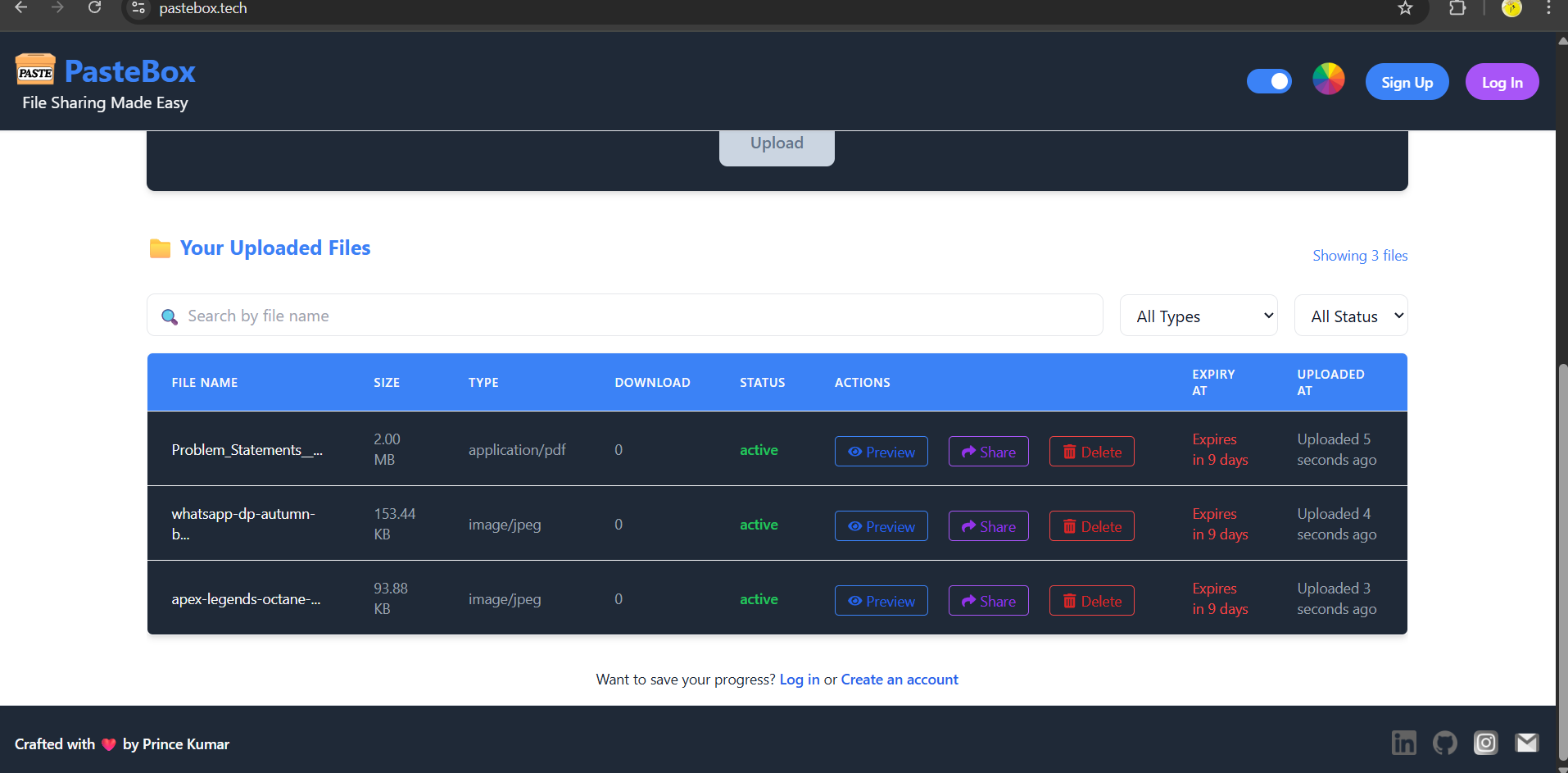
📸 Screenshots
👤 User Dashboard
👥 Guest Dashboard
📤 File Upload Panel
🔗 File Share Options
🔍 File Preview Window
📂 Project Structure
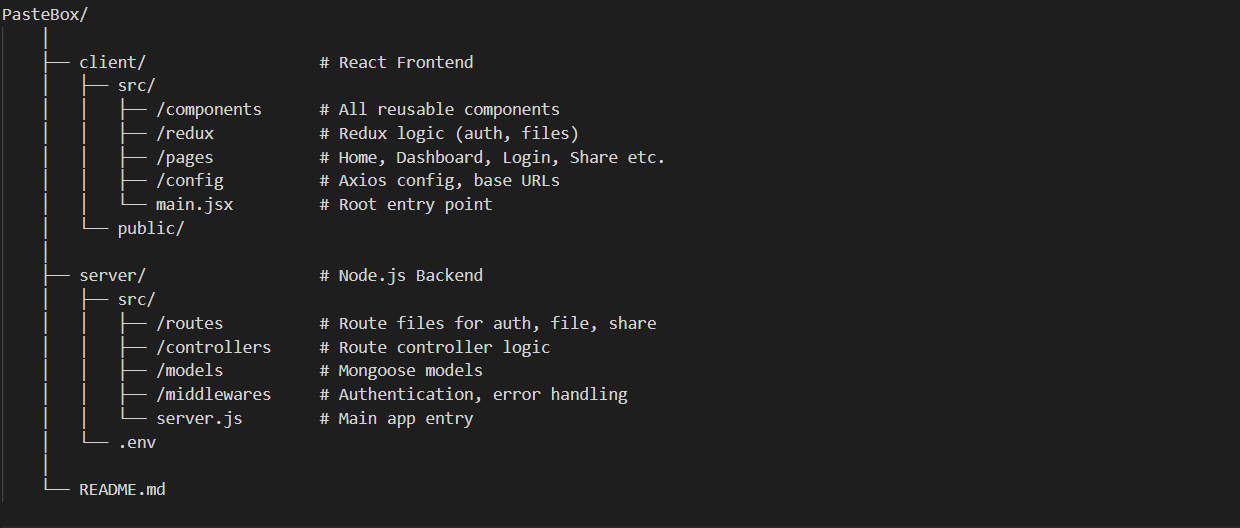
The structure image above shows the separation of the React frontend (
client/) and Node.js backend (server/), including components, routes, controllers, models, and config folders.
⚙️ Installation & Running Locally
📦 Requirements
- Node.js
- MongoDB (local or Atlas)
- AWS credentials with S3 bucket
🧑💻 1. Clone the repository
git clone https://github.com/PrinceInScripts/Share-Pod-File-Sharing-Application

cd client
npm install
npm run dev

cd server
npm install
npm start


PORT=6600
MONGODB_URL=your_mongo_url
SERVER_URL=http://localhost:6600/api/files
CLIENT_URL=http://localhost:5173
NODE_ENV=development
JWT_SECRET=your_jwt_secret

AWS_ACCESS_KEY_ID=your_aws_access_key
AWS_SECRET_ACCESS_KEY=your_aws_secret
AWS_REGION=your_aws_region
AWS_BUCKET_NAME=your_s3_bucket

MAIL_USER=your_email
MAIL_PASS=your_email_password
BASE_URL=http://localhost:6600