
 Photo2Pixel
English | 简体中文
Online Tool | Colab | Tutorial
photo2pixel is an algorithm converting photo into pixel art. There is an online converter coding.tools/photo2pixel . you can try different combination of pixel size and edge threshold to get the best result.
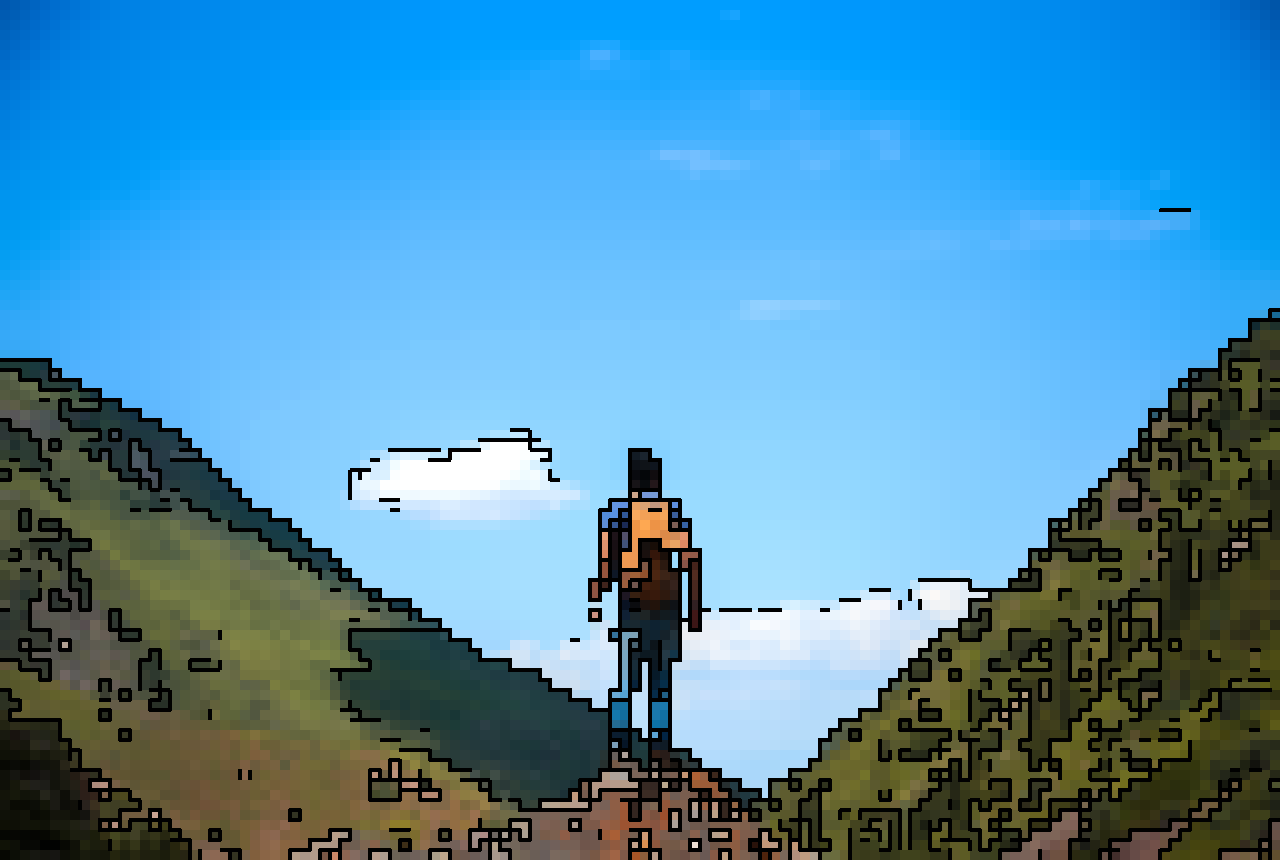
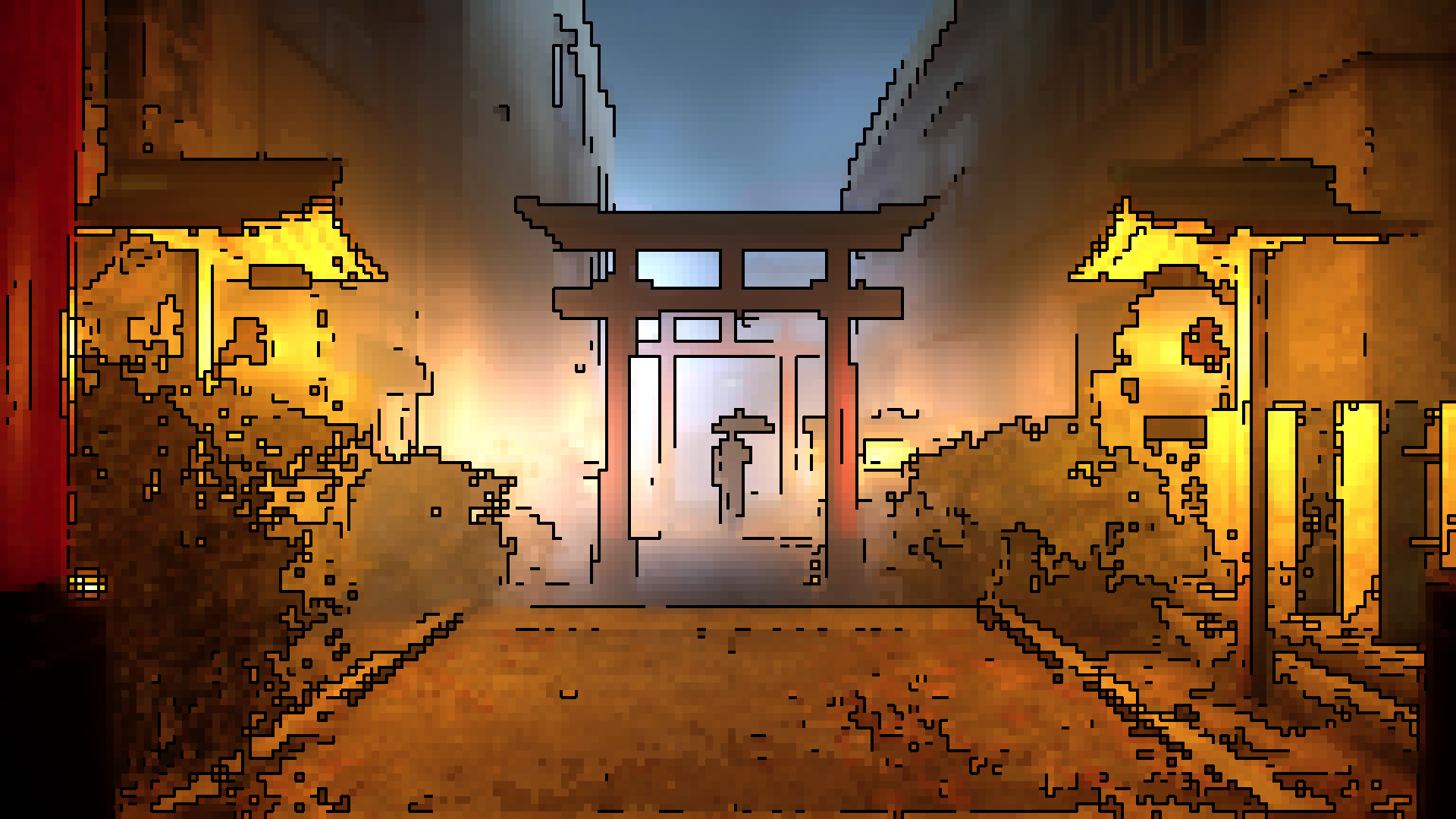
Prerequisites
- python3
- pytorch (for algorithm implementation)
- pillow (for image file io)
- onnx and onnxruntime (for single-file ONNX export/inference)
Tutorial
photo2pixel is implemented with Pytorch, the easiest way to run it is Colab, or you can run it with command as bellow:
# use default param
python convert.py --input ./images/example_input_mountain.jpg

# or use custom param
python convert.py --kernel_size 12 --pixel_size 12 --edge_thresh 128
Export one configurable ONNX file and reuse it for different settings:
python export_onnx.py --output ./photo2pixel.onnx
python convert_onnx.py --model ./photo2pixel.onnx --kernel_size 12 --pixel_size 12 --edge_thresh 128
python convert_onnx.py --model ./photo2pixel.onnx --kernel_size 25 --pixel_size 8 --edge_thresh 80
The exported ONNX file has runtime inputs for kernel_size, pixel_size, and edge_thresh, so one file can be reused across config combinations.
| Parameter | Description | Range | Default |
|---|---|---|---|
| input | input image path | / | ./images/example_input_mountain.jpg |
| output | output image path | / | ./result.png |
| kernel_size | larger kernel size means smooth color transition | unlimited | 10 |
| pixel_size | individual pixel size | unlimited | 16 |
| edge_thresh | the black line in edge region, lower edge threshold means more black line | 0~255 | 100 |
updated by openclaw at 20260312