
🛒 PHP MySQL Marketplace
This is an online marketplace platform built using PHP and MySQL, where users can buy and sell products with ease. The project demonstrates the use of PHP for server-side scripting and MySQL for database management.
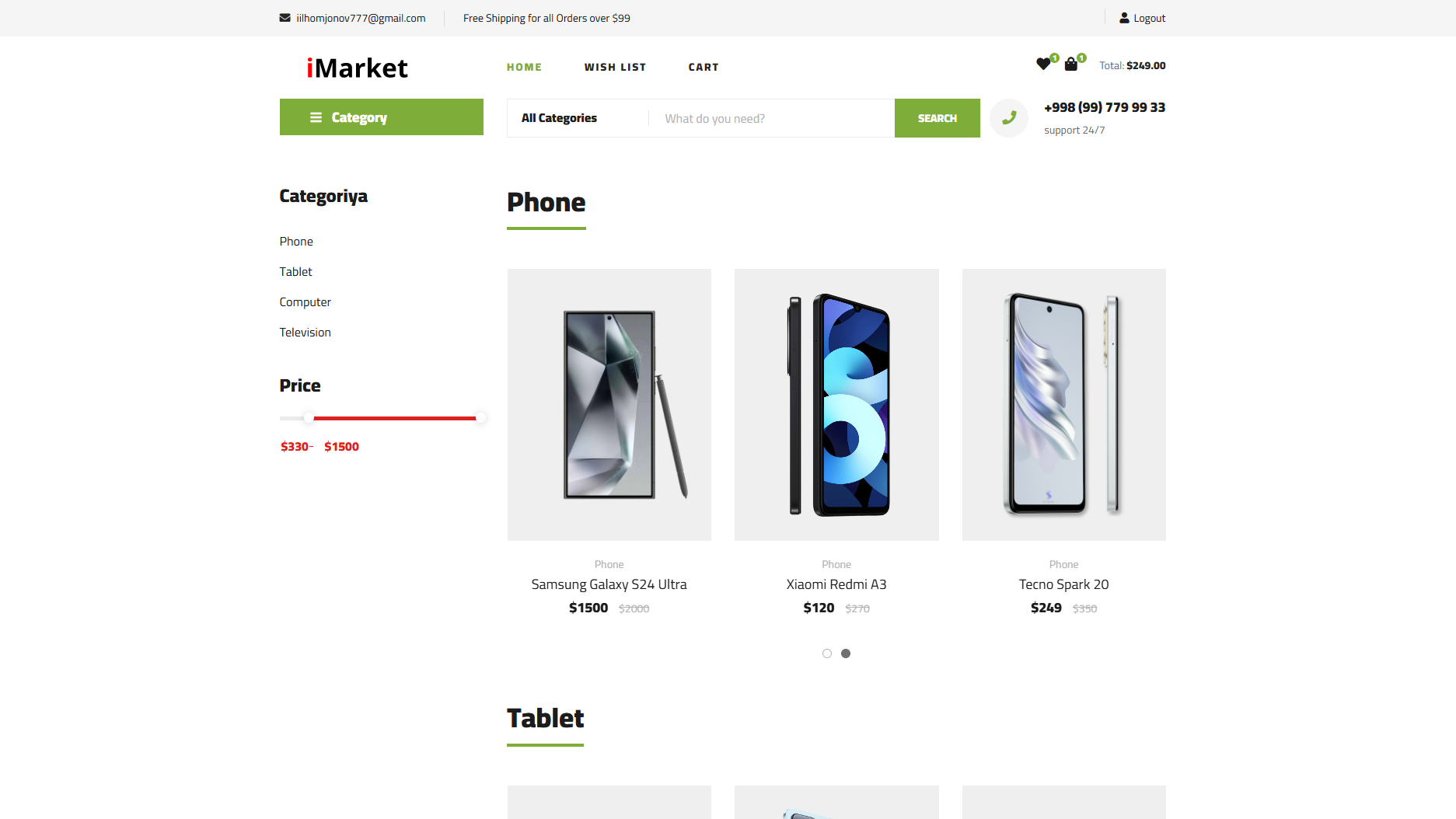
🎯 Features
✅ 🔐 User Registration & Login – Users can create accounts, log in, and manage their profiles
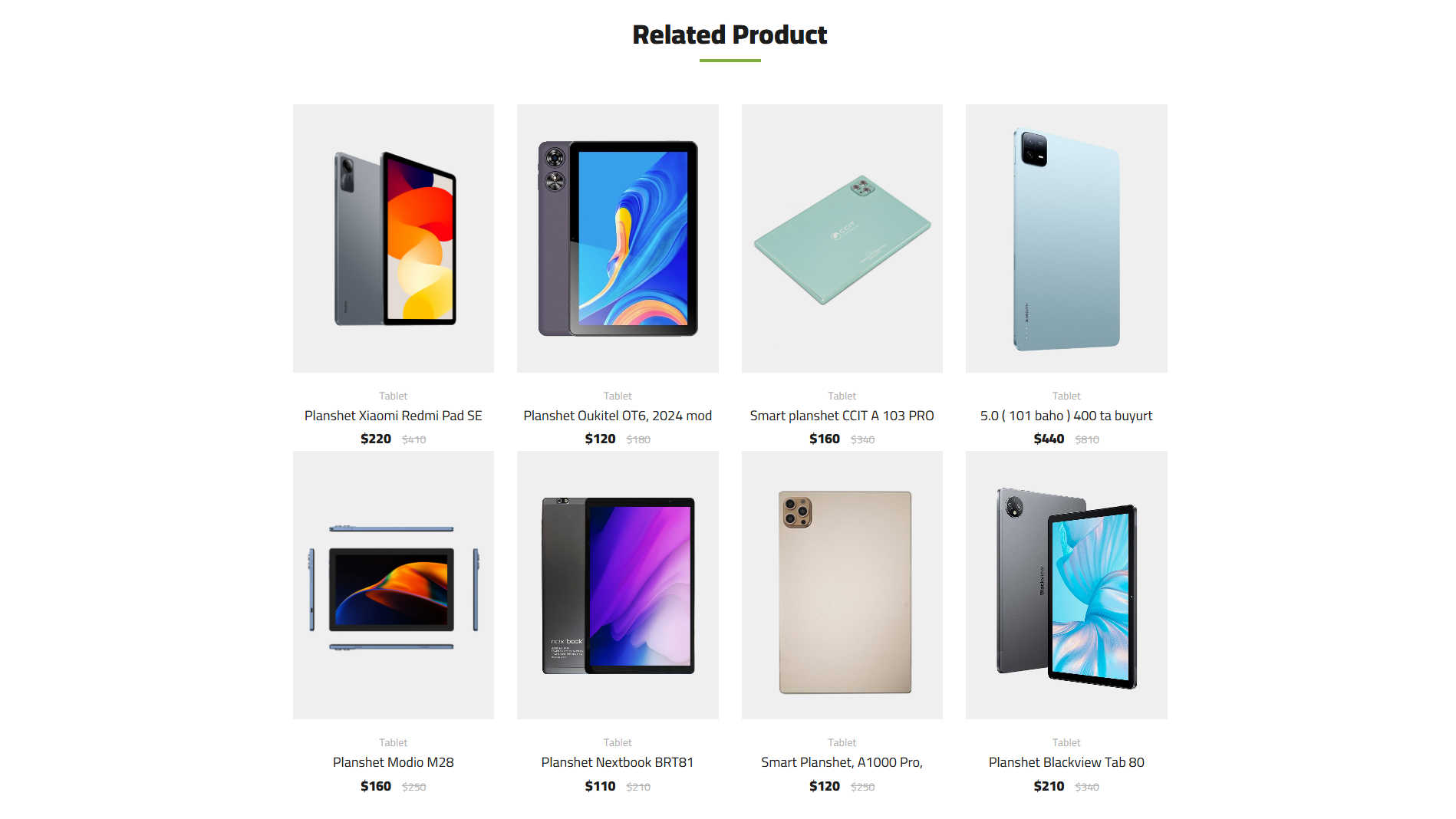
✅ 🛍 Product Listings – Sellers can list products with price, description, and images
✅ 🔎 Search & Filters – Users can search for products and filter them based on various criteria
✅ 🛒 Shopping Cart – Users can add products to their cart and proceed to checkout
✅ 📦 Order Management – Admins can manage orders and update order statuses
🔑 Login Page
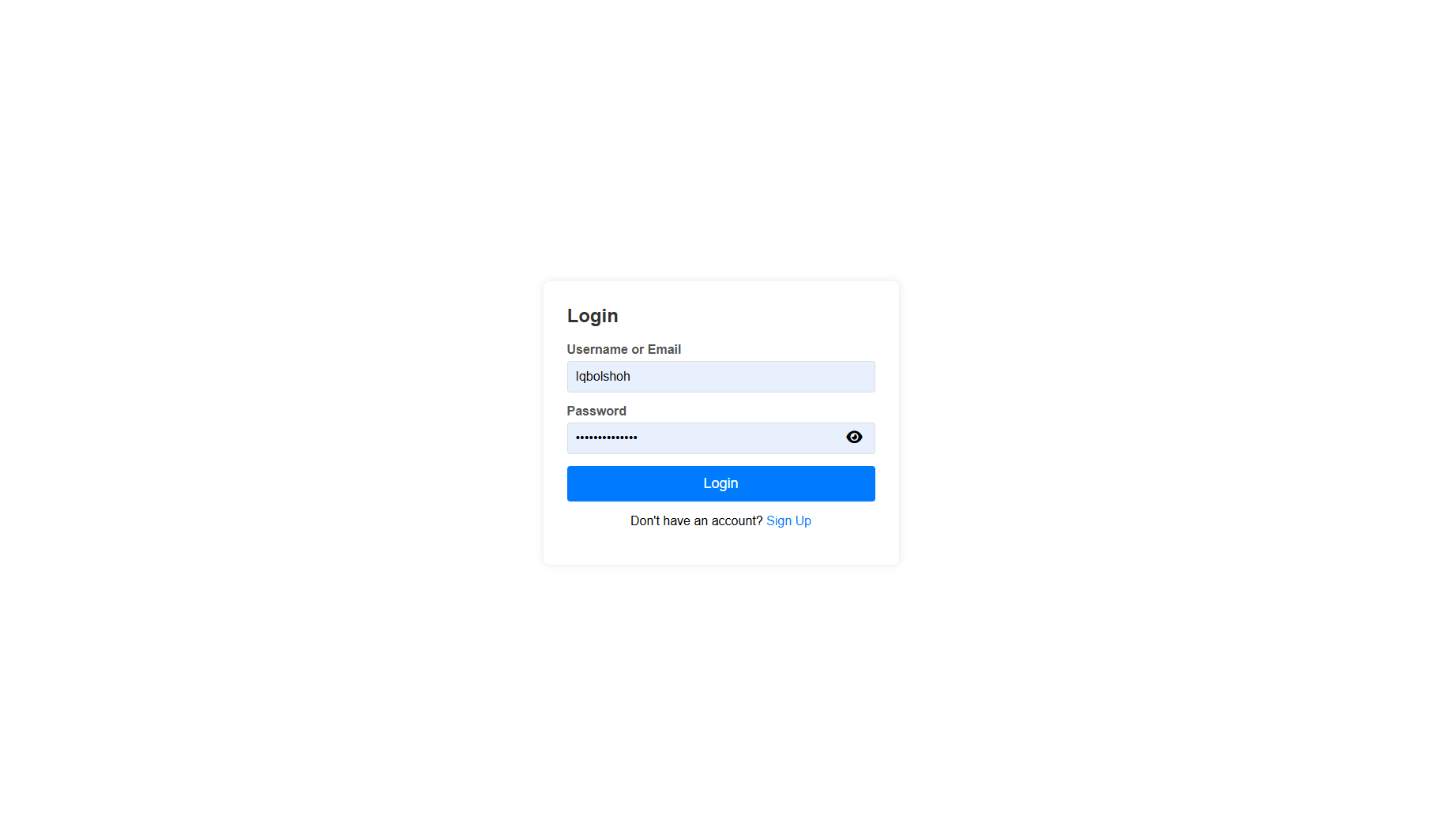
- 🖥 Admin Login:
iqbolshoh - 👤 Seller Login:
user - 👤 User Login:
user - 🔑 Password:
IQBOLSHOH
👥 User Roles
🏆 Admin
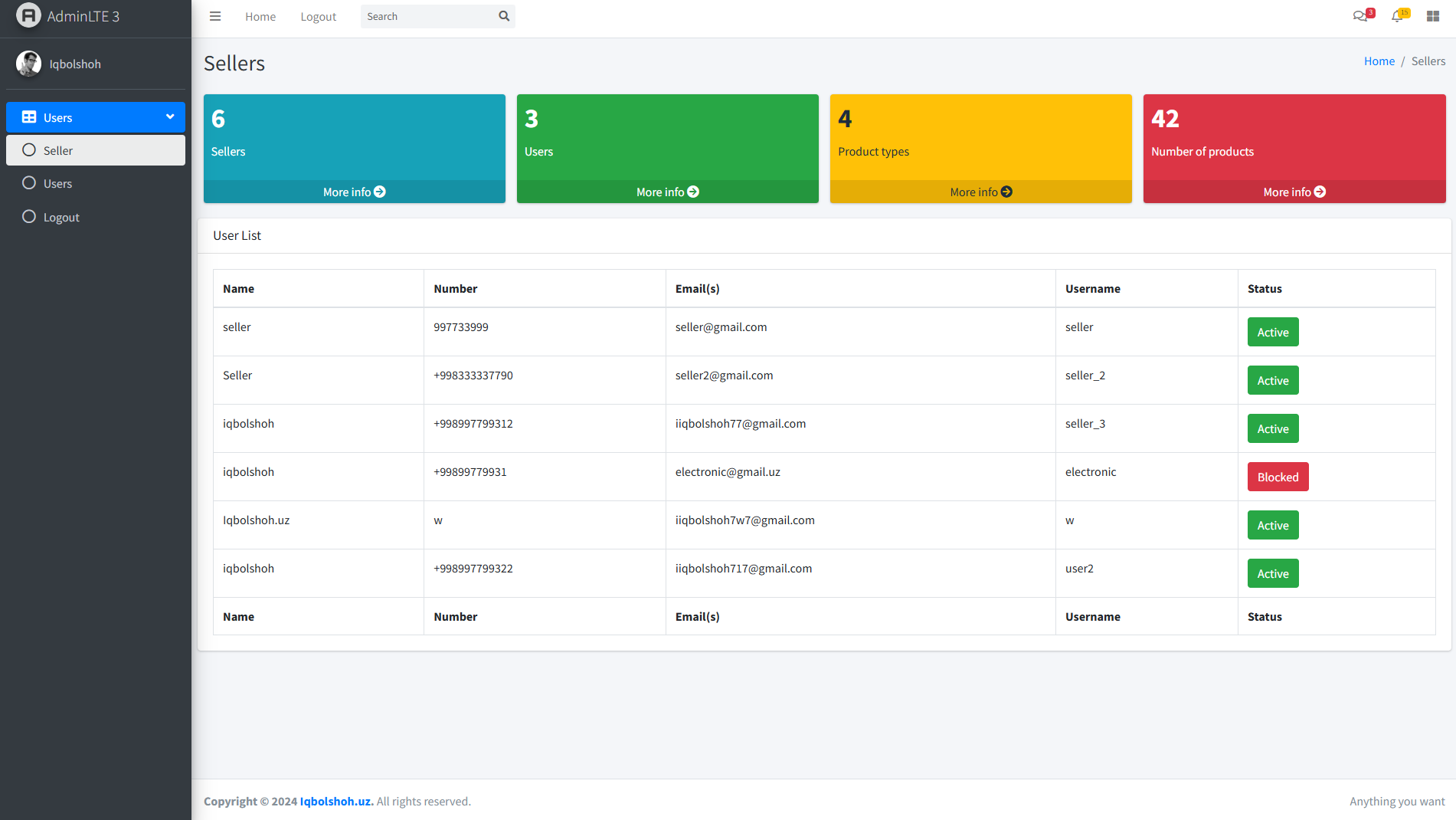
- 🔹 Manages the entire marketplace
- 🔹 Can view and manage all users and their products
- 🔹 Can update or delete any listings
- 🔹 Oversees order management and resolves issues
- 🔹 Can block users if needed
🛒 Seller
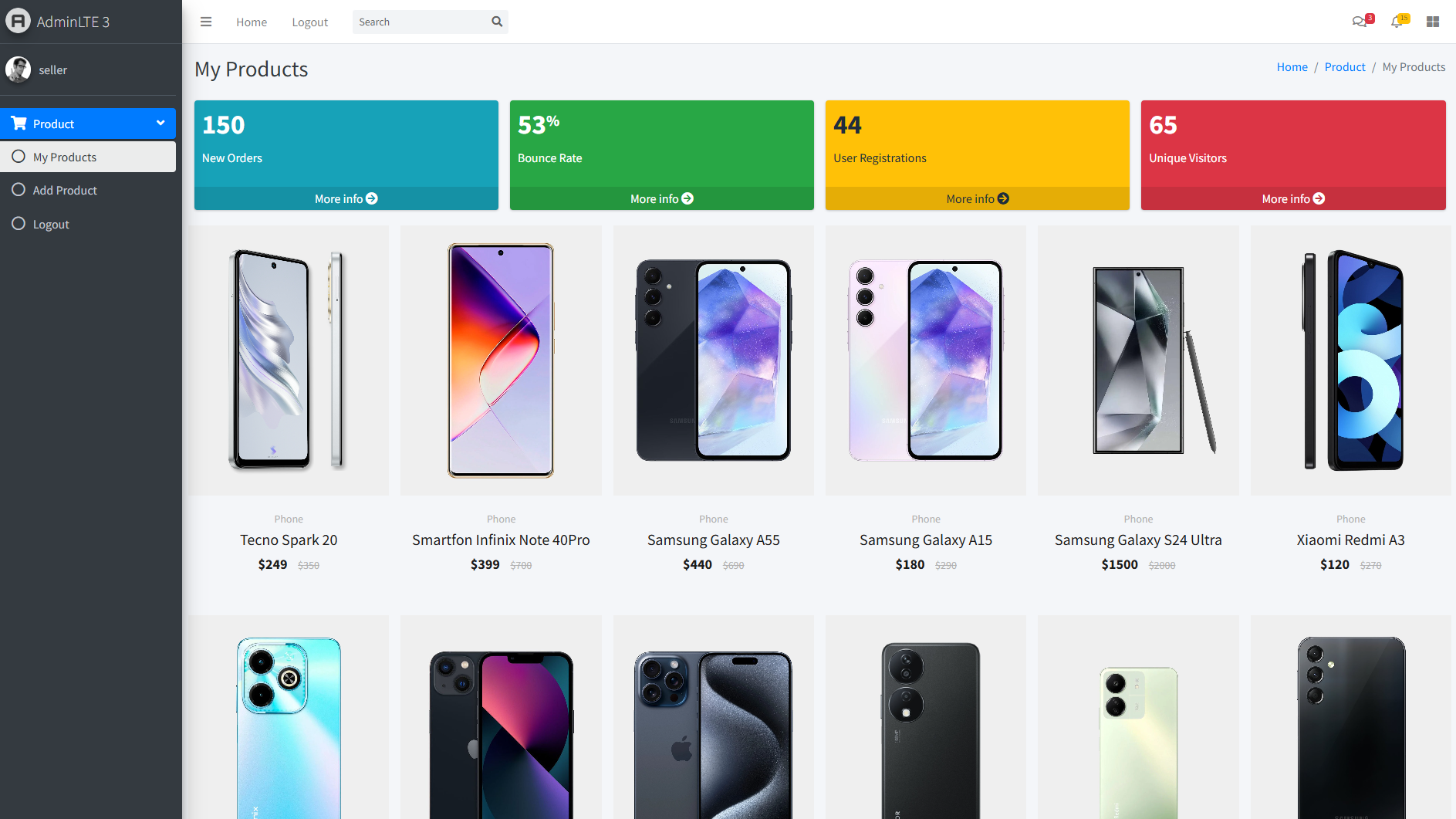
- 🔹 Can list products for sale and manage their listings
- 🔹 Can view and update their orders
- 🔹 Manages their profile and product details
👤 User (Customer)
- 🔹 Can browse products, add them to the cart, and purchase
- 🔹 Can create and manage their profile
- 🔹 Can view order history and track orders
⚡ Installation Guide
To set up the PHP-MySQL Marketplace, follow these steps:
1️⃣ Clone the Repository
git clone https://github.com/Iqbolshoh/php-mysql-marketplace.git
2️⃣ Navigate to the Project Directory
cd php-mysql-marketplace
3️⃣ Set Up the Database
- Create a new MySQL database:
CREATE DATABASE marketplace; - Import the database schema:
mysql -u yourusername -p marketplace < db/database.sql
4️⃣ Configure Database Connection
- Open the
config.phpfile in the root directory - Update the database credentials:
<?php public function __construct() { $servername = "localhost"; $username = "your_username"; $password = "password"; $dbname = "marketplace"; $this->conn = new mysqli($servername, $username, $password, $dbname); if ($this->conn->connect_error) { die("Connection failed: " . $this->conn->connect_error); } } - Ensure you have a
Databaseclass in theconfig.phpfile
5️⃣ Run the Application
- Deploy on a PHP-compatible server (Apache, Nginx, or XAMPP)
- Open your browser and access:
http://localhost/php-mysql-marketplace
🖥 Technologies Used






📜 License
This project is open-source and available under the MIT License.
🤝 Contributing
🎯 Contributions are welcome! If you have suggestions or want to enhance the project, feel free to fork the repository and submit a pull request.
📬 Connect with Me
💬 I love meeting new people and discussing tech, business, and creative ideas. Let’s connect! You can reach me on these platforms:

|

|

|

|

|

|

|

|

|