
🛡️ PHP User Role Manager
This repository is a user management system built using PHP. It includes functionalities for user registration, login, and role management.
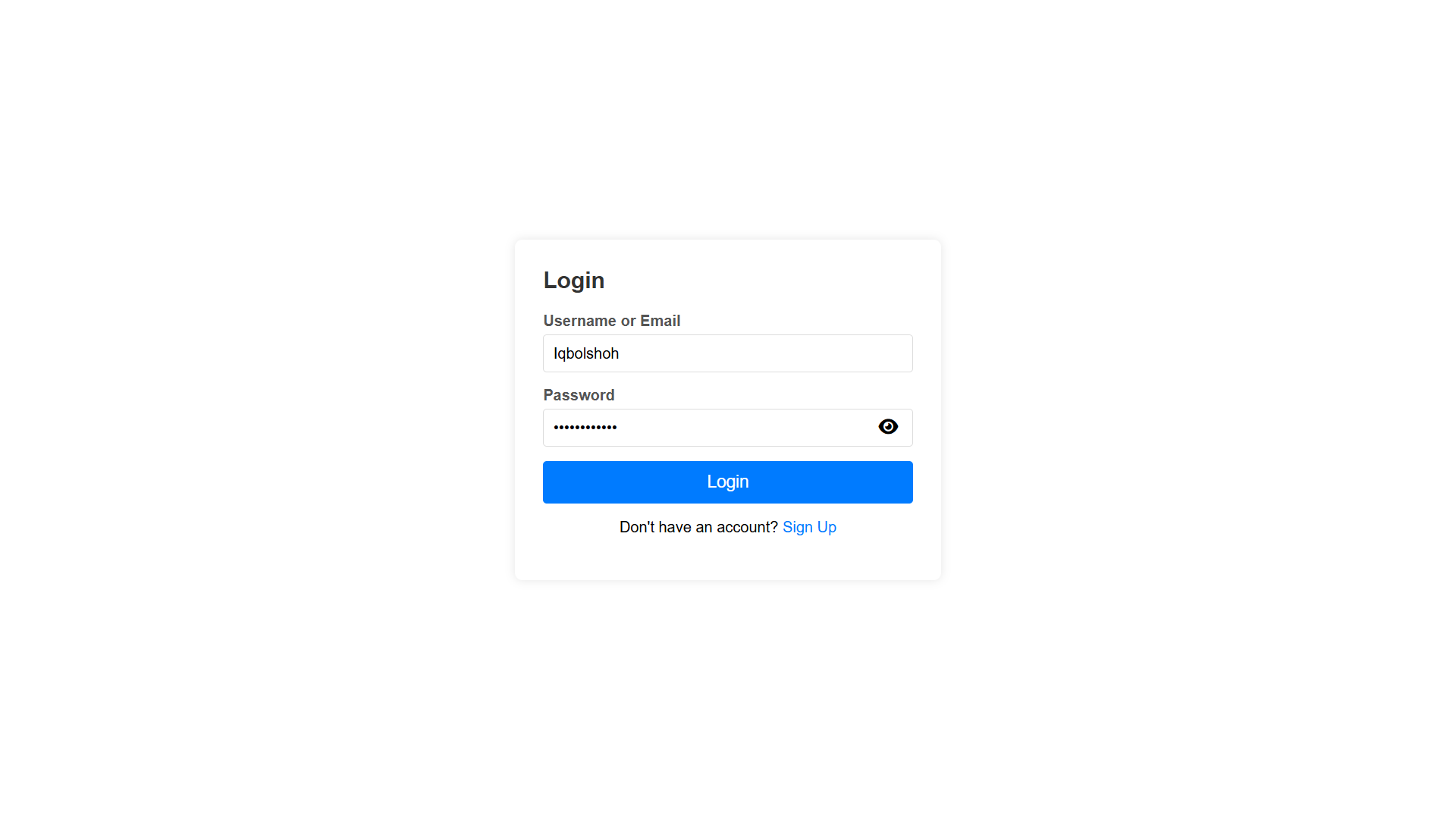
🖥 Admin Login: iqbolshoh
👤 User Login: user
🔑 Password: IQBOLSHOH
✨ Features
✅ 🔐 User Roles – Admin & User roles with specific access controls.
✅ 🔑 Secure Authentication – Password hashing for secure login & registration.
✅ 📂 File Uploads – Users can upload profile images (all images except default.png are securely encrypted).
✅ 🔒 Role-Based Access – Different pages & functionalities accessible based on user roles.
📊 Preview Pages
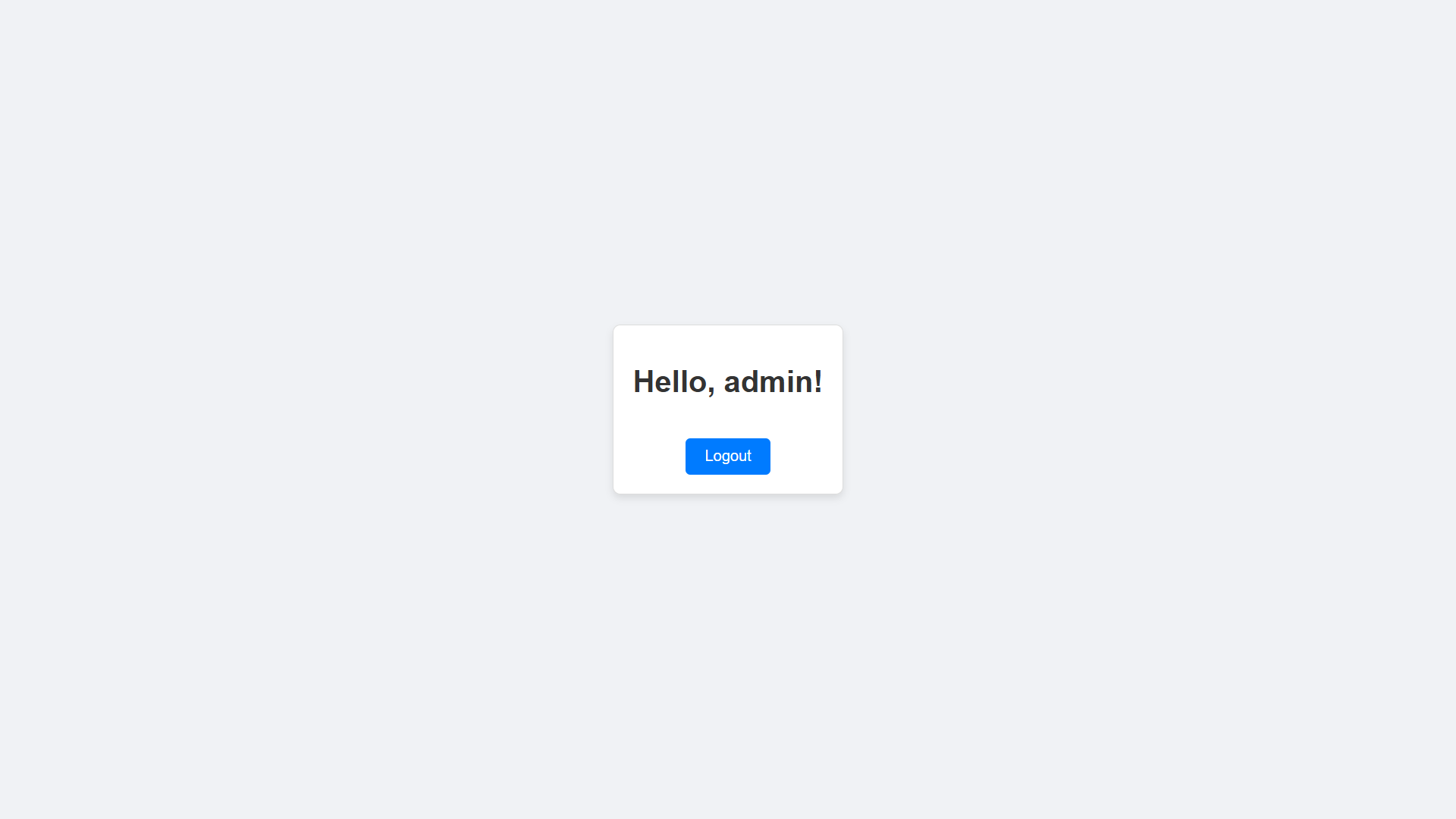
🏢 Admin Dashboard
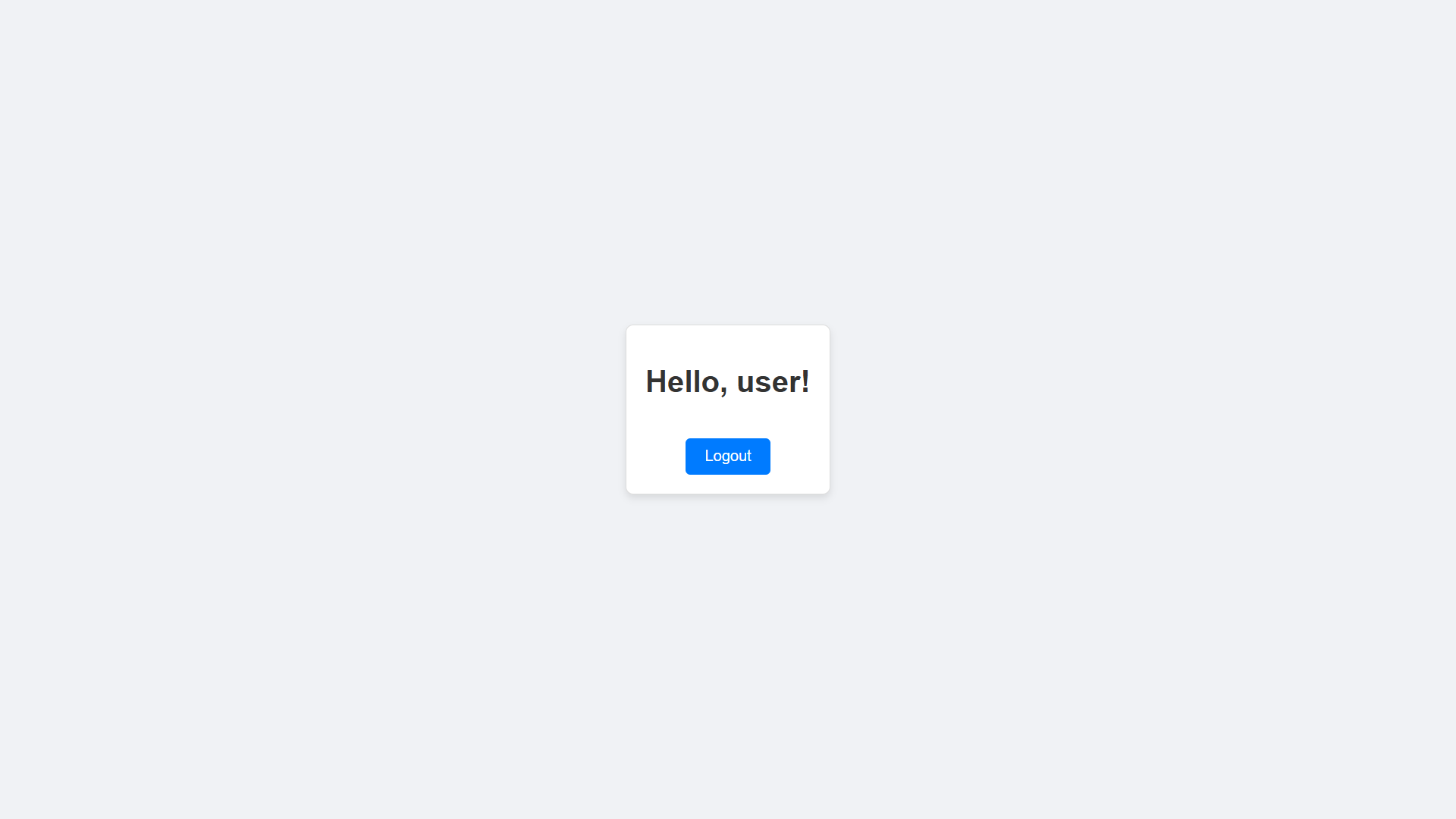
👤 User Dashboard
🛠️ Setting Up the Project
📥 1. Clone the Repository
git clone https://github.com/Iqbolshoh/php-user-role-manager.git
cd php-user-role-manager
🗄️ 2. Import the Database
mysql -u yourusername -p yourpassword < database.sql
⚙️ 3. Configure the Database Connection in config.php
define("DB_SERVER", "localhost");
define("DB_USERNAME", "root");
define("DB_PASSWORD", "");
define("DB_NAME", "roles");
🖥 Technologies Used






📜 License
This project is open-source and available under the MIT License.
🤝 Contributing
🎯 Contributions are welcome! If you have suggestions or want to enhance the project, feel free to fork the repository and submit a pull request.
📬 Connect with Me
💬 I love meeting new people and discussing tech, business, and creative ideas. Let’s connect! You can reach me on these platforms:

|

|

|

|

|

|

|

|

|