

Piccolo Admin
Piccolo Admin is a powerful admin interface / content management system for Python, built on top of Piccolo.
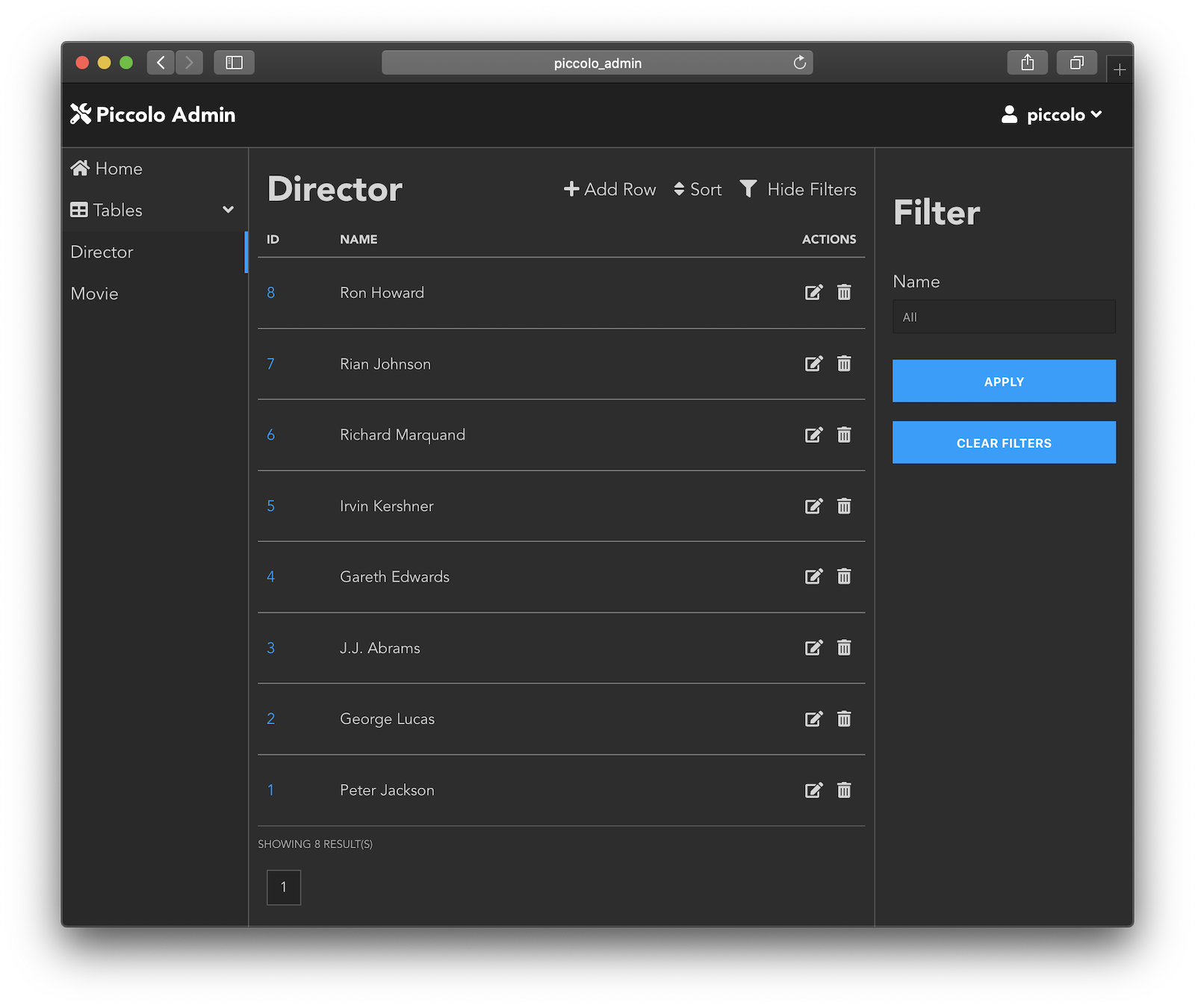
It was created at a design agency to serve the needs of customers who demand a high quality, beautiful admin interface for their websites. It's a modern alternative to tools like Wordpress and Django Admin.
It's built using the latest technologies, with Vue.js on the front end, and a powerful REST backend.
Some of it's standout features:
- Powerful data filtering
- Builtin security
- Media support, both locally and in S3 compatible services
- Dark mode support
- CSV exports
- Easily create custom forms
- Works on mobile and desktop
- Use standalone, or integrate it easily with ASGI apps like FastAPI, and Starlette
- Multilingual out of box
- Bulk actions, like updating and deleting data
- Flexible UI - only show the columns you want your users to see
Try it
Try it online (username: piccolo, password: piccolo123).
Local Demo
To run a demo locally, using Python 3.9 or above:
pip install piccolo_admin
admin_demo
And then just launch localhost:8000 in your browser.
To see what happens behind the scenes, see piccolo_admin/example/app.py.
In a few lines of code we are able to:
- Define our models
- Setup a database
- Create a REST API
- Setup a web server and admin interface
ASGI
Since the admin is an ASGI app, you can either run it standalone like in the demo, or integrate it with a larger ASGI app such as FastAPI and Starlette.
For example, using Starlette routes:
import uvicorn
from movies.endpoints import HomeEndpoint
from movies.tables import Director, Movie
from starlette.routing import Mount, Route, Router

from piccolo_admin.endpoints import create_admin

# The `allowed_hosts` argument is required when running under HTTPS. It's
# used for additional CSRF defence.
admin = create_admin([Director, Movie], allowed_hosts=["my_site.com"])


router = Router(
    [
        Route(path="/", endpoint=HomeEndpoint),
        Mount(path="/admin/", app=admin),
    ]
)


if __name__ == "__main__":
    uvicorn.run(router)
Full docs
Full documentation is available on Read the docs.