

pikpaktui
A TUI and CLI client for PikPak cloud storage — written in pure Rust.



 |
 |
 |
|---|---|---|
 |
 |
 |
 |
 |
 |
📖 Read the Full Documentation →
CLI reference, TUI guide, configuration, shell completions, and more.
Highlights
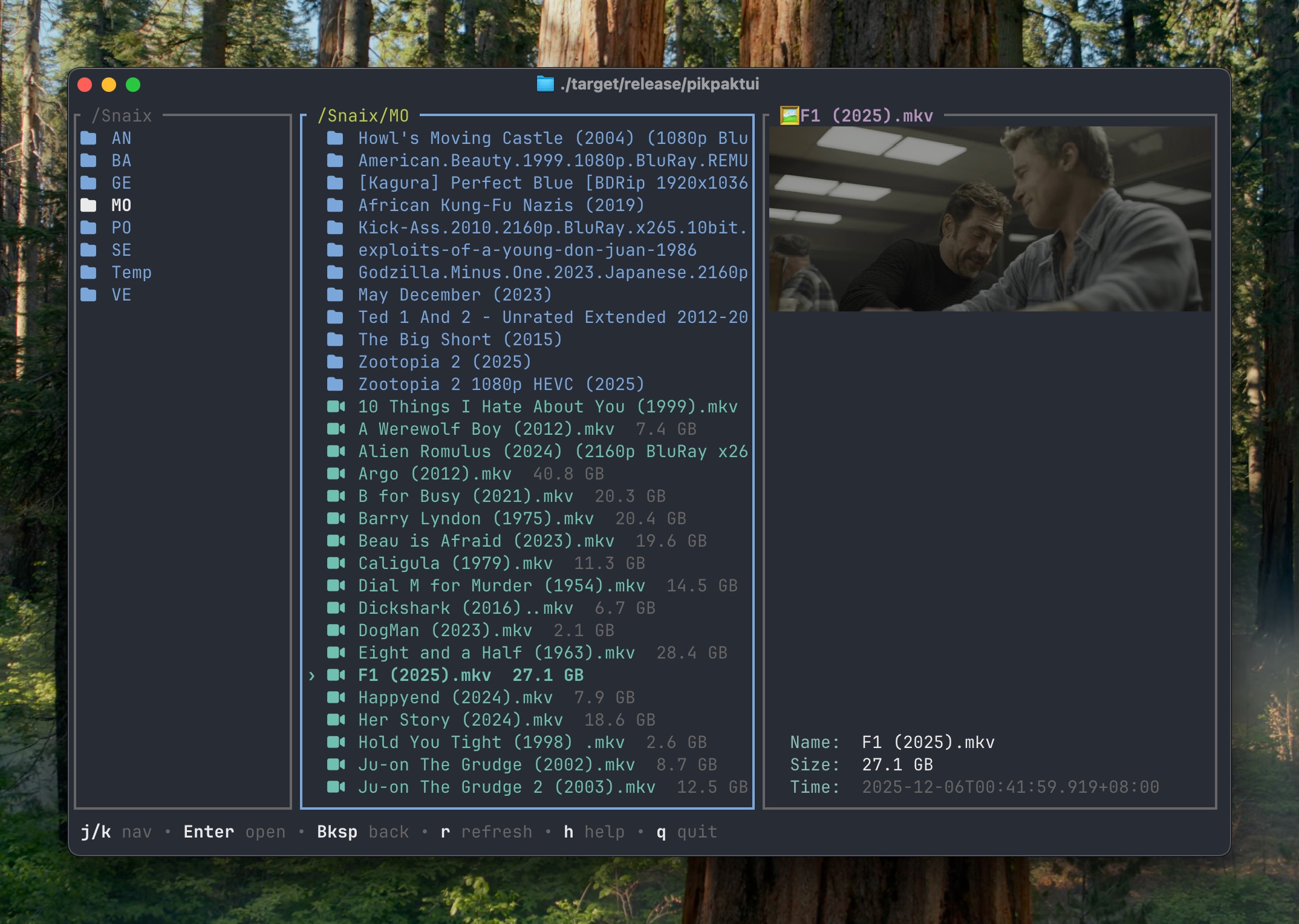
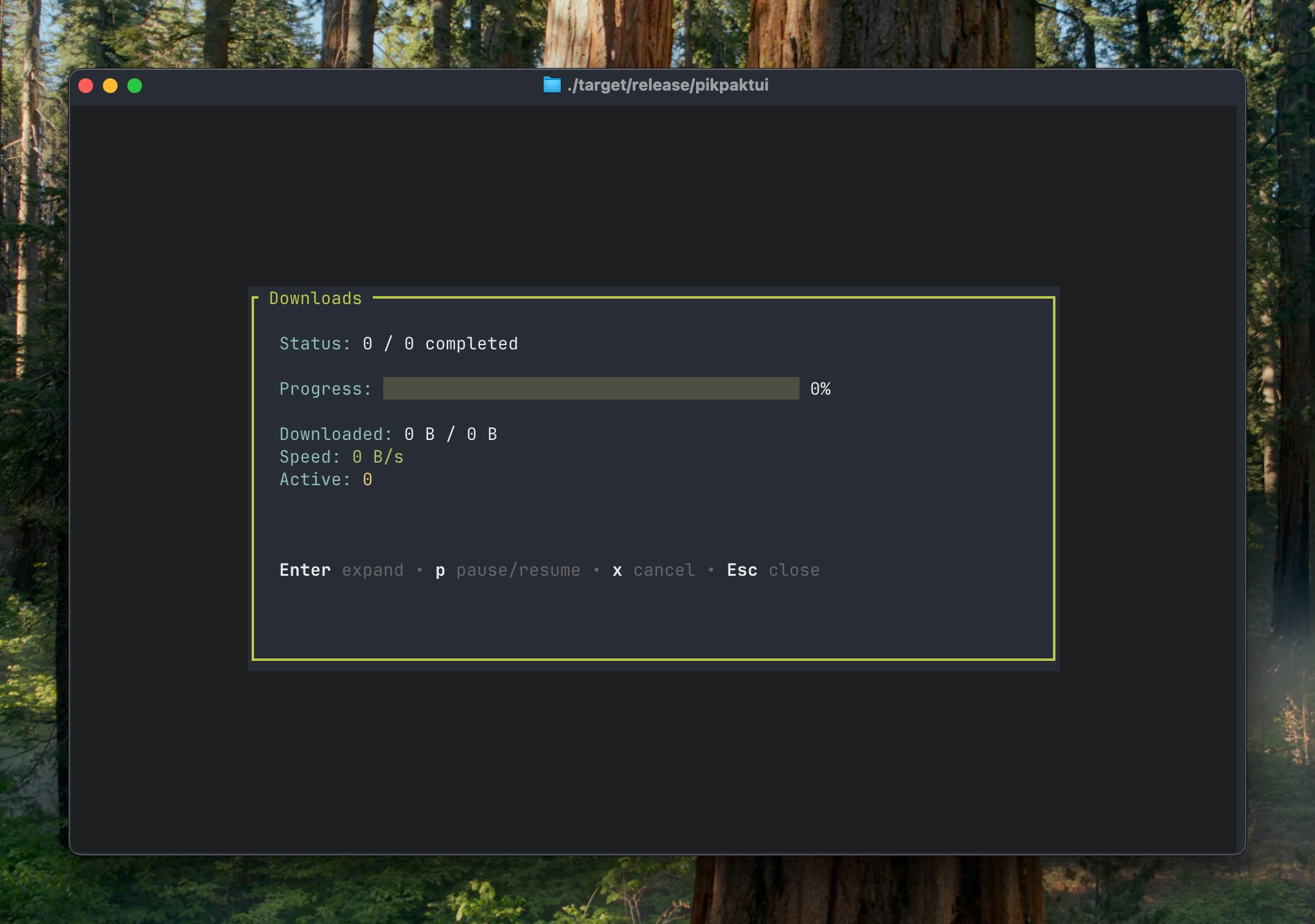
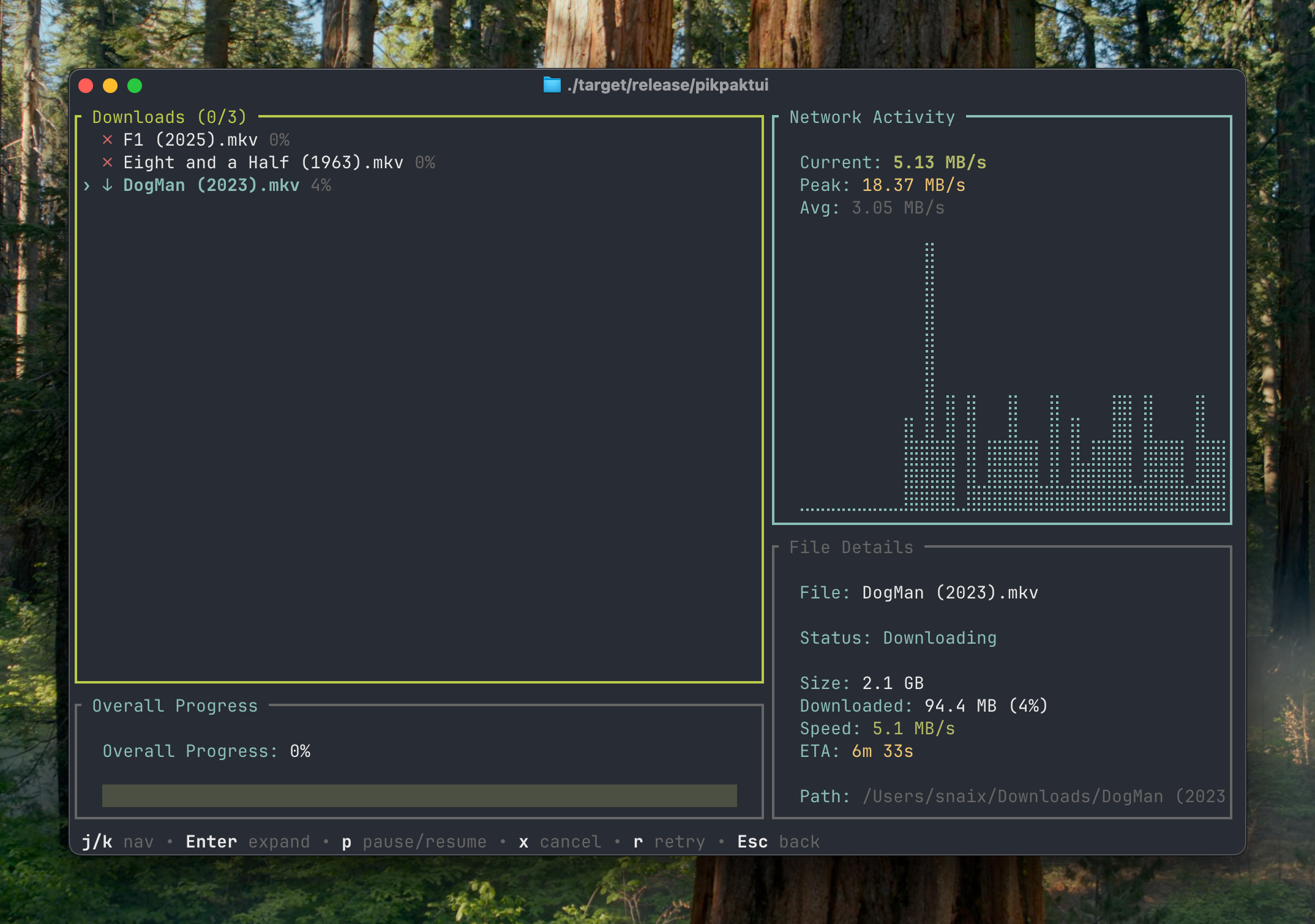
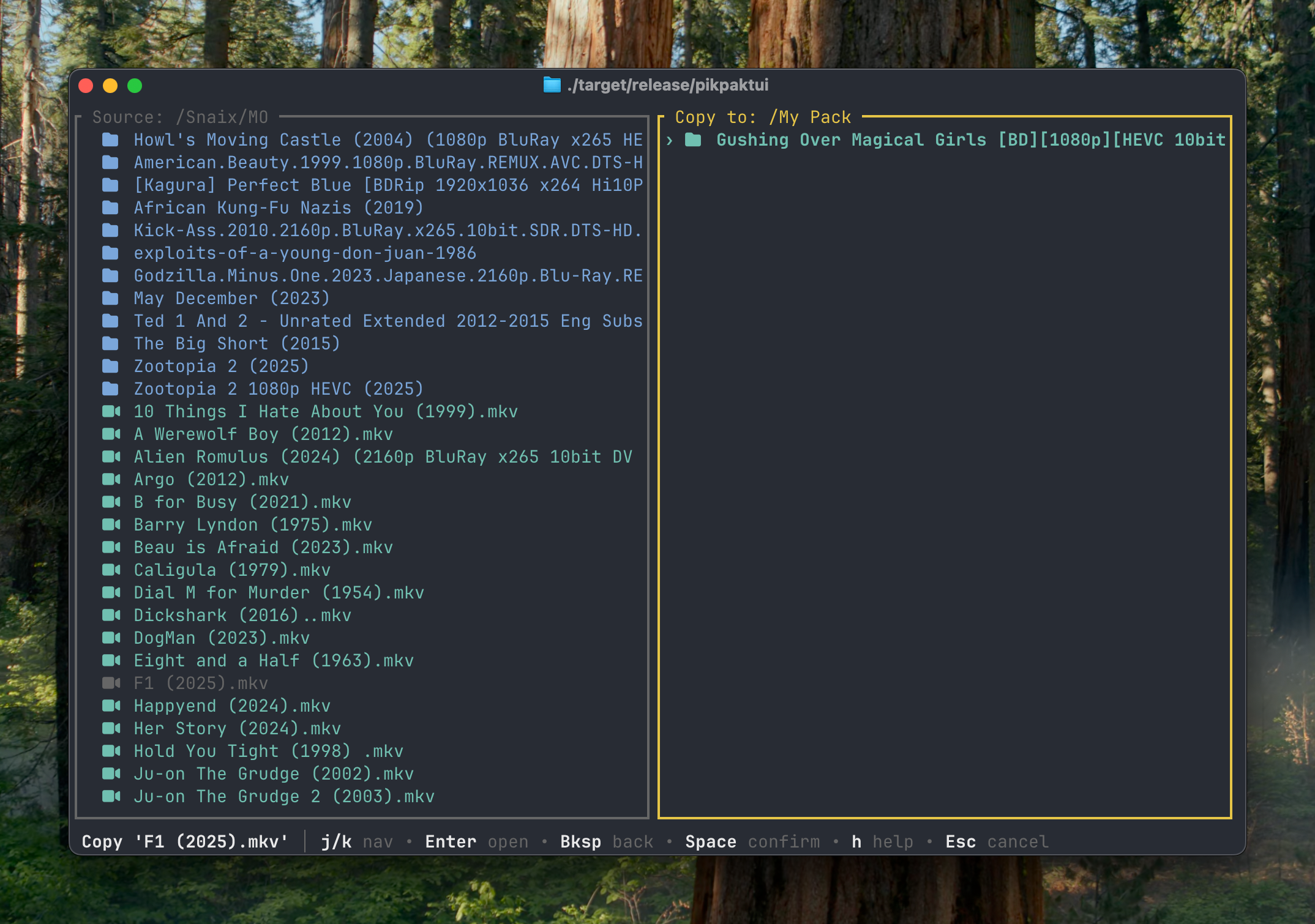
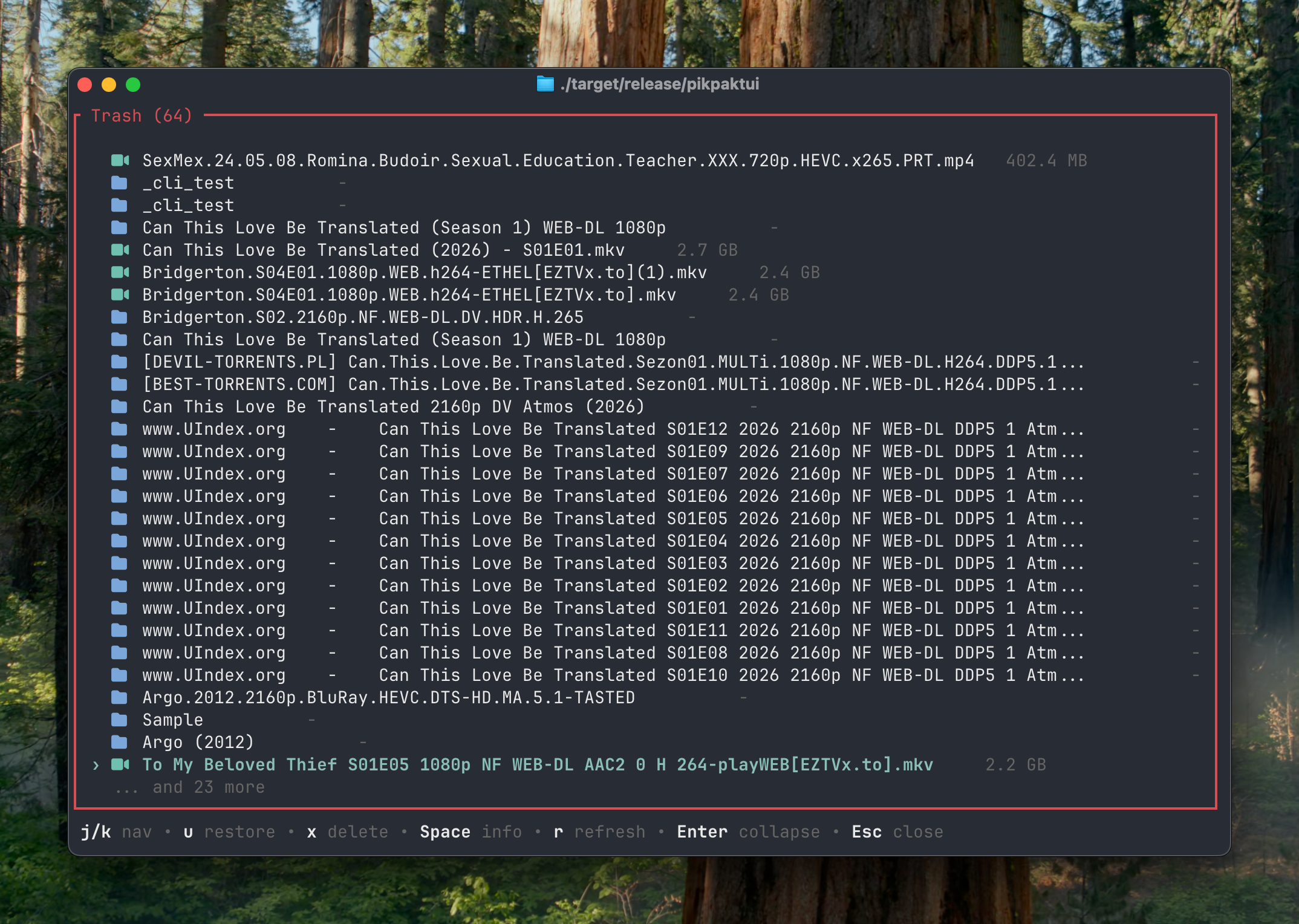
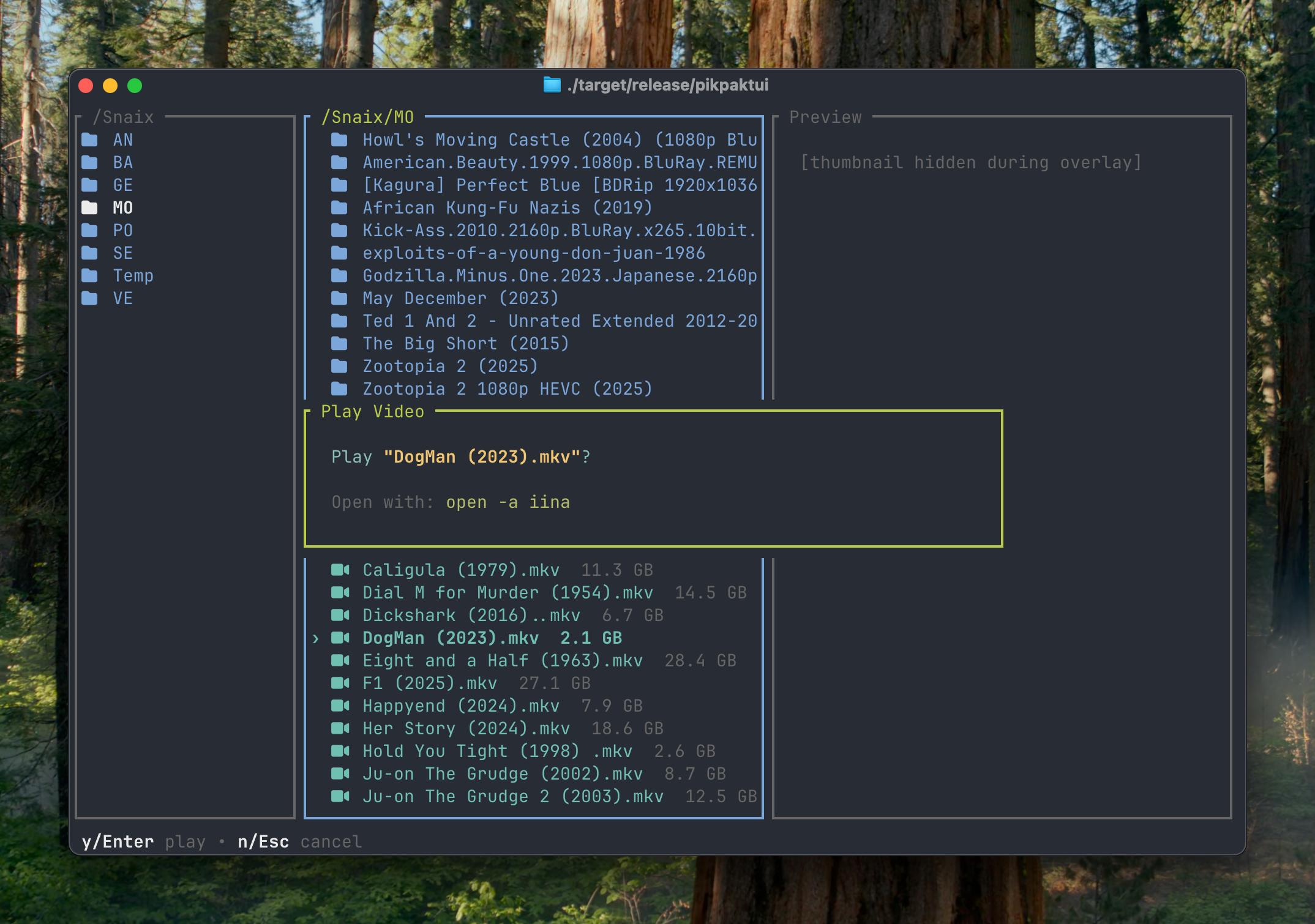
- 🖥️ Interactive TUI — Three-column Miller layout (like Yazi) with thumbnail previews, syntax highlighting, and keyboard-driven navigation
- ⌨️ Full CLI — 28 subcommands (
ls,mv,cp,rm,download,upload,share,update, and more) with colored output, JSON mode, and dry-run support - 🎬 Video Streaming — Stream videos directly from PikPak to your local player (IINA, mpv, VLC)
- 📥 Cloud Downloads — Add magnet links and URLs for offline downloading
- 🔗 Share Management — Create, list, save, and delete share links with optional password protection
- 🐚 Shell Completions — Zsh completions with dynamic cloud path completion via Tab
- 🤖 AI Agent Friendly — Non-interactive
login,--jsonoutput, dry-run support, and clear exit codes make it easy for OpenClaw and other AI agents to drive. OpenClaw skill included - 🔄 Self-Updating — Built-in
updatecommand downloads the latest release and replaces the binary in-place - 🦀 Pure Rust — Built on
ratatui+crossterm+reqwest(rustls-tls). No OpenSSL, no C dependencies - 💚 Open Source — Apache-2.0 licensed, contributions welcome
Install
Install Script (macOS / Linux / FreeBSD)
curl -fsSL https://app.snaix.homes/pikpaktui/install.sh | bash
Homebrew (macOS / Linux)
brew install Bengerthelorf/tap/pikpaktui
Cargo
cargo install pikpaktui
Pre-built Binaries
Download from Releases — available for Linux (x86_64/ARM64), macOS (Intel/Apple Silicon), Windows (x86_64/ARM64), and FreeBSD.
From Source
git clone https://github.com/Bengerthelorf/pikpaktui.git
cd pikpaktui
cargo build --release
./target/release/pikpaktui
Quick Start
Launch the TUI — on first run a login form will appear:
pikpaktui
Or log in non-interactively for scripts and automation:
pikpaktui login -u [email protected] -p yourpassword
Use CLI subcommands directly:
pikpaktui ls /
pikpaktui download "/My Pack/video.mp4"
pikpaktui upload ./local.txt "/My Pack"
pikpaktui share -p -d 7 /movie.mkv
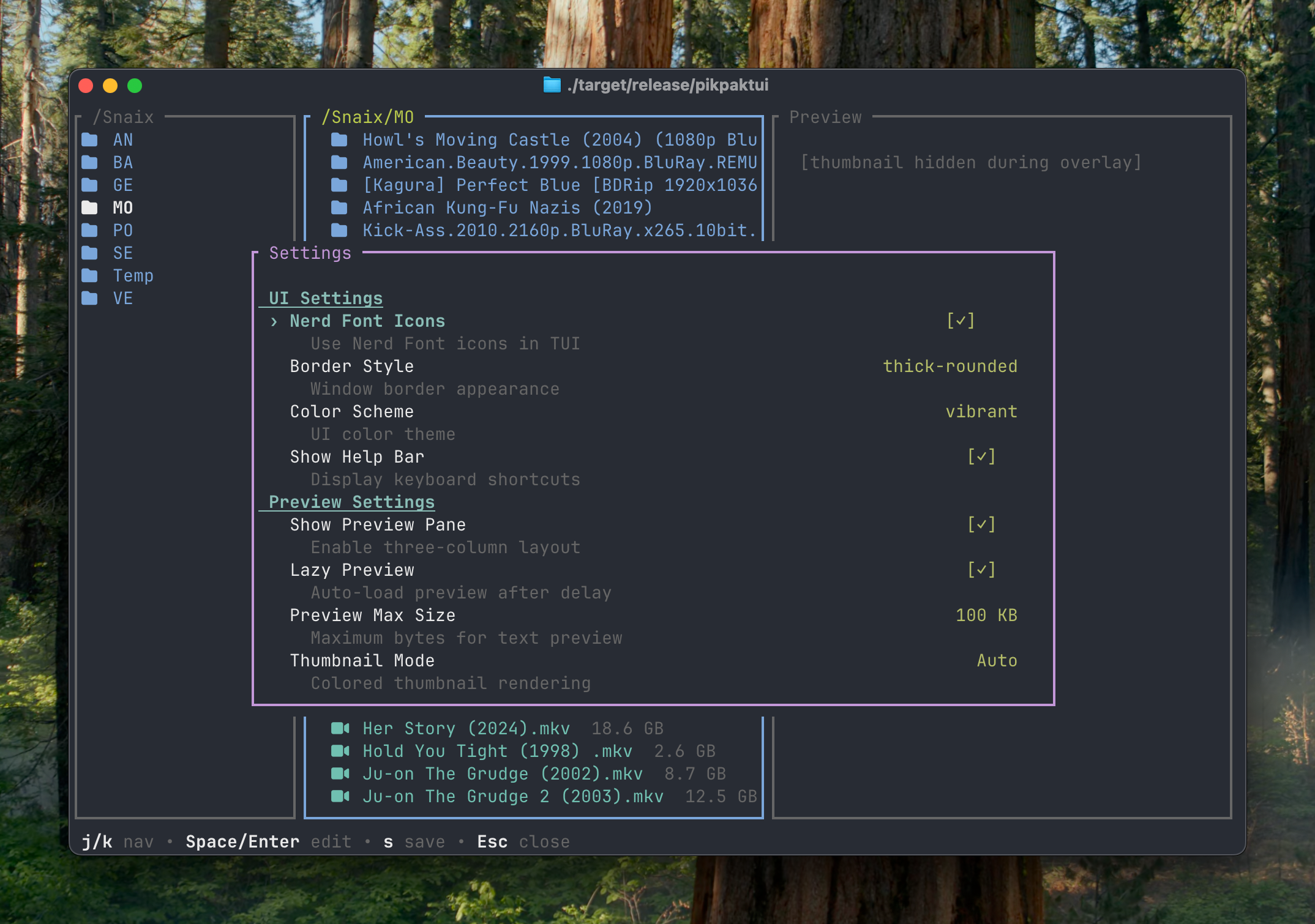
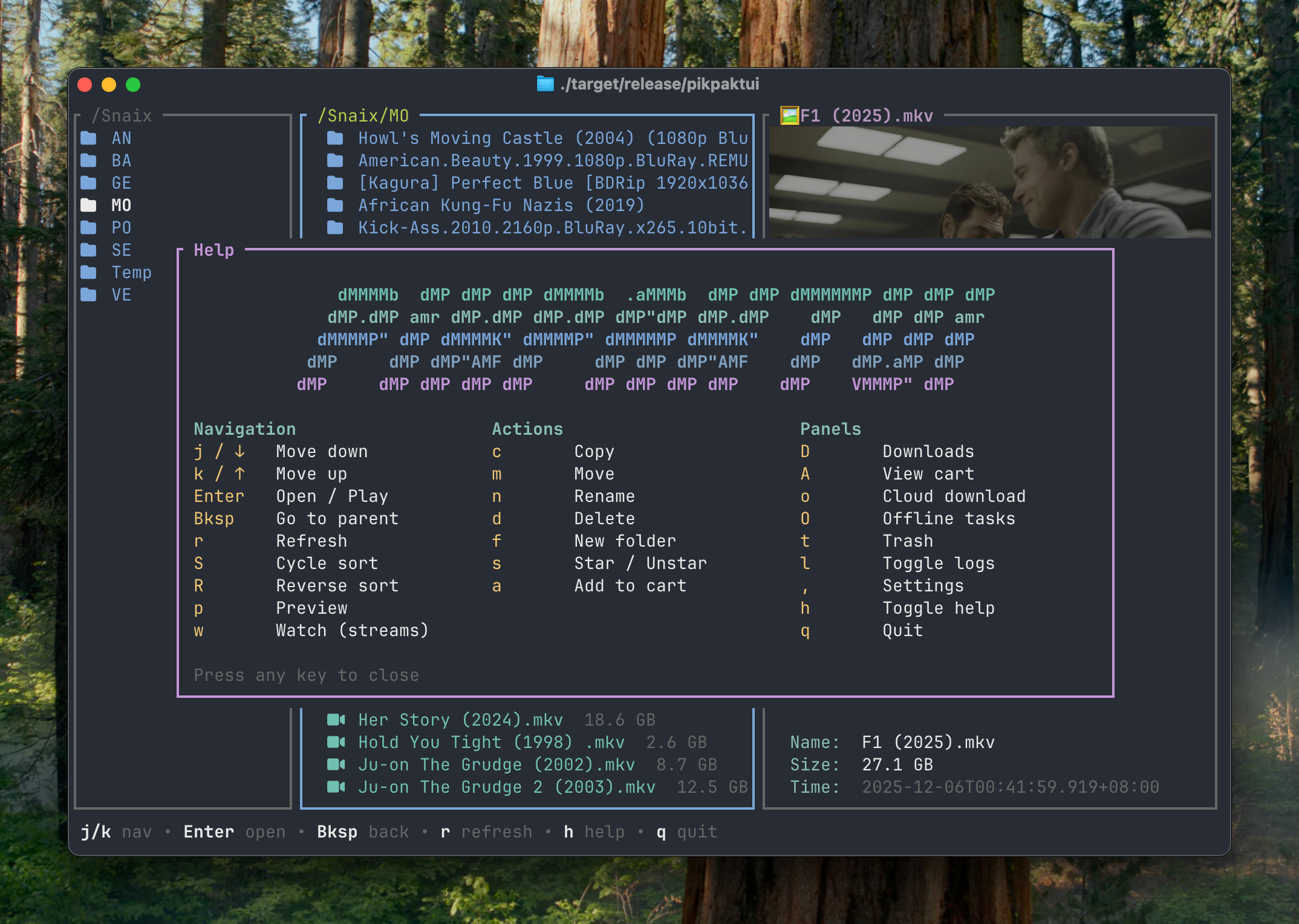
Press , for settings, h for help, q to quit.
Need help? Check the Getting Started guide, or browse the full Documentation.
Environment Variables
| Variable | Description |
|---|---|
PIKPAK_USER |
Account email (for login command fallback) |
PIKPAK_PASS |
Account password (for login command fallback) |
PIKPAK_DRIVE_BASE_URL |
Override PikPak drive API endpoint |
PIKPAK_AUTH_BASE_URL |
Override PikPak auth API endpoint |
PIKPAK_CLIENT_ID |
Override OAuth client ID |
PIKPAK_CLIENT_SECRET |
Override OAuth client secret |
PIKPAK_CAPTCHA_TOKEN |
Provide CAPTCHA token for login |
Contributing
Issues and PRs welcome! See GitHub Issues.