

static site generator powered by Podlite markup

Quick Start
yarn && yarn dev
Open http://localhost:3000 — demo site from pub directory.
Using Docker
docker run -it --rm -v ${PWD}:/app/pub -p 3000:3000 podlite/podlite-web dev
Edit index.pod6 and the page reloads automatically.
Export to static site
docker run --rm -v ${PWD}:/app/pub podlite/podlite-web export-zip > site.zip
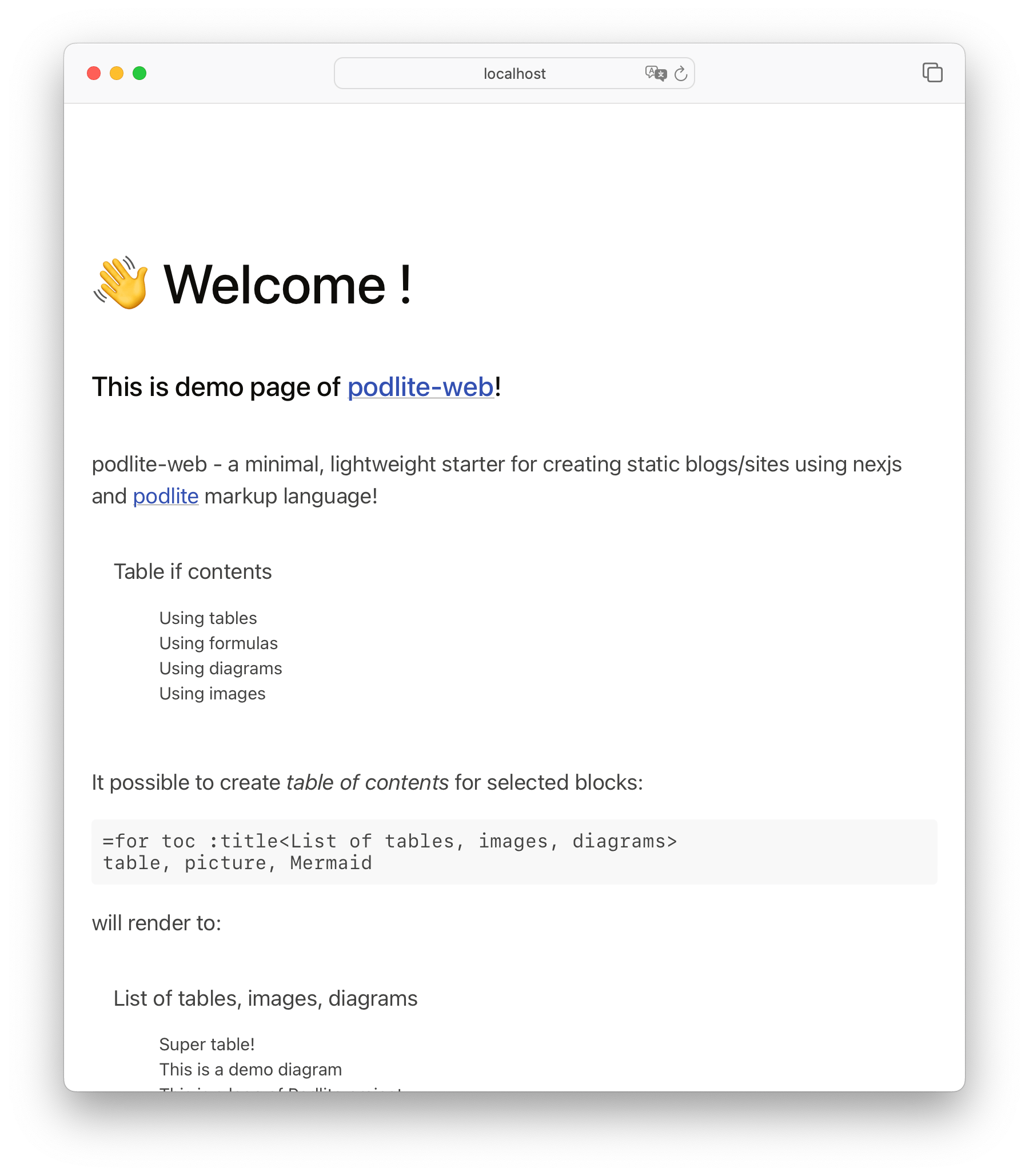
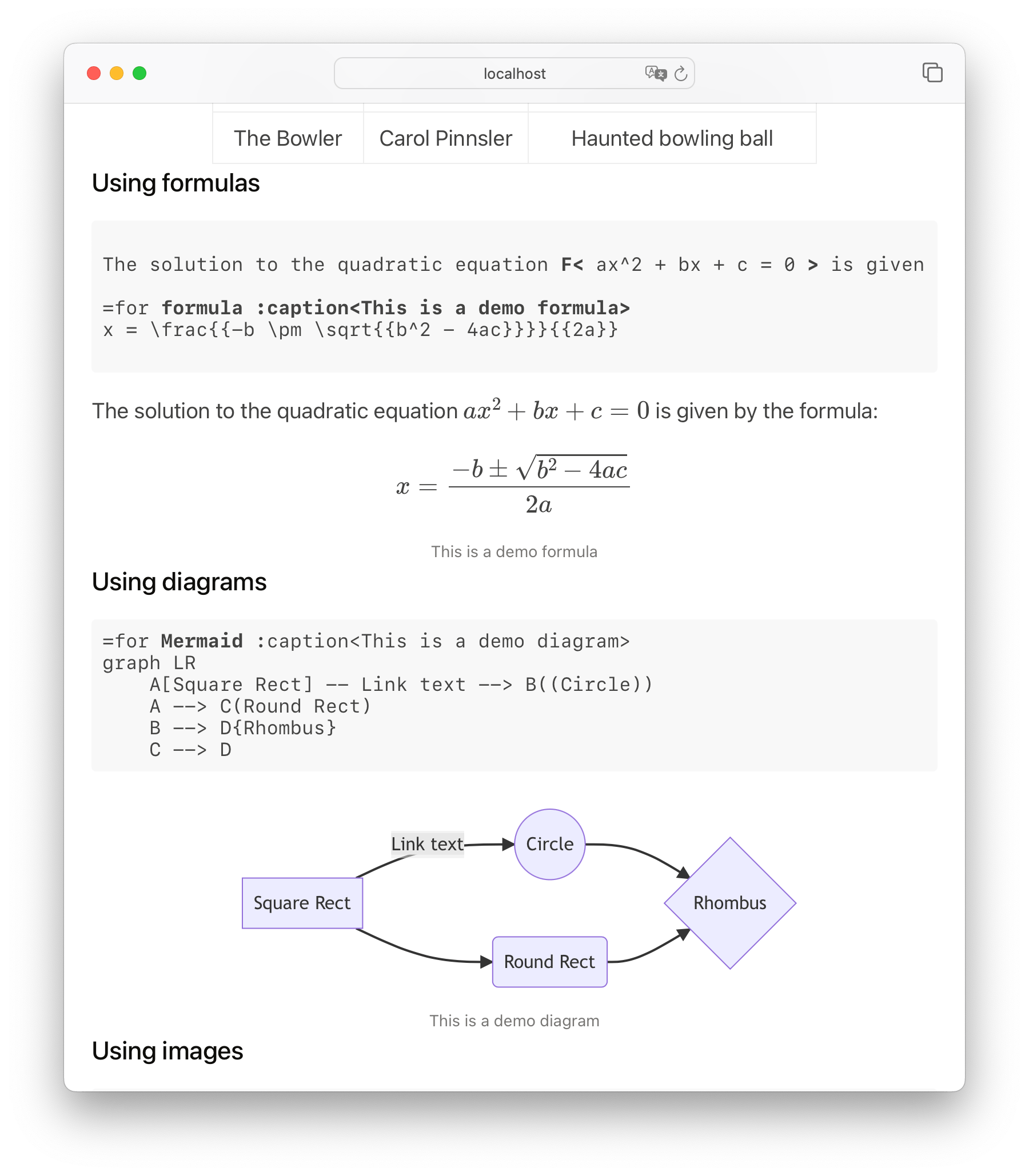
Screenshots
Features
- static website generation with Next.js and Podlite markup
- live reload on file save
- embedded Podlite editor with live preview
=Mermaiddiagrams,=pictureimages/video,=toctable of contents=markdownblocks for familiar Markdown syntax- Docker support for zero-config setup
- export to zipped static site
Examples
# minimal site
POSTS_PATH='examples/01-minimal' yarn dev

# multi-page with links
POSTS_PATH='examples/02-pages' yarn dev

# blog with notes and React components
POSTS_PATH='examples/03-blog' yarn dev
Advanced Configuration
- custom domain:
SITE_URL=https://example.com - timezone:
TZ=Europe/London - custom content path:
POSTS_PATH='path/to/content'
cd examples/01-minimal
docker run --rm -v ${PWD}:/app/pub -p 3000:3000 \
  -e 'SITE_URL=https://example.com' \
  -e 'TZ=Europe/London' \
  podlite/podlite-web export-zip > site.zip
Themes
A theme bundles header-image styling and layout defaults. Select one with the :theme<> attribute on =begin pod:
=begin pod
= :theme<portrait-avatar>
= :puburl<https://example.com>

=TITLE My Blog
=end pod
The themes live in src/styles/themes/:
- portrait-avatar — round, grayscale header image; for sites with an author photo
- product — for emblem or logo headers; sets
#header img { max-width: 51% } - docs — placeholder for documentation sites
- minimal — no overrides; the default look
Theme styles load first, then :globalStyles<> (if set) overrides them.
@import "@Styles/themes/<name>.css" from page.styles.css keeps working; :theme<> is the same effect declared on the pod.
Develop
# install dependencies
yarn

# run dev server
yarn dev

# export to zip
yarn export-zip > file.zip
Links
specificationimplementation | publishing | desktop editor | resources |
Author
Copyright (c) 2022–2026 Alexandr Zahatski
License
Released under a MIT License.